
Monochrome Manga Chapter Collage
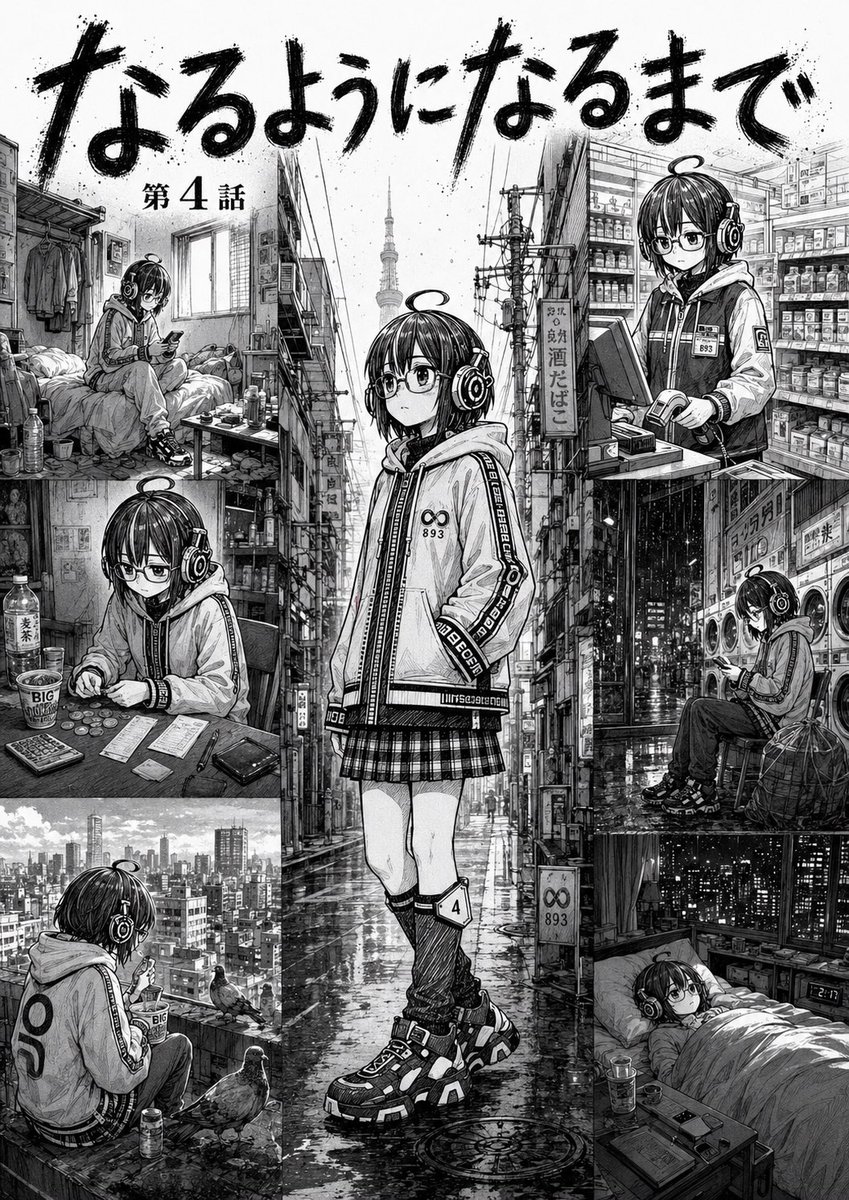
A detailed black-and-white manga splash page showing a headphone-wearing girl across seven quiet urban slice-of-life scenes.
- Prompt included
- Model and format preset
- Free template
The prompt behind this image
Copy the exact prompt behind Monochrome Manga Chapter Collage, or open it in the studio and make it yours.
Goal: Create a monochrome manga magazine cover / chapter splash page for {argument name="series title" default="なるようになるまで"}, with the episode label {argument name="episode label" default="第4話"}. The page should feel like a quiet, dialogue-free slice-of-life urban story, highly detailed and atmospheric. Canvas: Vertical manga page, approximately 2:3 aspect ratio, black-and-white ink drawing with grayscale screentone, dense crosshatching, rain reflections, high detail, no color. Layout: A collage composition with exactly 7 visible story scenes. The largest central scene shows the main character standing full-body in a narrow rainy Tokyo alley, surrounded by tall buildings, utility poles, shop signs, wet pavement, a manhole cover, and a distant broadcast tower. Around it, arrange 6 smaller rectangular vignette panels: 1 upper-left cramped bedroom scene, 1 upper-right convenience-store cashier scene, 1 middle-left tabletop budgeting scene, 1 middle-right laundromat waiting scene, 1 lower-left rooftop city-view scene with pigeons, and 1 lower-right nighttime bedroom scene. Subject details: The same teenage manga girl appears in all 7 scenes. She has short dark bobbed hair with a small ahoge curl, large over-ear headphones, a loose oversized hoodie jacket with sporty sleeve tape, a pleated skirt in the central full-body scene, chunky futuristic sneakers, and a tired introverted posture. Her face should be intentionally obscured with a soft rectangular gray blur in the largest central figure and the closer vignette figures, creating an anonymous censored look while preserving the hair and headphones silhouette. Use {argument name="jacket marking" default="893"} as a small printed number or patch on the jacket in several scenes. Exact scene count and contents: Scene 1, central full-body alley portrait: the girl stands hands in pockets, wet street reflections, dense Japanese urban signage, overhead wires, and a distant tower. Scene 2, upper-left bedroom: she sits on a messy bed looking at a phone, surrounded by clothes, bottles, posters, small table clutter, and a window. Scene 3, upper-right convenience store: she works at a register with shelves of canned goods and products behind her, wearing the same headphones and jacket. Scene 4, middle-left tabletop: she sits at a table with a cup-noodle container, bottled tea, coins, calculator, receipts, a wallet, and papers, suggesting budgeting or counting change. Scene 5, middle-right laundromat: she sits alone beside round washing machines, head down, with a large bag nearby. Scene 6, lower-left rooftop: she sits with a cup noodle and chopsticks overlooking a dense city skyline, with exactly 3 pigeons visible nearby and a drink bottle on the ground. Scene 7, lower-right bedroom at night: she lies awake in bed under blankets, city lights visible through the window, a digital clock on the wall or shelf, cup, phone, remote, small devices, and clutter on a bedside table. Typography: Put the large brush-calligraphy title across the very top, bold black ink strokes with splatter and rough dry-brush texture. Place the smaller episode label below the left side of the title. Keep the typography integrated like a manga chapter opener. Visual style: Detailed seinen manga line art, gritty urban realism, rainy Tokyo backstreets, cinematic composition, layered panels, ink splatter, screentone shading, high contrast, melancholy mood, no speech bubbles, no dialogue, no color, no watermark. Use {argument name="overall mood" default="quiet melancholy after rain"} as the emotional tone.
How to use Monochrome Manga Chapter Collage in 3 steps
- 1Upload ImagePNG, JPG or paste
Add your photo
Upload the photo the template builds on. The prompt, model and format are already set.
- 2…a portrait of your subject in softgolden-hour light, 85mm…
Personalize
Edit the subject and creative details for your destination.
- 3Generate
Generate
Press Generate — your image is created in PicX Studio, so you can compare it with the original and refine one variable at a time.
More like this
Templates with the same subject, style or setup. Open one to see its prompt.
Minimalist Monochrome Fashion Collage
Dark Monochrome Manga Cover
Monochrome Fashion Editorial Collage
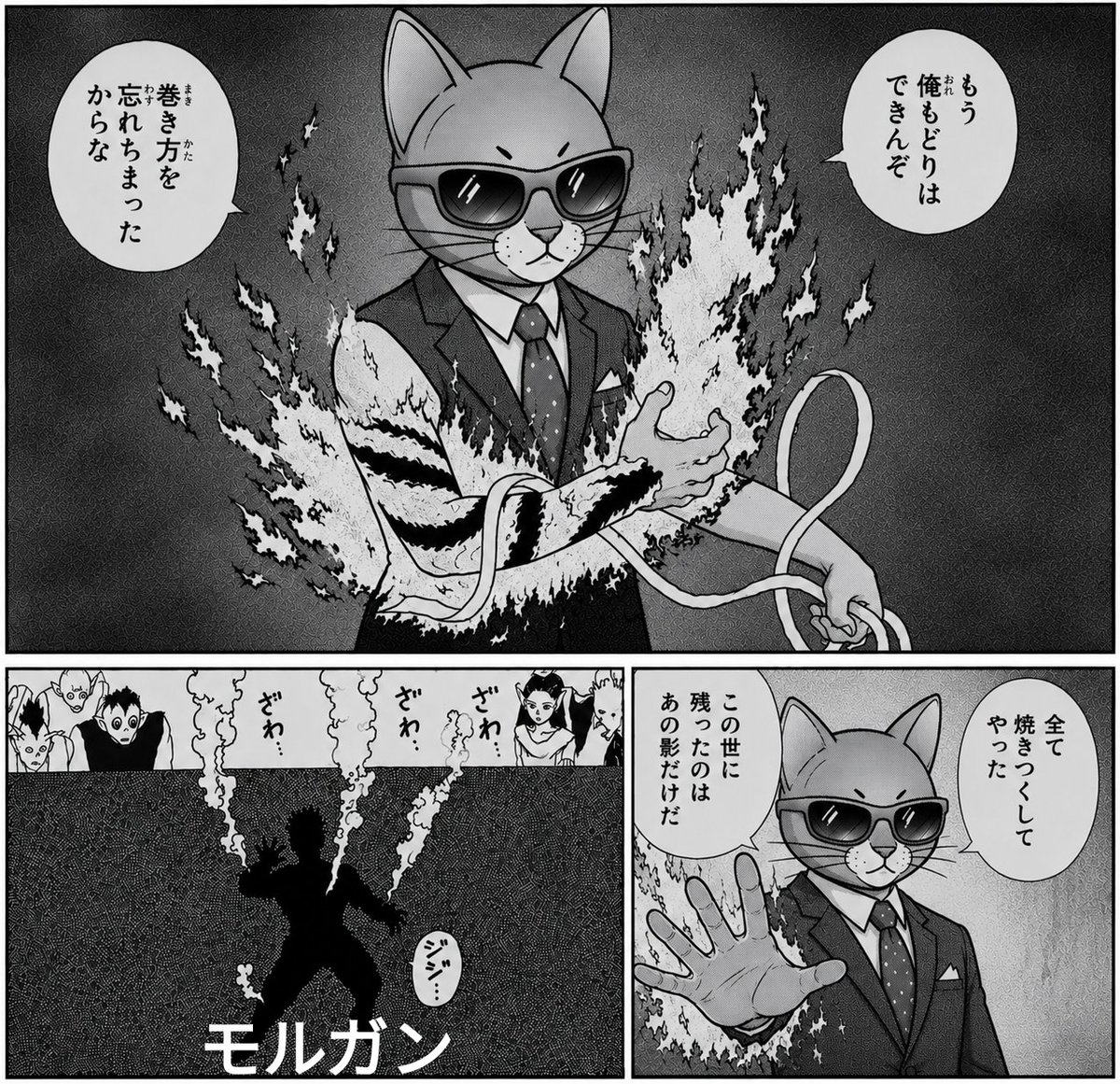
Monochrome Cat Businessman Manga Page
Paper Cut Finale Fireworks
Paper Cut Garden Maze
Paper Cut Rooftop Concert

Paper Cut Bicycle Coast
Paper Cut Castle Gate
Paper Cut Kitchen Chaos
Paper Cut Carnival Ride
Paper Cut Rainy Bus Stop
Make it yours
Monochrome Manga Chapter Collage works as-is. These are the safest ways to change it without losing the look.
Change one field
Copy a single group, rewrite it, and generate again so you can see what that field is doing.
Keep the frame, change the subject
Hold the composition and light of Monochrome Manga Chapter Collage, then swap wardrobe, props or the person for a new take.
| If the result… | Why | Fix |
|---|---|---|
| The result drifts from the preview | Too many fields changed at once. | Reuse Monochrome Manga Chapter Collage as-is first, then change one group — subject, light, or setting. |
| The model over-stylizes the scene | The prose prompt leaves finish and camera underspecified. | Add one camera or lighting sentence and stay on GPT Image 2. |
More GPT Image 2 templates
Other prompts made for GPT Image 2.

Six VTuber Japanese Logo Sheet

Realistic Portrait of Woman and Deer

The Vista Modular Condo Poster

AI Model Routing Comparison Infographic

2.5D Anime Art Board

Isometric Productivity Desk Scene

New York Double Exposure Poster

Four-Panel AI Landscape Comparison

Japanese Tatami Lifestyle Magazine Cover

NESCAFÉ Coffee Map Poster
More image prompts
Fresh picks from across the catalog.
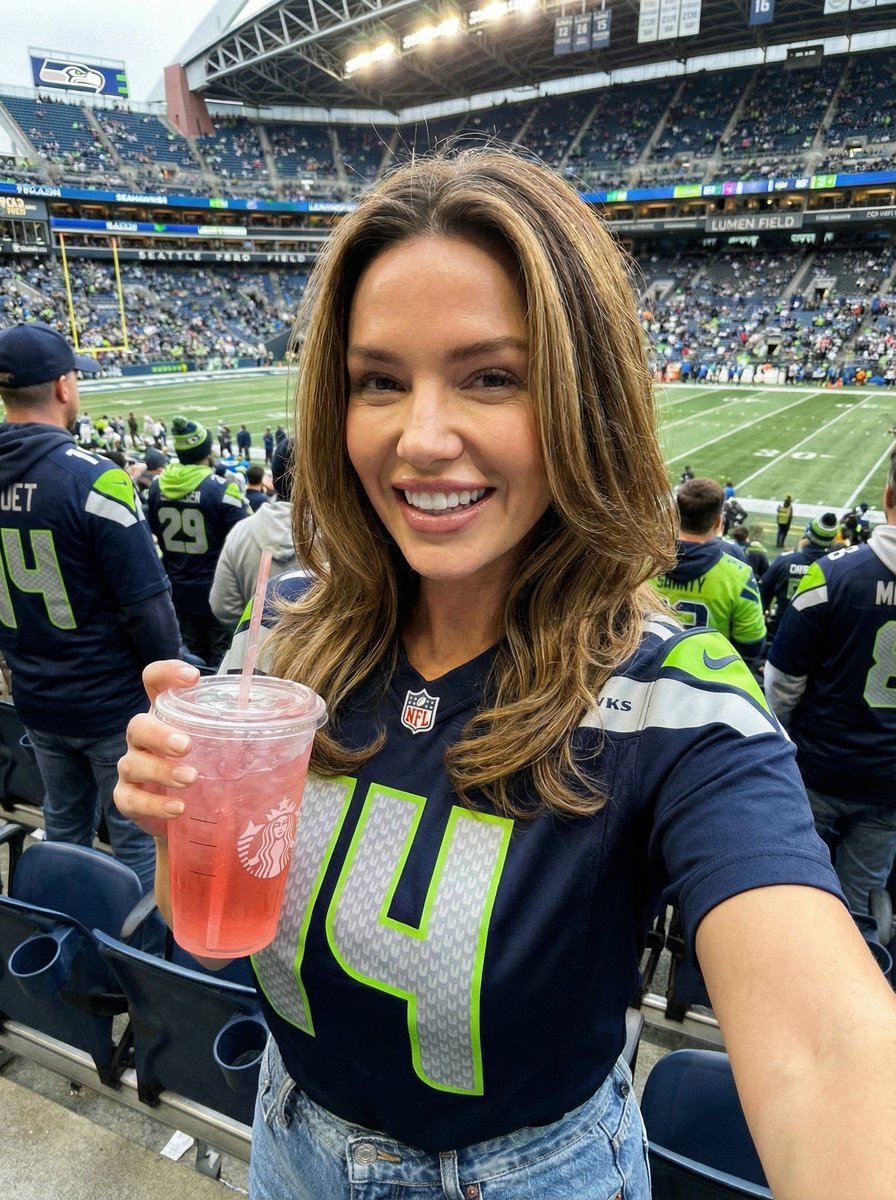
Seahawks Football Game Day Scene Prompt
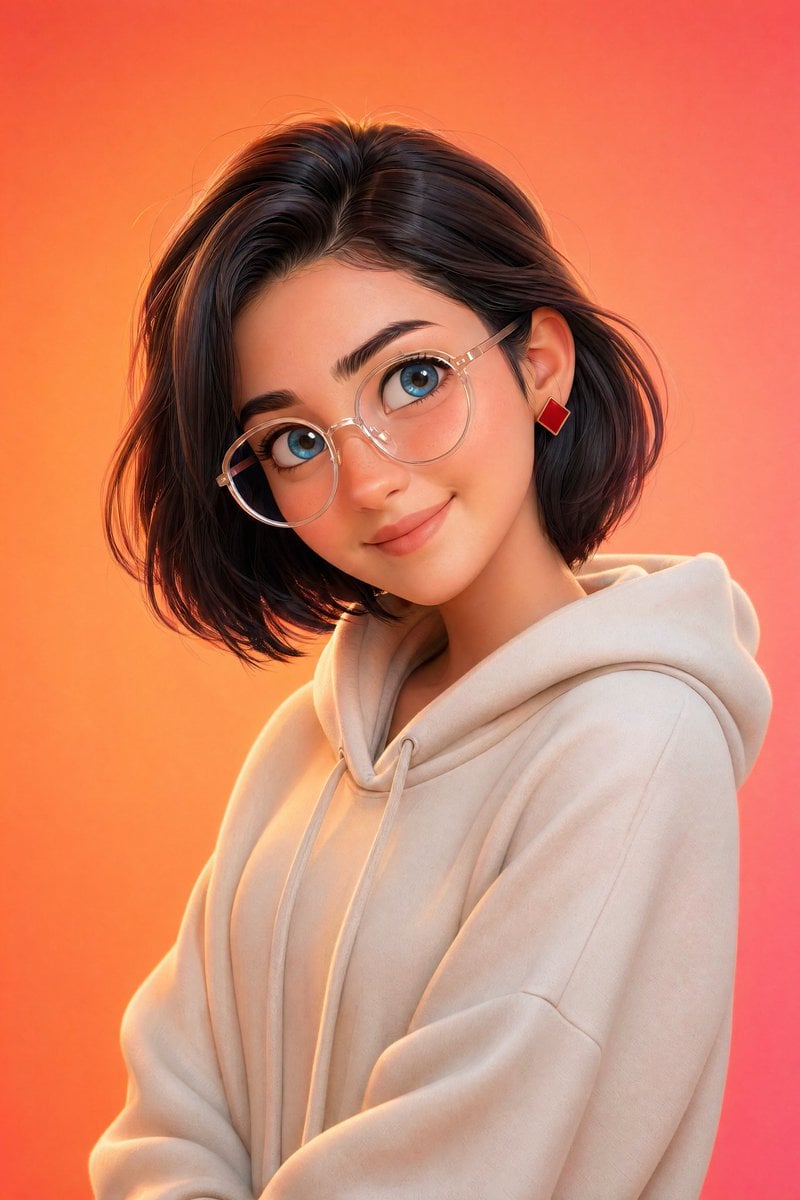
Pixar-Style 3D Character Portrait
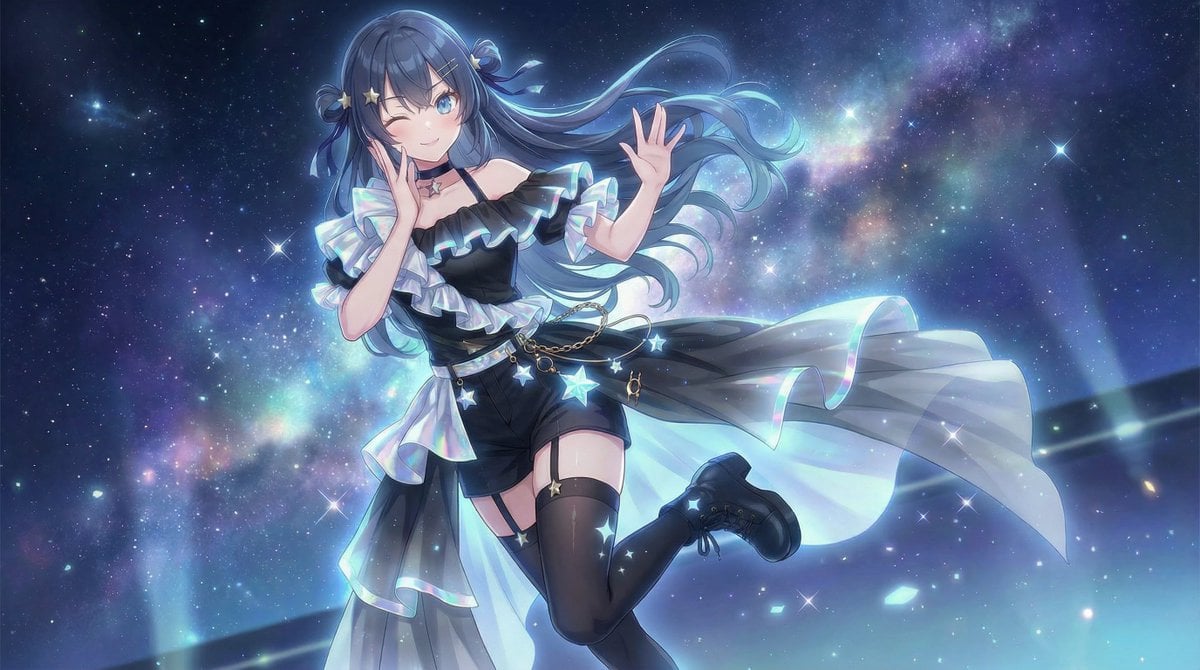
Nano Banana Pro Image Generation Prompt for Debut Outfit
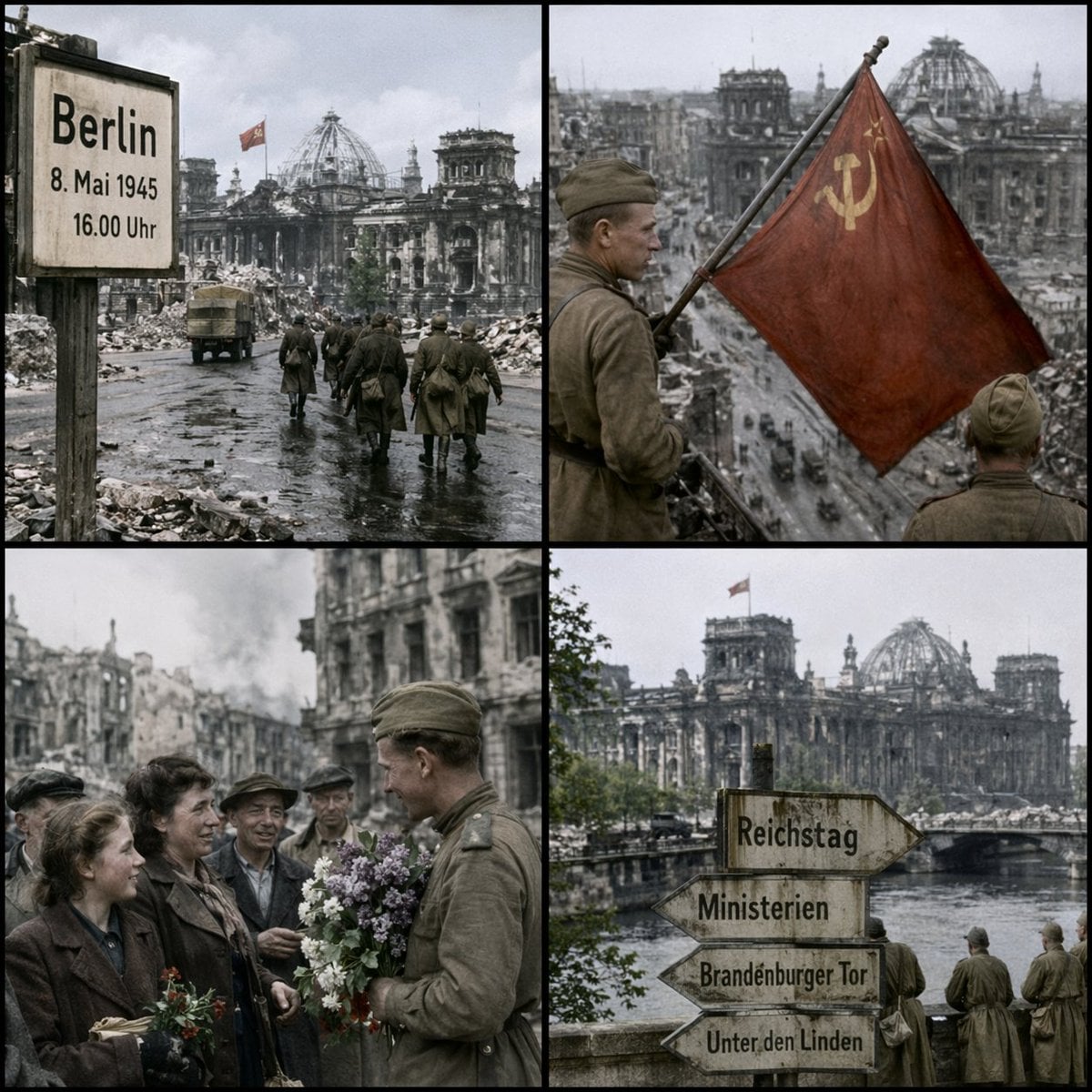
Historical Coordinate Grid Generation

Premium Dark Horizon Product Reveal Prompt
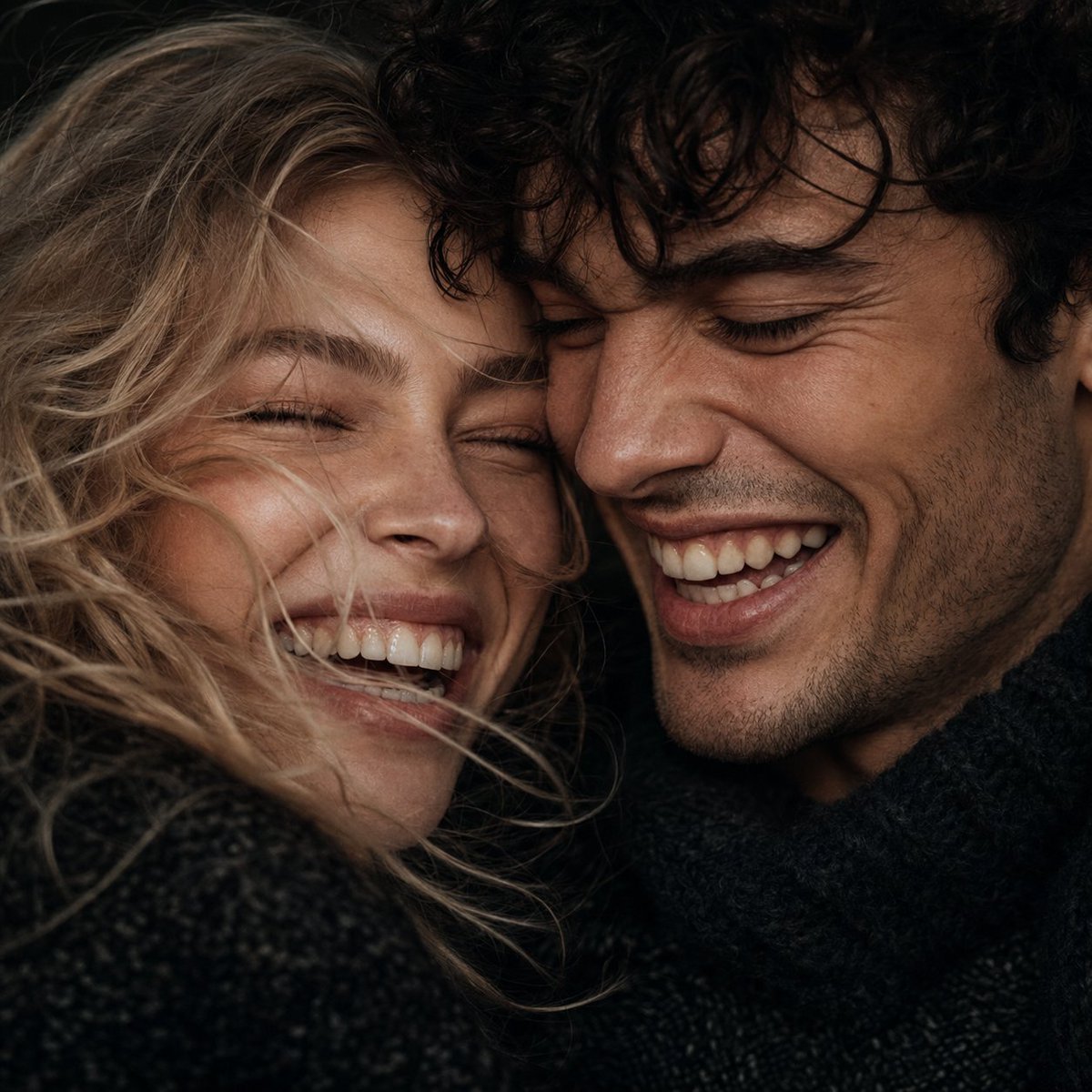
Macro Candid Couple Portrait
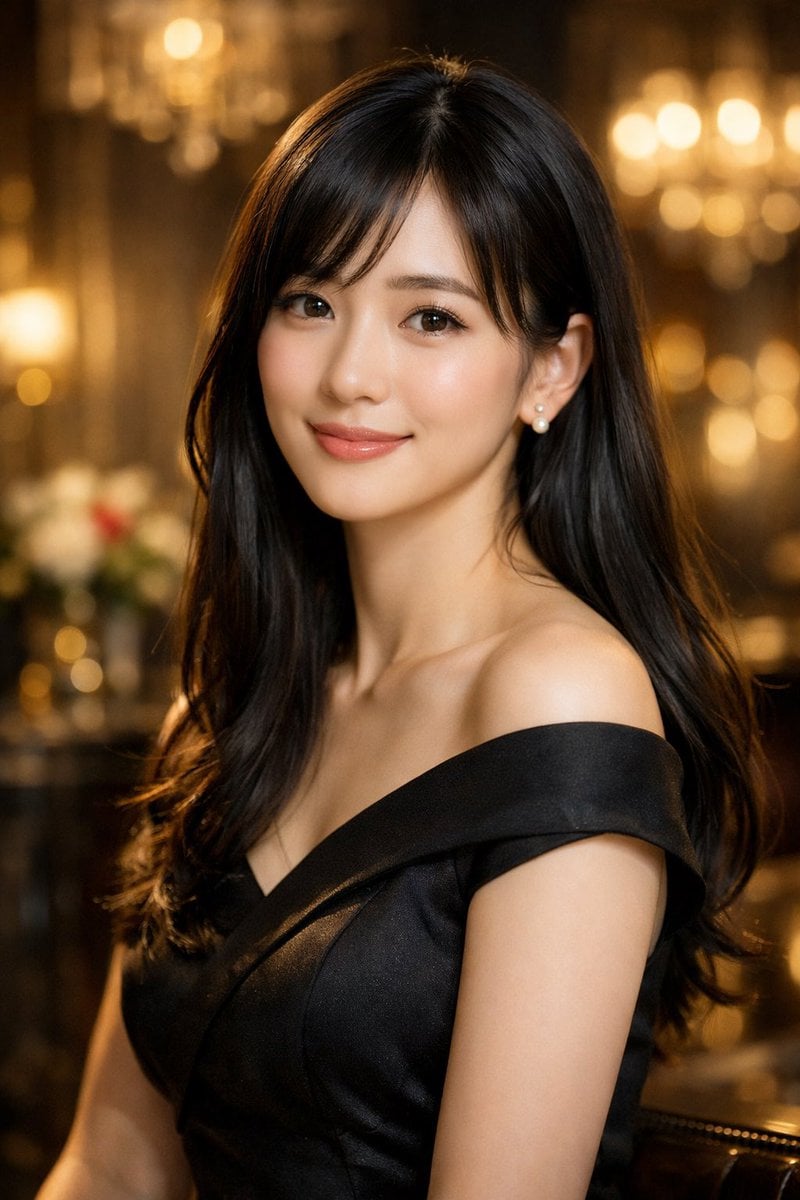
Elegant Photorealistic Female Portrait
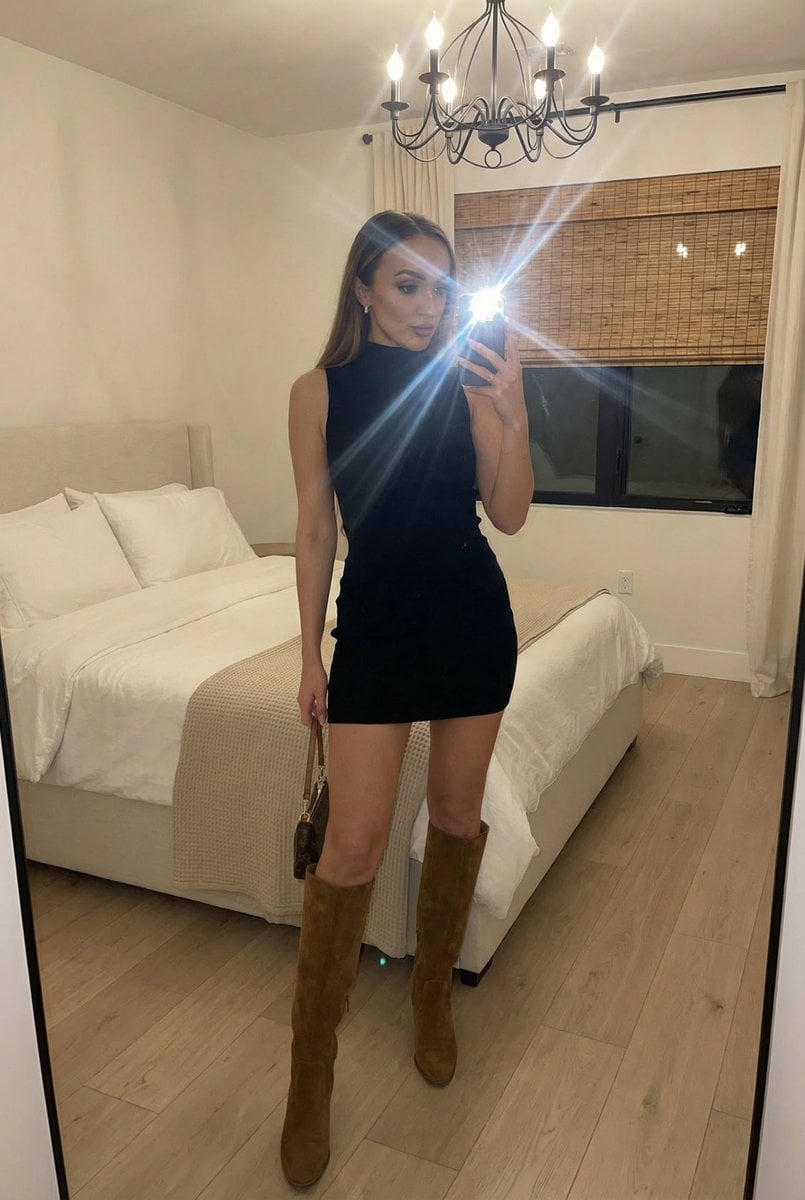
Stylish Mirror Selfie in Modern Bedroom

Prompt: Create a cinematic vintage Coca Cola adver
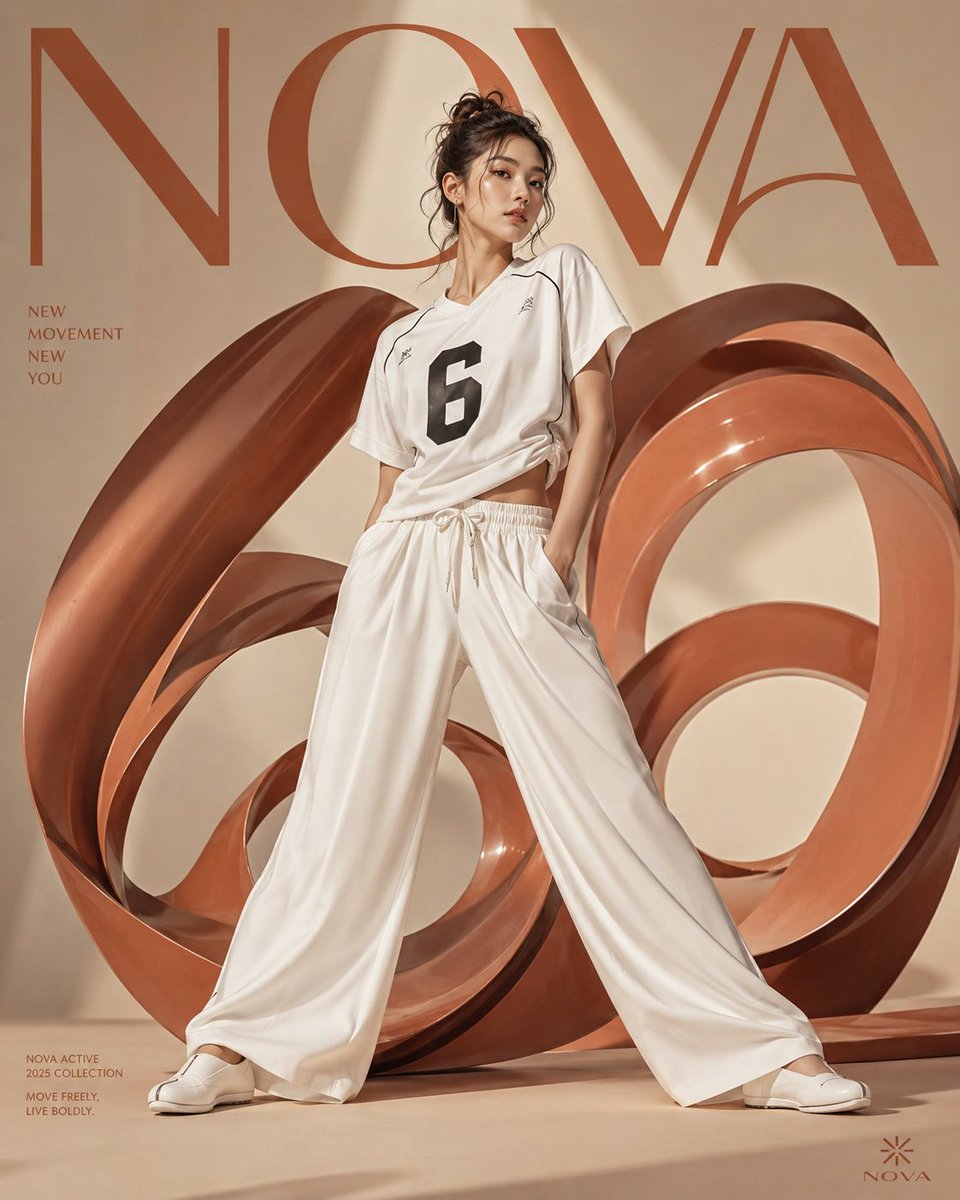
Korean Fashion Anime Editorial
Browse template categories
Monochrome Manga Chapter Collage questions
How do I use the Monochrome Manga Chapter Collage template?
Add your photo if the template asks for one, edit the prompt if you like — the template's model and format are already selected — and press Generate. Your version opens in PicX Studio.
Can I customize the Monochrome Manga Chapter Collage template?
Yes. You can change the subject, setting, lighting, mood, format, and available model controls before creating your image.
Is the Monochrome Manga Chapter Collage template free?
Opening and editing this template is free. Generating uses credits, shown on the Generate button when you are signed in.
Which AI model should I use?
Start with GPT Image 2, which is the model associated with this template. You can compare another compatible model for a different finish.
Looking for something else? Browse all templates.

Your photo, any look
Thousands of ready templates for every top image and video model, from one credit balance.