
Mysterious Mountain Lodge Anime Scene
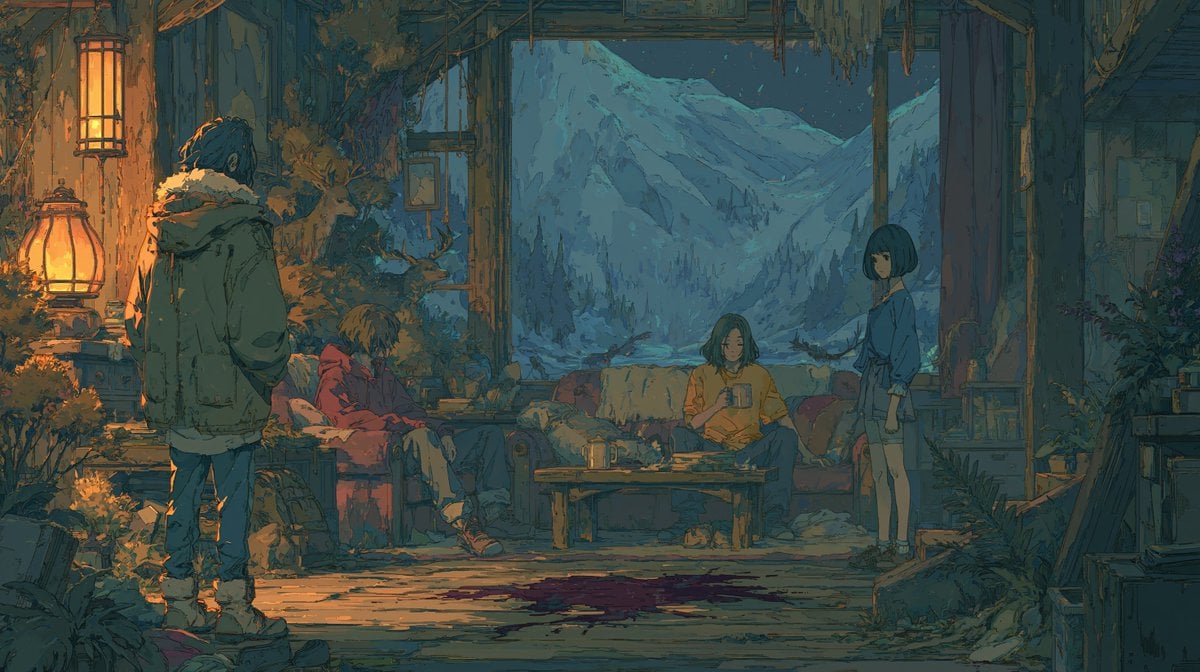
Generates a moody wide anime concept-art scene of four travelers inside a ruined lantern-lit mountain cabin with an ominous mystery atmosphere.
- Prompt included
- Model and format preset
- Free template
The prompt behind this image
Copy the exact prompt behind Mysterious Mountain Lodge Anime Scene, or open it in the studio and make it yours.
A cinematic single-panel anime illustration of a ruined mountain lodge interior at night, in a hand-painted concept-art style with dense ink linework, muted teal shadows and warm amber lamp light. Show {argument name="number of characters" default="four"} young travelers inside a weathered wooden cabin: one figure standing in the left foreground with their back turned, wearing an oversized winter parka with a fur-trimmed hood; one exhausted person slumped in a red armchair near the left-center; one seated person in an orange sweatshirt on the center sofa holding a mug, face partly obscured by shadow; and one quiet bob-haired girl standing on the right in a loose blue belted shirt-dress, socks, and shoes. The room is cluttered with old furniture, stacked crates, potted plants, blankets, cups, a low wooden coffee table, worn rugs, exposed beams, dangling wires, peeling walls, broken boards, and overgrown vines creeping through the structure. Place a large open wall or window at the back framing a cold blue view of {argument name="background landscape" default="snow-covered mountains under a starry night sky"}. Add two glowing paper lanterns on the left wall, casting orange light across the floor and characters while the rest of the cabin remains in cool blue-green darkness. Include a dark red bloodstain or ominous spill on the wooden floor in the foreground, creating a quiet mystery-thriller mood. Wide 16:9 composition, moody atmospheric perspective, intricate background details, painterly texture, dramatic contrast between warm interior light and icy mountain night, no text, no UI, no photorealism.
How to use Mysterious Mountain Lodge Anime Scene in 3 steps
- 1Upload ImagePNG, JPG or paste
Add your photo
Upload the photo the template builds on. The prompt, model and format are already set.
- 2…a portrait of your subject in softgolden-hour light, 85mm…
Personalize
Edit the subject and creative details for your destination.
- 3Generate
Generate
Press Generate — your image is created in PicX Studio, so you can compare it with the original and refine one variable at a time.
More like this
Templates with the same subject, style or setup. Open one to see its prompt.



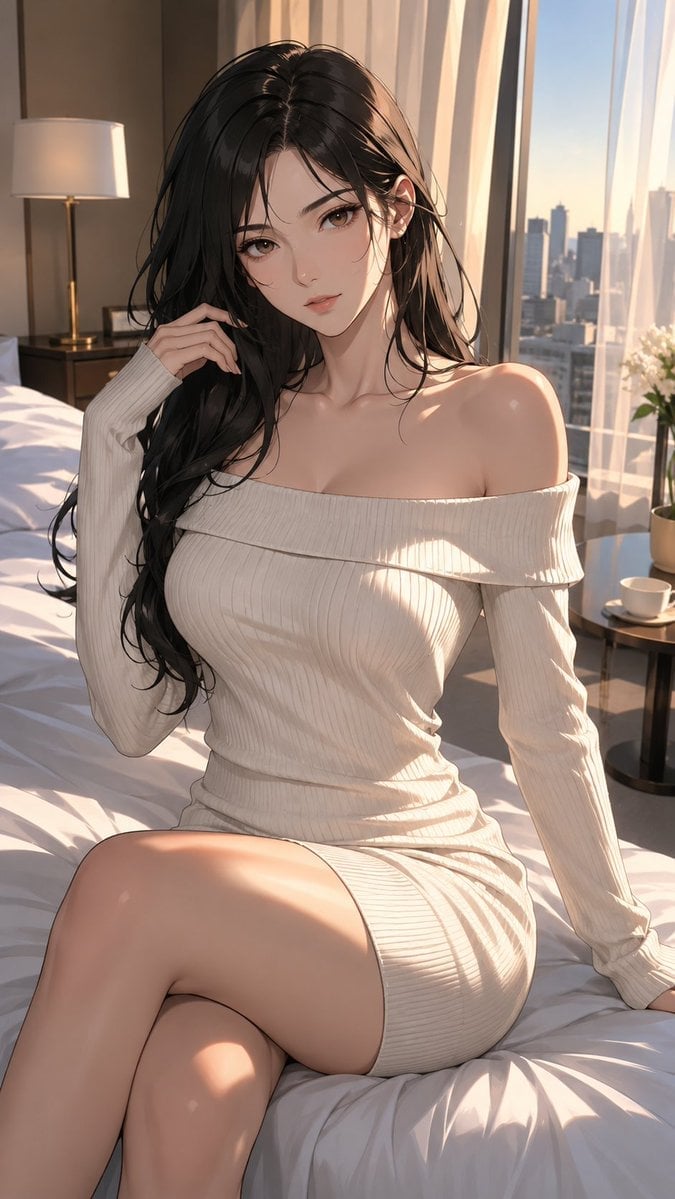

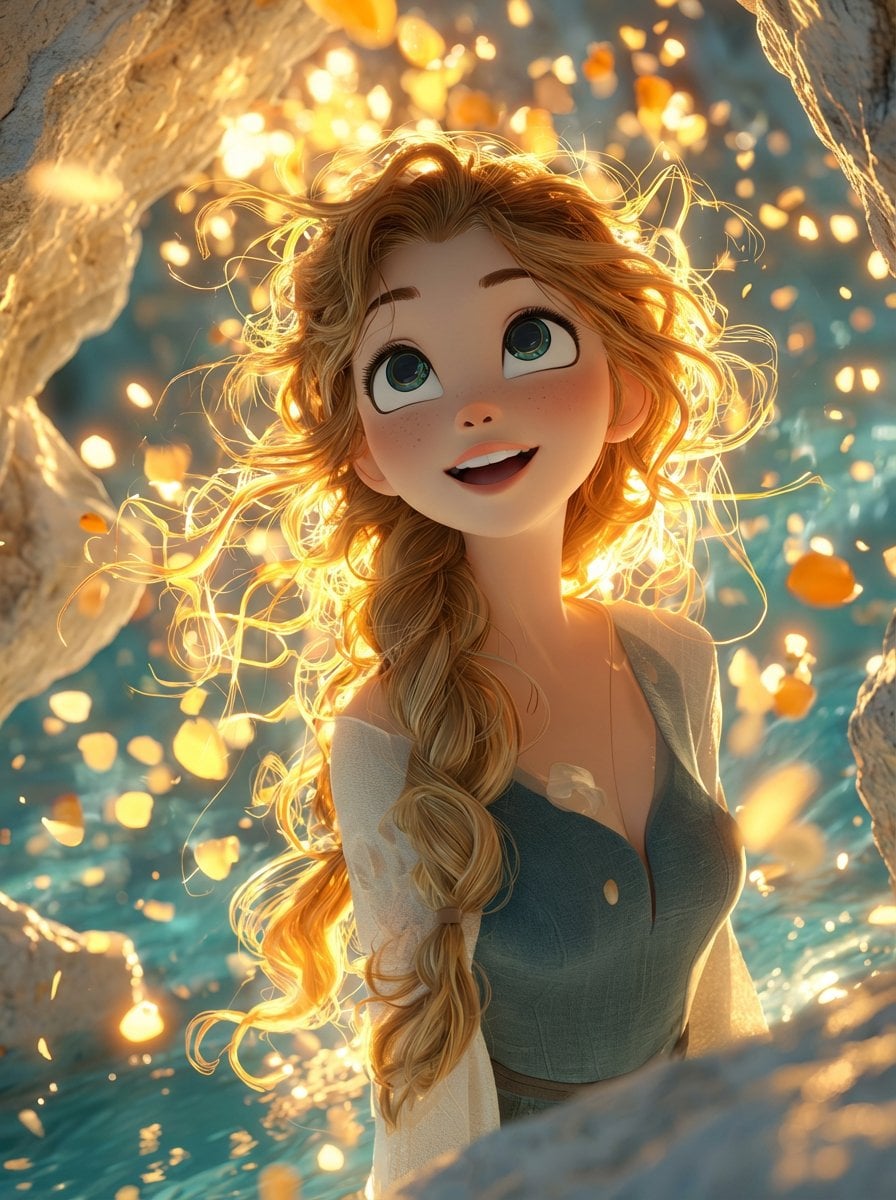
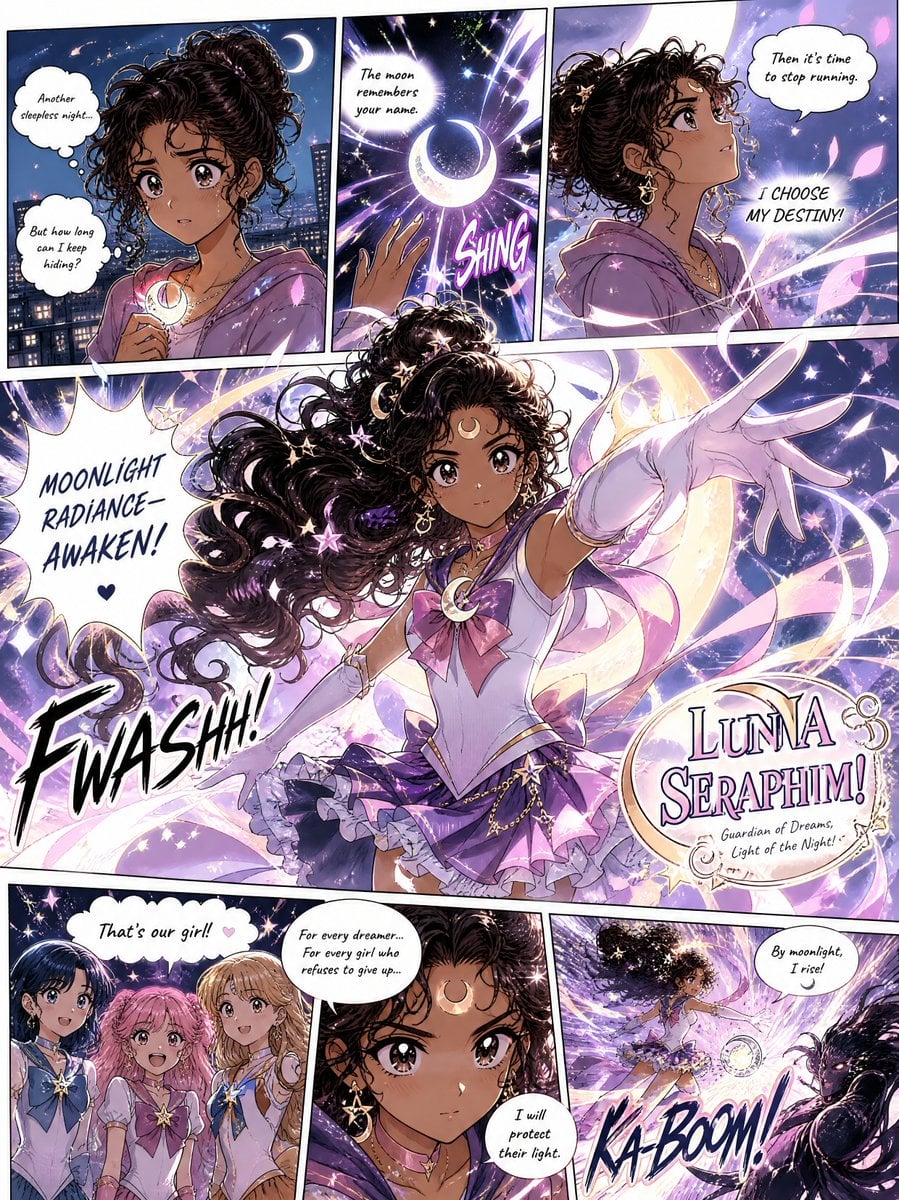
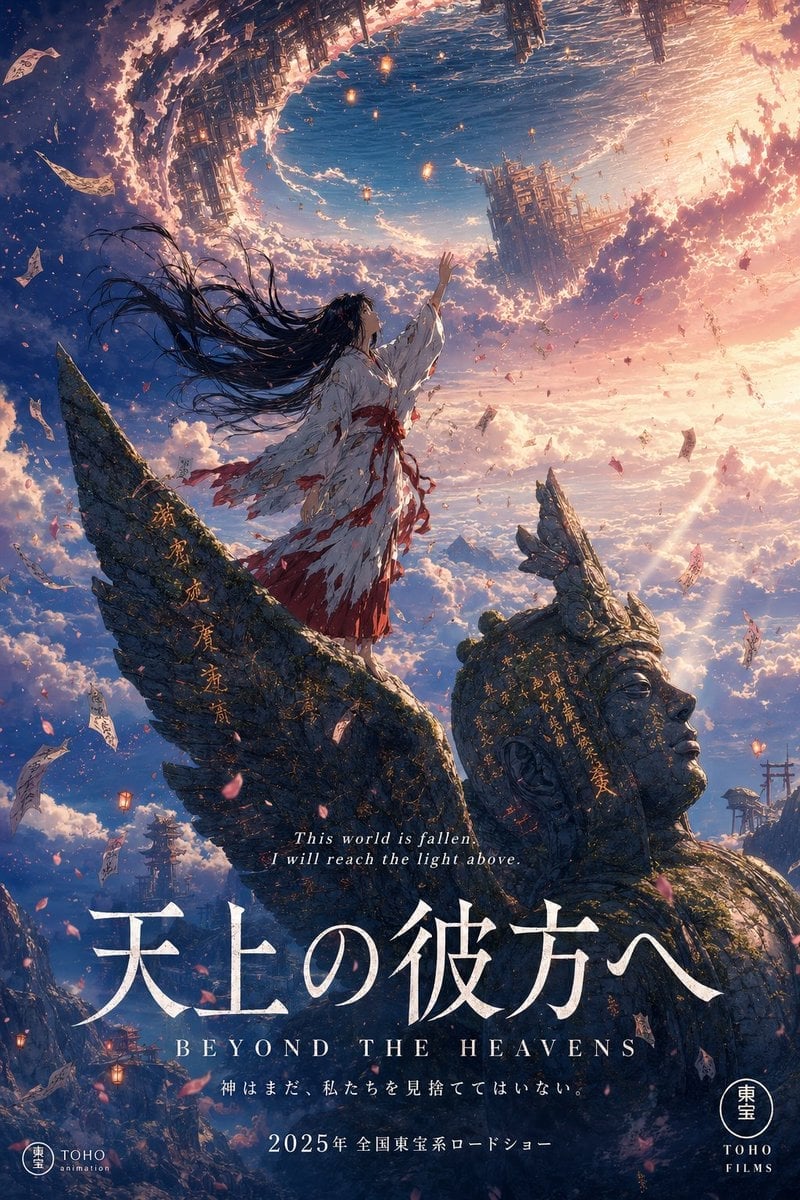
Make it yours
Mysterious Mountain Lodge Anime Scene works as-is. These are the safest ways to change it without losing the look.
Change one field
Copy a single group, rewrite it, and generate again so you can see what that field is doing.
Keep the frame, change the subject
Hold the composition and light of Mysterious Mountain Lodge Anime Scene, then swap wardrobe, props or the person for a new take.
| If the result… | Why | Fix |
|---|---|---|
| The result drifts from the preview | Too many fields changed at once. | Reuse Mysterious Mountain Lodge Anime Scene as-is first, then change one group — subject, light, or setting. |
| The model over-stylizes the scene | The prose prompt leaves finish and camera underspecified. | Add one camera or lighting sentence and stay on GPT Image 2. |
More GPT Image 2 templates
Other prompts made for GPT Image 2.

Six VTuber Japanese Logo Sheet

Realistic Portrait of Woman and Deer

The Vista Modular Condo Poster

AI Model Routing Comparison Infographic

2.5D Anime Art Board

Isometric Productivity Desk Scene

New York Double Exposure Poster

Four-Panel AI Landscape Comparison

Japanese Tatami Lifestyle Magazine Cover

NESCAFÉ Coffee Map Poster
More image prompts
Fresh picks from across the catalog.
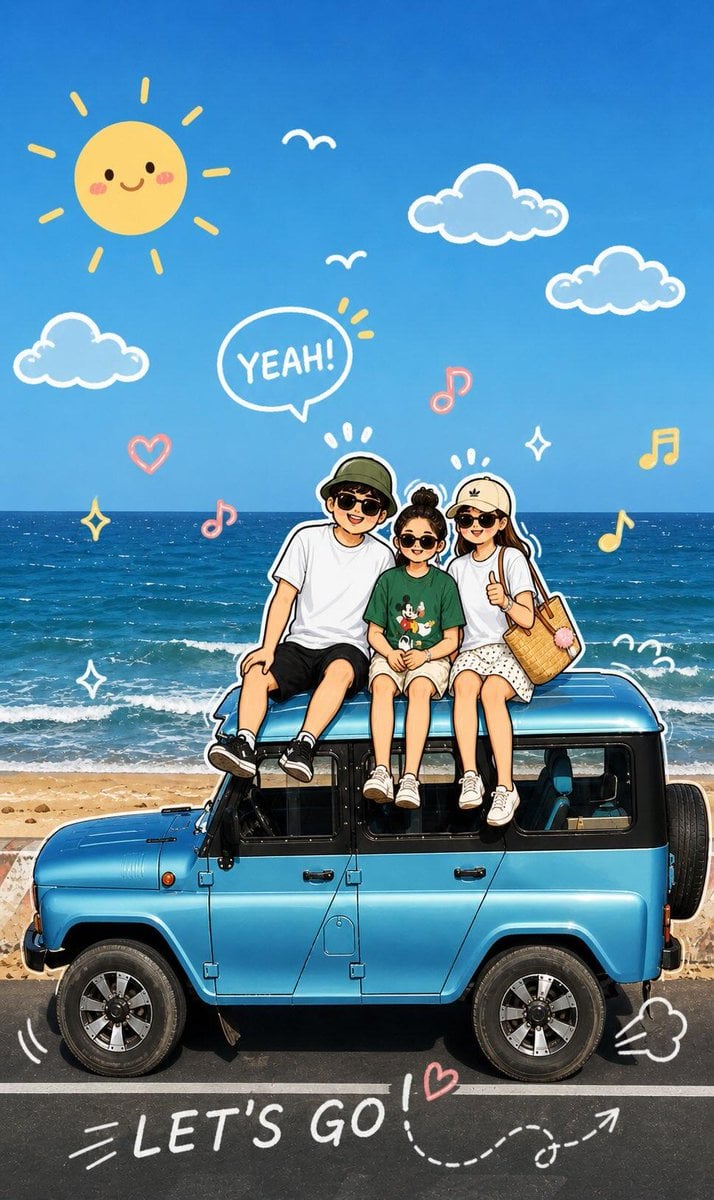
Playful Cartoon Sketch Transformation
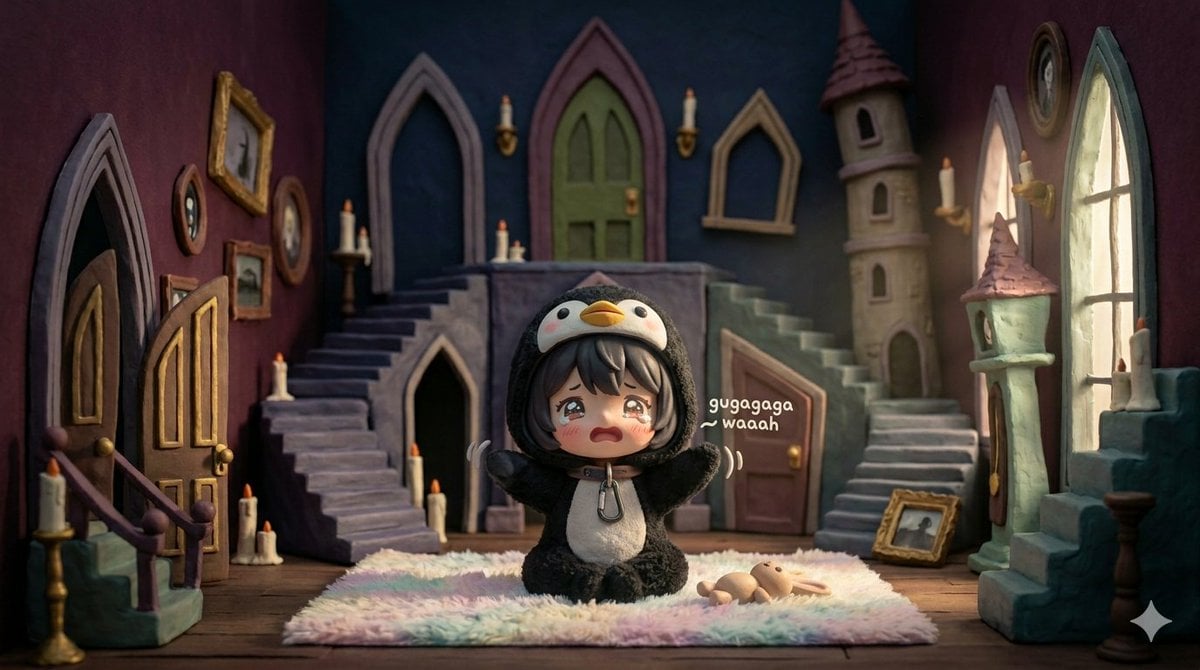
3D Tiny Anime Girl 'Gugu' Sequence
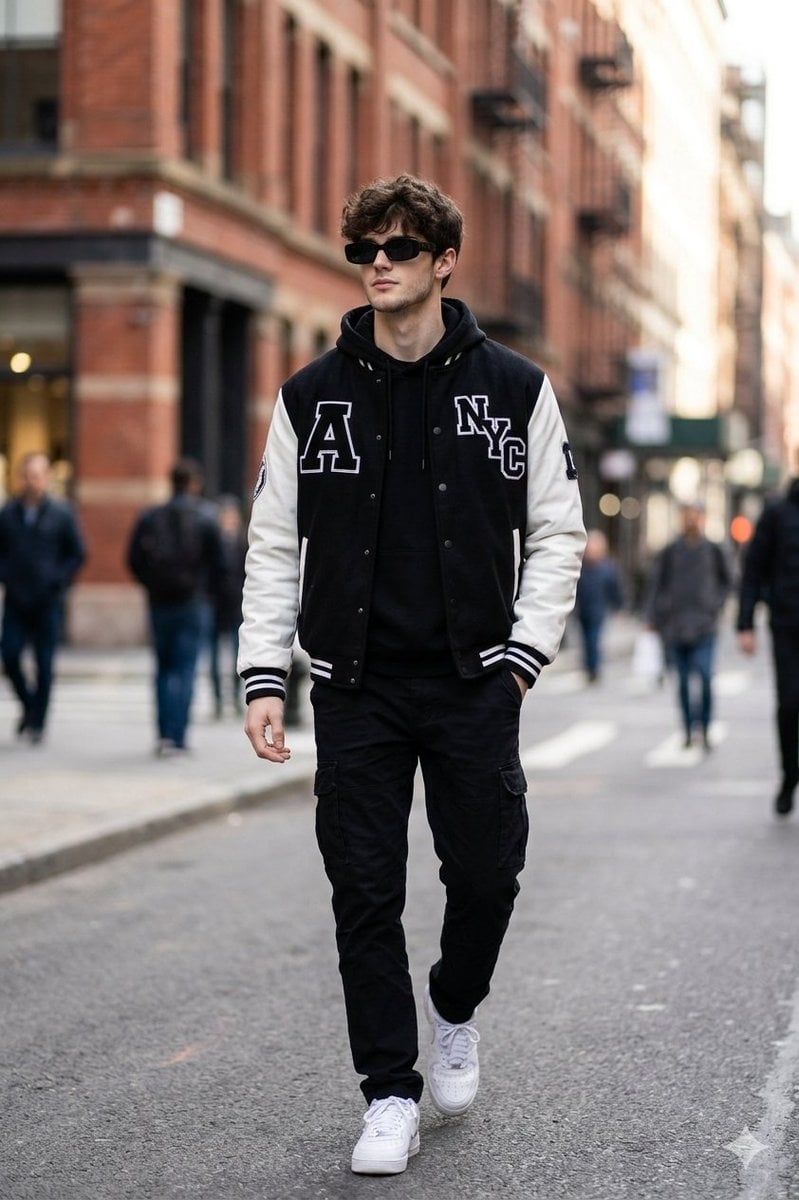
Cinematic Street Fashion Photo Prompt (Male)
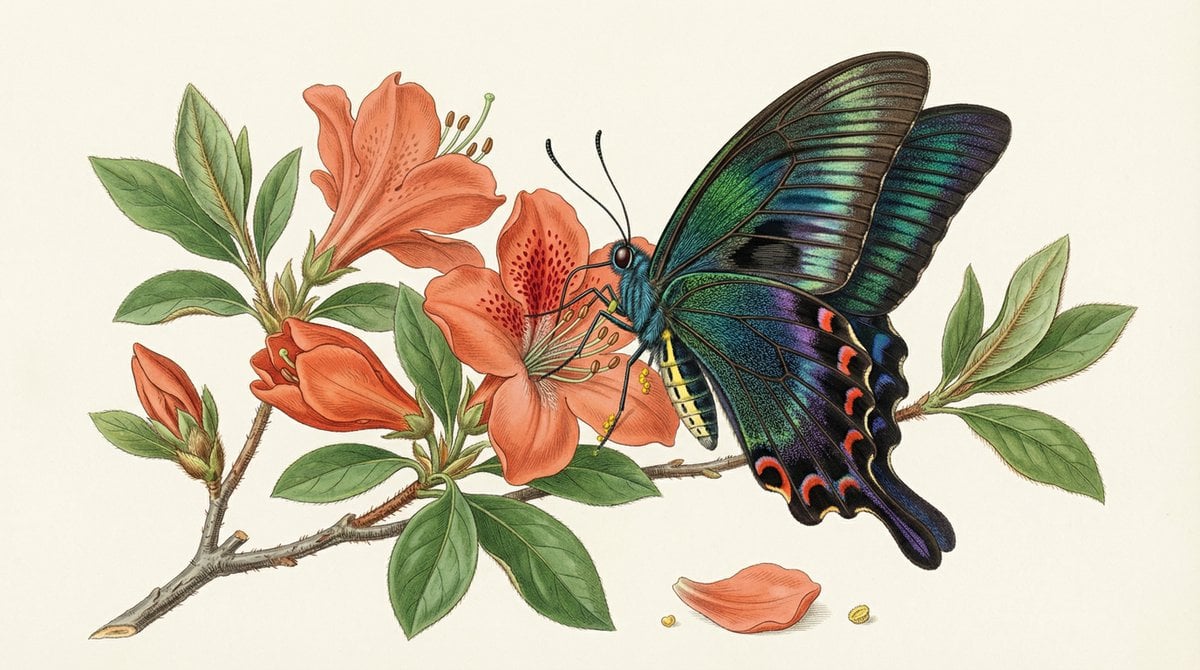
Precise Natural History Illustration Prompt: Chinese Peacock Butterfly
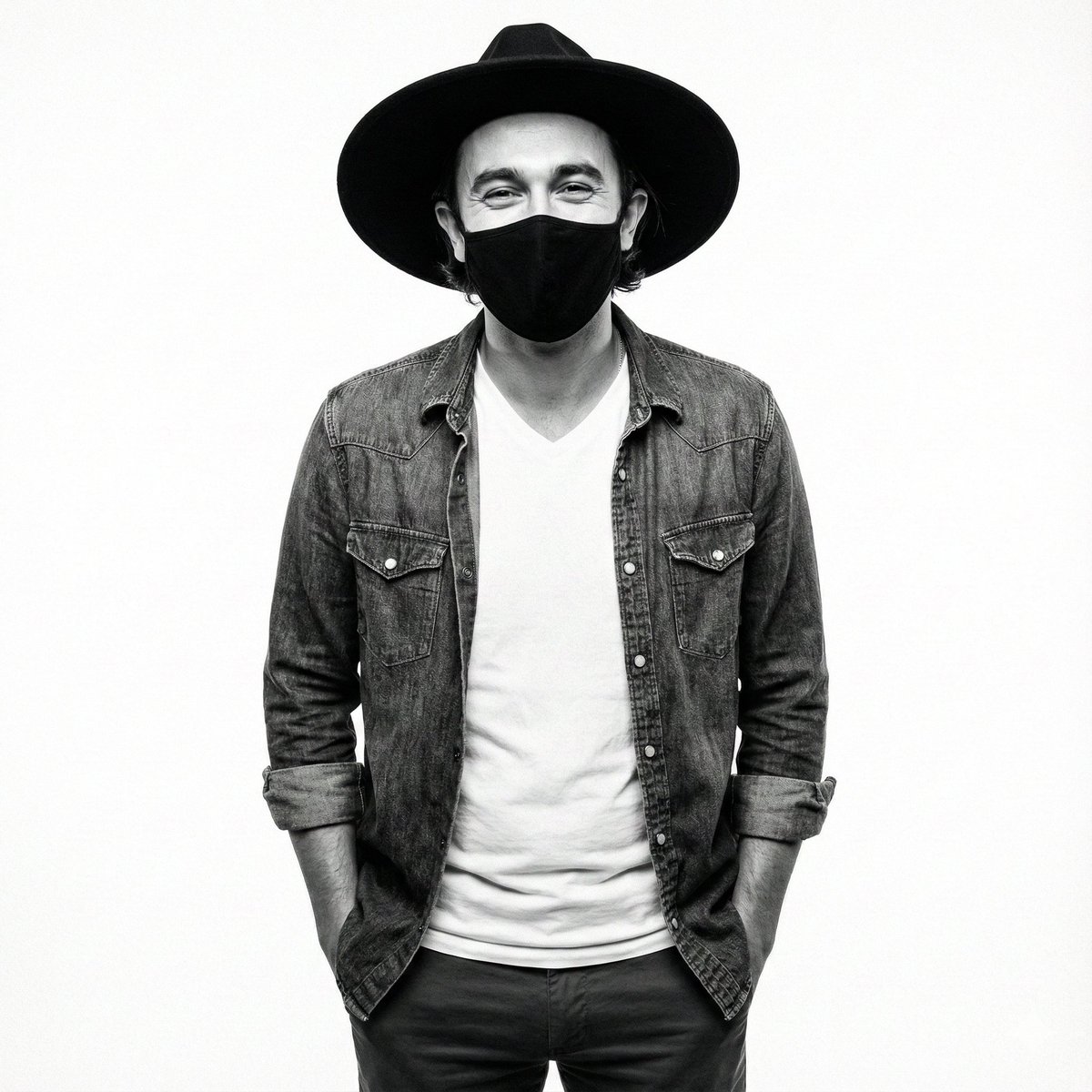
High-Contrast Monochrome Studio Portrait Prompt
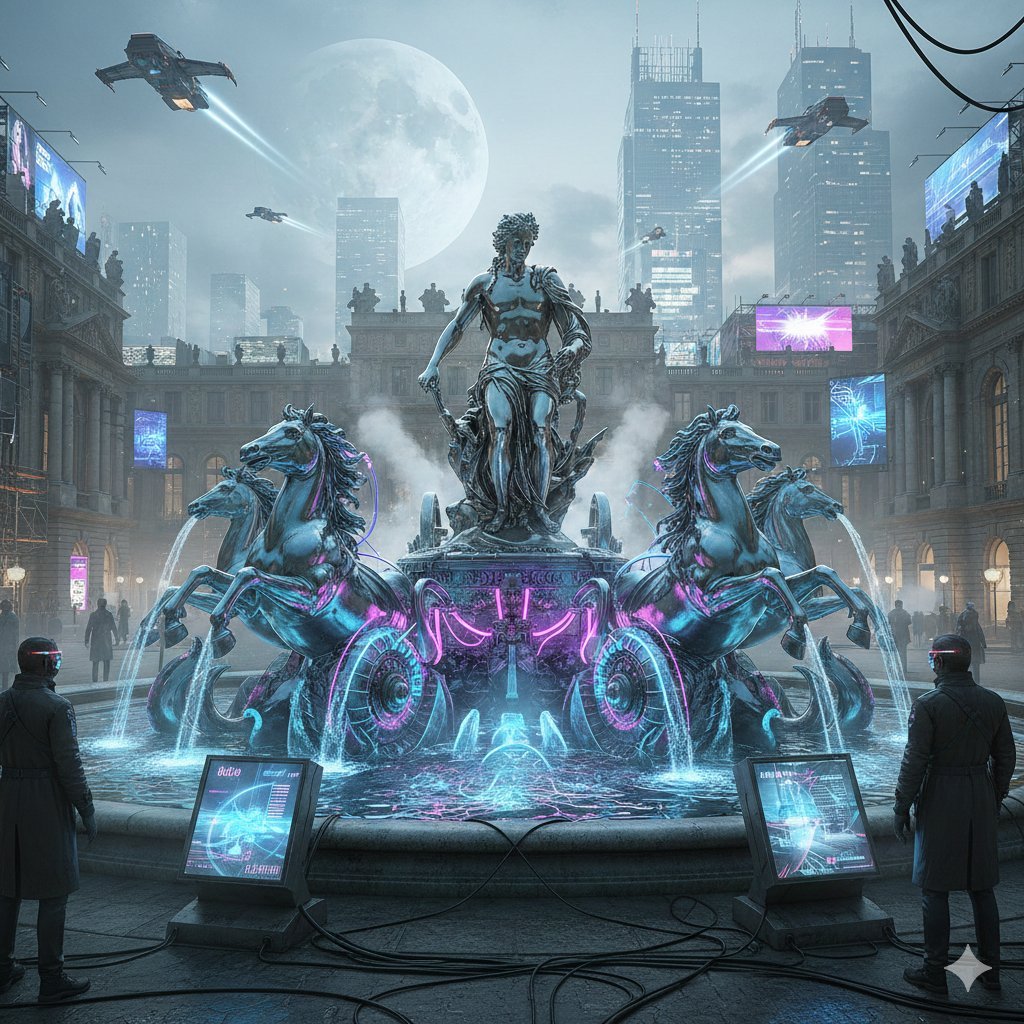
Cyberpunk Apollo's Fountain Generation
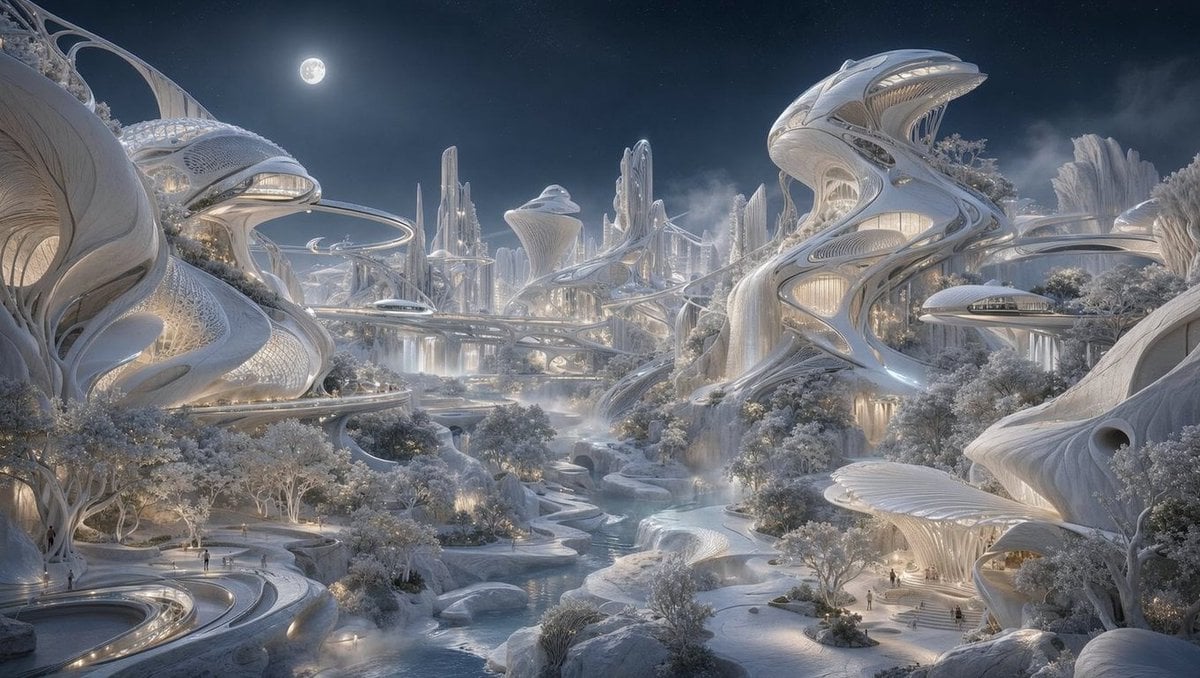
Moonlit Biomorphic Future City
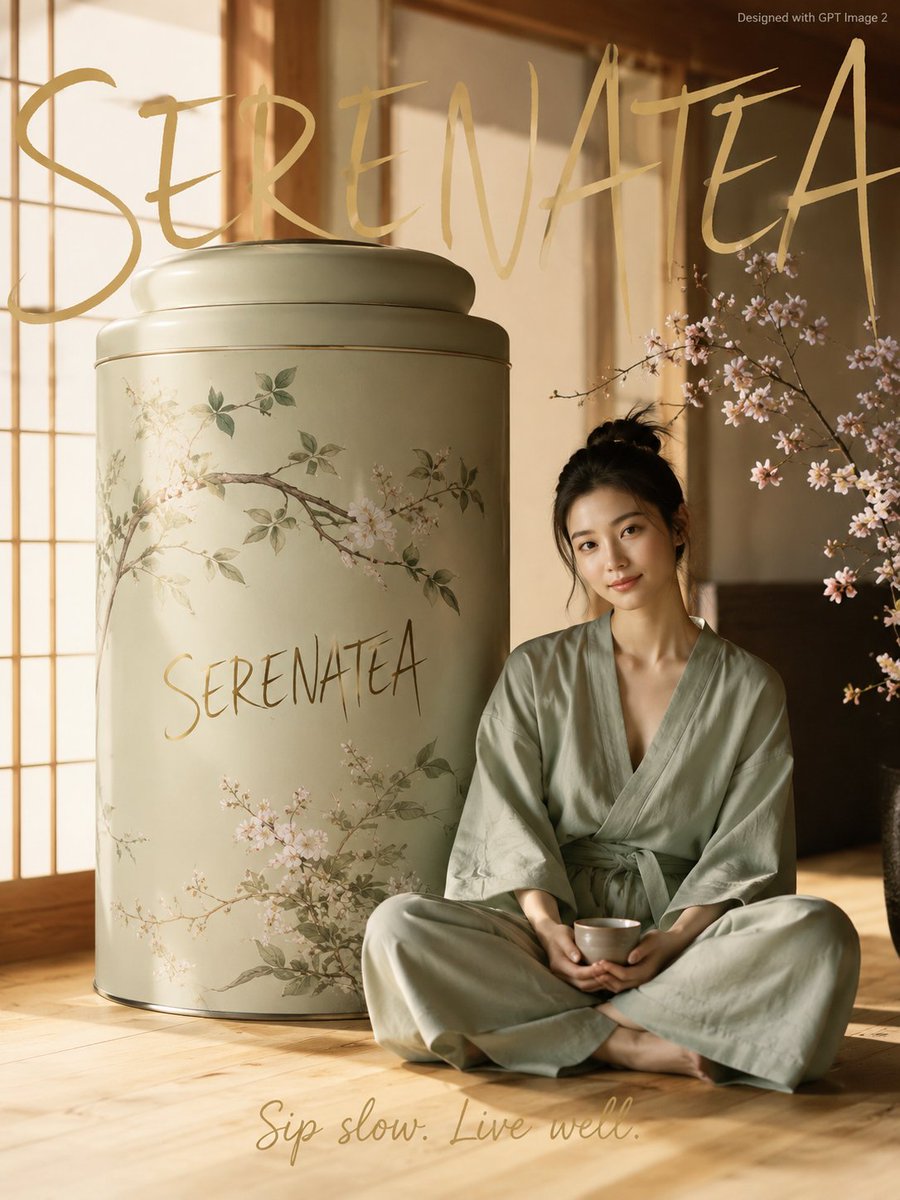
Japanese Minimalist Wellness Poster

Skincare Product Flat Lay Photography
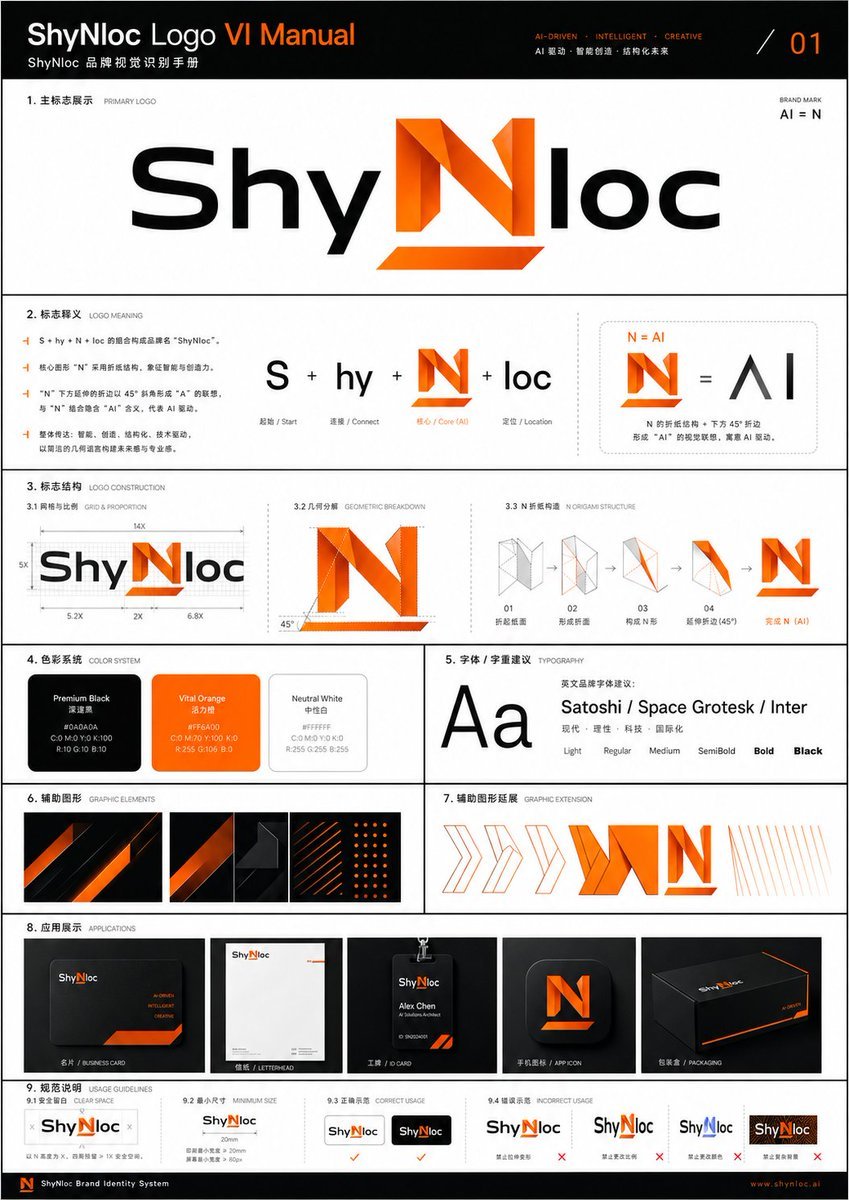
Professional Logo VI Design Manual
Browse template categories
Mysterious Mountain Lodge Anime Scene questions
How do I use the Mysterious Mountain Lodge Anime Scene template?
Add your photo if the template asks for one, edit the prompt if you like — the template's model and format are already selected — and press Generate. Your version opens in PicX Studio.
Can I customize the Mysterious Mountain Lodge Anime Scene template?
Yes. You can change the subject, setting, lighting, mood, format, and available model controls before creating your image.
Is the Mysterious Mountain Lodge Anime Scene template free?
Opening and editing this template is free. Generating uses credits, shown on the Generate button when you are signed in.
Which AI model should I use?
Start with GPT Image 2, which is the model associated with this template. You can compare another compatible model for a different finish.
Looking for something else? Browse all templates.

Your photo, any look
Thousands of ready templates for every top image and video model, from one credit balance.