How do I use the Cyberpunk Kimono Tea Room template?
Edit the prompt in the box under the preview — the template's model and format are already selected — and press Generate. Your version appears right on this page.
A detailed prompt for generating a monochrome anime cyberpunk café scene with a kimono-clad girl, tea set, lilies, and neon pink magical accents.

This template uses your photo — add one with the + button.
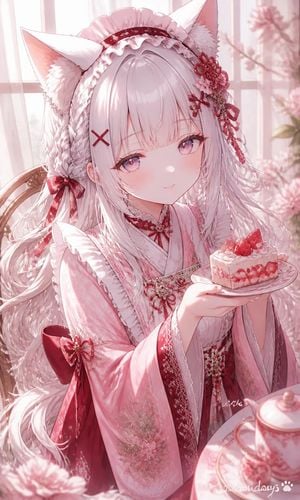
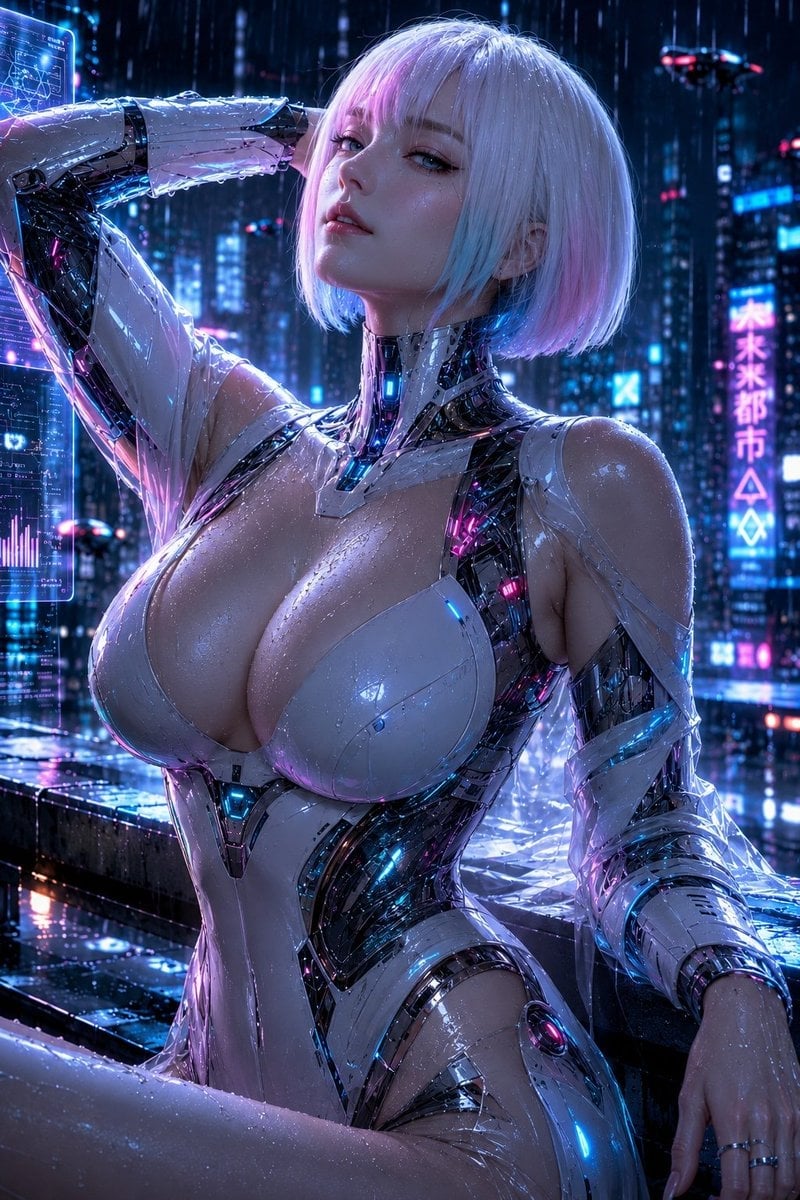
Create a square anime illustration in a high-contrast monochrome manga style with vivid hot-pink accents. Show {argument name="character name" default="a mysterious young woman"} seated sideways on a wooden chair at a rustic counter inside a dim retro cyberpunk tea room or café. She has very long {argument name="hair color" default="silver-white"} hair tied into a high ponytail that cascades behind her, pale skin, sharp bangs, and one glowing pink eye visible as she gazes to the left with a calm, aloof expression, resting her chin on one hand. Dress her in a bright {argument name="kimono color" default="hot-pink"} kimono-style top with wide sleeves, a light obi bow at the waist, and a long pale pleated skirt. The café background is dense with dark wooden panels, framed futuristic control screens, tiny interface diagrams, signs, cables, and a hanging lamp with a glowing pink bulb. On the counter place exactly five tea items: one large white teapot on the far left, two small teacups near it, one steaming mug in front of the character, and one small teapot or kettle on a rear shelf to the right. Surround the composition with exactly four clusters of white lilies: upper left corner, upper right corner, lower left corner, and lower right edge. Add sweeping ribbon-like pink energy trails and brush strokes crossing the image diagonally, with several white streaks and ink splatters, giving motion and magical atmosphere. Use thick black linework, sketchy crosshatching, limited palette of black, white, gray, and neon pink, detailed manga shading, dramatic lighting, slightly tilted perspective, ornate cluttered background, no readable modern watermark, no extra characters.
Create a square anime illustration in a high-contrast monochrome manga style with vivid hot-pink accents. Show {argument name="character name" default="a mysterious young woman"} seated sideways on a wooden chair at a rustic counter inside a dim retro cyberpunk tea room or café. She has very long {argument name="hair color" default="silver-white"} hair tied into a high ponytail that cascades behind her, pale skin, sharp bangs, and one glowing pink eye visible as she gazes to the left with a calm, aloof expression, resting her chin on one hand. Dress her in a bright {argument name="kimono color" default="hot-pink"} kimono-style top with wide sleeves, a light obi bow at the waist, and a long pale pleated skirt. The café background is dense with dark wooden panels, framed futuristic control screens, tiny interface diagrams, signs, cables, and a hanging lamp with a glowing pink bulb. On the counter place exactly five tea items: one large white teapot on the far left, two small teacups near it, one steaming mug in front of the character, and one small teapot or kettle on a rear shelf to the right. Surround the composition with exactly four clusters of white lilies: upper left corner, upper right corner, lower left corner, and lower right edge. Add sweeping ribbon-like pink energy trails and brush strokes crossing the image diagonally, with several white streaks and ink splatters, giving motion and magical atmosphere. Use thick black linework, sketchy crosshatching, limited palette of black, white, gray, and neon pink, detailed manga shading, dramatic lighting, slightly tilted perspective, ornate cluttered background, no readable modern watermark, no extra characters.
Edit the prompt in the box under the preview — the template's model and format are already selected — and press Generate. Your version appears right on this page.
Yes. You can change the subject, setting, lighting, mood, format, and available model controls before creating your image.
Opening and editing this template is free. Generating uses credits, shown on the Generate button when you are signed in.
Start with GPT Image 2, which is the model associated with this template. You can compare another compatible model for a different finish.
Follow a topic to a crawlable collection of related PicX Studio templates.