
Luxury Ginza Clinic Ad
This generates a premium vertical Japanese beauty clinic advertisement poster suited for luxury skincare, aesthetic clinic, and social media campaign visuals.
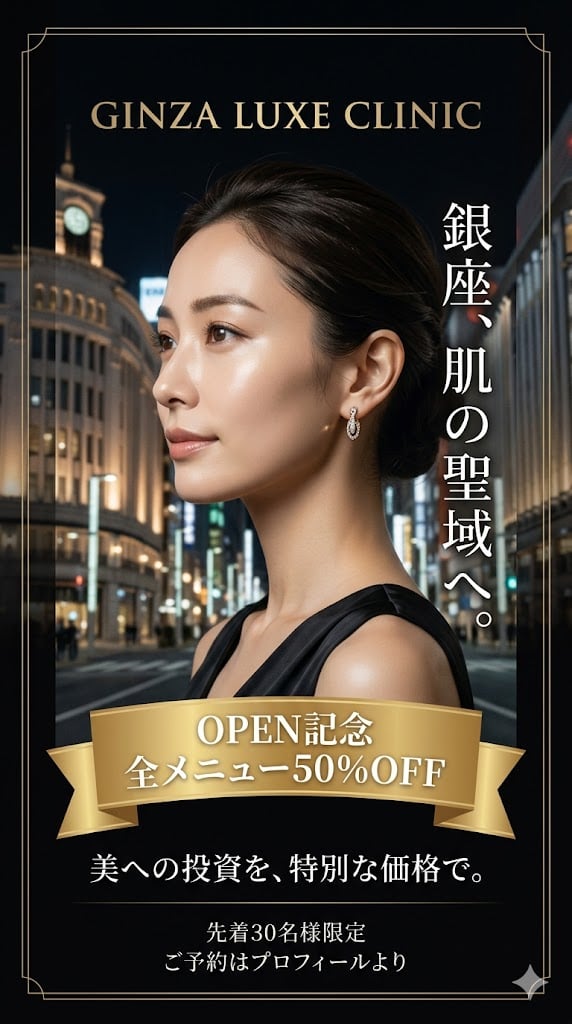
- Prompt included
- Model and format preset
- Free template
The prompt behind this image
Copy the exact prompt behind Luxury Ginza Clinic Ad, or open it in the studio and make it yours.
A luxury vertical beauty clinic advertisement poster designed for a premium Ginza aesthetic clinic, in a refined Japanese high-end magazine ad style. Use a tall smartphone-friendly composition with a deep black and midnight navy background, framed by a thin double-line metallic gold art deco border with elegant corner details. Place a glamorous East Asian woman from the chest up in the center-right foreground, wearing a sleeveless black evening dress, with smooth fair skin, hair in a polished low updo, and a small sparkling diamond drop earring visible on one ear. Her pose is poised and graceful, shown in three-quarter back profile with her head slightly turned, conveying exclusivity and luxury. Set the scene on a nighttime Ginza city street with cinematic bokeh lights and upscale architecture; on the left side include a recognizable classic Ginza clock-tower building glowing warmly, with modern buildings and illuminated streetlights receding into the background. The face should remain partially obscured by a soft rectangular blur overlay for privacy, matching the original layout. At the top center, add the headline in large elegant serif gold lettering: {argument name="headline text" default="GINZA LUXE CLINIC"}. Along the right side, add 1 vertical Japanese tagline in large white Mincho-style serif text: 「{argument name="vertical tagline" default="銀座、肌の聖域へ。"}」. Across the lower-middle, place 1 wide metallic gold ribbon banner with realistic folds and highlights, containing 2 lines of centered white serif text: top line 「OPEN記念」 and bottom line 「全メニュー50%OFF」. Beneath the ribbon, add 1 centered Japanese sentence in white serif text: 「{argument name="subheading text" default="美への投資を、特別な価格で。"}」. At the bottom, add 2 centered lines of smaller white Japanese text: first line 「先着30名様限定」 and second line 「ご予約はプロフィールより」. Overall lighting should be glossy, cinematic, and luxurious, with premium skincare-ad aesthetics, strong contrast, subtle gold reflections, clean typography, and an exclusive upscale brand feel. No logos other than the clinic name, no extra products, no clutter.
How to use Luxury Ginza Clinic Ad in 3 steps
- 1Upload ImagePNG, JPG or paste
Add your photo
Upload the photo the template builds on. The prompt, model and format are already set.
- 2…a portrait of your subject in softgolden-hour light, 85mm…
Personalize
Edit the subject and creative details for your destination.
- 3Generate
Generate
Press Generate — your image is created in PicX Studio, so you can compare it with the original and refine one variable at a time.
More like this
Templates with the same subject, style or setup. Open one to see its prompt.

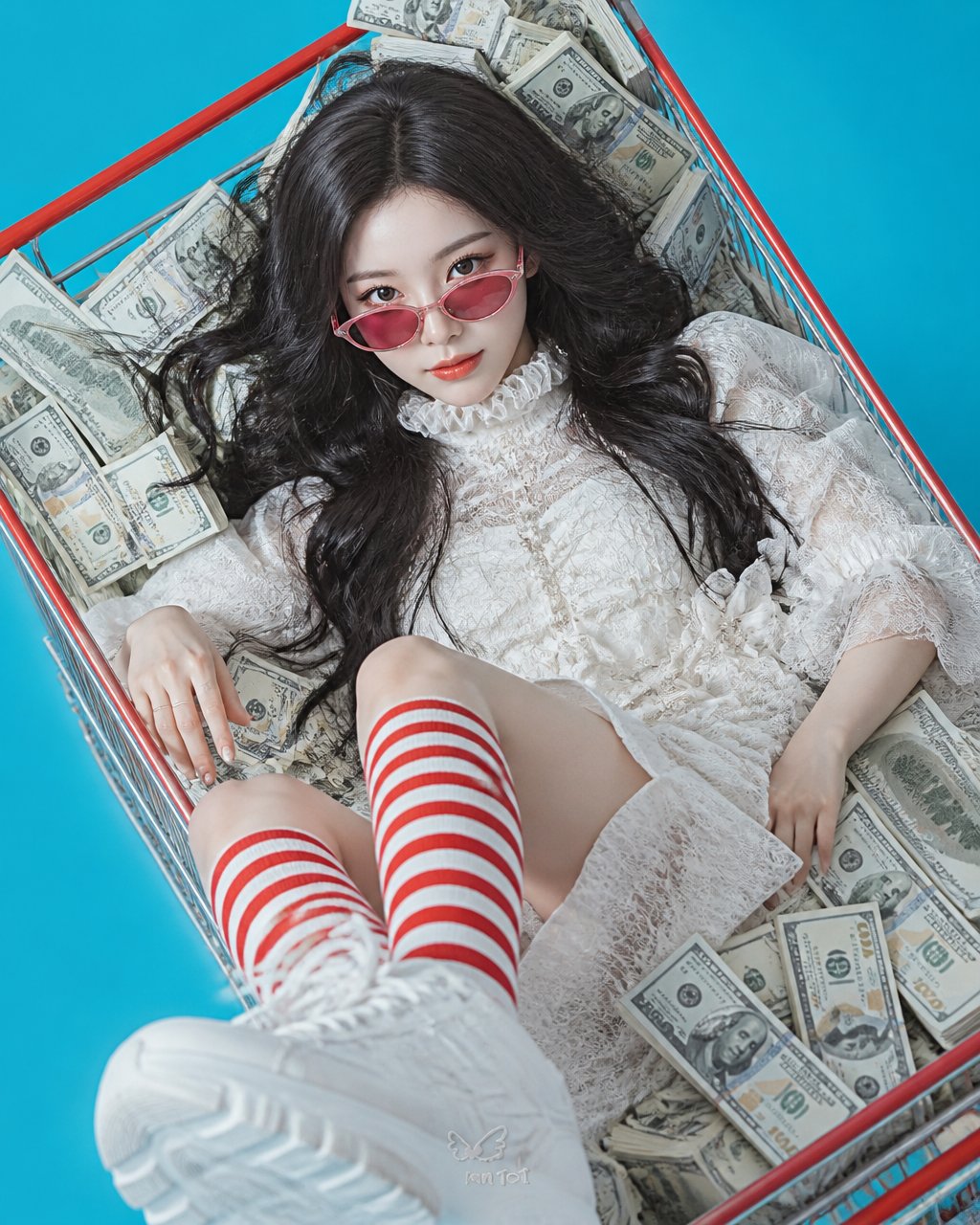
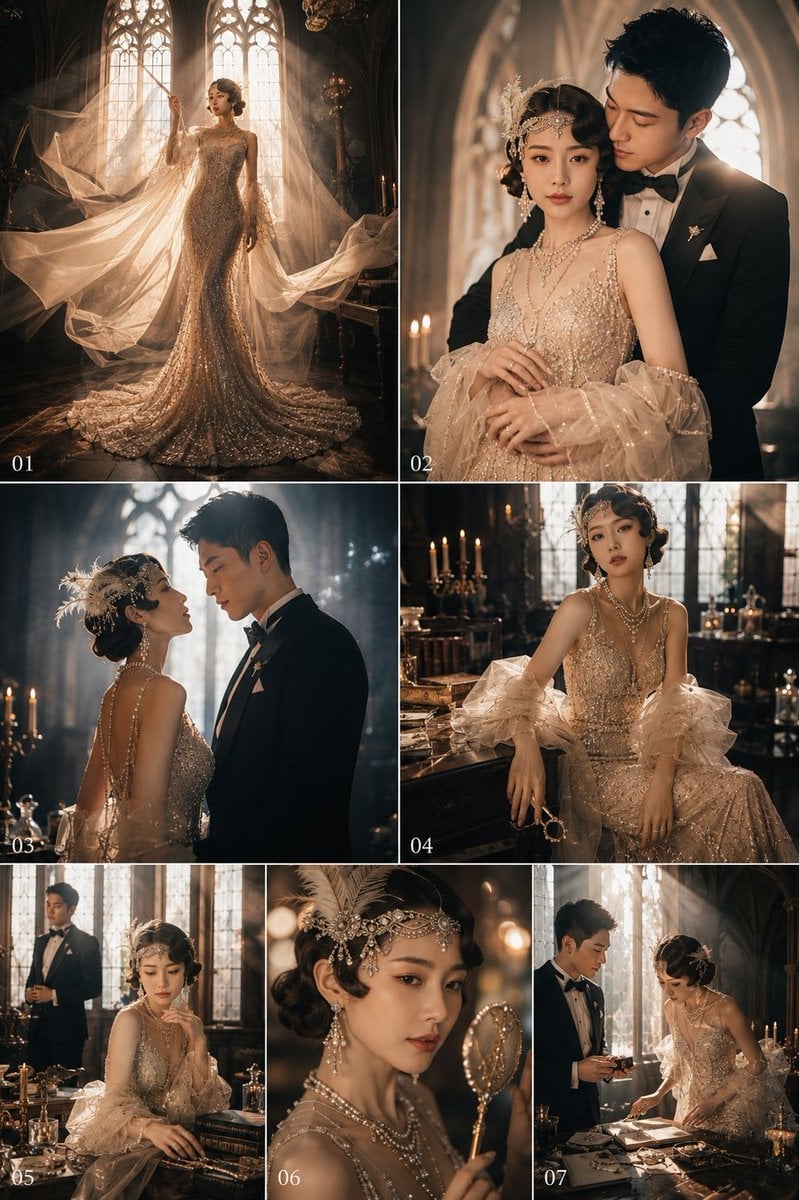

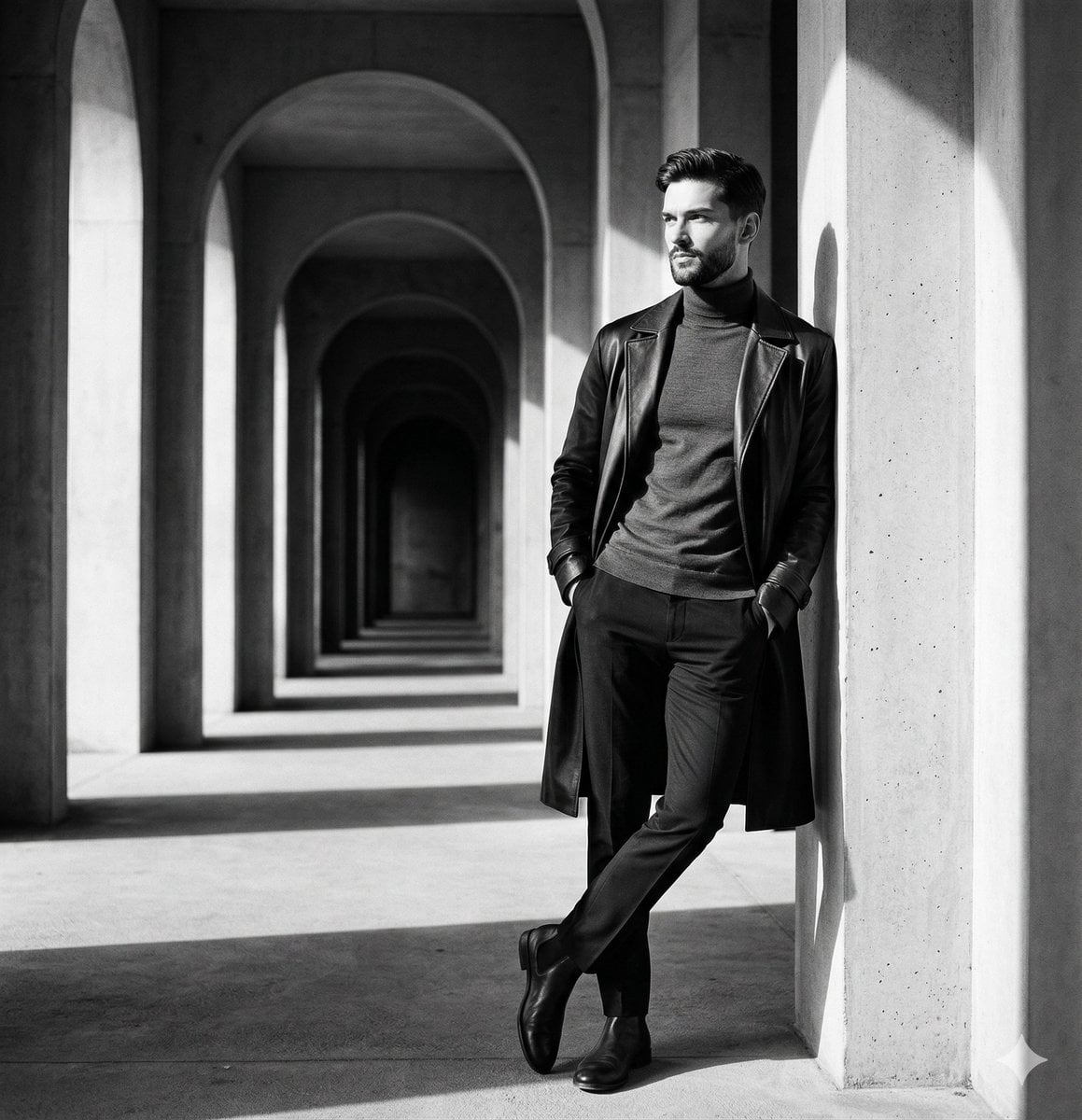
Make it yours
Luxury Ginza Clinic Ad works as-is. These are the safest ways to change it without losing the look.
Change one field
Copy a single group, rewrite it, and generate again so you can see what that field is doing.
Keep the frame, change the subject
Hold the composition and light of Luxury Ginza Clinic Ad, then swap wardrobe, props or the person for a new take.
| If the result… | Why | Fix |
|---|---|---|
| The result drifts from the preview | Too many fields changed at once. | Reuse Luxury Ginza Clinic Ad as-is first, then change one group — subject, light, or setting. |
| The model over-stylizes the scene | The prose prompt leaves finish and camera underspecified. | Add one camera or lighting sentence and stay on GPT Image 2. |
More GPT Image 2 templates
Other prompts made for GPT Image 2.

Six VTuber Japanese Logo Sheet

Realistic Portrait of Woman and Deer

The Vista Modular Condo Poster

AI Model Routing Comparison Infographic

2.5D Anime Art Board

Isometric Productivity Desk Scene

New York Double Exposure Poster

Four-Panel AI Landscape Comparison

Japanese Tatami Lifestyle Magazine Cover

NESCAFÉ Coffee Map Poster
More image prompts
Fresh picks from across the catalog.
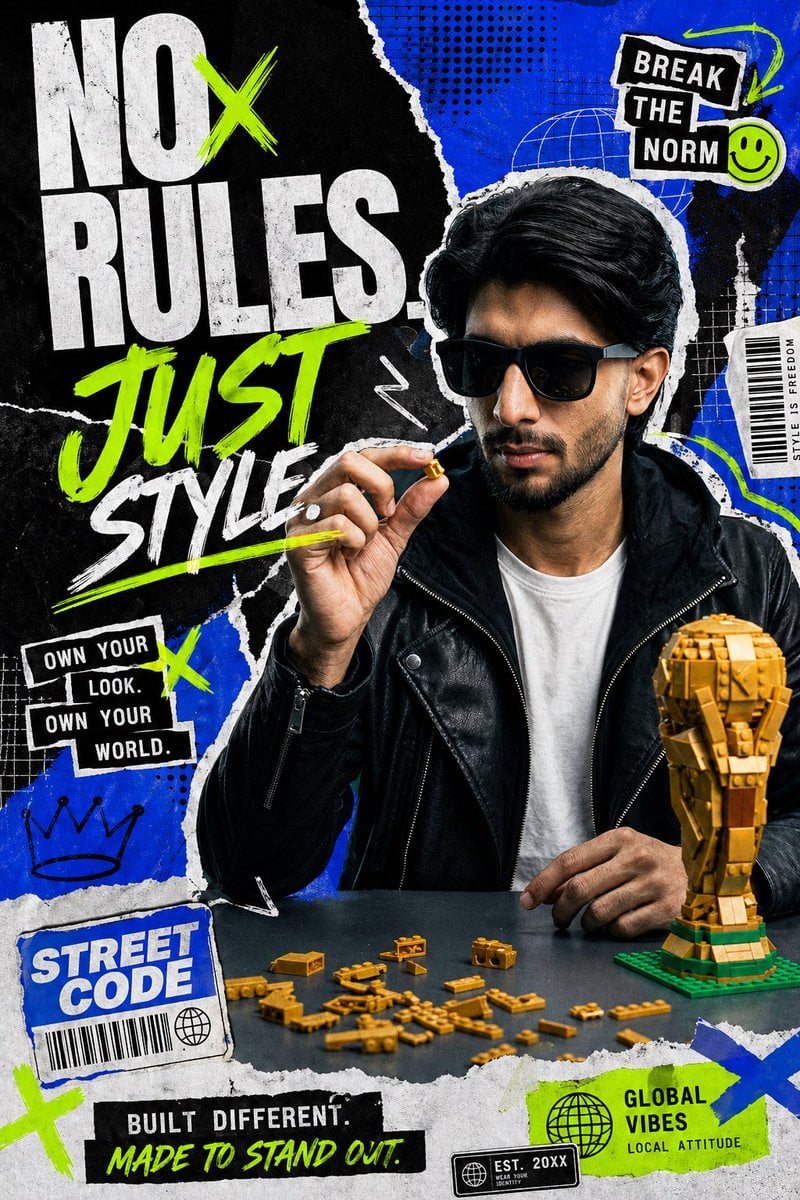
Streetwear Collage Poster With Gold Bricks
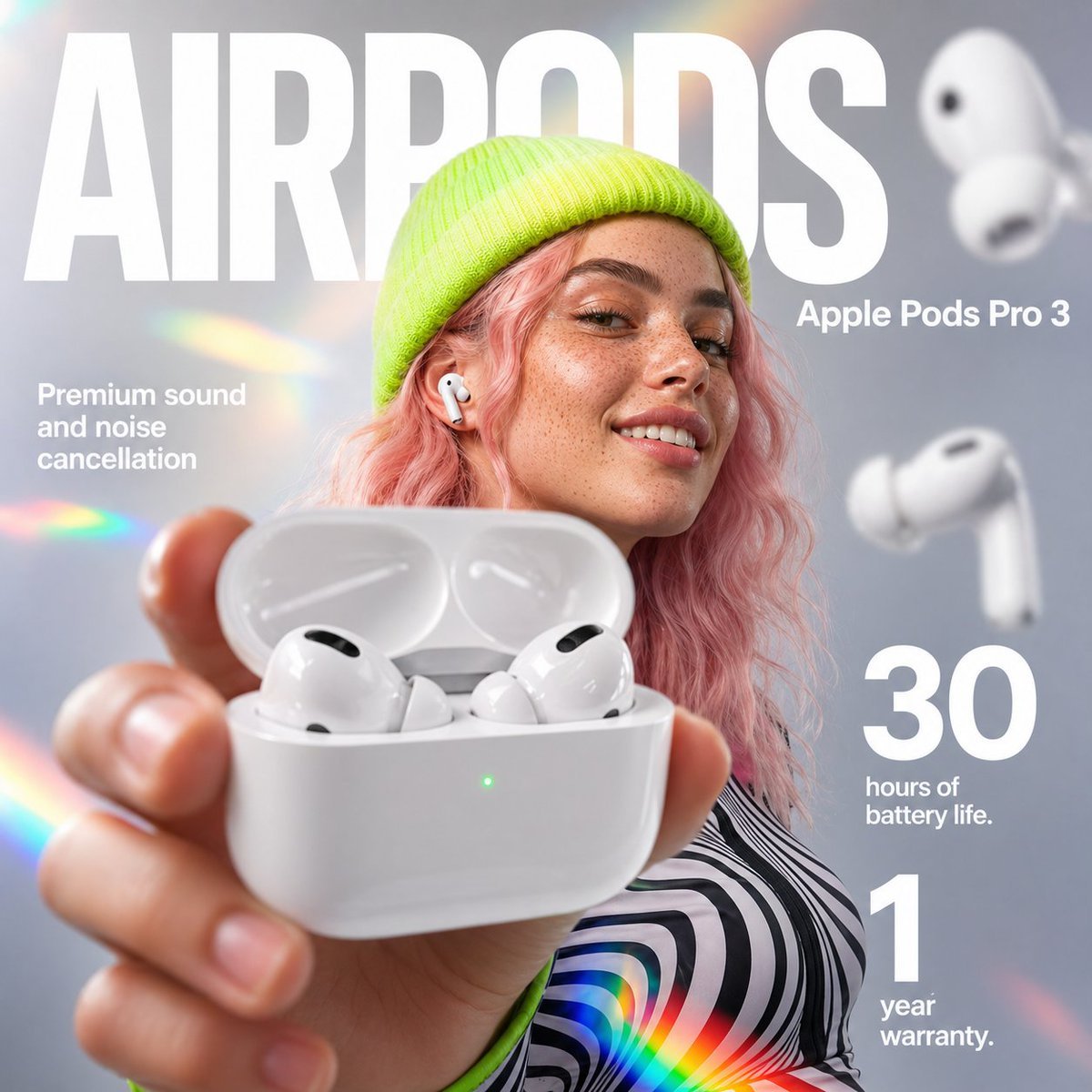
AirPods Style Tech Ad Poster
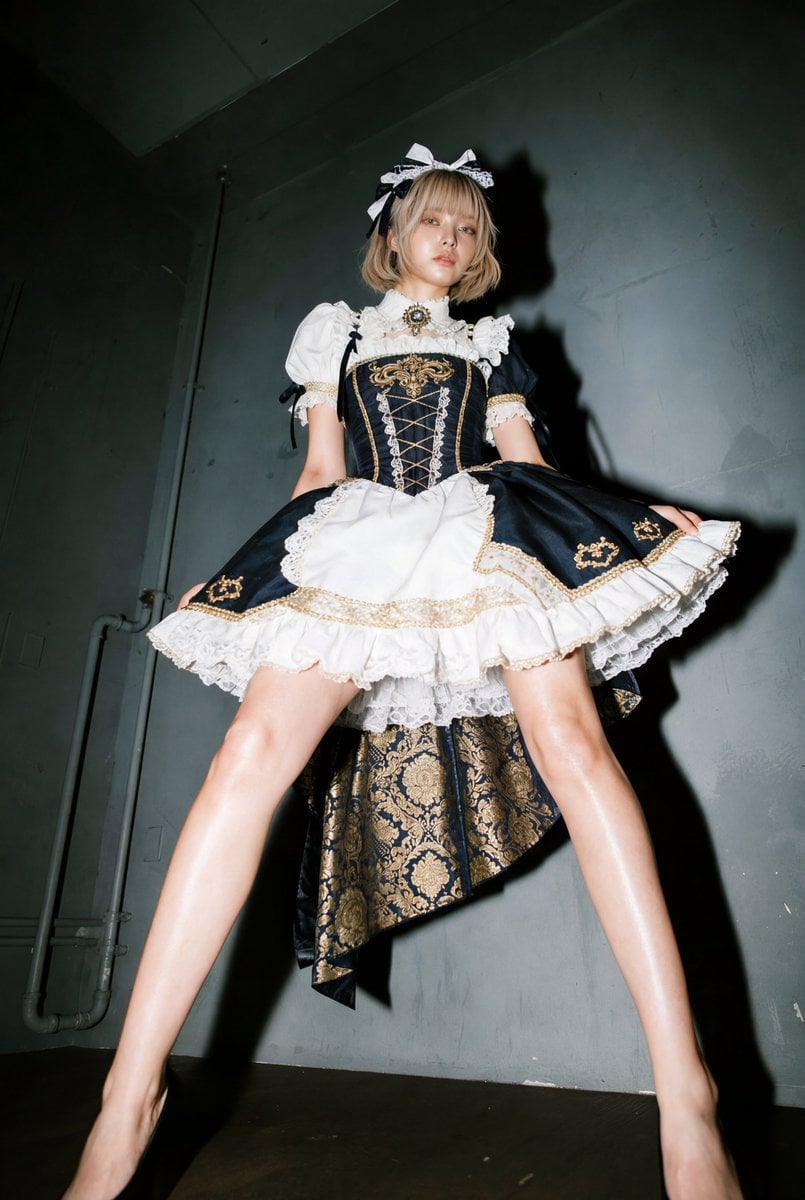
Exaggerated Long Legs Image Generation Prompt (Seedream 4.5)
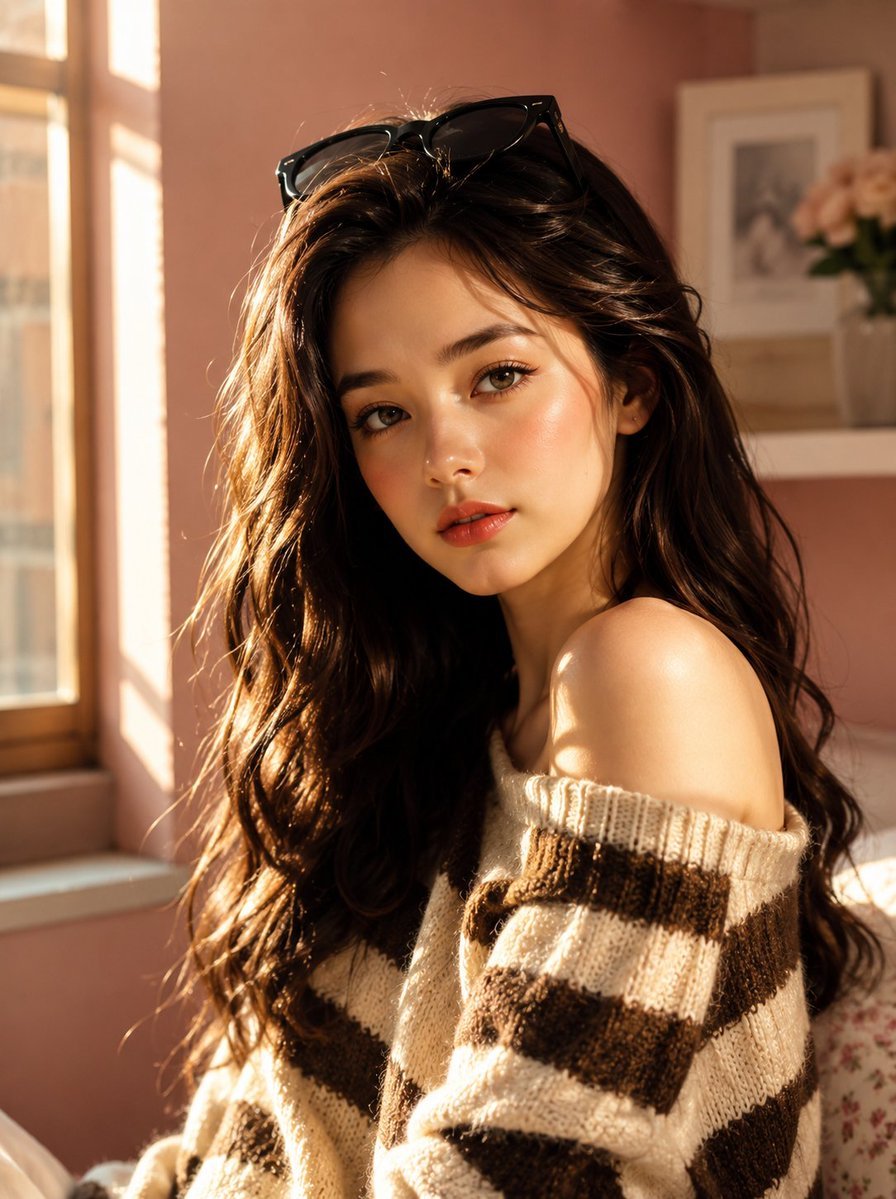
Korean Beauty Lifestyle Portrait
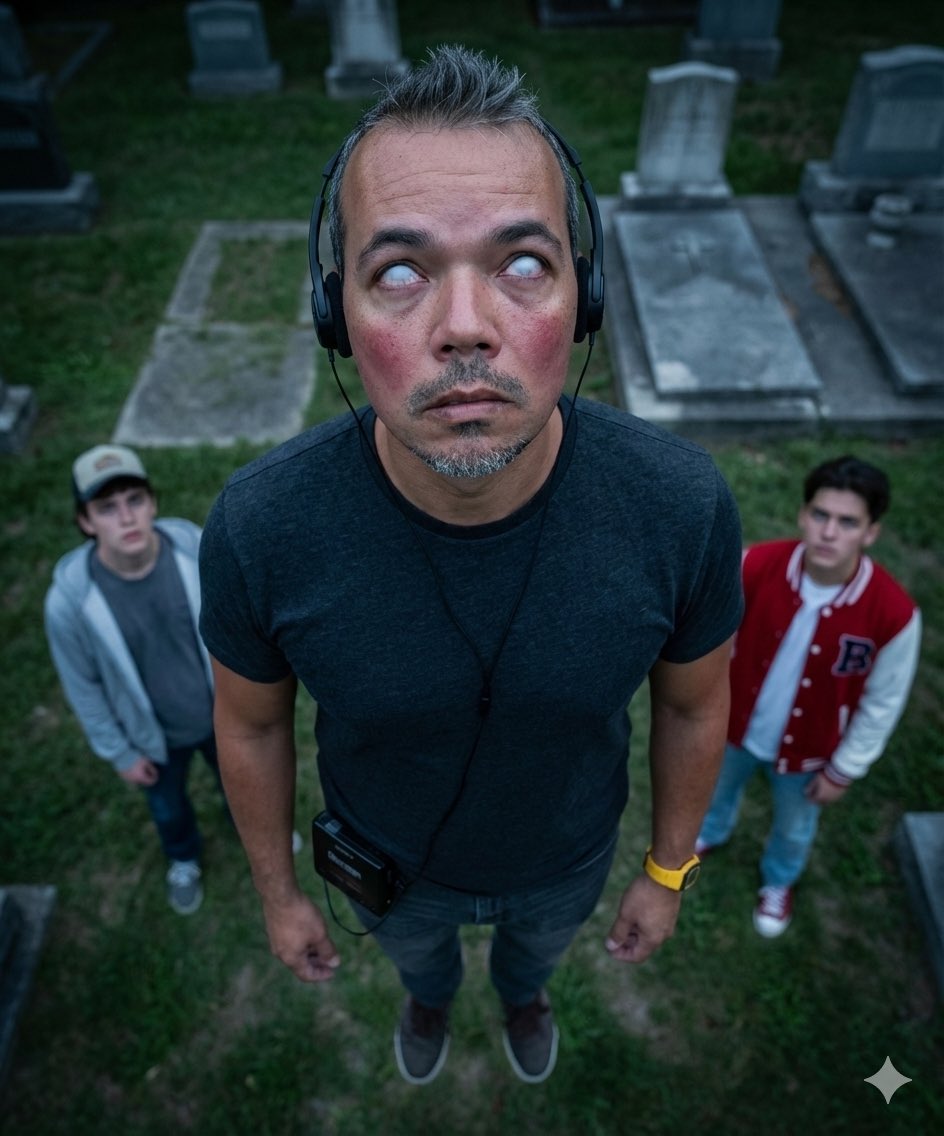
Gemini Nano Banana Pro 3.0 Stranger Things Edition Prompt
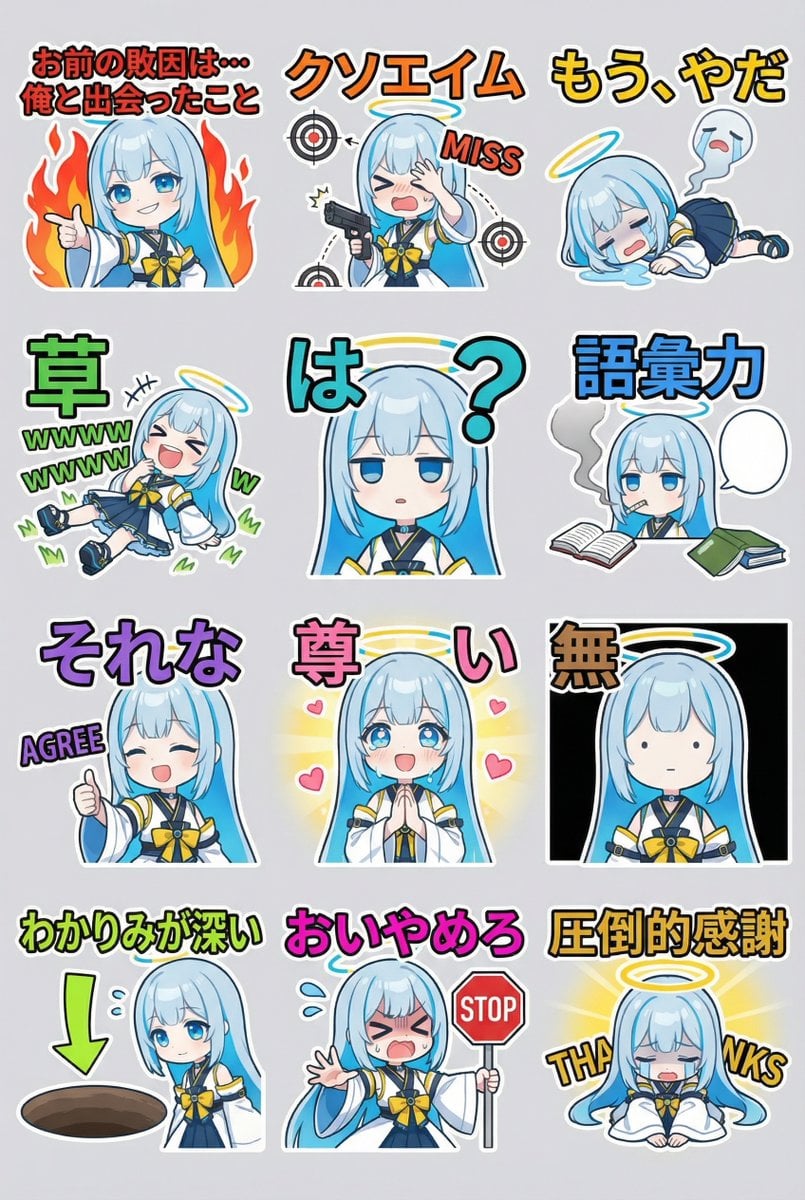
Humorous LINE sticker sheet for Oracle-chan

Cyberpunk Cinematic Close-up Portrait
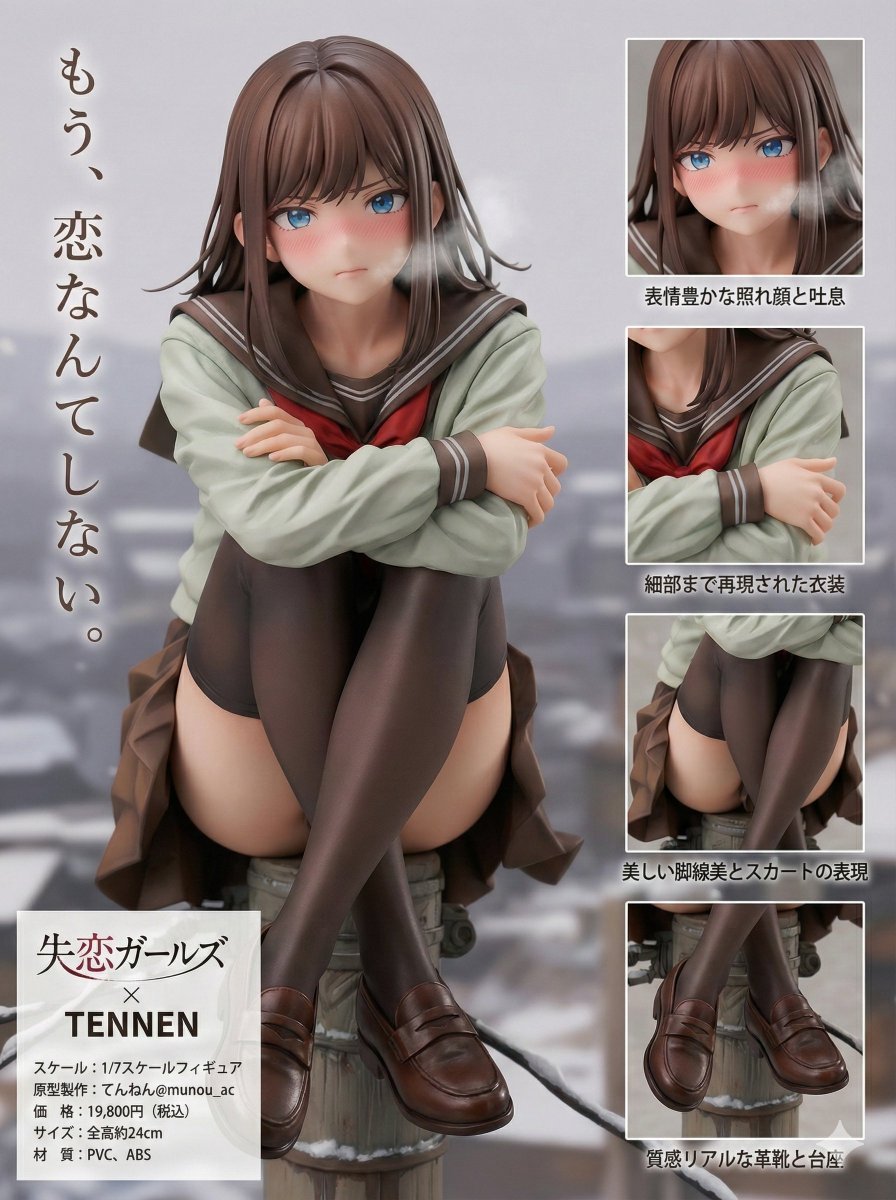
Figure Product Introduction Layout Prompt (Multilingual)
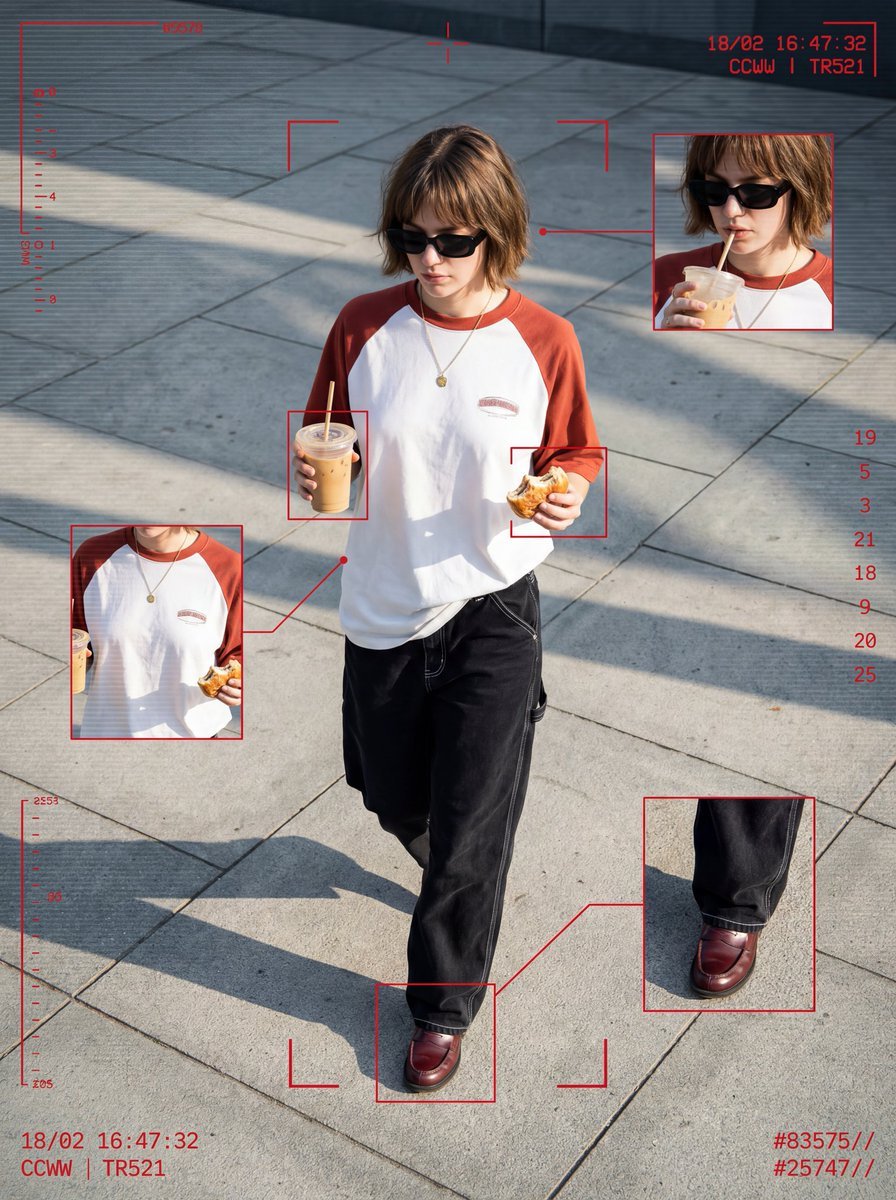
Cyber-Grunge Surveillance Fashion Editorial

Sleek LCD-Face Robot Prompt
Browse template categories
Luxury Ginza Clinic Ad questions
How do I use the Luxury Ginza Clinic Ad template?
Add your photo if the template asks for one, edit the prompt if you like — the template's model and format are already selected — and press Generate. Your version opens in PicX Studio.
Can I customize the Luxury Ginza Clinic Ad template?
Yes. You can change the subject, setting, lighting, mood, format, and available model controls before creating your image.
Is the Luxury Ginza Clinic Ad template free?
Opening and editing this template is free. Generating uses credits, shown on the Generate button when you are signed in.
Which AI model should I use?
Start with GPT Image 2, which is the model associated with this template. You can compare another compatible model for a different finish.
Looking for something else? Browse all templates.

Your photo, any look
Thousands of ready templates for every top image and video model, from one credit balance.