
Chibi Angel Girls at Sunset
Generates a warm anime-style riverside scene with three colorful chibi angel girls relaxing on a grassy embankment at sunset.
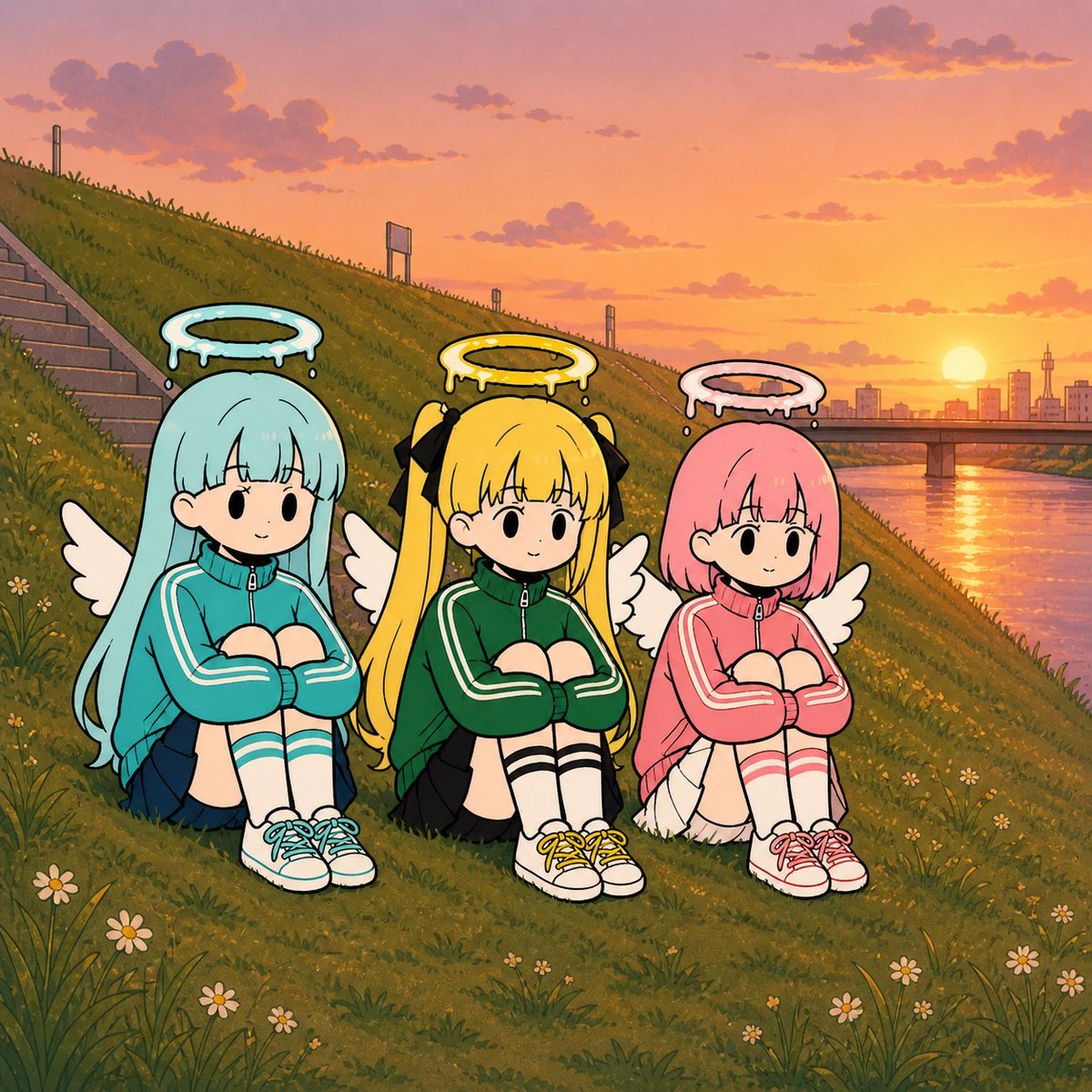
- Prompt included
- Model and format preset
- Free template
The prompt behind this image
Copy the exact prompt behind Chibi Angel Girls at Sunset, or open it in the studio and make it yours.
Create a cozy square anime illustration at sunset on a grassy riverside embankment. The scene features exactly 3 chibi angel girls sitting side by side on the slope with their knees hugged to their chests, facing forward with small dot eyes and gentle smiles. Each girl has one glowing halo above her head and one pair of small white wings on her back, for a total of 3 halos and 3 wing pairs. The left girl has {argument name="left character hair color" default="long aqua blue hair"}, a turquoise zip-up tracksuit jacket with white stripes, a dark pleated skirt, striped knee socks, and teal-accent sneakers. The middle girl has {argument name="middle character hair color" default="long blonde twin tails"} tied with black ribbons, a dark green zip-up tracksuit jacket with white stripes, a black pleated skirt, striped knee socks, and yellow-accent sneakers. The right girl has {argument name="right character hair color" default="long pink hair"}, a coral pink zip-up tracksuit jacket with white stripes, a white pleated skirt, striped knee socks, and pink-accent sneakers. Use a cute soft-lined 2D anime style with warm nostalgic lighting, rounded proportions, clean outlines, and detailed grassy texture dotted with small white daisies. In the background, include a stairway on the left climbing the embankment, a calm river on the right reflecting the orange sun, a bridge in the distance, and a small city skyline under a peach-orange sky with scattered fluffy clouds. The atmosphere should feel peaceful, whimsical, and slightly magical, with the sun low near the horizon and warm golden highlights on the grass and water.
How to use Chibi Angel Girls at Sunset in 3 steps
- 1Upload ImagePNG, JPG or paste
Add your photo
Upload the photo the template builds on. The prompt, model and format are already set.
- 2…a portrait of your subject in softgolden-hour light, 85mm…
Personalize
Edit the subject and creative details for your destination.
- 3Generate
Generate
Press Generate — your image is created in PicX Studio, so you can compare it with the original and refine one variable at a time.
More like this
Templates with the same subject, style or setup. Open one to see its prompt.
Chibi Girls Hugging Air Conditioner Comic
Cute Layered Paper Cut Chibi Girl
Mountain Lake Sunset Landscape
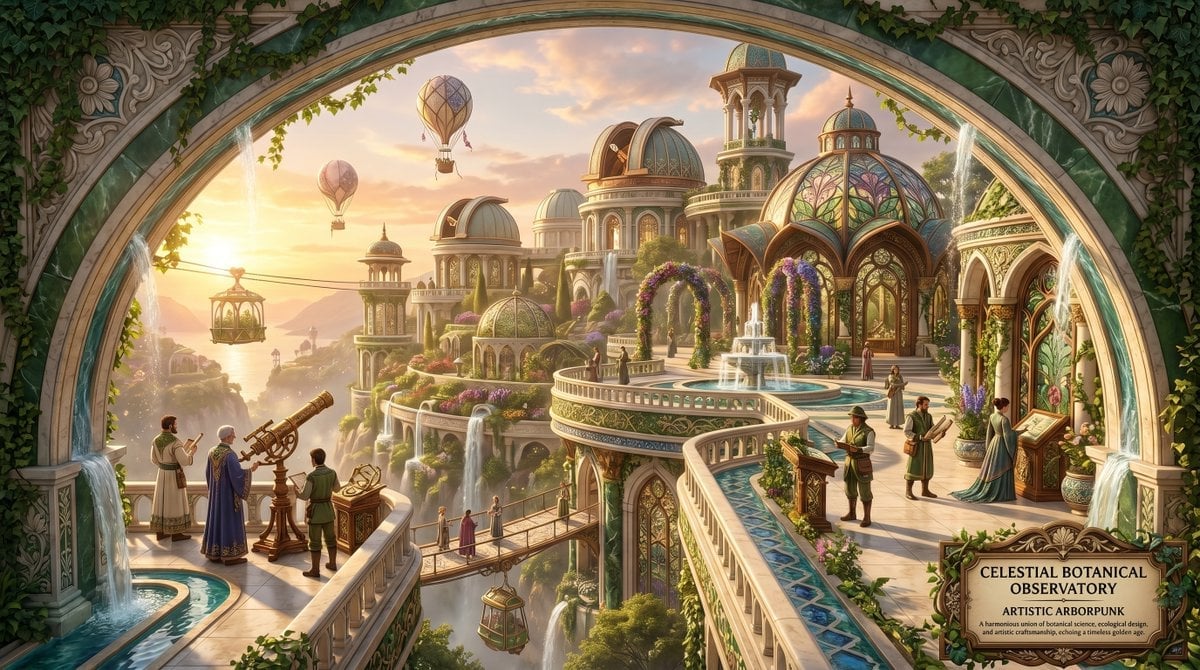
Artistic Arborpunk Garden Observatory Complex

Pixar-Style Chibi Café Morning Scene

Sleepy Chibi Angel Girl
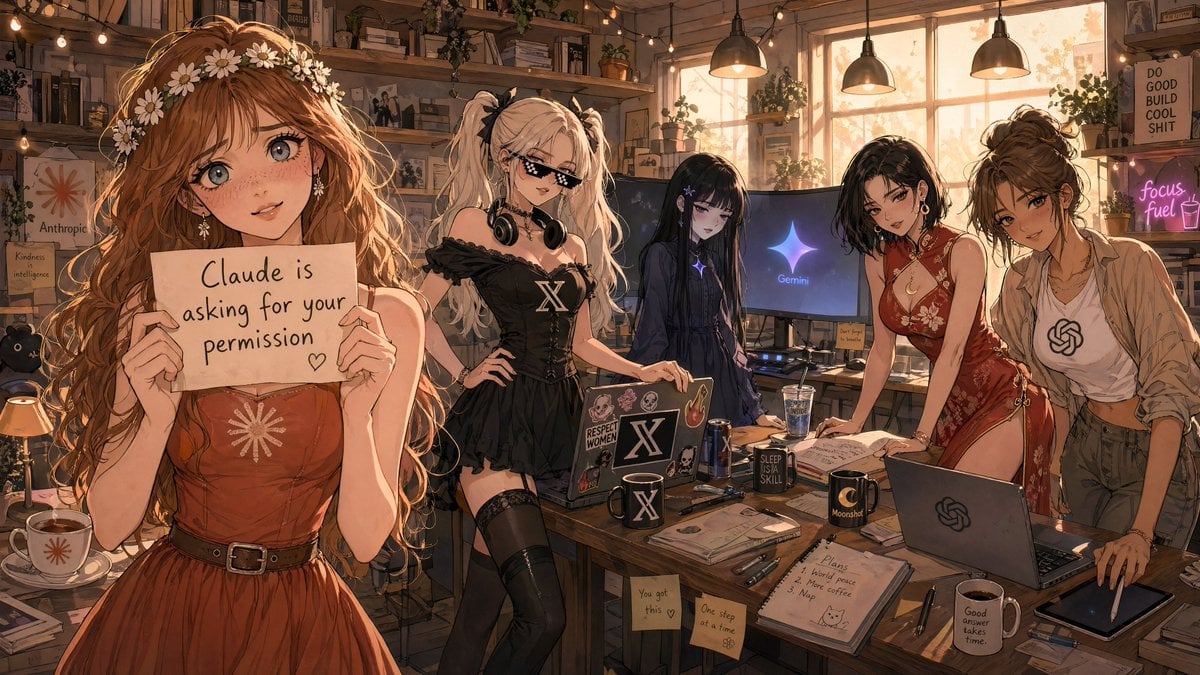
Anime AI Studio Girls at Sunset
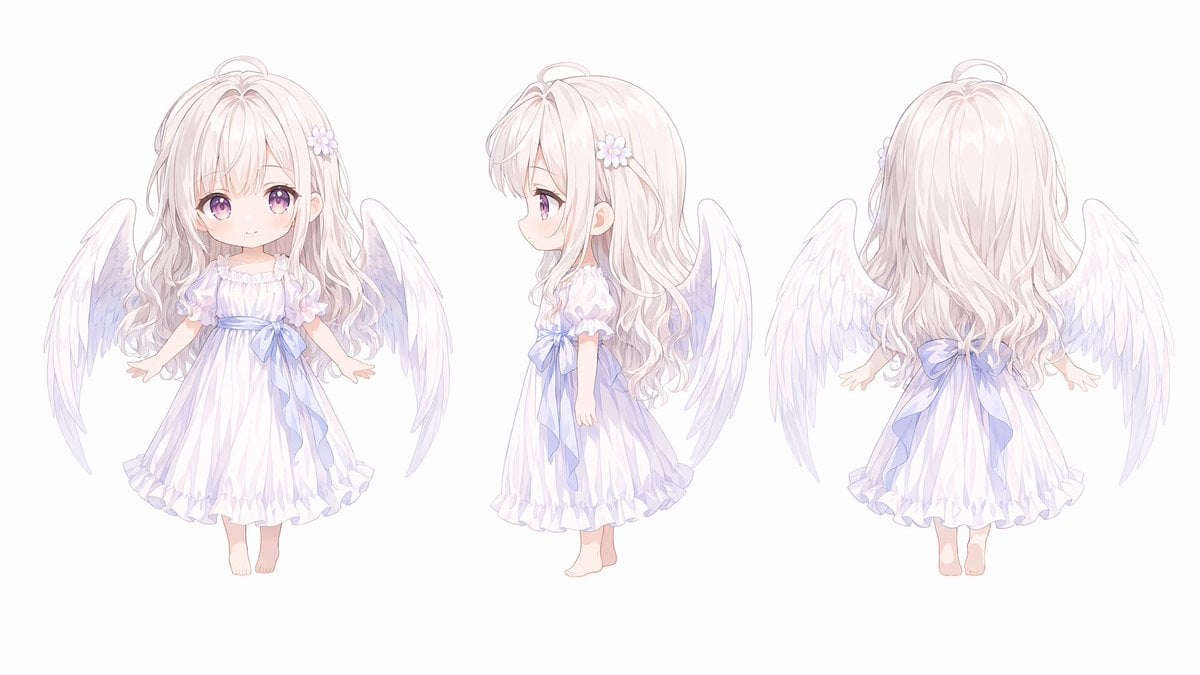
Chibi Angel Three-View Turnaround
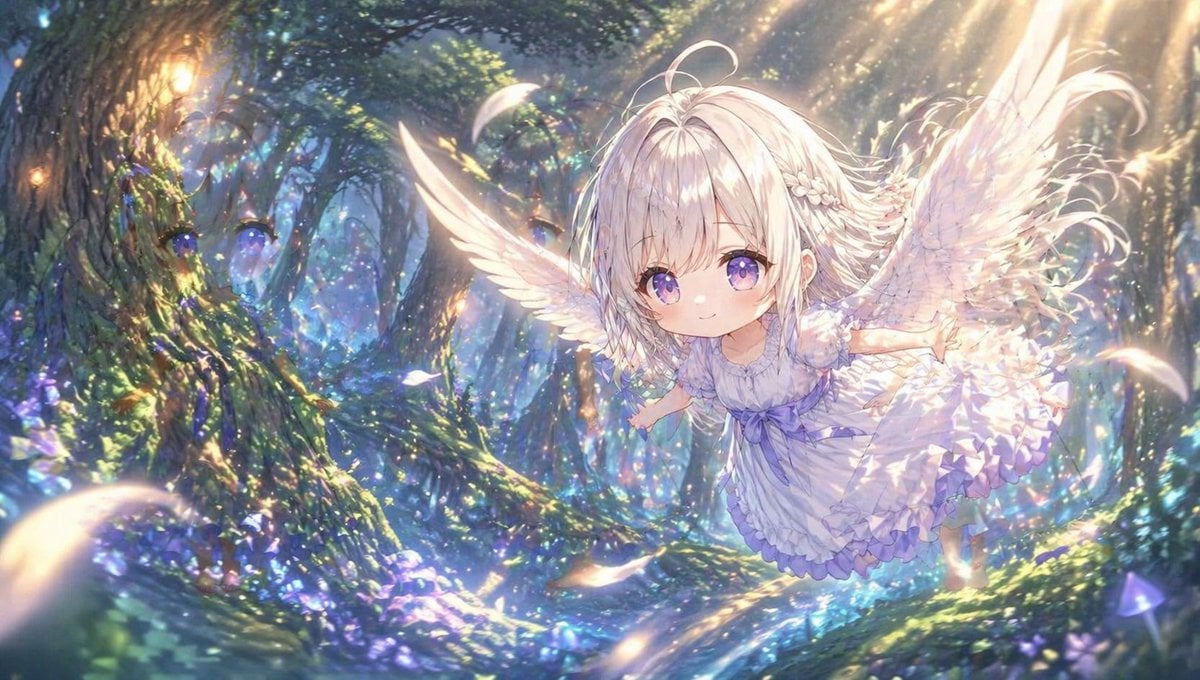
Chibi Angel in Fantasy Forest
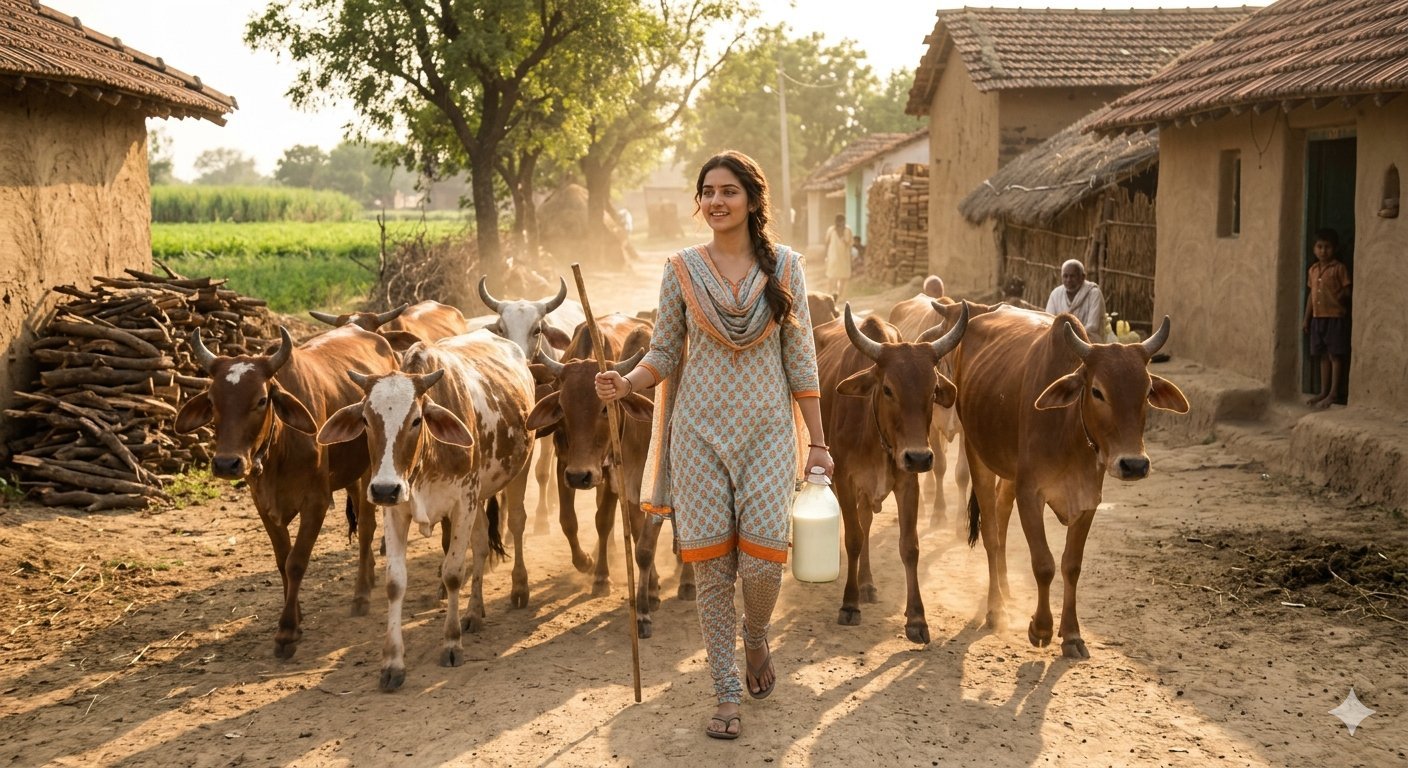
Indian Village Cattle Herding — Nano Banana
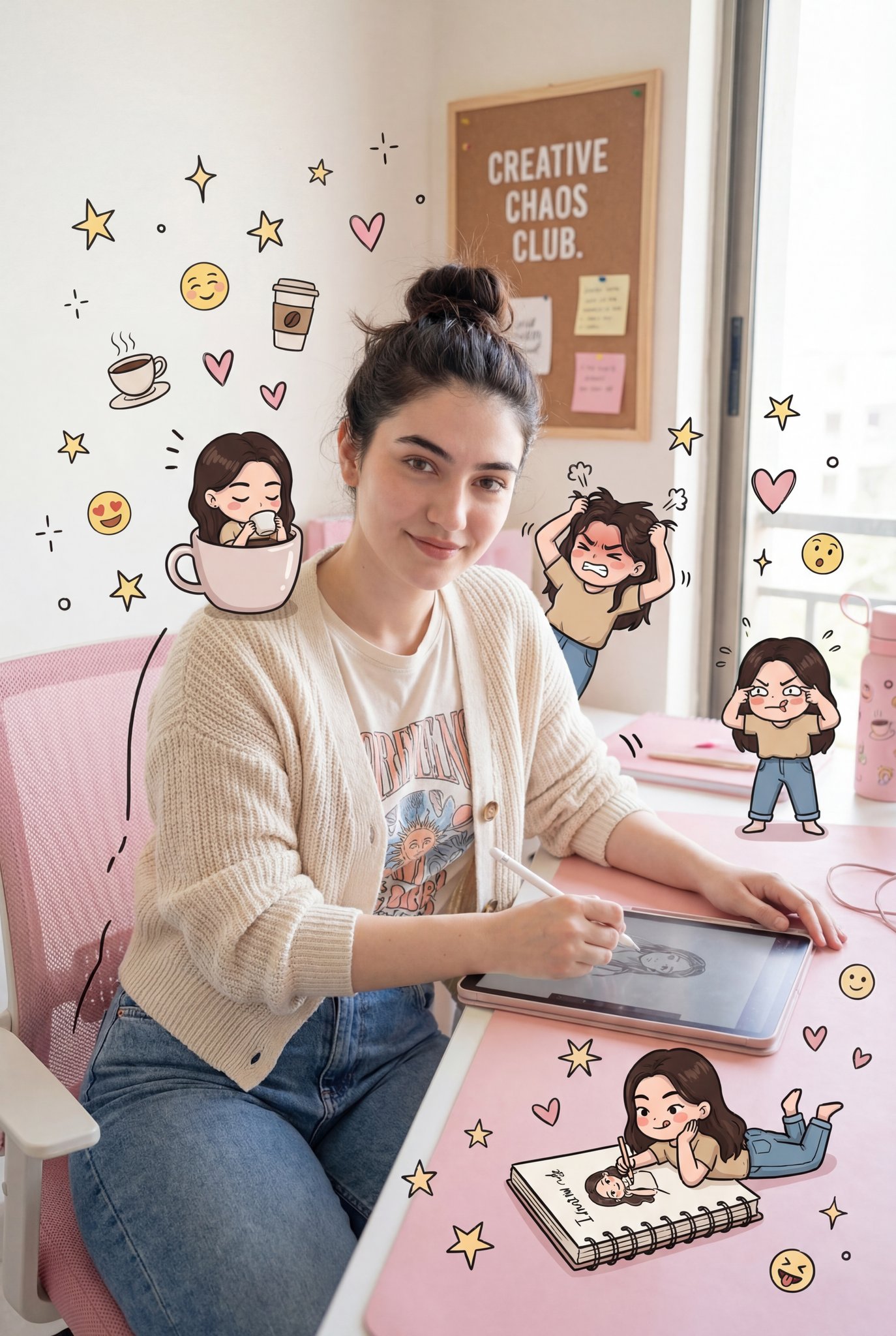
Nano Banana Pro Pink Office Chibi
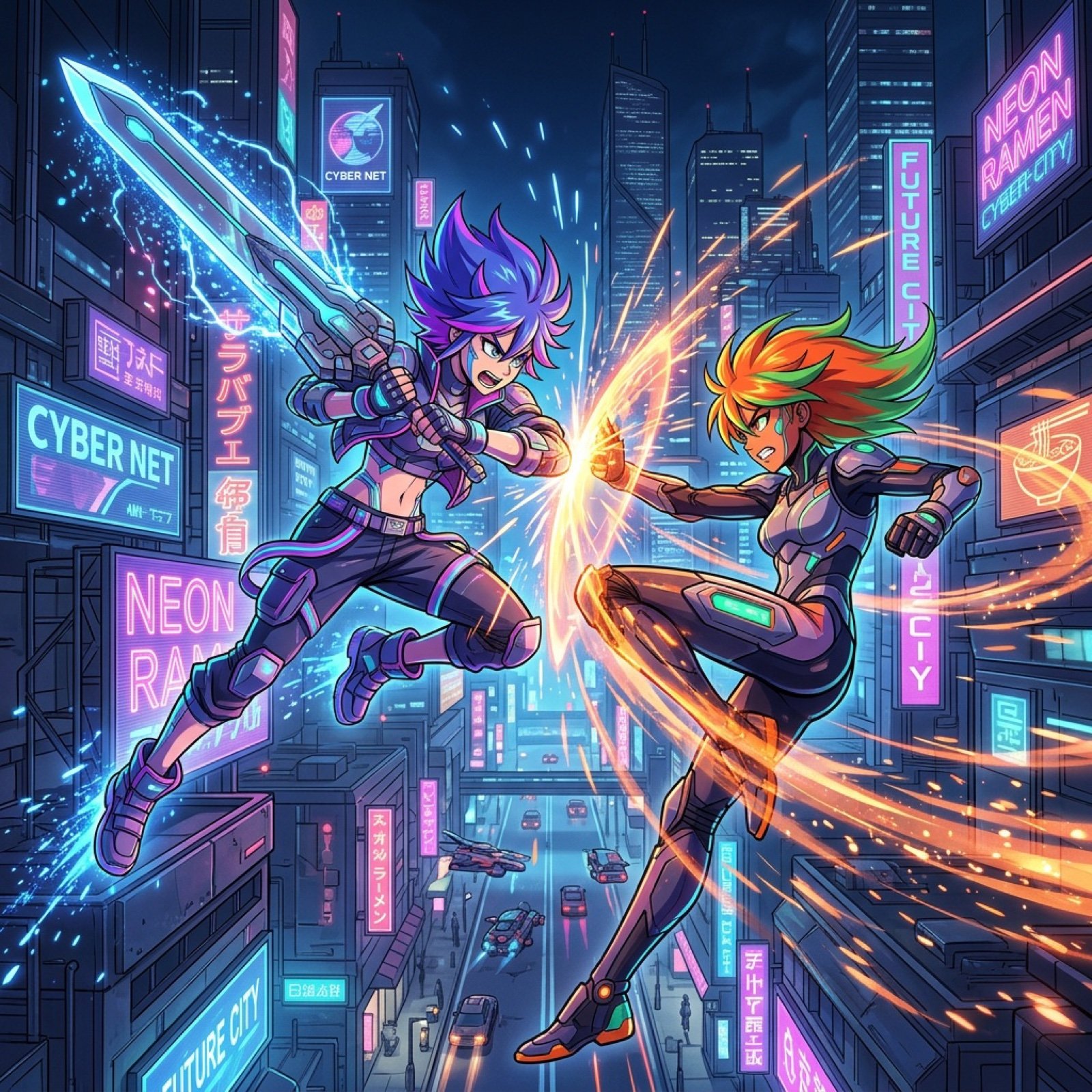
Seedance 2.0 - Anime Girl Fight
Make it yours
Chibi Angel Girls at Sunset works as-is. These are the safest ways to change it without losing the look.
Change one field
Copy a single group, rewrite it, and generate again so you can see what that field is doing.
Keep the frame, change the subject
Hold the composition and light of Chibi Angel Girls at Sunset, then swap wardrobe, props or the person for a new take.
| If the result… | Why | Fix |
|---|---|---|
| The result drifts from the preview | Too many fields changed at once. | Reuse Chibi Angel Girls at Sunset as-is first, then change one group — subject, light, or setting. |
| The model over-stylizes the scene | The prose prompt leaves finish and camera underspecified. | Add one camera or lighting sentence and stay on GPT Image 2. |
More GPT Image 2 templates
Other prompts made for GPT Image 2.

Six VTuber Japanese Logo Sheet

Realistic Portrait of Woman and Deer

The Vista Modular Condo Poster

AI Model Routing Comparison Infographic

2.5D Anime Art Board

Isometric Productivity Desk Scene

New York Double Exposure Poster

Four-Panel AI Landscape Comparison

Japanese Tatami Lifestyle Magazine Cover

NESCAFÉ Coffee Map Poster
More image prompts
Fresh picks from across the catalog.
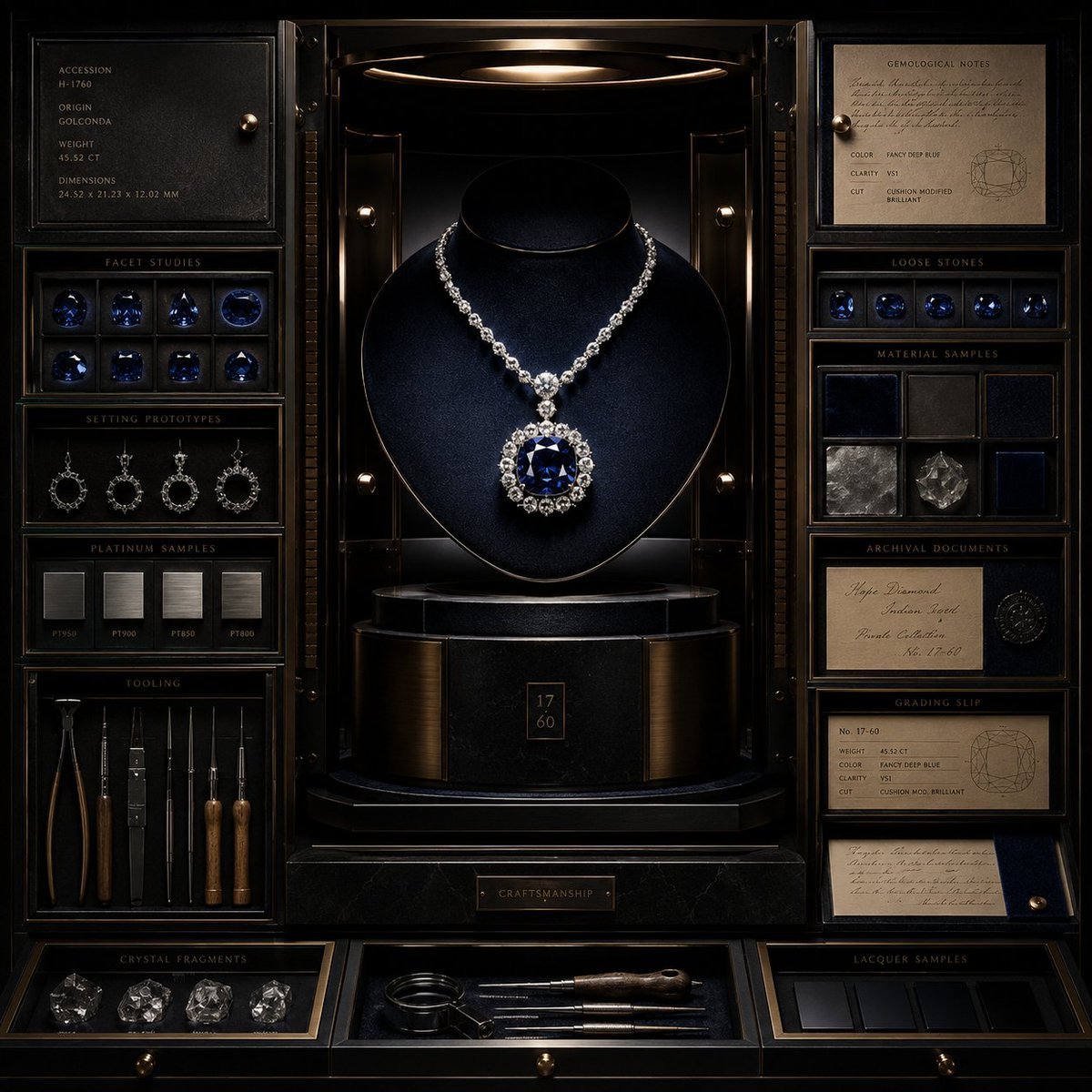
Luxury Jewelry Vault Exhibition
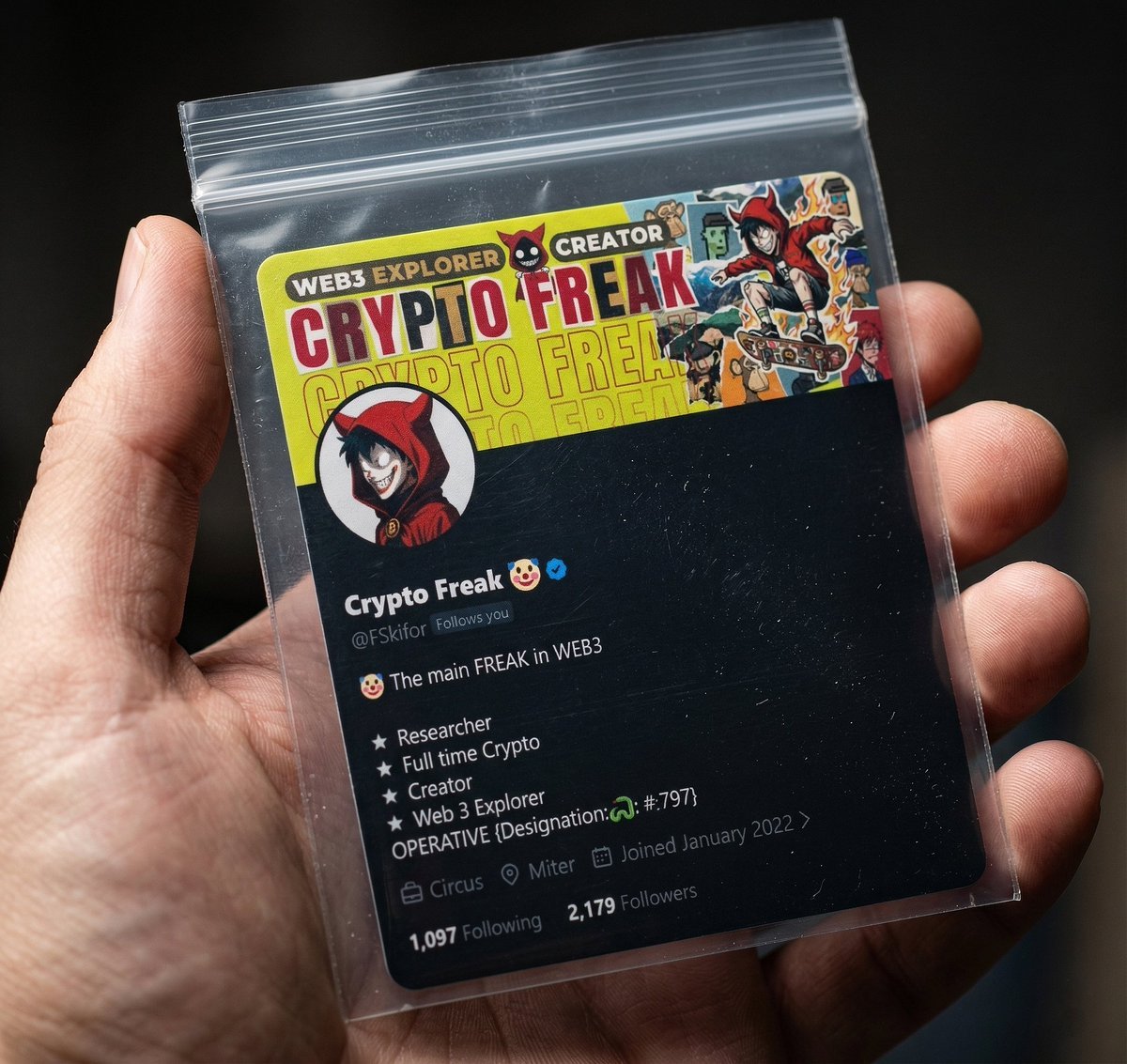
Collectible Card in Zip Bag Macro Photography Prompt
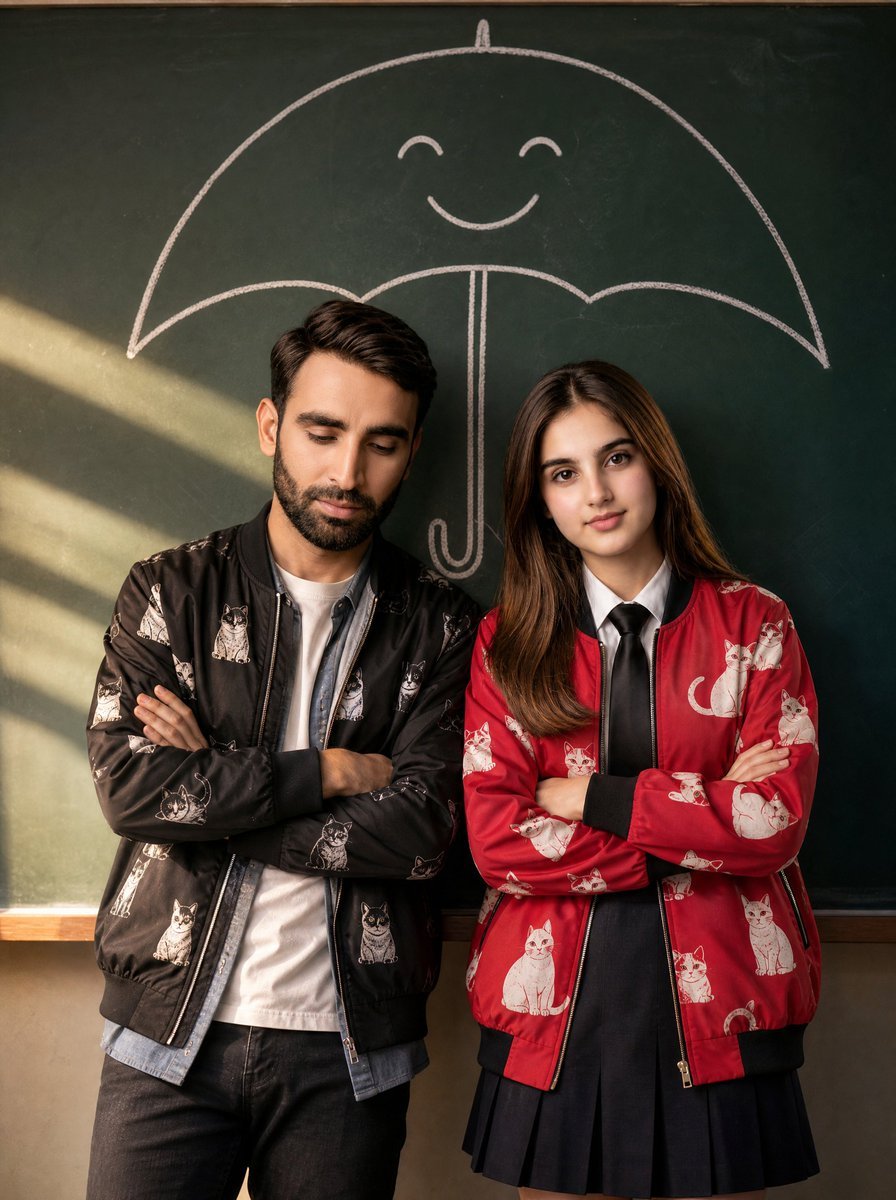
Korean Drama Style Classroom Portrait
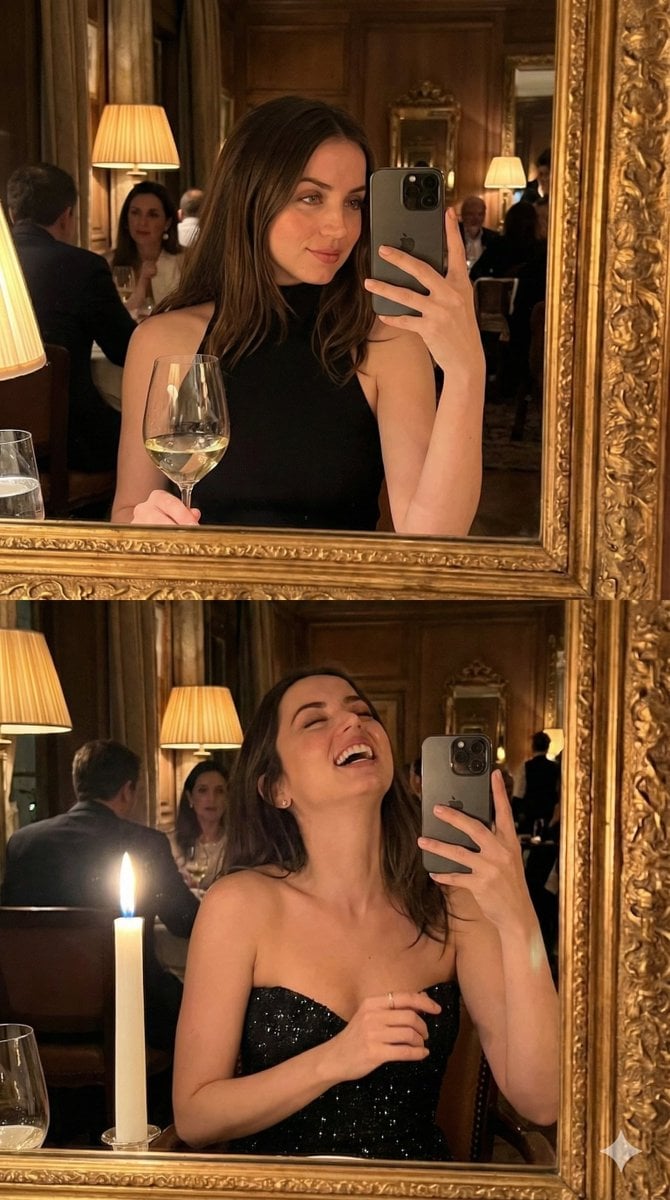
Ultra-Photorealistic Mirror Selfie POV in a Vintage Bistro (Duplicate)
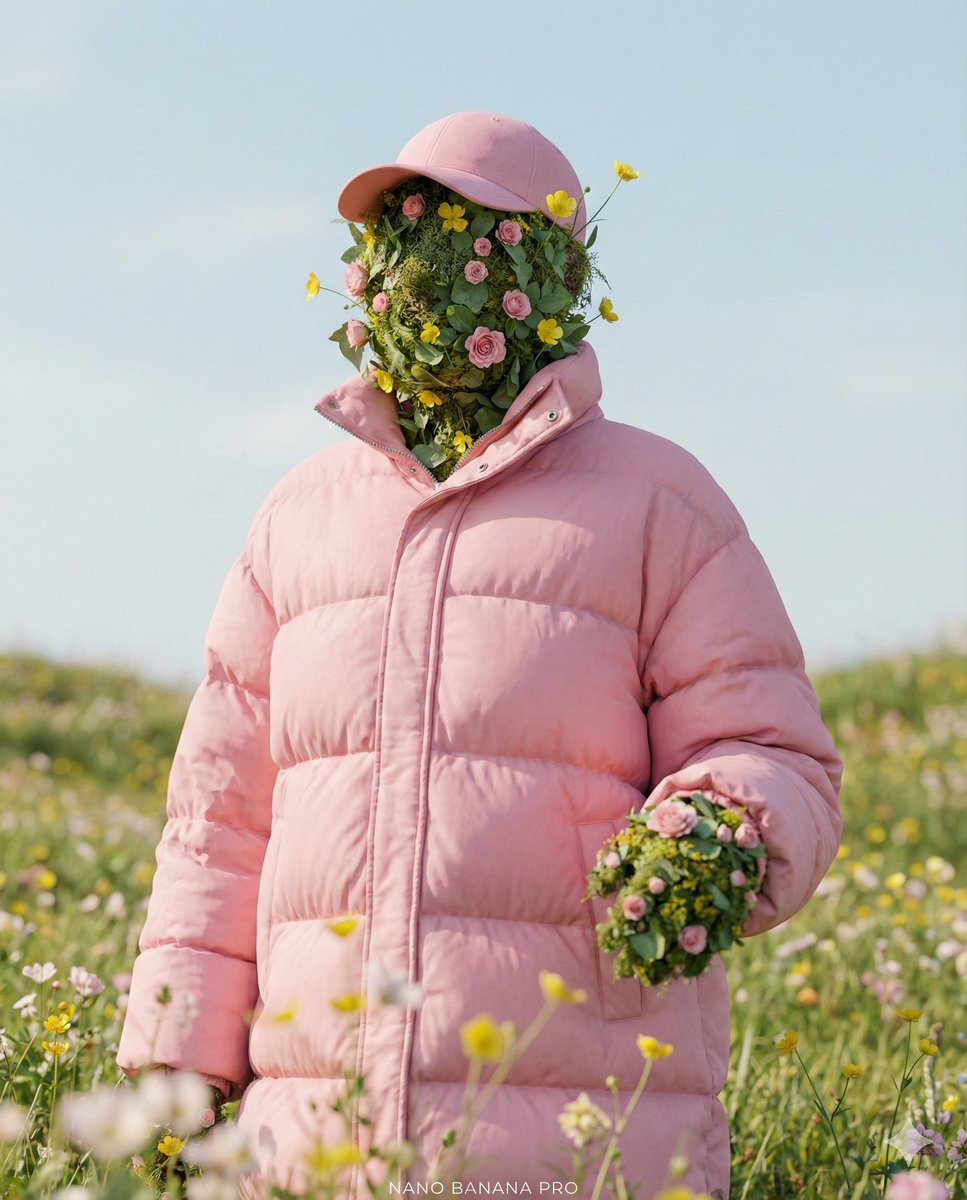
Ultra-Realistic Promotional Image Prompt
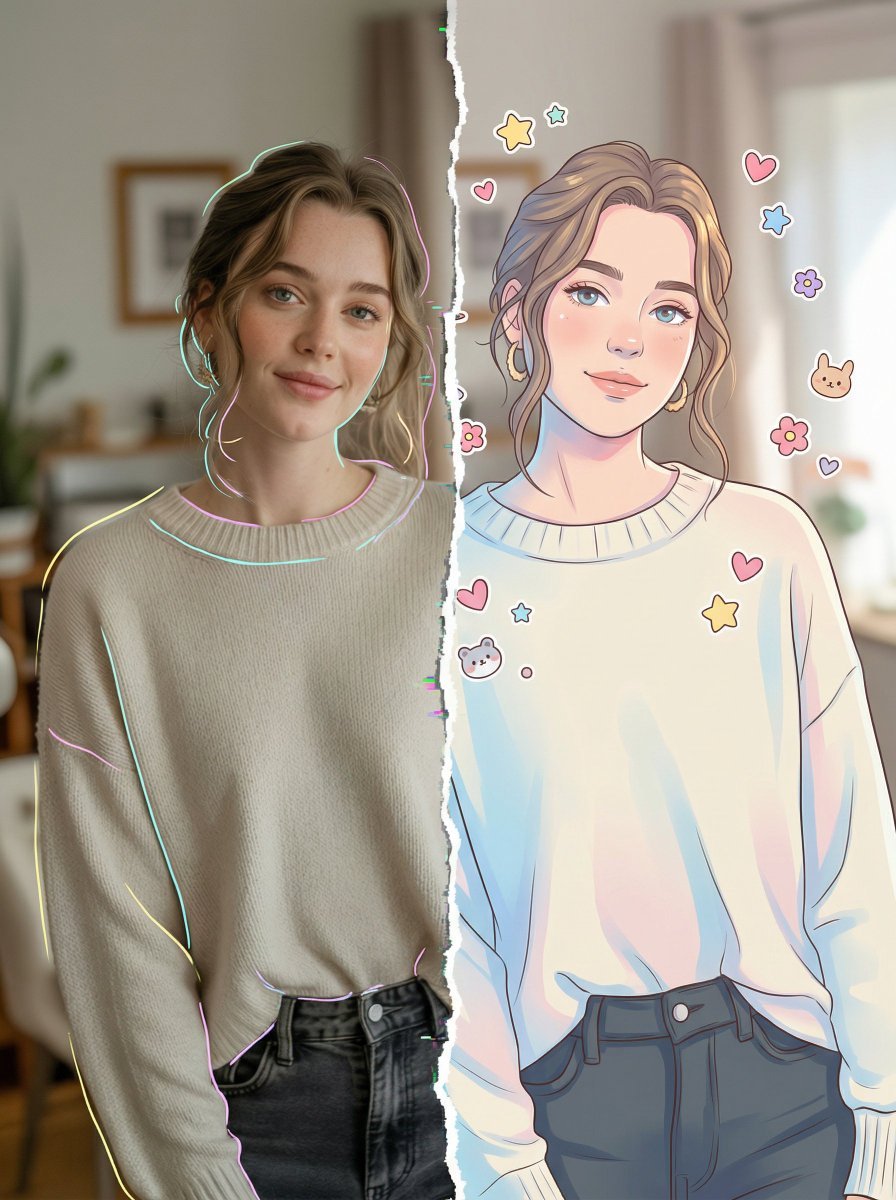
Split-Style Portrait: Photo vs. Digital Illustration
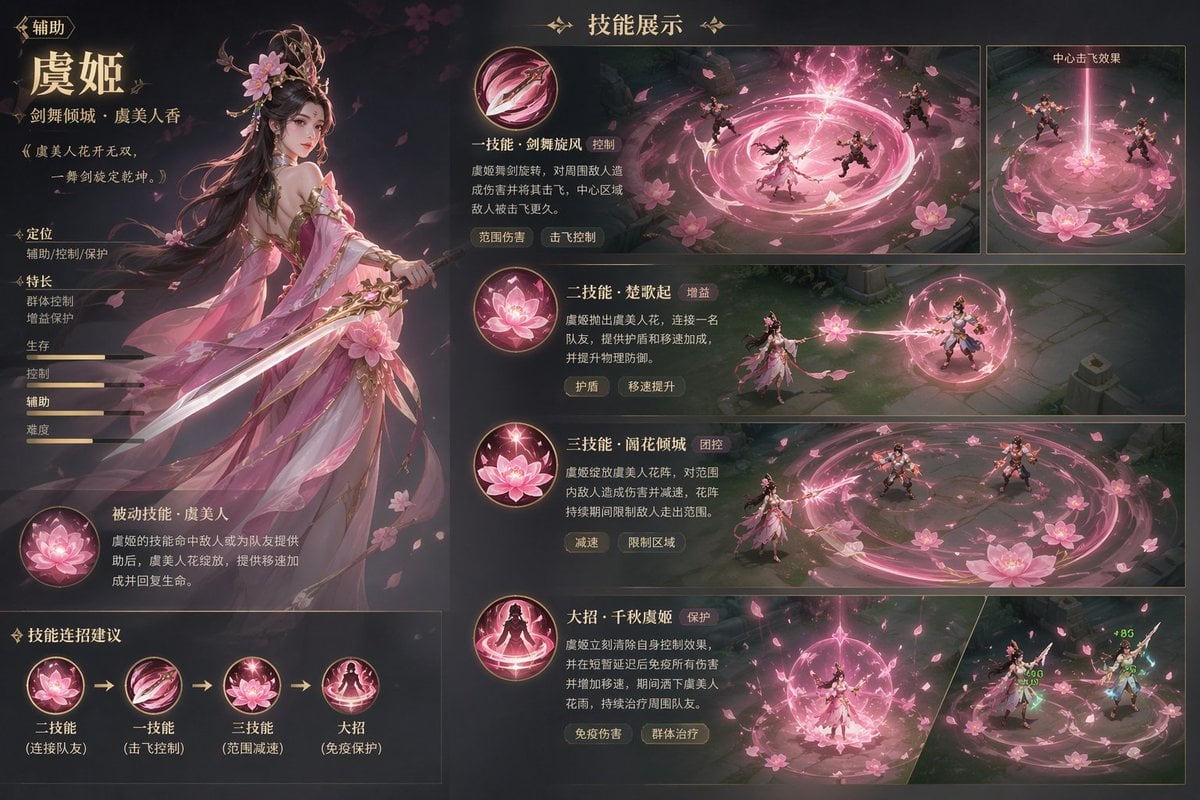
Game character skill concept prompt
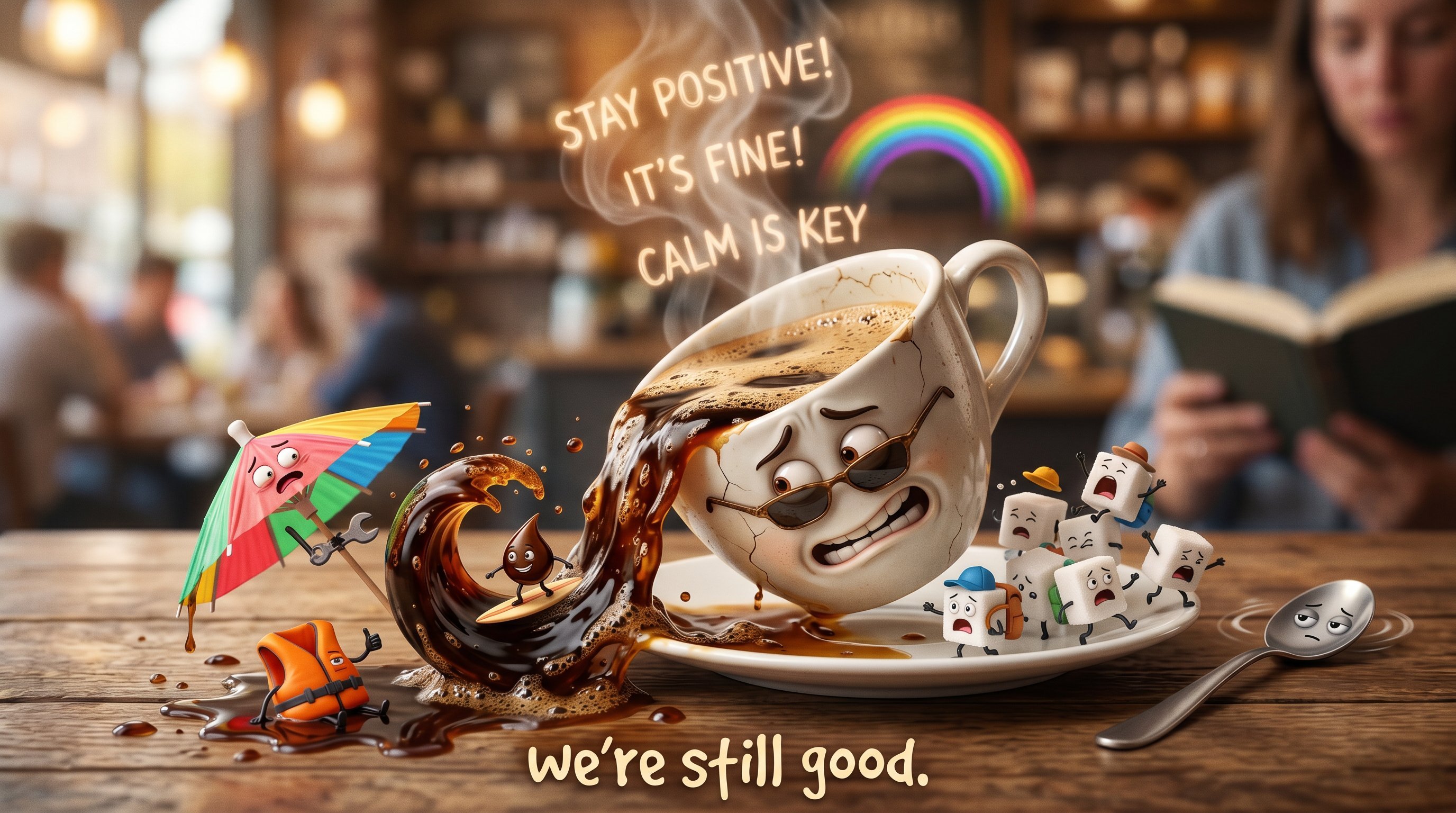
Firefly Pixar Spill — Nano Banana Pro

Energy Drink Advertising Poster
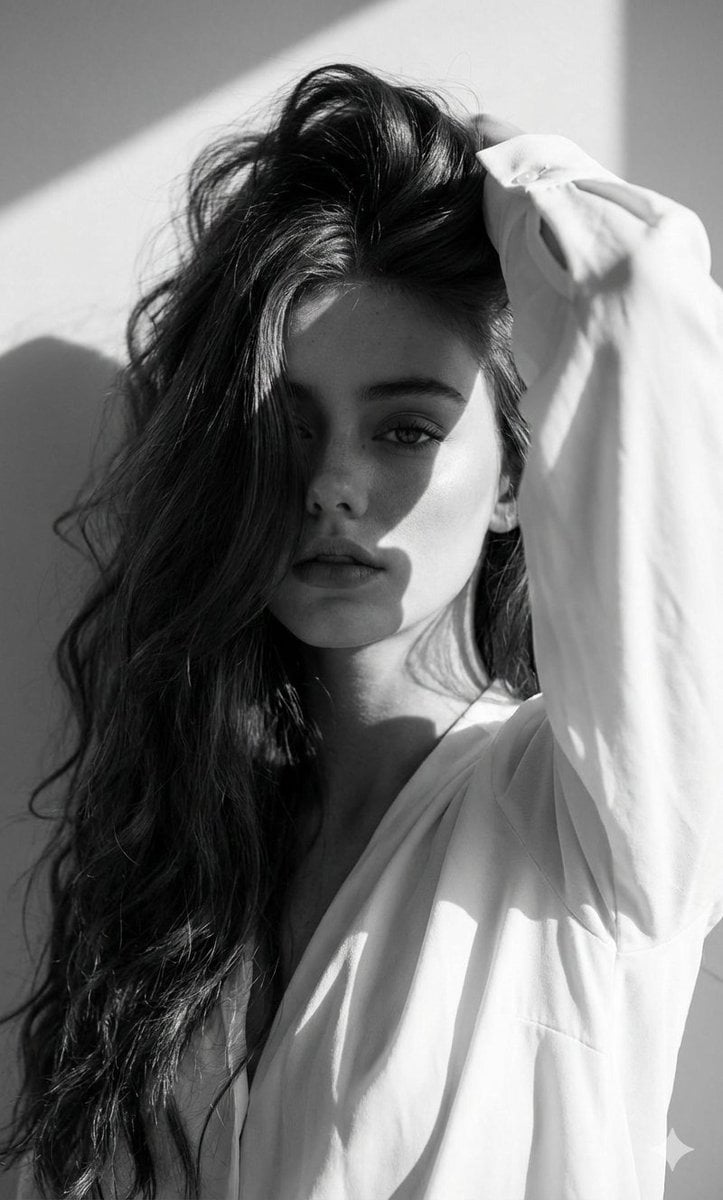
High-Fashion Black and White Editorial Portrait Prompt (Facial Lock)
Browse template categories
Chibi Angel Girls at Sunset questions
How do I use the Chibi Angel Girls at Sunset template?
Add your photo if the template asks for one, edit the prompt if you like — the template's model and format are already selected — and press Generate. Your version opens in PicX Studio.
Can I customize the Chibi Angel Girls at Sunset template?
Yes. You can change the subject, setting, lighting, mood, format, and available model controls before creating your image.
Is the Chibi Angel Girls at Sunset template free?
Opening and editing this template is free. Generating uses credits, shown on the Generate button when you are signed in.
Which AI model should I use?
Start with GPT Image 2, which is the model associated with this template. You can compare another compatible model for a different finish.
Looking for something else? Browse all templates.

Your photo, any look
Thousands of ready templates for every top image and video model, from one credit balance.