How do I use the Moonlit Pixel Art Bath Scene template?
Choose the primary action to open PicX Studio with the available template settings. Review the model and format, personalize the creative direction, and generate when ready.
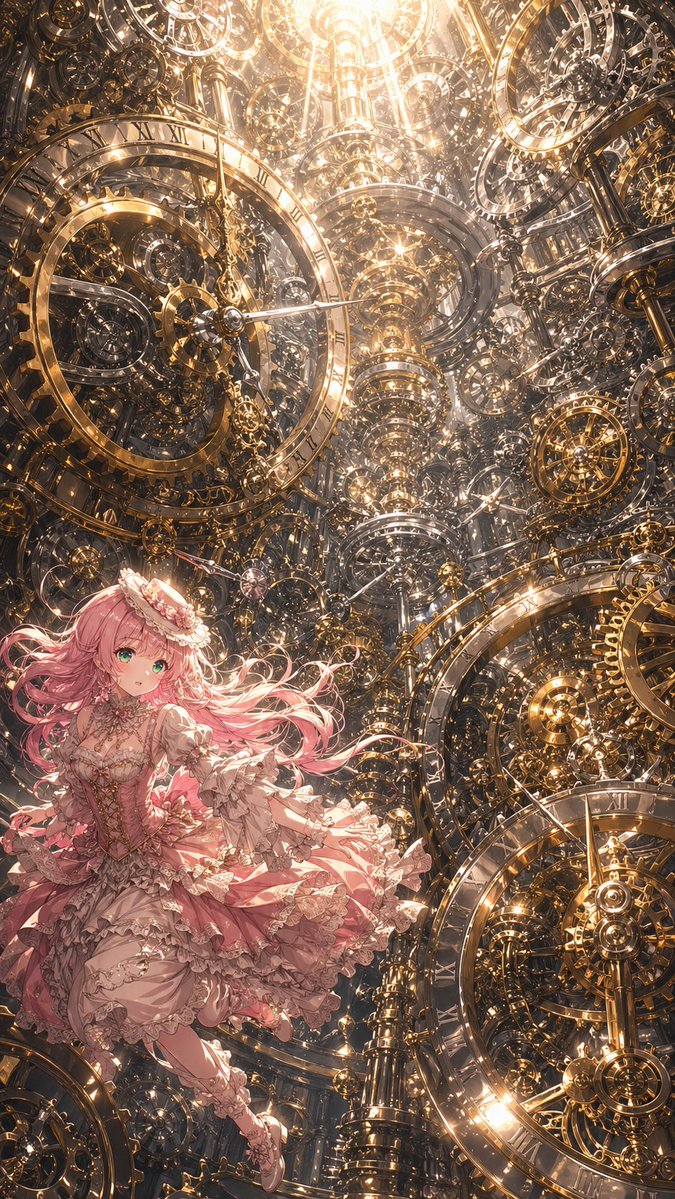
A tasteful pixel-art anime bathroom scene showing a serene woman relaxing in a moonlit bath, useful for nostalgic game-style illustration. Change the subject, setting, or lighting one variable at a time.
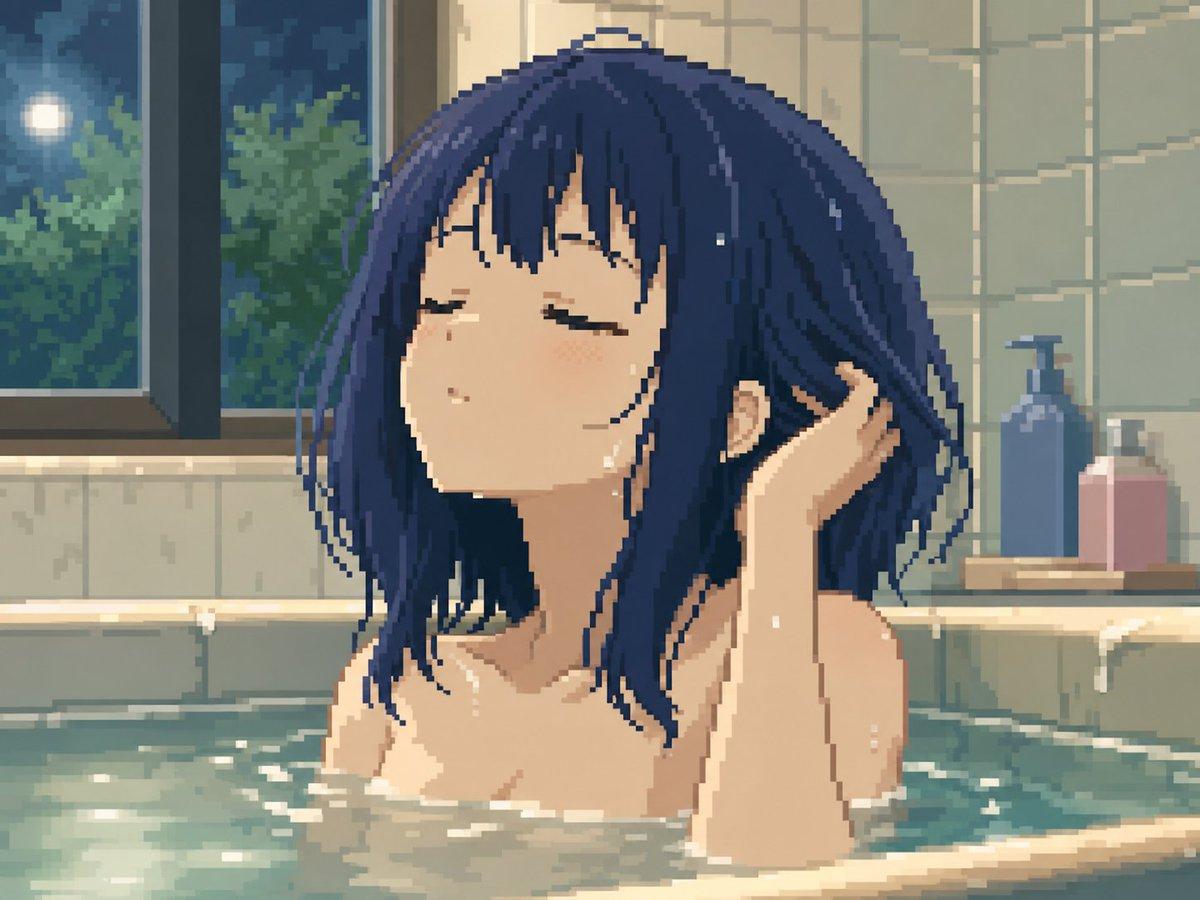
Create a high-quality pixel art anime illustration of a young adult woman relaxing in a bathtub at night. She has {argument name="hair color" default="deep navy blue"} shoulder-length messy bob hair with long strands and bangs, wet and slightly clinging to her face and neck. Her eyes are closed, expression calm and peaceful, head tilted slightly upward, with one hand raised behind her head as if combing through her wet hair. Show only her head, neck, bare shoulders, upper arms, and the top of her chest mostly hidden by opaque bathwater and foam; keep the scene tasteful and non-explicit. The setting is a cozy tiled bathroom with pale green-gray wall tiles, a large dark-framed window on the left showing a moonlit night sky and leafy trees outside, and soft reflections on the glass. On the right rear ledge, include exactly 2 bath bottles: one tall blue pump bottle and one shorter pink rectangular bottle. The bathtub water is muted turquoise with shimmering highlights, small ripples, and scattered white foam along the edges. Use a nostalgic 16-bit / 32-bit pixel art style with visible square pixels, soft dithering, limited color palette, gentle bloom lighting, and warm indoor bathroom illumination mixed with cool blue moonlight. Composition is a close-up bust view centered on the woman, 4:3 landscape canvas, intimate tranquil atmosphere, no text, no watermark, no extra characters.
Choose the primary action to open PicX Studio with the available template settings. Review the model and format, personalize the creative direction, and generate when ready.
Yes. You can change the subject, setting, lighting, mood, format, and available model controls before creating your image.
This template is free to open and customize. Generation usage is shown in PicX Studio before you create.
Start with GPT Image 2, which is the model associated with this template. You can compare another compatible model for a different finish.
© 2026 PicX Studio. All rights reserved.

Follow a topic to a crawlable collection of related PicX Studio templates.
43,474 public templates available. Verified via the PicX Studio public templates API; refreshed hourly.













![Minimalist Flat Vector Travel Poster — Premium minimalist flat-vector travel poster for {argument name="city name" default="[CITY_NAME]"}, 3:4 vertical format.](https://cms-assets.youmind.com/media/1787917359711_3ug846_HQX205cbMAA6F6S-300x400.jpg)























![Snow Globe Christmas Scene Prompt — 超リアルで幻想的なクリスマスシーン、屋外の新雪の上に置かれた巨大な透明スノードーム (高さ1.5m)。
* ドームの中:
* モデル: [参照画像] を使用し、顔、表情、髪型、服装を保持。
* 服装: 参照画像から使用。
*](https://pbs.twimg.com/media/G7vDfLga8AAnYAl.jpg)