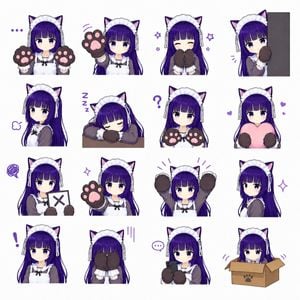
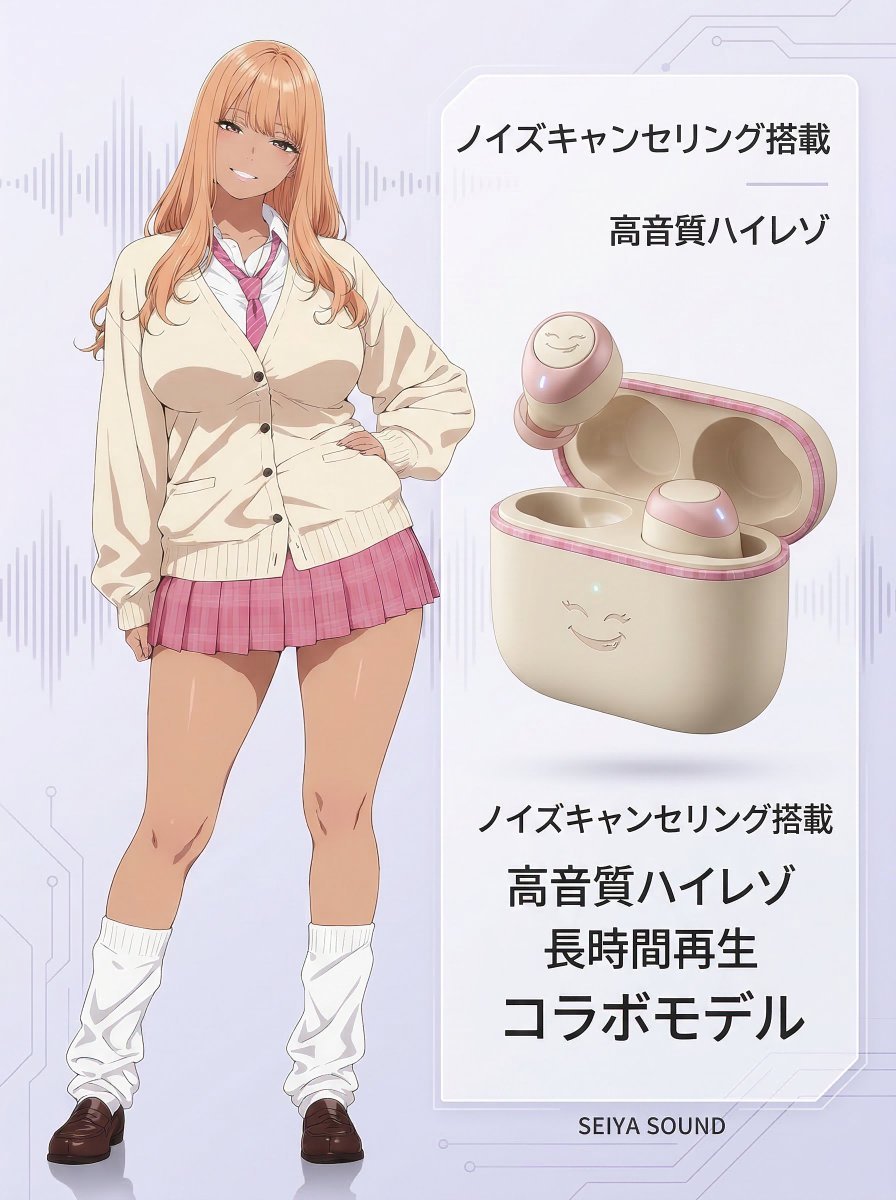
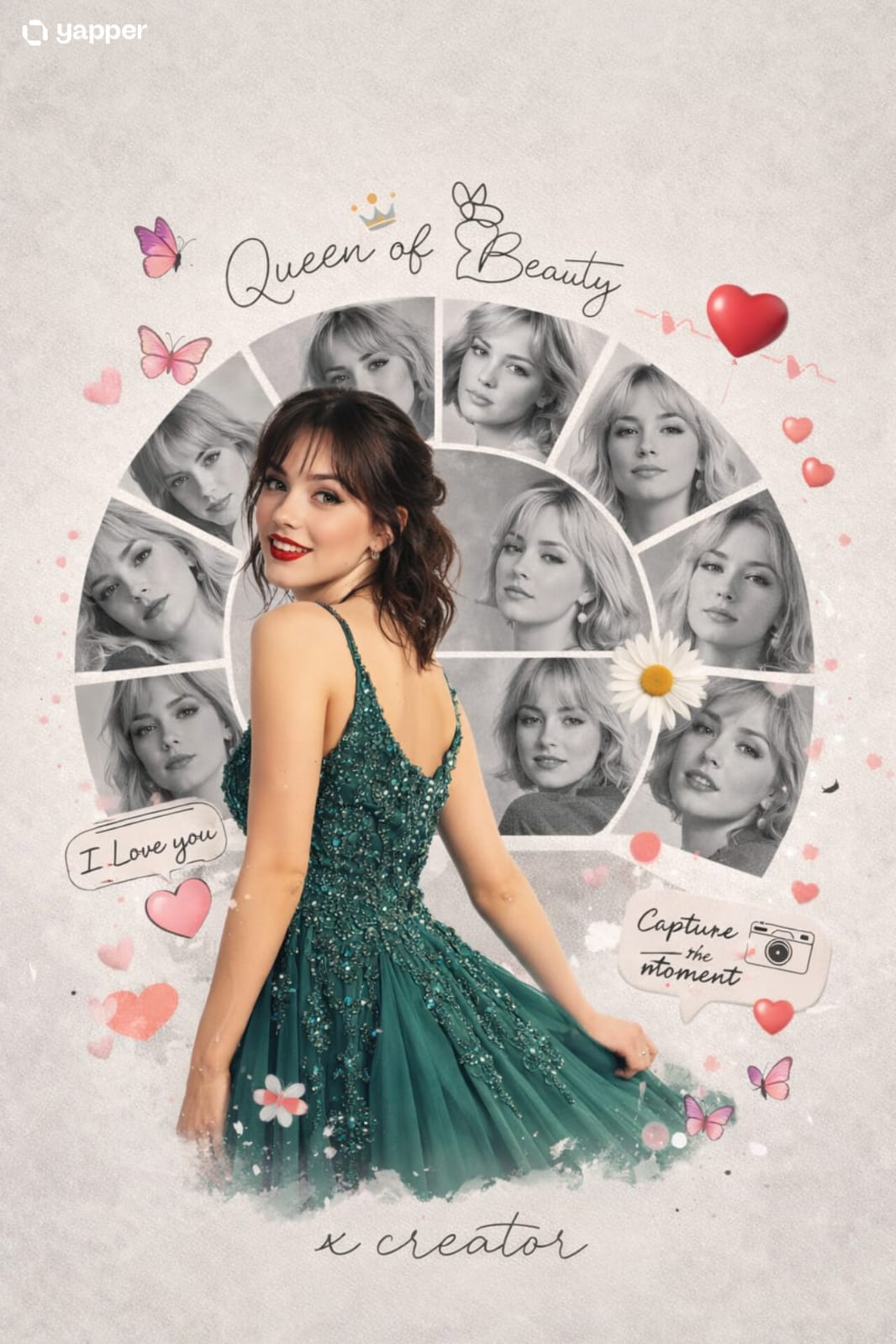
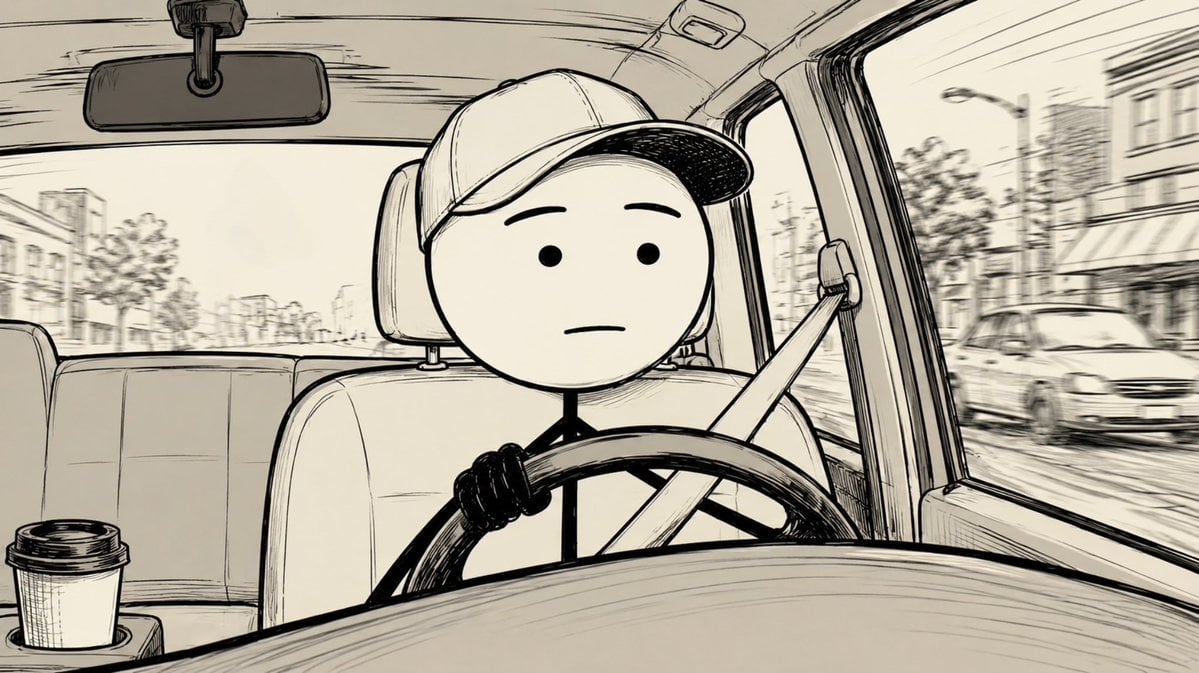
How do I use the Censored Anime Maid Sticker template?
Edit the prompt in the box under the preview — the template's model and format are already selected — and press Generate. Your version appears right on this page.
Generates a square pastel anime sticker of a blue-haired maid-like girl with a censored face and bubbly Japanese text for meme-style use.

This template uses your photo — add one with the + button.
Create a square 1:1 anime-style sticker illustration on a clean white background. On the left, draw a cute young chibi anime girl from the waist up with very long flowing {argument name="hair color" default="pale icy blue"} hair, a small ahoge loop on top, soft black sketch outlines, glossy highlights, and a white short-sleeve blouse with a pale pink skirt or apron. Her face is intentionally obscured by a large centered opaque square censor block in a light gray-to-blue gradient, covering most of the head and upper torso. Add three bright red comic emphasis strokes to the upper left of her head. On the right side, place large bubbly Japanese sticker lettering in a vertical playful layout with thick dark navy outlines and soft highlights: exactly 3 main text groups reading {argument name="top text" default="てみ"} in cyan, {argument name="middle text" default="そその"} in pink, and {argument name="bottom text" default="メイド"} in large pink characters stacked downward. Include exactly 2 small orange plus signs, one near the upper right of the cyan text and one near the lower right of the bottom text. Add a small brown oval accent on the lower pink character. Keep the composition bright, messy-cute, hand-drawn, slightly imperfect, like a low-quality AI-generated anime sticker, with bold outlines, pastel colors, and no extra background details.
Create a square 1:1 anime-style sticker illustration on a clean white background. On the left, draw a cute young chibi anime girl from the waist up with very long flowing {argument name="hair color" default="pale icy blue"} hair, a small ahoge loop on top, soft black sketch outlines, glossy highlights, and a white short-sleeve blouse with a pale pink skirt or apron. Her face is intentionally obscured by a large centered opaque square censor block in a light gray-to-blue gradient, covering most of the head and upper torso. Add three bright red comic emphasis strokes to the upper left of her head. On the right side, place large bubbly Japanese sticker lettering in a vertical playful layout with thick dark navy outlines and soft highlights: exactly 3 main text groups reading {argument name="top text" default="てみ"} in cyan, {argument name="middle text" default="そその"} in pink, and {argument name="bottom text" default="メイド"} in large pink characters stacked downward. Include exactly 2 small orange plus signs, one near the upper right of the cyan text and one near the lower right of the bottom text. Add a small brown oval accent on the lower pink character. Keep the composition bright, messy-cute, hand-drawn, slightly imperfect, like a low-quality AI-generated anime sticker, with bold outlines, pastel colors, and no extra background details.
Edit the prompt in the box under the preview — the template's model and format are already selected — and press Generate. Your version appears right on this page.
Yes. You can change the subject, setting, lighting, mood, format, and available model controls before creating your image.
Opening and editing this template is free. Generating uses credits, shown on the Generate button when you are signed in.
Start with GPT Image 2, which is the model associated with this template. You can compare another compatible model for a different finish.
Follow a topic to a crawlable collection of related PicX Studio templates.