How do I use the Family Photo Paper-Cut Garden Art template?
Edit the prompt in the box under the preview — the template's model and format are already selected — and press Generate. Your version appears right on this page.
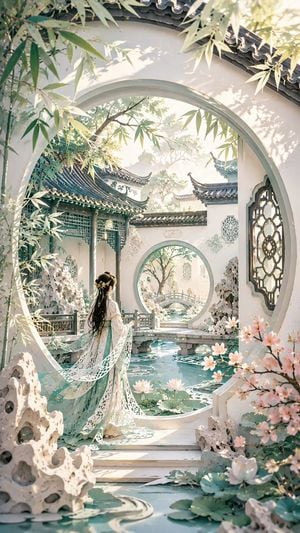
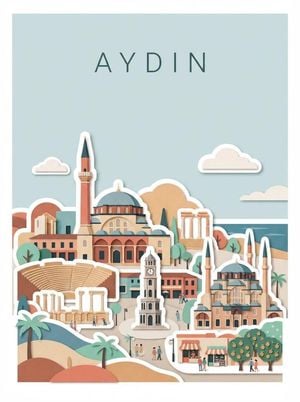
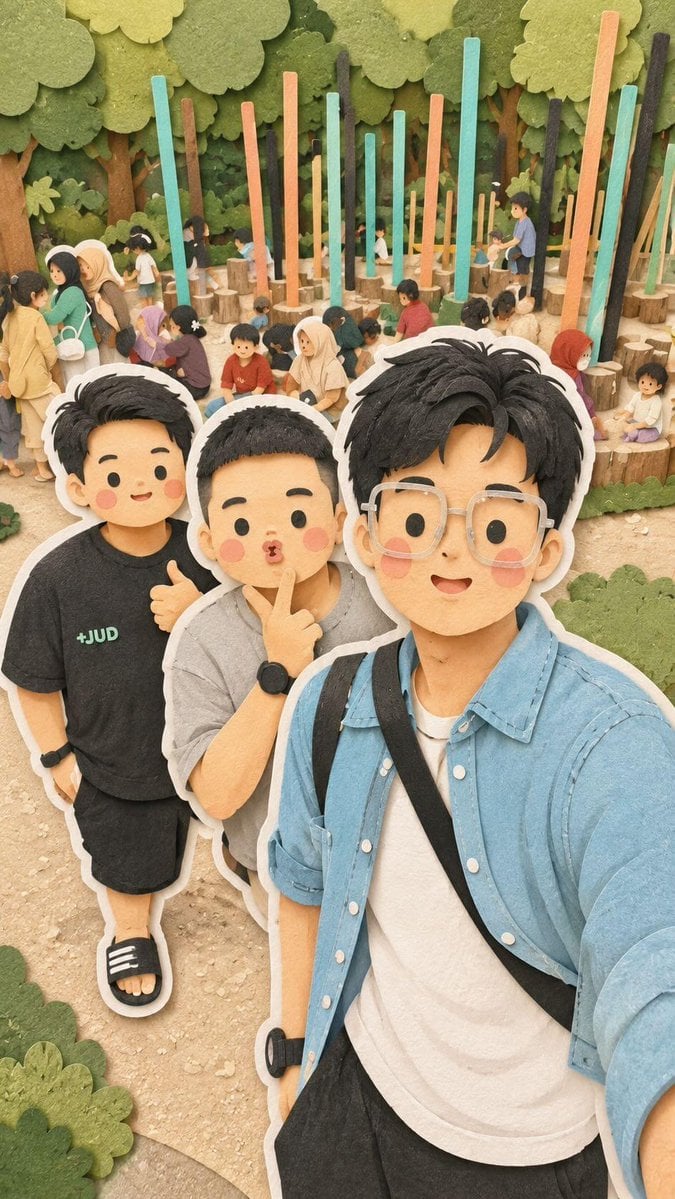
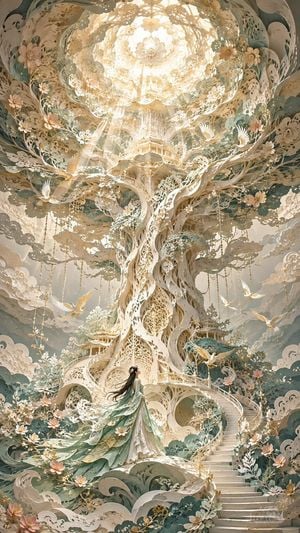
Transforms a family garden portrait into a layered handcrafted paper-cut illustration with whimsical birds, butterflies, and flowers.

This template uses your photo — add one with the + button.
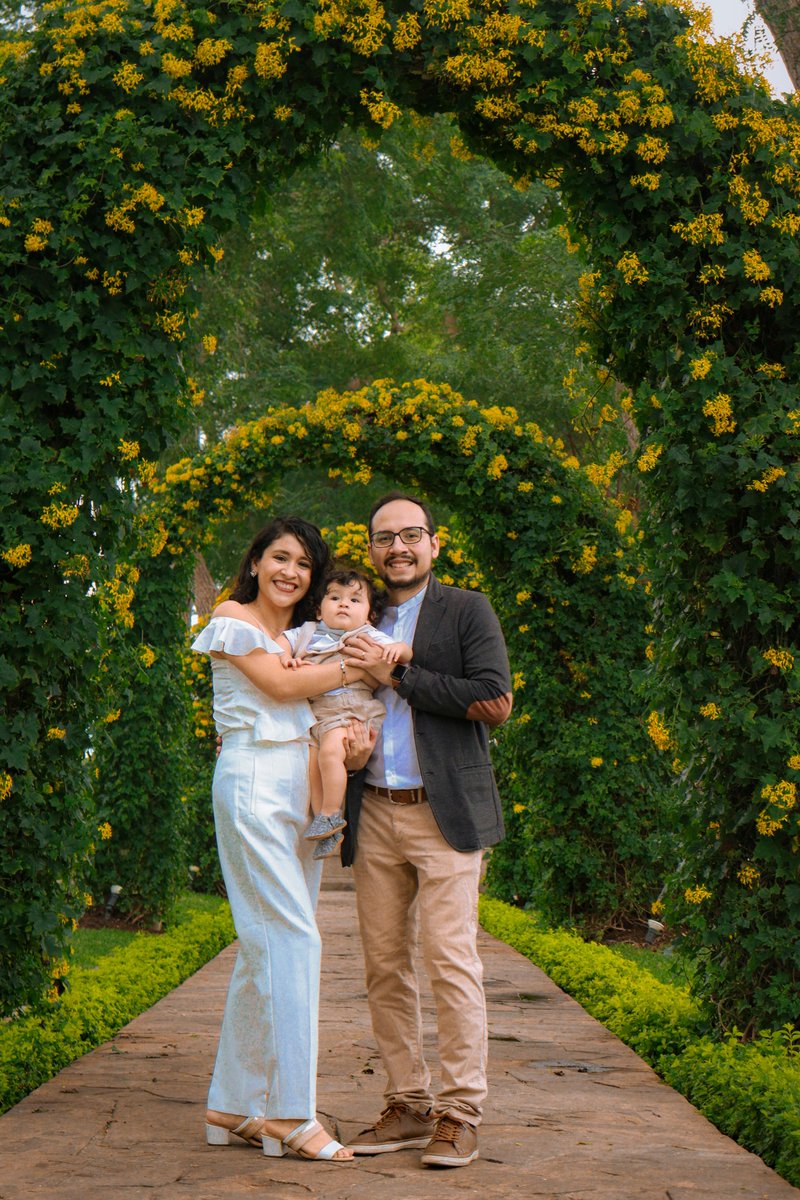
Using the provided reference image, transform the family photo into a handcrafted layered paper-cut illustration. Preserve the same family pose, clothing, proportions, central placement, garden walkway, and repeating leafy arch composition, but convert everything into tactile cut-paper shapes with visible paper fibers, soft shadows between layers, rounded edges, and a nostalgic handmade scrapbook feel. Simplify the foliage into stacked green paper leaves and the yellow arch blossoms into small cut-paper flowers. Add whimsical paper-craft details that were not in the photo: 2 small birds, one yellow bird on the left side of the arch and one blue bird on the upper right; 2 butterflies, one pink near the right side of the family and one purple near the lower left; and colorful oversized foreground paper flowers along both lower edges. Keep the overall portrait orientation, warm natural palette, and cheerful family-photo mood. Style intensity: {argument name="paper cut style" default="highly layered handcrafted paper-cut art"}. Background mood: {argument name="background mood" default="whimsical nostalgic garden"}.
Using the provided reference image, transform the family photo into a handcrafted layered paper-cut illustration. Preserve the same family pose, clothing, proportions, central placement, garden walkway, and repeating leafy arch composition, but convert everything into tactile cut-paper shapes with visible paper fibers, soft shadows between layers, rounded edges, and a nostalgic handmade scrapbook feel. Simplify the foliage into stacked green paper leaves and the yellow arch blossoms into small cut-paper flowers. Add whimsical paper-craft details that were not in the photo: 2 small birds, one yellow bird on the left side of the arch and one blue bird on the upper right; 2 butterflies, one pink near the right side of the family and one purple near the lower left; and colorful oversized foreground paper flowers along both lower edges. Keep the overall portrait orientation, warm natural palette, and cheerful family-photo mood. Style intensity: {argument name="paper cut style" default="highly layered handcrafted paper-cut art"}. Background mood: {argument name="background mood" default="whimsical nostalgic garden"}.
Family Photo Paper-Cut Garden Art needs input media to work. Open it in the studio and these load alongside the prompt — pick whichever ones your chosen model can take.
Edit the prompt in the box under the preview — the template's model and format are already selected — and press Generate. Your version appears right on this page.
Yes. You can change the subject, setting, lighting, mood, format, and available model controls before creating your image.
Opening and editing this template is free. Generating uses credits, shown on the Generate button when you are signed in.
Start with GPT Image 2, which is the model associated with this template. You can compare another compatible model for a different finish.
Follow a topic to a crawlable collection of related PicX Studio templates.