
Moody Hijab Phone Portrait
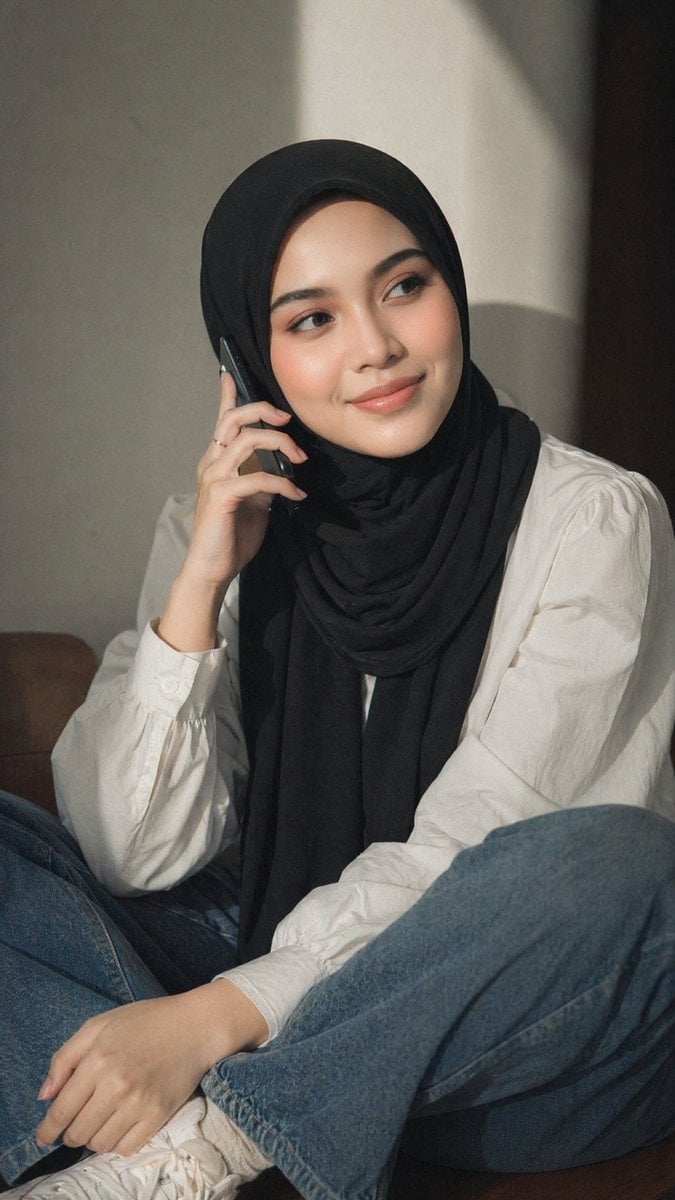
A realistic editorial-style portrait of a hijab-wearing woman sitting casually indoors on a phone call, ideal for modest fashion and lifestyle imagery.
- Prompt included
- Model and format preset
- Free template
The prompt behind this image
Copy the exact prompt behind Moody Hijab Phone Portrait, or open it in the studio and make it yours.
A moody, realistic indoor portrait of a young Muslim woman wearing a {argument name="hijab color" default="black"} hijab, a loose white blouse with slightly puffed sleeves, blue jeans, and white sneakers, seated casually in a dark brown leather armchair. She is posed in a relaxed, editorial way with one knee raised, one hand resting near her ankle, and the other hand holding a smartphone to the side of her face as if on a call. Frame the shot vertically from about mid-shin upward, centered composition, with her body angled slightly toward the camera. Her face is intentionally obscured or softly anonymized, with no detailed facial features visible. Use soft natural window light coming from the upper right, creating gentle shadows across a plain textured beige wall and adding a warm, quiet afternoon atmosphere. Emphasize realistic fabric folds in the draped hijab, crisp cotton texture in the blouse, denim texture, and a calm minimalist lifestyle aesthetic. Muted neutral color palette, shallow depth of field, candid fashion photography style, subtle grain, soft contrast, and an elegant contemporary editorial look.
How to use Moody Hijab Phone Portrait in 3 steps
- 1Upload ImagePNG, JPG or paste
Add your photo
Upload the photo the template builds on. The prompt, model and format are already set.
- 2…a portrait of your subject in softgolden-hour light, 85mm…
Personalize
Edit the subject and creative details for your destination.
- 3Generate
Generate
Press Generate — your image is created in PicX Studio, so you can compare it with the original and refine one variable at a time.
More like this
Templates with the same subject, style or setup. Open one to see its prompt.
Rainy Café Window Moody Portrait

Found Photograph: Us, 1970

80s Couple Studio Portrait

80s Bollywood Star

80s Golden Hour Cinema

Me in 1985

1985 Studio Portrait

Hyper-Realistic Minecraft POV Portrait

Rooftop Fisheye — Cat-Ear Balaclava at Golden Hour
2025 Aesthetic Photography
Nano Banana Is So Addictive
Transformation the Burger Seedance 2 0 a
Make it yours
Moody Hijab Phone Portrait works as-is. These are the safest ways to change it without losing the look.
Change one field
Copy a single group, rewrite it, and generate again so you can see what that field is doing.
Keep the frame, change the subject
Hold the composition and light of Moody Hijab Phone Portrait, then swap wardrobe, props or the person for a new take.
| If the result… | Why | Fix |
|---|---|---|
| The result drifts from the preview | Too many fields changed at once. | Reuse Moody Hijab Phone Portrait as-is first, then change one group — subject, light, or setting. |
| The model over-stylizes the scene | The prose prompt leaves finish and camera underspecified. | Add one camera or lighting sentence and stay on GPT Image 2. |
More GPT Image 2 templates
Other prompts made for GPT Image 2.

Six VTuber Japanese Logo Sheet

Realistic Portrait of Woman and Deer

The Vista Modular Condo Poster

AI Model Routing Comparison Infographic

2.5D Anime Art Board

Isometric Productivity Desk Scene

New York Double Exposure Poster

Four-Panel AI Landscape Comparison

Japanese Tatami Lifestyle Magazine Cover

NESCAFÉ Coffee Map Poster
More image prompts
Fresh picks from across the catalog.
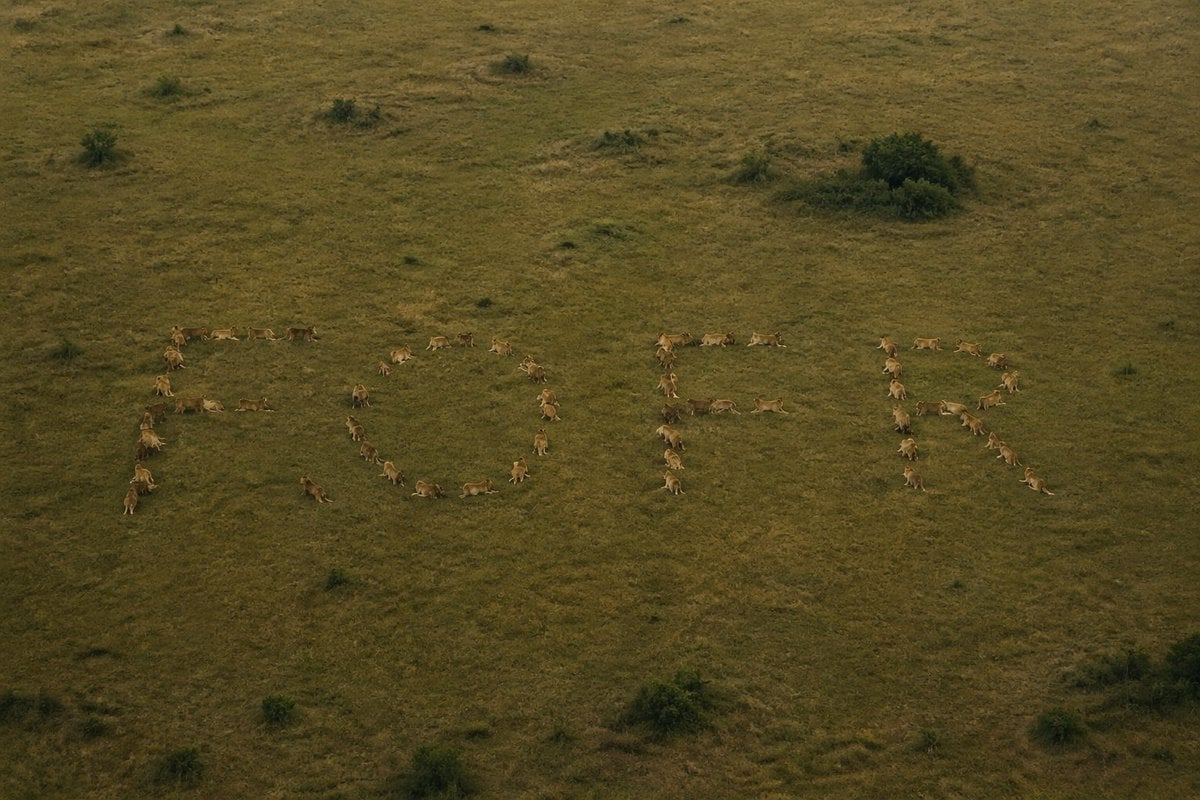
Hidden Word Optical Illusion Prompt

Anime Friends Eating Soba
Simple Dialogue with Emojis for Affectionate Exchange
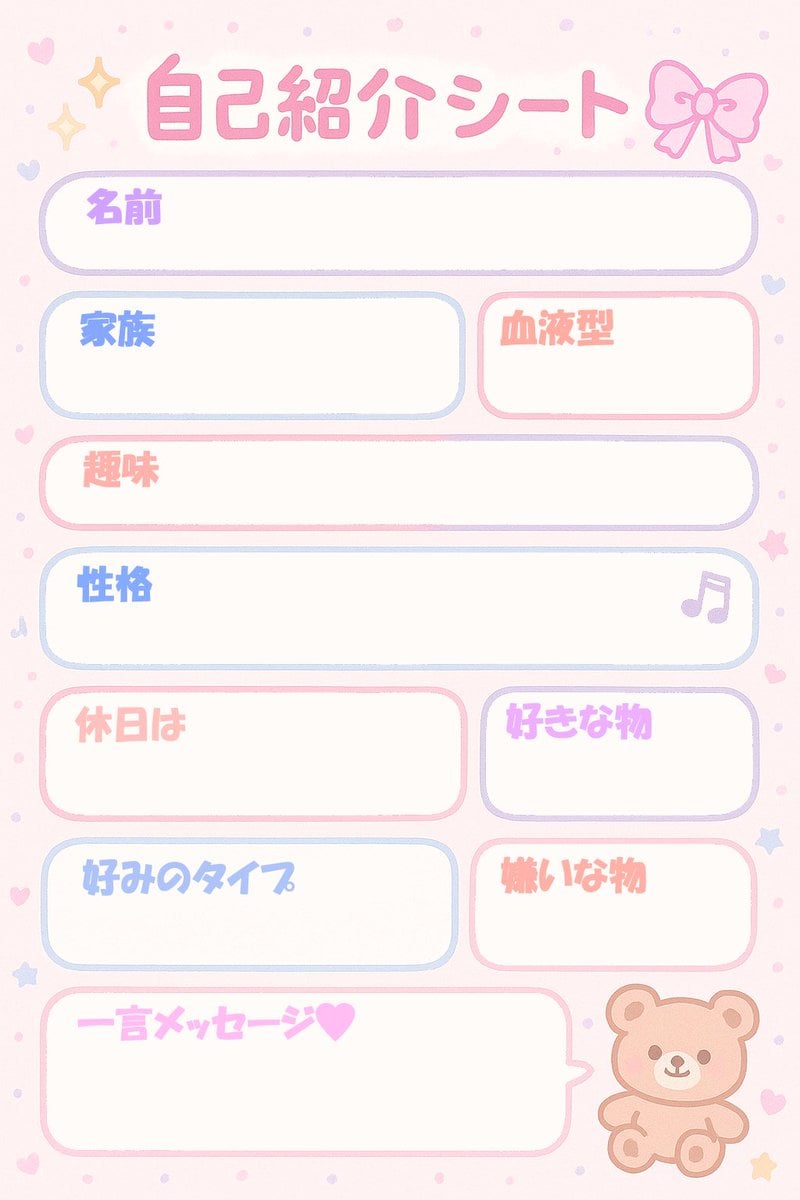
Self-Introduction Sheet Generation Prompt for Nano Banana Pro
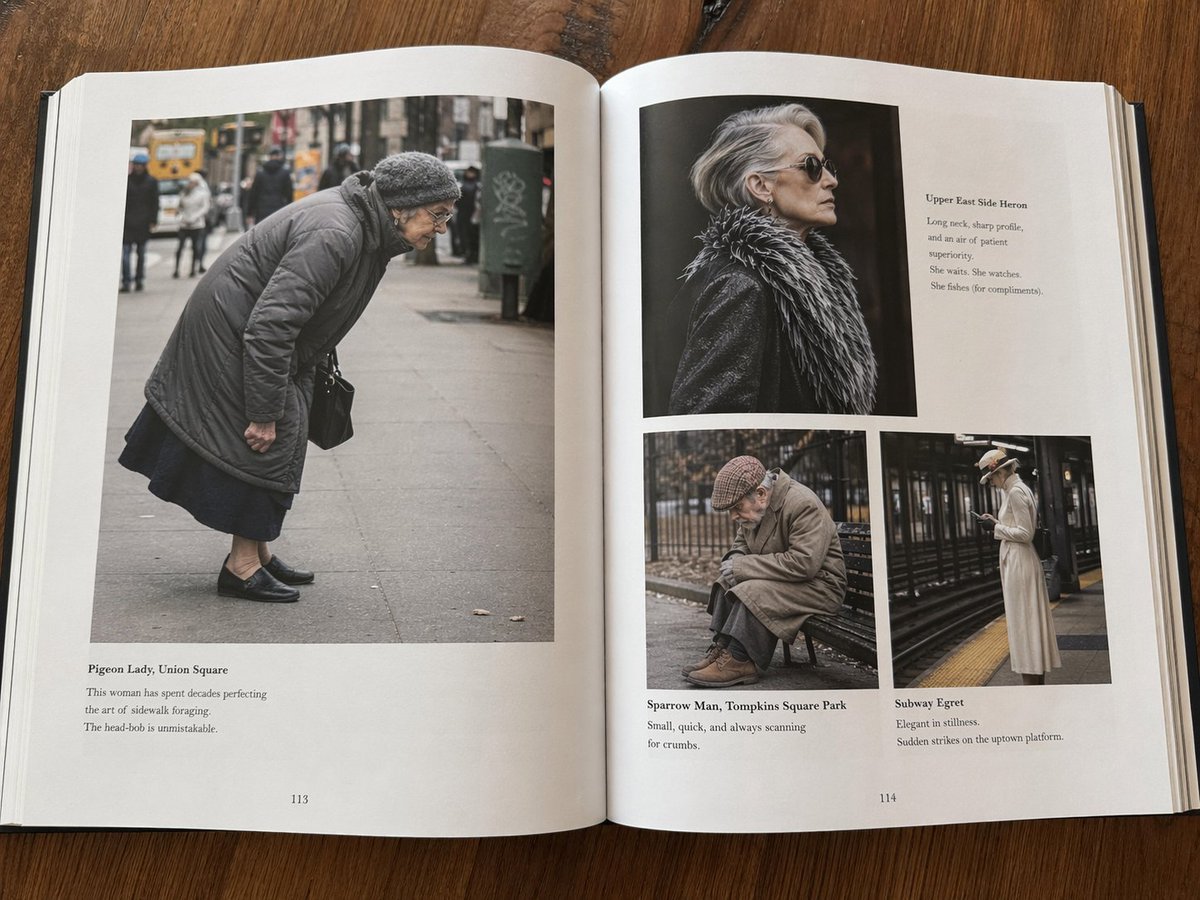
Fictional Book Page Excerpts
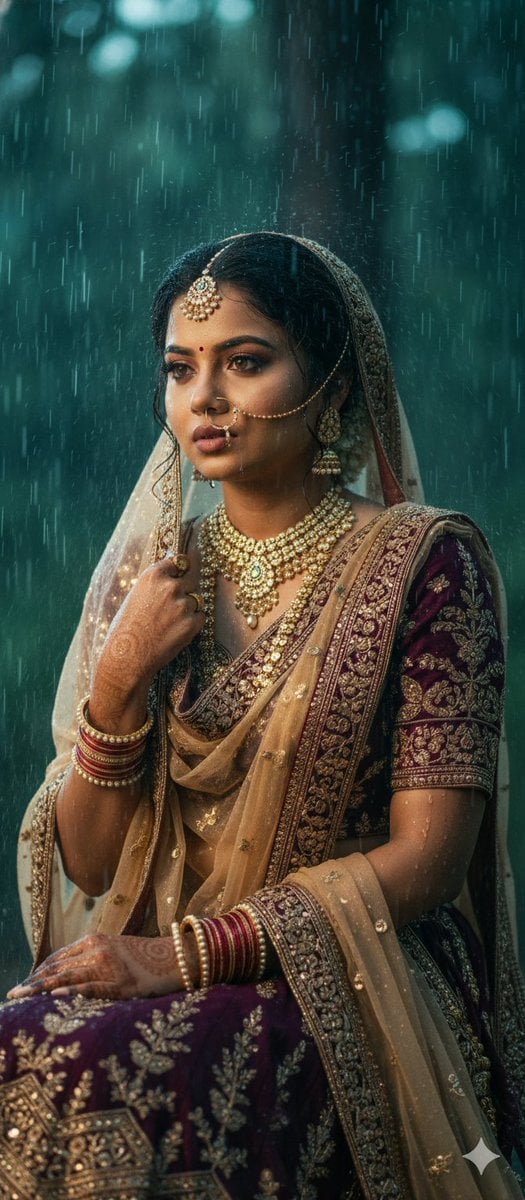
Kollywood Cinematic Film Post Photo Prompt

Static Image Generation from Anime Prompt
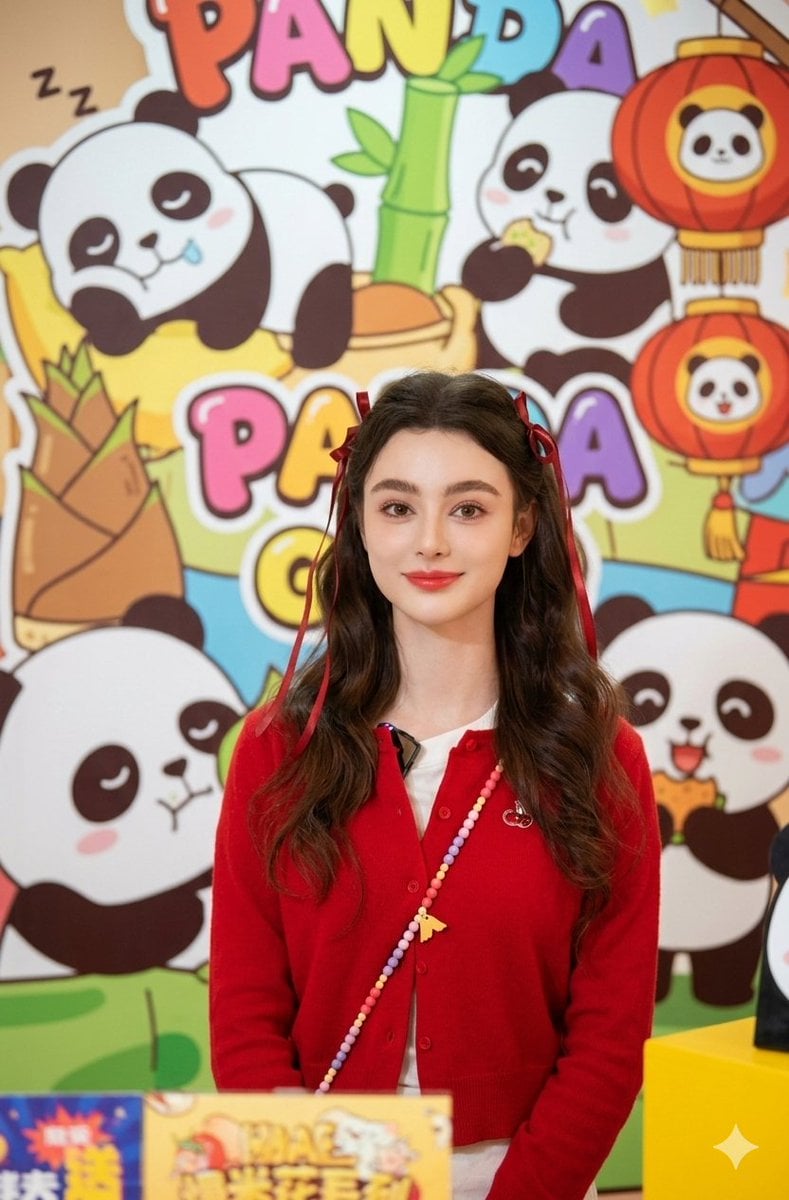
Portrait of Dasha Taran in Kawaii Fashion

Loch Ness Monster Visual Description and Generation

MS Paint Selfie Doodle
Browse template categories
Moody Hijab Phone Portrait questions
How do I use the Moody Hijab Phone Portrait template?
Add your photo if the template asks for one, edit the prompt if you like — the template's model and format are already selected — and press Generate. Your version opens in PicX Studio.
Can I customize the Moody Hijab Phone Portrait template?
Yes. You can change the subject, setting, lighting, mood, format, and available model controls before creating your image.
Is the Moody Hijab Phone Portrait template free?
Opening and editing this template is free. Generating uses credits, shown on the Generate button when you are signed in.
Which AI model should I use?
Start with GPT Image 2, which is the model associated with this template. You can compare another compatible model for a different finish.
Looking for something else? Browse all templates.

Your photo, any look
Thousands of ready templates for every top image and video model, from one credit balance.