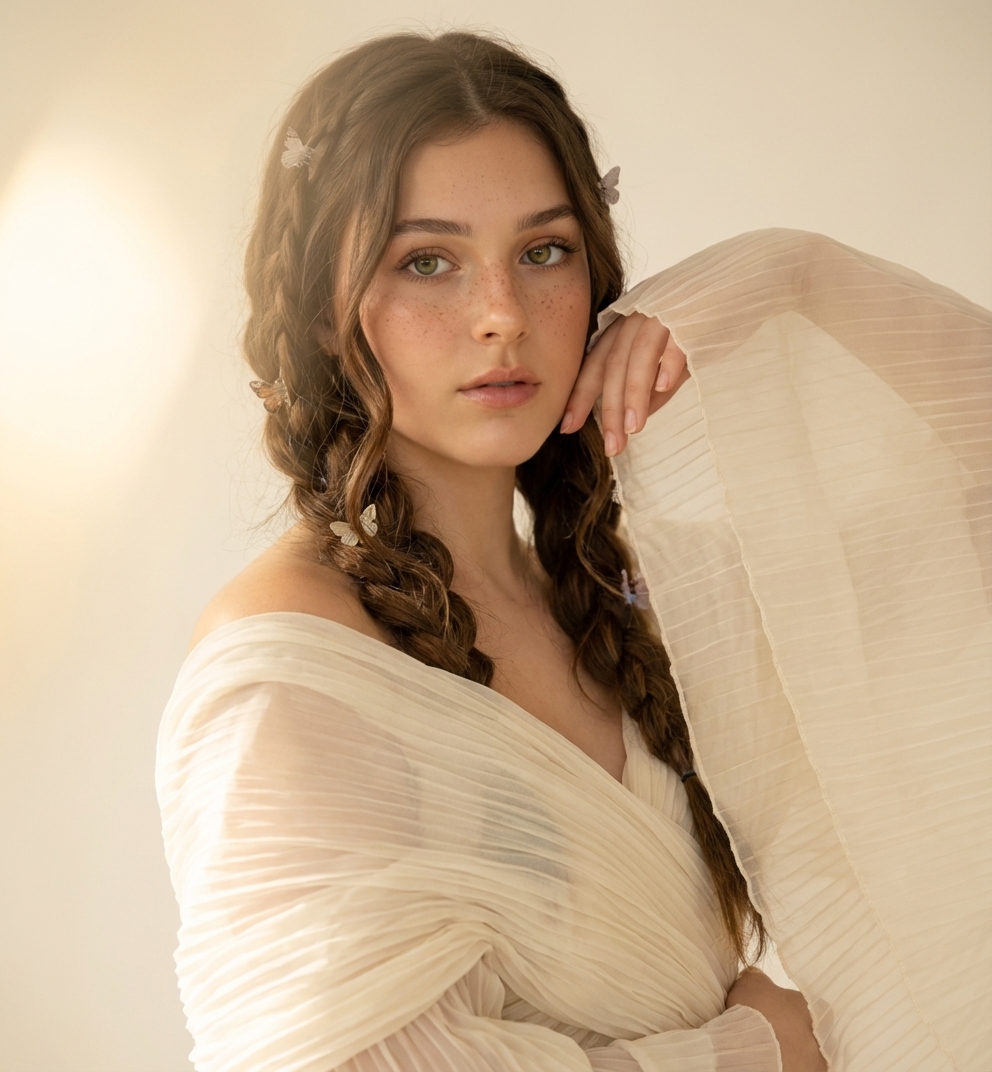
🎁
🎄
🎅
🎁
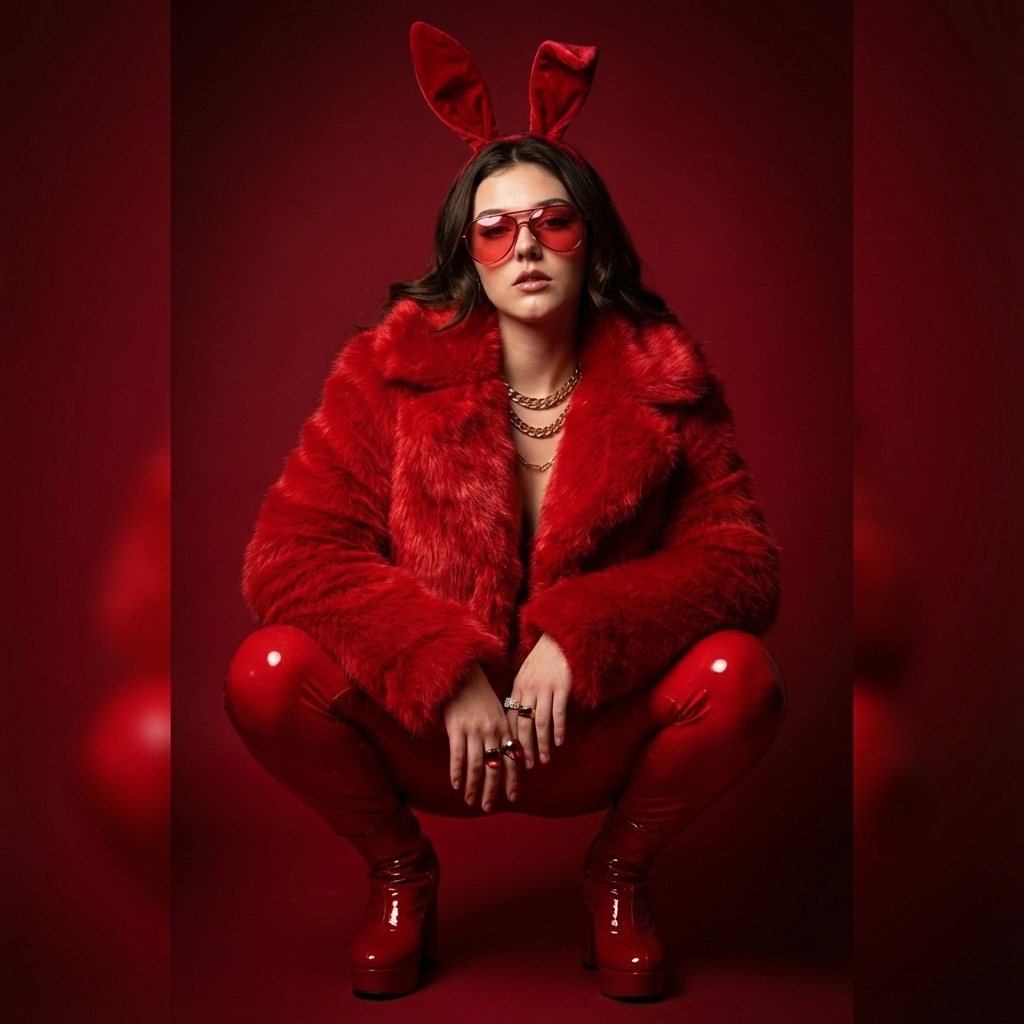
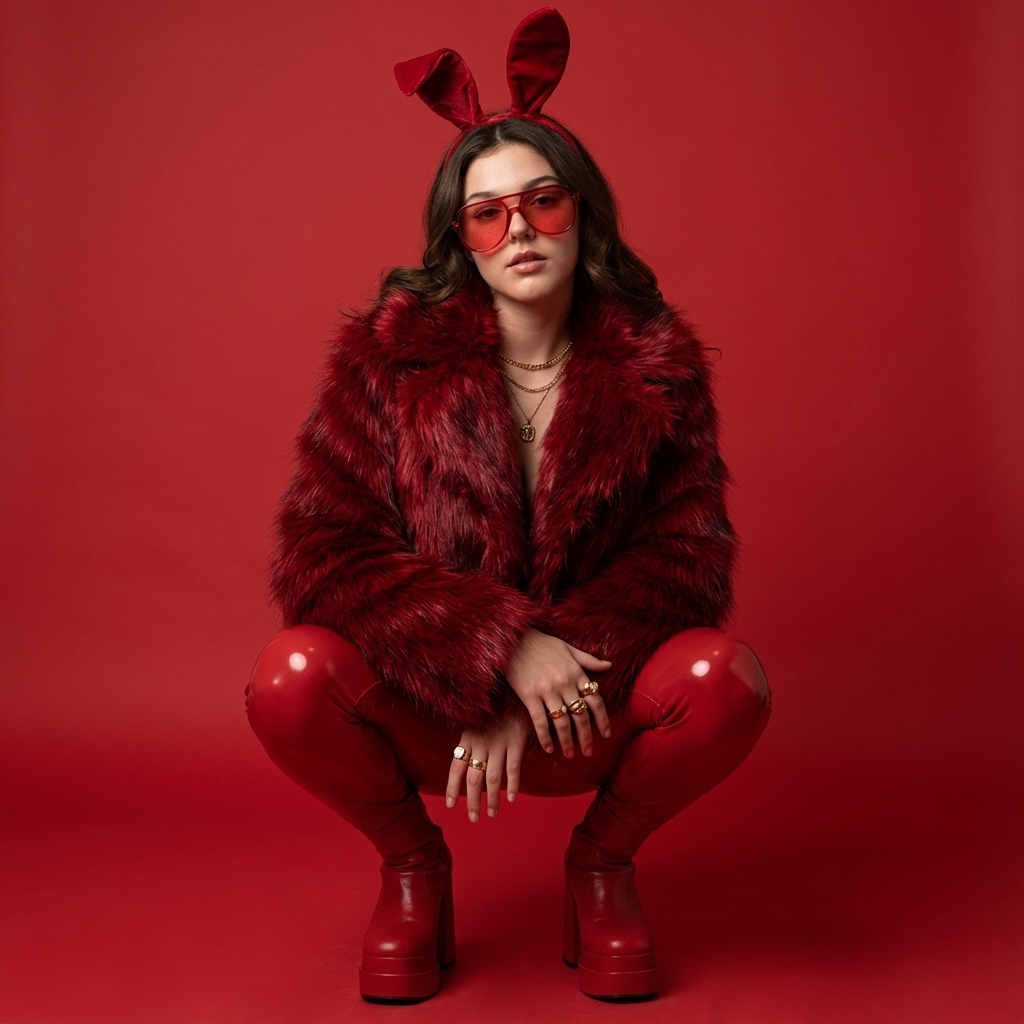
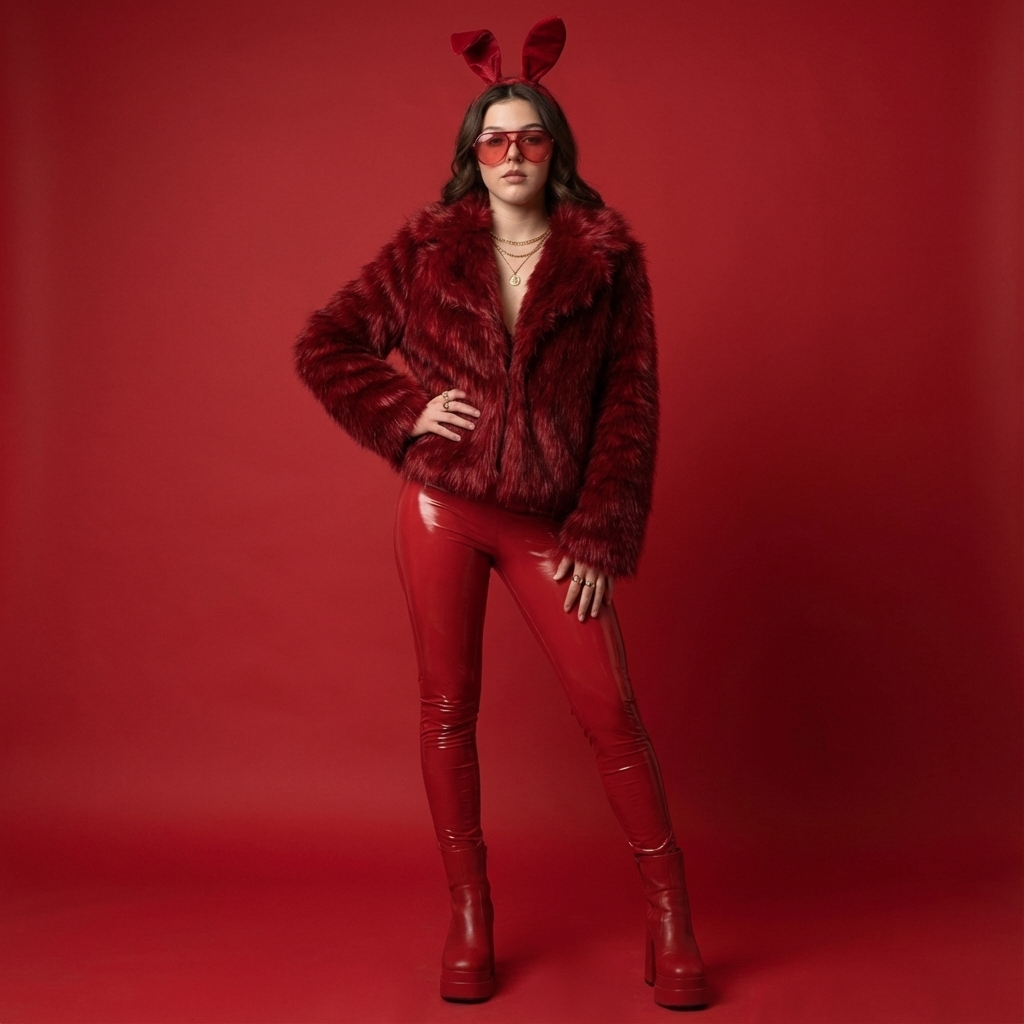
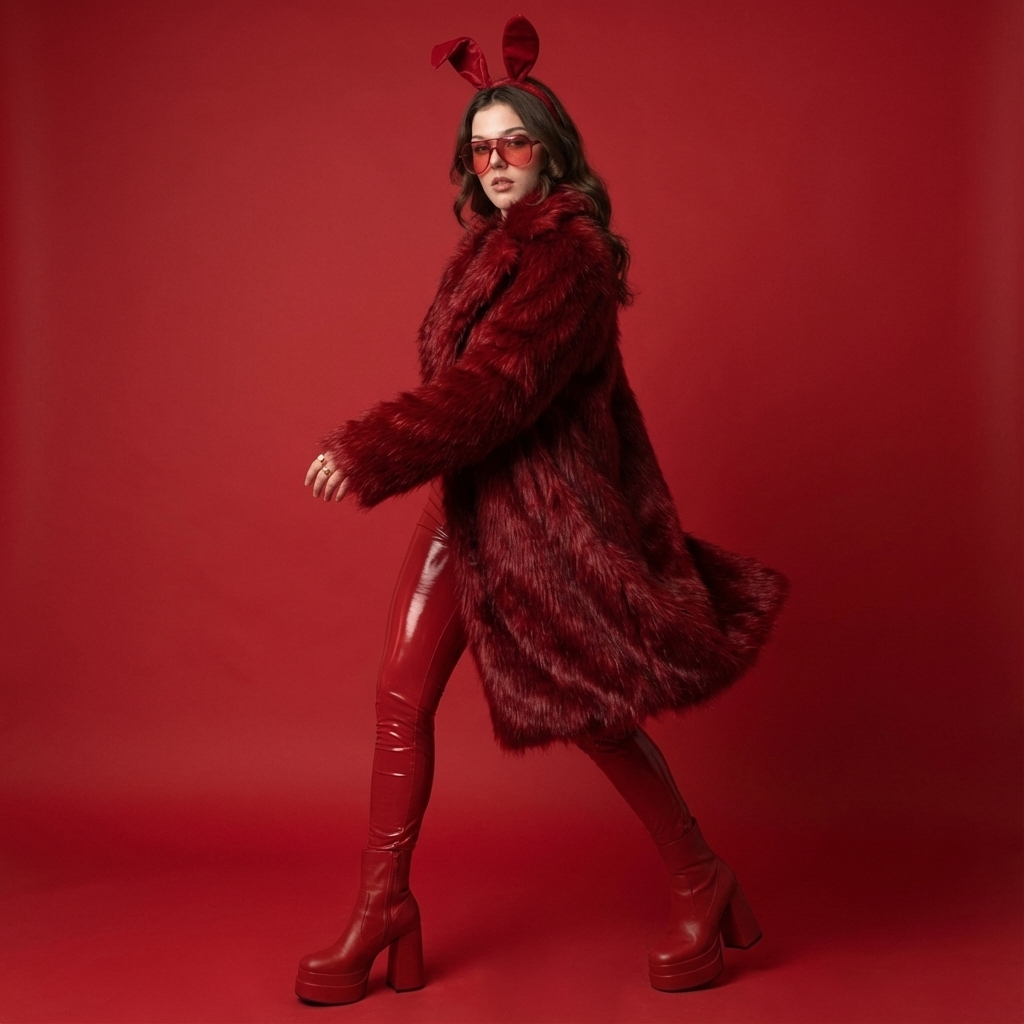
Use the uploaded reference image strictly for facial identity only, maintaining exact facial proportions and realism. Create a bold fashion studio portrait with a fully red monochrome theme. The background is a seamless matte red studio backdrop with soft gradient falloff. The woman is squatting low in a powerful pose, elbows resting on knees, looking directly into the camera. She is wearing a luxurious deep red faux-fur coat with thick fibers and visible texture, paired with glossy red latex pants that reflect light naturally. Accessories include red-tinted oversized fashion glasses, layered gold necklaces, statement rings, and a red bunny-ear headpiece made of soft velvet fabric. Footwear consists of chunky red platform boots with visible sole texture. Lighting is clean studio lighting — soft key light from the front, subtle shadow beneath the chin and legs, realistic reflections on latex material. Skin shows natural pores, slight blush, and real tonal variation. Shot on a high-resolution DSLR, 70mm lens, ultra-clean fashion editorial style, controlled contrast, no fantasy lighting, no plastic skin, no AI smoothing, no surreal proportions. ai art, illustration, digital painting, over-smooth skin, plastic texture, unreal lighting, fantasy colors, warped anatomy, extra limbs, face distortion, hdr glow, painterly style, low realism
Click to start creating with this template
Use the uploaded reference image strictly for facial identity only, maintaining exact facial proportions and realism. Create a bold fashion studio portrait with a fully red monochrome theme. The background is a seamless matte red studio backdrop with soft gradient falloff. The woman is squatting low in a powerful pose, elbows resting on knees, looking directly into the camera. She is wearing a luxurious deep red faux-fur coat with thick fibers and visible texture, paired with glossy red latex pants that reflect light naturally. Accessories include red-tinted oversized fashion glasses, layered gold necklaces, statement rings, and a red bunny-ear headpiece made of soft velvet fabric. Footwear consists of chunky red platform boots with visible sole texture. Lighting is clean studio lighting — soft key light from the front, subtle shadow beneath the chin and legs, realistic reflections on latex material. Skin shows natural pores, slight blush, and real tonal variation. Shot on a high-resolution DSLR, 70mm lens, ultra-clean fashion editorial style, controlled contrast, no fantasy lighting, no plastic skin, no AI smoothing, no surreal proportions. ai art, illustration, digital painting, over-smooth skin, plastic texture, unreal lighting, fantasy colors, warped anatomy, extra limbs, face distortion, hdr glow, painterly style, low realism Features: 100% free. PicXStudio's AI-powered template for instant image generation.
This AI image template is designed to help you create professional Red Leather Editorial Muse Template images quickly. Simply use the provided prompt as a starting point, customize it to your needs, and generate stunning AI images in seconds.