How do I use the Urban Portal Fashion Photography template?
Choose the primary action to open PicX Studio with the available template settings. Review the model and format, personalize the creative direction, and generate when ready.
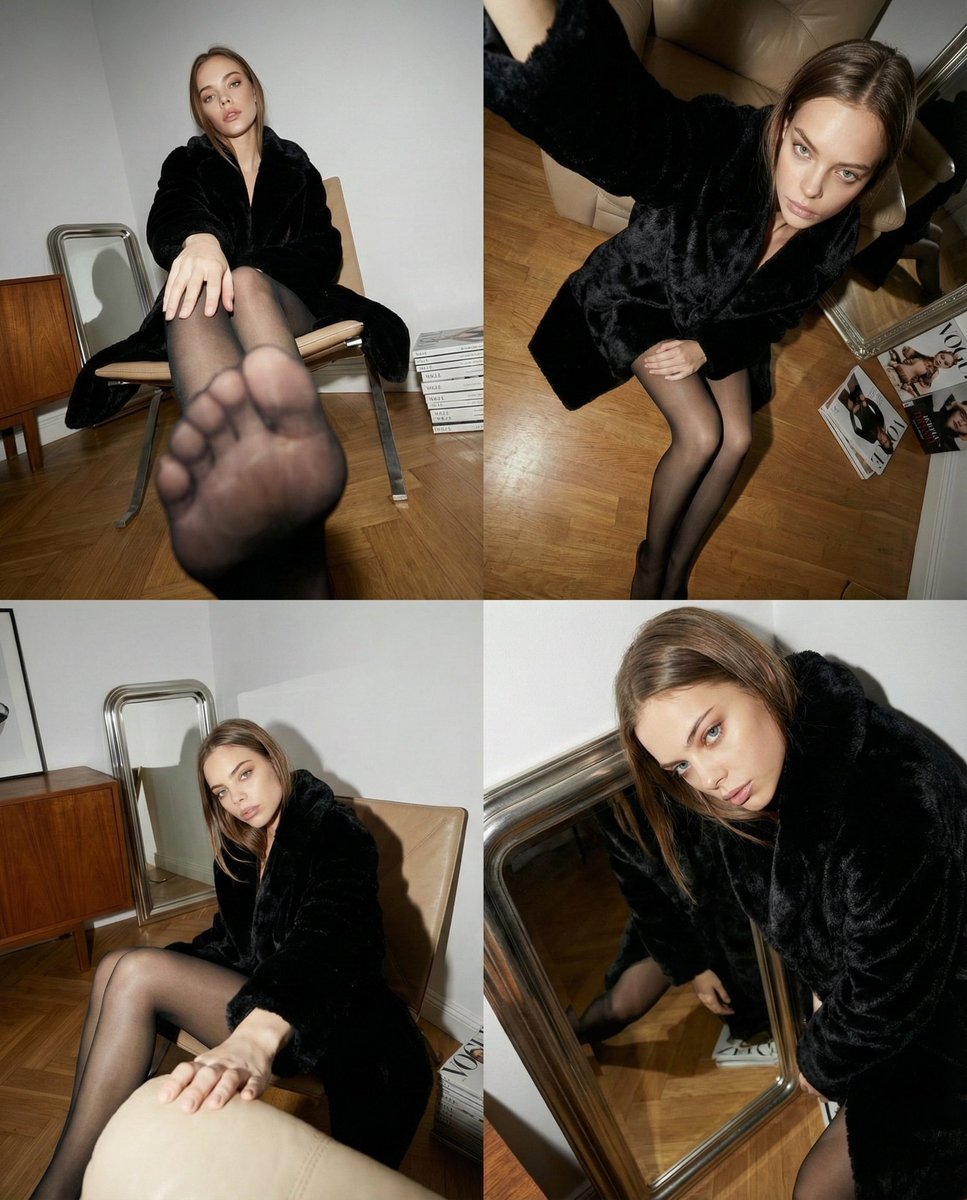
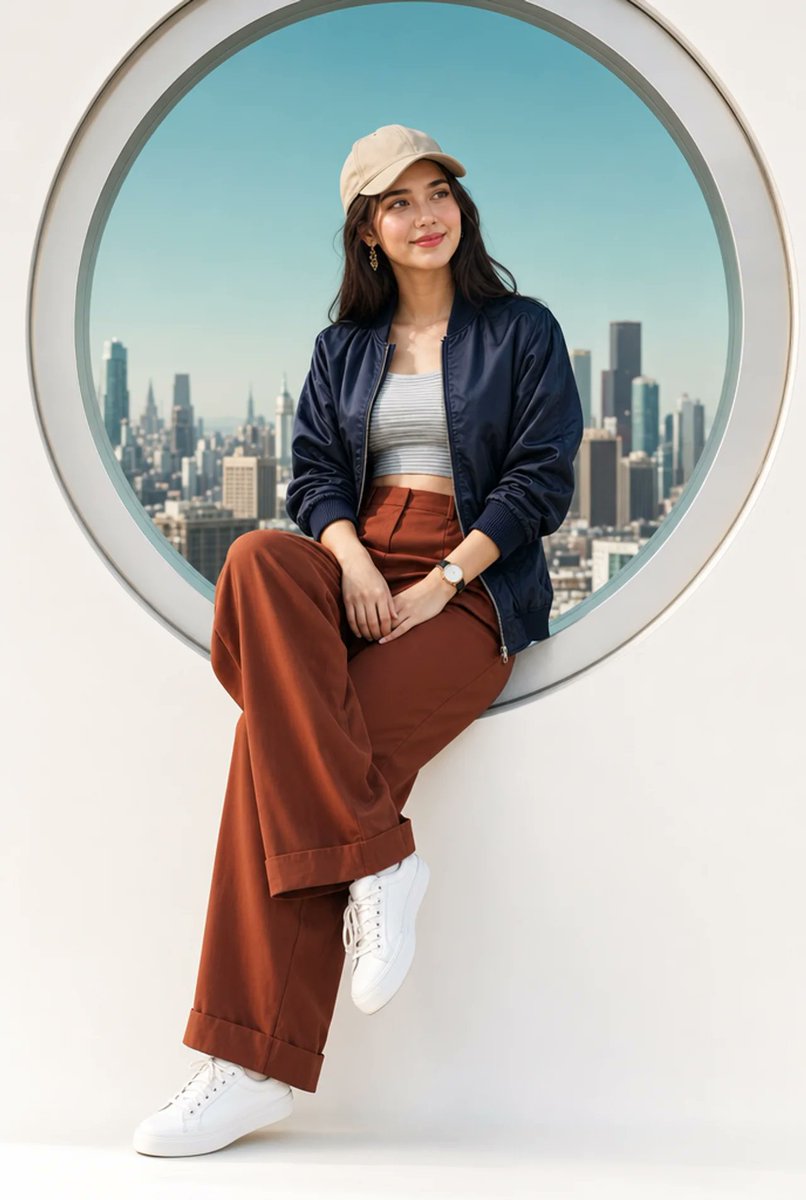
A high-fashion prompt featuring a woman framed by a circular window overlooking a city skyline, blending streetwear with editorial style. (free to use) — Free AI image template on PicX Studio.
A stylish young woman sitting casually on a white ledge, framed within a {argument name="window style" default="large circular portal window"} with a soft silver rim, {argument name="background" default="city skyline"} visible in the background under a clear teal-blue sky. She has a warm olive complexion, soft glowing skin, dark hair tucked under a beige baseball cap, subtle makeup with glossy lips. Wearing a {argument name="outfit" default="navy blue satin bomber jacket"} over a light grey striped crop top, rust-brown tailored wide-leg trousers with subtle cuffed hem, and clean white leather sneakers. She sits with legs gracefully crossed at the ankle, hands resting softly on her lap, slight smile, gazing off to the side. Wrist watch, minimalist gold earrings. Studio-clean white background below the circle. Editorial fashion photography, soft natural light, sharp detail, 8K.
Use Urban Portal Fashion Photography to plan an AI image around gpt-image-2 generation, themes such as en and gpt-image-2. Match the preview's composition first, then personalize the subject, setting, and mood for your own project.
Use the primary action to load the template settings in PicX Studio.
Adjust the subject and creative details for your destination.
Create the image, compare the result with the preview, and refine one variable at a time.
A continuous mix — similar concepts first, woven with same-model prompts and fresh picks from the catalog.
Choose the primary action to open PicX Studio with the available template settings. Review the model and format, personalize the creative direction, and generate when ready.
Yes. You can change the subject, setting, lighting, mood, format, and available model controls before creating your image.
This template is free to open and customize. Generation usage is shown in PicX Studio before you create.
Start with gpt-image-2, which is the model associated with this template. You can compare another compatible model for a different finish.
Follow a topic to a crawlable collection of related PicX Studio templates.
39,157 public templates available. Verified via the PicX Studio public templates API; refreshed hourly.
A continuous mix — similar concepts first, woven with same-model prompts and fresh picks from the catalog.