
Japanese GPT Image2 Thumbnail
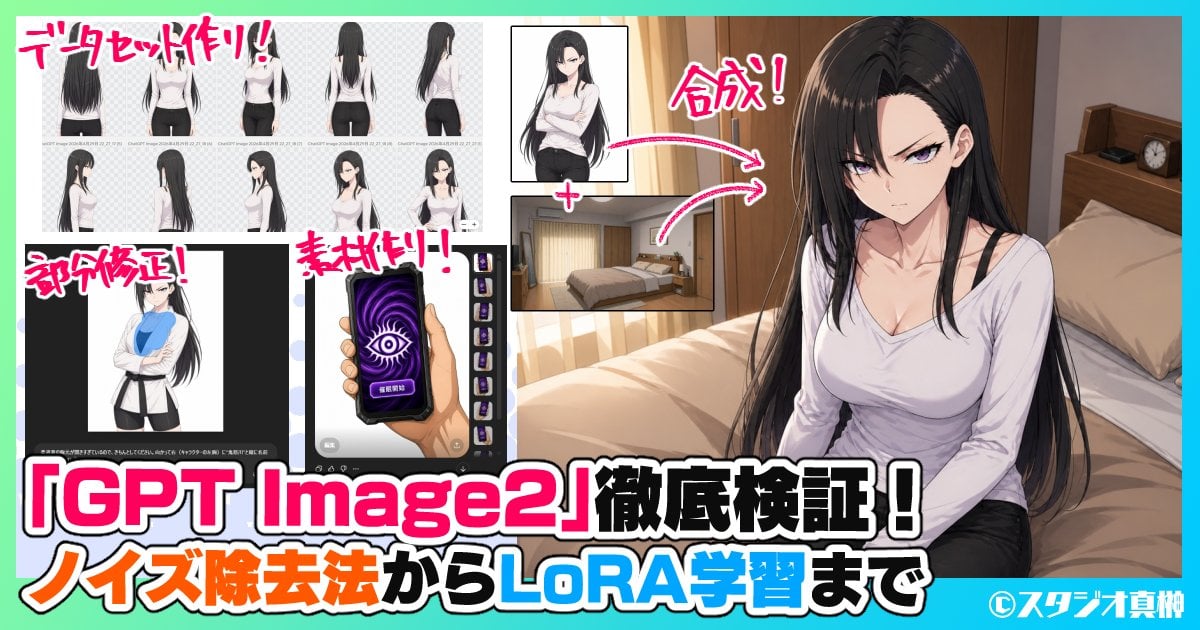
A bold anime-style Japanese YouTube thumbnail promoting a deep-dive GPT Image2 workflow guide, useful for recreating creator-tech thumbnails about image generation tests and production methods.
- Prompt included
- Model and format preset
- Free template
The prompt behind this image
Copy the exact prompt behind Japanese GPT Image2 Thumbnail, or open it in the studio and make it yours.
- Type
- Japanese YouTube thumbnail collage
- Style
- bold anime-tech promotional thumbnail with clean digital illustration, high contrast, saturated colors, thick outlined typography, energetic magazine-style composition
- Canvas › Aspect Ratio
- 16:9
- Canvas › Resolution
- 1200x630
- Background › Frame
- mint green outer border with cyan accent strip along the top and bottom edges
- Background › Main Scene
- warm modern bedroom interior with wooden headboard, beige bedding, cream curtains, bedside shelf, and a small alarm clock
- Layout › Sections › 0 › Title
- データセット作り!
- Layout › Sections › 0 › Position
- top-left
- Layout › Sections › 0 › Count
- 8
- Layout › Sections › 0 › Labels
- back view, three-quarter back view, front view, full back standing view, side profile, rear side profile, three-quarter front view, standing portrait with crossed arms
- Layout › Sections › 1 › Title
- 部分修正!
- Layout › Sections › 1 › Position
- bottom-left
- Layout › Sections › 1 › Count
- 1
- Layout › Sections › 1 › Labels
- character editing app screenshot with anime woman in white jacket over blue shirt
- Layout › Sections › 2 › Title
- 素材作り!
- Layout › Sections › 2 › Position
- lower-mid-left
- Layout › Sections › 2 › Count
- 1
- Layout › Sections › 2 › Labels
- smartphone asset design image showing a hand holding a purple screen phone with a large eye symbol and a vertical strip of 5 small variant thumbnails
- Layout › Sections › 3 › Title
- 合成!
- Layout › Sections › 3 › Position
- upper-center-right
- Layout › Sections › 3 › Count
- 2
- Layout › Sections › 3 › Labels
- anime woman cutout portrait, bedroom background plate
- Layout › Connectors › Count
- 2
- Layout › Connectors › Style
- curved pink arrows with white outline pointing from the cutout portrait and bedroom plate toward the final composite on the right
Raw JSON
{"type":"Japanese YouTube thumbnail collage","style":"bold anime-tech promotional thumbnail with clean digital illustration, high contrast, saturated colors, thick outlined typography, energetic magazine-style composition","canvas":{"aspect_ratio":"16:9","resolution":"1200x630"},"background":{"frame":"mint green outer border with cyan accent strip along the top and bottom edges","main_scene":"warm modern bedroom interior with wooden headboard, beige bedding, cream curtains, bedside shelf, and a small alarm clock"},"layout":{"sections":[{"title":"データセット作り!","position":"top-left","count":8,"labels":["back view","three-quarter back view","front view","full back standing view","side profile","rear side profile","three-quarter front view","standing portrait with crossed arms"]},{"title":"部分修正!","position":"bottom-left","count":1,"labels":["character editing app screenshot with anime woman in white jacket over blue shirt"]},{"title":"素材作り!","position":"lower-mid-left","count":1,"labels":["smartphone asset design image showing a hand holding a purple screen phone with a large eye symbol and a vertical strip of 5 small variant thumbnails"]},{"title":"合成!","position":"upper-center-right","count":2,"labels":["anime woman cutout portrait","bedroom background plate"]}],"connectors":{"count":2,"style":"curved pink arrows with white outline pointing from the cutout portrait and bedroom plate toward the final composite on the right"},"text_overlays":{"count":7,"items":["データセット作り!","部分修正!","素材作り!","合成!","「{argument name=\"headline text\" default=\"GPT Image2\"}」徹底検証!","ノイズ除去法から{argument name=\"feature text\" default=\"LoRA学習\"}まで","©{argument name=\"credit name\" default=\"スタジオ真榊\"}"]}},"subjects":{"main":{"type":"anime woman","count":1,"appearance":{"age":"young adult","build":"slim curvy","hair":{"color":"{argument name=\"hair color\" default=\"long black\"}","style":"very long straight hair with soft shine, center part, strands falling over shoulders"},"face":"intentionally blurred/censored rectangle over the face","outfit":["white fitted long-sleeve scoop-neck top","visible black camisole straps","black pants"]},"pose":"seated on the edge of a bed, torso angled slightly left, hands resting near lap, looking toward camera"},"inset_character":{"type":"same anime woman reference art","count":10,"notes":"all inset figures use the same character design with face blurred in several panels"}},"typography":{"primary":"very large Japanese headline across the bottom in white with black outline and hot pink emphasis around GPT Image2","secondary":"subheadline in orange, white, black, and bright blue mixed emphasis","annotation":"handwritten energetic pink labels with white stroke near each inset section"},"color_palette":{"count":8,"colors":["hot pink","white","black","cyan","mint green","orange","beige","dark brown"]},"composition":"right half dominated by the final anime bedroom illustration, left half packed with inset process examples and screenshots, oversized bottom headline spanning nearly full width, designed to advertise a deep-dive verification article about GPT Image2 workflows for dataset creation, partial edits, asset generation, compositing, noise removal, and LoRA training"}How to use Japanese GPT Image2 Thumbnail in 3 steps
- 1Upload ImagePNG, JPG or paste
Add your photo
Upload the photo the template builds on. The prompt, model and format are already set.
- 2…a portrait of your subject in softgolden-hour light, 85mm…
Personalize
Edit the subject and creative details for your destination.
- 3Generate
Generate
Press Generate — your image is created in PicX Studio, so you can compare it with the original and refine one variable at a time.
More like this
Templates with the same subject, style or setup. Open one to see its prompt.
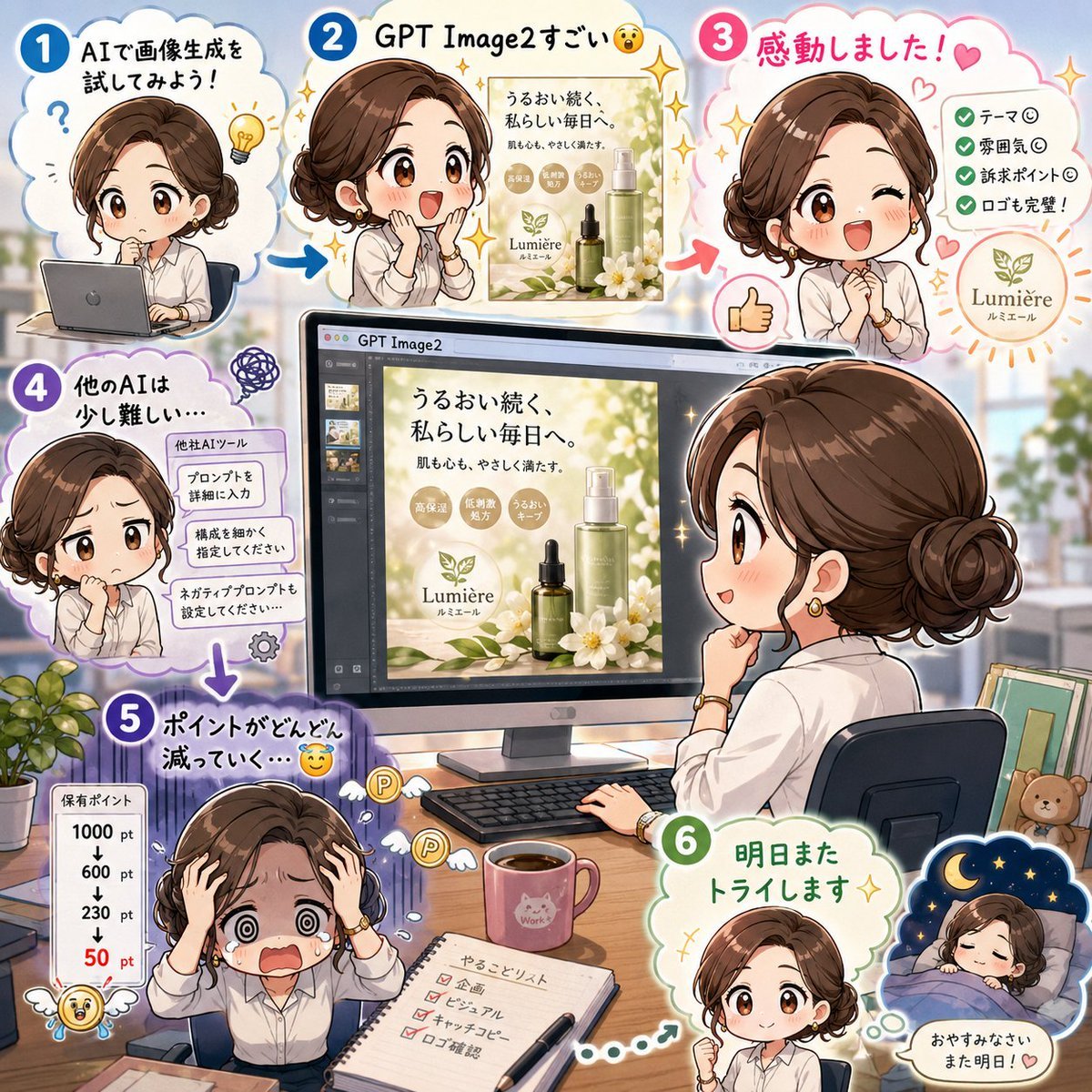
Japanese GPT Image2 Campaign Comic

Gpt2 Youtube Thumbnail Japanese Ai Battle Youtube Thumbnail

Minecraft Japanese Research Lab Exploration

Japanese Architectural Concrete Studio Fashion Campaign

Japanese Minimalist Concrete Studio Fashion Editorial

Blue Backdrop Luxury Fashion Portrait Campaign
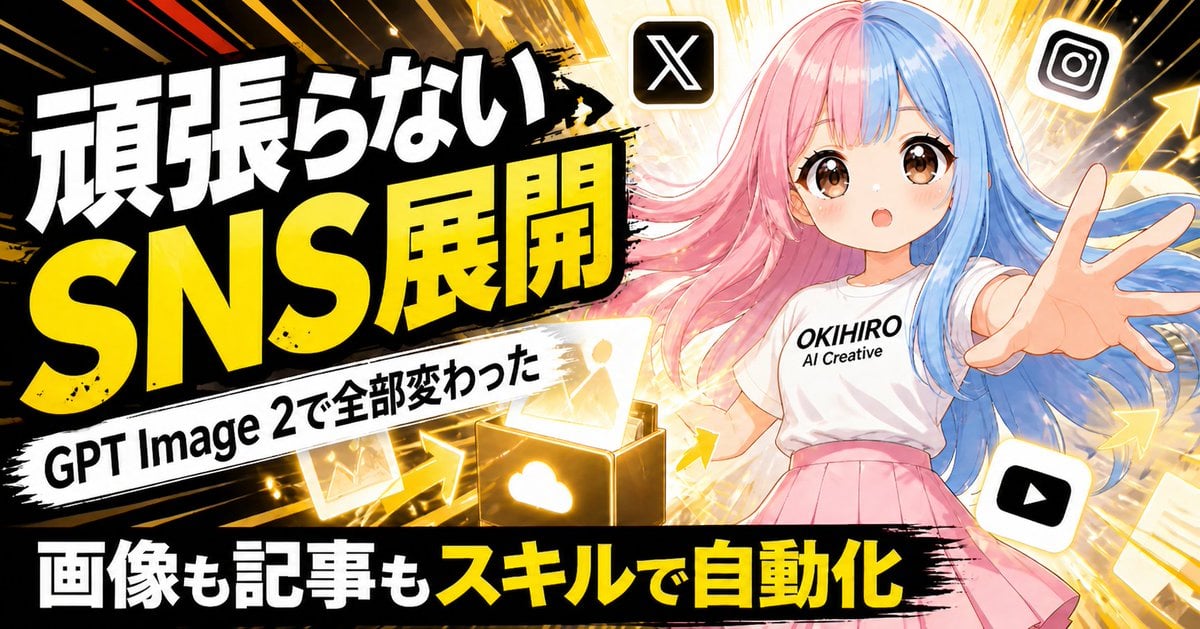
Japanese SNS Automation Thumbnail
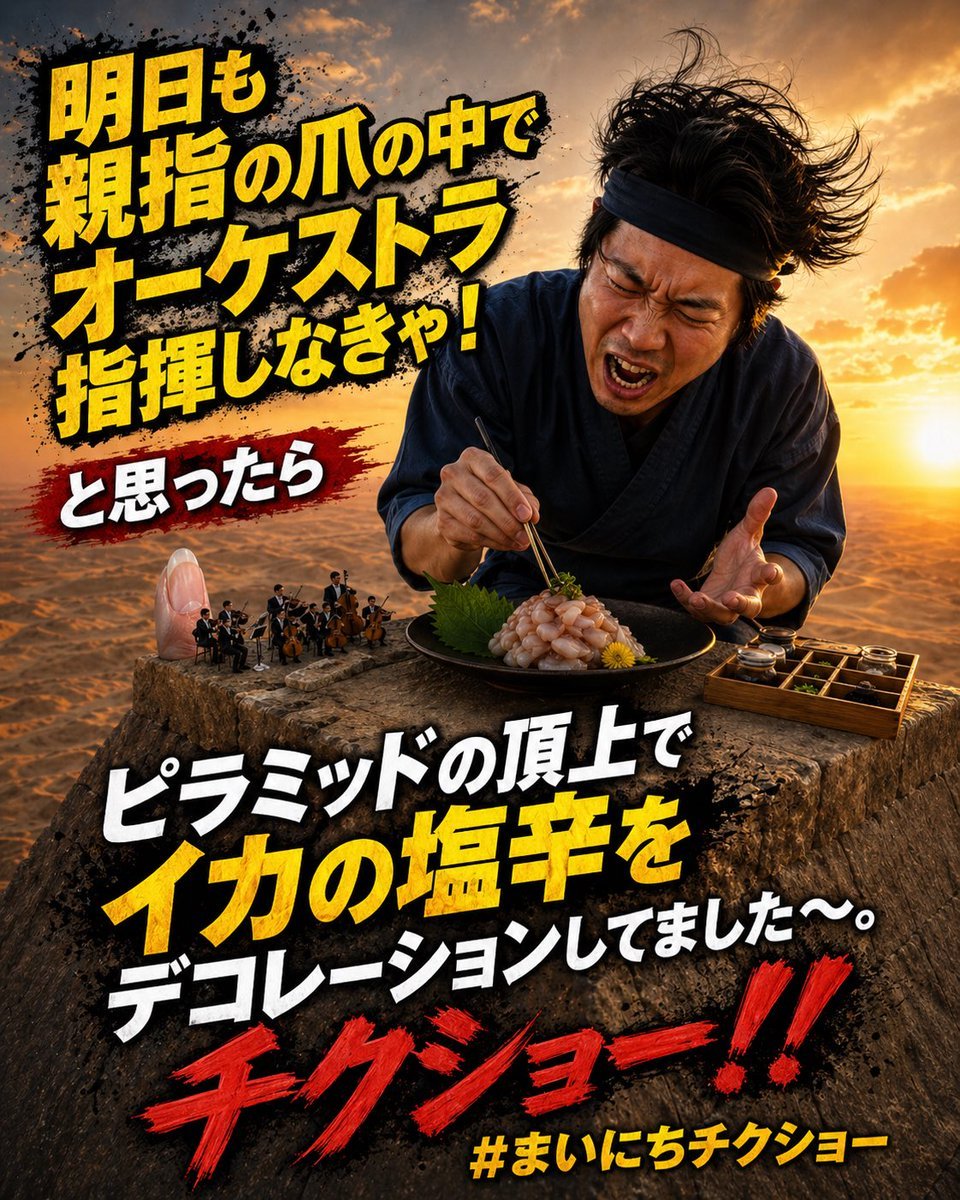
Surreal Japanese Meme Thumbnail at Pyramid

GPT-Image2 E-Commerce Course Banner
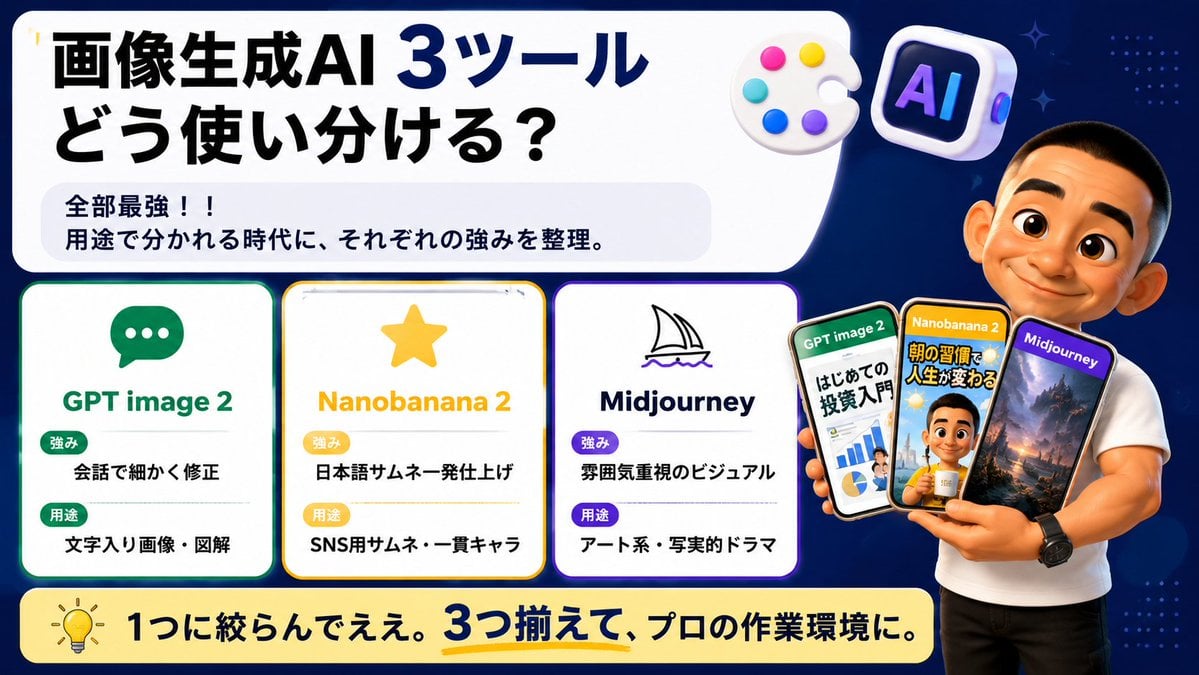
Japanese AI Tool Comparison Thumbnail

Explosive Japanese X Monetization Thumbnail

Japanese X Monetization Thumbnail
Make it yours
Japanese GPT Image2 Thumbnail works as-is. These are the safest ways to change it without losing the look.
Swap the setting
Keep the rest of the prompt and replace the location block. The current setting is “mint green outer border with cyan accent strip along the top and bottom edges”.
Change one field
Copy a single group, rewrite it, and generate again so you can see what that field is doing.
Keep the frame, change the subject
Hold the composition and light of Japanese GPT Image2 Thumbnail, then swap wardrobe, props or the person for a new take.
| If the result… | Why | Fix |
|---|---|---|
| The result drifts from the preview | Too many fields changed at once. | Reuse Japanese GPT Image2 Thumbnail as-is first, then change one group — subject, light, or setting. |
| GPT Image 2 ignores part of the JSON | Some models flatten or skip nested keys. | Keep the same values and paste them as a short paragraph instead. |
More GPT Image 2 templates
Other prompts made for GPT Image 2.

Six VTuber Japanese Logo Sheet

Realistic Portrait of Woman and Deer

The Vista Modular Condo Poster

AI Model Routing Comparison Infographic

2.5D Anime Art Board

Isometric Productivity Desk Scene

New York Double Exposure Poster

Four-Panel AI Landscape Comparison

Japanese Tatami Lifestyle Magazine Cover

NESCAFÉ Coffee Map Poster
More image prompts
Fresh picks from across the catalog.
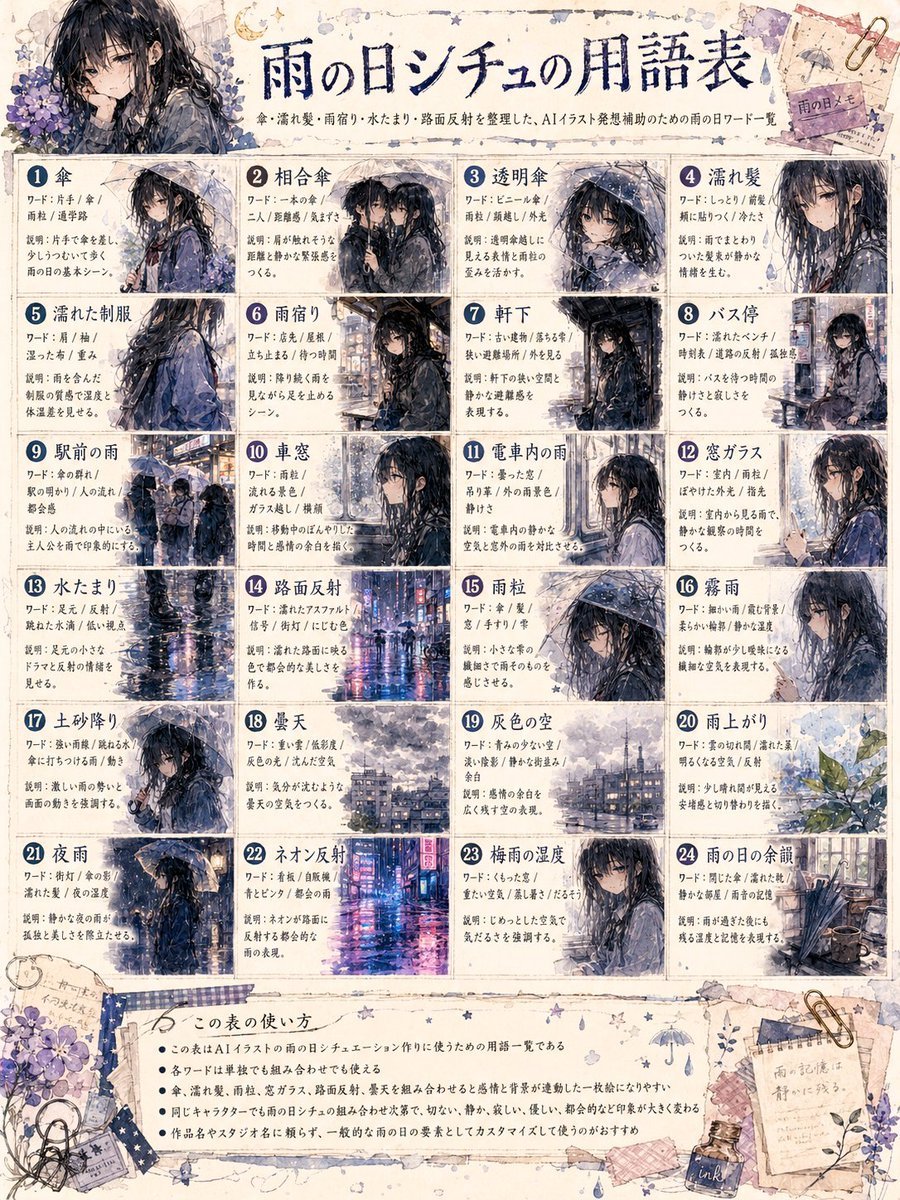
Rainy Day Anime Vocabulary Sheet

Swiss alpine winter portrait of a young man
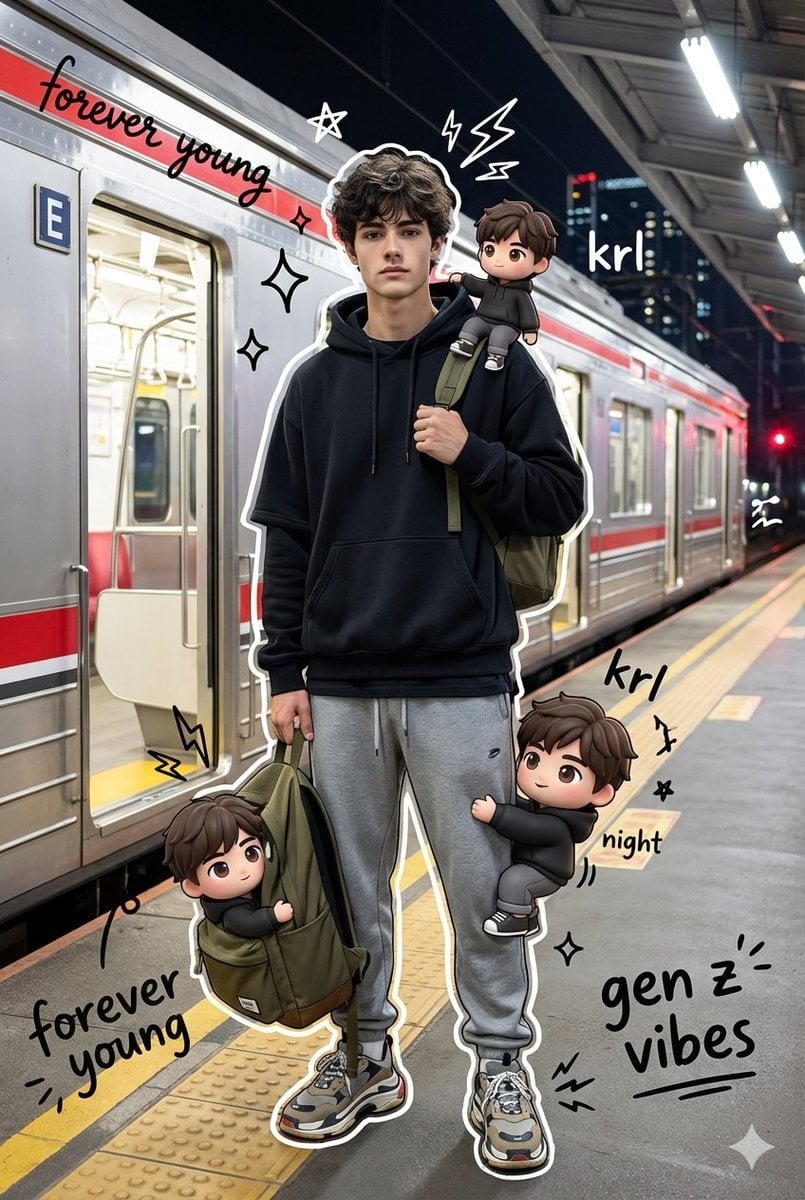
Mixed Media Chibi Streetwear Portrait
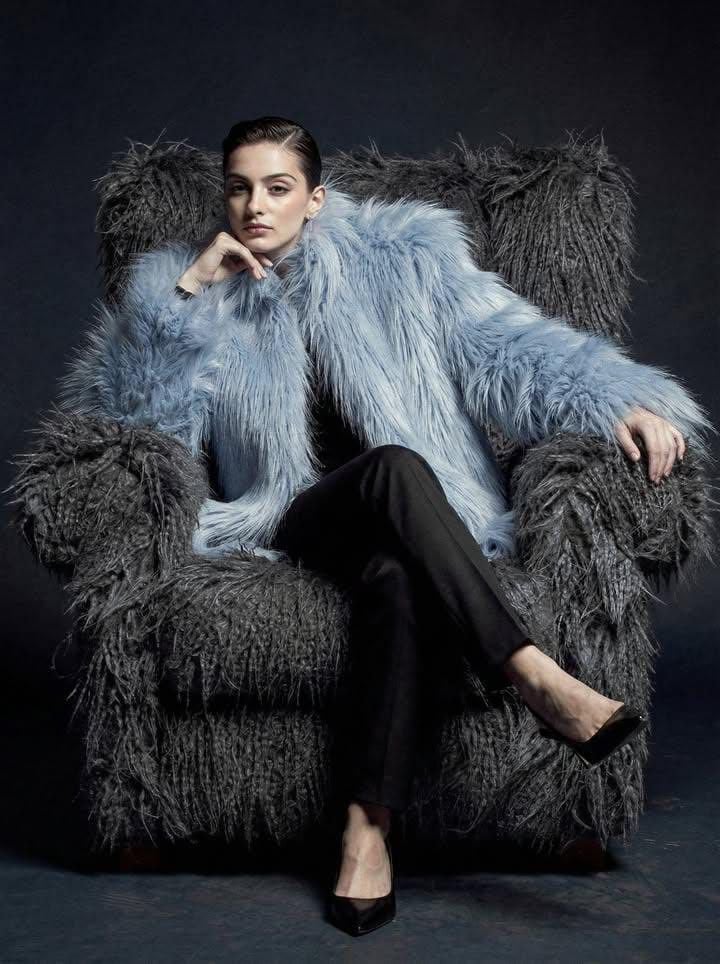
Ultra-high fashion editorial portrait in faux-fur coat
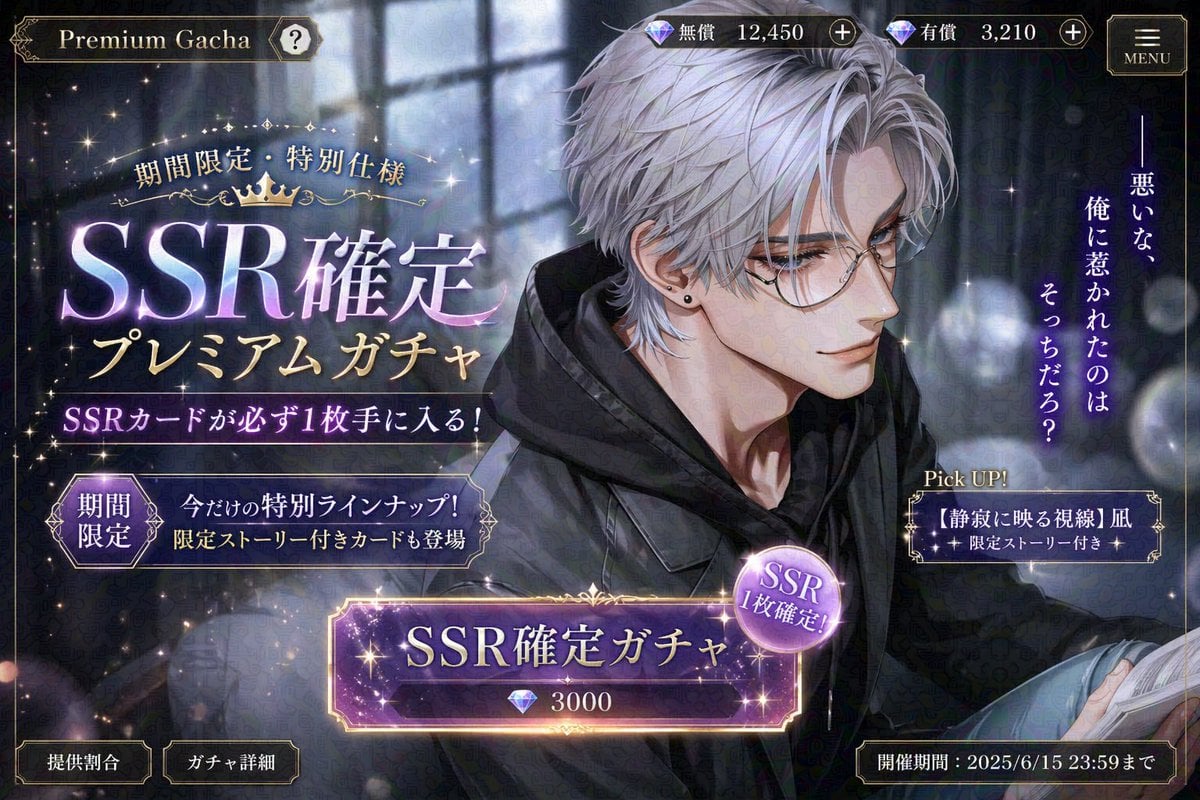
Otome Game Gacha Screen Prompt
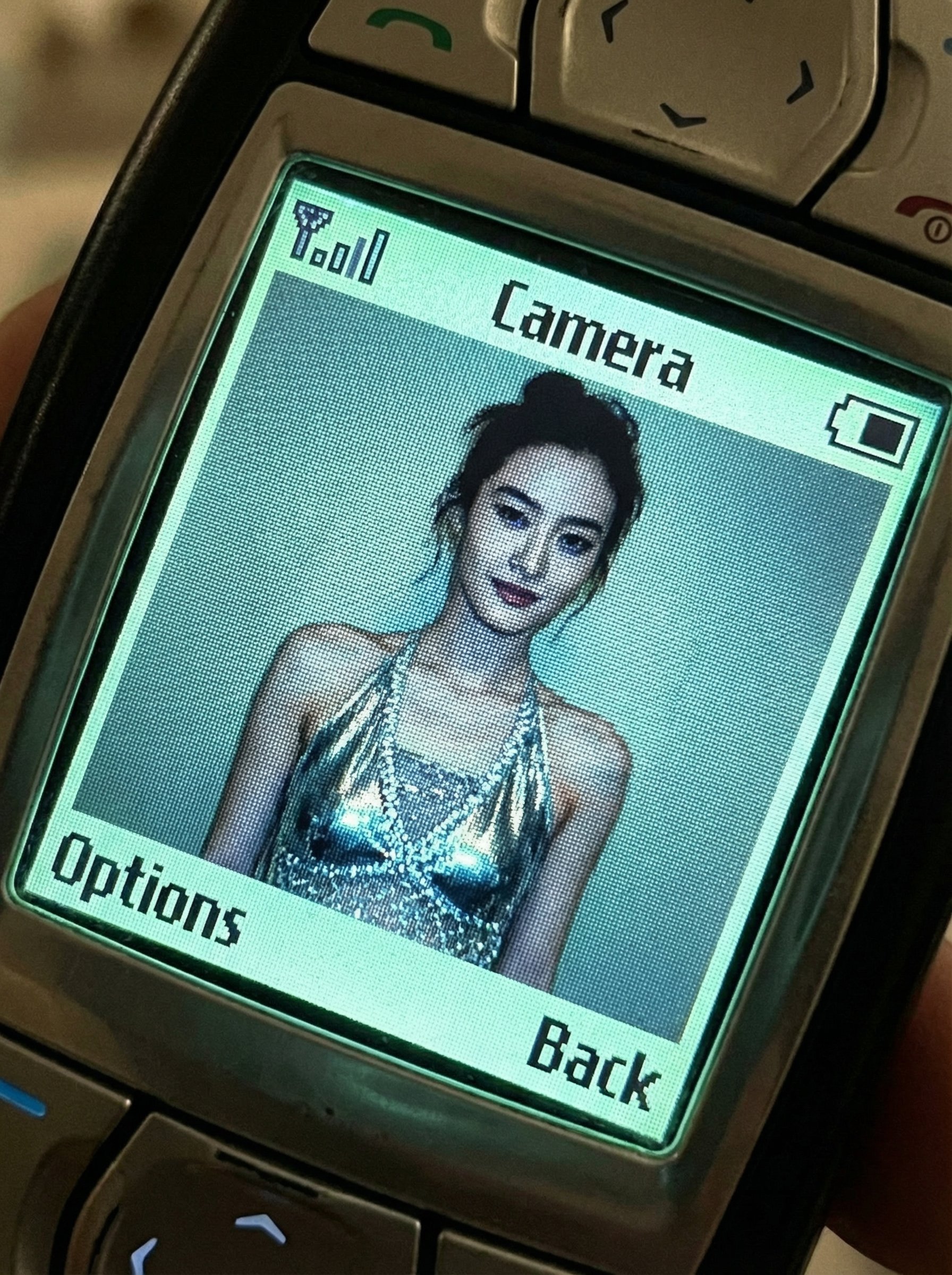
untitled
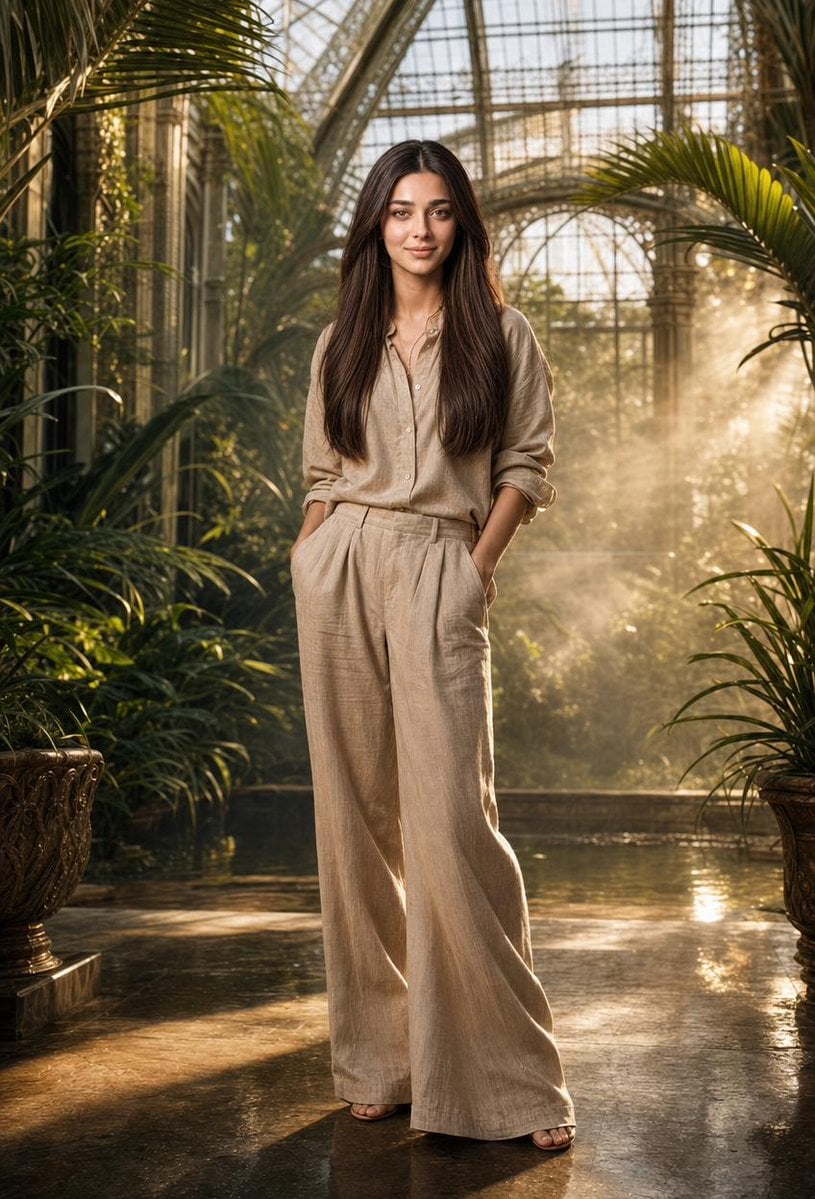
Tropical Greenhouse Editorial Portrait
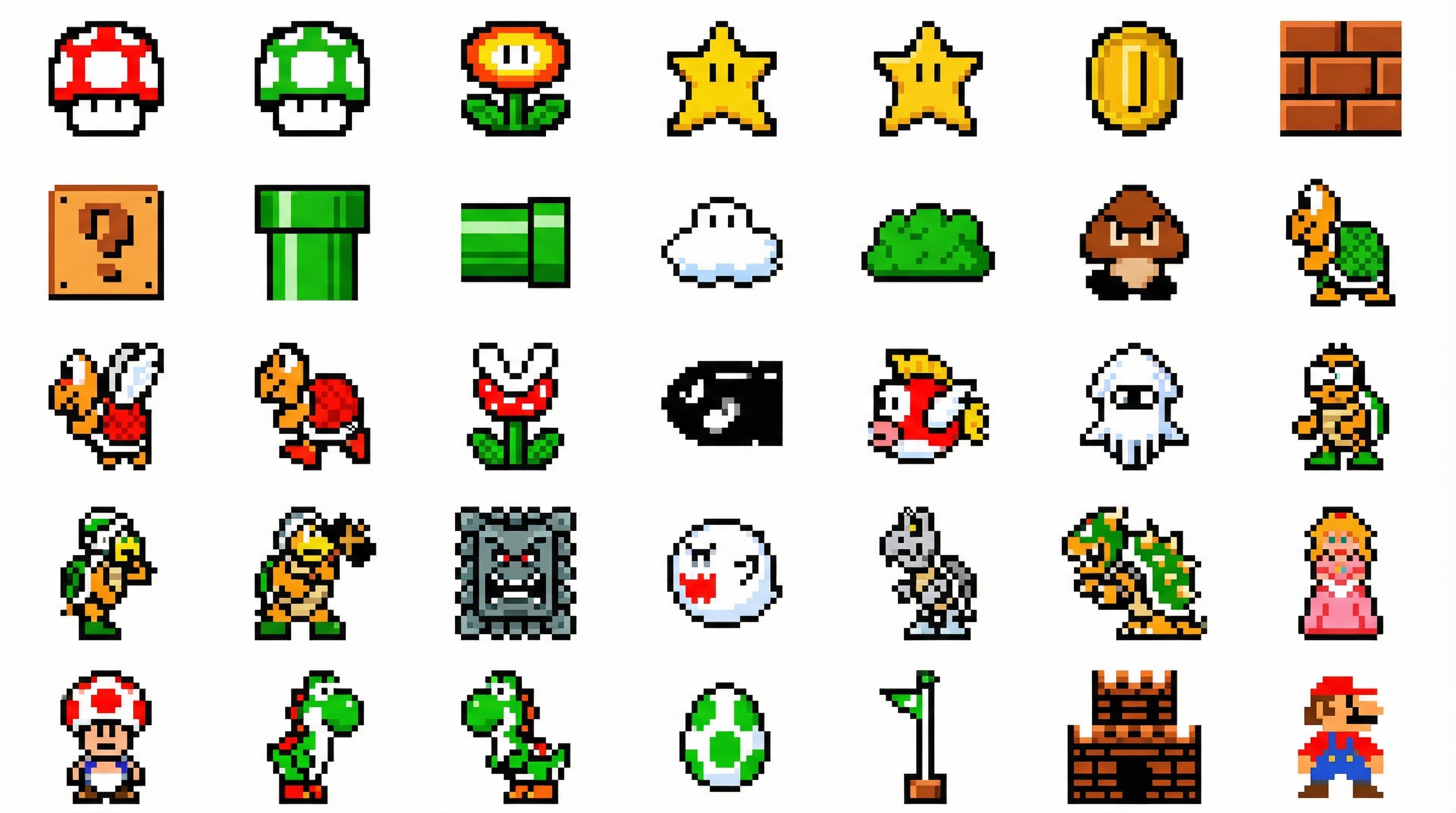
Nano Banana 2 in Game Items and Characte

Amateur iPhone Photo Portrait with Accurate Face Reference
Tokyo Expressway Fashion Editorial
Browse template categories
Japanese GPT Image2 Thumbnail questions
How do I use the Japanese GPT Image2 Thumbnail template?
Add your photo if the template asks for one, edit the prompt if you like — the template's model and format are already selected — and press Generate. Your version opens in PicX Studio.
Can I customize the Japanese GPT Image2 Thumbnail template?
Yes. You can change the subject, setting, lighting, mood, format, and available model controls before creating your image.
Is the Japanese GPT Image2 Thumbnail template free?
Opening and editing this template is free. Generating uses credits, shown on the Generate button when you are signed in.
Which AI model should I use?
Start with GPT Image 2, which is the model associated with this template. You can compare another compatible model for a different finish.
Looking for something else? Browse all templates.

Your photo, any look
Thousands of ready templates for every top image and video model, from one credit balance.