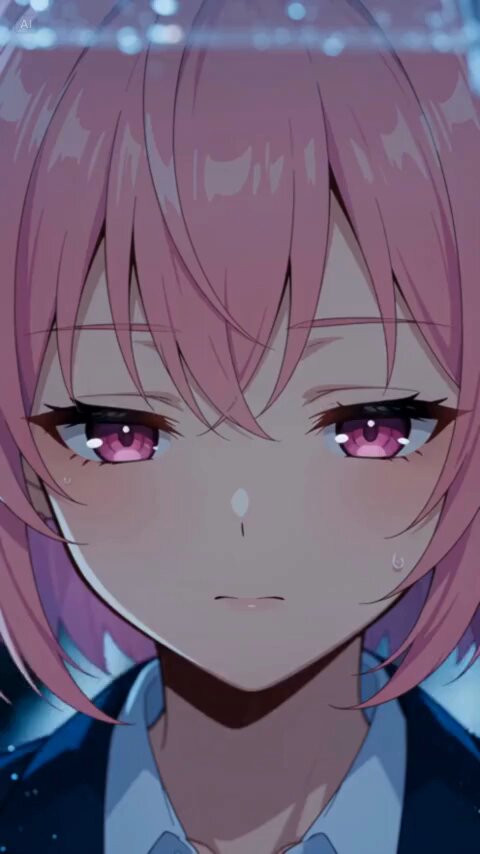
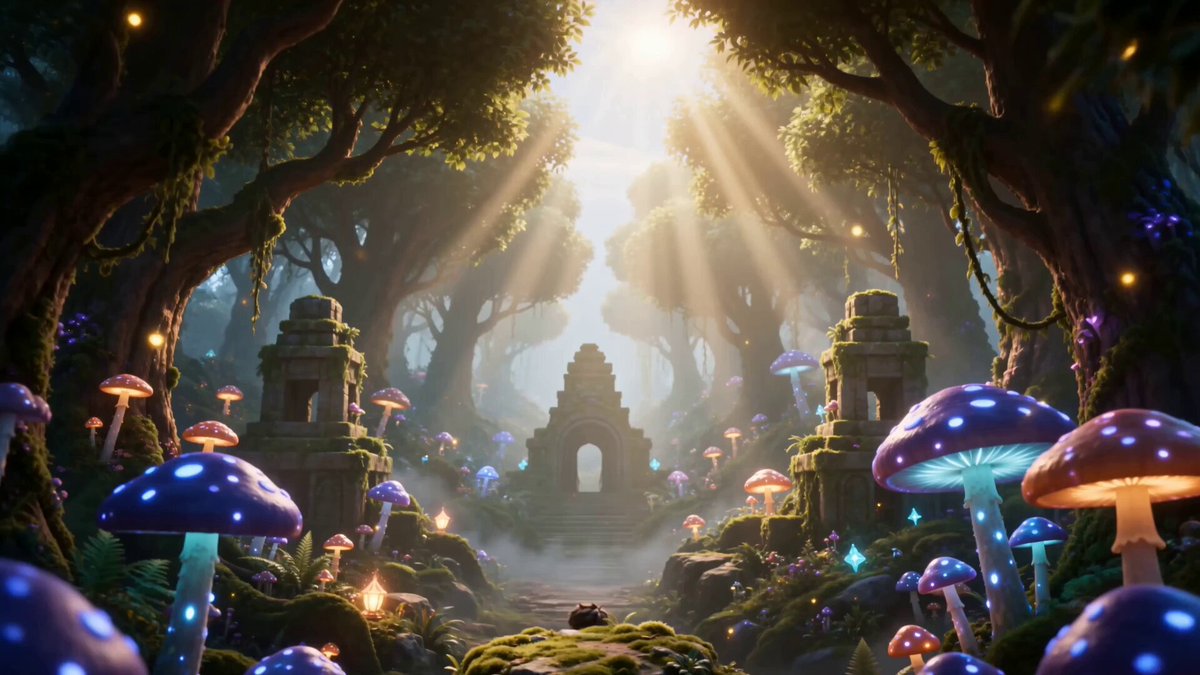
How do I use the Charming Runway Walk with Wabi-Sabi template?
Edit the prompt in the box under the preview — the template's model and format are already selected — and press Generate. Your version appears right on this page.
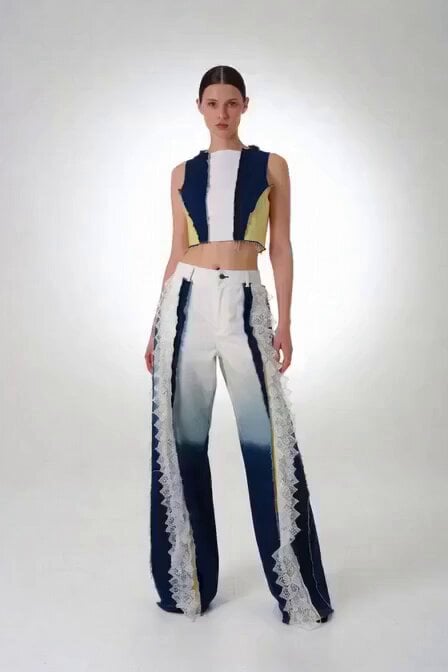
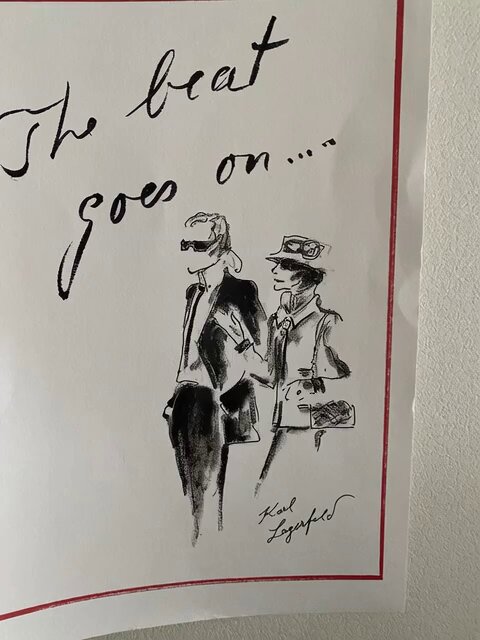
A descriptive prompt for animating a character walking down a glamorous runway while preserving a unique, crude artistic style and expressing confidence.
画像のヘタウマな感じは変えずに華やかなランウェイを歩かせたい 侘び寂びを取り入れて自信に満ち溢れた姿でこの世界の美しさを表現しているような姿で歩かせてみてほしい
画像のヘタウマな感じは変えずに華やかなランウェイを歩かせたい 侘び寂びを取り入れて自信に満ち溢れた姿でこの世界の美しさを表現しているような姿で歩かせてみてほしい
Edit the prompt in the box under the preview — the template's model and format are already selected — and press Generate. Your version appears right on this page.
Yes. You can change the subject, setting, lighting, mood, format, and available model controls before creating your video.
Opening and editing this template is free. Generating uses credits, shown on the Generate button when you are signed in.
Start with Grok Imagine, which is the model associated with this template. You can compare another compatible model for a different finish.
Follow a topic to a crawlable collection of related PicX Studio templates.