
Retro Egyptian God Animation
A stylized 1980s retro OVA animation prompt featuring Egyptian gods Anubis and Sobek in a comedic strength trial inside a royal palace.
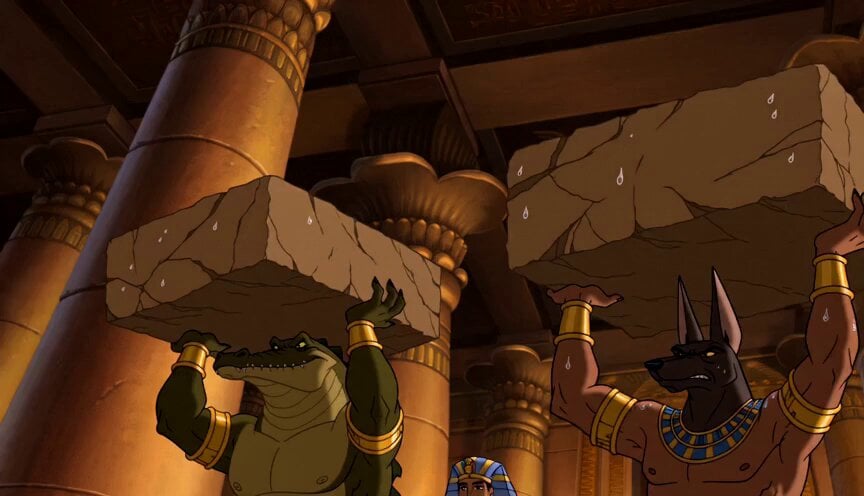
- Prompt included
- Model and format preset
- Premium template
The prompt behind this video
Copy the exact prompt behind Retro Egyptian God Animation, or open it in the studio and make it yours.
Hand-drawn detailed animation, retro 1980s OVA style. Ancient Egyptian royal palace interior, warm torchlight, carved stone pillars, gold ornaments, cinematic shadows. Dramatic 16:9 scene, expressive acting, smooth motion. No subtitles, no text, no logo, no watermark. English dialogue only. Deep powerful voices. Anubis: muscular jackal-headed god, arm rings, neck collar. Sobek: muscular crocodile-headed god with tail, arm rings. Pharaoh: human ruler, calm and commanding. Scene 1 — Strength Trial Inside the palace, Anubis and Sobek stand one meter apart, each holding a massive stone block overhead. Both strain with tense faces and shaking arms. The Pharaoh walks slowly in front of them, hands behind his back, observing. He says: “Only one of you may join me on the next mission. Only the strongest.” Scene 2 — Sobek’s Trick Sobek suddenly smirks. He glances sideways at Anubis while keeping his stone raised. His tail quietly stretches toward Anubis’s armpit. Anubis stays focused, staring forward. Scene 3 — Ticklish Close-Up Close-up of Sobek’s tail tip gently brushing Anubis’s armpit. Anubis tries to stay serious but begins suppressing deep laughter. Scene 4 — Anubis Breaks Close-up of Anubis struggling. His eyes squeeze shut, his grin grows wider, and his body trembles as Sobek keeps tickling him. He fights to keep the stone overhead. Scene 5 — Sobek Wins Anubis bursts into loud laughter, loses control, throws the stone behind him, hugs himself, and falls to the floor curled up laughing. Sobek stands proudly, still holding his stone overhead. Scene 6 — Final Judgment The Pharaoh nods to Sobek and says: “It seems you are the one.” Sobek stands victorious. Anubis remains on the floor, still giggling.
How to use Retro Egyptian God Animation in 3 steps
- 1
Open
The prompt is already in the box next to the preview, with the template's model and format selected.
- 2…a portrait of your subject in softgolden-hour light, 85mm…
Personalize
Edit the subject and creative details for your destination.
- 3Generate
Generate
Press Generate — your video is created in PicX Studio, so you can compare it with the original and refine one variable at a time.
More like this
Templates with the same subject, style or setup. Open one to see its prompt.
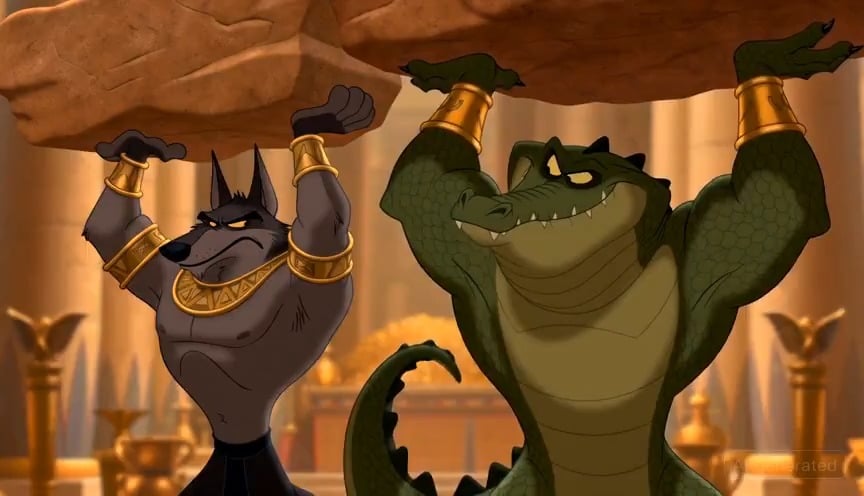
80s Retro OVA Egyptian God Animation
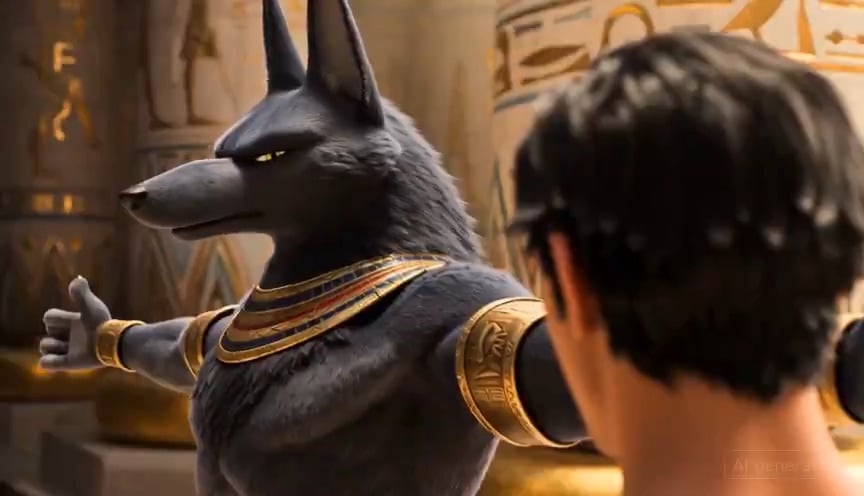
Egyptian God Anubis Animation Prompt

3D Glossy Fairy Animation - Seedance 2.5

Silk Road Pomegranate Folk Animation

Multilingual Creative Typography Loop
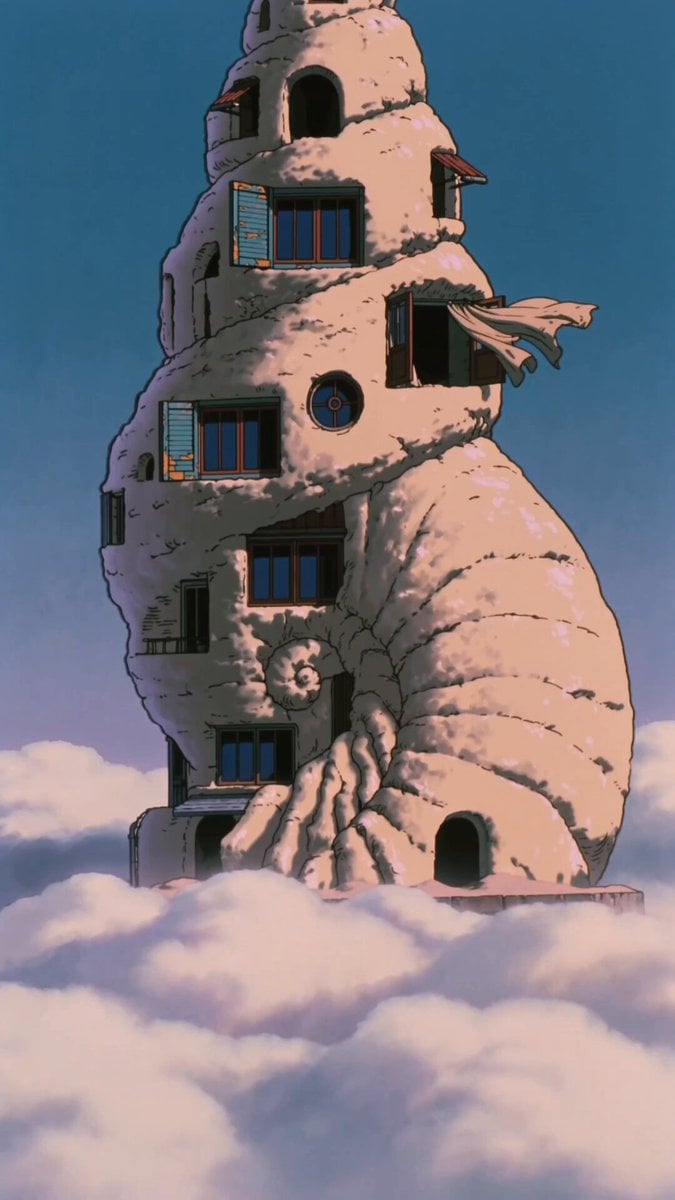
90s Retro Anime Shell Tower Animation
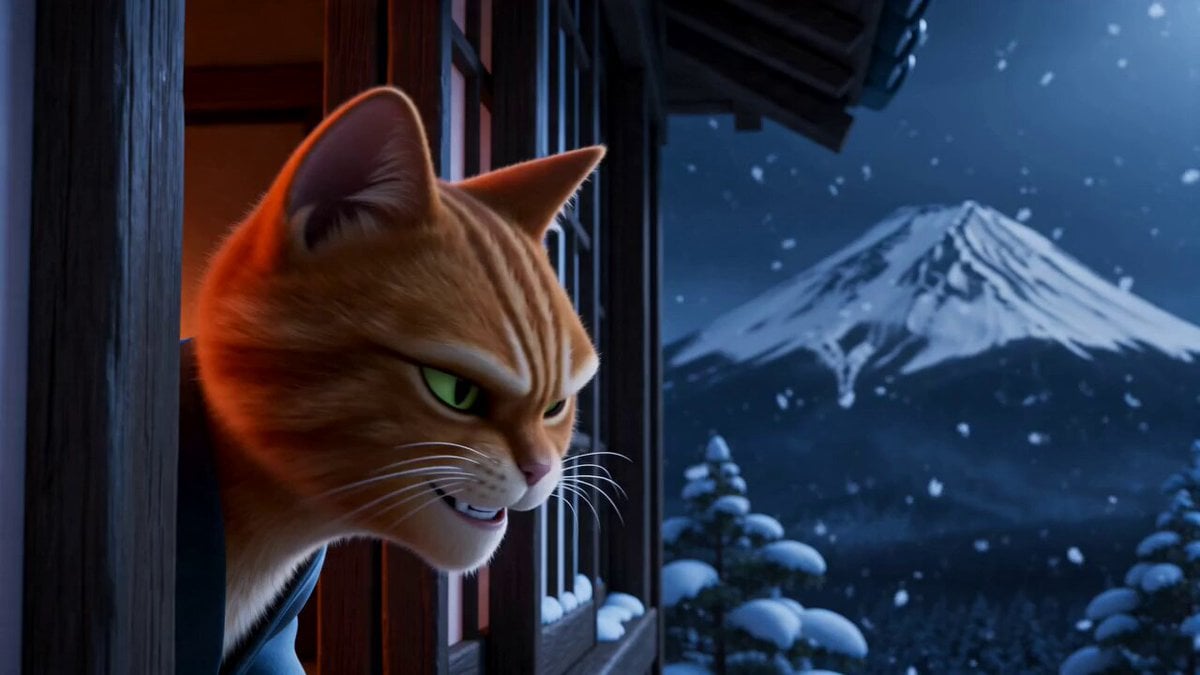
Retro Japanese Cat Heist Animation

Don Bluth Style Egyptian Anubis Animation

Walking Factory with Rebel on Hoverbike - Wasteland
Cartoon Bullfight Arena — Girl vs Bull (Seedance)
Dim Sum Chase — Shrimp Dumpling Monster
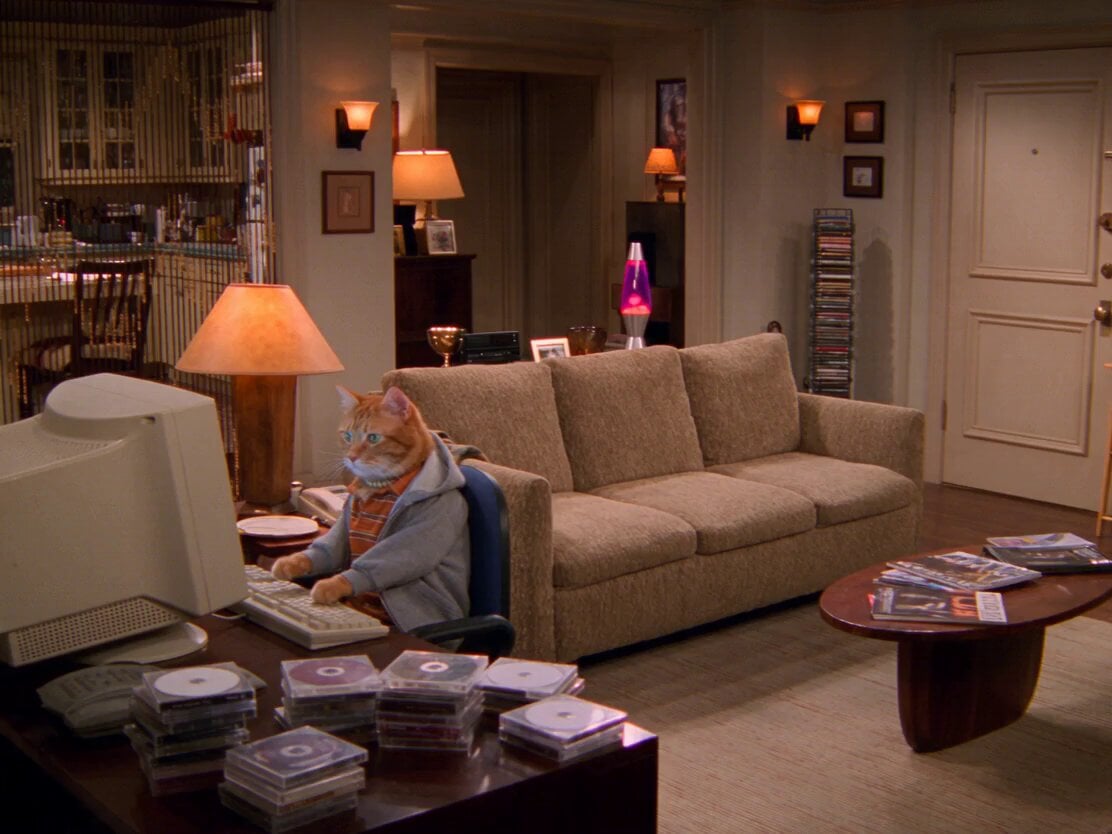
2000s Retro Cat Sitcom
Make it yours
Retro Egyptian God Animation works as-is. These are the safest ways to change it without losing the look.
Change one field
Copy a single group, rewrite it, and generate again so you can see what that field is doing.
Keep the frame, change the subject
Hold the composition and light of Retro Egyptian God Animation, then swap wardrobe, props or the person for a new take.
| If the result… | Why | Fix |
|---|---|---|
| The result drifts from the preview | Too many fields changed at once. | Reuse Retro Egyptian God Animation as-is first, then change one group — subject, light, or setting. |
| The model over-stylizes the scene | The prose prompt leaves finish and camera underspecified. | Add one camera or lighting sentence and stay on Seedance 2.0. |
More Seedance 2.0 templates
Other prompts made for Seedance 2.0.

Comical Martial Arts Punch Scene

Maglev Train Action Sequence

Martial Arts Fight Sequence

Wuxia Protection and Trust Script

Vintage Korean Arcade MiniDV Vlog

Mercedes 190 SL Luxury Ad

Rainy Night Supernatural Reverse Comedy Video Script

Amazon Civilization Discovery

Futuristic South Asian City Transformation

Cozy Luxury Cafe Commercial
More video prompts
Fresh picks from across the catalog.
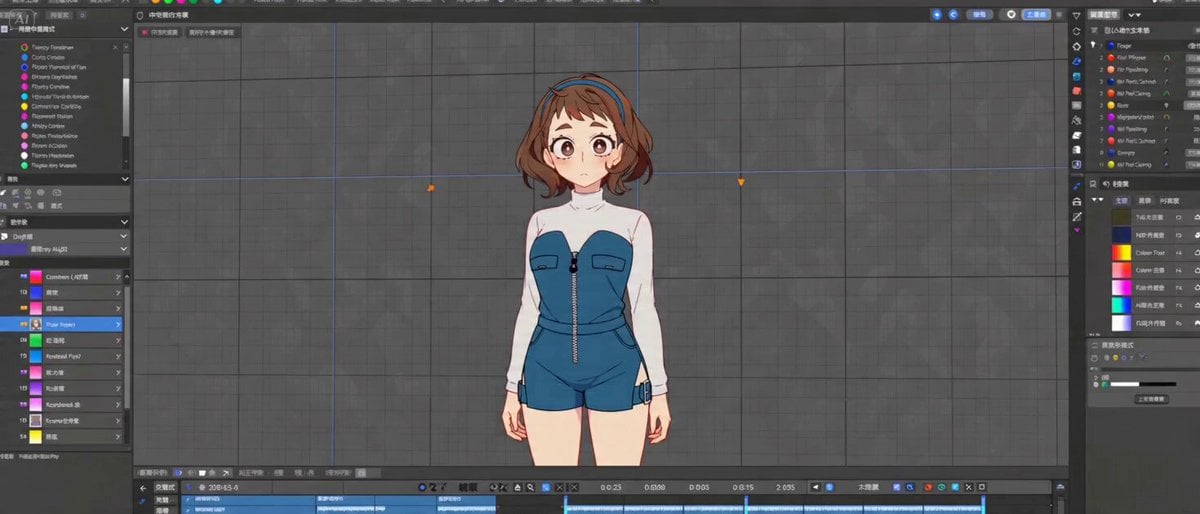
Cinematic 2D Anime Scene Prompt

Floating Sky Garden Video Prompt
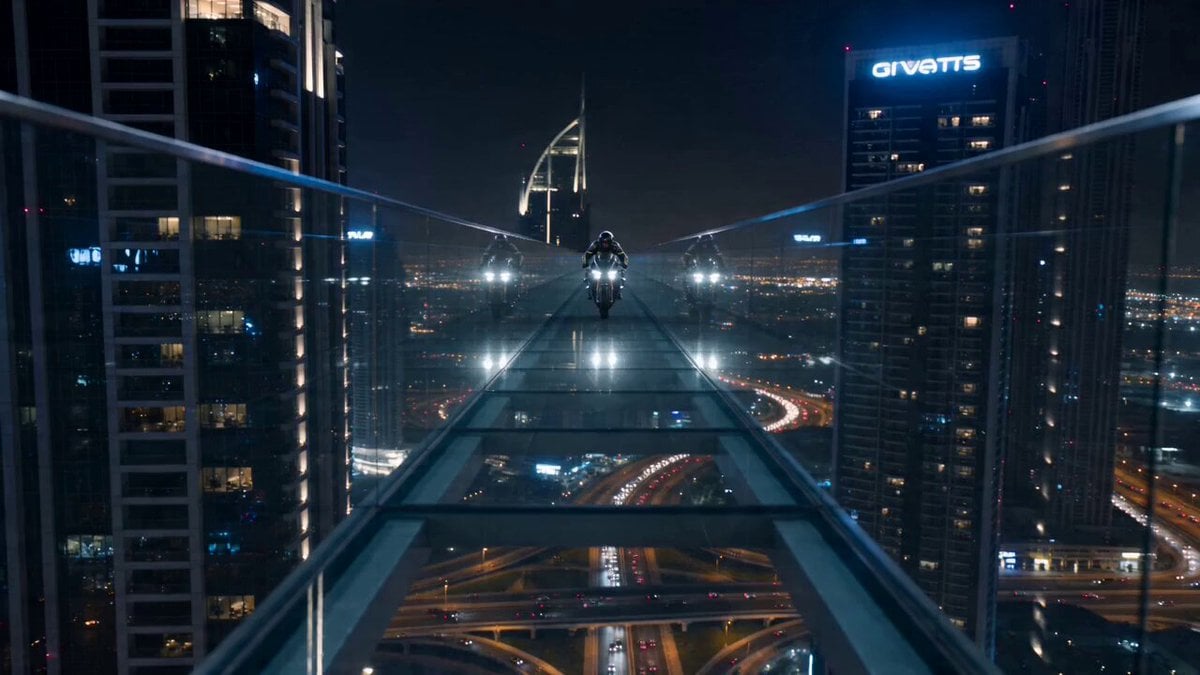
Dubai Skybridge Motorbike Stunt Video Prompt
Seedance 2.0 Prompt: Cute Adventure Story
Cinematic Dragon Fantasy Reel
Seedance 2.0 Prompt for Anime Style White-Haired Girl

Living Magazine Cover Animation
American Vlog Road Trip Collage
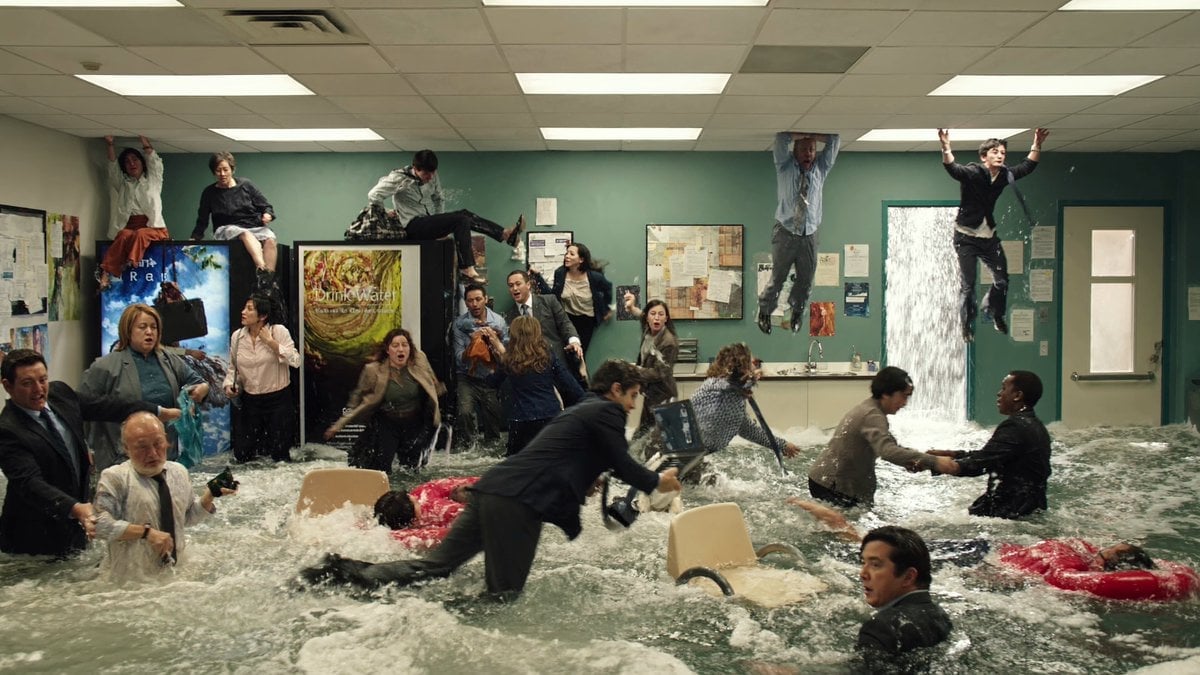
Slow Motion Flood Disaster Cinematography
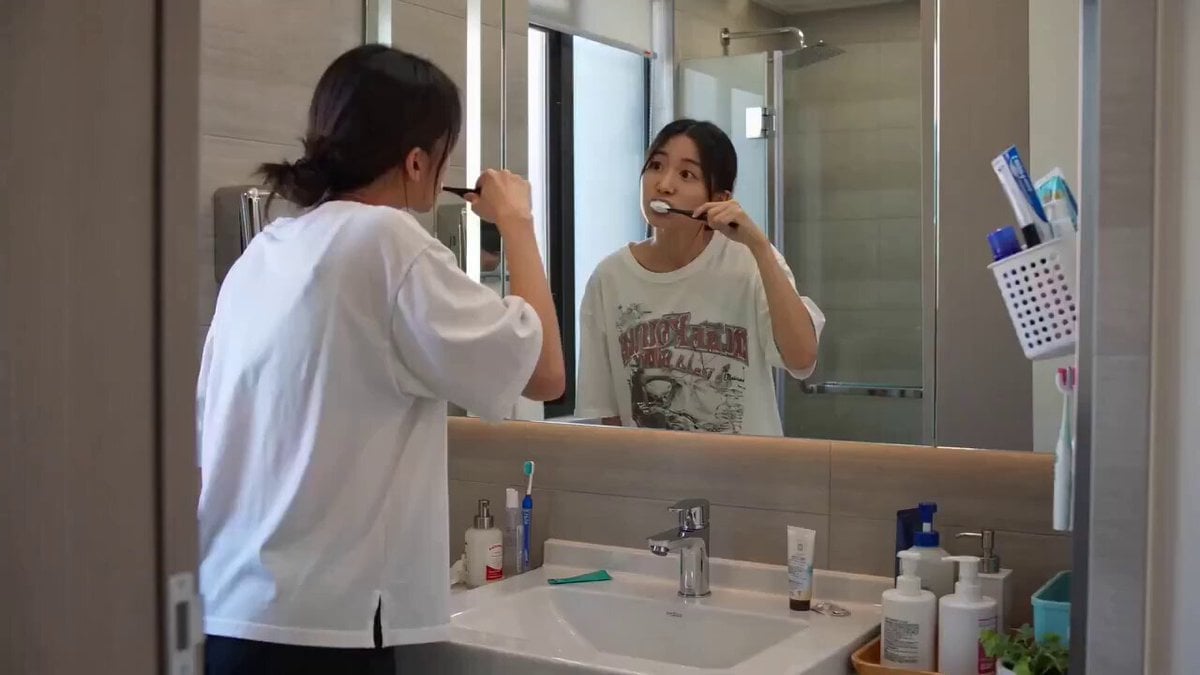
Seedance 2.0 Text-to-Video Prompt Example
Browse template categories
Retro Egyptian God Animation questions
How do I use the Retro Egyptian God Animation template?
Add your photo if the template asks for one, edit the prompt if you like — the template's model and format are already selected — and press Generate. Your version opens in PicX Studio.
Can I customize the Retro Egyptian God Animation template?
Yes. You can change the subject, setting, lighting, mood, format, and available model controls before creating your video.
Is the Retro Egyptian God Animation template free?
Opening and editing this template is free. Generating uses credits, shown on the Generate button when you are signed in.
Which AI model should I use?
Start with Seedance 2.0, which is the model associated with this template. You can compare another compatible model for a different finish.
Looking for something else? Browse all templates.

Your photo, any look
Thousands of ready templates for every top image and video model, from one credit balance.