
Midnight Kitchen Cinematic Chaos
A detailed video prompt depicting a late-night cooking scenario that turns into cinematic chaos, featuring realistic lighting and dramatic sound design.
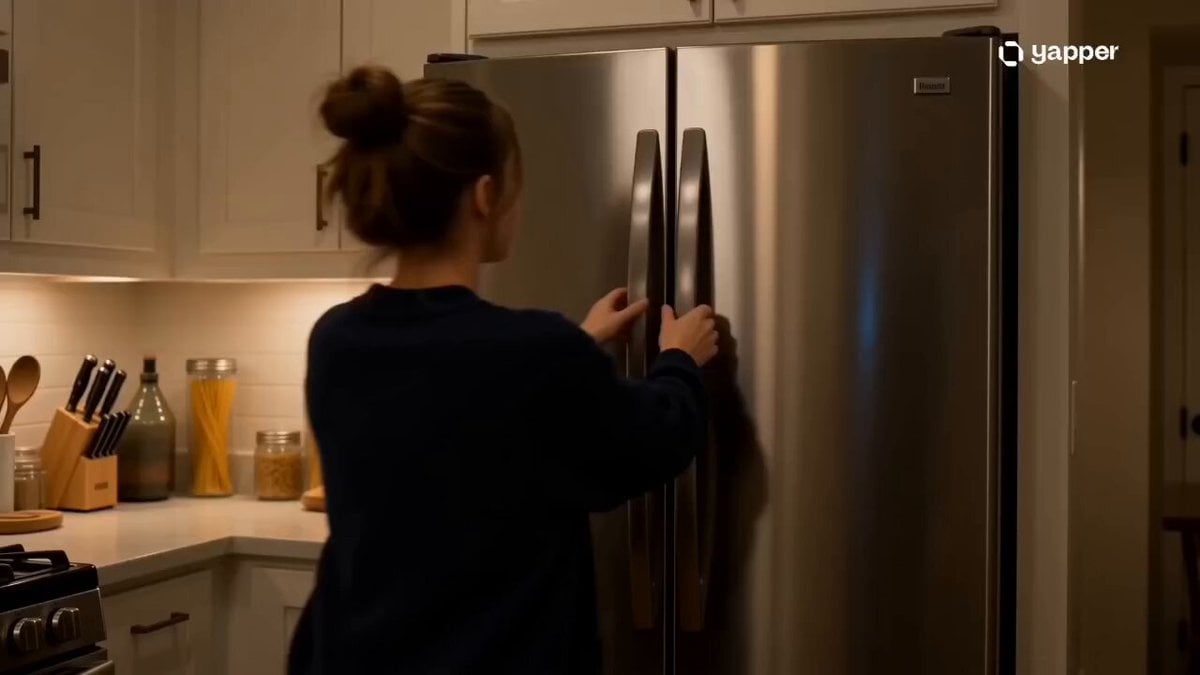
- Prompt included
- Model and format preset
- Premium template
The prompt behind this video
Copy the exact prompt behind Midnight Kitchen Cinematic Chaos, or open it in the studio and make it yours.
Style: Cinematic realism, fast-paced editing, warm tungsten kitchen lighting, energetic handheld camera movement, shallow depth of field, dramatic sound design with comedic tension, cozy late-night atmosphere. 0–3s — The Craving Begins A tired young man opens the fridge at midnight. Cold blue fridge light illuminates his exhausted face. Nearly empty shelves—only eggs, cheese, and leftover noodles remain. A quiet stomach growl echoes in the silent apartment. 3–6s — Cooking Frenzy Rapid-fire cuts: pan slamming onto the stove, butter sizzling aggressively, knife chopping at high speed, noodles tossed into the air. Handheld camera shakes slightly with the movement. Steam and warm light flood the kitchen. 6–10s — Disaster Moment Oil flares up unexpectedly. He freezes in panic. Spoon drops in dramatic slow motion. Toast nearly burns while chaotic music spikes. Fast cuts between smoke, frantic movements, and widening eyes create comedic tension. 10–13s — Masterpiece Reveal Suddenly, silence. Beautiful cinematic close-up of spicy cheesy noodles perfectly plated. Steam rises slowly in warm golden kitchen light. Camera lingers like a luxury food commercial. 13–15s — Final Bite Victory He takes one bite and instantly relaxes with relief. Slow push-in shot as city lights glow softly through the kitchen window behind him. Lo-fi music fades in gently while the midnight chaos finally settles.
How to use Midnight Kitchen Cinematic Chaos in 3 steps
- 1
Open
The prompt is already in the box next to the preview, with the template's model and format selected.
- 2…a portrait of your subject in softgolden-hour light, 85mm…
Personalize
Edit the subject and creative details for your destination.
- 3Generate
Generate
Press Generate — your video is created in PicX Studio, so you can compare it with the original and refine one variable at a time.
More like this
Templates with the same subject, style or setup. Open one to see its prompt.
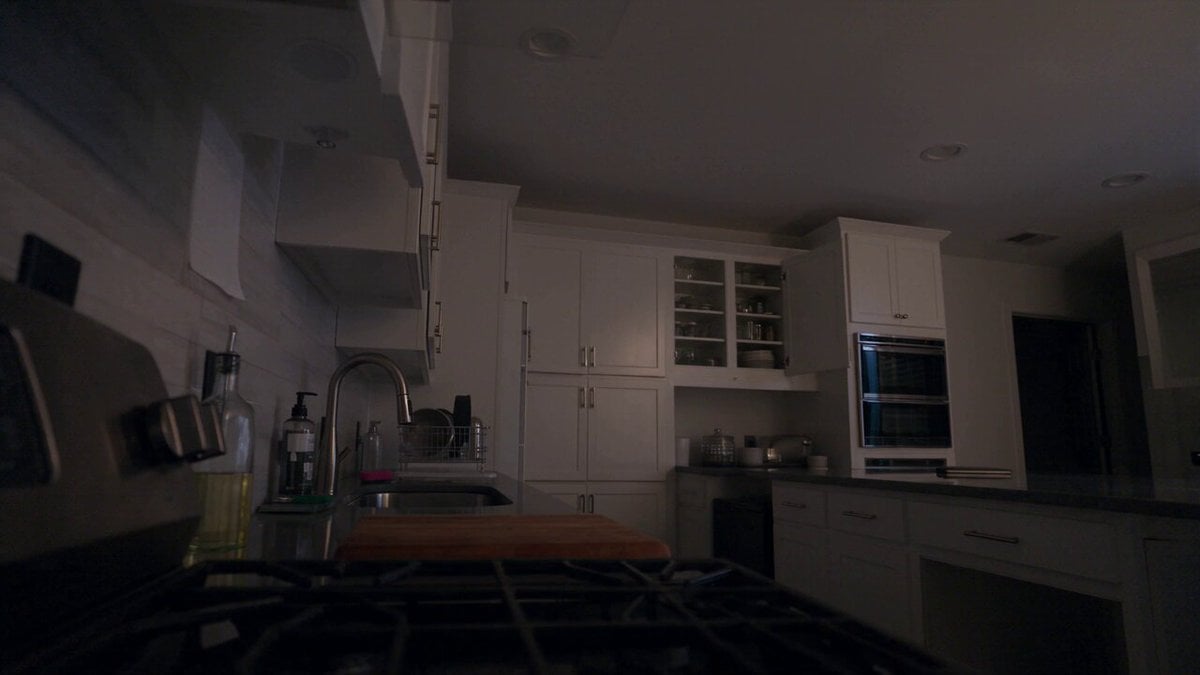
Late Night Kitchen Phone Recording - Seedance 2.5
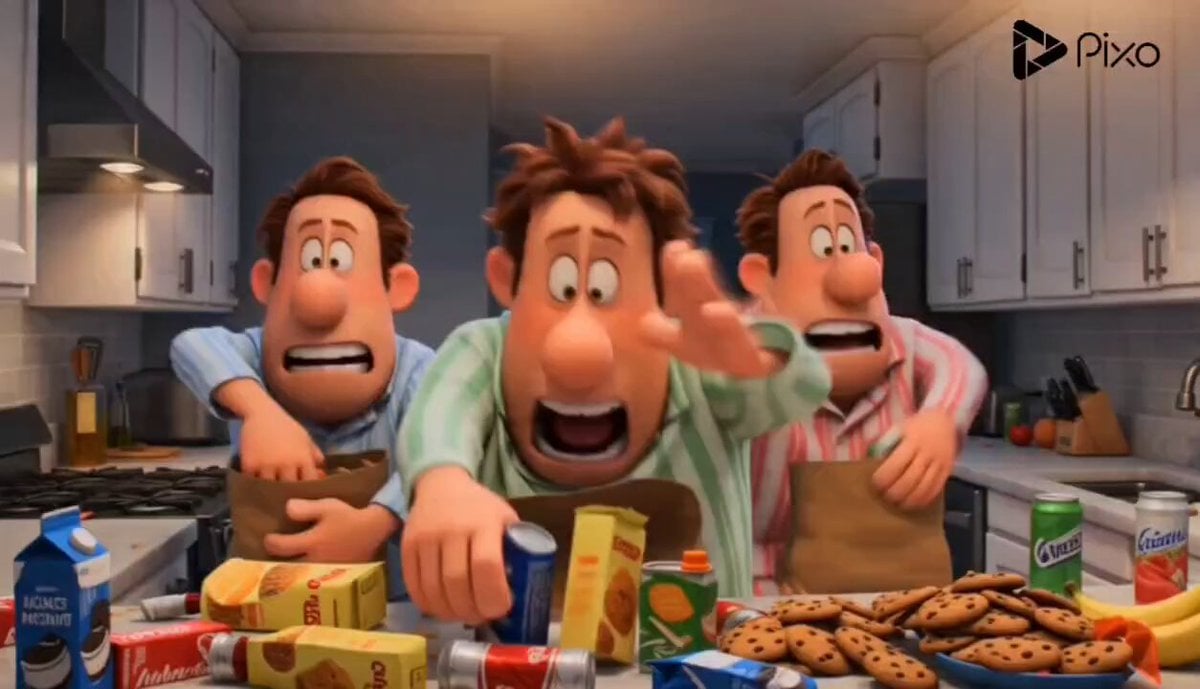
Cartoon Kitchen Snack Chaos
Luxury House Tour — 15 Shots in 15 Seconds (Seedance)
Naval Painting Breach — Art Gallery Flood (Seedance)
Subway Flood — Epic Tunnel Chaos
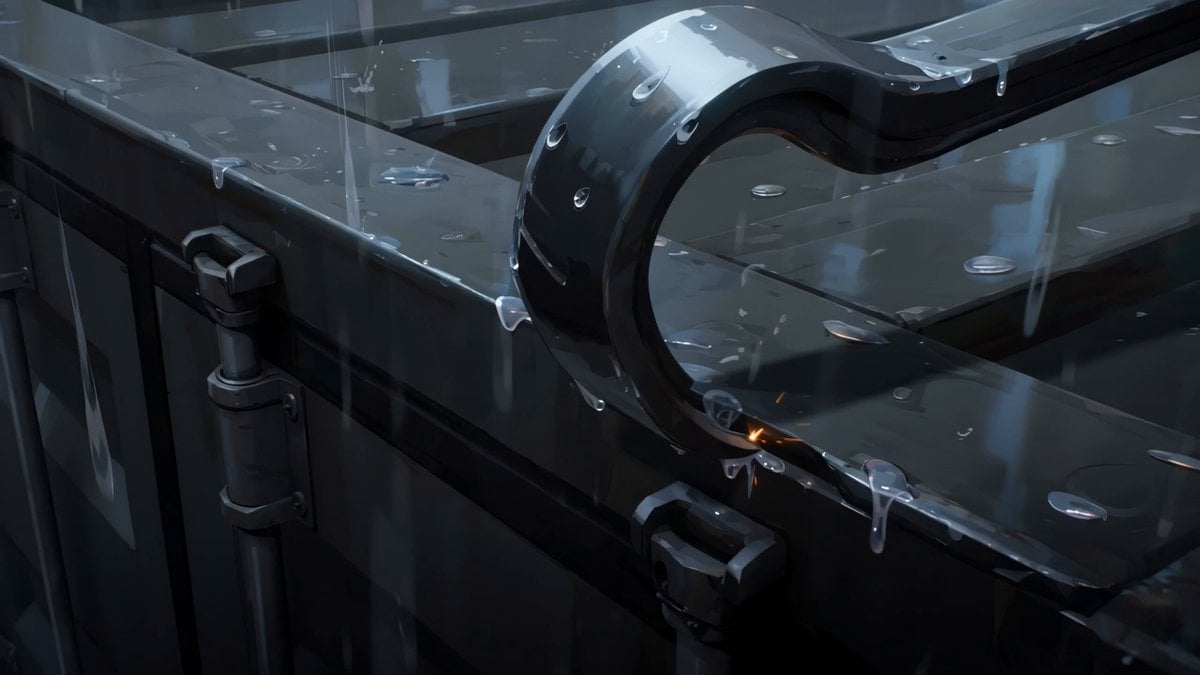
Rainy Midnight Shipyard Video Scene
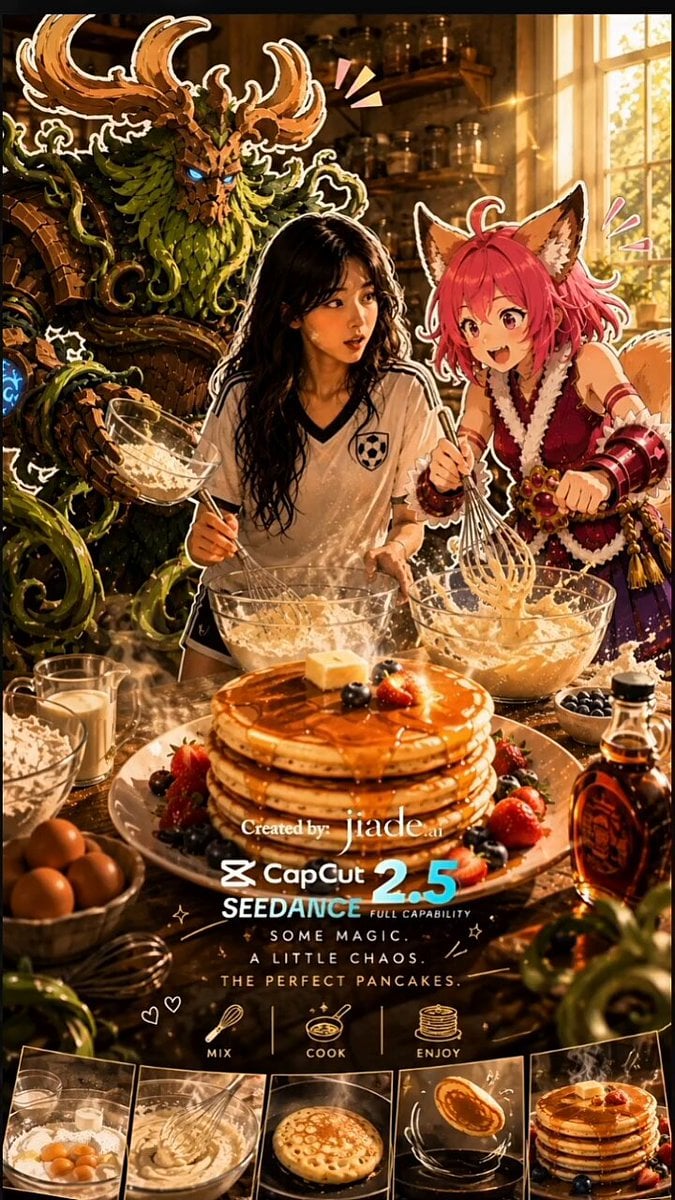
Mixed-Media Kitchen Cooking Animation
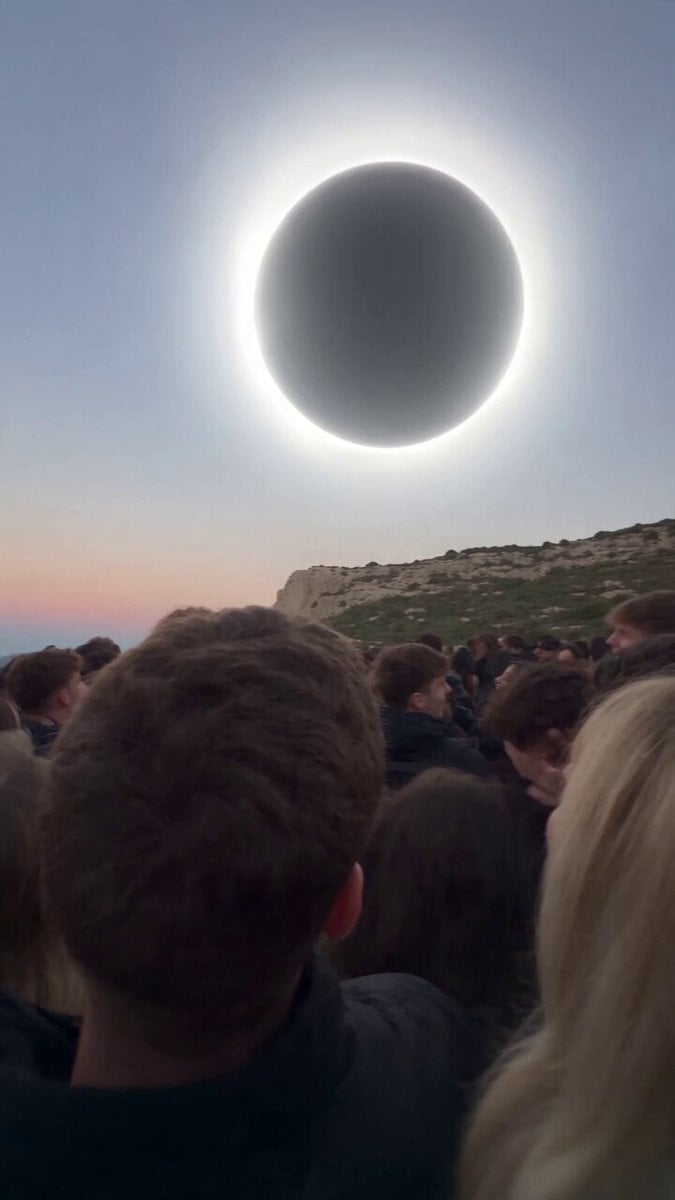
Red Moon Eclipse Chaos Video
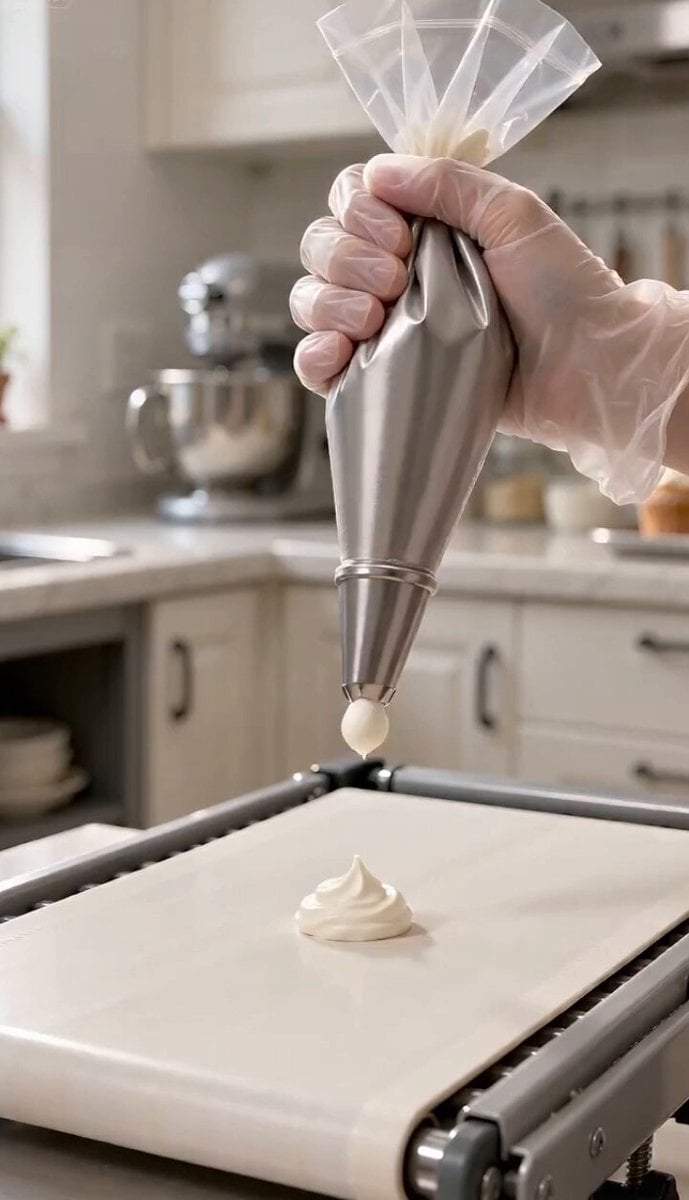
Magic Baking Kitchen Cat Transformation
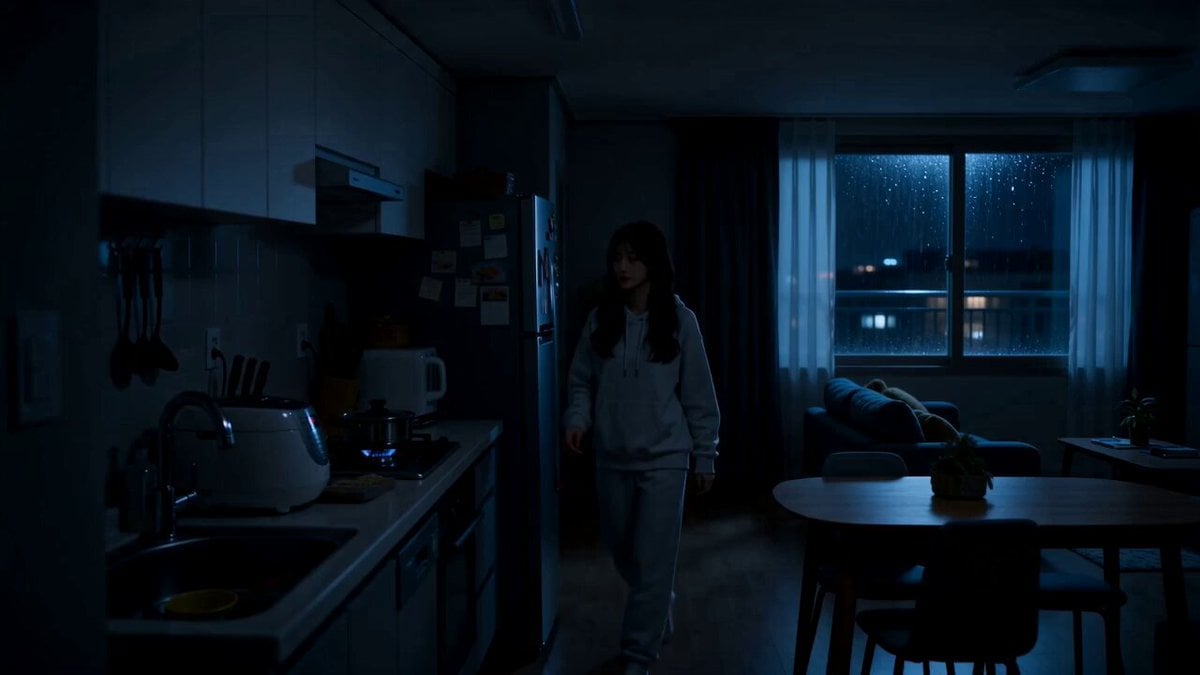
Midnight Apartment Cooking Scene
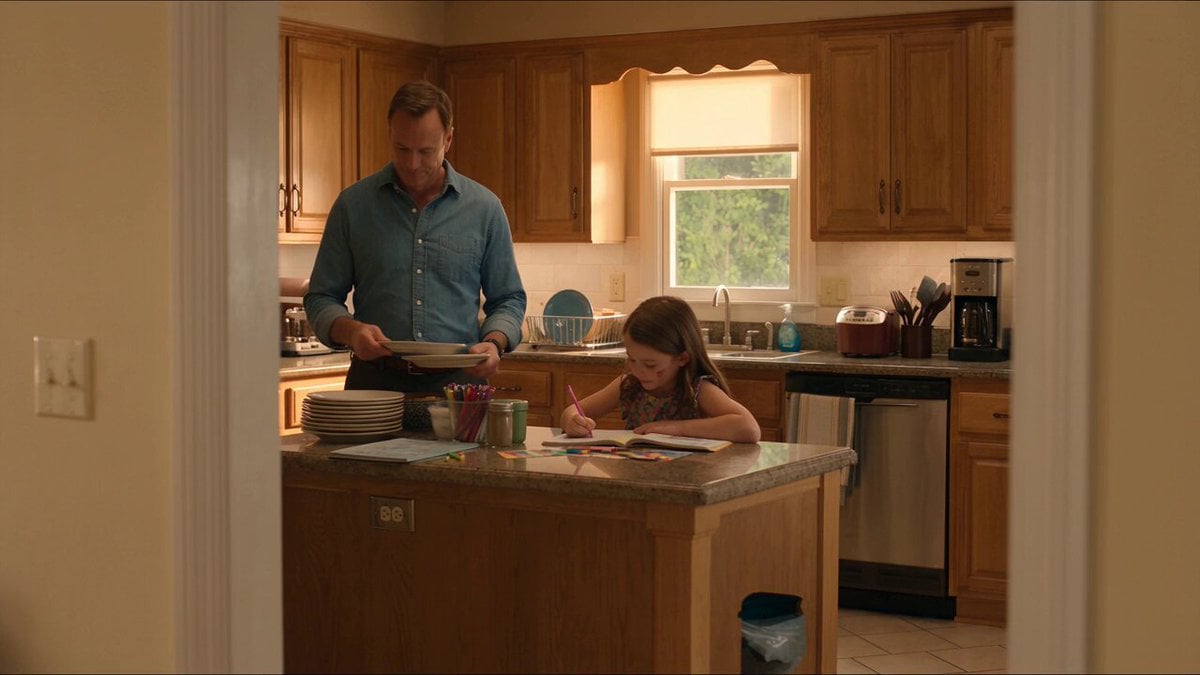
Kitchen Intruder Action Sequence
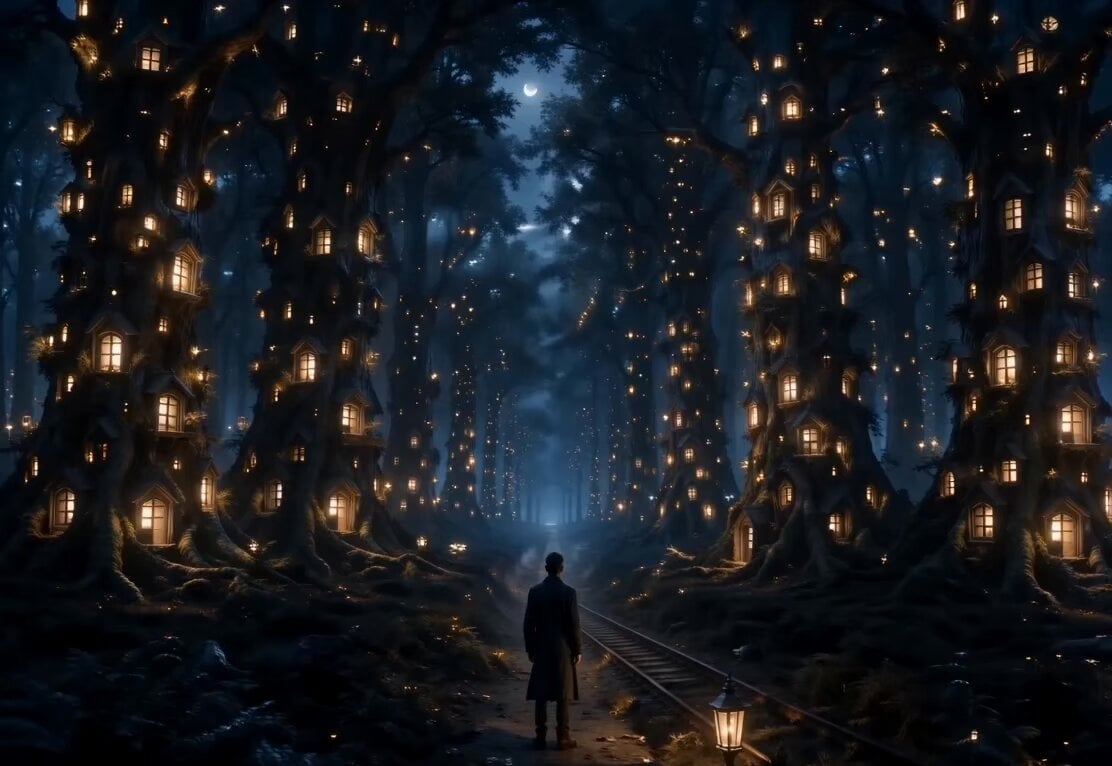
Midnight Forest with Glowing Windows
Make it yours
Midnight Kitchen Cinematic Chaos works as-is. These are the safest ways to change it without losing the look.
Change one field
Copy a single group, rewrite it, and generate again so you can see what that field is doing.
Keep the frame, change the subject
Hold the composition and light of Midnight Kitchen Cinematic Chaos, then swap wardrobe, props or the person for a new take.
| If the result… | Why | Fix |
|---|---|---|
| The result drifts from the preview | Too many fields changed at once. | Reuse Midnight Kitchen Cinematic Chaos as-is first, then change one group — subject, light, or setting. |
| The model over-stylizes the scene | The prose prompt leaves finish and camera underspecified. | Add one camera or lighting sentence and stay on Seedance 2.0. |
More Seedance 2.0 templates
Other prompts made for Seedance 2.0.

Comical Martial Arts Punch Scene

Maglev Train Action Sequence

Martial Arts Fight Sequence

Wuxia Protection and Trust Script

Vintage Korean Arcade MiniDV Vlog

Mercedes 190 SL Luxury Ad

Rainy Night Supernatural Reverse Comedy Video Script

Amazon Civilization Discovery

Futuristic South Asian City Transformation

Cozy Luxury Cafe Commercial
More video prompts
Fresh picks from across the catalog.

Luminous Jellyfish and Kronosaurus Ambush
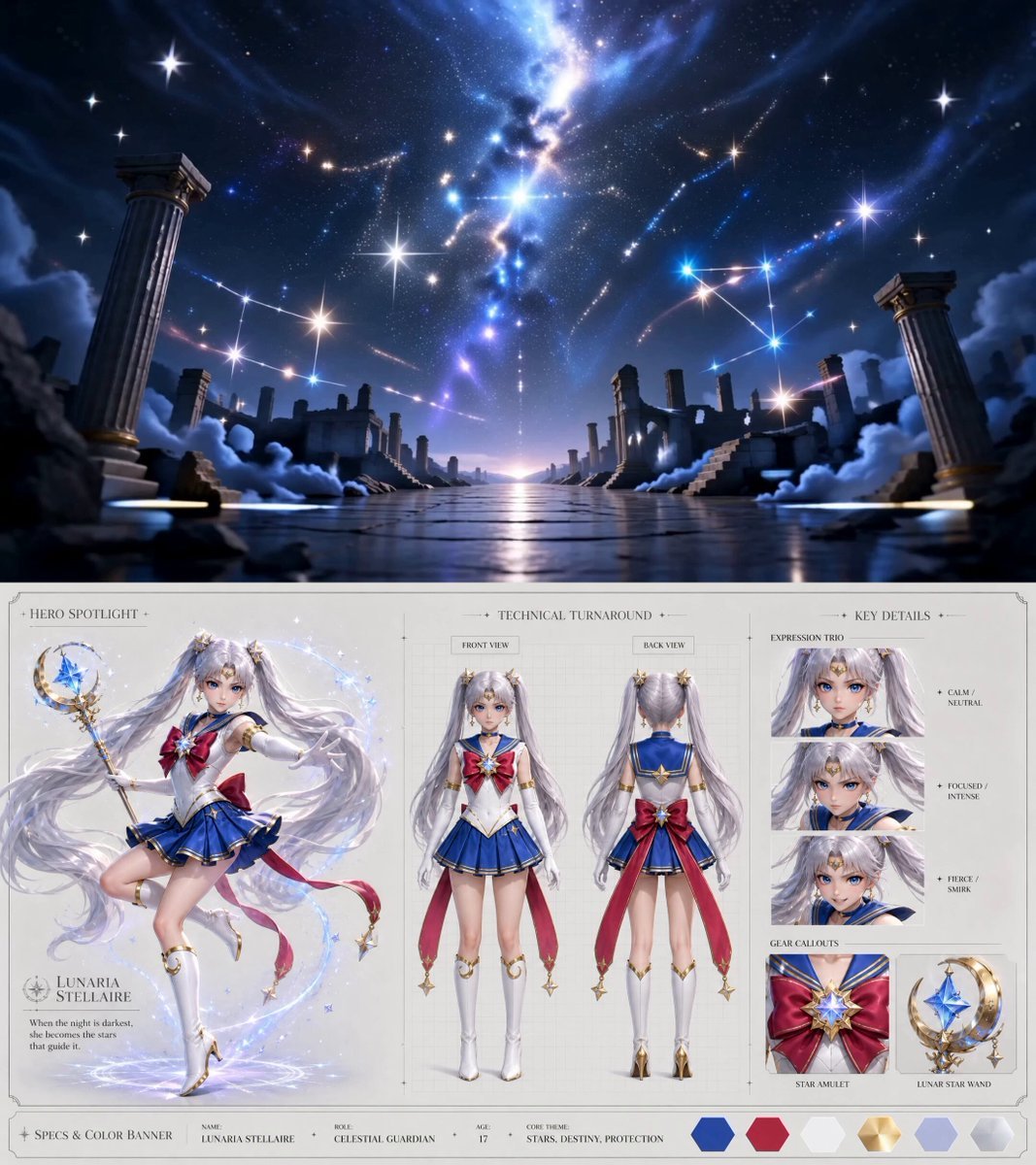
Celestial Awakening Animation

Motocross Jump to Hover Battleship

Miniature Sachet Sized Kitten Video
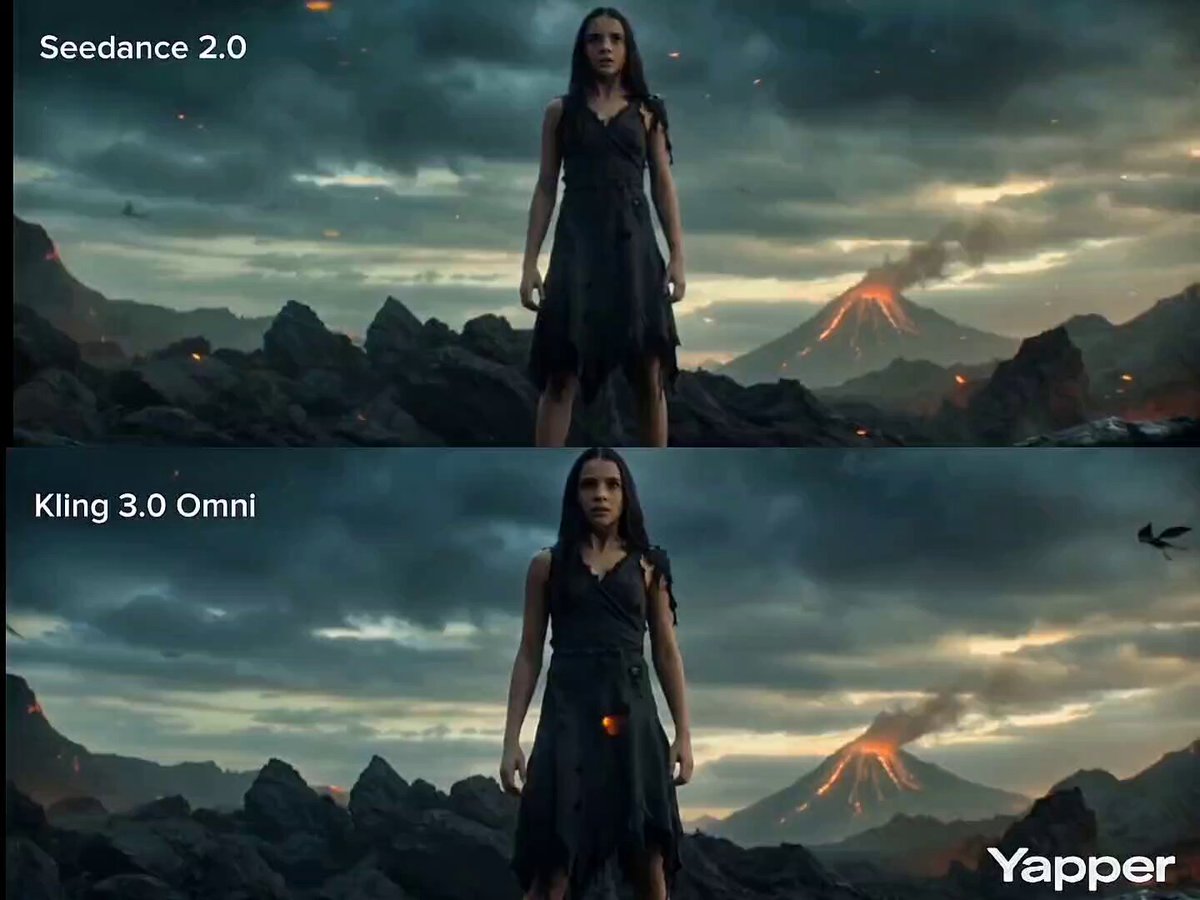
Cinematic Transformation Scene
Amber Vortex Light Painting Video
Soviet Hospital Rooftop Horror Sequence
Modern Ninja Skyscraper Lobby Combat

Glowing Dandelion Transformation

Deadpan Cinematic Dialogue Shot
Browse template categories
Midnight Kitchen Cinematic Chaos questions
How do I use the Midnight Kitchen Cinematic Chaos template?
Add your photo if the template asks for one, edit the prompt if you like — the template's model and format are already selected — and press Generate. Your version opens in PicX Studio.
Can I customize the Midnight Kitchen Cinematic Chaos template?
Yes. You can change the subject, setting, lighting, mood, format, and available model controls before creating your video.
Is the Midnight Kitchen Cinematic Chaos template free?
Opening and editing this template is free. Generating uses credits, shown on the Generate button when you are signed in.
Which AI model should I use?
Start with Seedance 2.0, which is the model associated with this template. You can compare another compatible model for a different finish.
Looking for something else? Browse all templates.

Your photo, any look
Thousands of ready templates for every top image and video model, from one credit balance.