
Reactor Chamber Core Shutdown
A high-stakes sci-fi sequence featuring a technician attempting to manually shut down a destabilizing energy core inside a massive reactor.
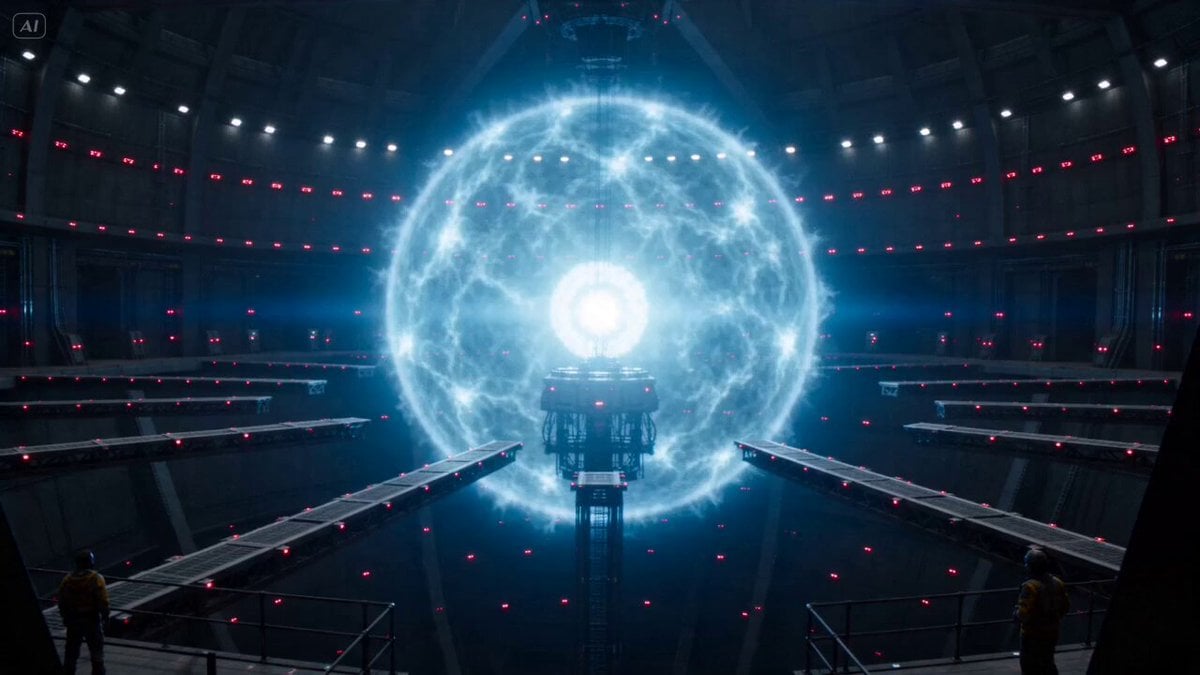
- Prompt included
- Model and format preset
- Free template
The prompt behind this video
Copy the exact prompt behind Reactor Chamber Core Shutdown, or open it in the studio and make it yours.
Massive reactor chamber, energy core destabilizing while a technician tries to shut it down manually. Wide shot: huge glowing core pulsing violently. Approach: person running across unstable platforms. Energy surge: arcs of energy snapping unpredictably. Near-hit: energy blast strikes just behind them. Platform failure: section collapses mid-run. Jump: barely reaching the next platform. Control panel: system unresponsive at first. Overload spike: core flares brighter, shaking entire structure. Manual override: forced input under pressure. Critical second: core reaches peak instability. Shutdown: energy collapses just in time.
How to use Reactor Chamber Core Shutdown in 3 steps
- 1
Open
The prompt is already in the box next to the preview, with the template's model and format selected.
- 2…a portrait of your subject in softgolden-hour light, 85mm…
Personalize
Edit the subject and creative details for your destination.
- 3Generate
Generate
Press Generate — your video is created in PicX Studio, so you can compare it with the original and refine one variable at a time.
More like this
Templates with the same subject, style or setup. Open one to see its prompt.
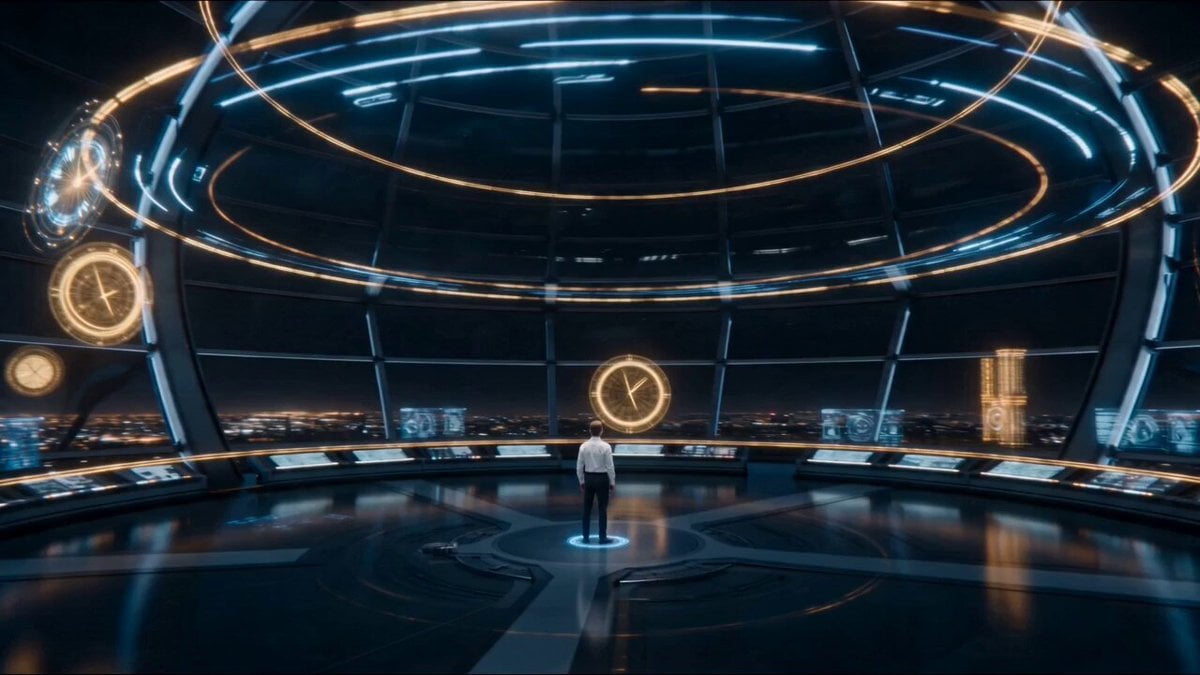
Temporal Chamber Sci-Fi Transformation
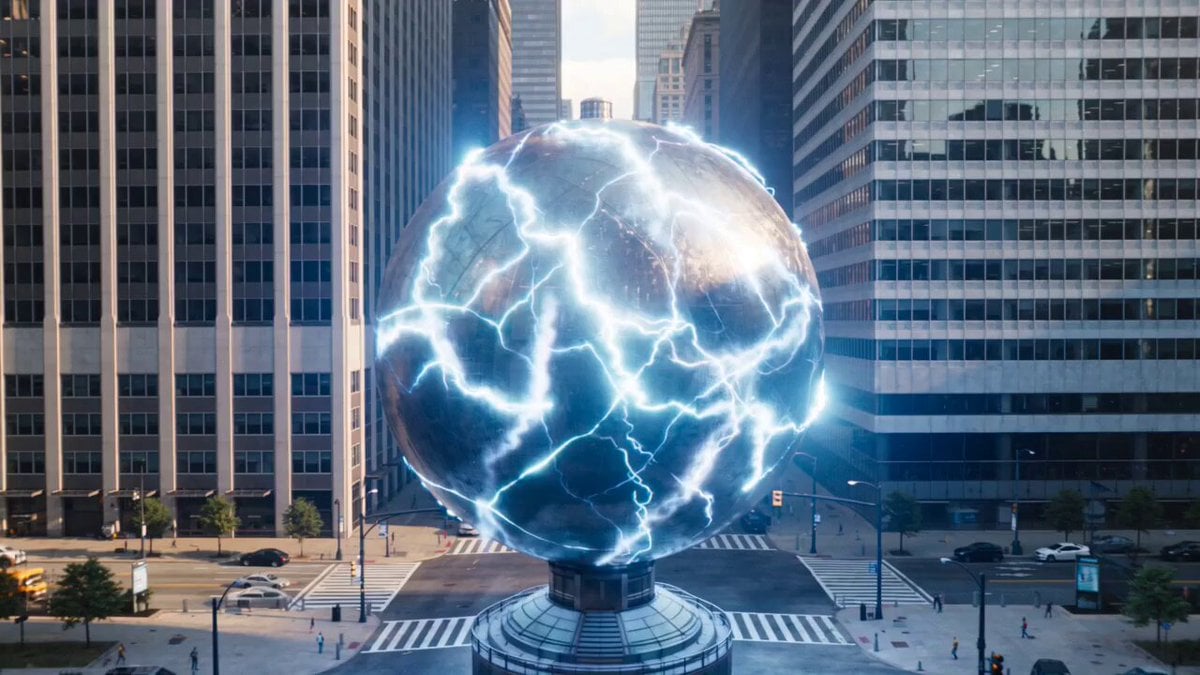
Urban destruction energy core detonation
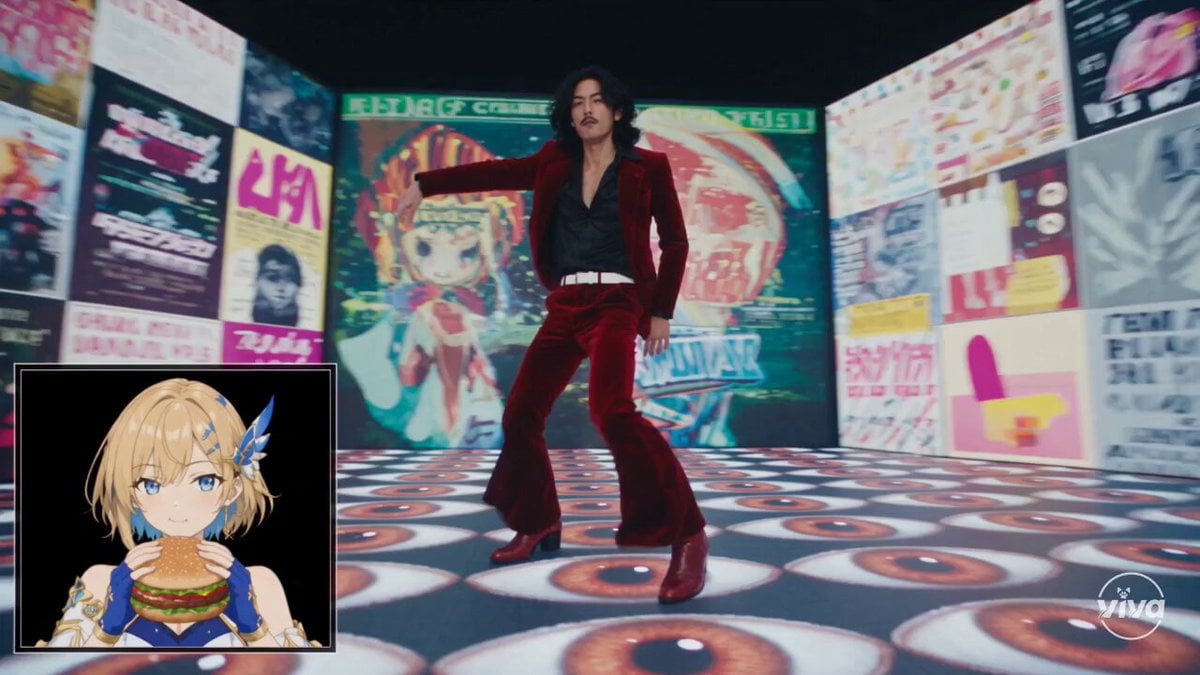
High-Intensity Experimental Music Video
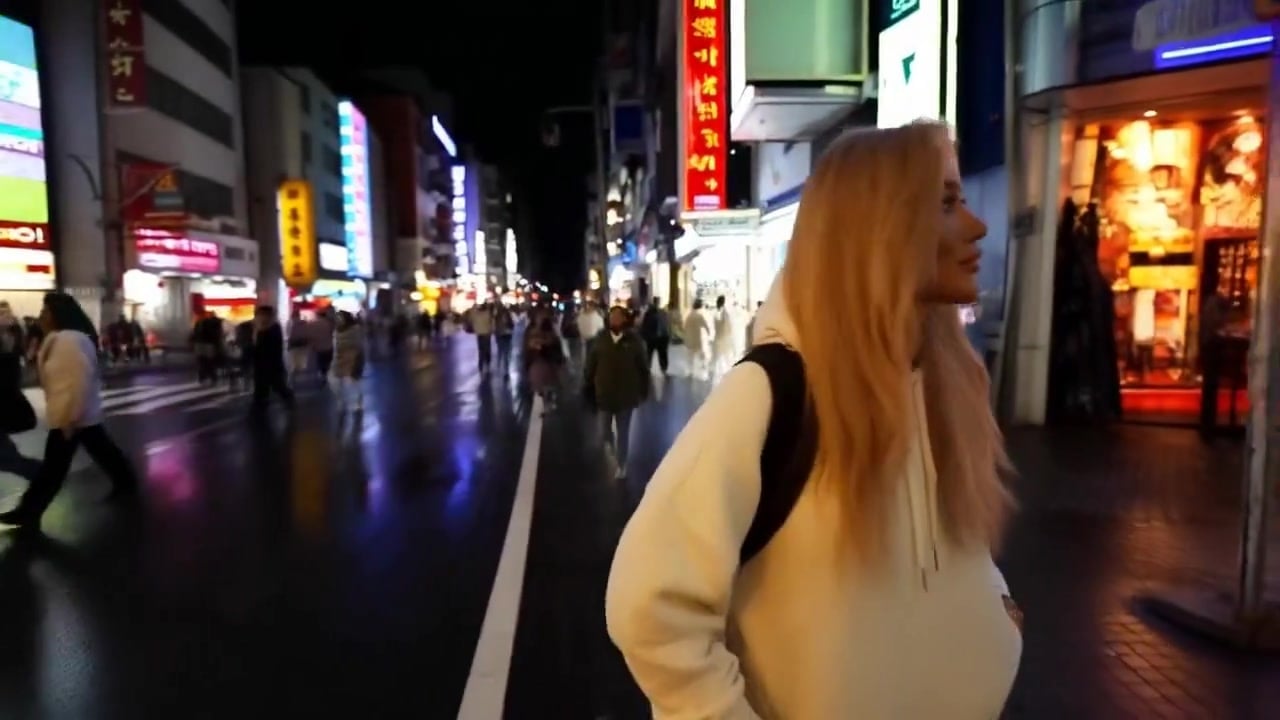
Minimax Subject Reference Breakthrough — Character Consistency

Global Flower Thank-You Film

Lonely Crowd One-Shot Through Seasons

Douyin Catch and Wipe Fashion Transition
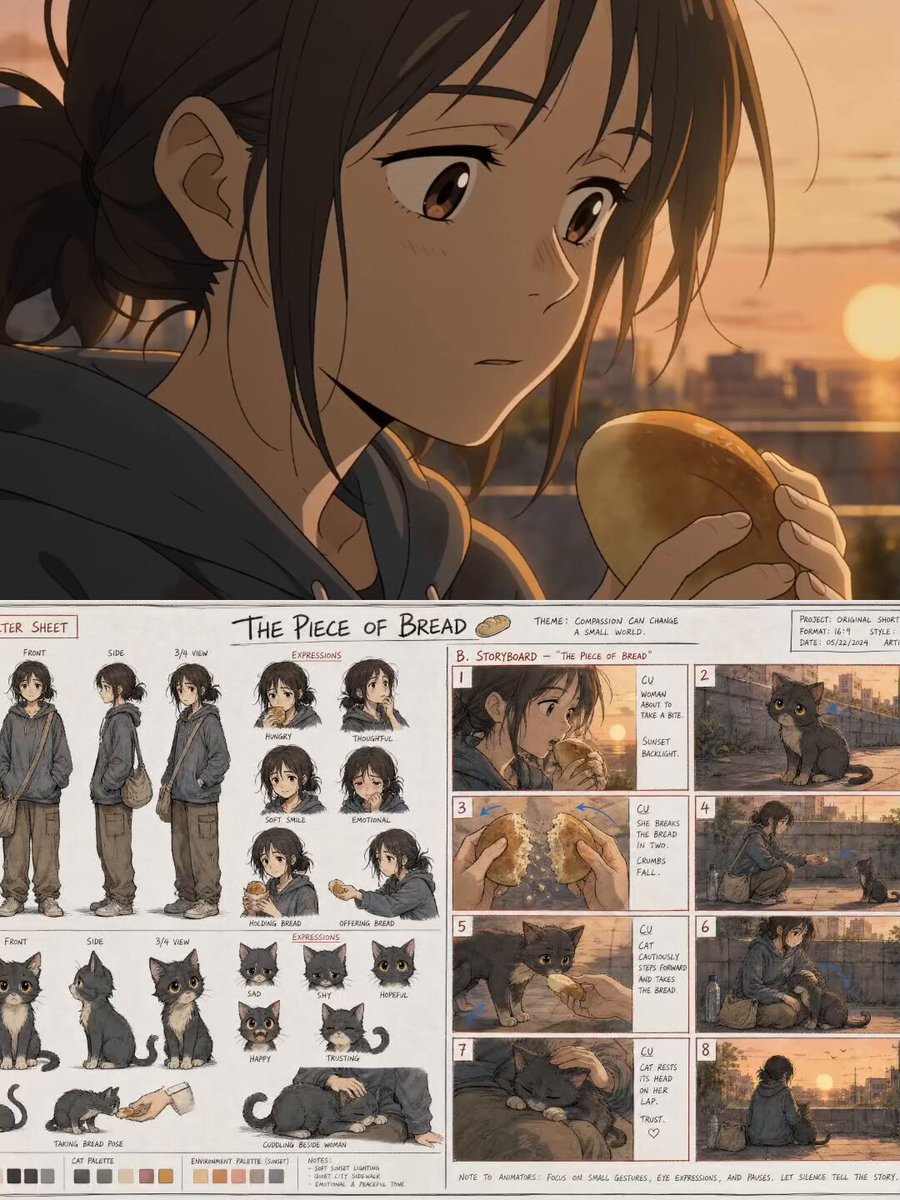
The Piece of Bread: Anime Short Film
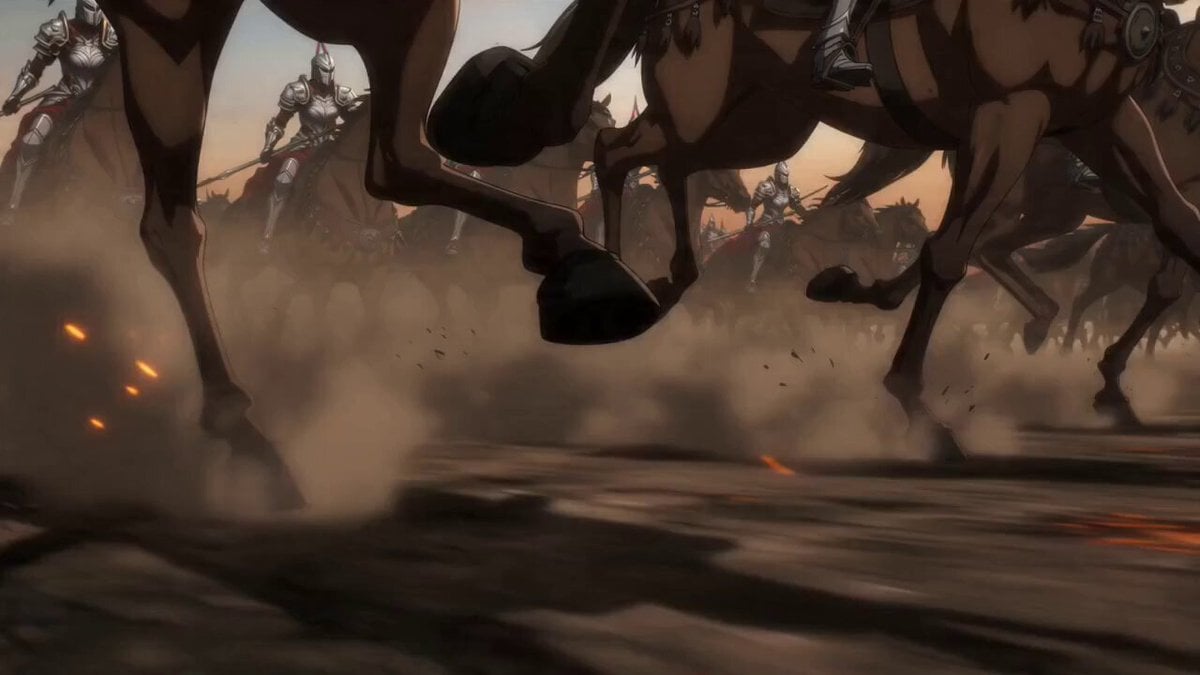
Epic Anime Warrior Queen Cavalry Charge
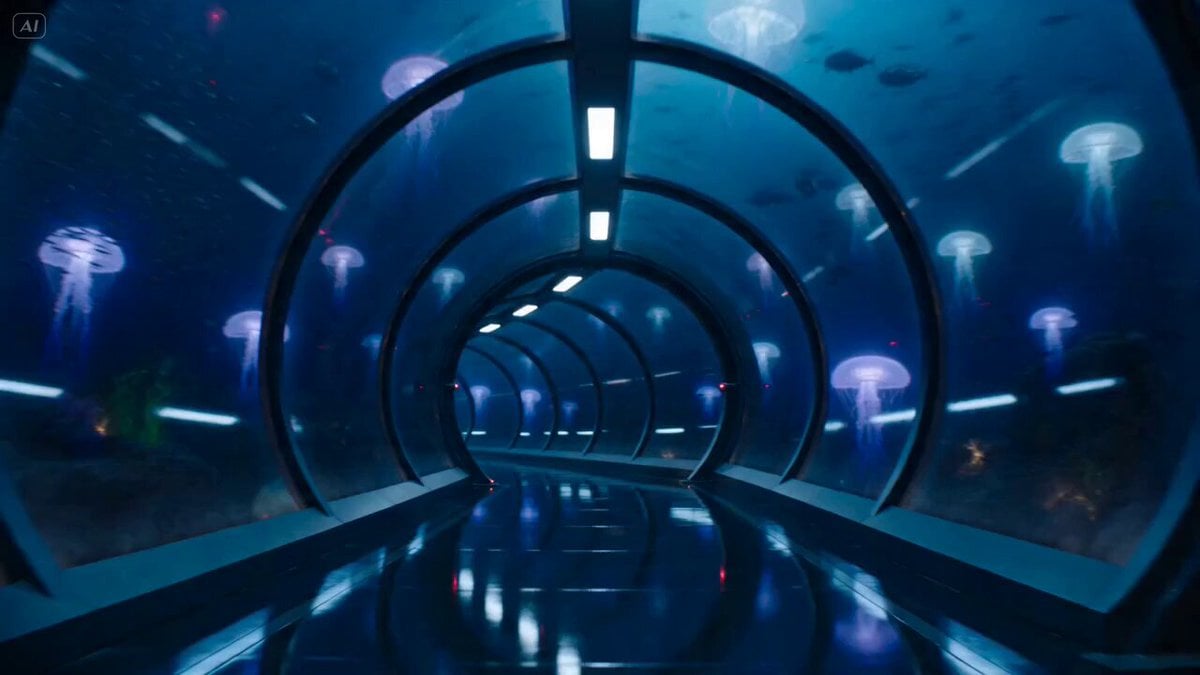
Underwater Glass Tunnel Action Sequence
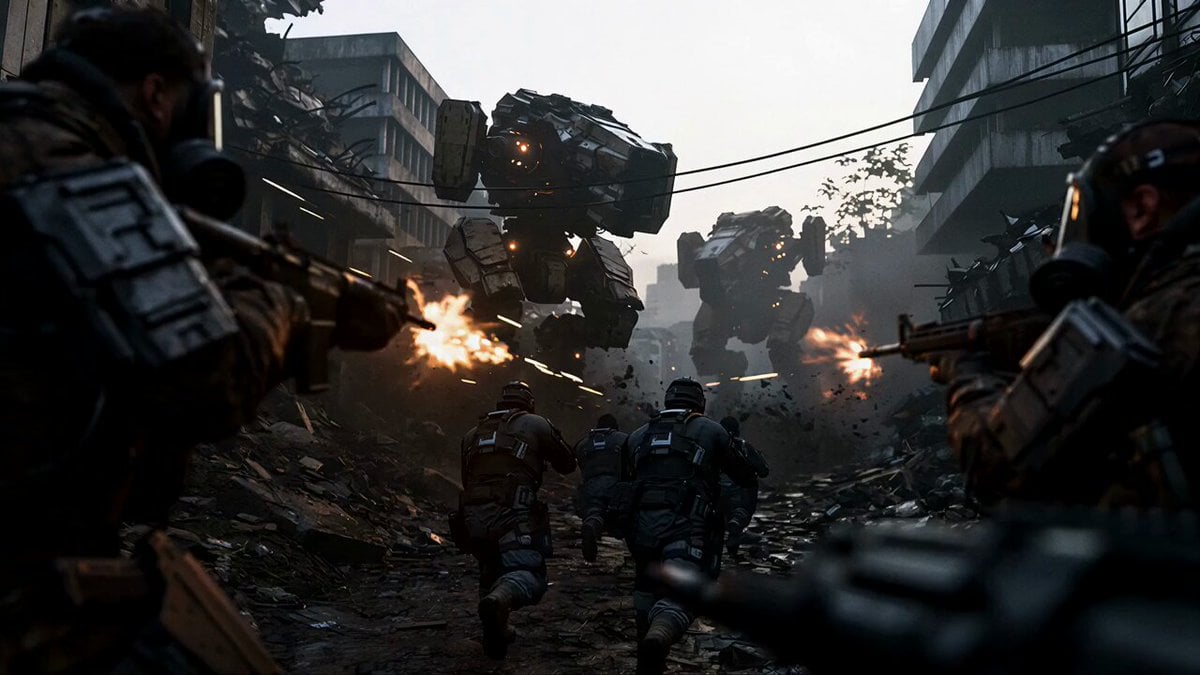
Sci-Fi Urban Warfare Scene
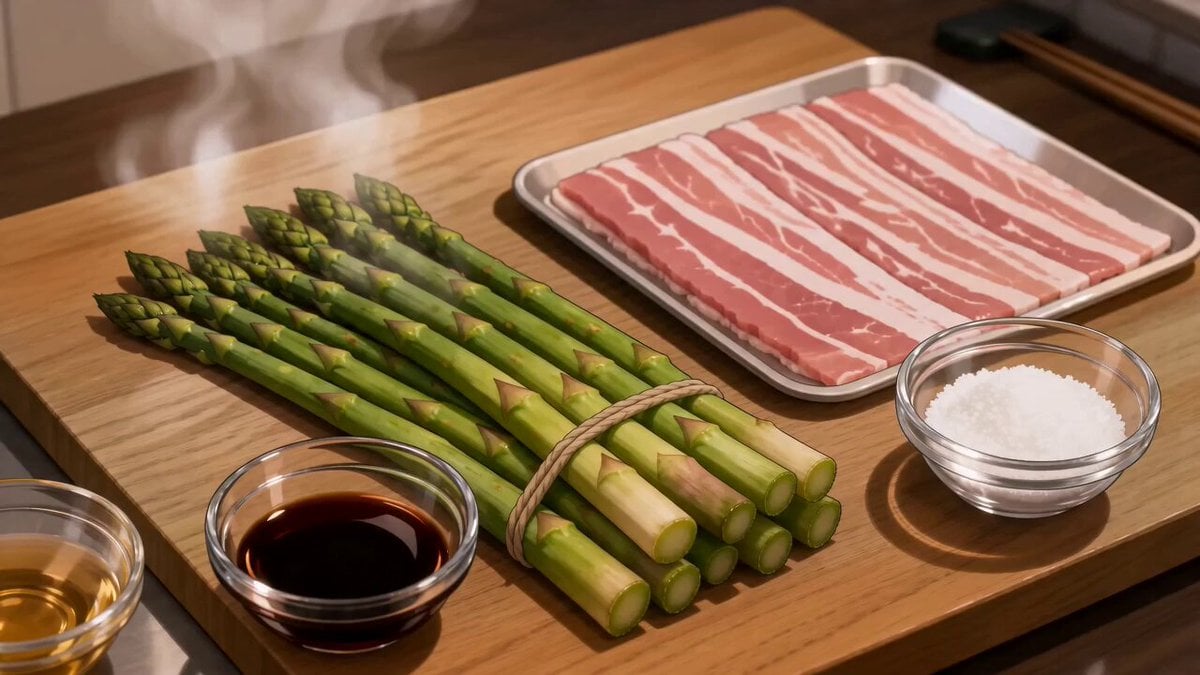
Anime Pork-Wrapped Asparagus Cooking Video
Make it yours
Reactor Chamber Core Shutdown works as-is. These are the safest ways to change it without losing the look.
Change one field
Copy a single group, rewrite it, and generate again so you can see what that field is doing.
Keep the frame, change the subject
Hold the composition and light of Reactor Chamber Core Shutdown, then swap wardrobe, props or the person for a new take.
| If the result… | Why | Fix |
|---|---|---|
| The result drifts from the preview | Too many fields changed at once. | Reuse Reactor Chamber Core Shutdown as-is first, then change one group — subject, light, or setting. |
| The model over-stylizes the scene | The prose prompt leaves finish and camera underspecified. | Add one camera or lighting sentence and stay on Seedance 2.0. |
More Seedance 2.0 templates
Other prompts made for Seedance 2.0.

Comical Martial Arts Punch Scene

Maglev Train Action Sequence

Martial Arts Fight Sequence

Wuxia Protection and Trust Script

Vintage Korean Arcade MiniDV Vlog

Mercedes 190 SL Luxury Ad

Rainy Night Supernatural Reverse Comedy Video Script

Amazon Civilization Discovery

Futuristic South Asian City Transformation

Cozy Luxury Cafe Commercial
More video prompts
Fresh picks from across the catalog.
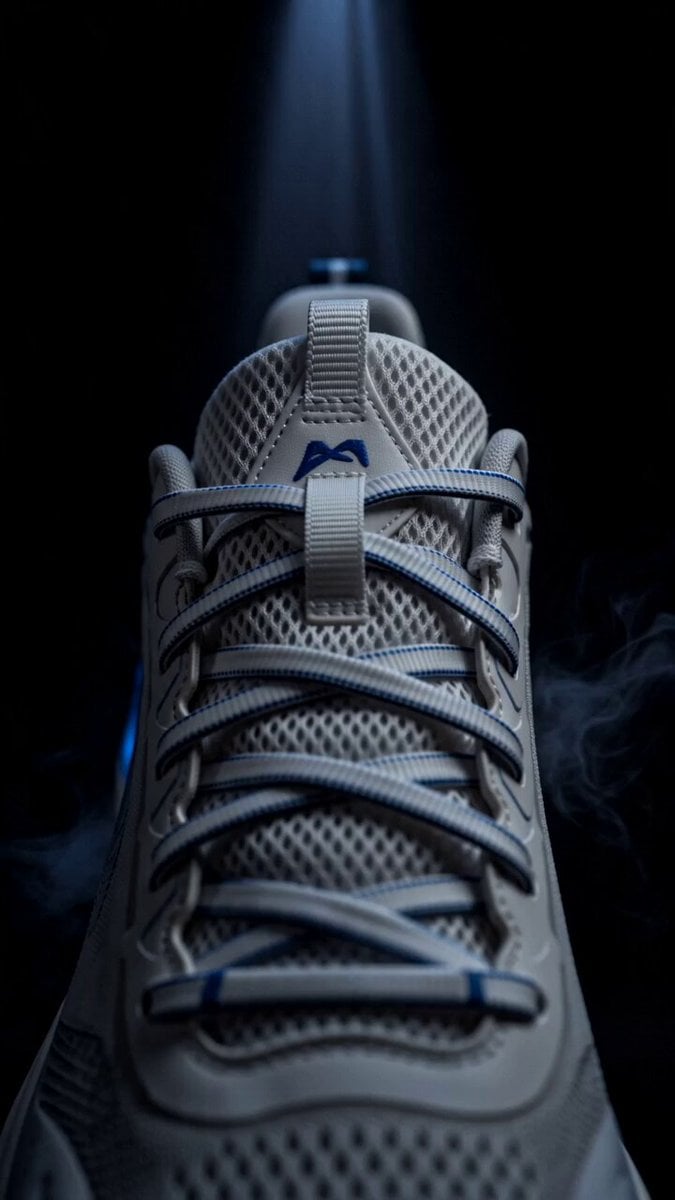
Blue Sports Shoe Product Commercial Shots
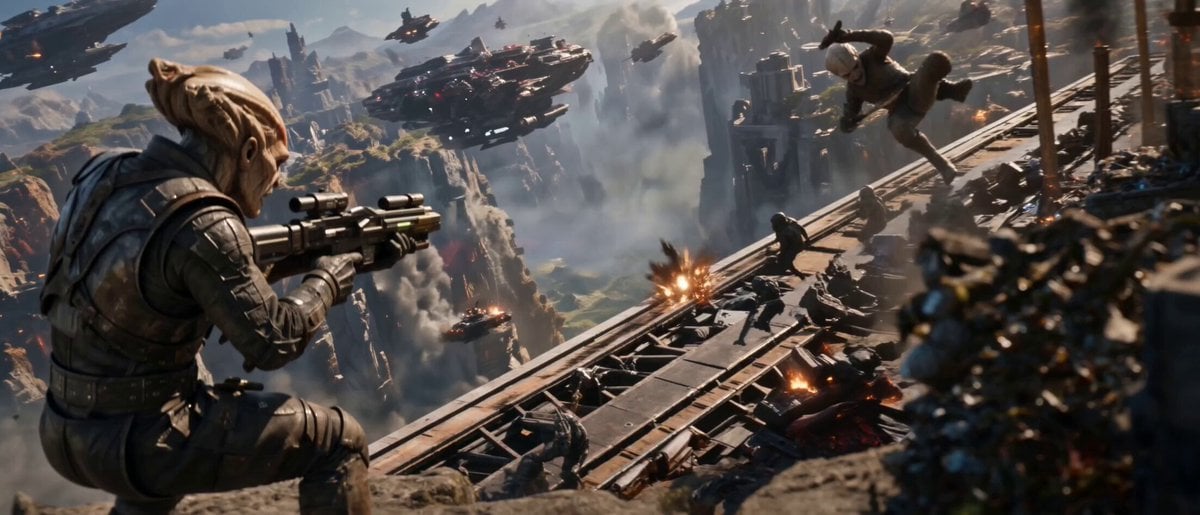
Cinematic Alien War Sequence
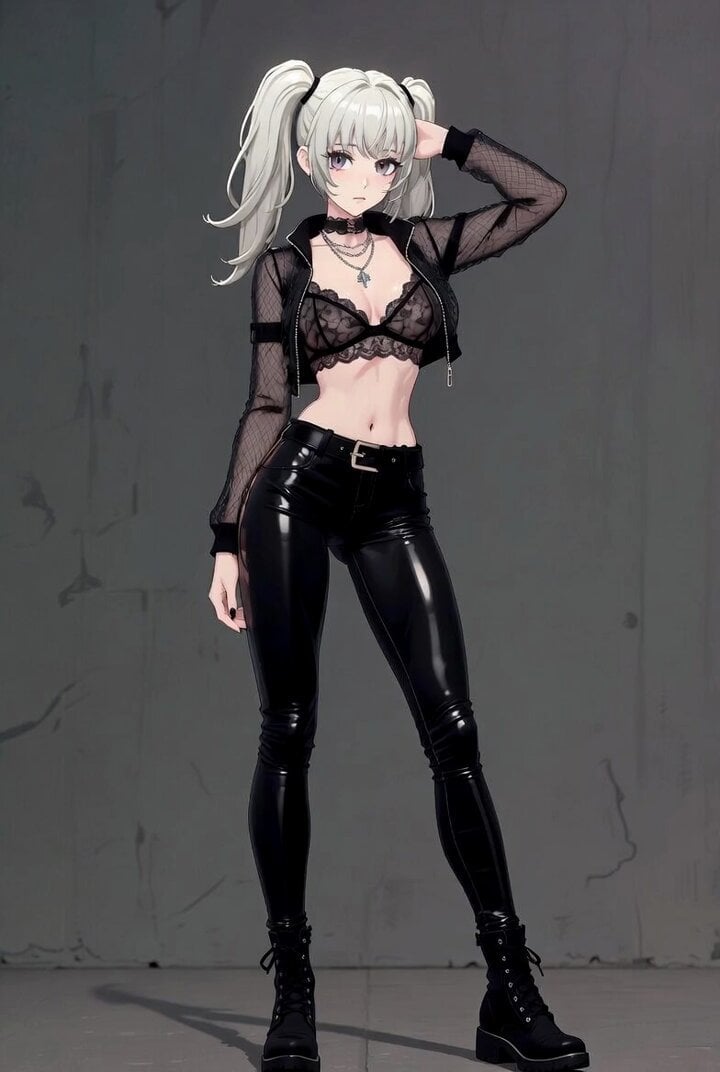
Ani, the xAI companion, posing confidently

Snowy Mountain Morning Coffee Scene Video Prompt
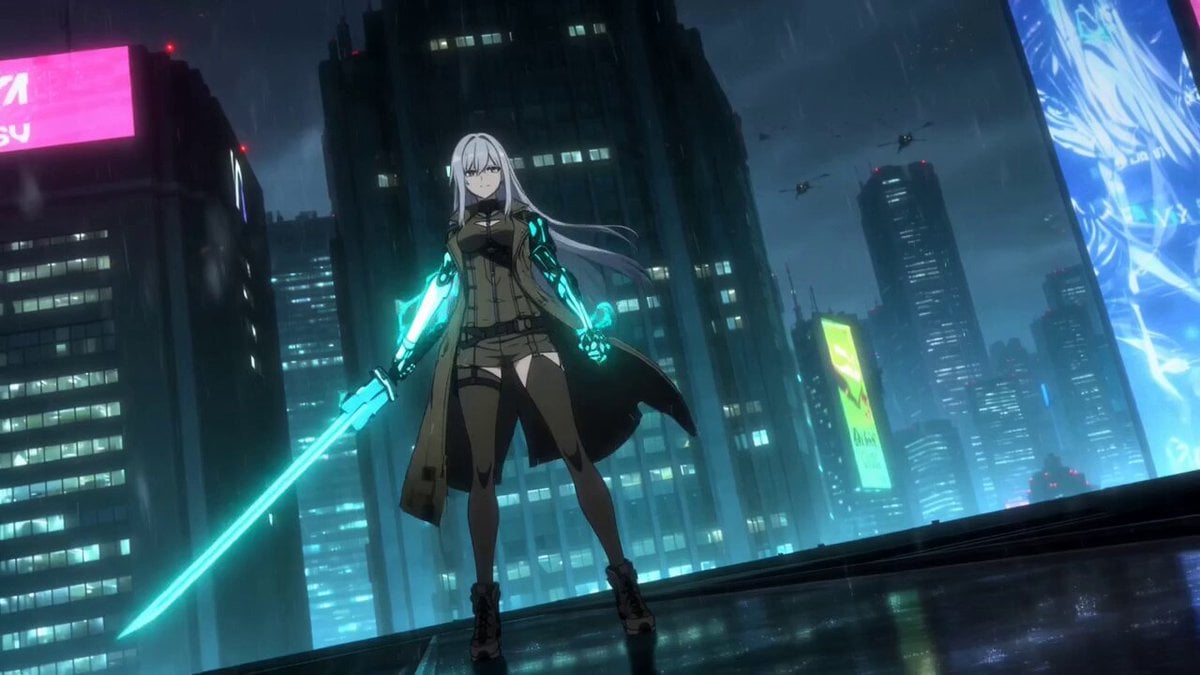
Cybernetic Samurai Anime Action

Seedance 2.5 - @YourAlphaMom - 283935

Zero-G Biomechanics Clip 3: Impact and Exhaustion
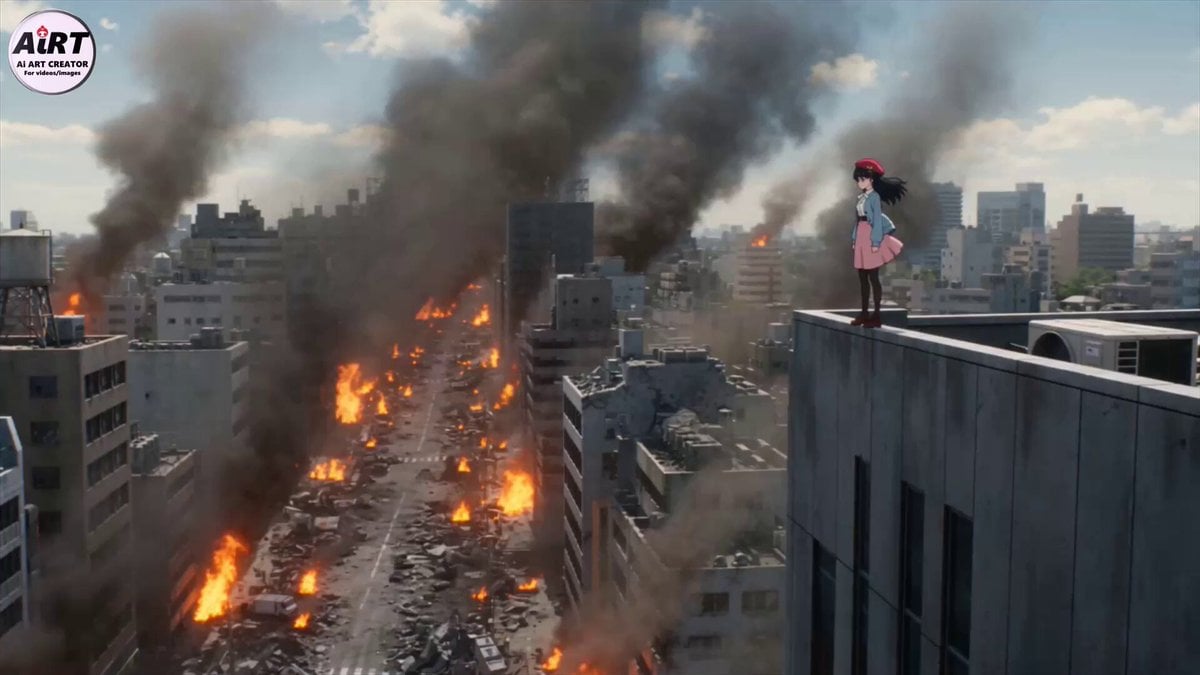
Cinematic Mecha Transformation Scene
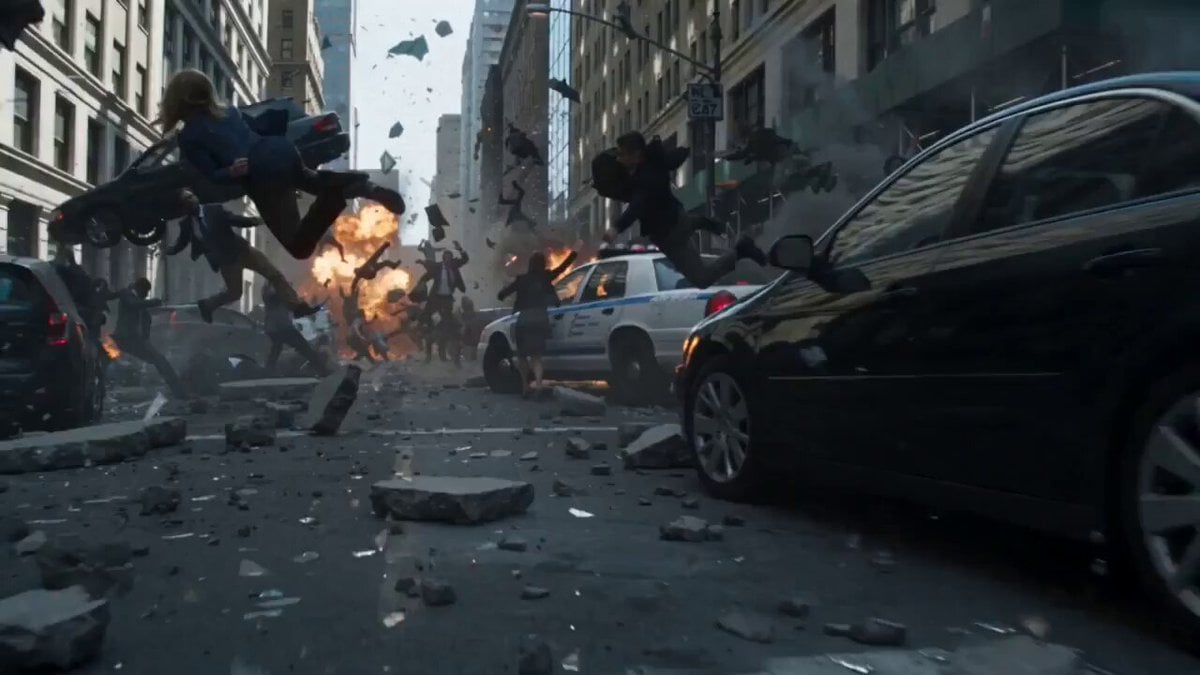
Frozen Chaos Time-Stop Scene

Found-Footage Talking Rabbits
Browse template categories
Reactor Chamber Core Shutdown questions
How do I use the Reactor Chamber Core Shutdown template?
Add your photo if the template asks for one, edit the prompt if you like — the template's model and format are already selected — and press Generate. Your version opens in PicX Studio.
Can I customize the Reactor Chamber Core Shutdown template?
Yes. You can change the subject, setting, lighting, mood, format, and available model controls before creating your video.
Is the Reactor Chamber Core Shutdown template free?
Opening and editing this template is free. Generating uses credits, shown on the Generate button when you are signed in.
Which AI model should I use?
Start with Seedance 2.0, which is the model associated with this template. You can compare another compatible model for a different finish.
Looking for something else? Browse all templates.

Your photo, any look
Thousands of ready templates for every top image and video model, from one credit balance.