How do I use the Late Night Balcony Hangout template?
Edit the prompt in the box under the preview — the template's model and format are already selected — and press Generate. Your version appears right on this page.
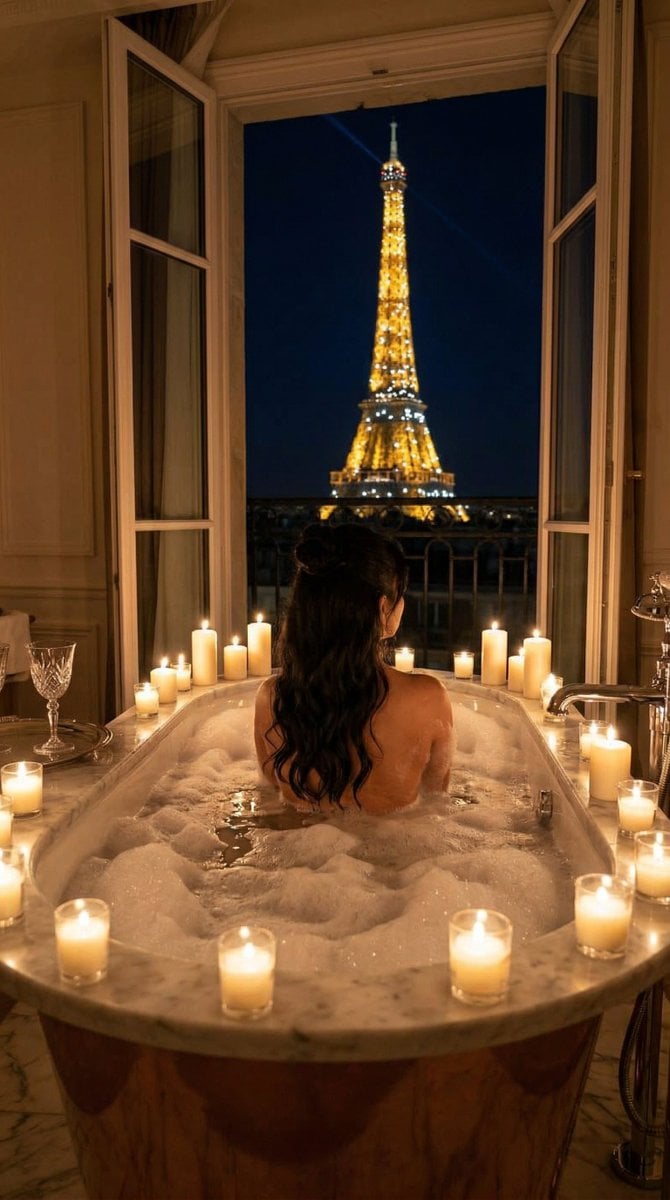
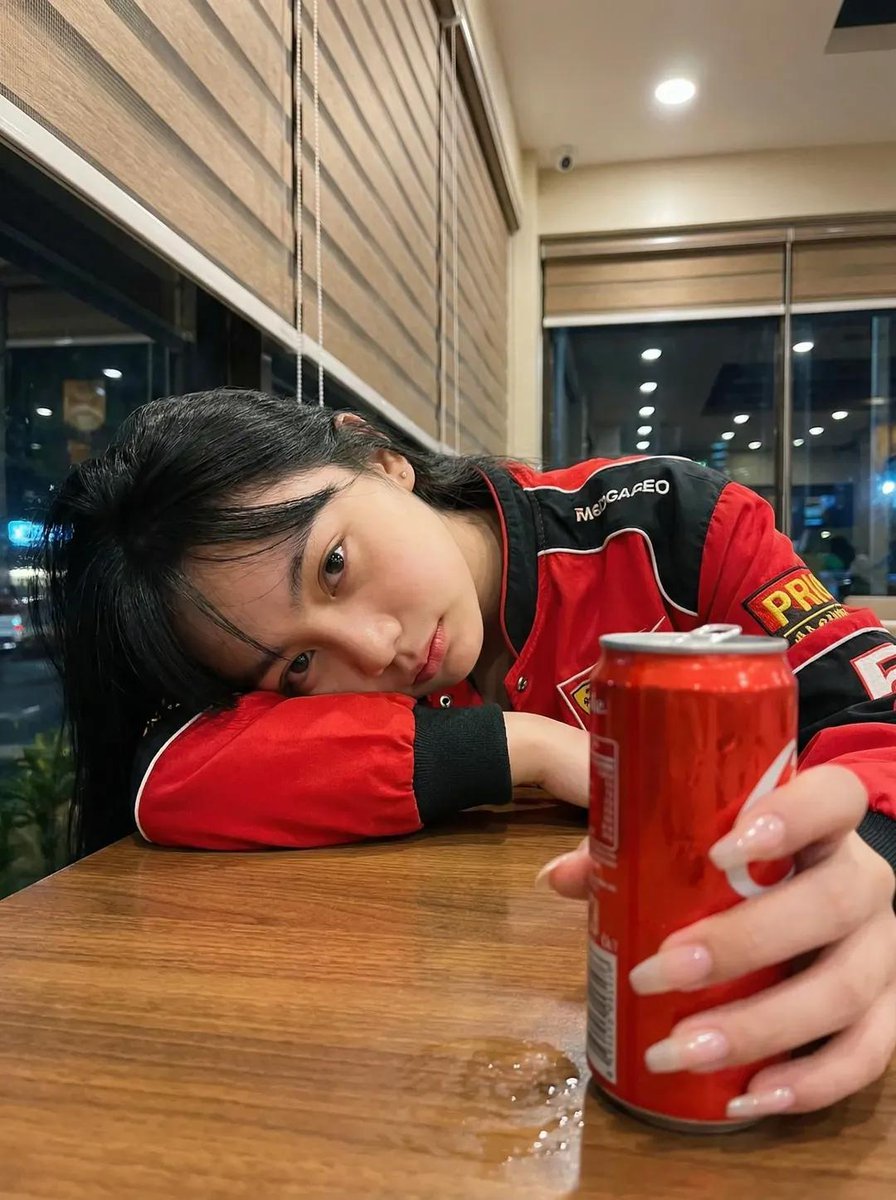
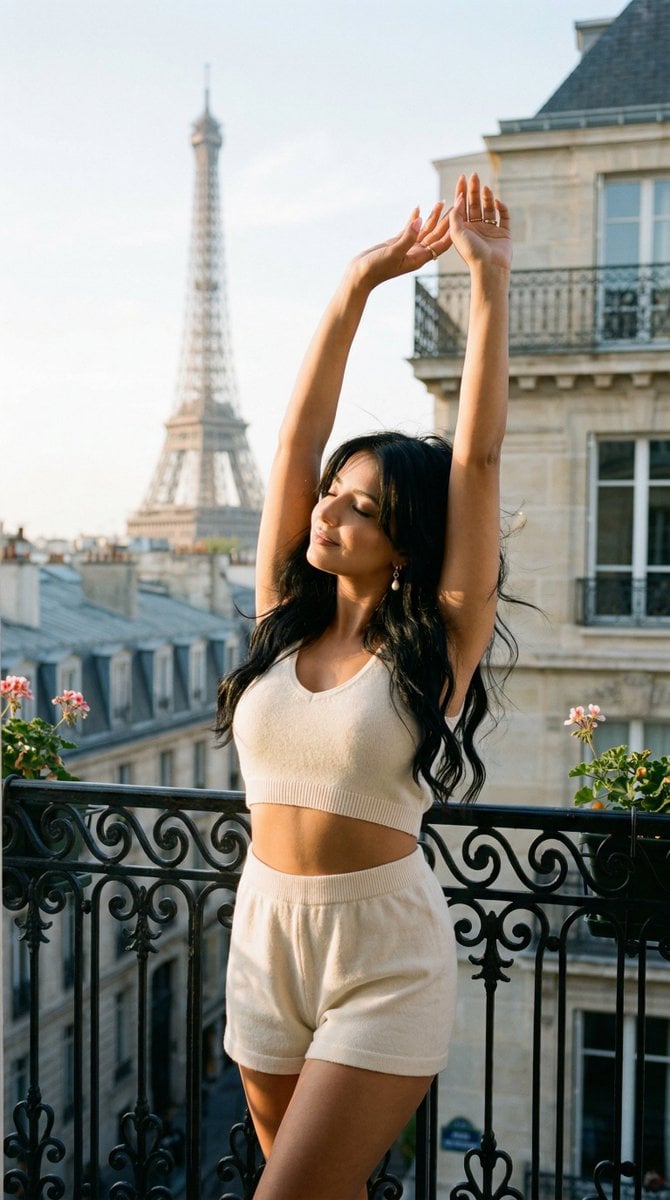
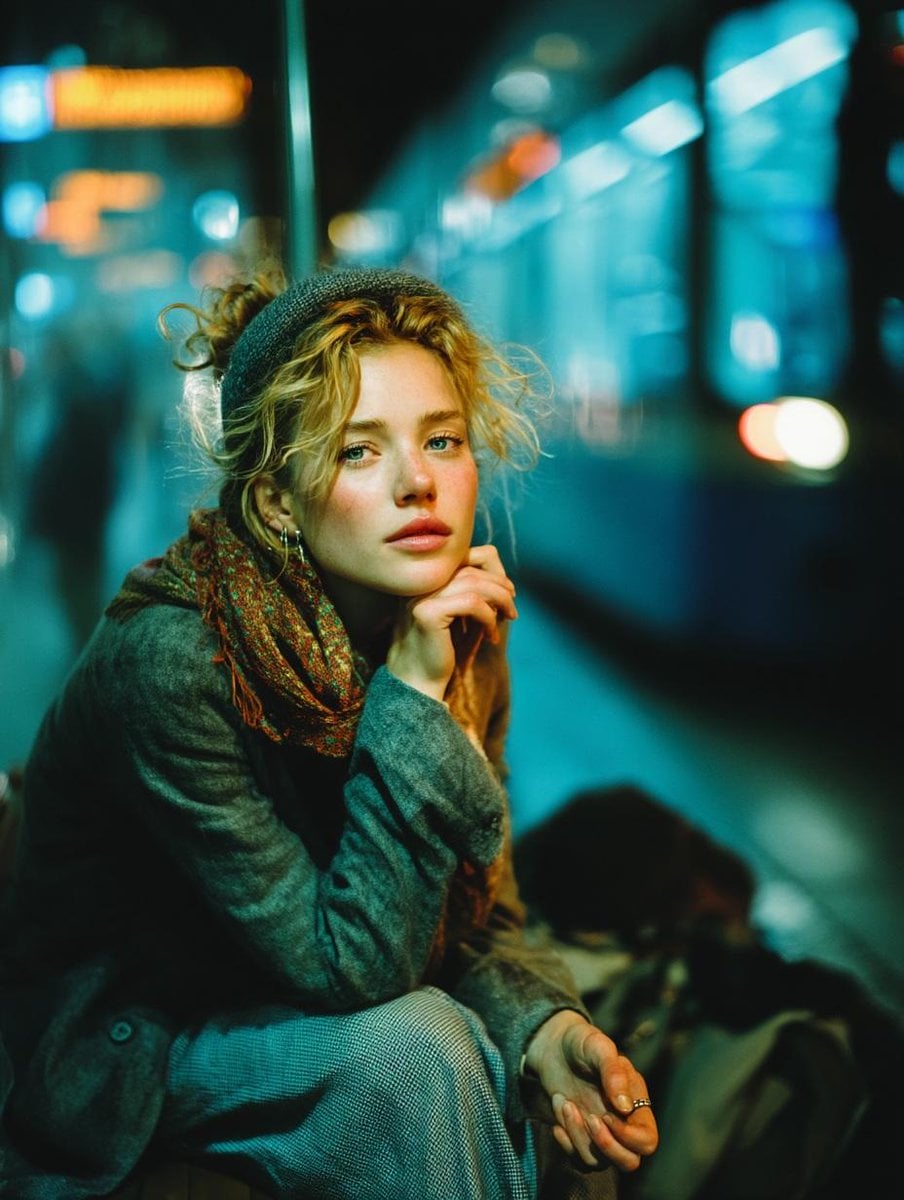
Late Night Balcony Hangout is a ready photo look.

{ "subject": { "description": "Three young women in early 20s laughing and chatting while eating late-night snacks on a balcony: right - blonde hair tied back, black spaghetti strap tank top, black lace shorts, relaxed pose holding piece of bread; center - wavy brown hair, black oversized sweatshirt, legs crossed eating; left - dark hair, black tank top, by glass door eating toast with spread. Joyful animated expressions, raw realism Gen Z vibe.", "age": "early 20s", "expression": "laughing, playful fun" }, "props": { "table": "cluttered messy table with jar of Nutella chocolate hazelnut spread, loaf of sliced bread in green plastic packaging, metal ashtray with cigarette butts, smartphones screen up, yellow metal tin, plastic water bottle, pieces of toast with spread", "tablecloth": "chaotic colorful patterned with cartoon icons, ice cream cones, YOLO text" }, "photography": { "camera_style": "candid amateur snapshot aesthetic", "angle": "high-angle looking down", "shot_type": "medium group shot", "texture": "harsh on-camera flash, high contrast, deep shadows, motion blur on laughs" }, "background": { "setting": "narrow residential balcony at night", "elements": ["mint green wooden bench and chair", "bamboo reed privacy screen on railing", "sliding glass door reflecting flash", "pitch black night sky", "distant window light"], "atmosphere": "energetic chaotic cozy late-night hangout", "lighting": "harsh direct camera flash, night time" } }
Edit the prompt in the box under the preview — the template's model and format are already selected — and press Generate. Your version appears right on this page.
Yes. You can change the subject, setting, lighting, mood, format, and available model controls before creating your image.
Opening and editing this template is free. Generating uses credits, shown on the Generate button when you are signed in.
Choose a compatible model in PicX Studio based on the style, speed, and output controls your project needs.
Follow a topic to a crawlable collection of related PicX Studio templates.