
Sizzle Drink Pop-Art Retro Shoot
Sizzle Drink Pop-Art Retro Shoot is a ready photo look.
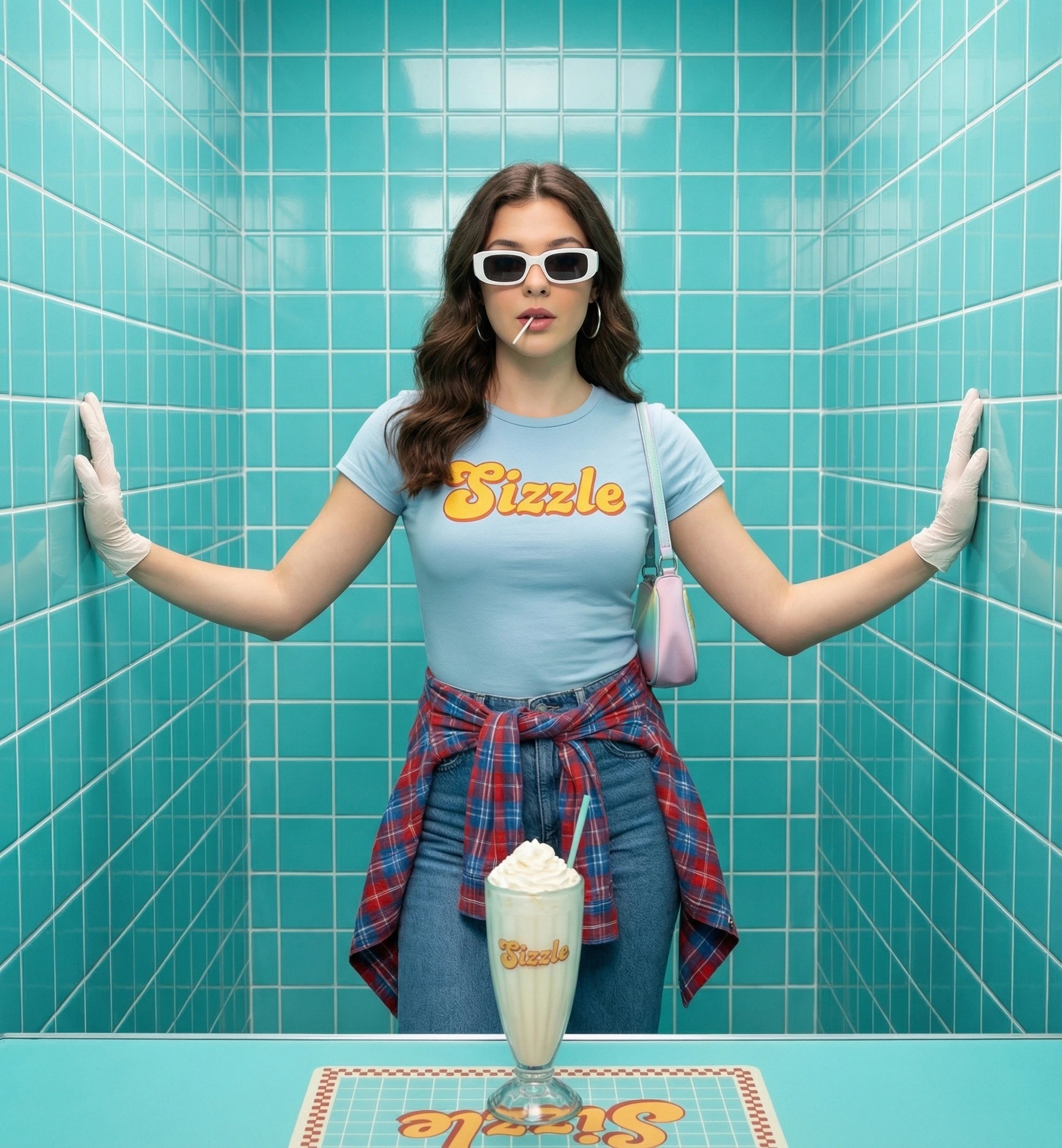
- Prompt included
- Model and format preset
- Free template
The prompt behind this image
Copy the exact prompt behind Sizzle Drink Pop-Art Retro Shoot, or open it in the studio and make it yours.
Edit the source image: Preserve the woman's exact face, skin tone, wavy brown hair, and overall features. Place her centered in a tight, symmetrical small retro diner bathroom fully tiled floor-to-ceiling in glossy turquoise square tiles that reflect light evenly. She stands facing the camera, arms extended outward with palms pressing lightly against both tiled walls. Dress her in a fitted pastel blue t-shirt with “Sizzle” printed across the chest in bold retro yellow-orange lettering with slight outline, tucked into high-waisted blue jeans. Tie a plaid shirt around her waist. Add white rectangular sunglasses worn indoors, silver hoop earrings, white disposable gloves, small pastel shoulder bag. White lollipop stick protrudes slightly from her mouth. In foreground on turquoise counter: tall milkshake glass with vanilla milkshake, whipped cream top, “Sizzle” branded, on retro diner placemat matching colors. Bright even cinematic lighting, no harsh shadows, eye-level slightly wide-angle, full torso and environment, saturated controlled colors, playful pop-art Y2K-vintage Americana mood, sharp focus everywhere.
How to use Sizzle Drink Pop-Art Retro Shoot in 3 steps
- 1
Open
The prompt is already in the box next to the preview, with the template's model and format selected.
- 2…a portrait of your subject in softgolden-hour light, 85mm…
Personalize
Edit the subject and creative details for your destination.
- 3Generate
Generate
Press Generate — your image is created in PicX Studio, so you can compare it with the original and refine one variable at a time.
More like this
Templates with the same subject, style or setup. Open one to see its prompt.







Make it yours
Sizzle Drink Pop-Art Retro Shoot works as-is. These are the safest ways to change it without losing the look.
Change one field
Copy a single group, rewrite it, and generate again so you can see what that field is doing.
Keep the frame, change the subject
Hold the composition and light of Sizzle Drink Pop-Art Retro Shoot, then swap wardrobe, props or the person for a new take.
| If the result… | Why | Fix |
|---|---|---|
| The result drifts from the preview | Too many fields changed at once. | Reuse Sizzle Drink Pop-Art Retro Shoot as-is first, then change one group — subject, light, or setting. |
| The model over-stylizes the scene | The prose prompt leaves finish and camera underspecified. | Add one camera or lighting sentence and stay on PicX Studio. |
More image prompts
Fresh picks from across the catalog.
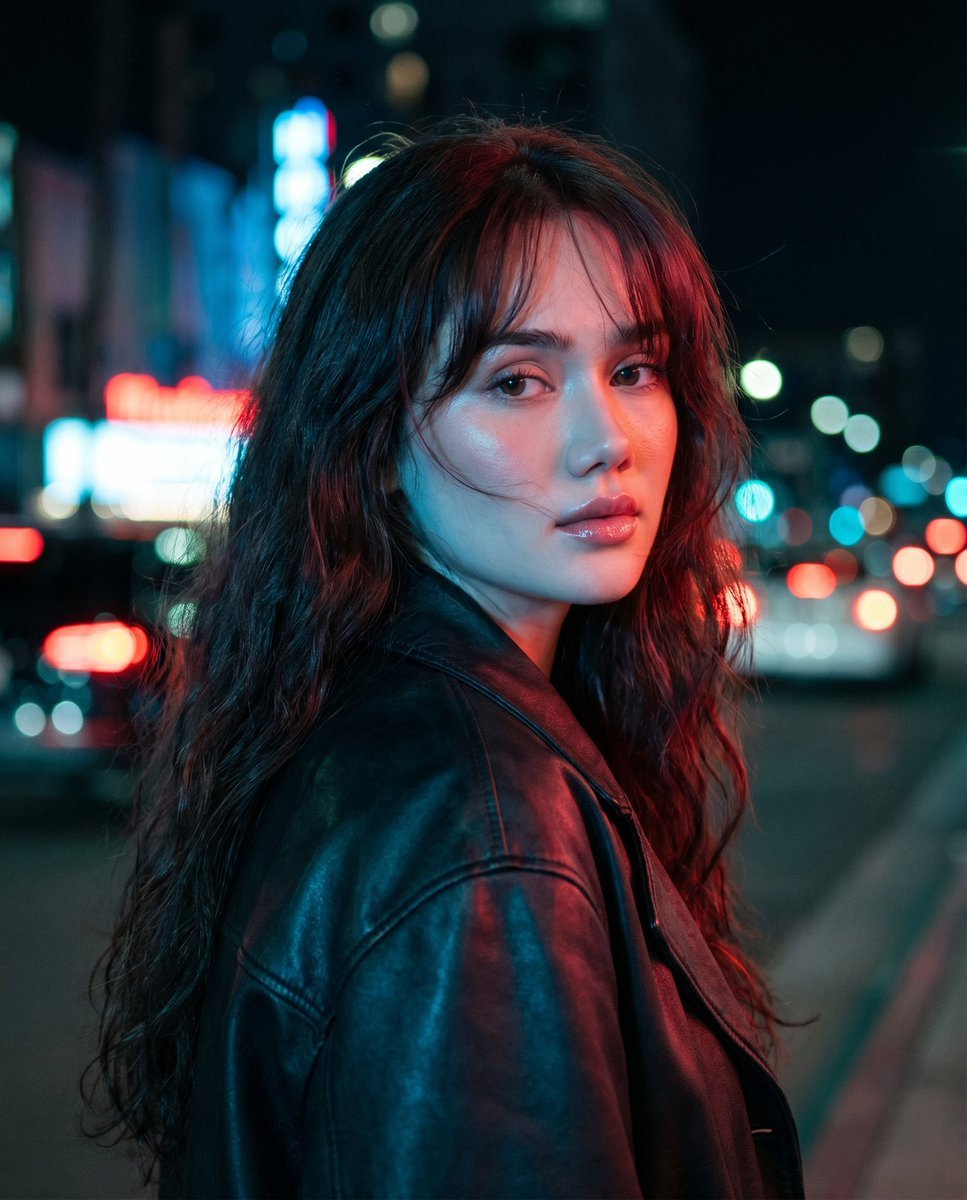
Neon Night Shoulder-Look Portrait
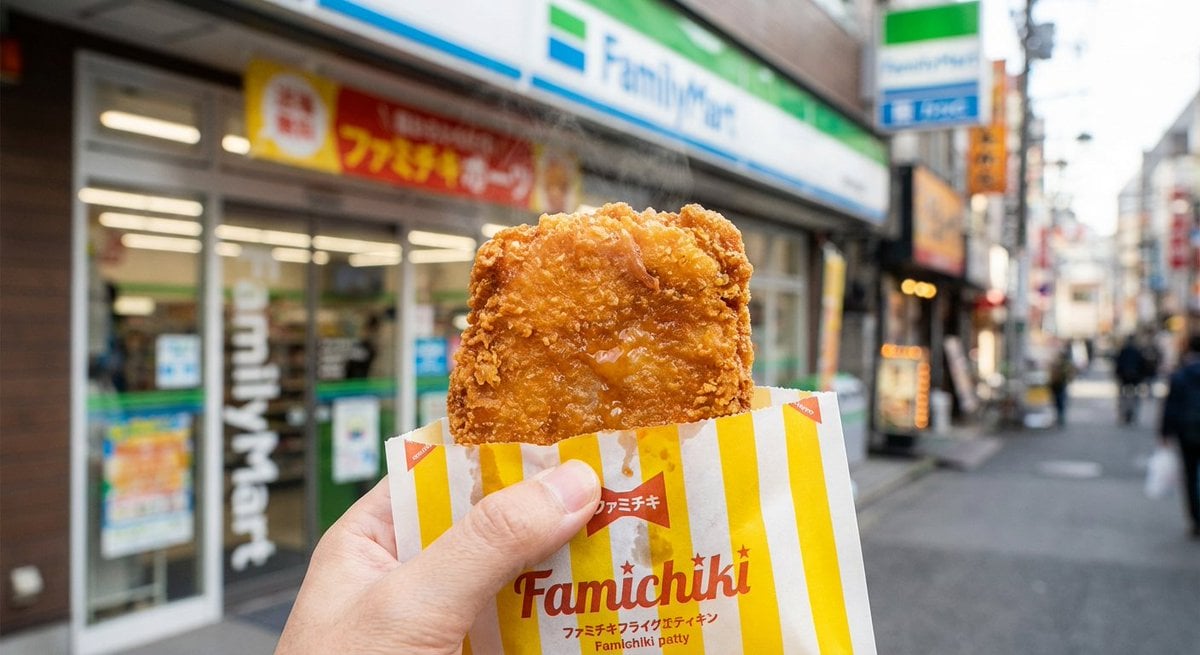
Generating 'Famichiki' Image with Nano Banana Pro
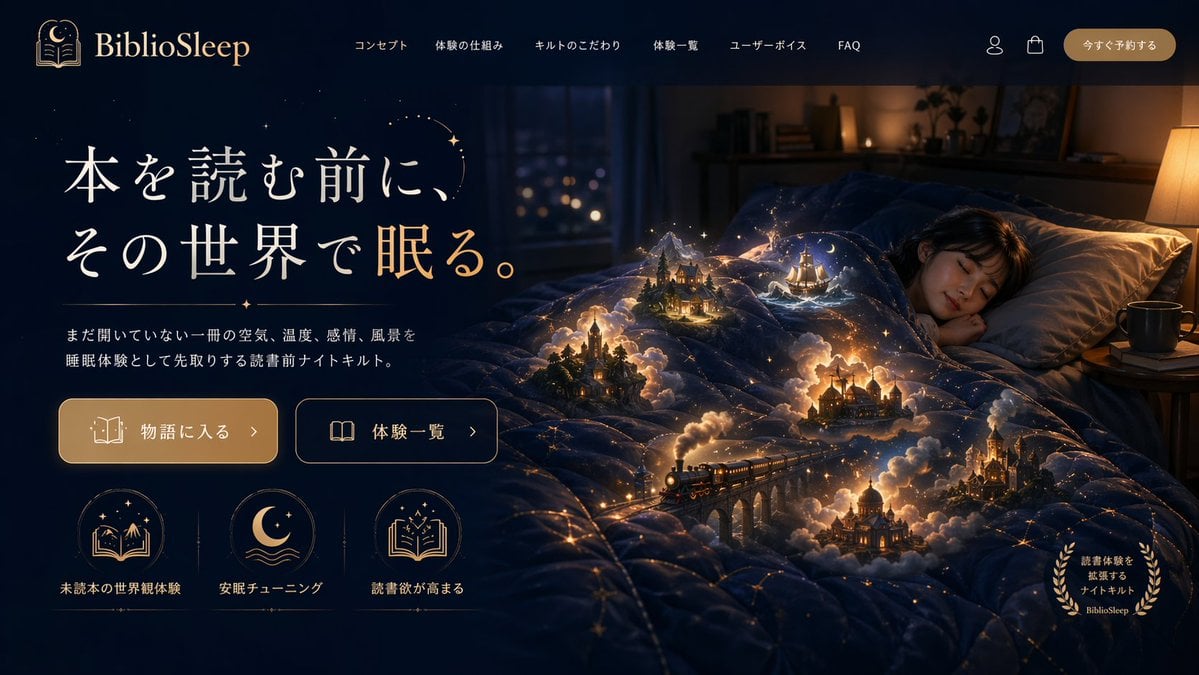
Magical Sleep Website Mockup

Professional studio portrait prompt
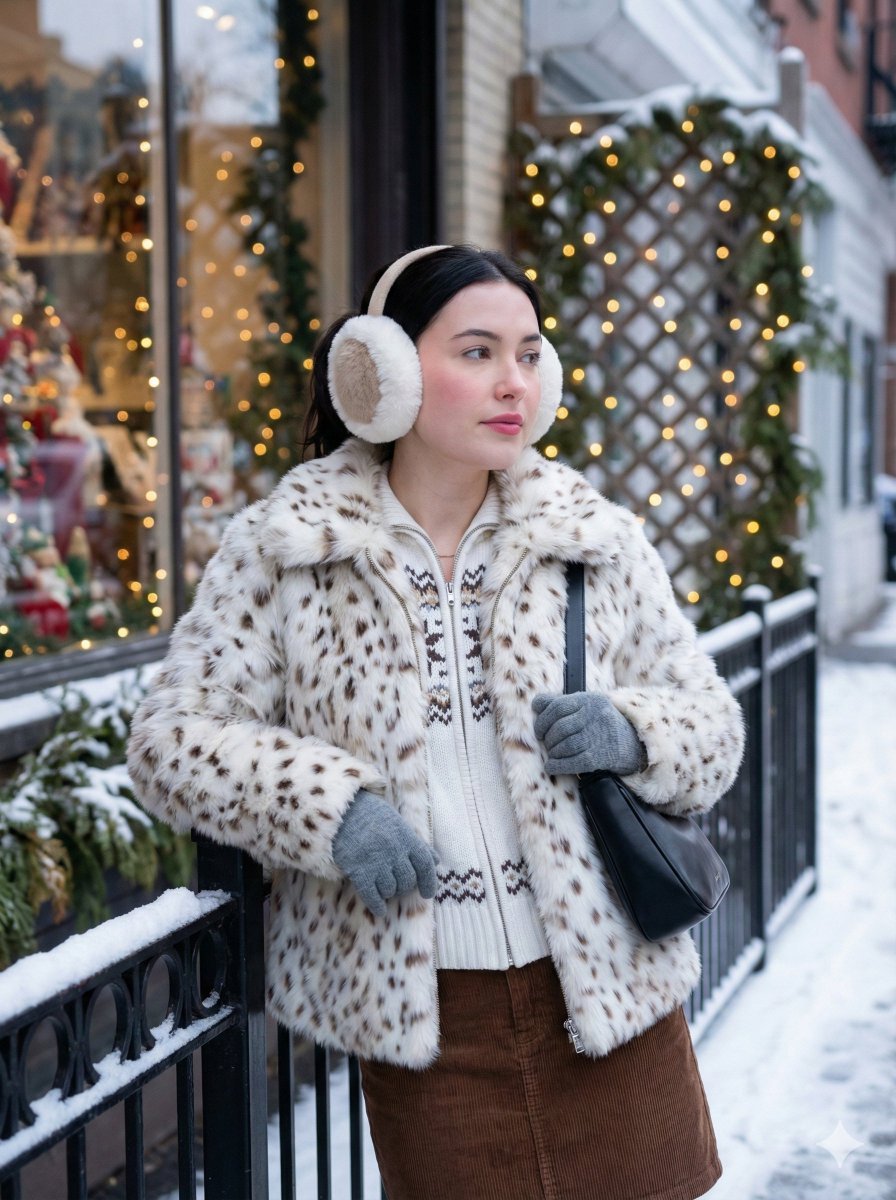
Cozy Winter Street Fashion Portrait Prompt
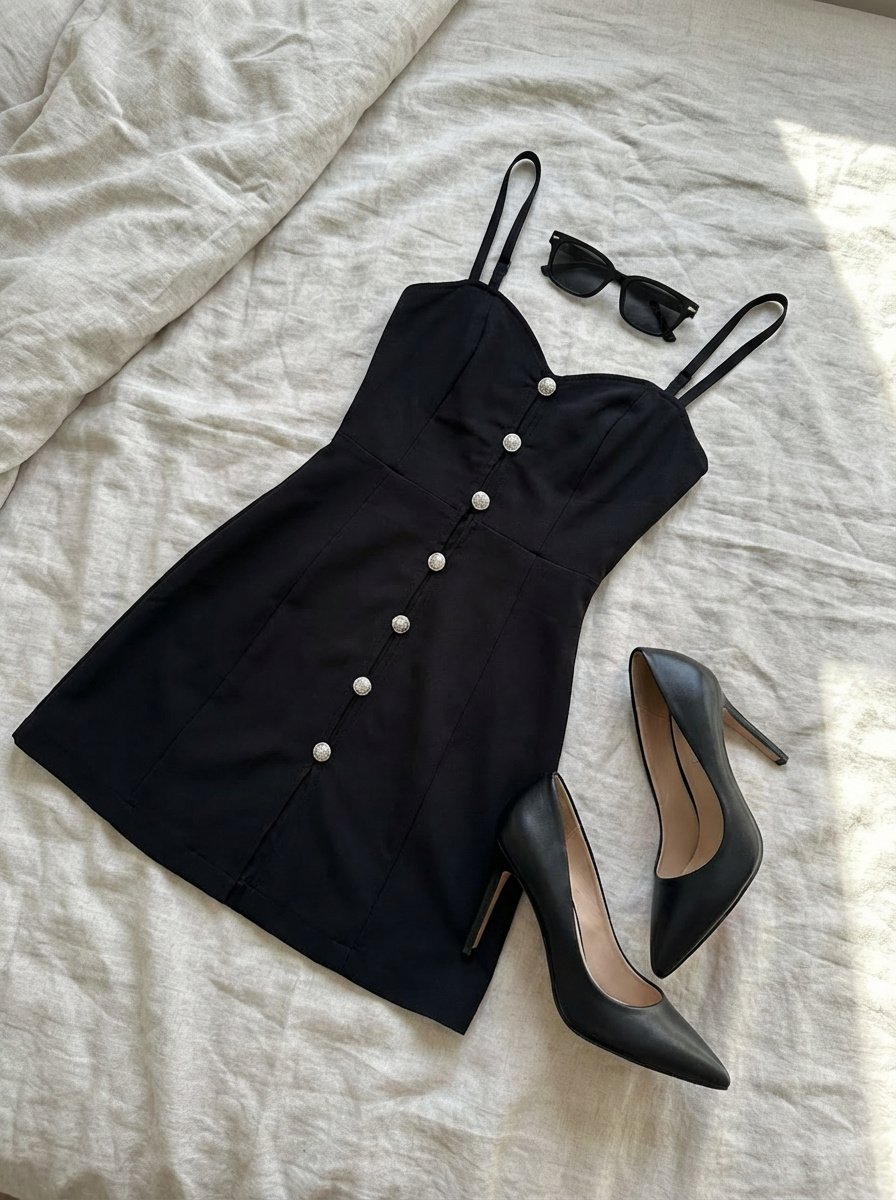
Clothing laid out separately on a bed
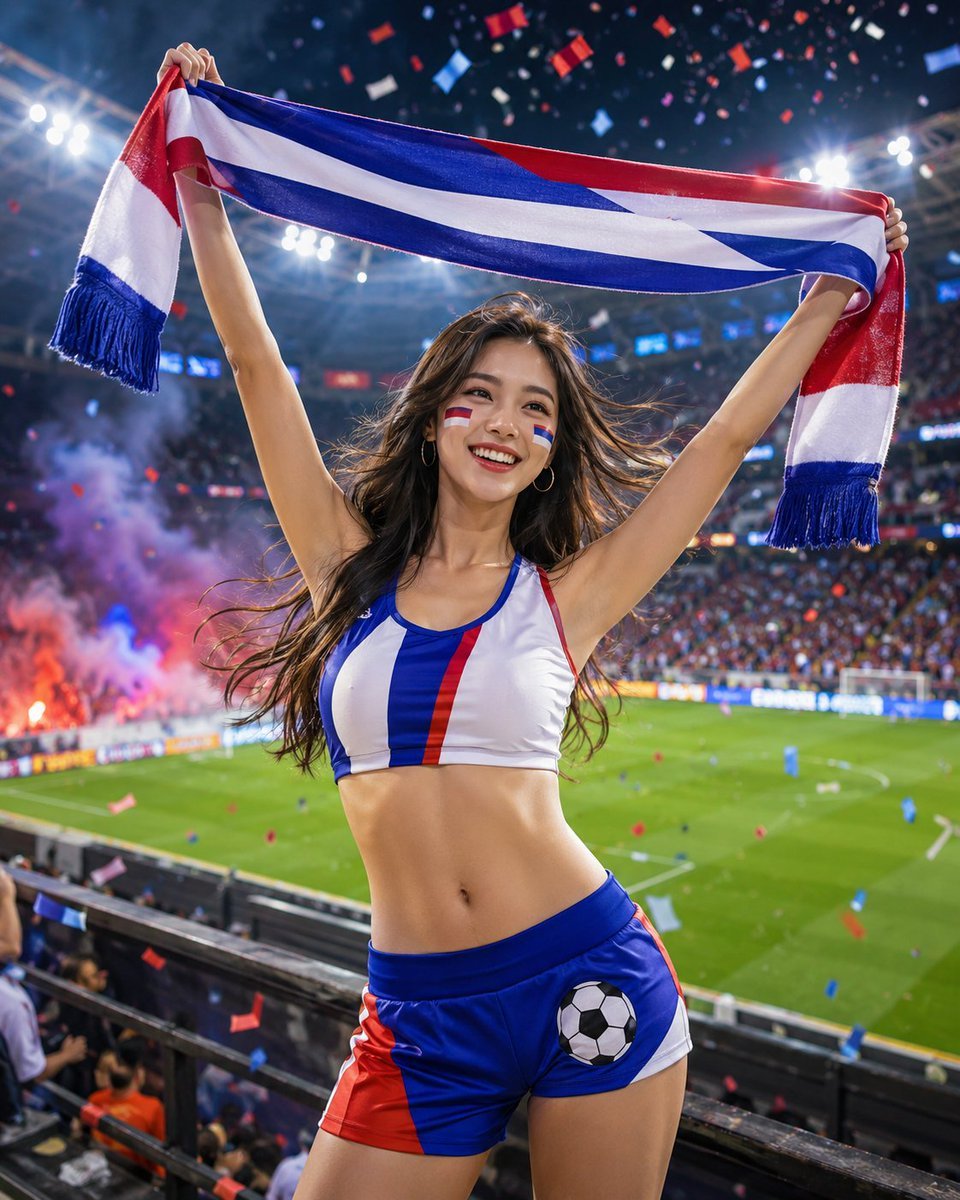
Standard Stadium Support Poster
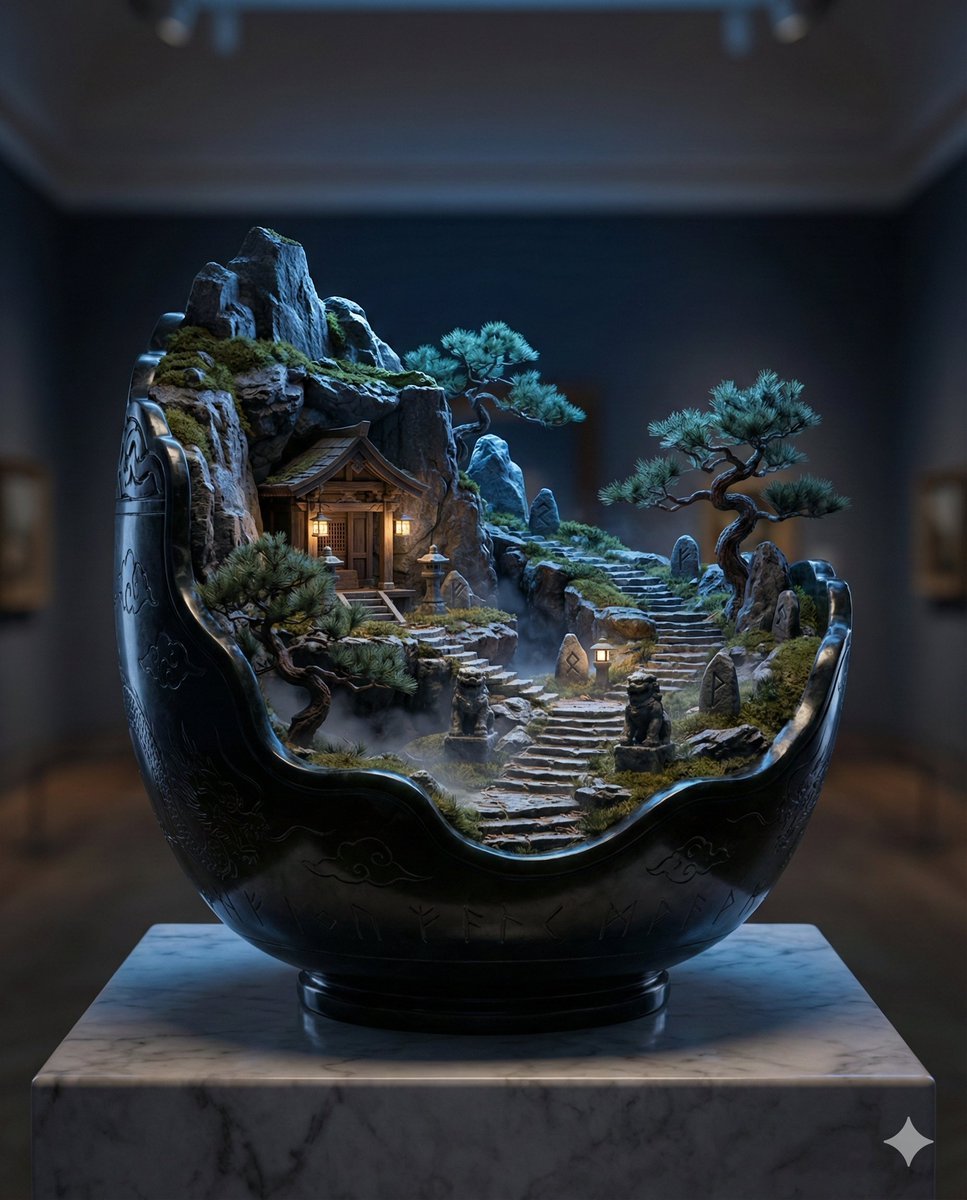
Black Jade Diorama of Night Mountain of the Ancients
LZA
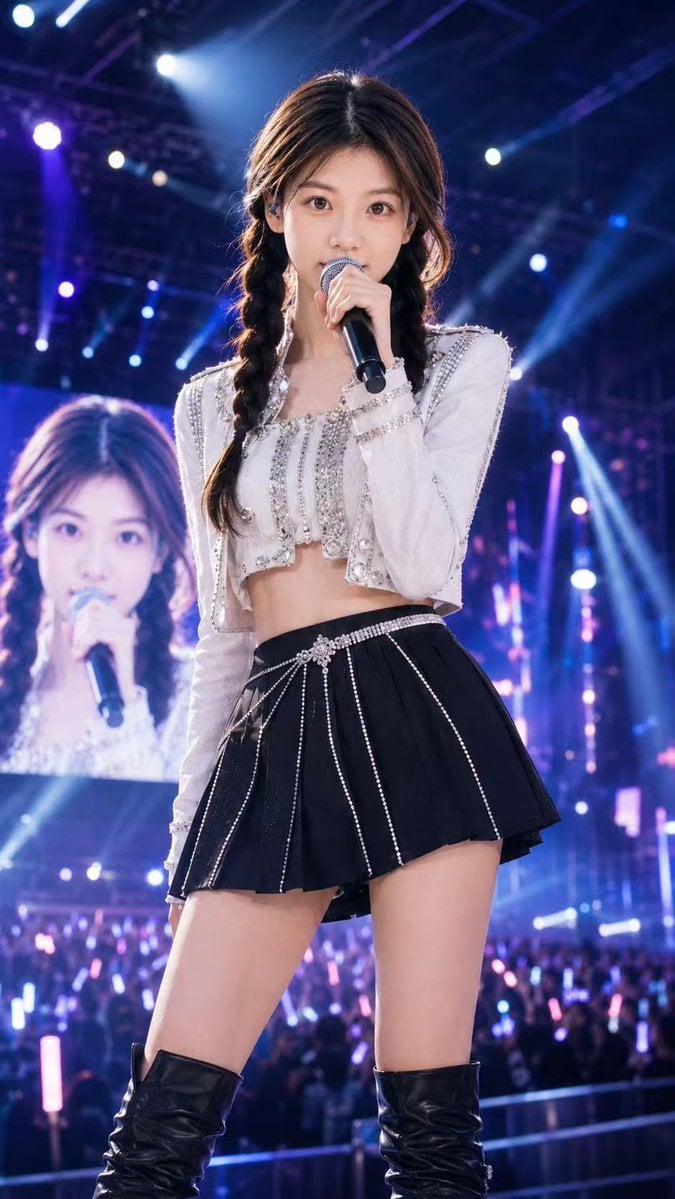
Concert Stage Pop Star Portrait
Browse template categories
Sizzle Drink Pop-Art Retro Shoot questions
How do I use the Sizzle Drink Pop-Art Retro Shoot template?
Add your photo if the template asks for one, edit the prompt if you like — the template's model and format are already selected — and press Generate. Your version opens in PicX Studio.
Can I customize the Sizzle Drink Pop-Art Retro Shoot template?
Yes. You can change the subject, setting, lighting, mood, format, and available model controls before creating your image.
Is the Sizzle Drink Pop-Art Retro Shoot template free?
Opening and editing this template is free. Generating uses credits, shown on the Generate button when you are signed in.
Which AI model should I use?
Choose a compatible model in PicX Studio based on the style, speed, and output controls your project needs.
Looking for something else? Browse all templates.

Your photo, any look
Thousands of ready templates for every top image and video model, from one credit balance.