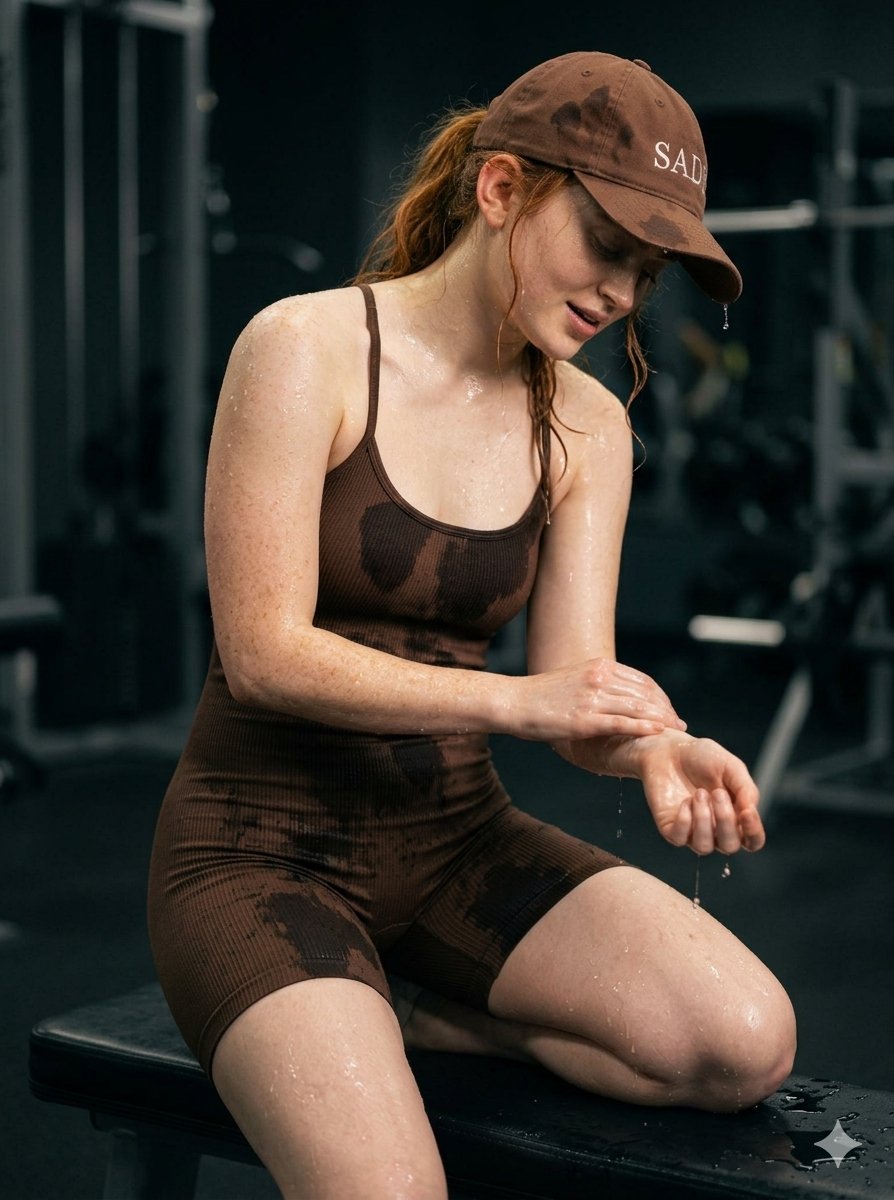
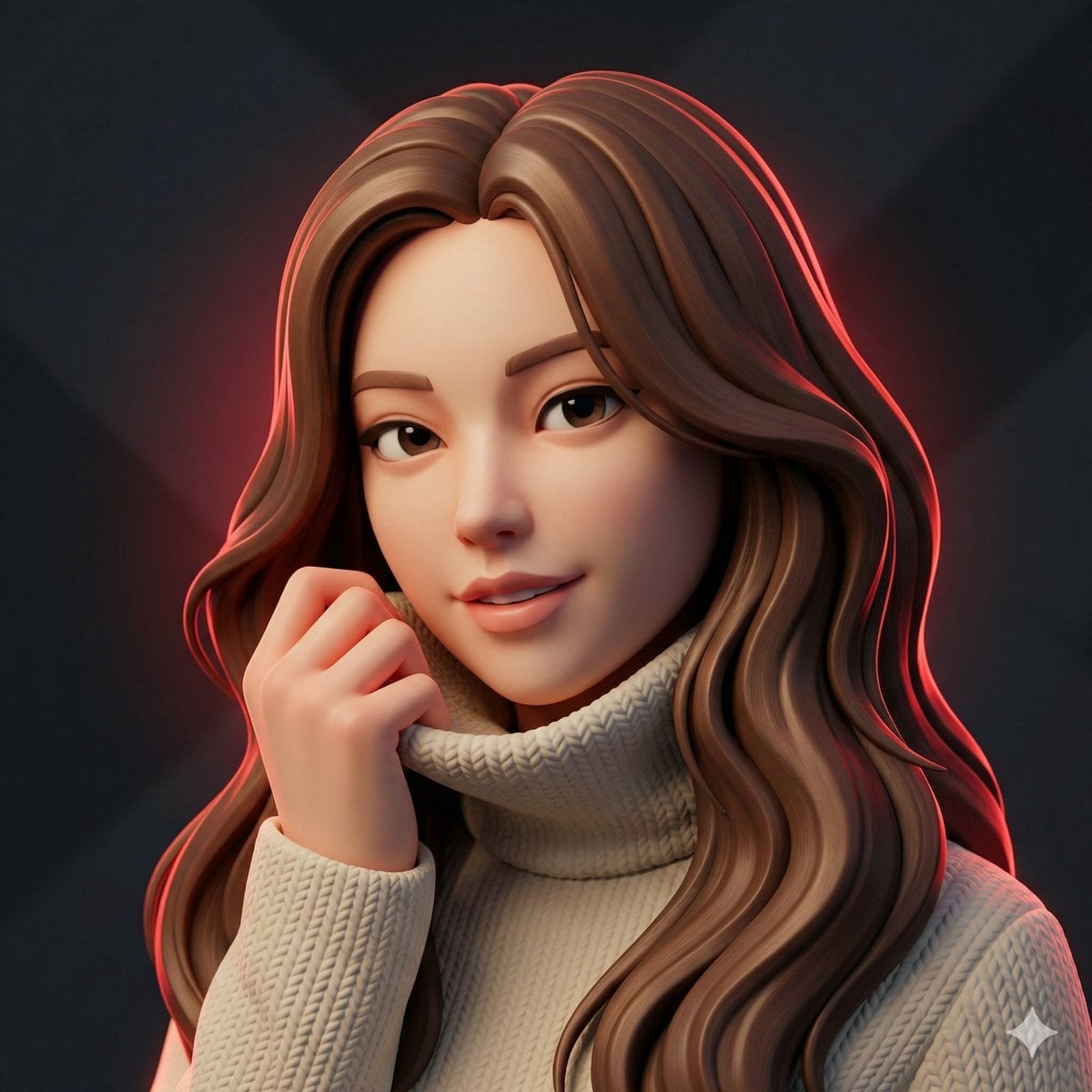
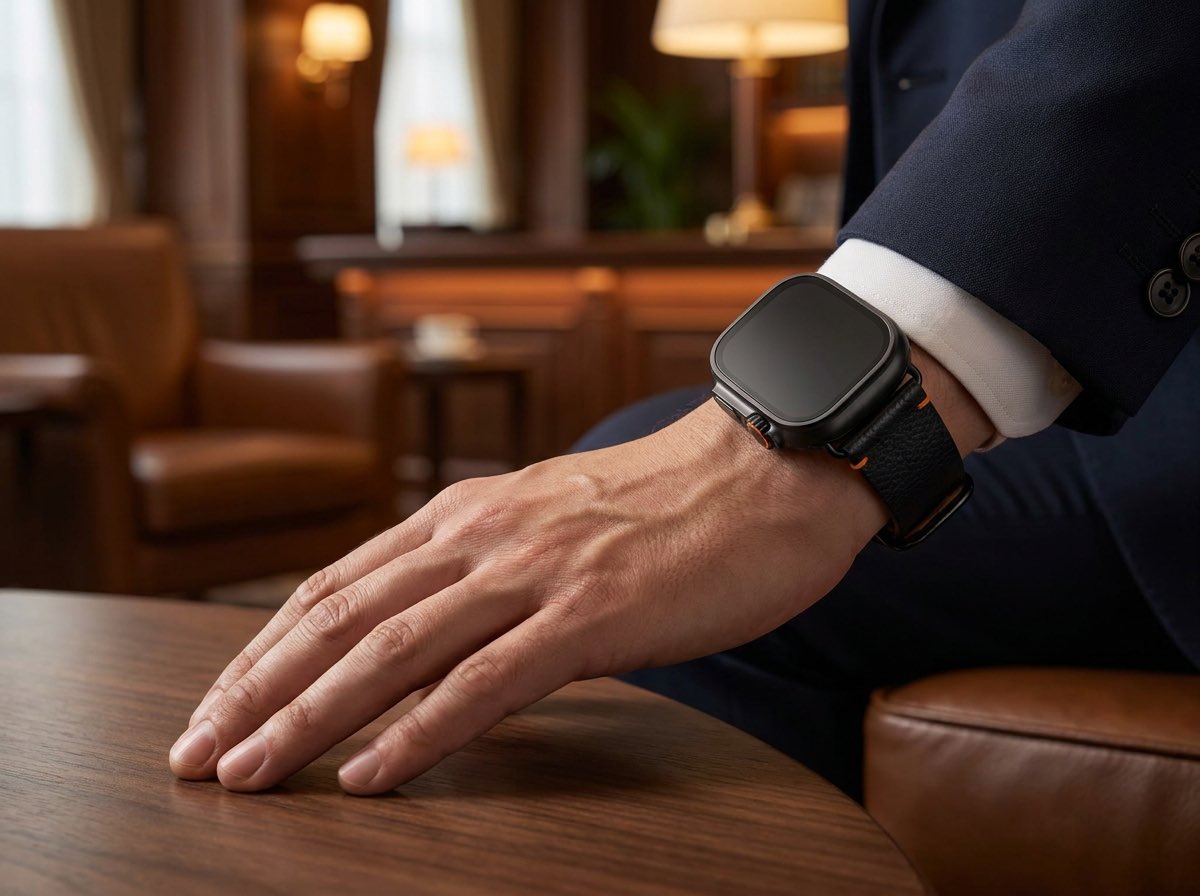
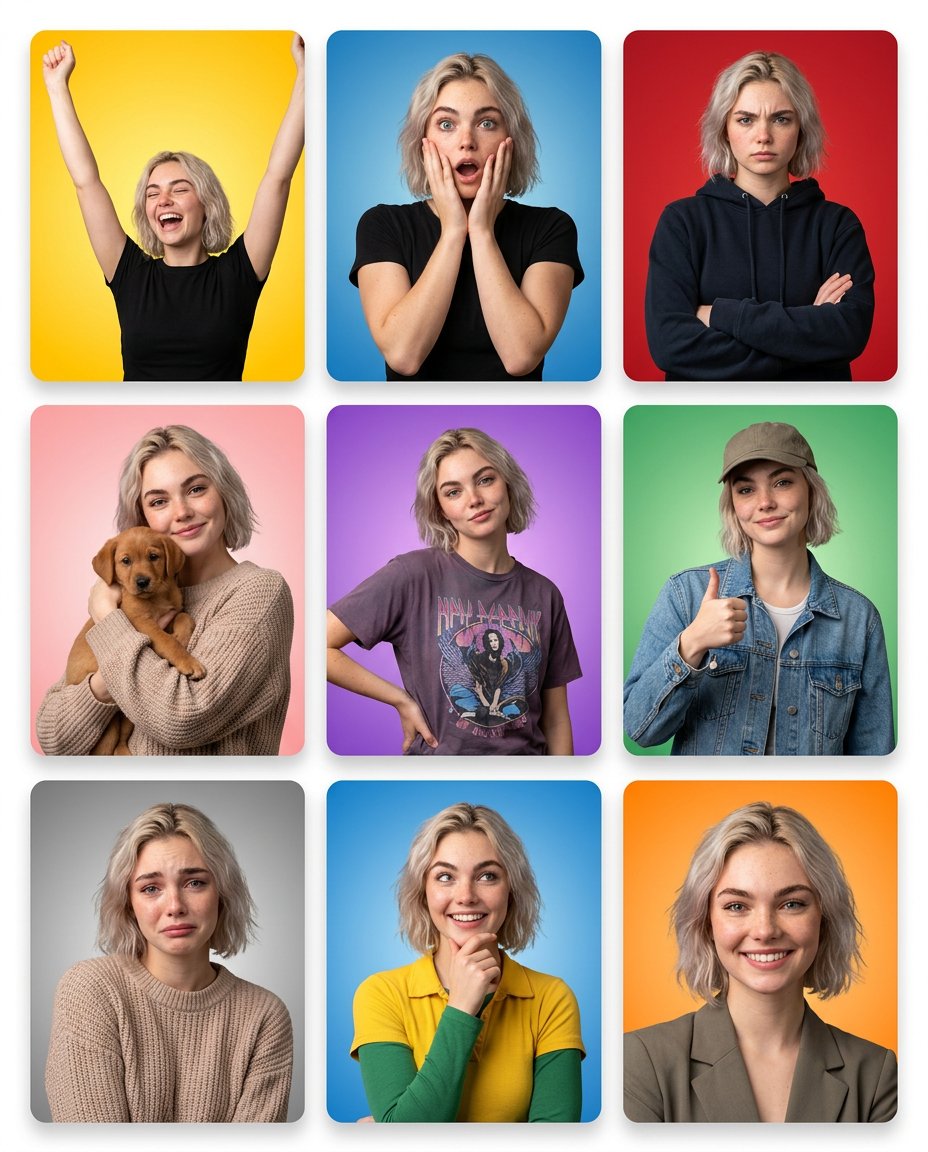
How do I use the Lifestyle Smartphone Selfie with Keffiyeh template?
Edit the prompt in the box under the preview — the template's model and format are already selected — and press Generate. Your version appears right on this page.
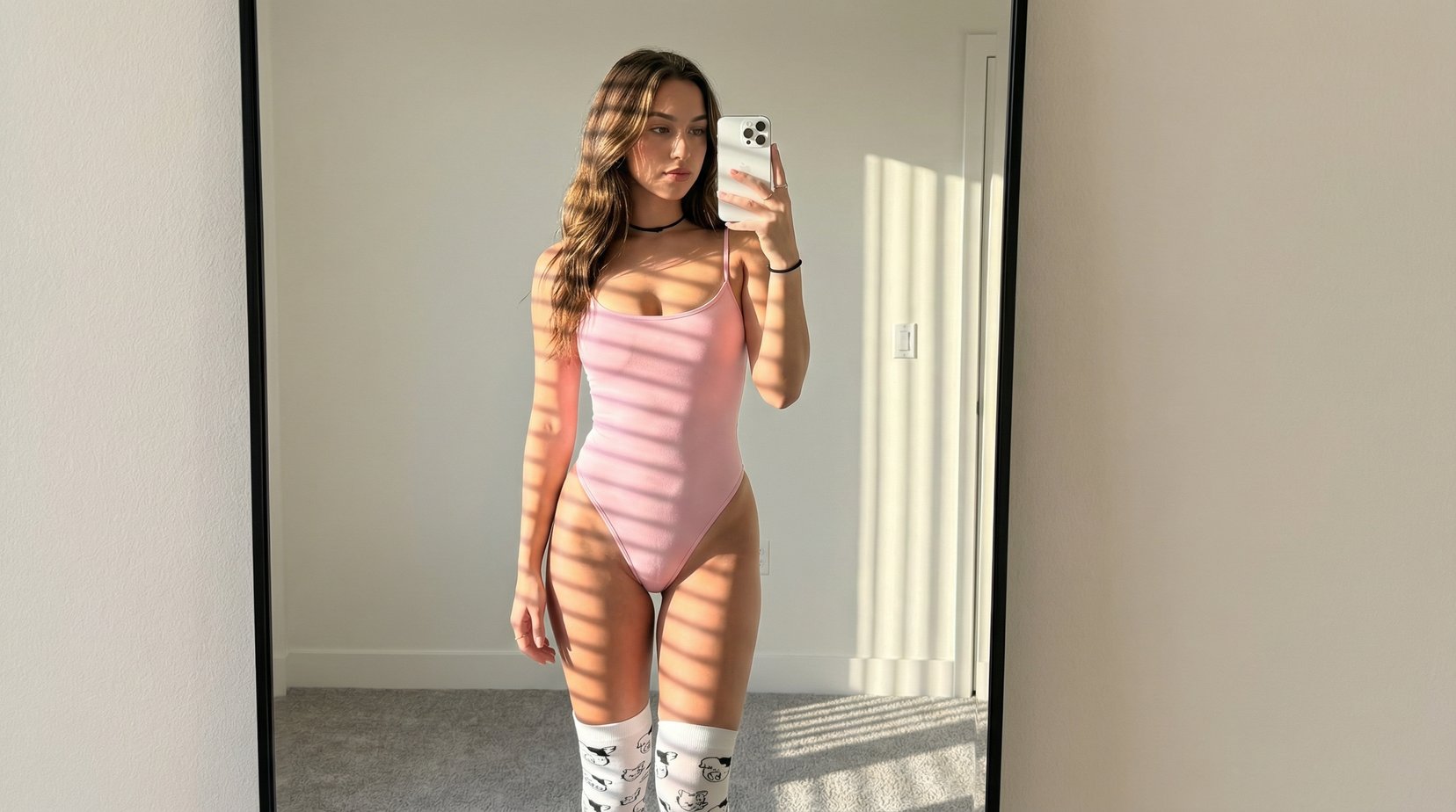
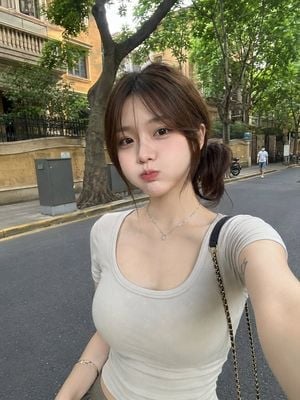
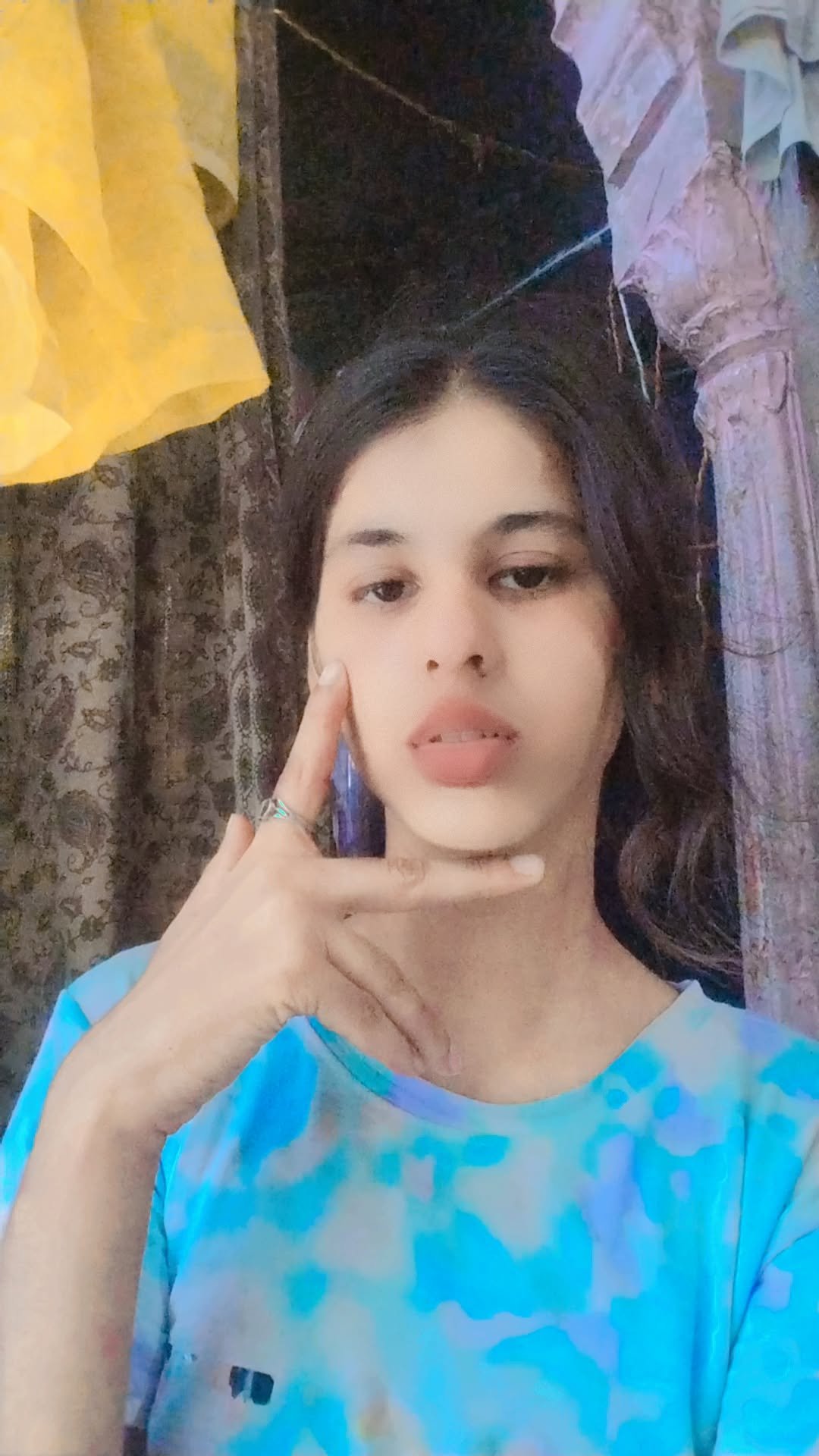
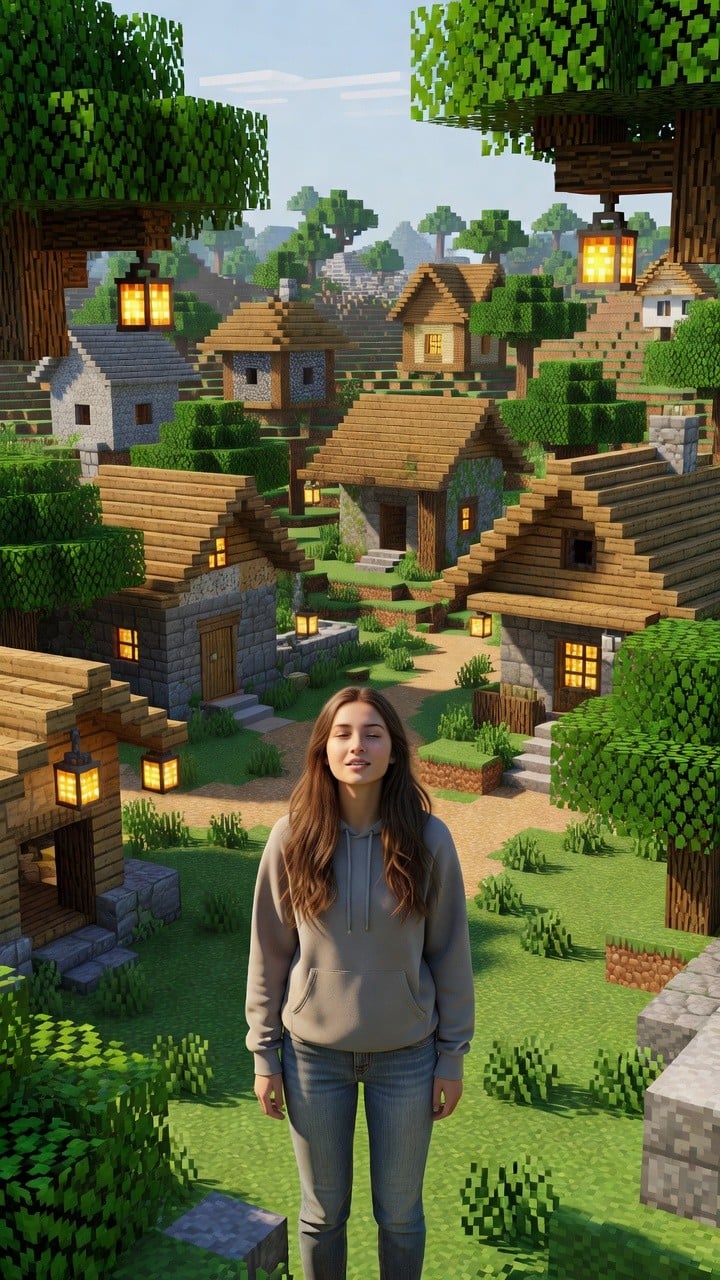
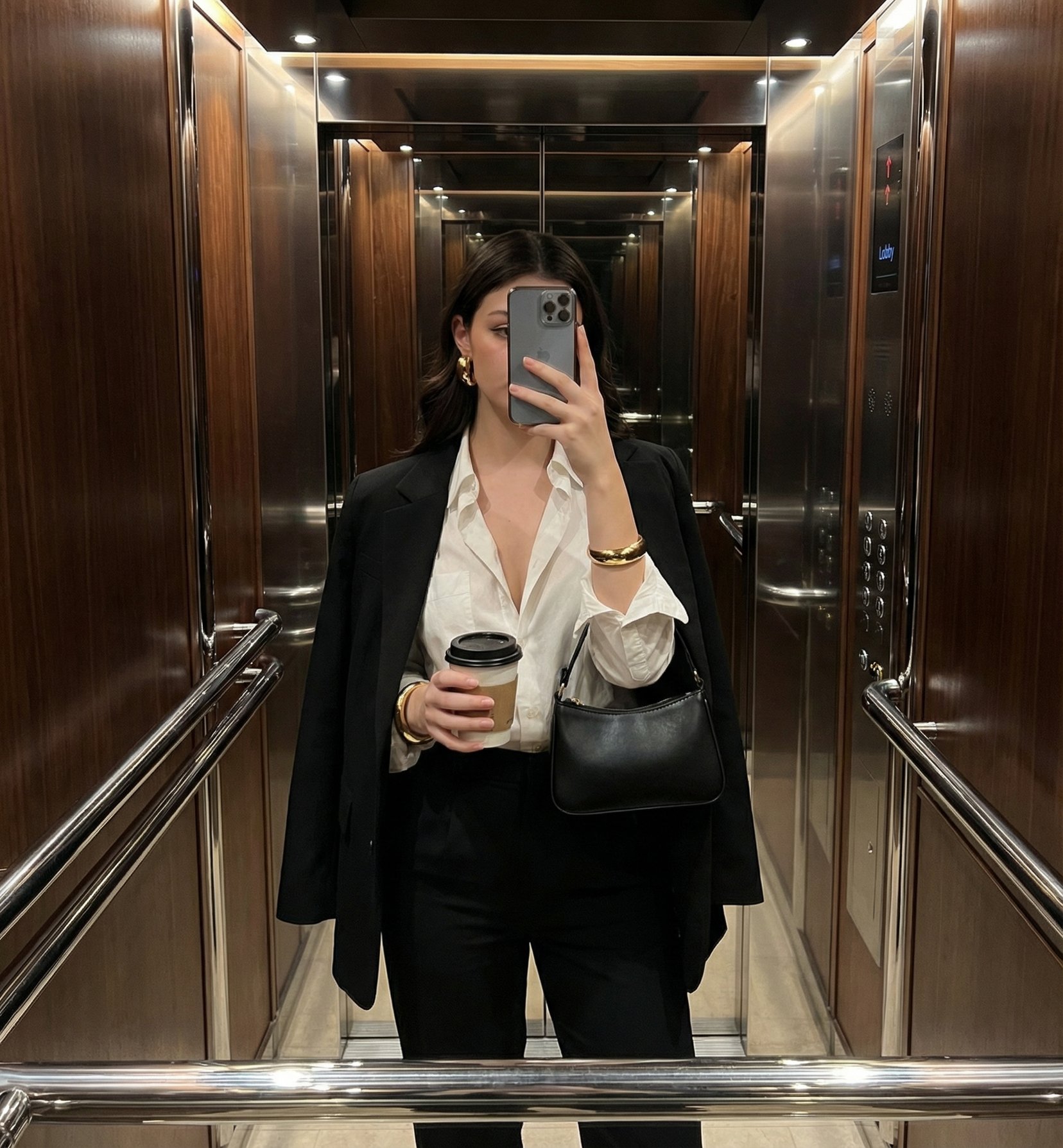
Realistic smartphone selfies featuring a woman wearing a keffiyeh scarf, capturing both open-face and partially covered variations for a lifestyle aesthetic.

Ultra-realistic 8K smartphone selfie, RAW photo, beautiful young woman with long straight {argument name="hair color" default="light brown"} hair, fair glowing skin, soft natural makeup, defined brows, long eyelashes, glossy pink lips, delicate facial features, wearing a {argument name="outfit" default="black fitted long-sleeve top"} with a traditional red-and-white keffiyeh scarf draped over her shoulders. Holding a black iPhone Pro in front of a mirror, playful expression with her tongue slightly out, relaxed pose, minimal jewelry, bright indoor lighting, {argument name="background" default="clean white vertical panel wall"} background, soft shadows, realistic skin texture, sharp focus on face, shallow depth of field, natural color grading, ultra-detailed, photorealistic, lifestyle photography, casual aesthetic, Instagram influencer style, high-end smartphone camera quality. Second variation: Ultra-realistic 8K selfie, the same young woman wearing the same red-and-white keffiyeh wrapped around her head and covering the lower half of her face, only one eye visible while giving a playful wink, long hair partially visible, loose light gray shirt, arm extended toward the camera for a selfie, indoor room with white curtains in the background, soft even lighting, highly detailed fabric texture, realistic skin, cinematic composition, RAW smartphone photography, ultra-photorealistic, natural colors, sharp focus, shallow depth of field, premium lifestyle portrait, Instagram aesthetic.
Ultra-realistic 8K smartphone selfie, RAW photo, beautiful young woman with long straight {argument name="hair color" default="light brown"} hair, fair glowing skin, soft natural makeup, defined brows, long eyelashes, glossy pink lips, delicate facial features, wearing a {argument name="outfit" default="black fitted long-sleeve top"} with a traditional red-and-white keffiyeh scarf draped over her shoulders. Holding a black iPhone Pro in front of a mirror, playful expression with her tongue slightly out, relaxed pose, minimal jewelry, bright indoor lighting, {argument name="background" default="clean white vertical panel wall"} background, soft shadows, realistic skin texture, sharp focus on face, shallow depth of field, natural color grading, ultra-detailed, photorealistic, lifestyle photography, casual aesthetic, Instagram influencer style, high-end smartphone camera quality. Second variation: Ultra-realistic 8K selfie, the same young woman wearing the same red-and-white keffiyeh wrapped around her head and covering the lower half of her face, only one eye visible while giving a playful wink, long hair partially visible, loose light gray shirt, arm extended toward the camera for a selfie, indoor room with white curtains in the background, soft even lighting, highly detailed fabric texture, realistic skin, cinematic composition, RAW smartphone photography, ultra-photorealistic, natural colors, sharp focus, shallow depth of field, premium lifestyle portrait, Instagram aesthetic.
Edit the prompt in the box under the preview — the template's model and format are already selected — and press Generate. Your version appears right on this page.
Yes. You can change the subject, setting, lighting, mood, format, and available model controls before creating your image.
Opening and editing this template is free. Generating uses credits, shown on the Generate button when you are signed in.
Start with Nano Banana 2, which is the model associated with this template. You can compare another compatible model for a different finish.
Follow a topic to a crawlable collection of related PicX Studio templates.