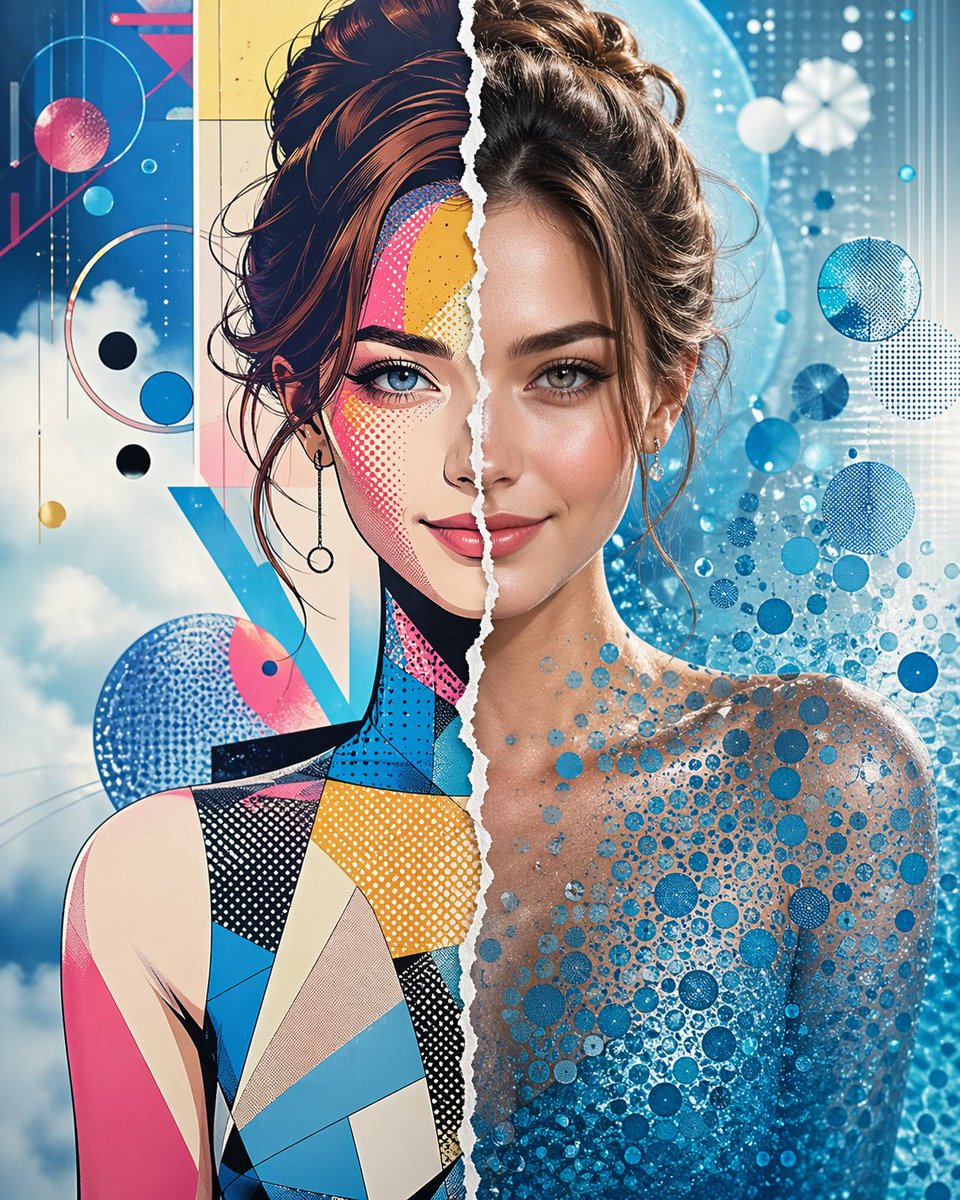
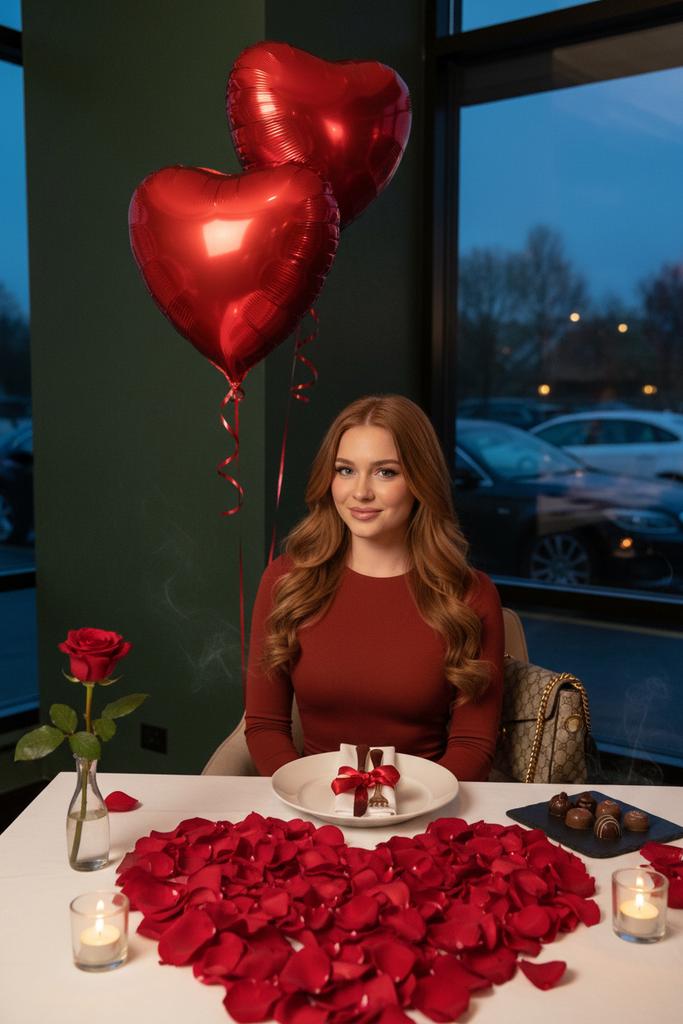
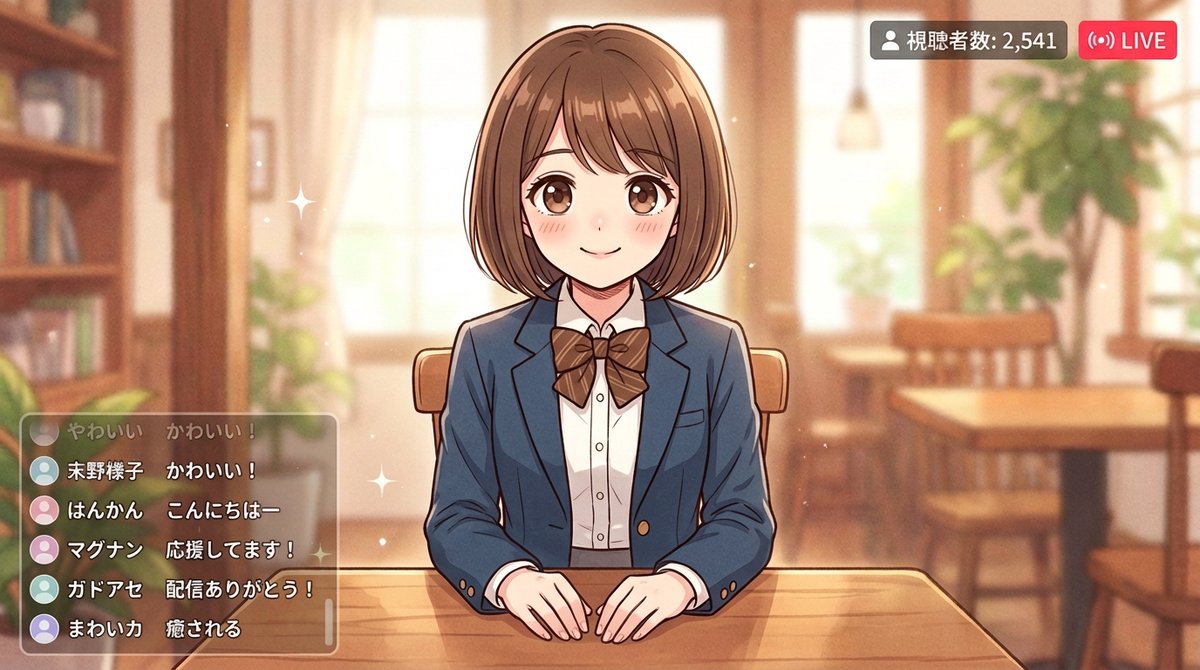
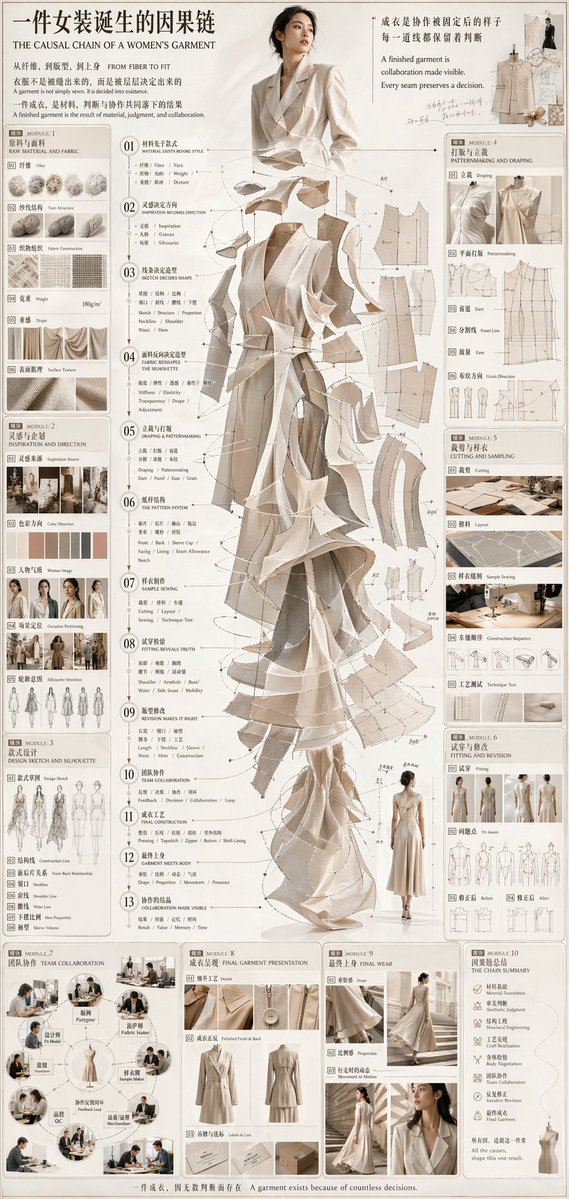
4-Panel Analog Film Boudoir Collage
{
"generation_request": {
"meta_data": {
"task_type": "editorial_grid_collage_analog_film_boudoir",
"language": "en",
"priority": "highest",
"version": "v1.0_RED_SATIN_SLIP_4PANEL_LOFI_FILM"
},
"output": {
"aspect_ratio": "1:1",
"resolution": "high",
"num_images": 4
},
"scene": {
"concept": "a 4-panel editorial grid collage with an intimate analog film mood",
"environment": "minimal indoor setting with dark {argument name="wall color" default="red"} wall and neutral gray corner, no props, no clutter",
"composition": "single image collage: four rectangular panels arranged in a clean grid, consistent film color and grain across panels"
},
"subject": {
"person": "adult woman",
"wardrobe": {
"dress": "deep {argument name="dress color" default="red"} satin slip dress, thin straps, side slit, visible back tie detail"
},
"hair_makeup": {
"hair": "slightly messy soft waves, a bit damp or tousled",
"makeup": "minimal, realistic, warm tones"
},
"mood": "intimate, cinematic, tender, artistic"
},
"panels": [
{
"panel_id": 1,
"framing": "half-body portrait",
"pose": "relaxed, shoulders slightly forward",
"motion": "intentional soft blur from slight movement",
"background": "neutral gray"
},
{
"panel_id": 2,
"framing": "3/4 body",
"pose": "over-shoulder glance, hand near collarbone",
"motion": "soft focus, gentle blur",
"background": "dark red"
},
{
"panel_id": 3,
"framing": "half-body",
"pose": "expressive head tilt upward, dress strap visible",
"motion": "stronger motion blur, artistic",
"background": "dark red"
},
{
"panel_id": 4,
"framing": "close-up detail",
"pose": "back/side torso crop",
"detail": "dress back tie strings, satin folds and highlights",
"motion": "minimal blur, texture emphasized",
"background": "neutral gray"
}
],
"camera": {
"shot": "analog film editorial collage",
"lens_mm": 50,
"aperture": 1.8,
"focus": "soft focus with selective clarity on satin highlights",
"quality_tags": "lo-fi, analog grain, halation, subtle bloom, imperfect realism"
},
"lighting": {
"style": "warm tungsten low light",
"notes": "soft shadows, gentle bloom on highlights, keep skin realistic, avoid digital sharpness"
},
"color_grade": {
"palette": "deep reds, warm browns, muted neutrals",
"contrast": "low-to-medium, filmic",
"effects": "film grain, slight halation, soft bloom, mild vignette"
},
"negative_prompt": "text, logo, watermark, ultra sharp digital look, HDR, neon colors, plastic skin, over-retouched beauty, extra fingers, deformed anatomy, lowres, heavy artifacts"
}
}















![Naive doodle-style subject illustration — A doodle-style {argument name="subject" default="[subject]"}, naive lines, humorous shape exaggeration](https://pbs.twimg.com/media/G6Wl2YxbsAARB2b.jpg)