
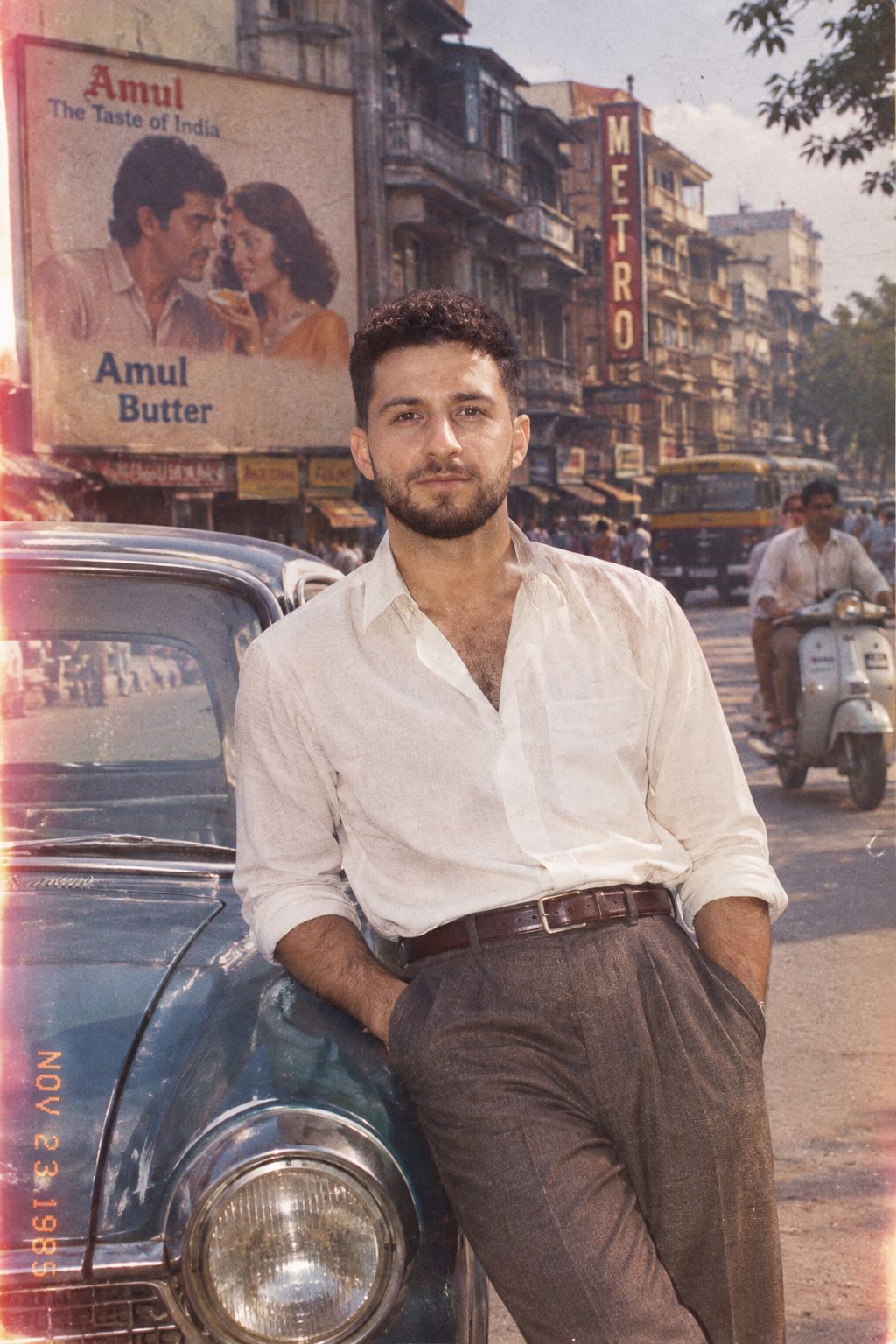
Cinematic Male Street Portrait
A high-end editorial street portrait of a man in a leather jacket, featuring dramatic lighting and a shallow depth of field.
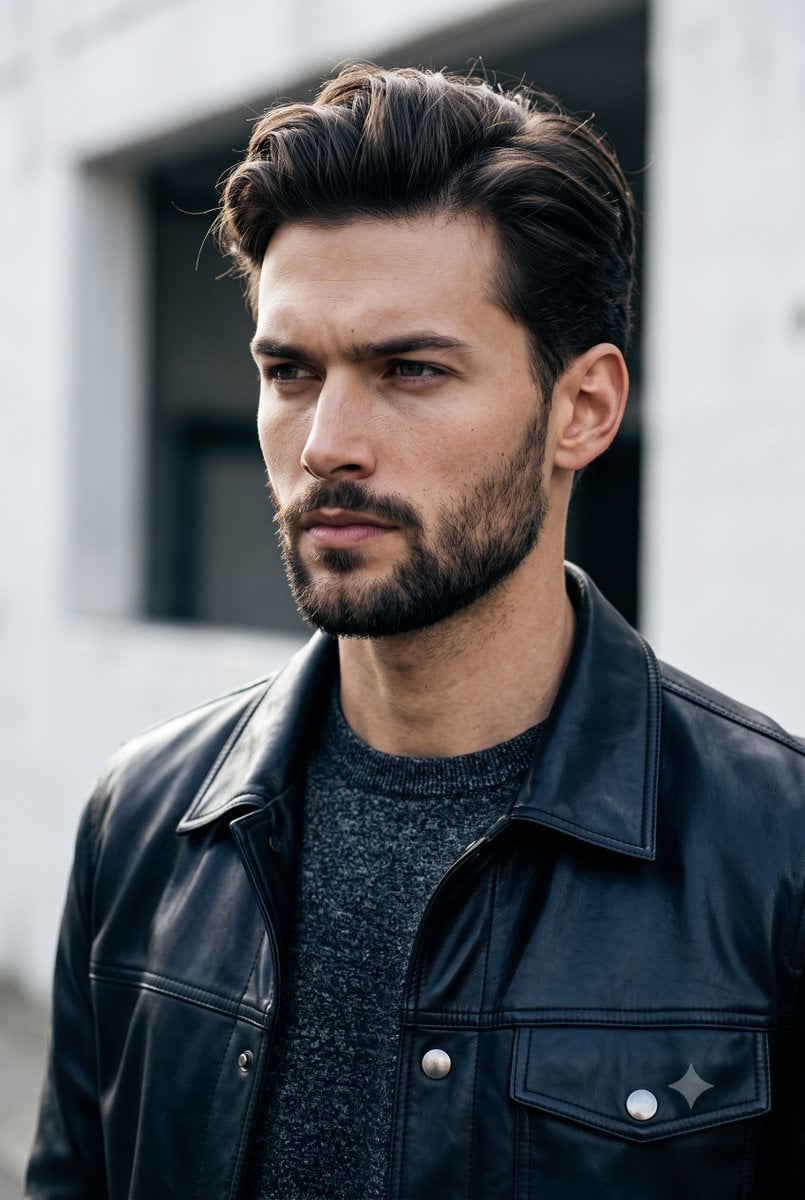
- Prompt included
- Model and format preset
- Free template
The prompt behind this image
Copy the exact prompt behind Cinematic Male Street Portrait, or open it in the studio and make it yours.
A {argument name="subject" default="handsome man in his early thirties"} with a serious, contemplative expression gazes intensely off-camera to his left with a subtle squint. His thick, dark brown hair is volumized and swept back, featuring a natural texture with visible flyaways and slight frizz catching the light around the edges. His face is defined by rugged, dense medium-length stubble that darkens naturally around his mustache and chin. He is dressed in a {argument name="clothing" default="dark grey marled crew neck sweater layered under a glossy, slightly stiff black leather jacket"} featuring a structured, pointed collar and a distinct silver snap button on the right chest pocket flap. His shoulders are angled subtly in a confident, chest-up posture. Behind him, the shallow depth of field softly blurs an {argument name="background" default="architectural midground and background, revealing out-of-focus whitewashed concrete walls"} and indistinct recessed dark structural geometry. Diffused, cool-toned natural daylight illuminates the scene, casting soft, realistic shadows beneath his strong jawline and the jacket collar, while producing sharp, bright specular highlights along the sleek, reflective shoulders and lapels of the leather jacket. The dominant color profile relies on the stark, moody contrast between deep blacks, textured charcoal greys, warm natural skin tones, and the bright, muted whites of the background, creating a dramatic, cinematic atmosphere. Captured with an 85mm portrait lens to achieve a shallow depth of field, the hyper-sharp focal plane rests precisely on his facial features and the jacket collar, embodying high-end editorial street photography with a realistic, crisp aesthetic, framed in a 2:3 aspect ratio.
How to use Cinematic Male Street Portrait in 3 steps
- 1
Open
The prompt is already in the box next to the preview, with the template's model and format selected.
- 2…a portrait of your subject in softgolden-hour light, 85mm…
Personalize
Edit the subject and creative details for your destination.
- 3Generate
Generate
Press Generate — your image is created in PicX Studio, so you can compare it with the original and refine one variable at a time.
More like this
Templates with the same subject, style or setup. Open one to see its prompt.
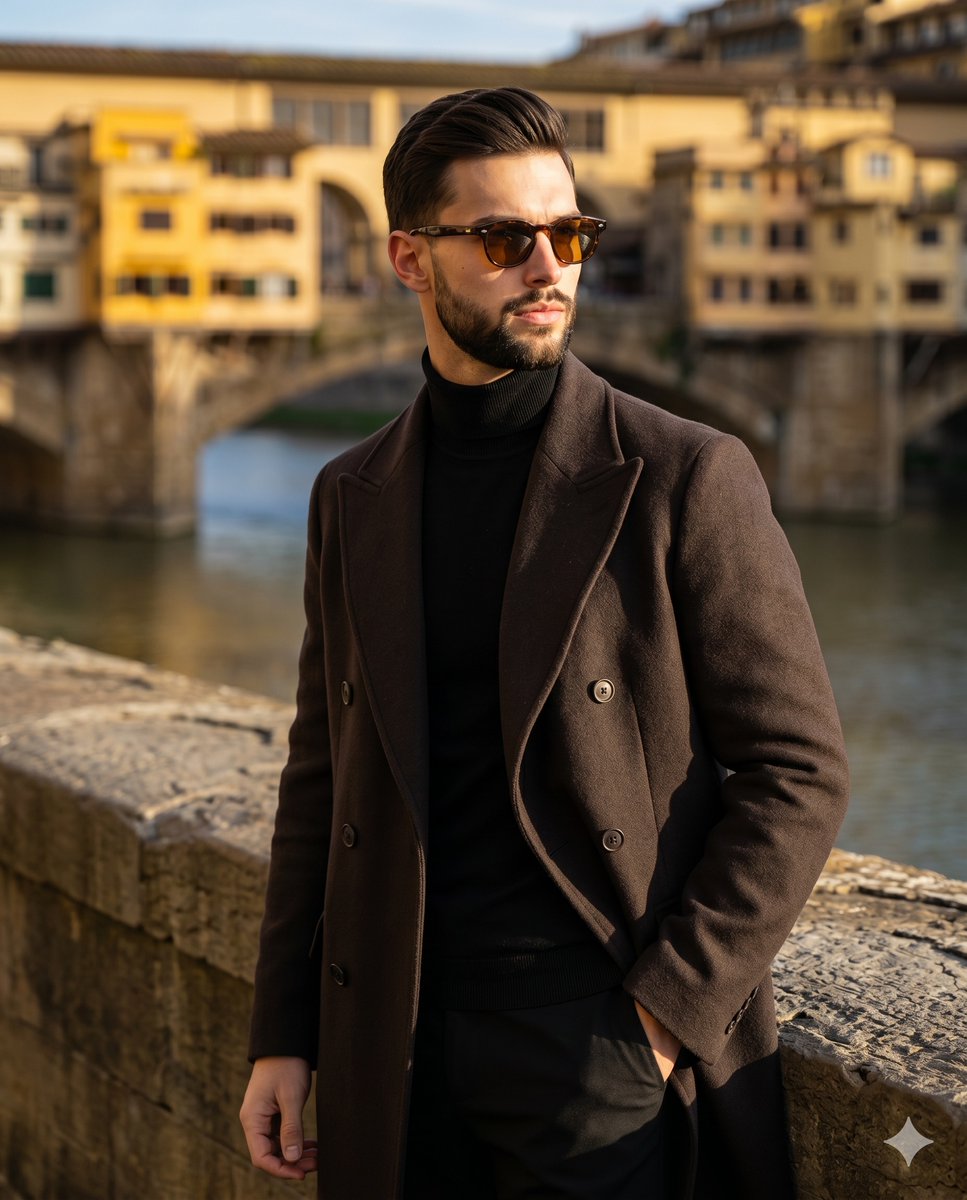




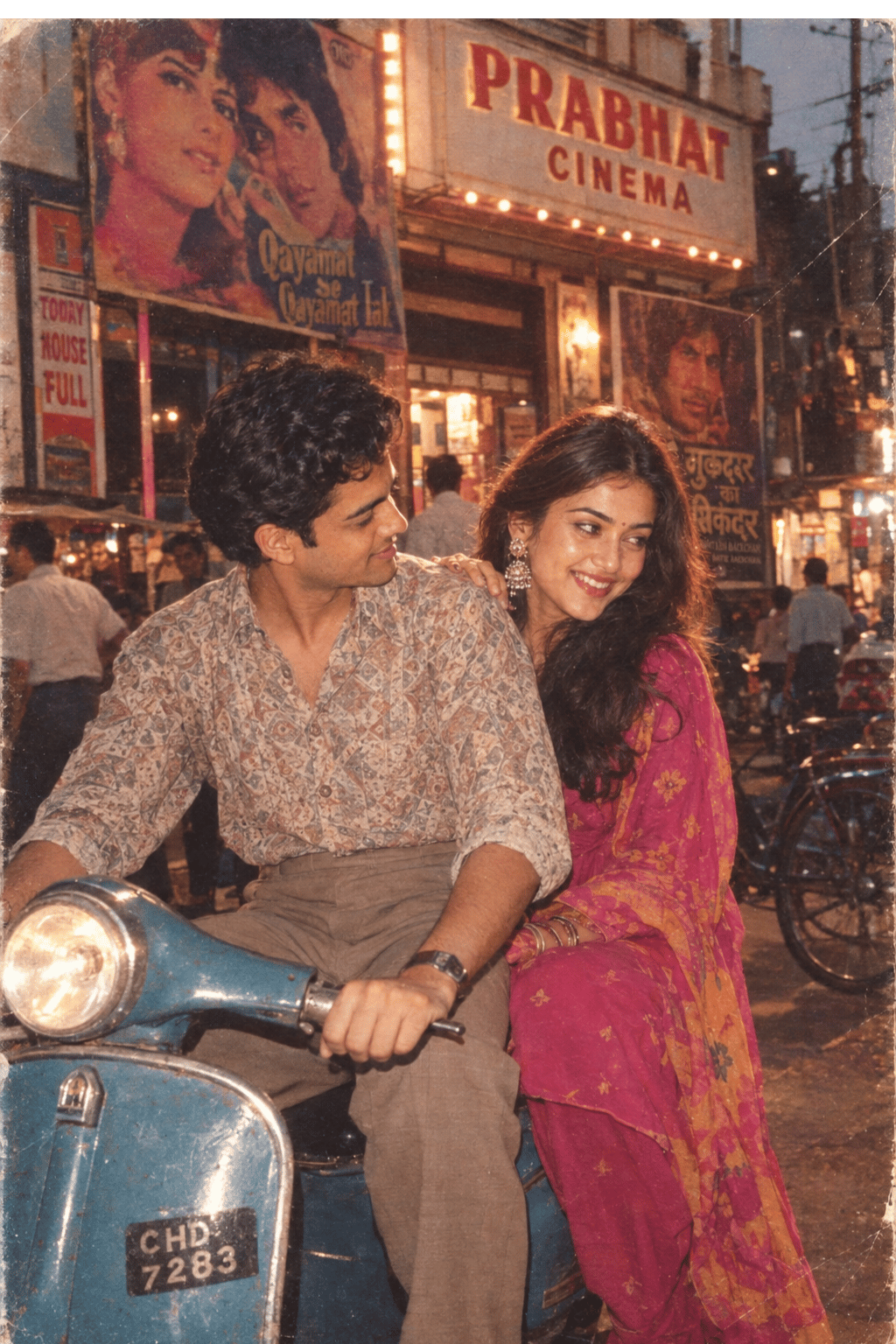


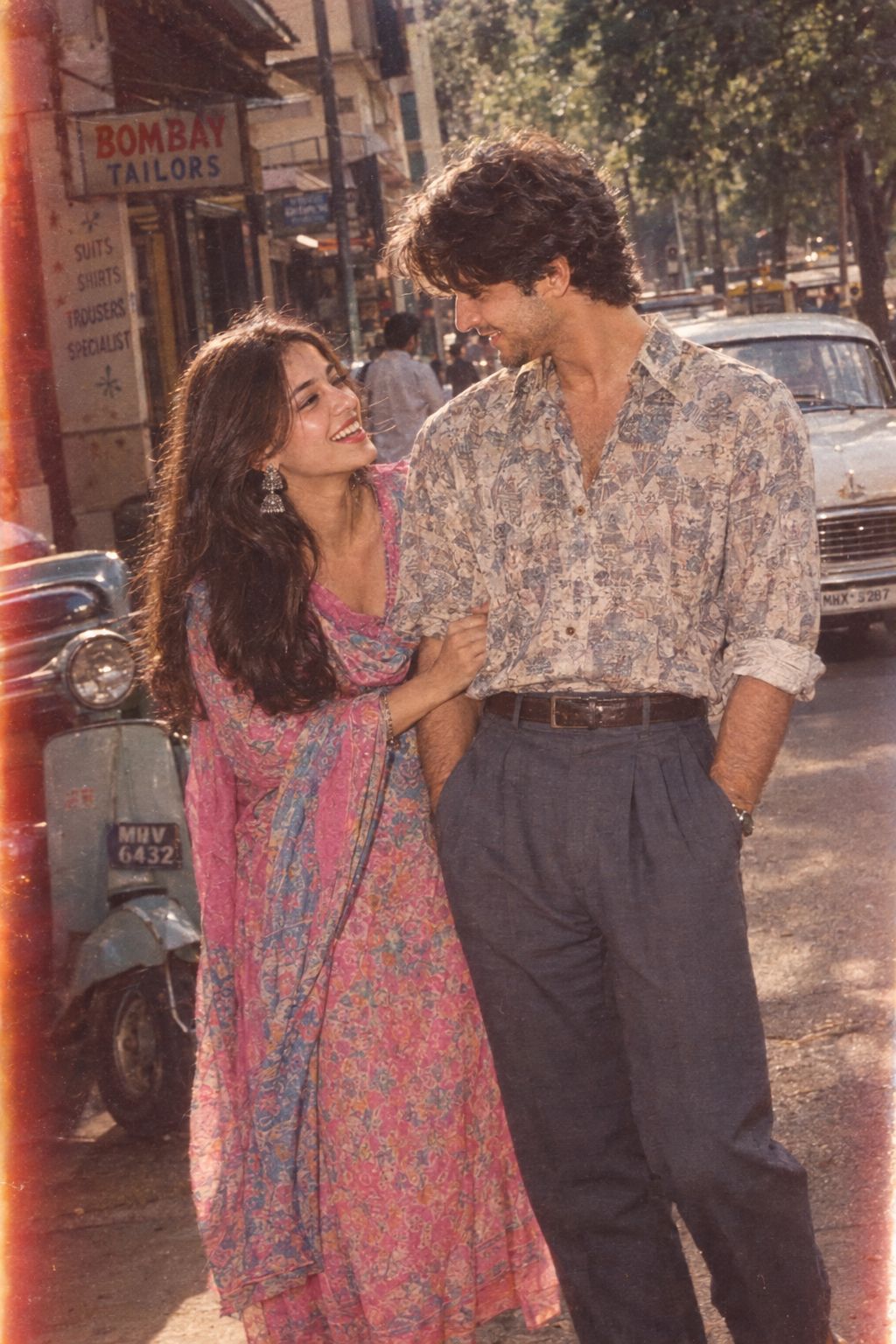


Make it yours
Cinematic Male Street Portrait works as-is. These are the safest ways to change it without losing the look.
Change one field
Copy a single group, rewrite it, and generate again so you can see what that field is doing.
Keep the frame, change the subject
Hold the composition and light of Cinematic Male Street Portrait, then swap wardrobe, props or the person for a new take.
| If the result… | Why | Fix |
|---|---|---|
| The result drifts from the preview | Too many fields changed at once. | Reuse Cinematic Male Street Portrait as-is first, then change one group — subject, light, or setting. |
| The model over-stylizes the scene | The prose prompt leaves finish and camera underspecified. | Add one camera or lighting sentence and stay on Nano Banana 2. |
More Nano Banana 2 templates
Other prompts made for Nano Banana 2.

Photorealistic Leaf Shaped Like a Dragon

K-Pop Idol Portrait Grid for Rapid Selection

Poetic Rain Forest Portrait During Golden Hour

Urban Street Portrait with Cartoon Inner Self Duo

Candid Nighttime Photo with Cat Prompt

High-Concept 3D Diorama Generation Prompt

Cinematic Futuristic Studio Portrait Template

Skincare Editorial Photography Collage Prompt

Hyper-Realistic Commercial Product Photography (Splash Effect)

Hyper-Realistic Nightclub Portrait Prompt
More image prompts
Fresh picks from across the catalog.

Write Arabic text on a Nile river image
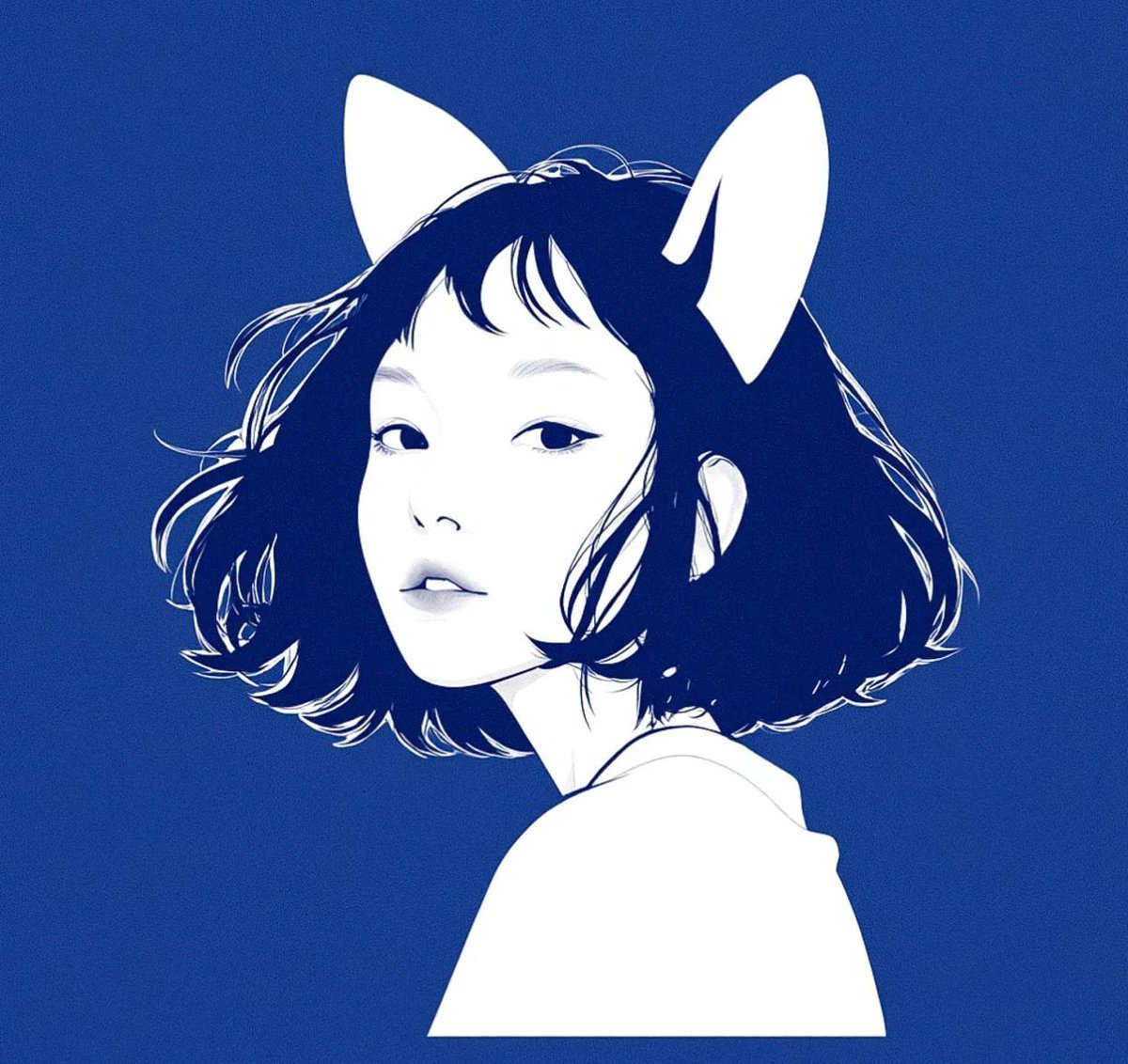
Multi-Step Comic Generation with MJ and Nano Banana Pro
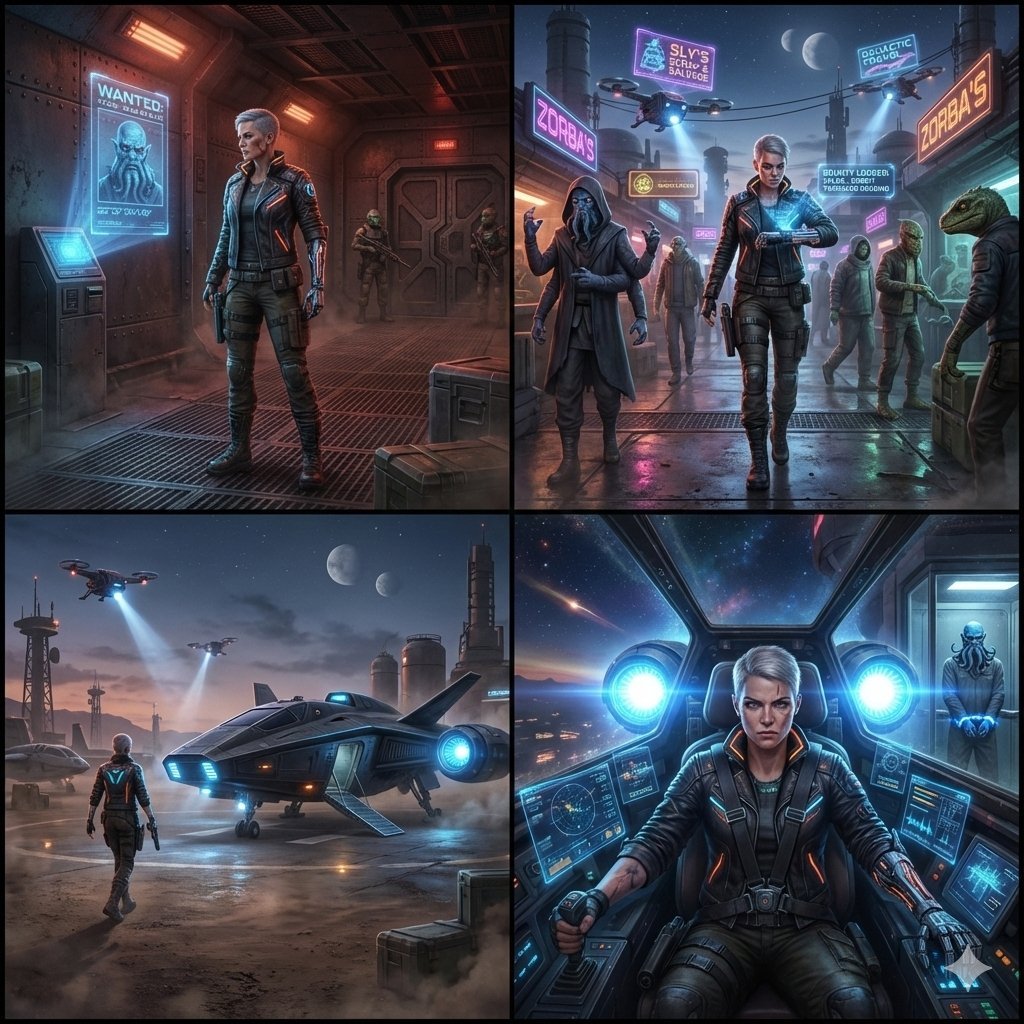
Sequential Sci-Fi Bounty Hunter Story Grid
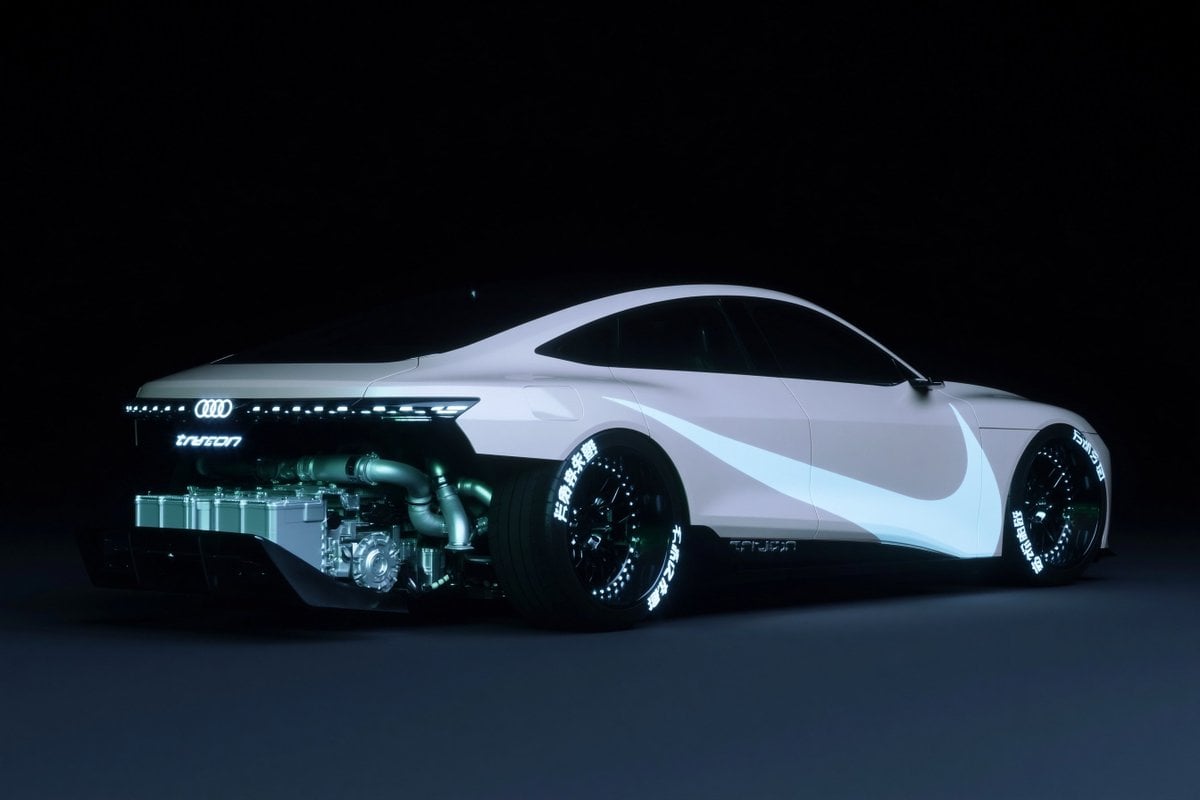
Futuristic Audi Tron Concept Coupe
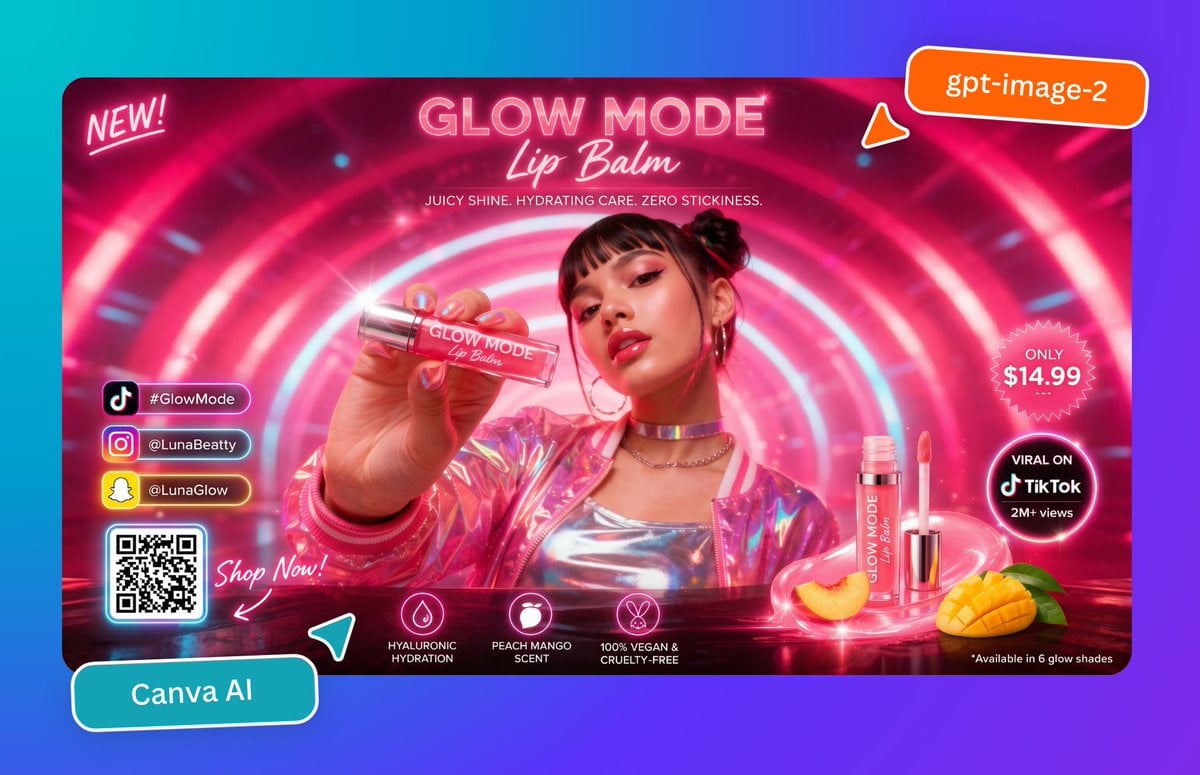
Neon Lip Balm Launch Ad
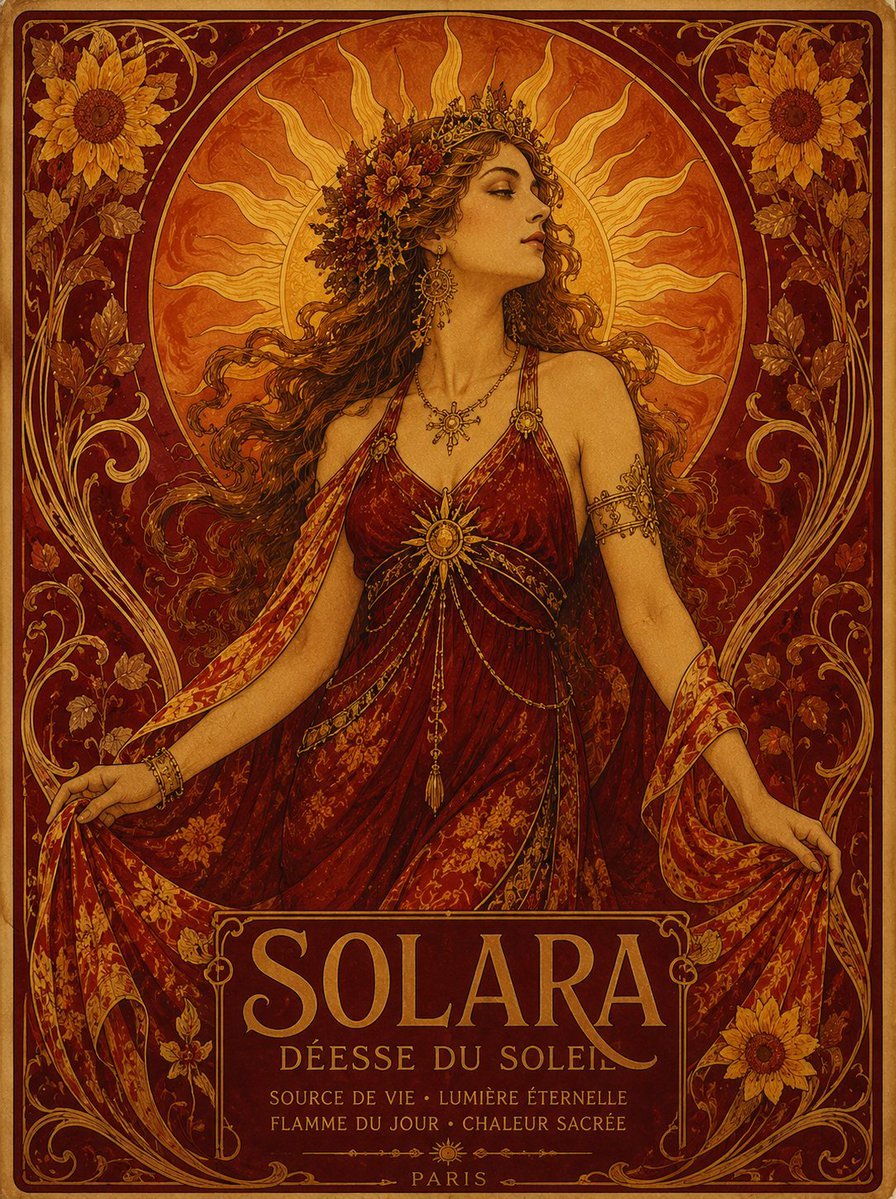
Solara Art Nouveau Sun Goddess Poster
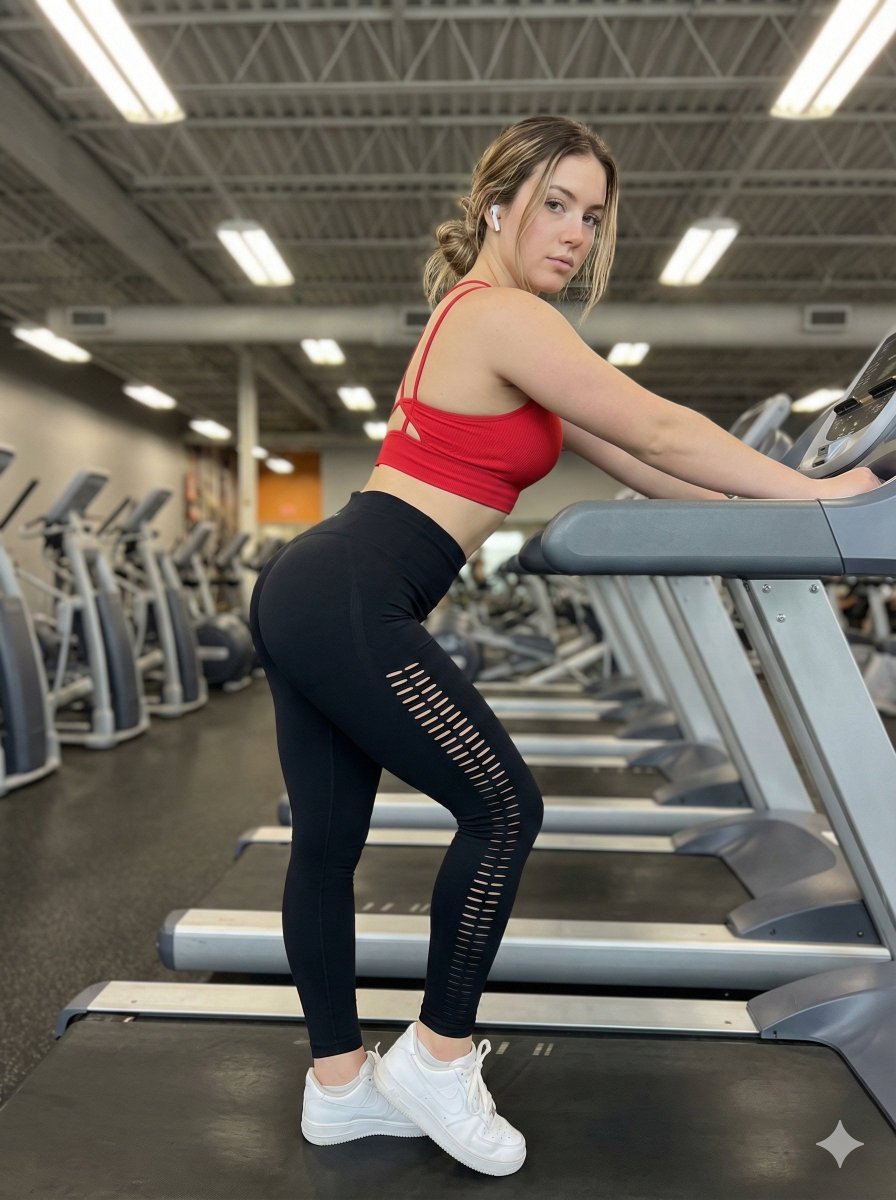
Gym Fitness Editorial Portrait
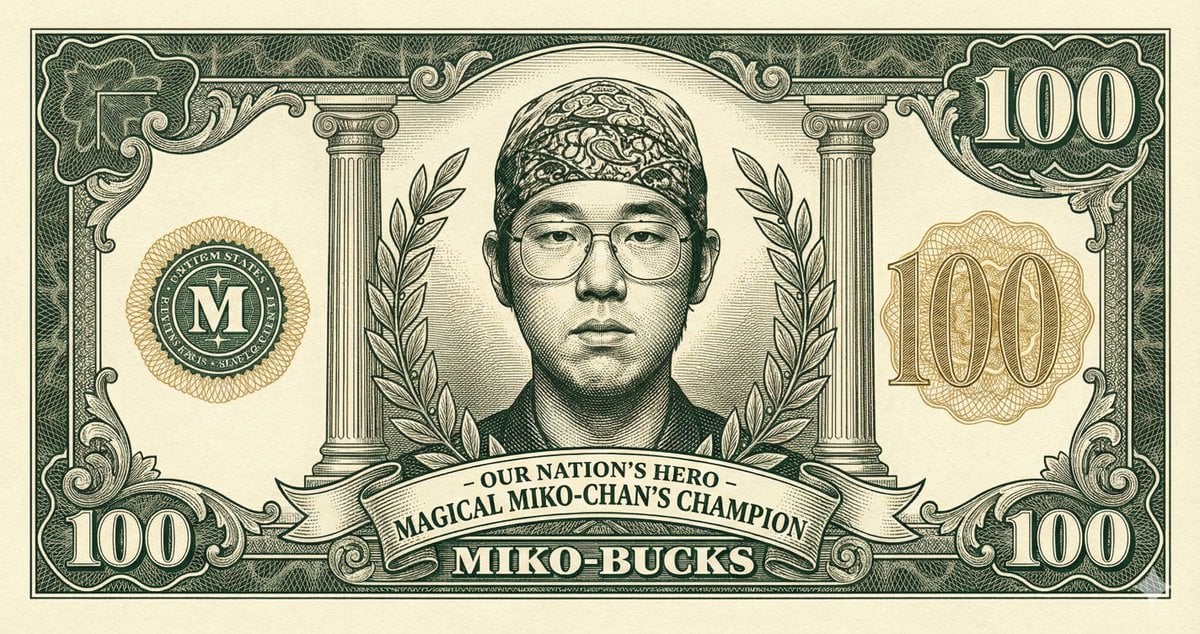
Classic Anime Nerd Otaku in the Style of Currency
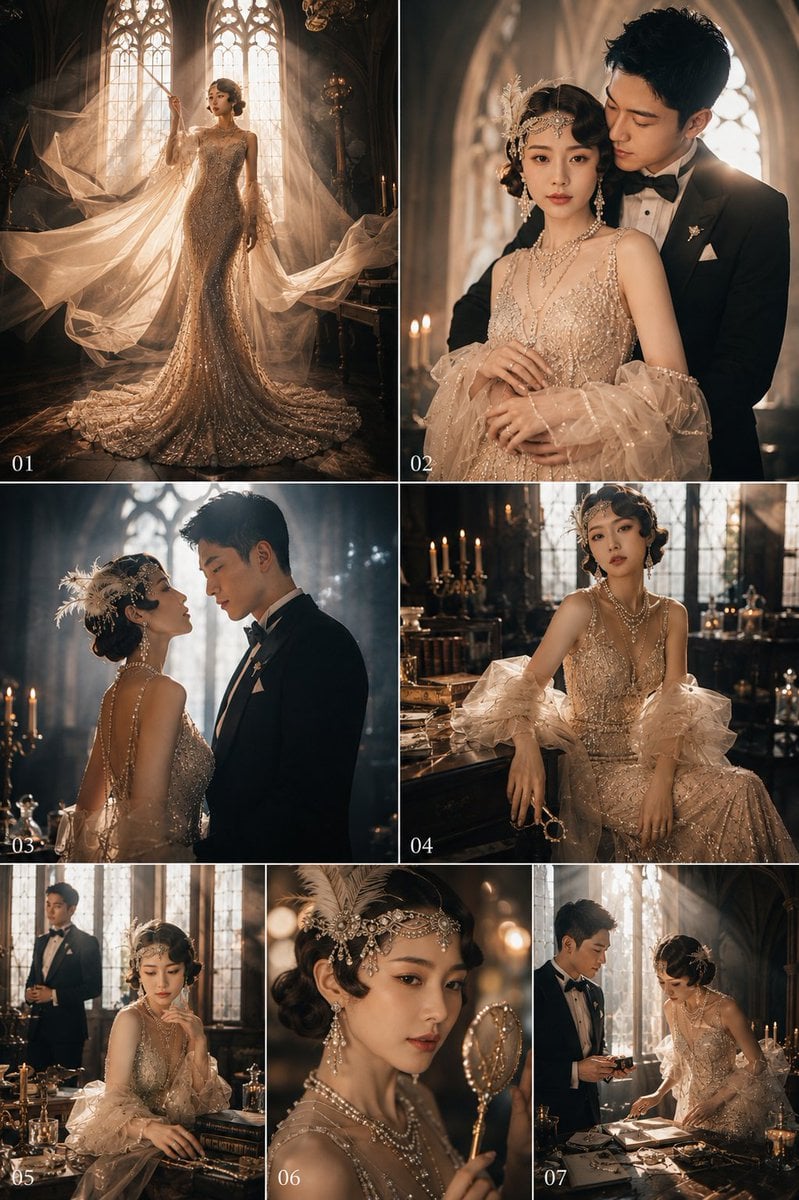
Gatsby Style Art Deco Wedding Photos
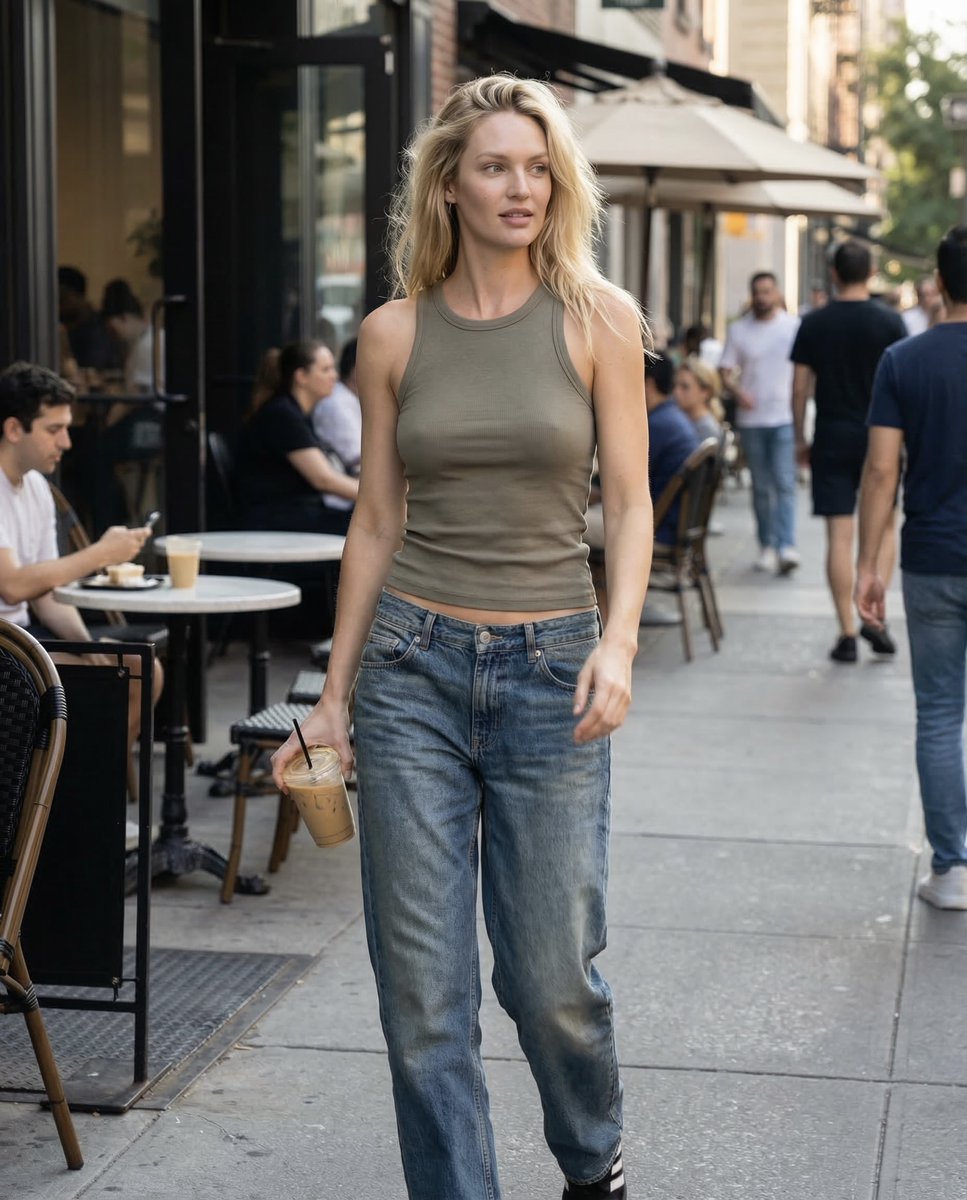
Candid iPhone Daylight Street Photo Prompt
Browse template categories
Cinematic Male Street Portrait questions
How do I use the Cinematic Male Street Portrait template?
Add your photo if the template asks for one, edit the prompt if you like — the template's model and format are already selected — and press Generate. Your version opens in PicX Studio.
Can I customize the Cinematic Male Street Portrait template?
Yes. You can change the subject, setting, lighting, mood, format, and available model controls before creating your image.
Is the Cinematic Male Street Portrait template free?
Opening and editing this template is free. Generating uses credits, shown on the Generate button when you are signed in.
Which AI model should I use?
Start with Nano Banana 2, which is the model associated with this template. You can compare another compatible model for a different finish.
Looking for something else? Browse all templates.

Your photo, any look
Thousands of ready templates for every top image and video model, from one credit balance.