How do I use the 1940s Film Noir Portrait template?
Edit the prompt in the box under the preview — the template's model and format are already selected — and press Generate. Your version appears right on this page.
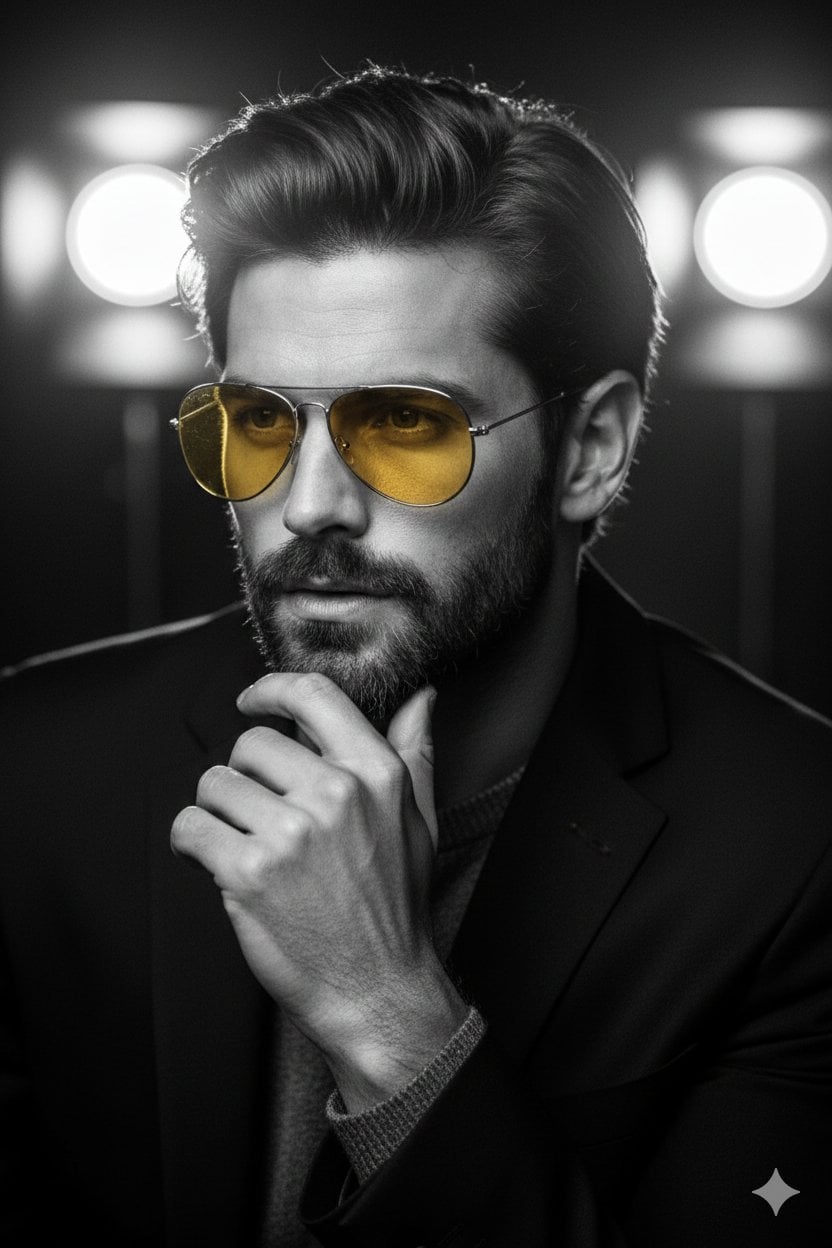
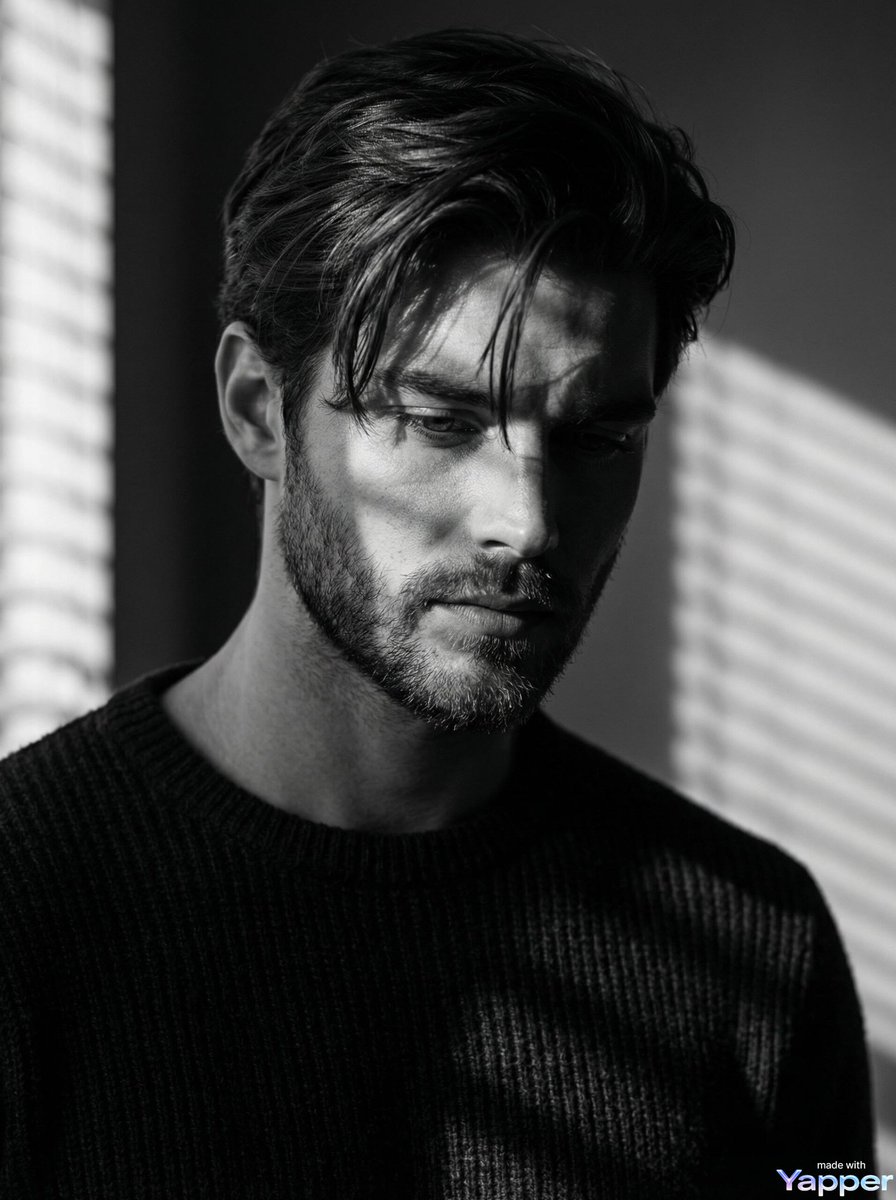
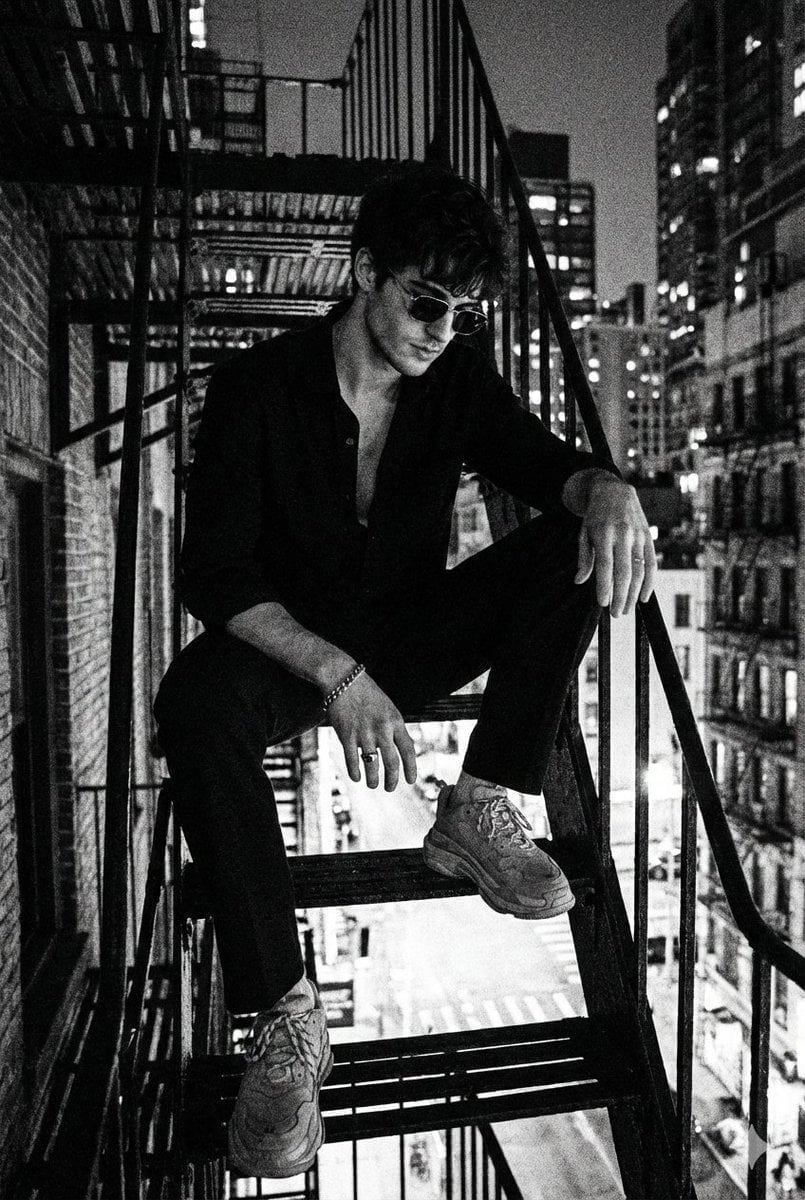
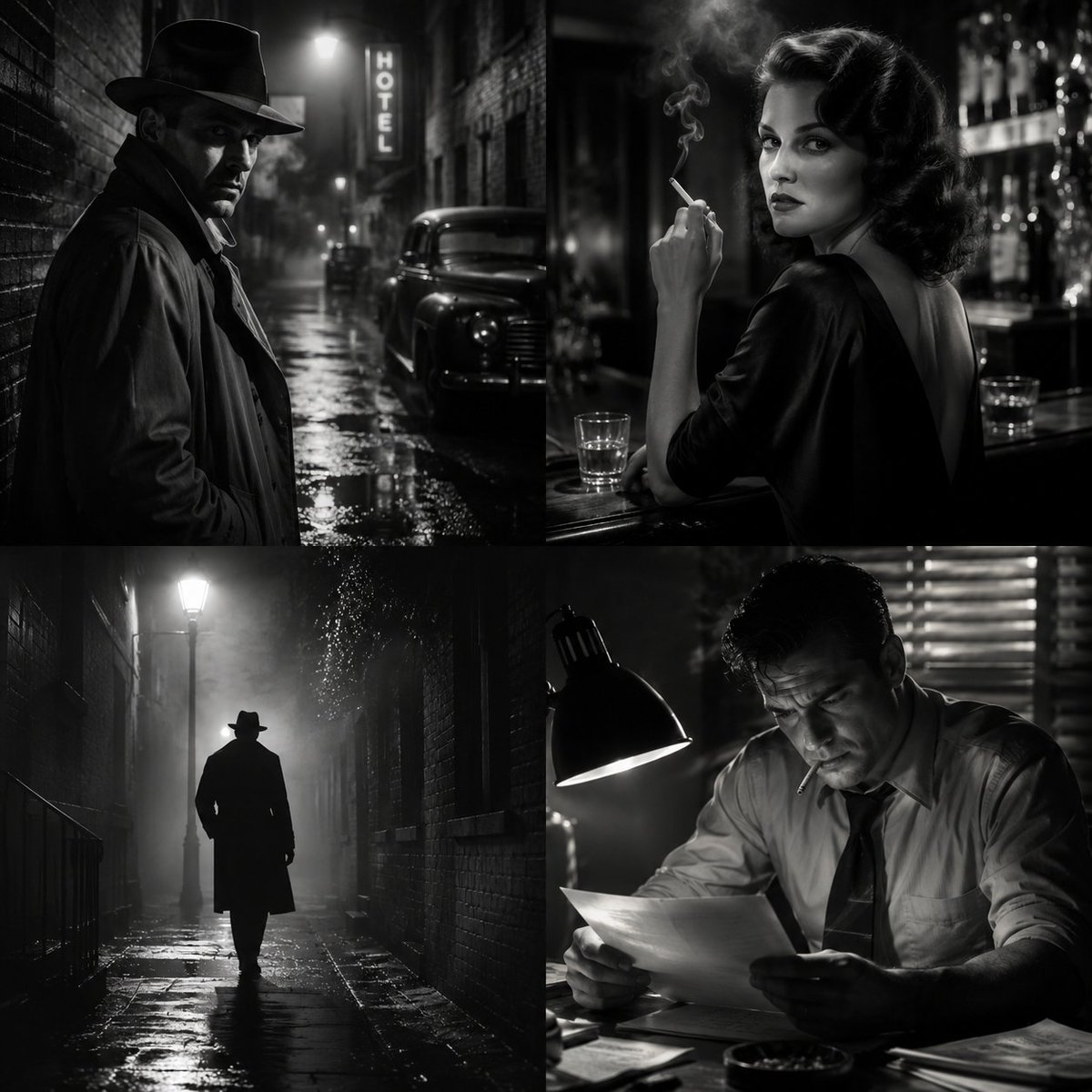
A moody, high-contrast black and white portrait prompt in the 1940s film noir aesthetic with Venetian blind shadows.

Seated portrait of {argument name="subject" default="a woman"} in a dim, smoke-filled room, dark hair slicked back, {argument name="accessory" default="black cat-eye sunglasses"} reflecting a sliver of window light. She rests her chin on one hand, elbow on a table, {argument name="clothing" default="black turtleneck"} visible. Venetian blind shadows cast across her face and the wall behind her. Black and white, 1940s film noir aesthetic, heavy grain, Kodak Tri-X film stock look, high contrast.
Seated portrait of {argument name="subject" default="a woman"} in a dim, smoke-filled room, dark hair slicked back, {argument name="accessory" default="black cat-eye sunglasses"} reflecting a sliver of window light. She rests her chin on one hand, elbow on a table, {argument name="clothing" default="black turtleneck"} visible. Venetian blind shadows cast across her face and the wall behind her. Black and white, 1940s film noir aesthetic, heavy grain, Kodak Tri-X film stock look, high contrast.
Edit the prompt in the box under the preview — the template's model and format are already selected — and press Generate. Your version appears right on this page.
Yes. You can change the subject, setting, lighting, mood, format, and available model controls before creating your image.
Opening and editing this template is free. Generating uses credits, shown on the Generate button when you are signed in.
Start with Nano Banana 2, which is the model associated with this template. You can compare another compatible model for a different finish.
Follow a topic to a crawlable collection of related PicX Studio templates.