How do I use the Beachfront Lifestyle Product Photography template?
Edit the prompt in the box under the preview — the template's model and format are already selected — and press Generate. Your version appears right on this page.
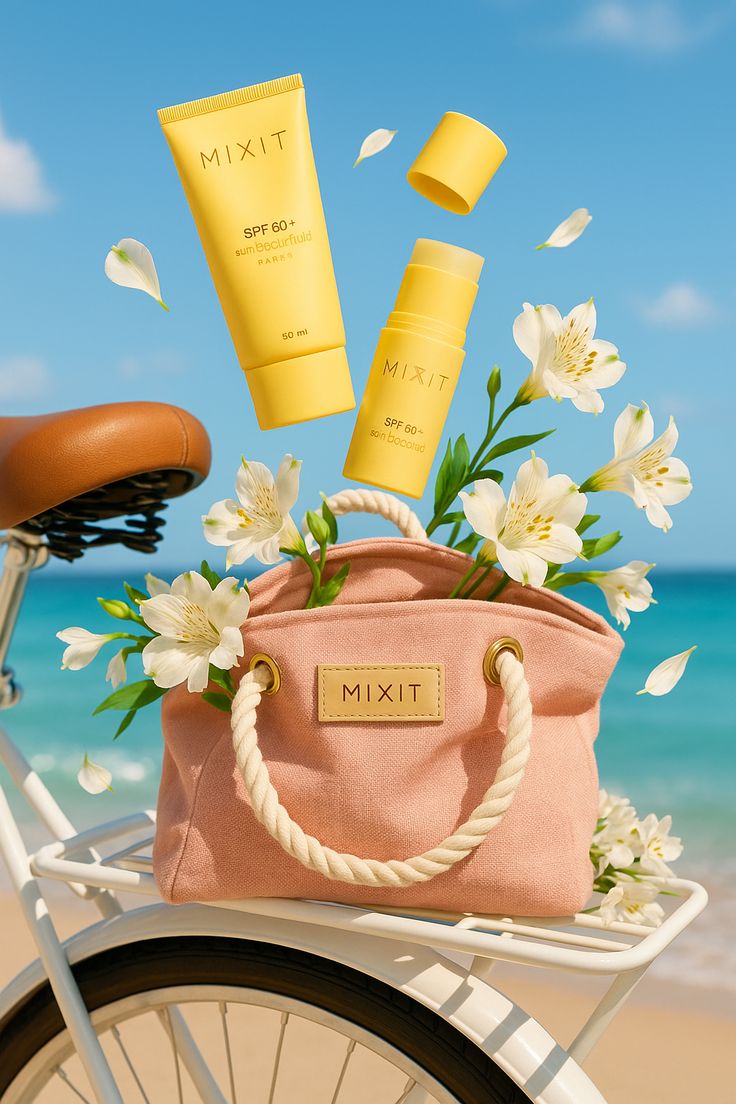
A vibrant lifestyle prompt for product photography, featuring a joyful woman on a sunny beach with natural turquoise ocean waves.

A joyful young woman with {argument name="hair color" default="curly auburn hair"} kneeling on a sandy beach, wearing {argument name="outfit" default="a light blue ribbed tank top and denim shorts"}, {argument name="accessory" default="a white tropical flower"} tucked behind her ear, laughing with one arm raised in the air. She holds up [product from uploaded photo] toward the camera with one hand, product facing forward and clearly visible. Bright sunny day, clear blue sky, turquoise ocean waves in the background, golden sand in the foreground. Natural sunlight, warm and vibrant color palette, lifestyle product photography style, shallow depth of field with sharp focus on the product and model, shot on a high-end camera with a slightly elevated angle looking down at the subject.
A joyful young woman with {argument name="hair color" default="curly auburn hair"} kneeling on a sandy beach, wearing {argument name="outfit" default="a light blue ribbed tank top and denim shorts"}, {argument name="accessory" default="a white tropical flower"} tucked behind her ear, laughing with one arm raised in the air. She holds up [product from uploaded photo] toward the camera with one hand, product facing forward and clearly visible. Bright sunny day, clear blue sky, turquoise ocean waves in the background, golden sand in the foreground. Natural sunlight, warm and vibrant color palette, lifestyle product photography style, shallow depth of field with sharp focus on the product and model, shot on a high-end camera with a slightly elevated angle looking down at the subject.
Edit the prompt in the box under the preview — the template's model and format are already selected — and press Generate. Your version appears right on this page.
Yes. You can change the subject, setting, lighting, mood, format, and available model controls before creating your image.
Opening and editing this template is free. Generating uses credits, shown on the Generate button when you are signed in.
Start with Nano Banana 2, which is the model associated with this template. You can compare another compatible model for a different finish.
Follow a topic to a crawlable collection of related PicX Studio templates.