
Resort Balcony Lifestyle Portrait
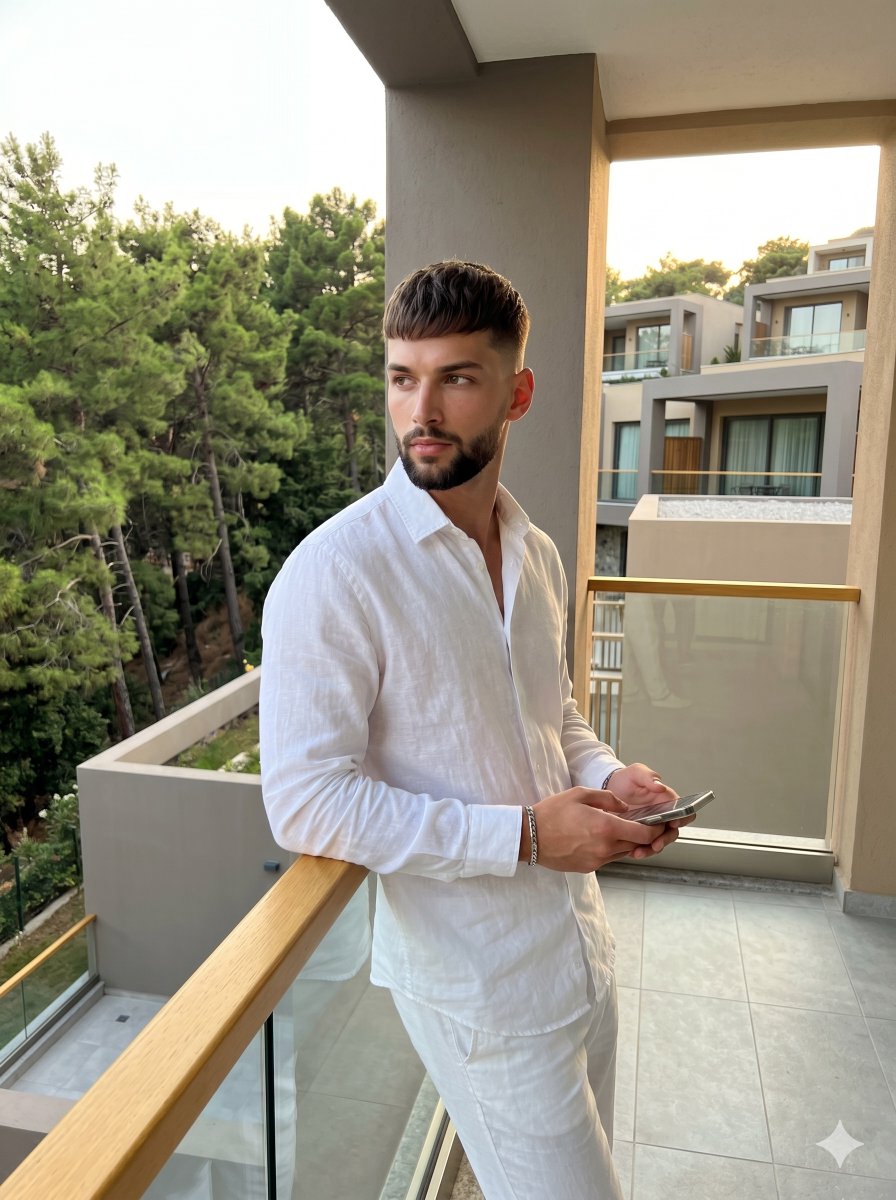
A highly technical prompt for a realistic digital lifestyle photograph of a young man on a luxury resort balcony at sunset.
- Prompt included
- Model and format preset
- Free template
The prompt behind this image
Copy the exact prompt behind Resort Balcony Lifestyle Portrait, or open it in the studio and make it yours.
A {argument name="subject" default="young man"} dressed in a {argument name="outfit" default="crisp white linen outfit"} stands positioned to the left of center, turned at a 45-degree angle to the left with his weight casually leaning to that side and his shoulders visibly relaxed. His hair is cut with a precise one-to-two guard fade on the sides and leaves about two to three inches of length on top, styled forward into a textured fringe that showcases a natural texture complete with subtle flyaways and a matte product finish, perfectly complementing his neatly groomed short beard. His expression is serious and poised, featuring neutral eyebrows and a relaxed mouth, as his gaze drifts away to the left. His relaxed left hand rests flat against the smooth, pristine warm golden wood of the balcony handrail, while his right hand holds a smartphone at waist level with the index finger resting gently along the edge of the device, a silver bracelet visible on his wrist. He stands on a floor of light grey tiles laid out in a staggered rectangular pattern behind a transparent glass balcony barrier secured by clean metal frames spanning the foreground. Beyond the balcony, a slightly soft, deep-set midground reveals a {argument name="background" default="hillside resort overlooking dense, thriving forest green pine and deciduous trees"} to the left and center, contrasted by pristine modern architectural villas with flat roofs and large windows to the right. Smooth, matte warm gray and tan paneled concrete walls feature clean architectural lines and recessed windows, completing the pristine residential environment. The calm, relaxed evening resort atmosphere is brought to life by a single, soft, natural warm golden light source striking from a strict 90-degree angle to the right. This moderately directional lighting leaves striking, preserved highlights sweeping across the right side of his face, right arm, and shoulder, while casting soft, gradual gray shadows seamlessly onto the left side of his body and across the tiled floor, balanced perfectly by present ambient fill light. This medium-contrast, analogous color palette beautifully balances the dominant neutral whites, forest greens, warm greys, and golden wood accents. Captured as a realistic digital lifestyle photograph straight on with a 50mm lens at f/4.0, 1/200s, and ISO 100, the image utilizes a medium depth of field to keep the subject tack sharp while gently softening the background. Post-processed with warm color grading, enhanced greens, and highlight protection, the composition adheres elegantly to the rule of thirds with asymmetric balance, entirely framed in a 3:4 aspect ratio.
How to use Resort Balcony Lifestyle Portrait in 3 steps
- 1
Open
The prompt is already in the box next to the preview, with the template's model and format selected.
- 2…a portrait of your subject in softgolden-hour light, 85mm…
Personalize
Edit the subject and creative details for your destination.
- 3Generate
Generate
Press Generate — your image is created in PicX Studio, so you can compare it with the original and refine one variable at a time.
More like this
Templates with the same subject, style or setup. Open one to see its prompt.
Tropical Resort Lifestyle Portrait
Miniature Self Portrait Collage

Found Photograph: Us, 1970

80s Couple Studio Portrait

80s Bollywood Star

80s Golden Hour Cinema

Me in 1985

1985 Studio Portrait

Hyper-Realistic Minecraft POV Portrait

Rooftop Fisheye — Cat-Ear Balaclava at Golden Hour
A k.pop idol on the stage with mic
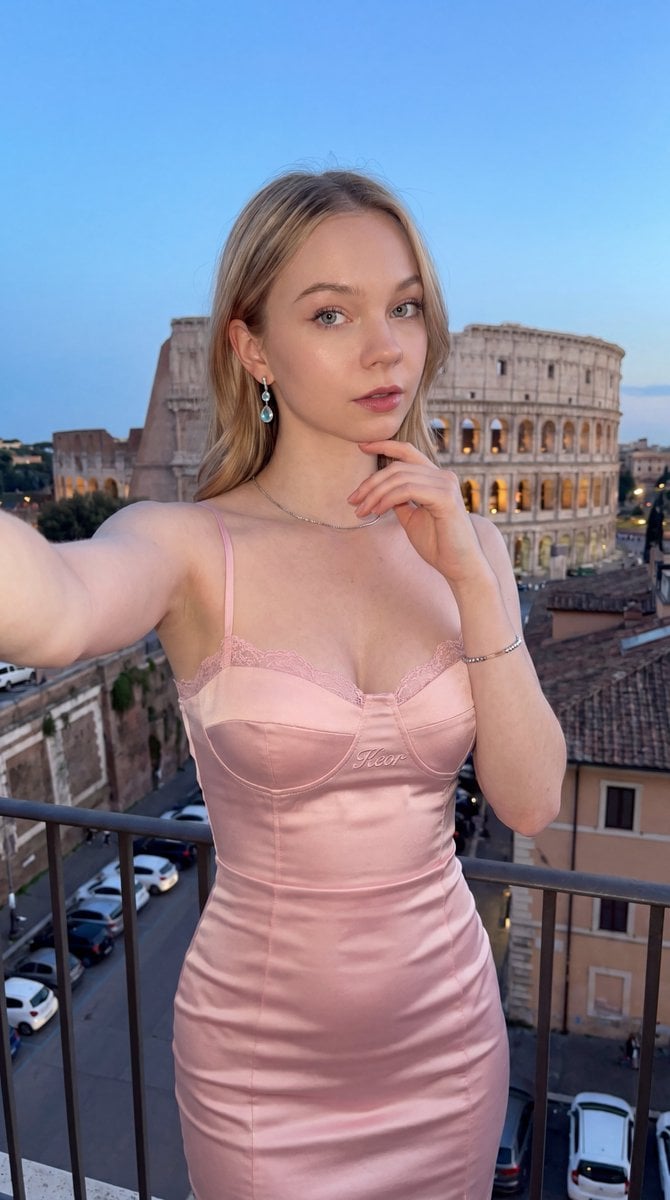
Rome Balcony Selfie Lifestyle
Make it yours
Resort Balcony Lifestyle Portrait works as-is. These are the safest ways to change it without losing the look.
Change one field
Copy a single group, rewrite it, and generate again so you can see what that field is doing.
Keep the frame, change the subject
Hold the composition and light of Resort Balcony Lifestyle Portrait, then swap wardrobe, props or the person for a new take.
| If the result… | Why | Fix |
|---|---|---|
| The result drifts from the preview | Too many fields changed at once. | Reuse Resort Balcony Lifestyle Portrait as-is first, then change one group — subject, light, or setting. |
| The model over-stylizes the scene | The prose prompt leaves finish and camera underspecified. | Add one camera or lighting sentence and stay on Nano Banana 2. |
More Nano Banana 2 templates
Other prompts made for Nano Banana 2.

Photorealistic Leaf Shaped Like a Dragon

K-Pop Idol Portrait Grid for Rapid Selection

Poetic Rain Forest Portrait During Golden Hour

Urban Street Portrait with Cartoon Inner Self Duo

Candid Nighttime Photo with Cat Prompt

High-Concept 3D Diorama Generation Prompt

Cinematic Futuristic Studio Portrait Template

Skincare Editorial Photography Collage Prompt

Hyper-Realistic Commercial Product Photography (Splash Effect)

Hyper-Realistic Nightclub Portrait Prompt
More image prompts
Fresh picks from across the catalog.
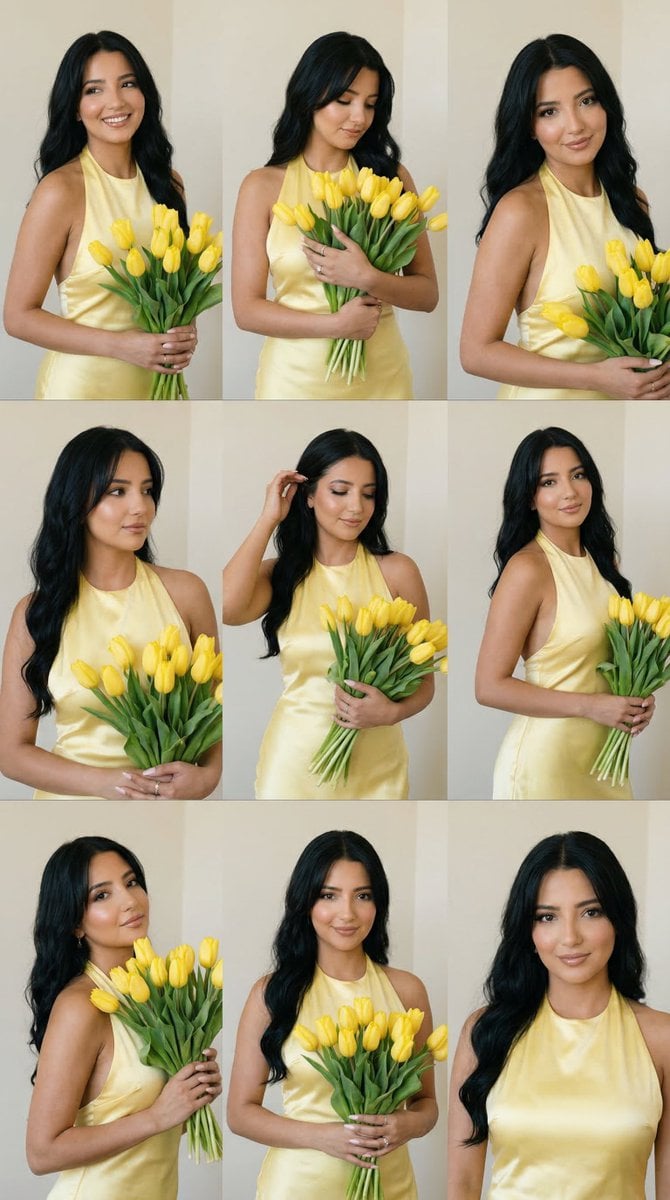
Panel Editorial Grid Prompt for Yellow Satin Halter Dress
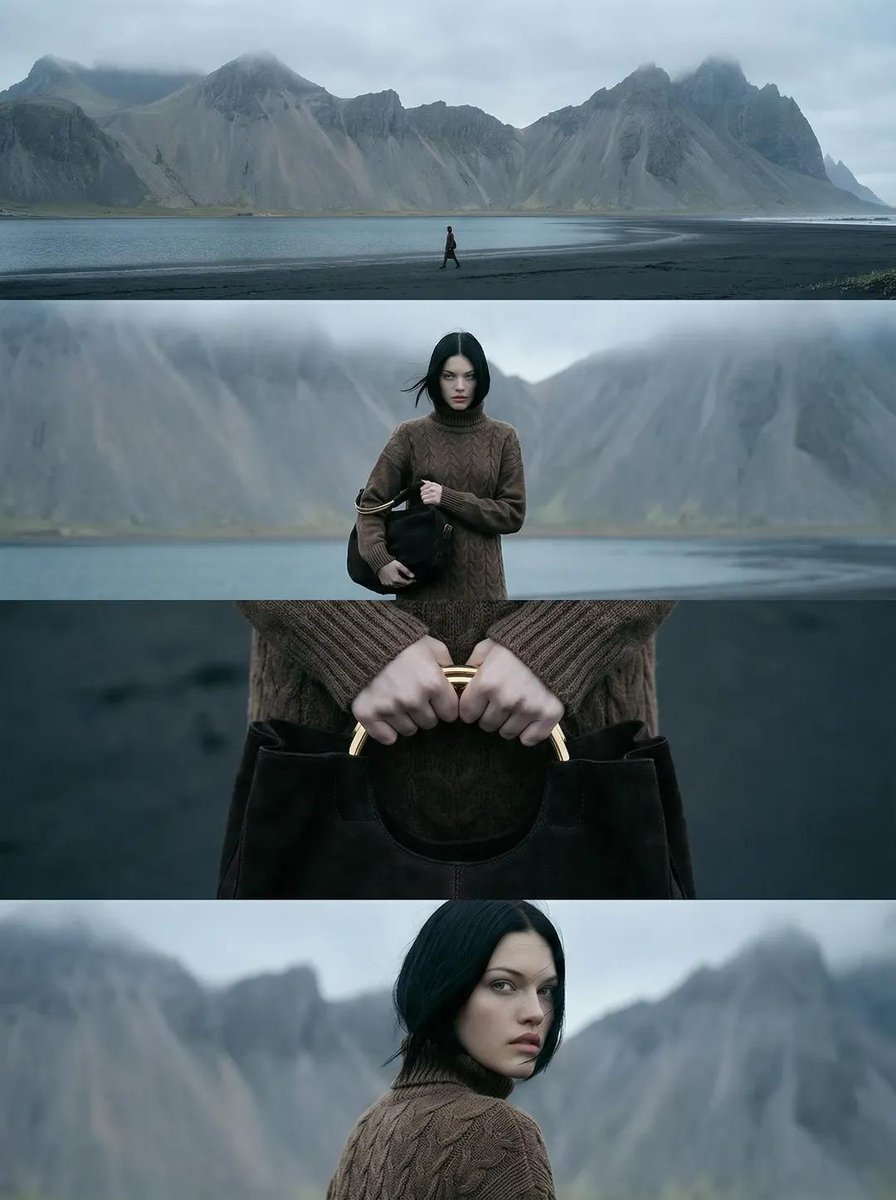
Cinematic Nordic Editorial Image Stack
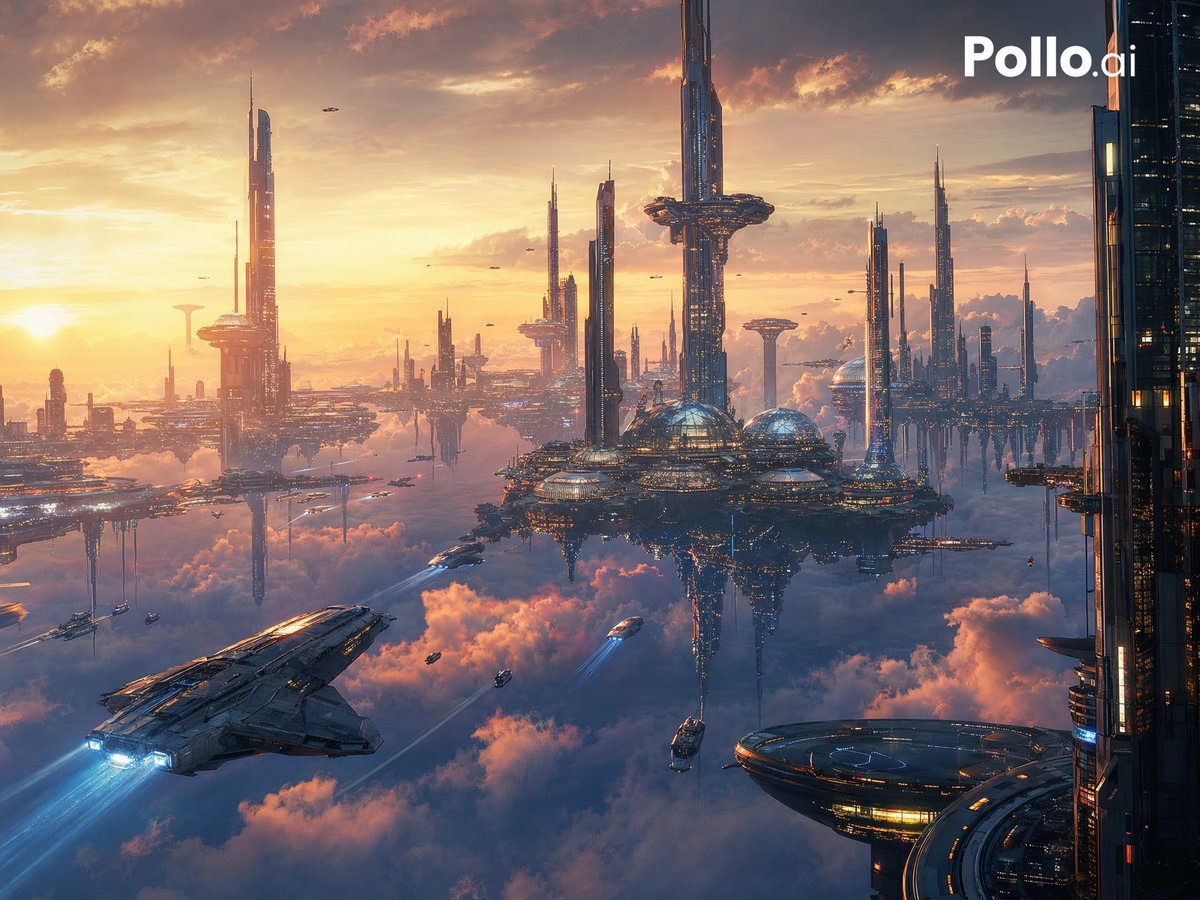
Futuristic Floating City at Sunset
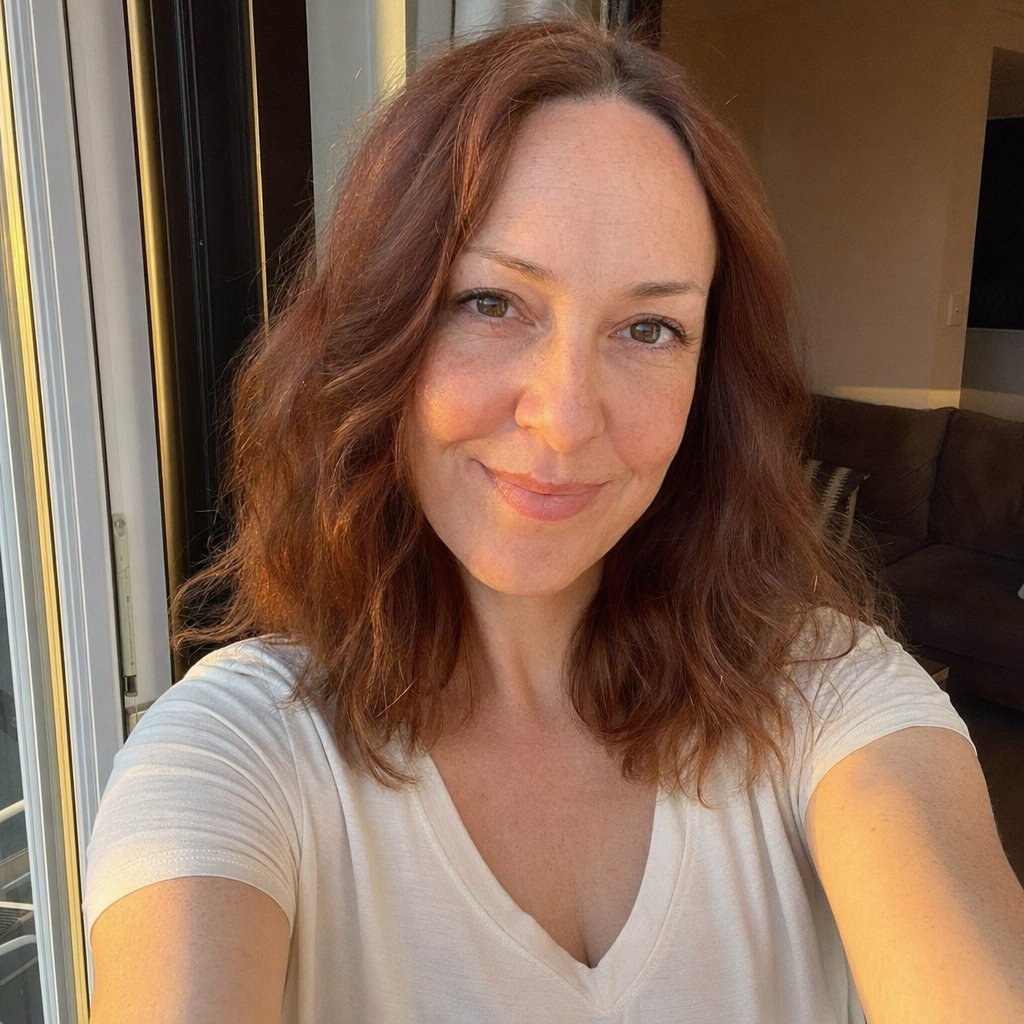
Realistic Golden-Hour Indoor Selfie
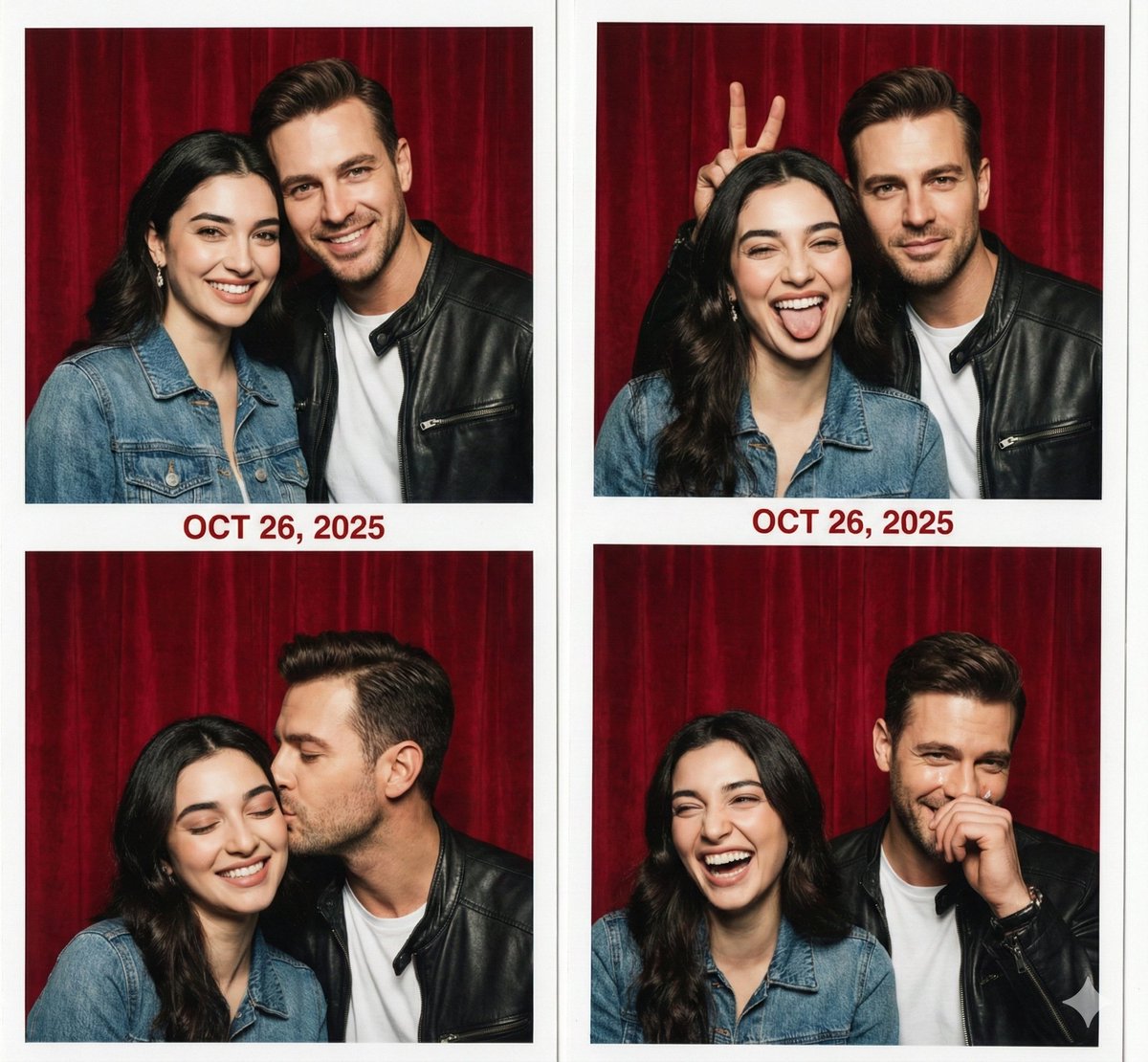
Retro Photo Booth Strip Prompt for a Couple
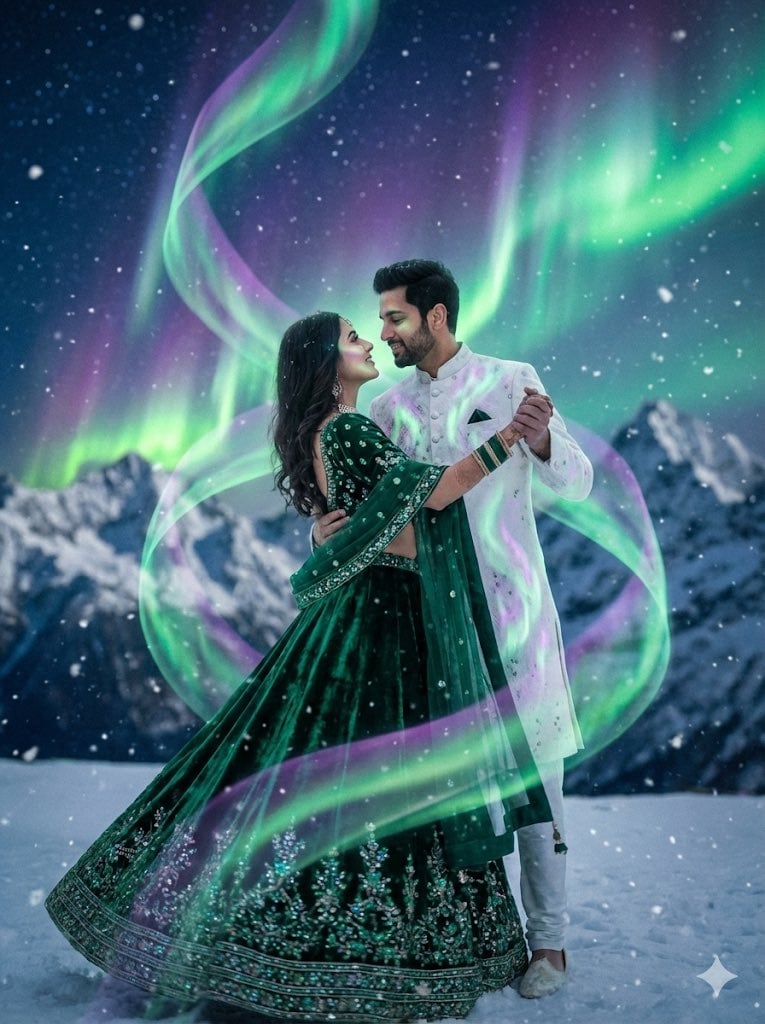
Dreamy Surreal Pre-Wedding Dance under Aurora Borealis
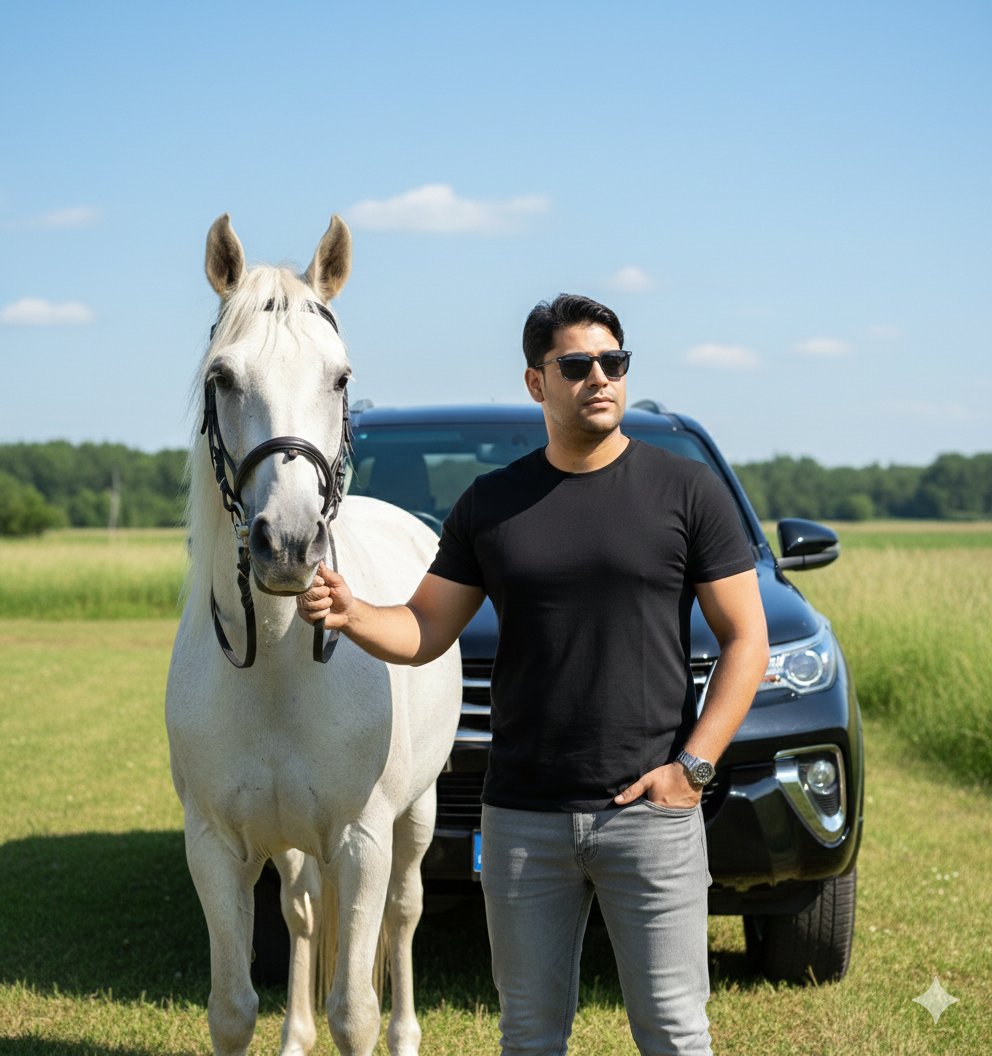
Image Generation Prompt for Man with Horse and Car
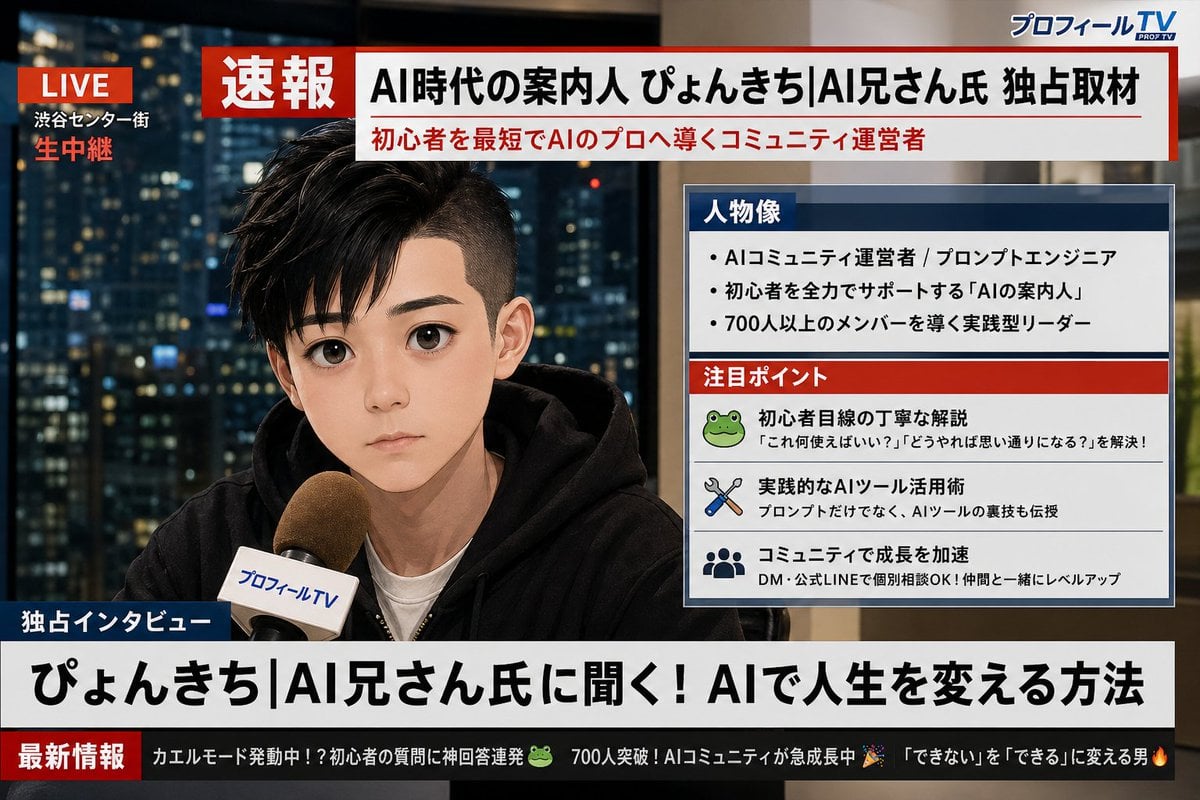
Social Media Profile News Broadcast Transformation
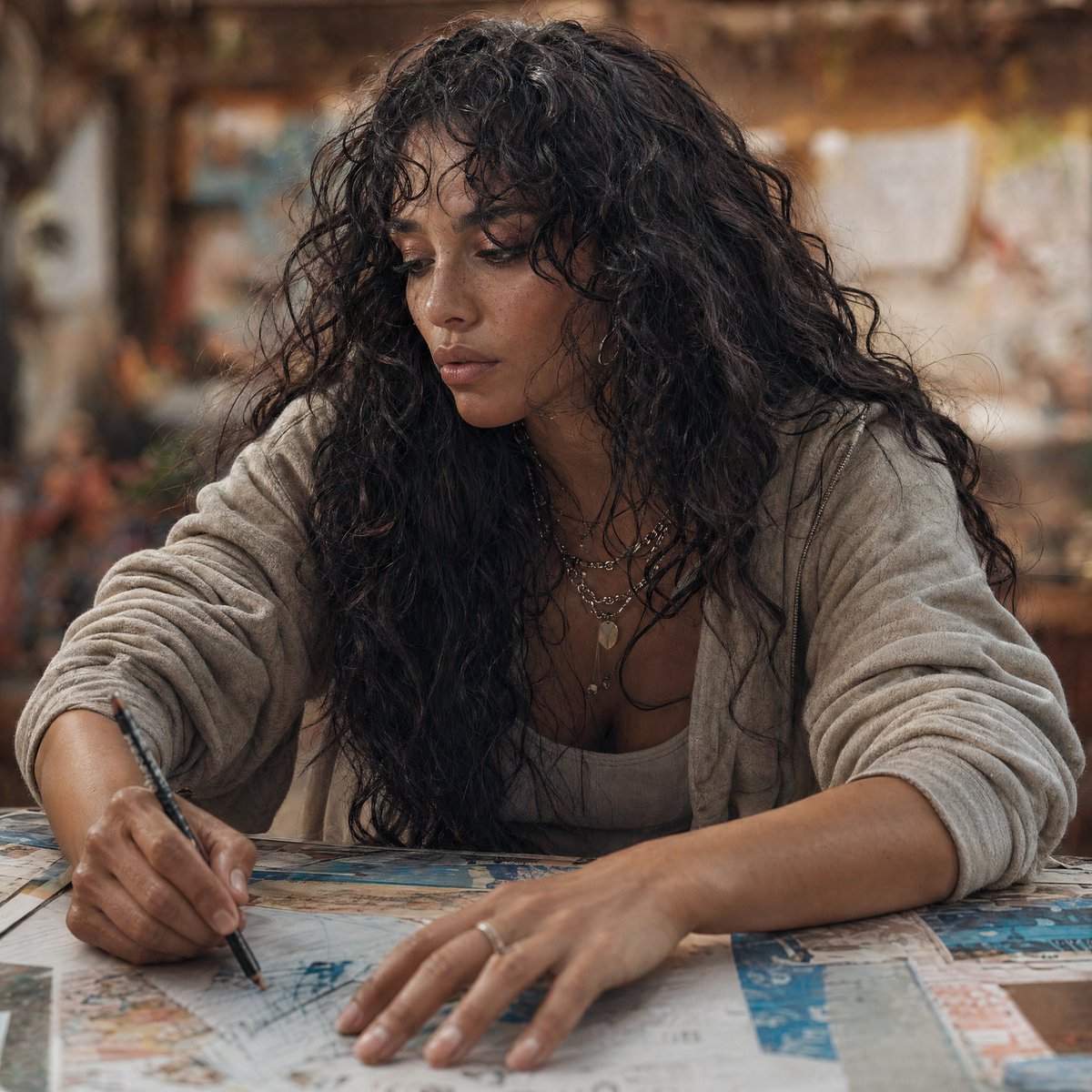
Modern Esther Writing at a Worktable
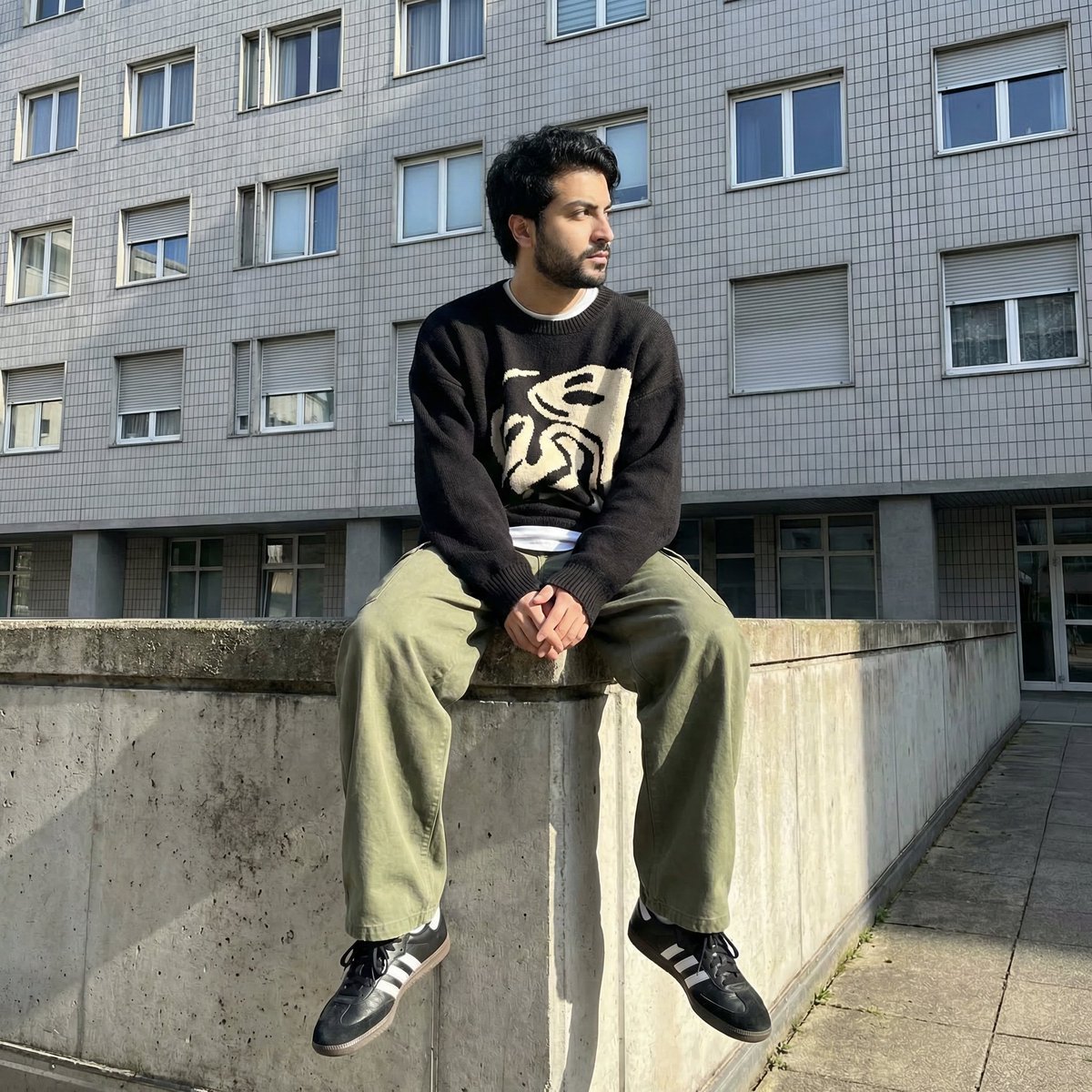
Photorealistic Urban Portrait from Reference Image
Browse template categories
Resort Balcony Lifestyle Portrait questions
How do I use the Resort Balcony Lifestyle Portrait template?
Add your photo if the template asks for one, edit the prompt if you like — the template's model and format are already selected — and press Generate. Your version opens in PicX Studio.
Can I customize the Resort Balcony Lifestyle Portrait template?
Yes. You can change the subject, setting, lighting, mood, format, and available model controls before creating your image.
Is the Resort Balcony Lifestyle Portrait template free?
Opening and editing this template is free. Generating uses credits, shown on the Generate button when you are signed in.
Which AI model should I use?
Start with Nano Banana 2, which is the model associated with this template. You can compare another compatible model for a different finish.
Looking for something else? Browse all templates.

Your photo, any look
Thousands of ready templates for every top image and video model, from one credit balance.