
Editorial Watercolor Portrait Illustration
Creates a high-end, realistic watercolor portrait with delicate pigment layering and fine ink definitions, suitable for premium editorial designs.
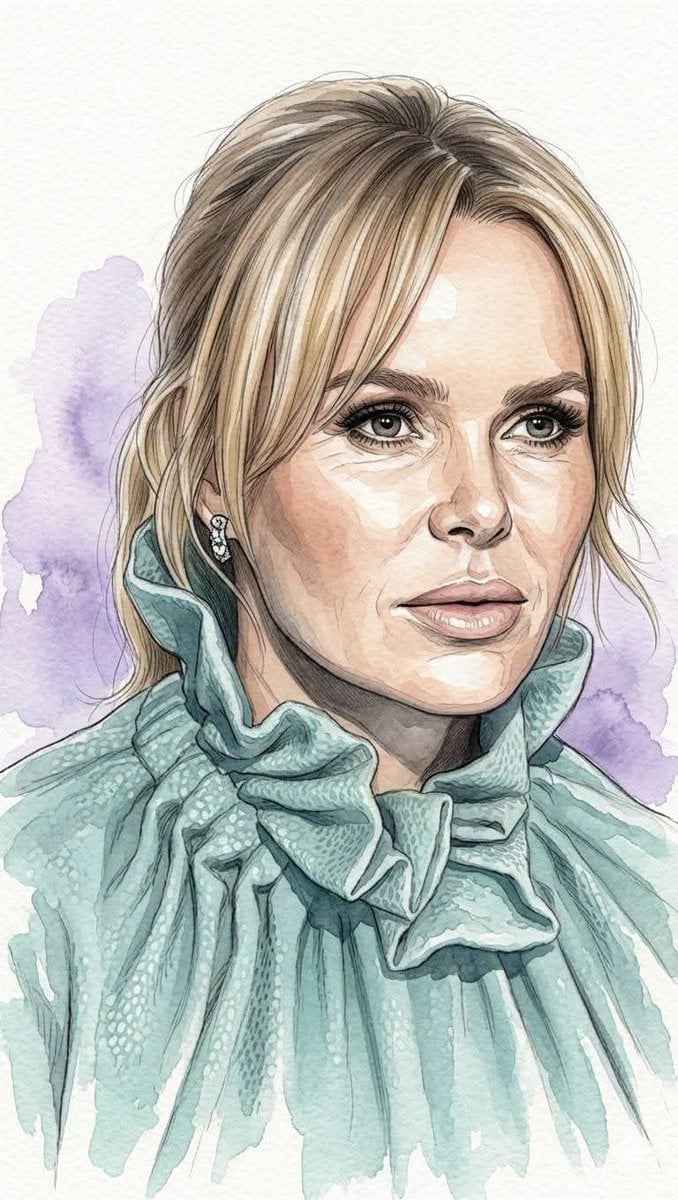
- Prompt included
- Model and format preset
- Premium template
The prompt behind this image
Copy the exact prompt behind Editorial Watercolor Portrait Illustration, or open it in the studio and make it yours.
{argument name="subject" default="Ultra-detailed watercolor portrait illustration"}, {argument name="style" default="refined editorial watercolor realism"}, delicate hand-painted rendering with visible transparent pigment layering, soft organic brush transitions, subtle granulation textures, and premium cold-pressed watercolor paper aesthetics. Highly detailed facial features with natural age lines, realistic skin texture, expressive eyes, and carefully observed anatomy. Fine ink-assisted contour definition blended seamlessly with watercolor washes. Muted elegant color palette featuring warm skin tones, cool gray shadows, {argument name="accents" default="soft lavender background accents"}, and restrained natural saturation. Crisp facial detailing contrasted against loose painterly edges and atmospheric watercolor blooms. Sophisticated portrait composition with clean negative space, museum-quality illustration craftsmanship, gentle tonal gradients, realistic textile rendering, and subtle handcrafted imperfections. Minimalist fine-art portrait style, combining contemporary watercolor illustration, traditional botanical painting precision, and high-end magazine portrait aesthetics. Soft ambient lighting, graceful brushwork, understated elegance, timeless artistic character, and premium gallery-worthy watercolor finish.
How to use Editorial Watercolor Portrait Illustration in 3 steps
- 1
Open
The prompt is already in the box next to the preview, with the template's model and format selected.
- 2…a portrait of your subject in softgolden-hour light, 85mm…
Personalize
Edit the subject and creative details for your destination.
- 3Generate
Generate
Press Generate — your image is created in PicX Studio, so you can compare it with the original and refine one variable at a time.
More like this
Templates with the same subject, style or setup. Open one to see its prompt.
untitled
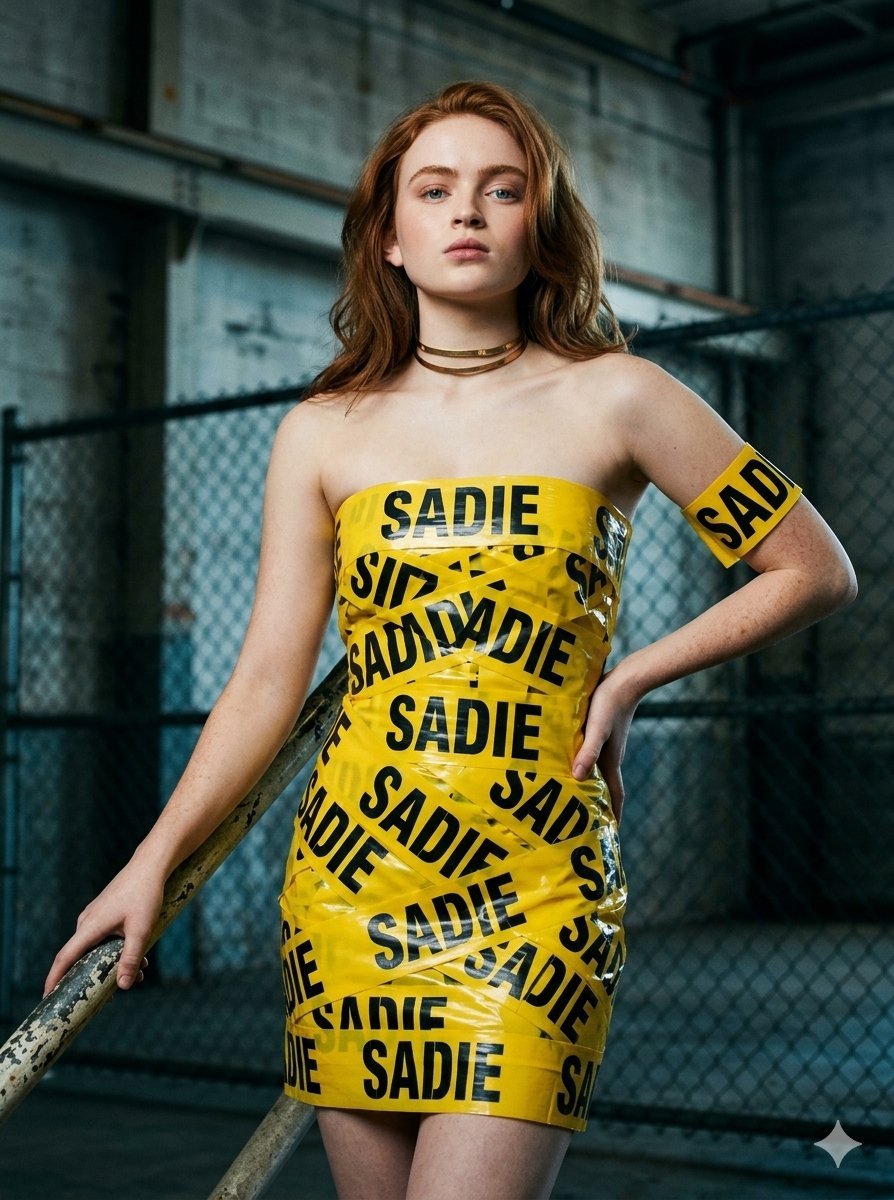
Caution Tape Fashion — Industrial Editorial
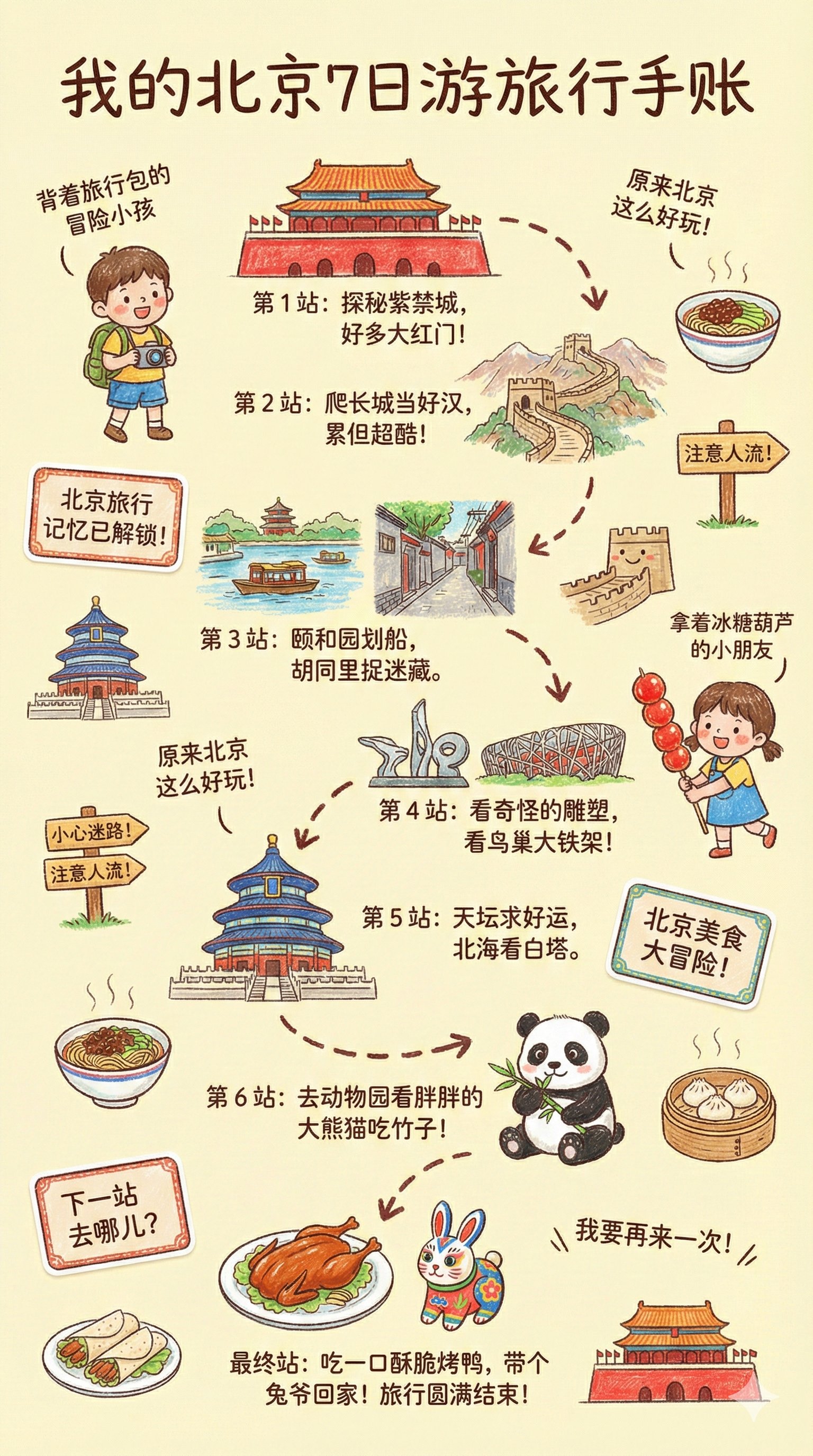
Kids Crayon Travel Journal Illustration
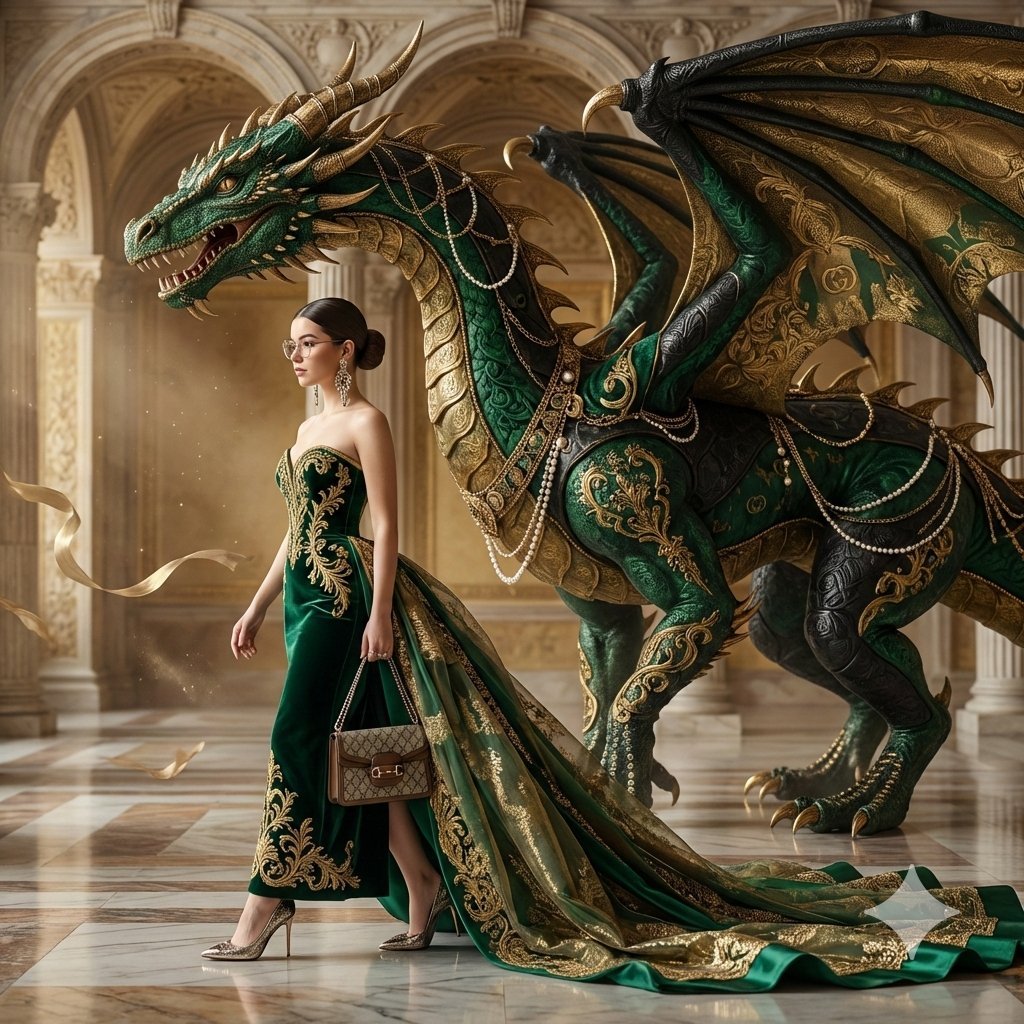
Couture Fashion Editorial Woman and Drag
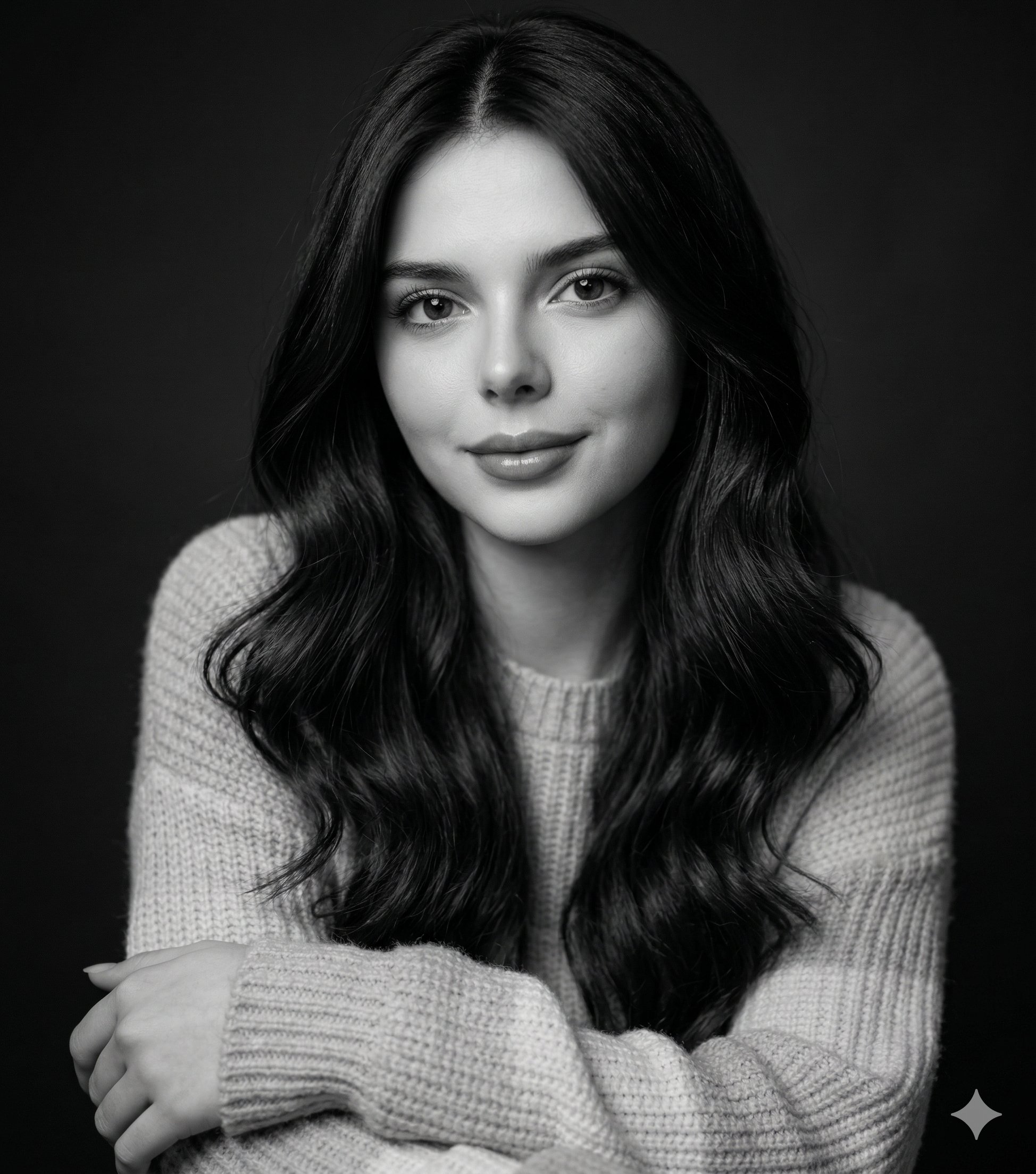
Nano Banana 2 Editorial Fashion Portrait

Found Photograph: Us, 1970

80s Couple Studio Portrait

80s Bollywood Star

80s Golden Hour Cinema

Me in 1985

1985 Studio Portrait
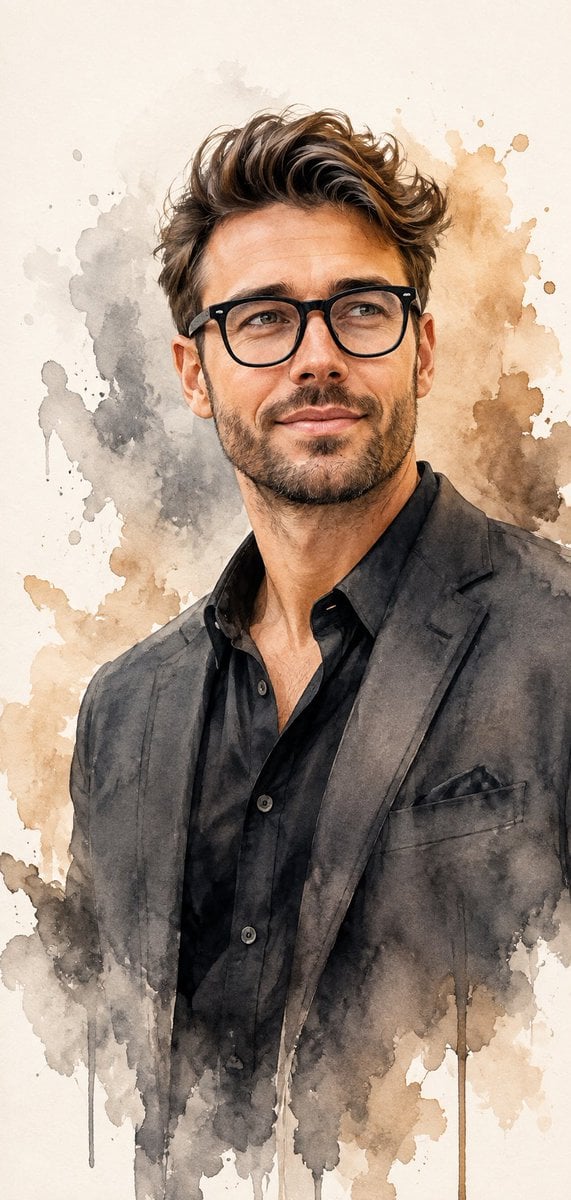
Refined Watercolor Portrait of a Mature Man
Make it yours
Editorial Watercolor Portrait Illustration works as-is. These are the safest ways to change it without losing the look.
Change one field
Copy a single group, rewrite it, and generate again so you can see what that field is doing.
Keep the frame, change the subject
Hold the composition and light of Editorial Watercolor Portrait Illustration, then swap wardrobe, props or the person for a new take.
| If the result… | Why | Fix |
|---|---|---|
| The result drifts from the preview | Too many fields changed at once. | Reuse Editorial Watercolor Portrait Illustration as-is first, then change one group — subject, light, or setting. |
| The model over-stylizes the scene | The prose prompt leaves finish and camera underspecified. | Add one camera or lighting sentence and stay on Nano Banana 2. |
More Nano Banana 2 templates
Other prompts made for Nano Banana 2.

Photorealistic Leaf Shaped Like a Dragon

K-Pop Idol Portrait Grid for Rapid Selection

Poetic Rain Forest Portrait During Golden Hour

Urban Street Portrait with Cartoon Inner Self Duo

Candid Nighttime Photo with Cat Prompt

High-Concept 3D Diorama Generation Prompt

Cinematic Futuristic Studio Portrait Template

Skincare Editorial Photography Collage Prompt

Hyper-Realistic Commercial Product Photography (Splash Effect)

Hyper-Realistic Nightclub Portrait Prompt
More image prompts
Fresh picks from across the catalog.
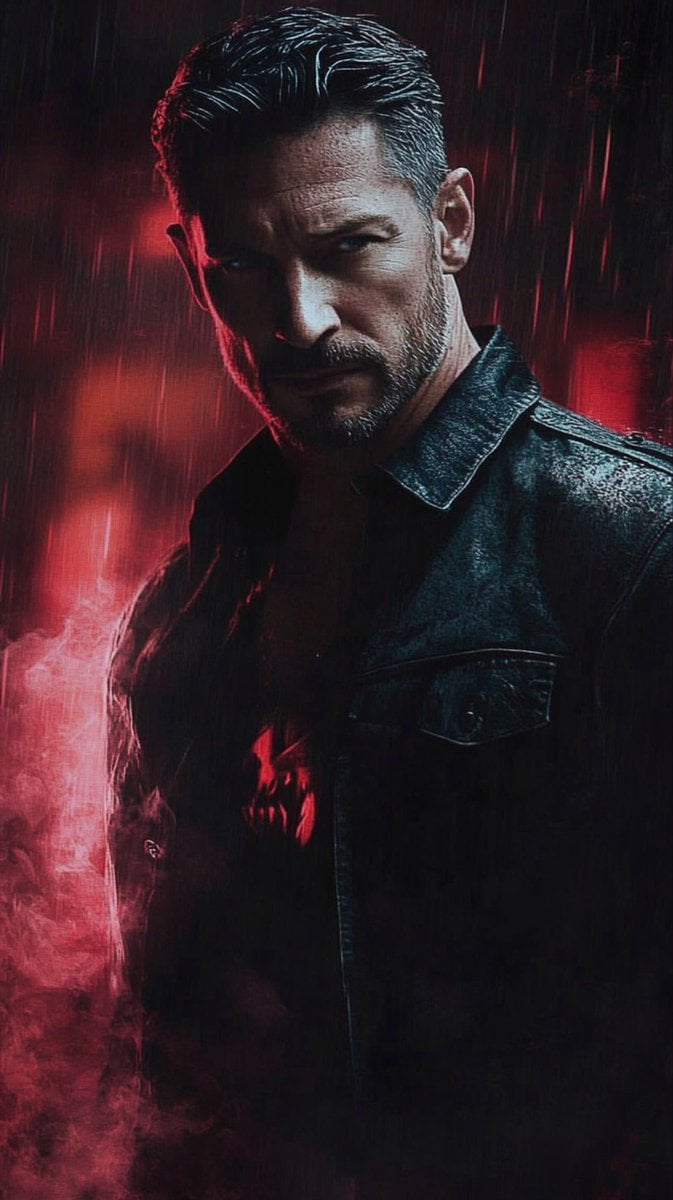
Subject Replacement Prompt (Image-to-Image)
Youtube Thumbnail Template
Korean Beauty Lifestyle Portrait

Bit Arcade Character Generator

QR Code Business Card Designer
Minimal 3D Isometric Urban Retail Kiosk Diorama
Cottagecore Picnic Portrait Prompt
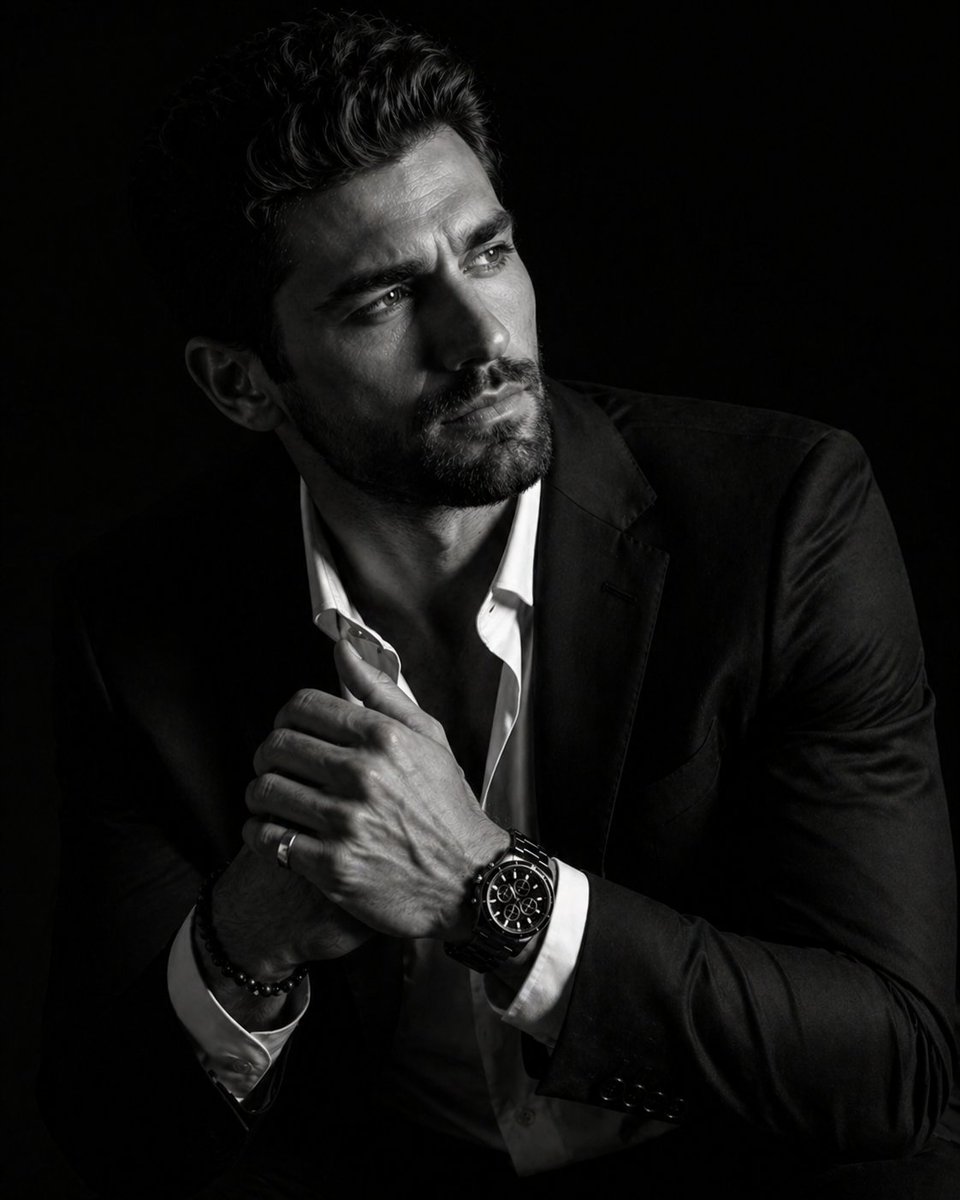
Hyper-Realistic Chiaroscuro Portrait

Cinematic Anime Frame Brush-Up
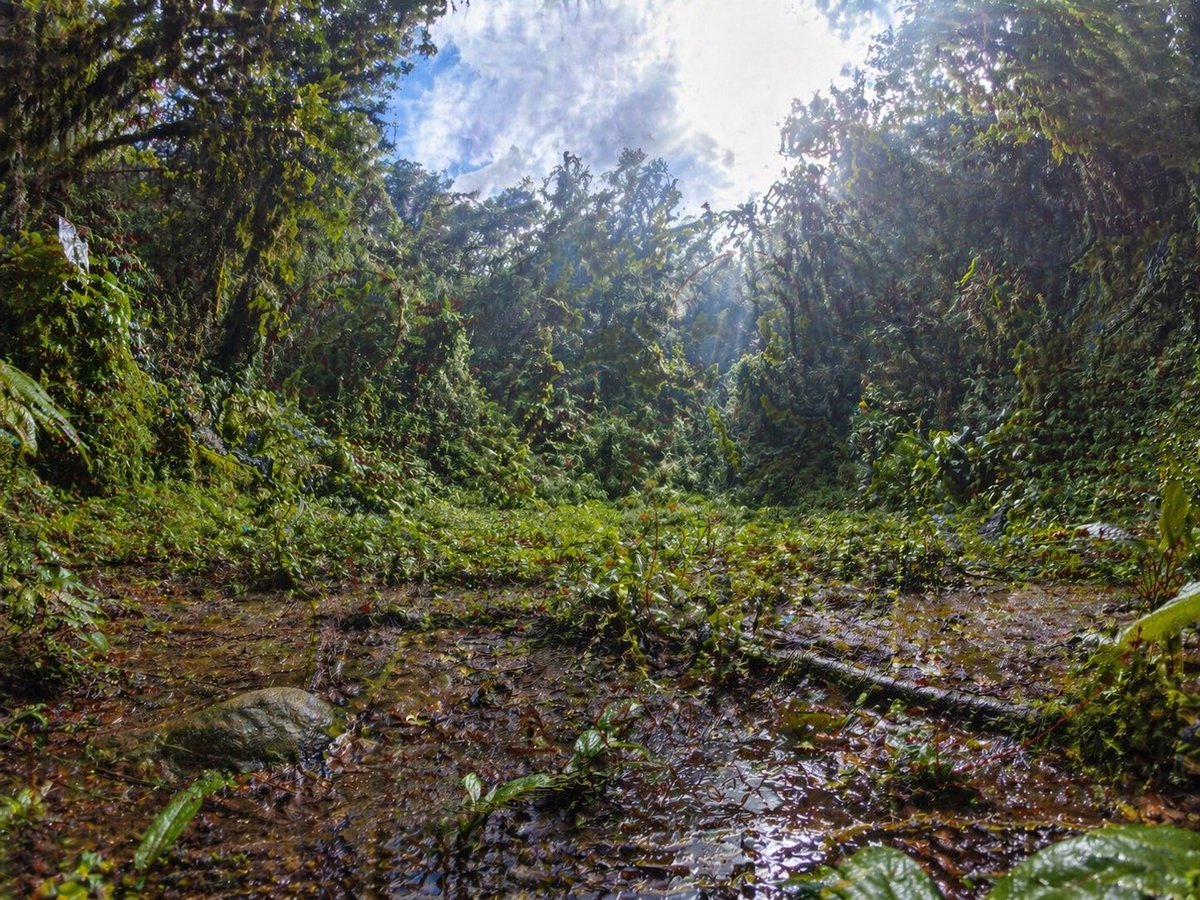
Rainforest Clearing with Speckle Artifacts
Browse template categories
Editorial Watercolor Portrait Illustration questions
How do I use the Editorial Watercolor Portrait Illustration template?
Add your photo if the template asks for one, edit the prompt if you like — the template's model and format are already selected — and press Generate. Your version opens in PicX Studio.
Can I customize the Editorial Watercolor Portrait Illustration template?
Yes. You can change the subject, setting, lighting, mood, format, and available model controls before creating your image.
Is the Editorial Watercolor Portrait Illustration template free?
Opening and editing this template is free. Generating uses credits, shown on the Generate button when you are signed in.
Which AI model should I use?
Start with Nano Banana 2, which is the model associated with this template. You can compare another compatible model for a different finish.
Looking for something else? Browse all templates.

Your photo, any look
Thousands of ready templates for every top image and video model, from one credit balance.