
Urban Waterfront Male Portrait
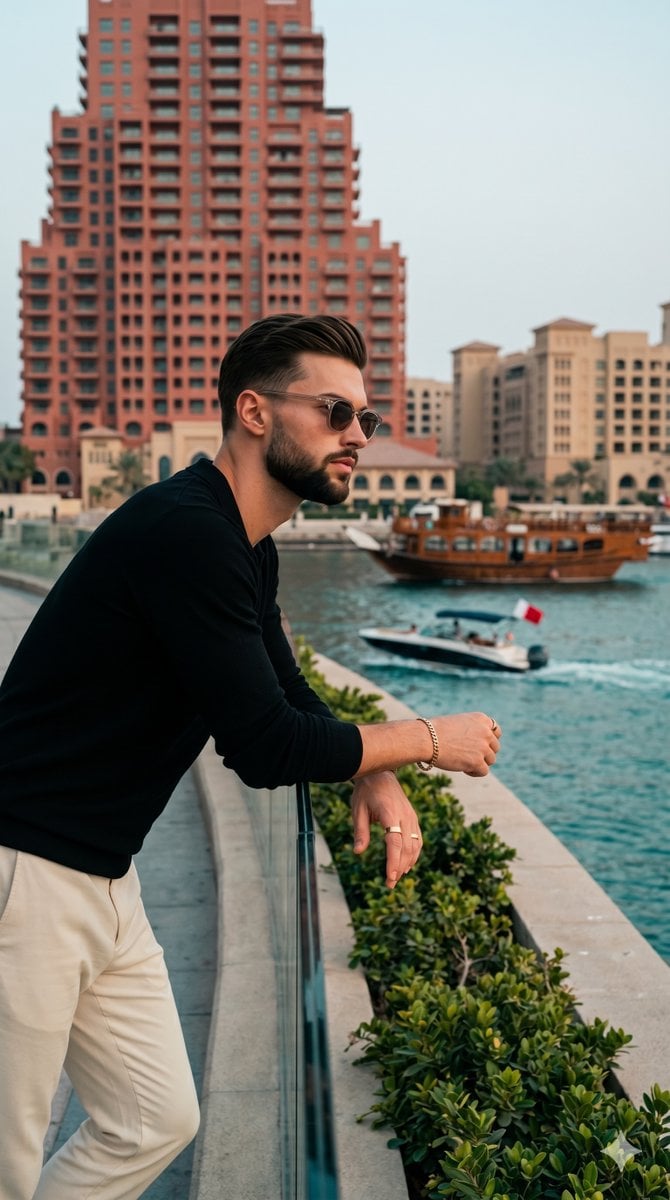
A complex prompt for a realistic profile photo of a man leaning on a railing by a waterway with a terracotta high-rise background.
- Prompt included
- Model and format preset
- Free template
The prompt behind this image
Copy the exact prompt behind Urban Waterfront Male Portrait, or open it in the studio and make it yours.
A candid, serious profile shot of a {argument name="subject" default="male subject"} leaning casually into the left side of the frame, his relaxed posture supported by shoulders angled naturally. His hair is meticulously styled with three to four inches on top blending into a sharp tapered fade on the sides and back, held in place by a medium-hold pomade that catches subtle highlights along natural comb lines, while a few slight, organic flyaways escape at the crown. He is dressed in a {argument name="clothing" default="black long-sleeve knit shirt and cream trousers"}, his face partially shielded by translucent-frame sunglasses as he gazes away with a neutral, relaxed expression. His left hand rests organically on the top edge of a glass railing with the wrist slightly bent, while his right hand rests comfortably beside it with gently curled fingers adorned by a gold link bracelet and two gold rings. He leans against a pristine, warm gray matte concrete walkway ledge dotted with thriving, manicured green shrubs, observing the deep spatial expanse of the scene before him. In the pristine teal-blue midground waterway, a moving speedboat carves a white wake beneath a red and white flag, passing an anchored, weathered traditional brown wooden dhow with white trim on the right. The background rises majestically into a dominant {argument name="building" default="red terracotta high-rise building"} characterized by distinctive tiered architecture and geometric windows, flanked by various sand-colored resort structures. The serene and contemplative urban evening is bathed in soft, diffused, single-source light cascading neutrally from above, casting short, soft-edged gray shadows gently beneath his jawline and arms while catching delicate highlights on the sheen of his hair product, sunglass frames, and the rippling water below. The cool, moderately saturated split-complementary color palette beautifully contrasts the deep black of his knitwear against the sweeping teal water, warm terracotta skyline, and warm beige accents. Captured straight-on via crisp digital photography using a 50mm lens at f/4.0, ISO 400, and a 1/250s shutter speed to achieve a medium depth of field and tack-sharp focus with a whisper of realistic digital noise, the image is refined by a modern luxury lifestyle aesthetic featuring subtle teal and orange color grading, gently lifted shadows, and clean natural skin retouching, all framed in a 9:16 aspect ratio.
How to use Urban Waterfront Male Portrait in 3 steps
- 1
Open
The prompt is already in the box next to the preview, with the template's model and format selected.
- 2…a portrait of your subject in softgolden-hour light, 85mm…
Personalize
Edit the subject and creative details for your destination.
- 3Generate
Generate
Press Generate — your image is created in PicX Studio, so you can compare it with the original and refine one variable at a time.
More like this
Templates with the same subject, style or setup. Open one to see its prompt.
Rugged Sophisticated Urban Male Portrait
Black and White Urban Male Portrait

Found Photograph: Us, 1970

80s Couple Studio Portrait

80s Bollywood Star

80s Golden Hour Cinema

Me in 1985

1985 Studio Portrait

Hyper-Realistic Minecraft POV Portrait

Rooftop Fisheye — Cat-Ear Balaclava at Golden Hour
Rainy Café Window Moody Portrait
Realistic Female Selfie in Urban Landscape
Make it yours
Urban Waterfront Male Portrait works as-is. These are the safest ways to change it without losing the look.
Change one field
Copy a single group, rewrite it, and generate again so you can see what that field is doing.
Keep the frame, change the subject
Hold the composition and light of Urban Waterfront Male Portrait, then swap wardrobe, props or the person for a new take.
| If the result… | Why | Fix |
|---|---|---|
| The result drifts from the preview | Too many fields changed at once. | Reuse Urban Waterfront Male Portrait as-is first, then change one group — subject, light, or setting. |
| The model over-stylizes the scene | The prose prompt leaves finish and camera underspecified. | Add one camera or lighting sentence and stay on Nano Banana 2. |
More Nano Banana 2 templates
Other prompts made for Nano Banana 2.

Photorealistic Leaf Shaped Like a Dragon

K-Pop Idol Portrait Grid for Rapid Selection

Poetic Rain Forest Portrait During Golden Hour

Urban Street Portrait with Cartoon Inner Self Duo

Candid Nighttime Photo with Cat Prompt

High-Concept 3D Diorama Generation Prompt

Cinematic Futuristic Studio Portrait Template

Skincare Editorial Photography Collage Prompt

Hyper-Realistic Commercial Product Photography (Splash Effect)

Hyper-Realistic Nightclub Portrait Prompt
More image prompts
Fresh picks from across the catalog.
Mirror Selfie 'Thirst Trap' Aesthetic in Domestic Setting
Photorealistic Highland Lake Selfie
Desert Rally Commercial Movie Poster
Surreal Kintsugi Portrait in an Automaton Workshop
Lifestyle Fashion Photography on a Beach
Ultra-Realistic Dramatic Portrait with Red Light Highlight
T-Shirt Text Customization Prompt
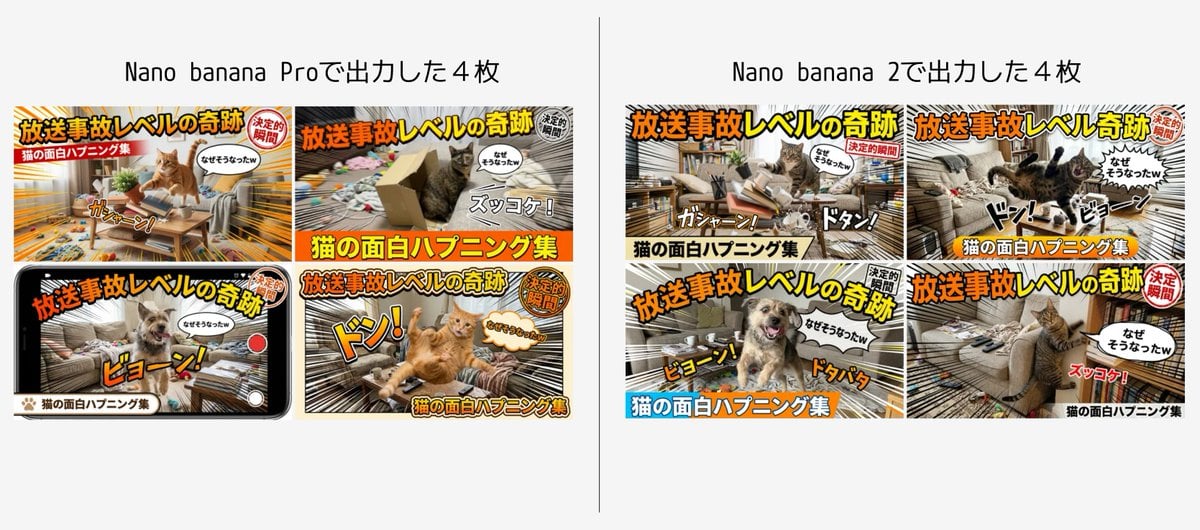
Detailed Japanese Prompt for Variety Show Style Image
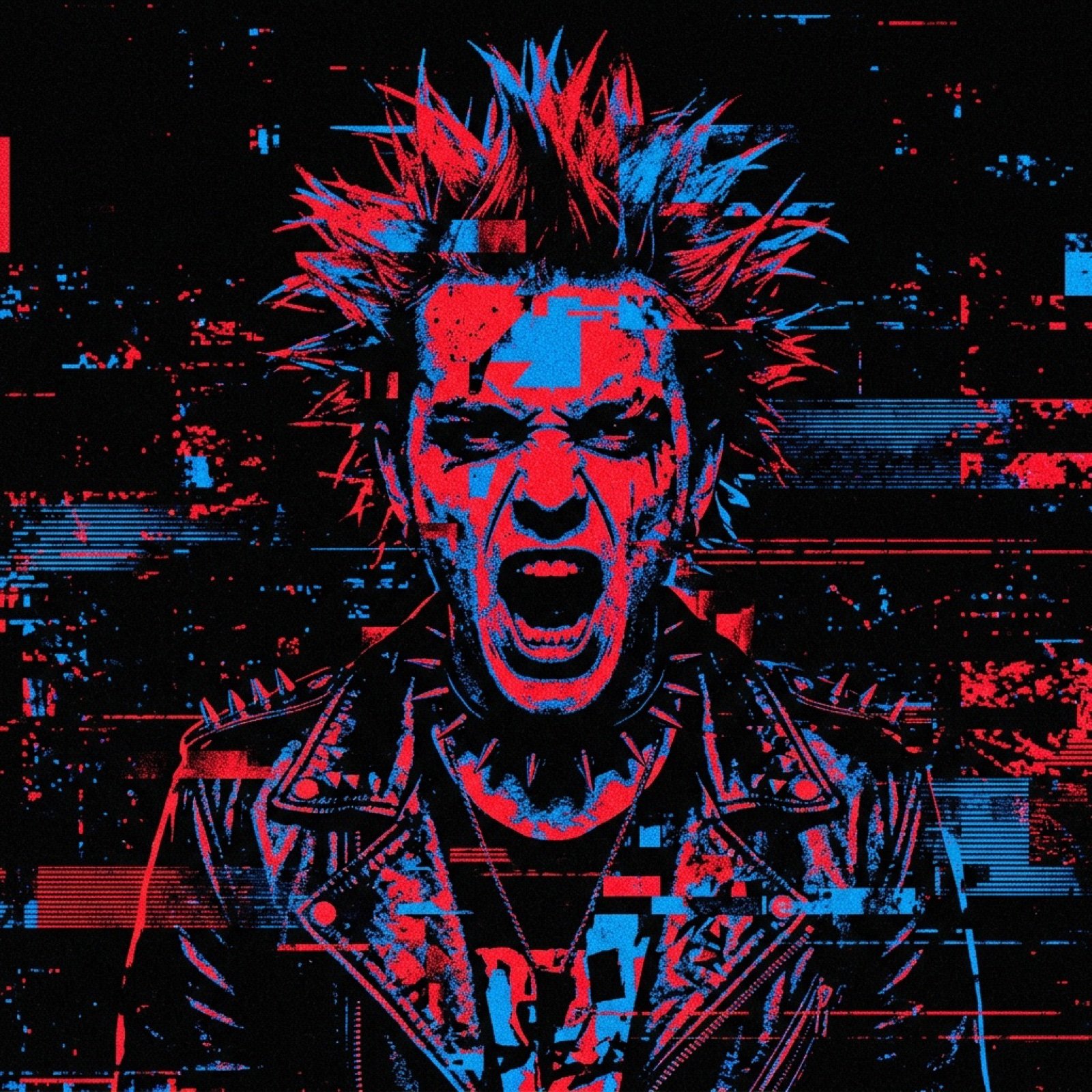
Noisy Distortion Filter for Mixed Media Effect
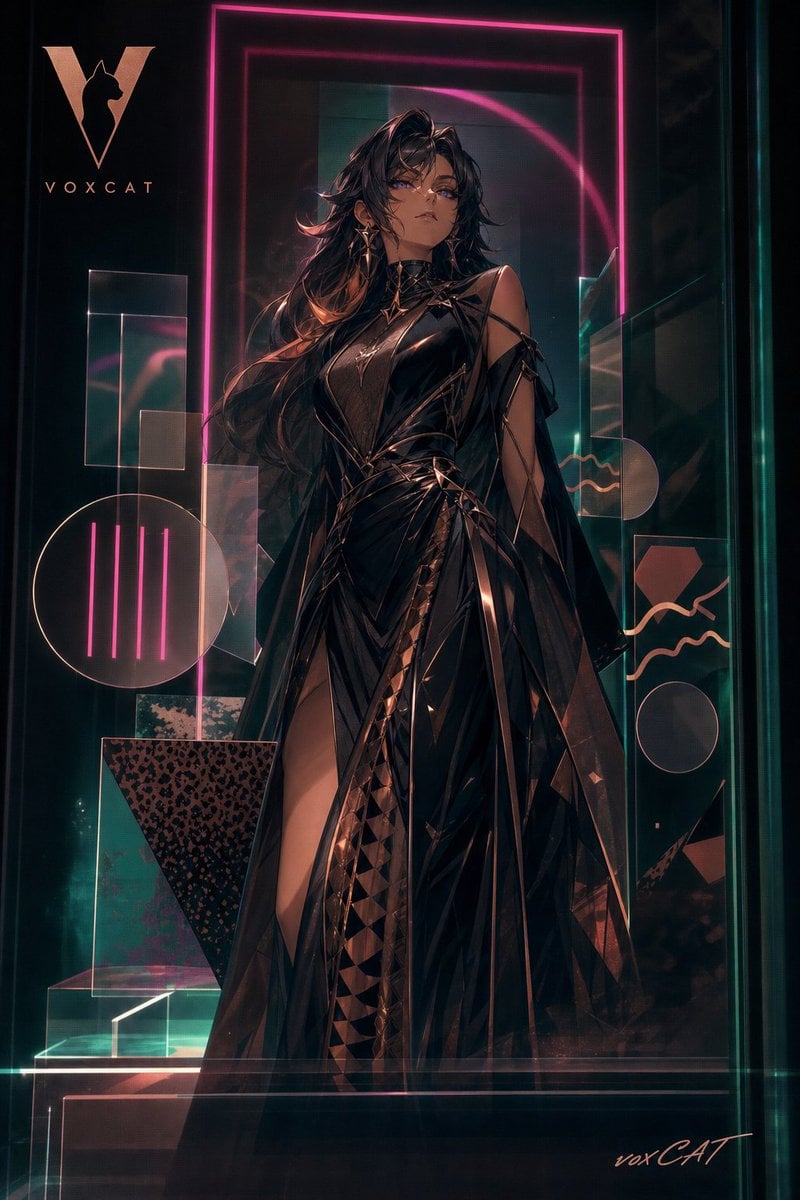
Acrylic VoxCat Fashion Window Poster
Browse template categories
Urban Waterfront Male Portrait questions
How do I use the Urban Waterfront Male Portrait template?
Add your photo if the template asks for one, edit the prompt if you like — the template's model and format are already selected — and press Generate. Your version opens in PicX Studio.
Can I customize the Urban Waterfront Male Portrait template?
Yes. You can change the subject, setting, lighting, mood, format, and available model controls before creating your image.
Is the Urban Waterfront Male Portrait template free?
Opening and editing this template is free. Generating uses credits, shown on the Generate button when you are signed in.
Which AI model should I use?
Start with Nano Banana 2, which is the model associated with this template. You can compare another compatible model for a different finish.
Looking for something else? Browse all templates.

Your photo, any look
Thousands of ready templates for every top image and video model, from one credit balance.