
Golden Hour Smartphone Selfie with Headscarf
An ultra-realistic prompt for a smartphone selfie of a young woman in a headscarf during golden hour, emphasizing natural skin texture.
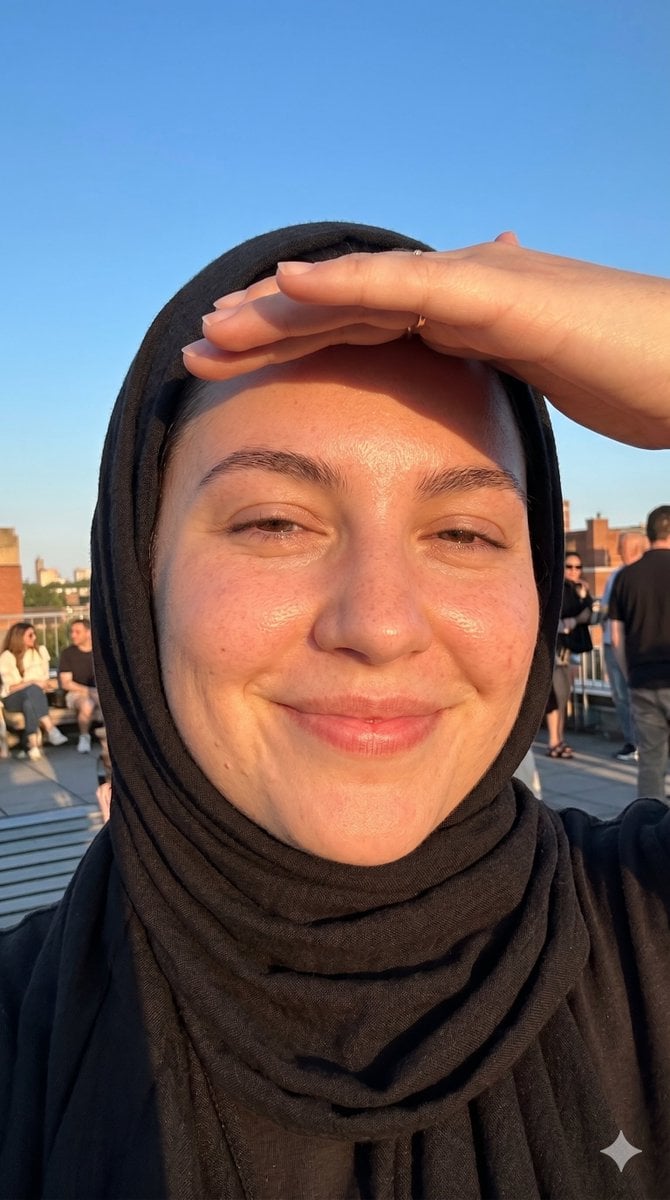
- Prompt included
- Model and format preset
- Premium template
The prompt behind this image
Copy the exact prompt behind Golden Hour Smartphone Selfie with Headscarf, or open it in the studio and make it yours.
A joyful young woman in her late teens or twenties with a soft rounded oval face, {argument name="skin tone" default="warm light-medium skin tone"}, natural skin texture, subtle redness, and visible imperfections, wearing a simple {argument name="headscarf color" default="black"} headscarf wrapped closely around her face. She is taking an extreme close-up smartphone selfie, her face filling nearly the entire frame. One hand is raised above her forehead to shield her eyes from bright sunlight. She wears a genuine closed-mouth smile, with expressive eyes partially closed from the sun, creating a warm, authentic, and approachable presence. Captured outdoors on a rooftop or terrace during golden hour, with a clear blue sky, subtle roofline structures, and distant urban silhouettes softly visible in the background. Direct golden-hour sunlight illuminates her face from the front-side angle, creating glowing sun-kissed skin, warm amber highlights, and soft shadows cast by her hand and headscarf. Shot with a front-facing smartphone camera using a wide-angle selfie perspective, deep depth of field, entire face in focus, moderate sharpness, realistic selfie distortion, intimate personal framing, very little negative space. Natural golden-hour color grading with warm tones, golden peach highlights, warm beige skin tones, sky-blue accents, soft coral undertones, and deep black fabric. High realism, minimal retouching, almost no skin smoothing, preserved skin texture, natural clarity, genuine emotion, authentic social media lifestyle portrait, spontaneous candid moment, modern smartphone photography, warm, carefree, optimistic, playful atmosphere.
How to use Golden Hour Smartphone Selfie with Headscarf in 3 steps
- 1
Open
The prompt is already in the box next to the preview, with the template's model and format selected.
- 2…a portrait of your subject in softgolden-hour light, 85mm…
Personalize
Edit the subject and creative details for your destination.
- 3Generate
Generate
Press Generate — your image is created in PicX Studio, so you can compare it with the original and refine one variable at a time.
More like this
Templates with the same subject, style or setup. Open one to see its prompt.

Rooftop Fisheye — Cat-Ear Balaclava at Golden Hour

Floating Woman Above Cityscape with Notifications

Golden Hour SUV Selfie

Golden Hour SUV Selfie
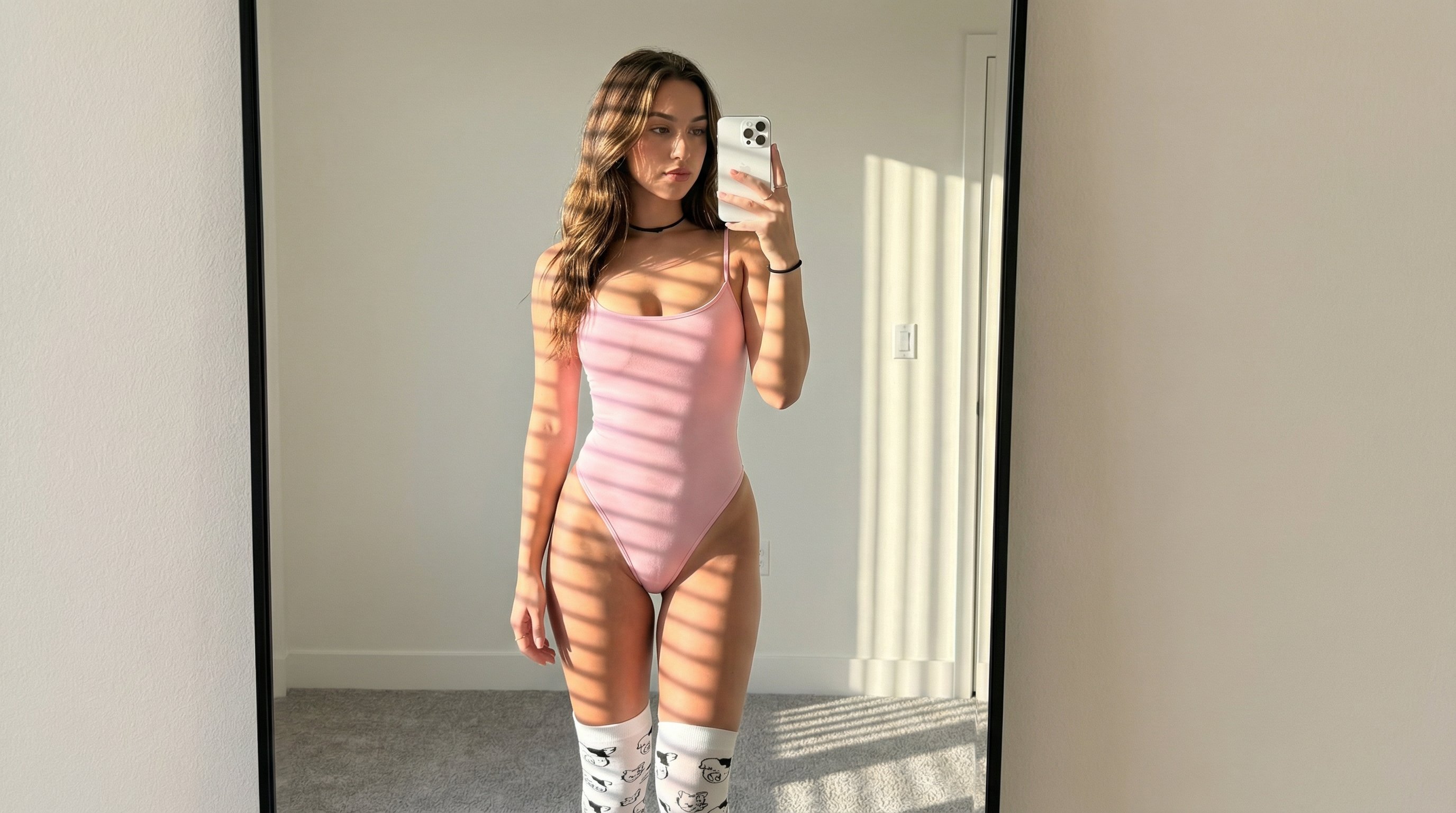
Minimalist Golden Hour Selfie

80s Golden Hour Cinema
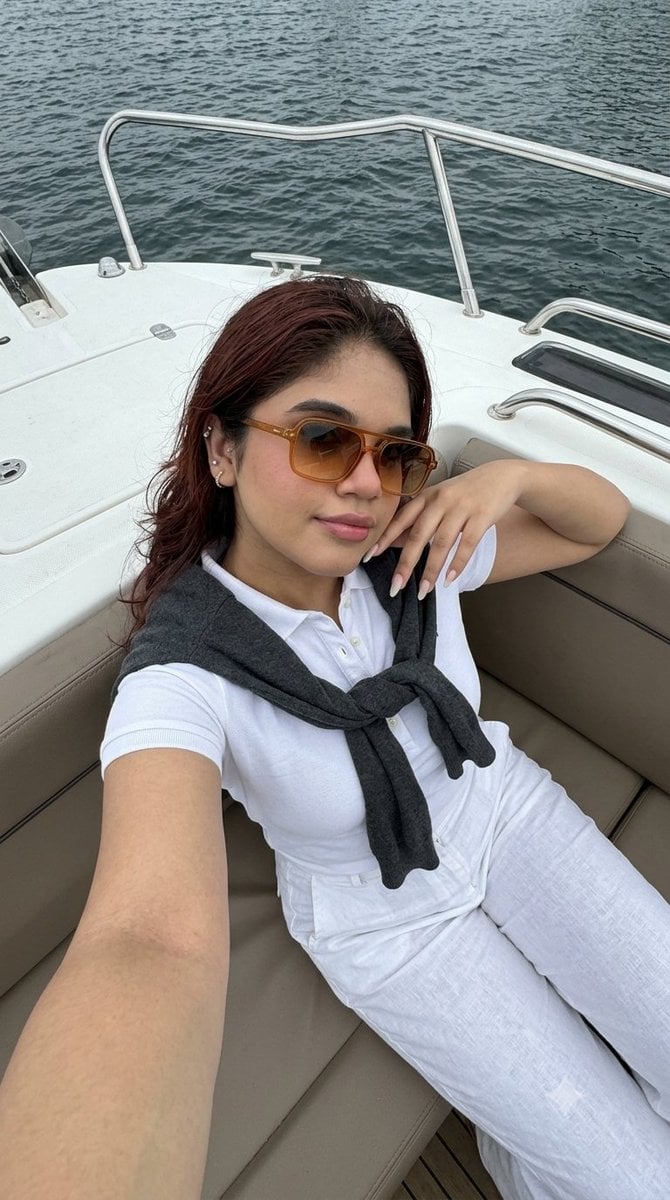
Smartphone Selfie on Motorboat
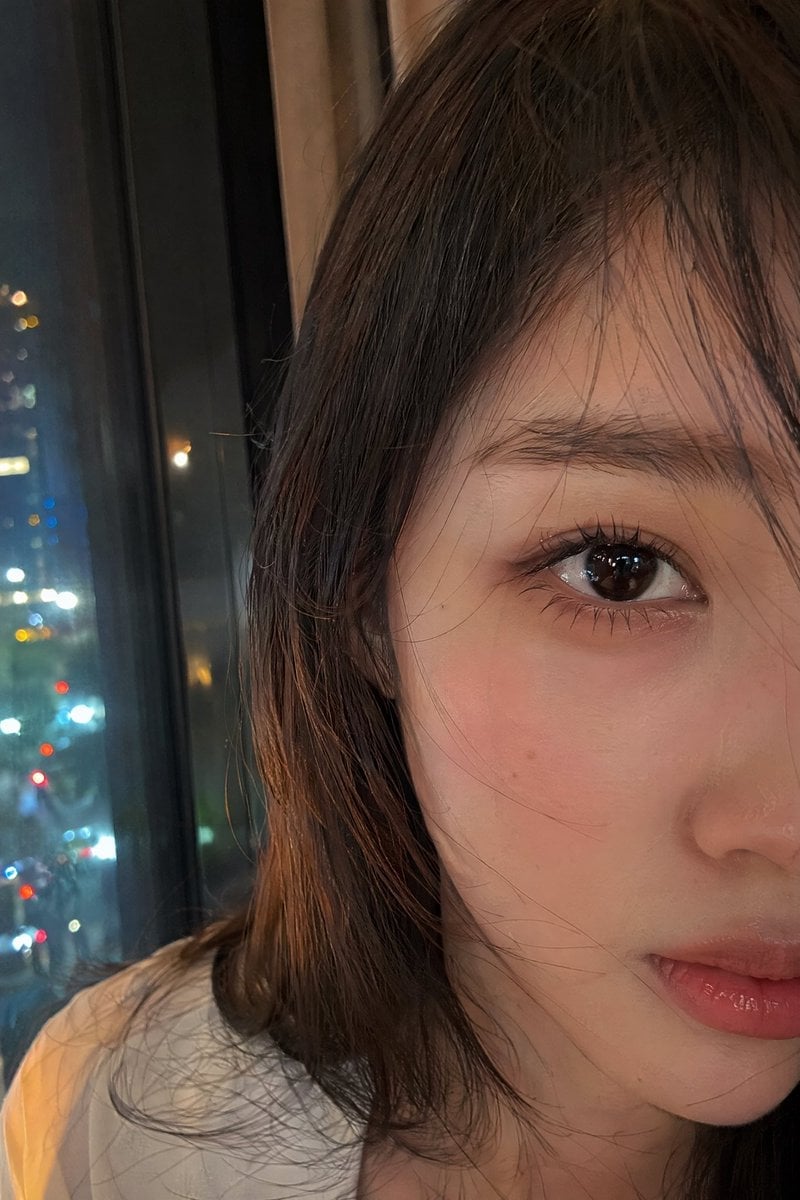
Authentic Smartphone Selfie Close-up
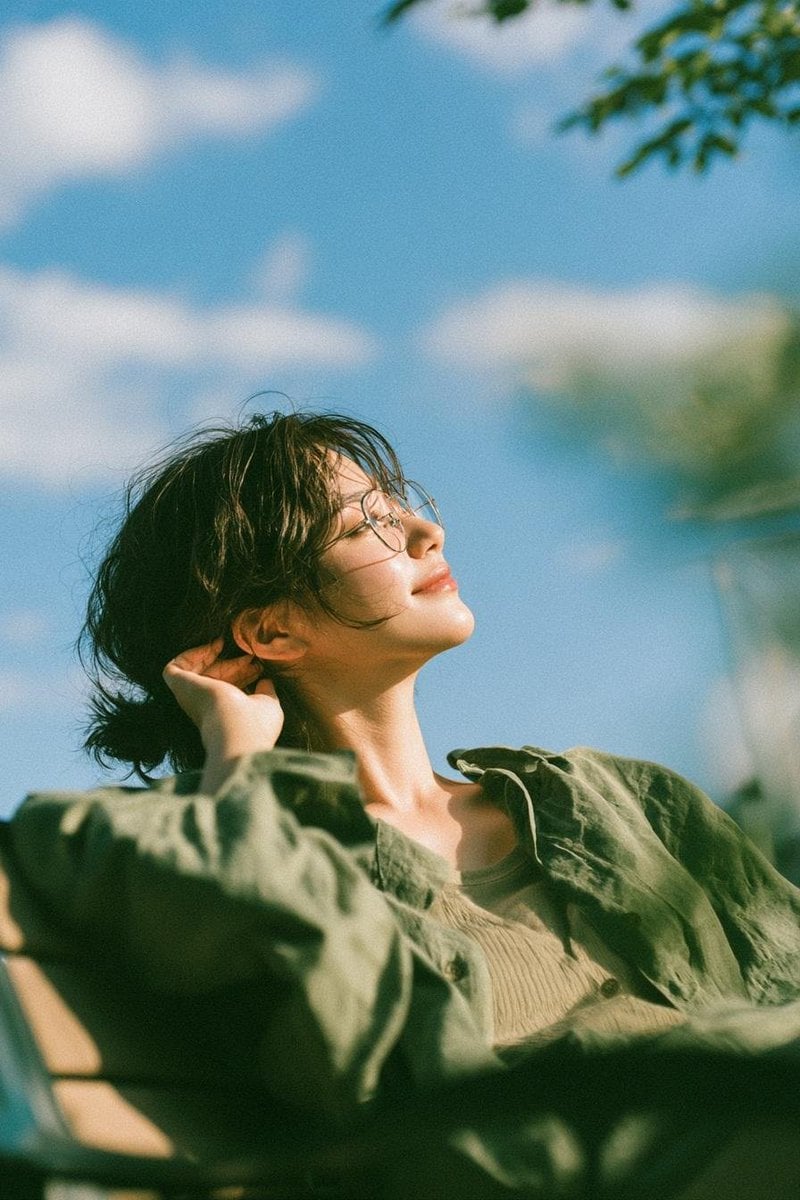
Cinematic Golden Hour Garden Portrait
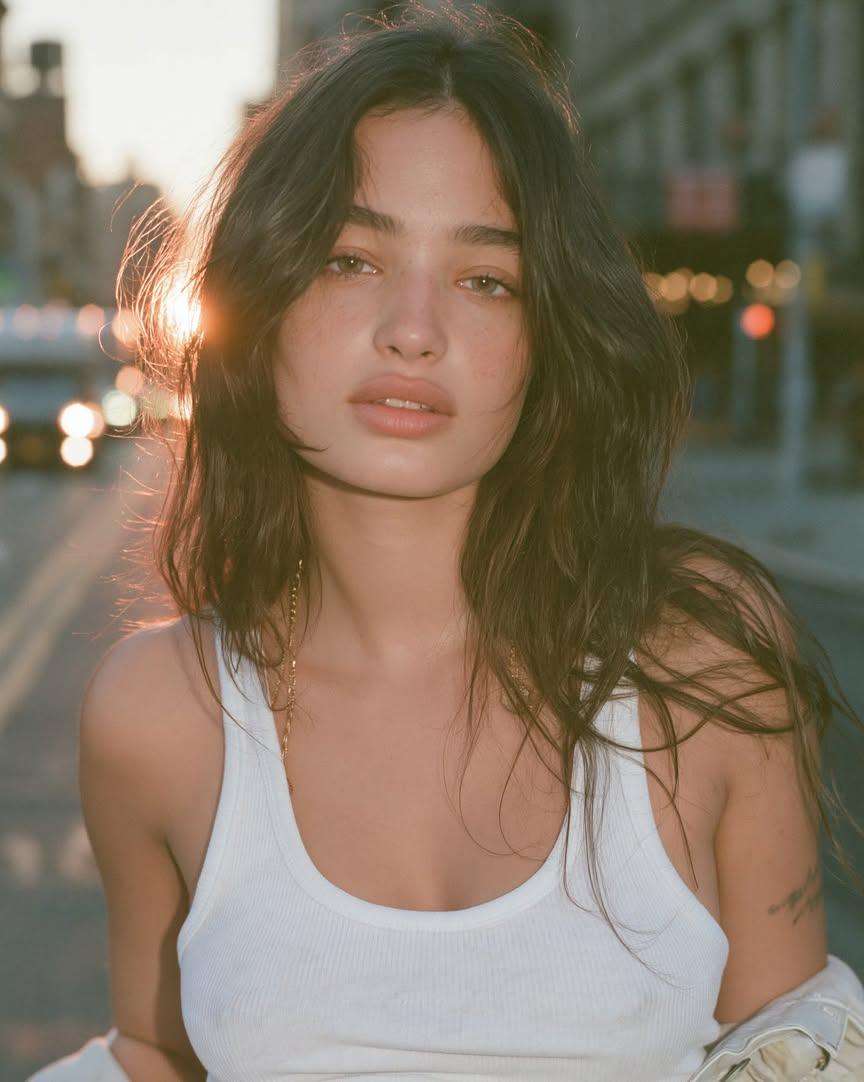
Cinematic Golden Hour Urban Portrait
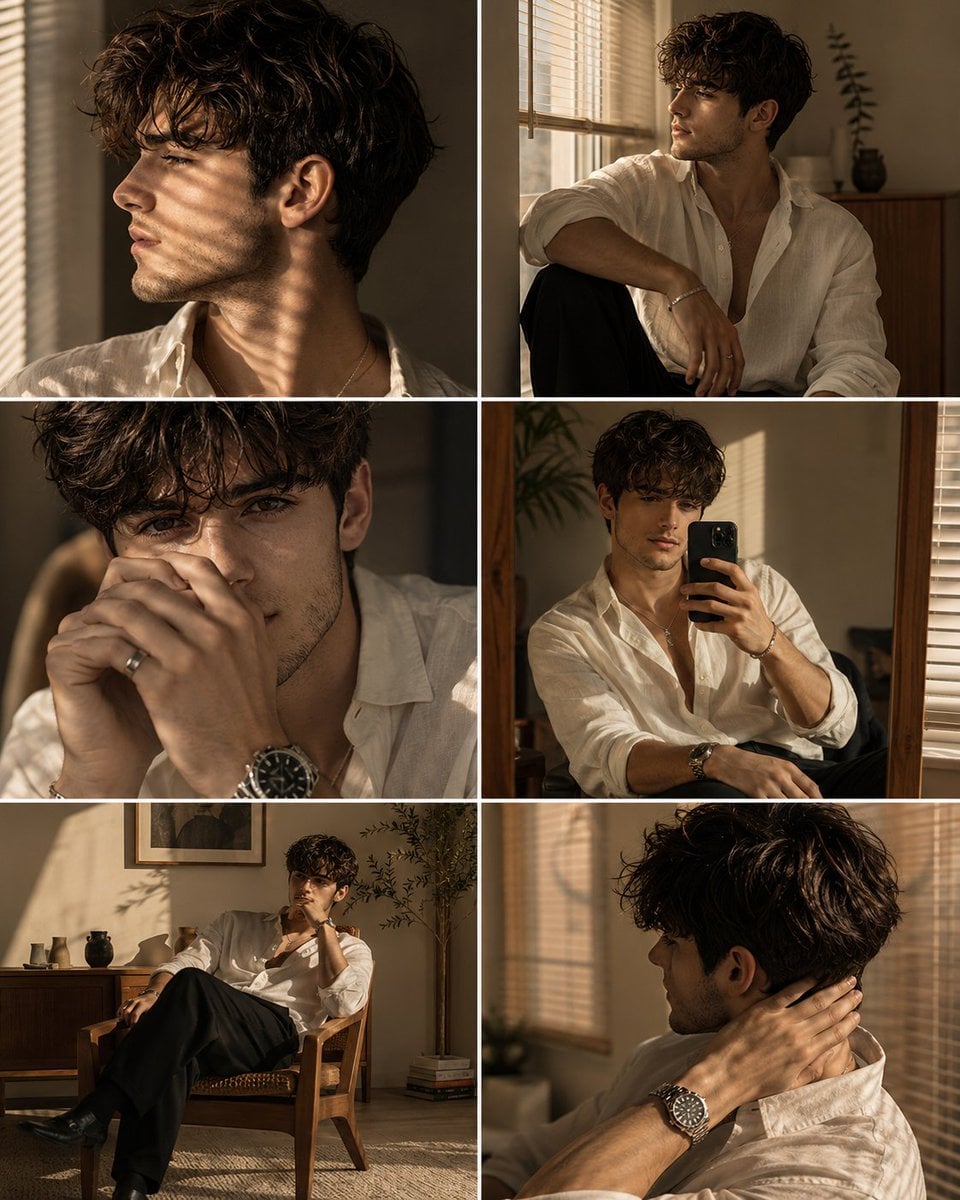
Luxury Men's Golden Hour Collage
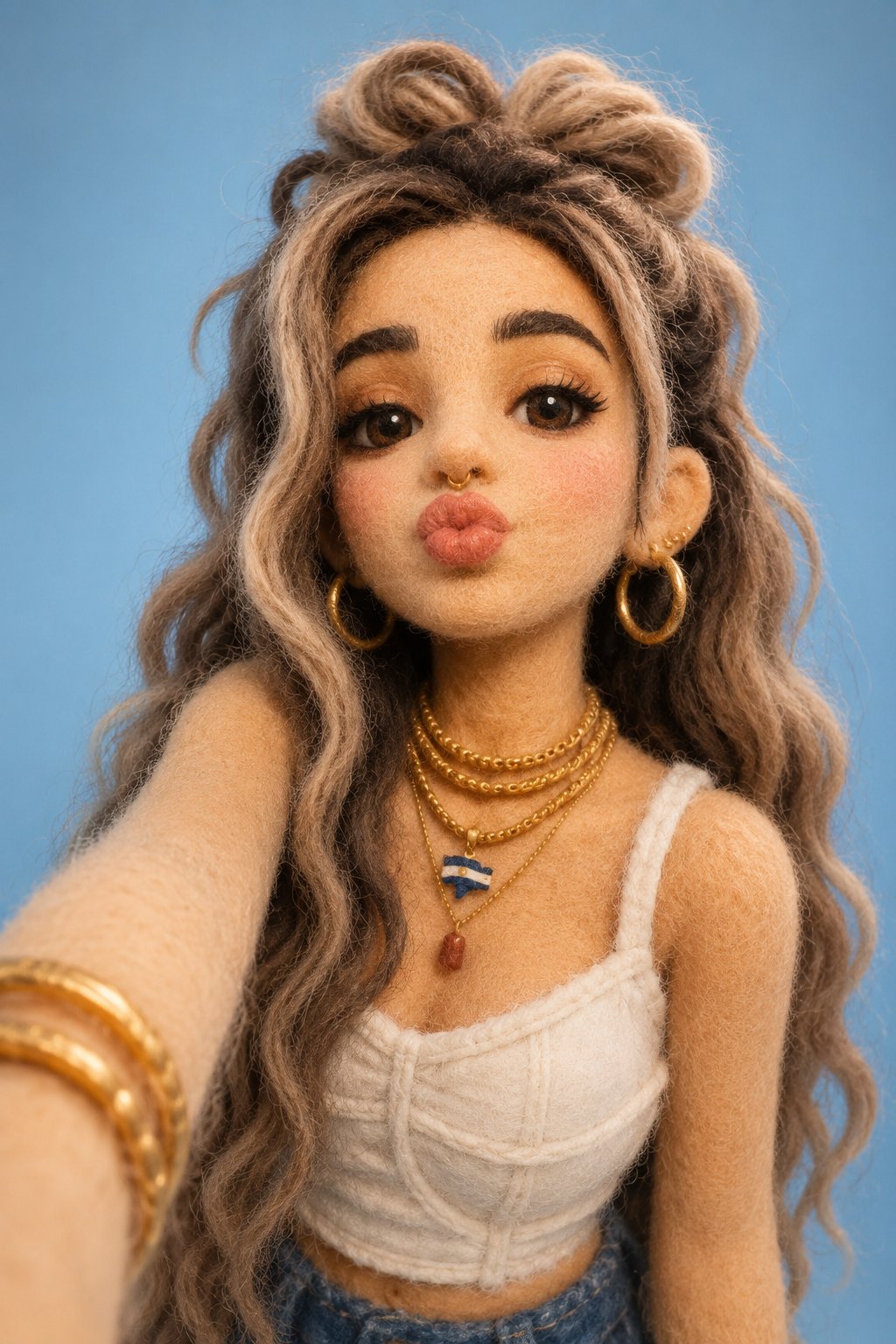
Felt & Knit 3D Character — Photo-Exact Face, Pixar-Quality Plush Figurine
Make it yours
Golden Hour Smartphone Selfie with Headscarf works as-is. These are the safest ways to change it without losing the look.
Change one field
Copy a single group, rewrite it, and generate again so you can see what that field is doing.
Keep the frame, change the subject
Hold the composition and light of Golden Hour Smartphone Selfie with Headscarf, then swap wardrobe, props or the person for a new take.
| If the result… | Why | Fix |
|---|---|---|
| The result drifts from the preview | Too many fields changed at once. | Reuse Golden Hour Smartphone Selfie with Headscarf as-is first, then change one group — subject, light, or setting. |
| The model over-stylizes the scene | The prose prompt leaves finish and camera underspecified. | Add one camera or lighting sentence and stay on Nano Banana 2. |
More Nano Banana 2 templates
Other prompts made for Nano Banana 2.

Photorealistic Leaf Shaped Like a Dragon

K-Pop Idol Portrait Grid for Rapid Selection

Poetic Rain Forest Portrait During Golden Hour

Urban Street Portrait with Cartoon Inner Self Duo

Candid Nighttime Photo with Cat Prompt

High-Concept 3D Diorama Generation Prompt

Cinematic Futuristic Studio Portrait Template

Skincare Editorial Photography Collage Prompt

Hyper-Realistic Commercial Product Photography (Splash Effect)

Hyper-Realistic Nightclub Portrait Prompt
More image prompts
Fresh picks from across the catalog.

Fantasy Harbor Captain Scene

Golden Hour Beach Fashion Portrait
JSON Nano Banana Pro prompt for steampunk botanist workbench
Cinematic Cyberpunk Woman Portrait
Photorealistic Cartoon Clone Portrait
Faceless Lady of Red Poppies
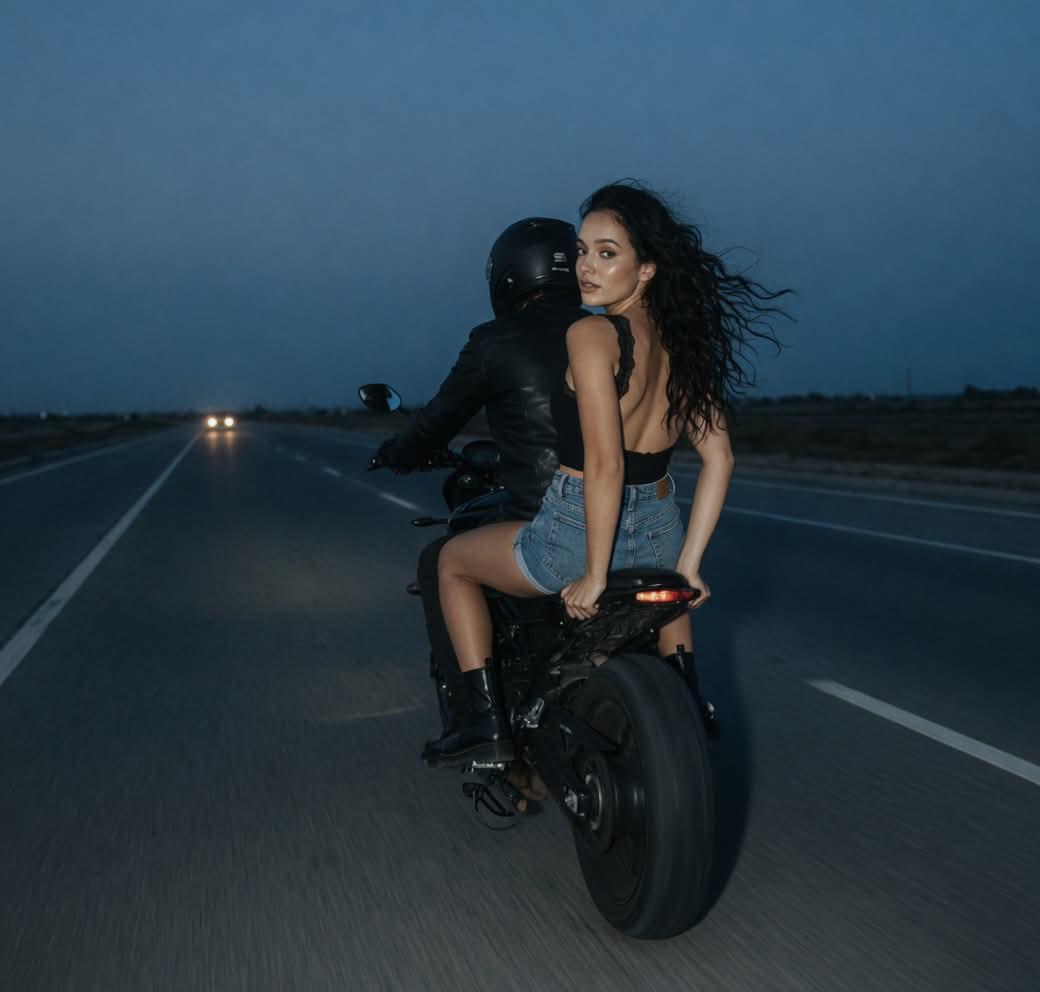
Cinematic Biker Duo Dusk Shot

Dramatic Soccer Cinematic Action Shot

Cinematic Street Portrait with Motion Blur Prompt
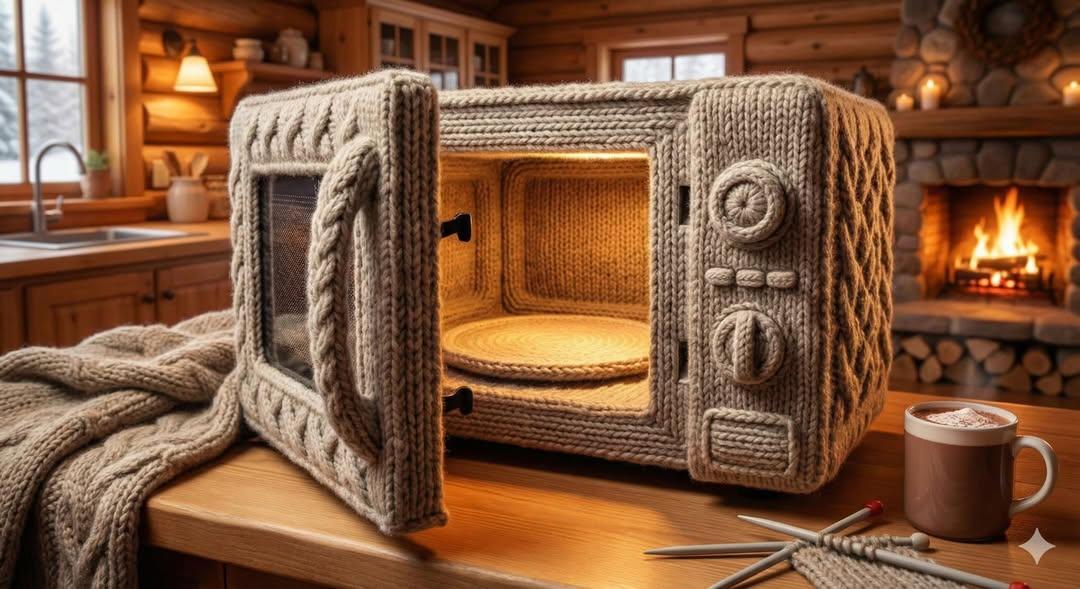
Knitted Yarn Object Generation Prompt
Browse template categories
Golden Hour Smartphone Selfie with Headscarf questions
How do I use the Golden Hour Smartphone Selfie with Headscarf template?
Add your photo if the template asks for one, edit the prompt if you like — the template's model and format are already selected — and press Generate. Your version opens in PicX Studio.
Can I customize the Golden Hour Smartphone Selfie with Headscarf template?
Yes. You can change the subject, setting, lighting, mood, format, and available model controls before creating your image.
Is the Golden Hour Smartphone Selfie with Headscarf template free?
Opening and editing this template is free. Generating uses credits, shown on the Generate button when you are signed in.
Which AI model should I use?
Start with Nano Banana 2, which is the model associated with this template. You can compare another compatible model for a different finish.
Looking for something else? Browse all templates.

Your photo, any look
Thousands of ready templates for every top image and video model, from one credit balance.