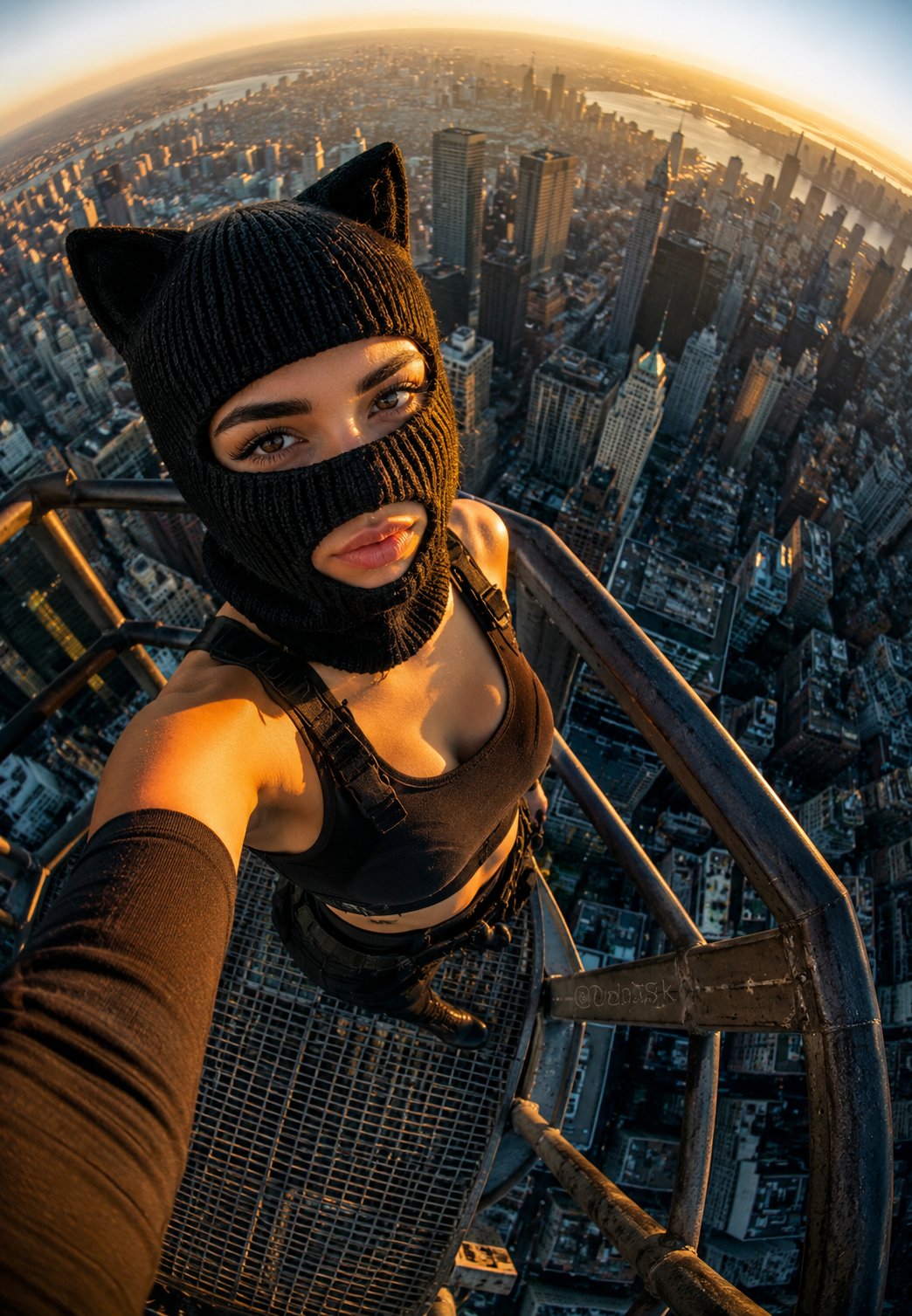
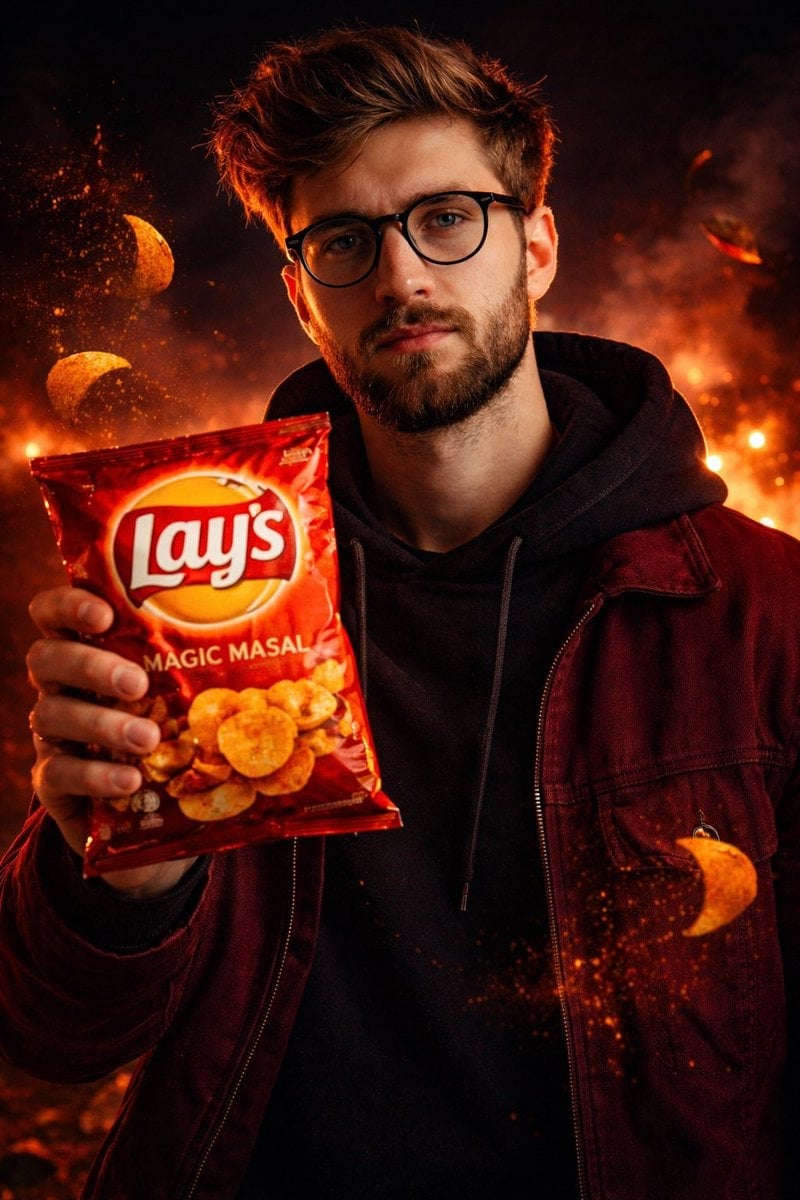
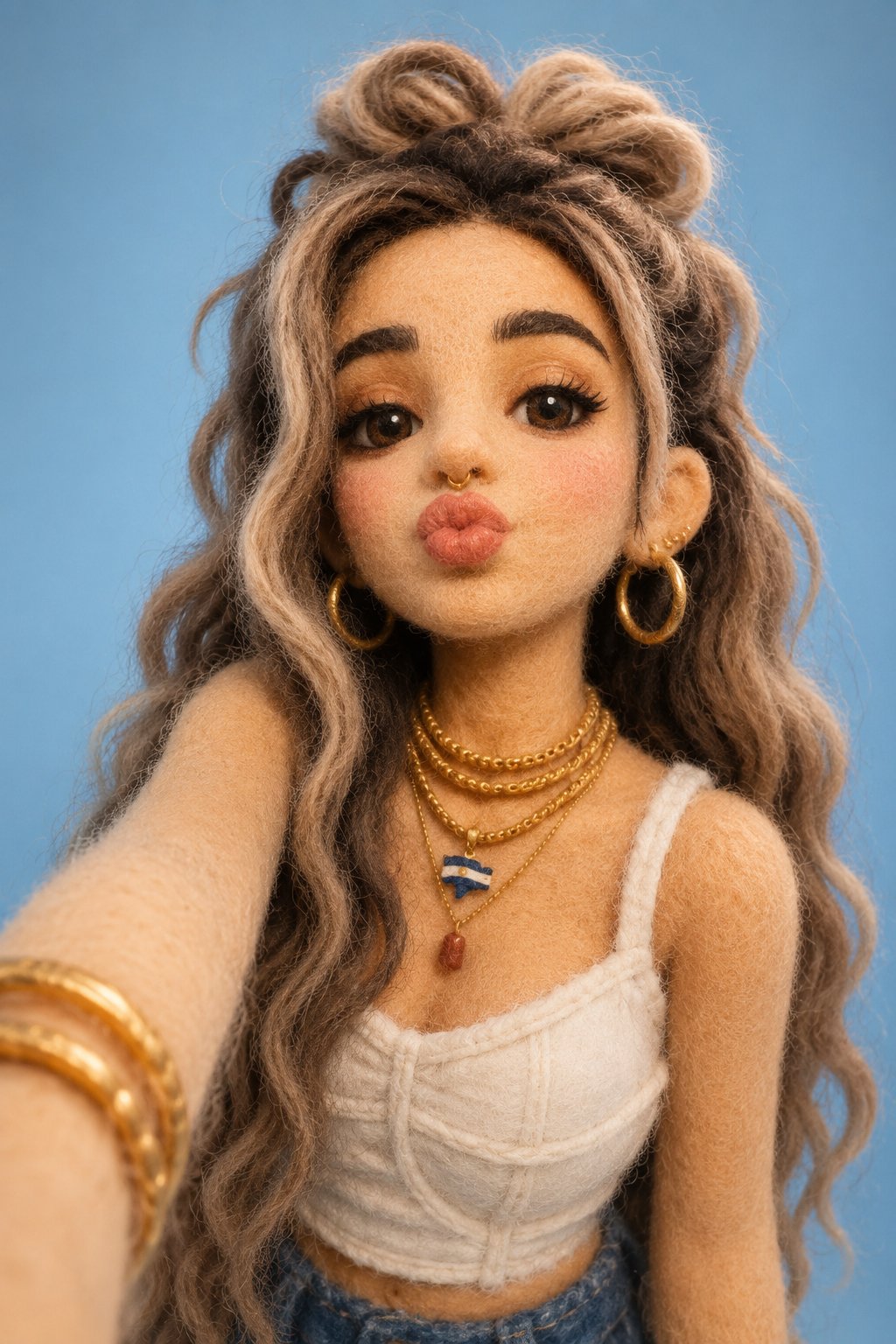
How do I use the Blue Hour Rooftop Selfie template?
Edit the prompt in the box under the preview — the template's model and format are already selected — and press Generate. Your version appears right on this page.
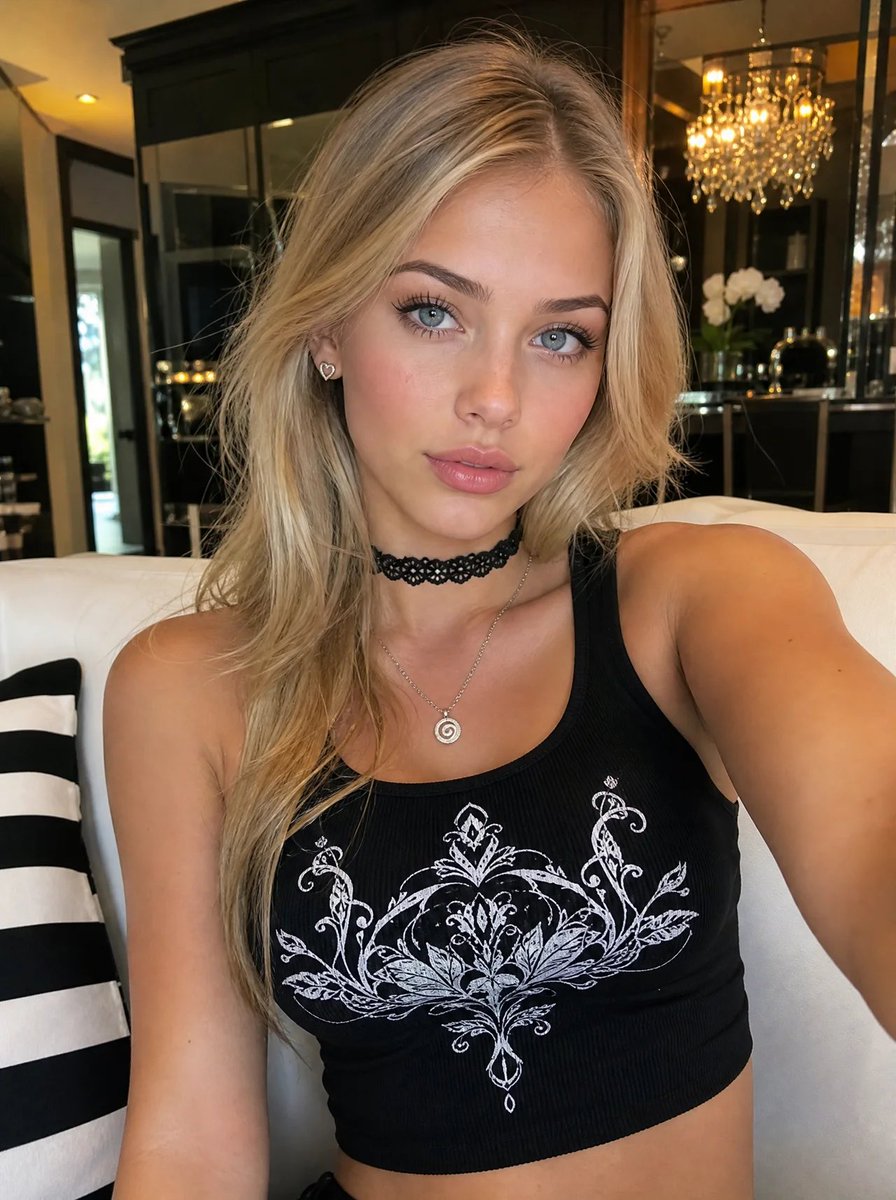
An ultra-realistic 8K portrait prompt optimized for face preservation, set during the blue hour with a dreamy urban background.

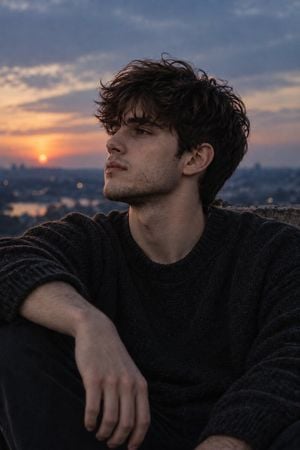
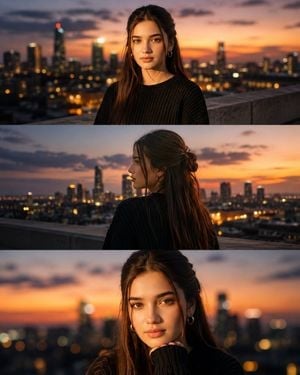
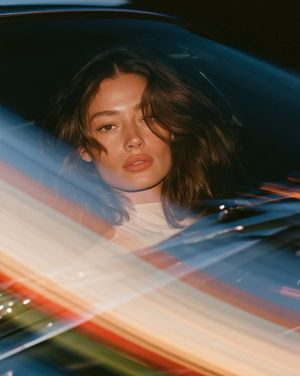
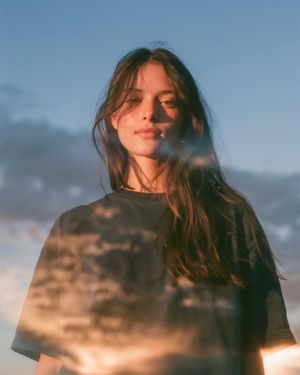
Reference Face Preservation: Keep the exact facial identity from the reference image with no facial modifications, no identity blending, and no changes to facial structure, proportions, or natural features. Create an ultra-realistic 8K portrait of a young woman in her 20s wearing a {argument name="clothing" default="fitted ribbed off-the-shoulder top in creamy white"}, exposing her shoulders and collarbones, paired with a delicate {argument name="jewelry" default="gold chain necklace and a chunky green hoop earring"}. Captured as a high-angle selfie on a {argument name="location" default="rooftop or balcony"} during blue hour, with a deep blue sky, soft clouds, silhouettes of tropical trees, and distant urban architecture in the background. She is looking upward and slightly away from the camera with a candid, relaxed expression and slightly parted lips. Long voluminous dark-brown hair falls in soft wavy layers with natural flyaway strands and gentle wind movement. Modern beauty editorial makeup featuring luminous skin, gray contact lenses, long separated lashes, rosy blush across cheeks and nose, and glossy natural lips. Soft evening light, realistic skin texture, visible pores, subtle shadows, DSLR photography, shallow depth of field, cinematic color grading, luxury social-media aesthetic, ultra-sharp focus, photorealistic, masterpiece quality.
Reference Face Preservation: Keep the exact facial identity from the reference image with no facial modifications, no identity blending, and no changes to facial structure, proportions, or natural features. Create an ultra-realistic 8K portrait of a young woman in her 20s wearing a {argument name="clothing" default="fitted ribbed off-the-shoulder top in creamy white"}, exposing her shoulders and collarbones, paired with a delicate {argument name="jewelry" default="gold chain necklace and a chunky green hoop earring"}. Captured as a high-angle selfie on a {argument name="location" default="rooftop or balcony"} during blue hour, with a deep blue sky, soft clouds, silhouettes of tropical trees, and distant urban architecture in the background. She is looking upward and slightly away from the camera with a candid, relaxed expression and slightly parted lips. Long voluminous dark-brown hair falls in soft wavy layers with natural flyaway strands and gentle wind movement. Modern beauty editorial makeup featuring luminous skin, gray contact lenses, long separated lashes, rosy blush across cheeks and nose, and glossy natural lips. Soft evening light, realistic skin texture, visible pores, subtle shadows, DSLR photography, shallow depth of field, cinematic color grading, luxury social-media aesthetic, ultra-sharp focus, photorealistic, masterpiece quality.
Edit the prompt in the box under the preview — the template's model and format are already selected — and press Generate. Your version appears right on this page.
Yes. You can change the subject, setting, lighting, mood, format, and available model controls before creating your image.
Opening and editing this template is free. Generating uses credits, shown on the Generate button when you are signed in.
Start with Nano Banana 2, which is the model associated with this template. You can compare another compatible model for a different finish.
Follow a topic to a crawlable collection of related PicX Studio templates.