How do I use the Classic Black and White Male Studio Portraits template?
Edit the prompt in the box under the preview — the template's model and format are already selected — and press Generate. Your version appears right on this page.
A detailed prompt for generating a series of professional black and white studio portraits of a man, featuring various poses and consistent soft lighting.

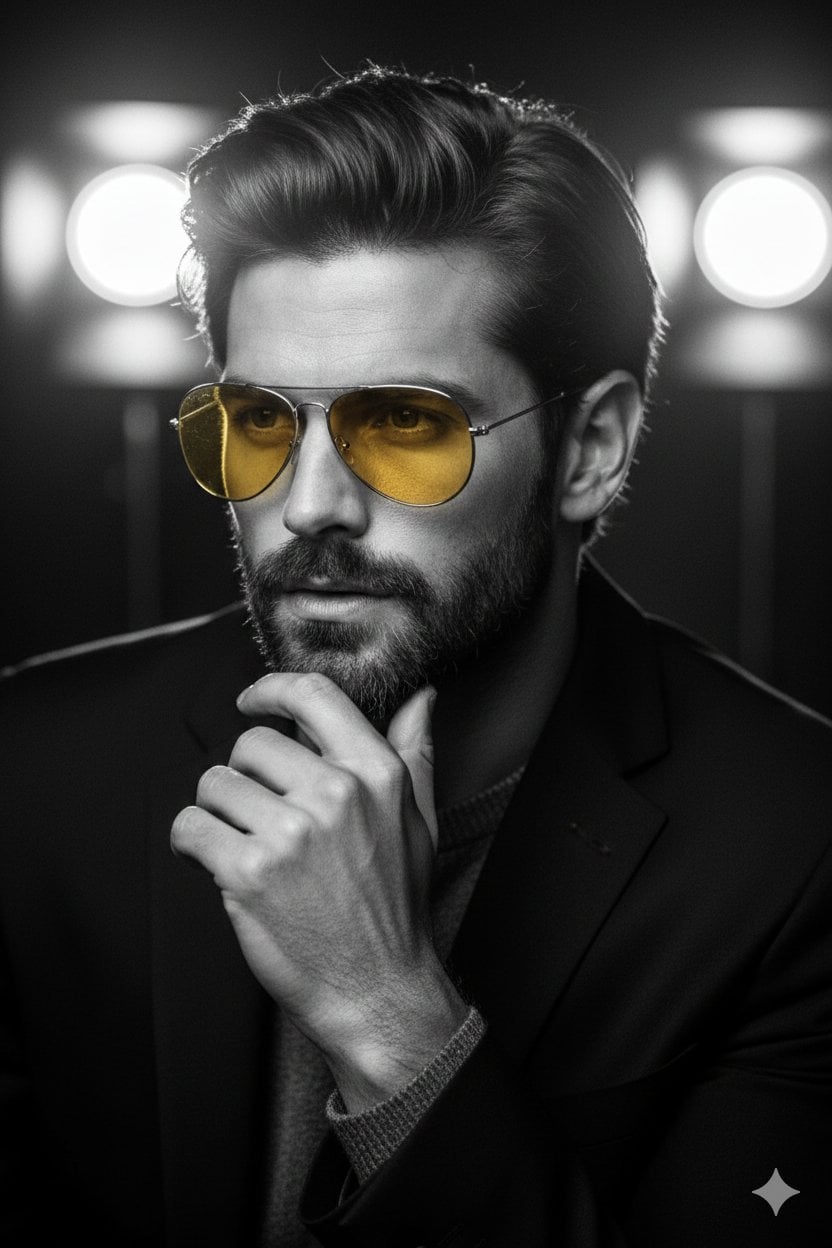
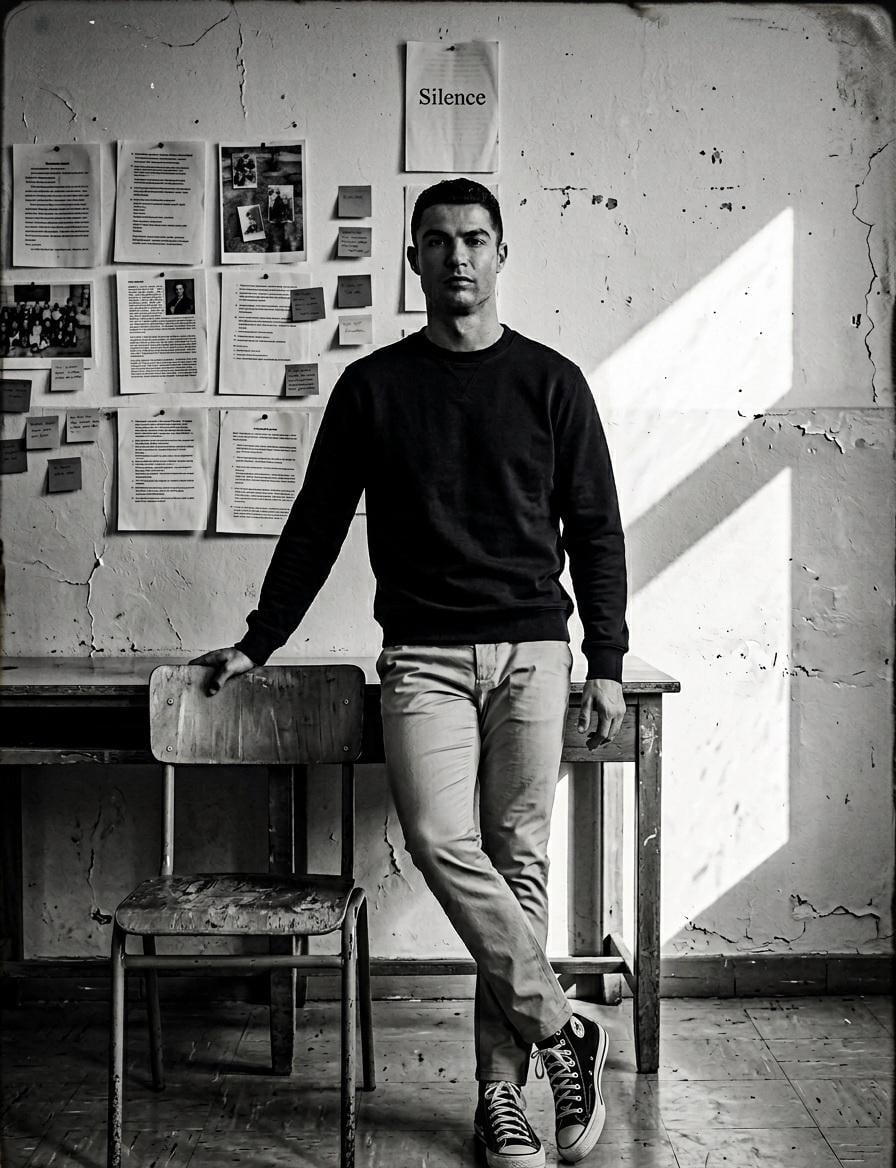
A series of black and white professional studio portraits featuring a {argument name="subject" default="young man"} with styled, {argument name="hair style" default="wavy hair"} and distinctive dimples, dressed in a {argument name="outfit" default="sharp, dark textured blazer"}, a crisp white button-up dress shirt with an open collar, dark trousers, and a thin chain necklace. The collection includes variations in his pose against a soft, textured studio backdrop: one showing him looking off-camera to the side while standing with a hand in his pocket, another sitting comfortably on a wooden stool with his hand resting on his thigh, a direct head-on shot looking confidently into the camera, and an alternate standing pose adjusting his jacket. The lighting remains soft and consistent throughout, emphasizing clean details like his leather-strap watch and his warm, engaging smile.
A series of black and white professional studio portraits featuring a {argument name="subject" default="young man"} with styled, {argument name="hair style" default="wavy hair"} and distinctive dimples, dressed in a {argument name="outfit" default="sharp, dark textured blazer"}, a crisp white button-up dress shirt with an open collar, dark trousers, and a thin chain necklace. The collection includes variations in his pose against a soft, textured studio backdrop: one showing him looking off-camera to the side while standing with a hand in his pocket, another sitting comfortably on a wooden stool with his hand resting on his thigh, a direct head-on shot looking confidently into the camera, and an alternate standing pose adjusting his jacket. The lighting remains soft and consistent throughout, emphasizing clean details like his leather-strap watch and his warm, engaging smile.
Edit the prompt in the box under the preview — the template's model and format are already selected — and press Generate. Your version appears right on this page.
Yes. You can change the subject, setting, lighting, mood, format, and available model controls before creating your image.
Opening and editing this template is free. Generating uses credits, shown on the Generate button when you are signed in.
Start with Nano Banana 2, which is the model associated with this template. You can compare another compatible model for a different finish.
Follow a topic to a crawlable collection of related PicX Studio templates.