
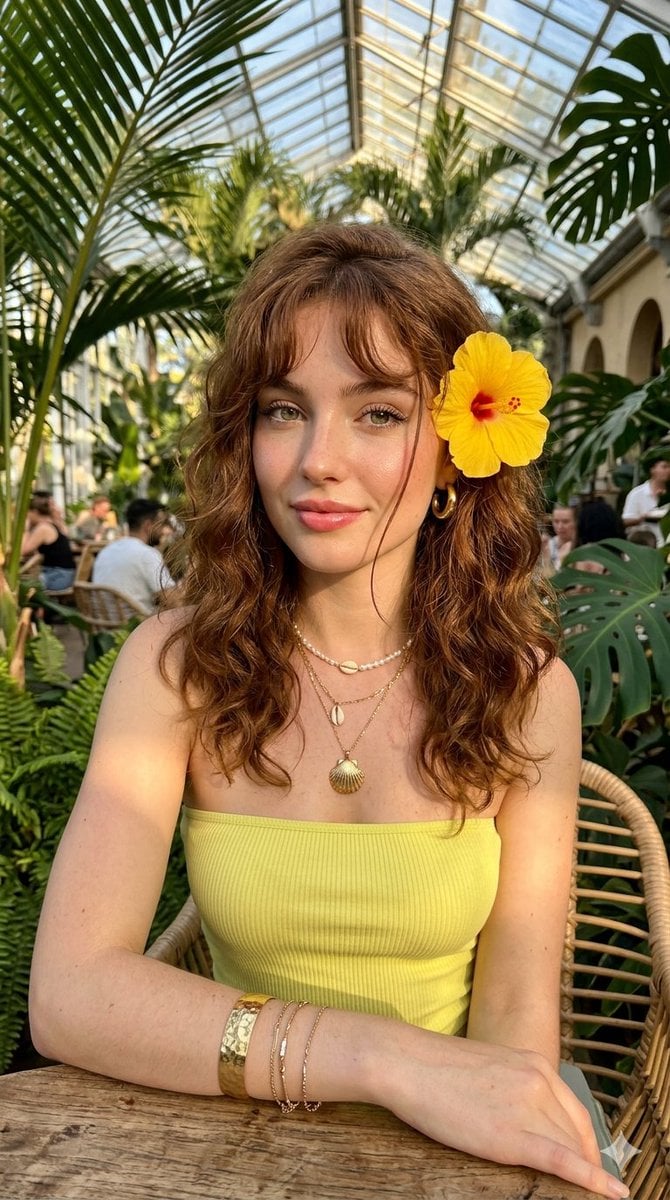
Golden Hour Tropical Cafe Portrait
An ultra-realistic fashion editorial prompt for Nano Banana Pro capturing a woman in a tropical conservatory during golden hour with intricate accessory details.
- Prompt included
- Model and format preset
- Free template
The prompt behind this image
Copy the exact prompt behind Golden Hour Tropical Cafe Portrait, or open it in the studio and make it yours.
Ultra-realistic golden hour portrait of a {argument name="subject" default="young woman"} sitting in a {argument name="setting" default="luxurious tropical cafe conservatory filled with large green tropical plants"} and natural sunlight. She has long, soft, wavy reddish brown hair with wispy bangs that frame her face, a single loose strand falling across her cheek. A vibrant yellow hibiscus flower is tucked behind her left ear. She has fair smooth skin with a natural dewy glow, subtle freckles across the nose and cheeks, large hazel-green eyes enhanced with soft eyeliner and long lashes, softly flushed cheeks, glossy plump pink lips, delicate facial features, and an elegant feminine appearance. She is wearing a {argument name="outfit" default="fitted strapless lime-yellow tube top"} exposing her shoulders and collarbones. Around her neck are multiple layered gold necklaces featuring seashell-inspired pendants and delicate chains. She wears a gold round earring and a metallic gold cuff bracelet. The composition is a close-up selfie-style portrait shot from a slightly elevated angle, with her head gently tilted and eyes gazing directly into the camera. Warm late-afternoon sunlight creates dramatic highlights across her face, shoulders, and clothing, producing cinematic shadows and a dreamy tropical atmosphere. Background features a modern glass-roof indoor garden cafe with lush tropical foliage, soft bokeh, luxury resort vibes, shallow depth of field, natural lighting, photorealistic skin texture, ultra-detailed eyes, fashion photography, editorial beauty portrait, high-end lifestyle photography, 85mm lens, f/1.8, HDR, 8K resolution, masterpiece, extremely detailed. Negative Prompt: low quality, blurry, out of focus, bad anatomy, extra fingers, extra limbs, asymmetrical eyes, distorted face, plastic skin, oversaturated colors, heavy makeup, cartoon, anime, CGI, 3D render, watermark, text, logo, duplicate accessories, cropped head, harsh shadows, overexposed highlights, noisy background, unrealistic proportions. Aspect Ratio: 9:16 Style: Photorealistic / Fashion Editorial Lighting: Golden Hour Natural Light Camera: 85mm Portrait Lens Quality: Ultra Detailed, 8K, HD
How to use Golden Hour Tropical Cafe Portrait in 3 steps
- 1
Open
The prompt is already in the box next to the preview, with the template's model and format selected.
- 2…a portrait of your subject in softgolden-hour light, 85mm…
Personalize
Edit the subject and creative details for your destination.
- 3Generate
Generate
Press Generate — your image is created in PicX Studio, so you can compare it with the original and refine one variable at a time.
More like this
Templates with the same subject, style or setup. Open one to see its prompt.
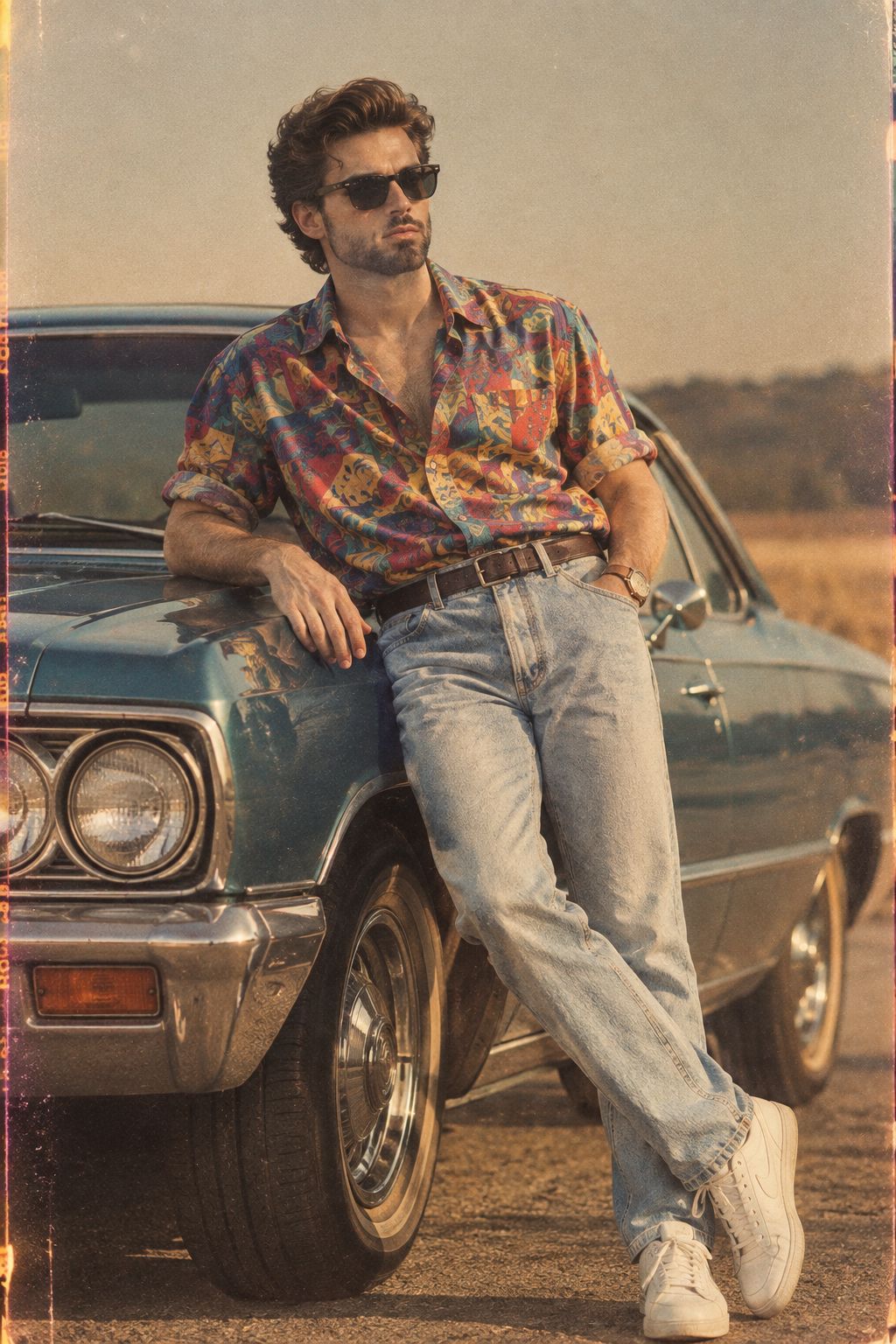
80s Golden Hour Cinema
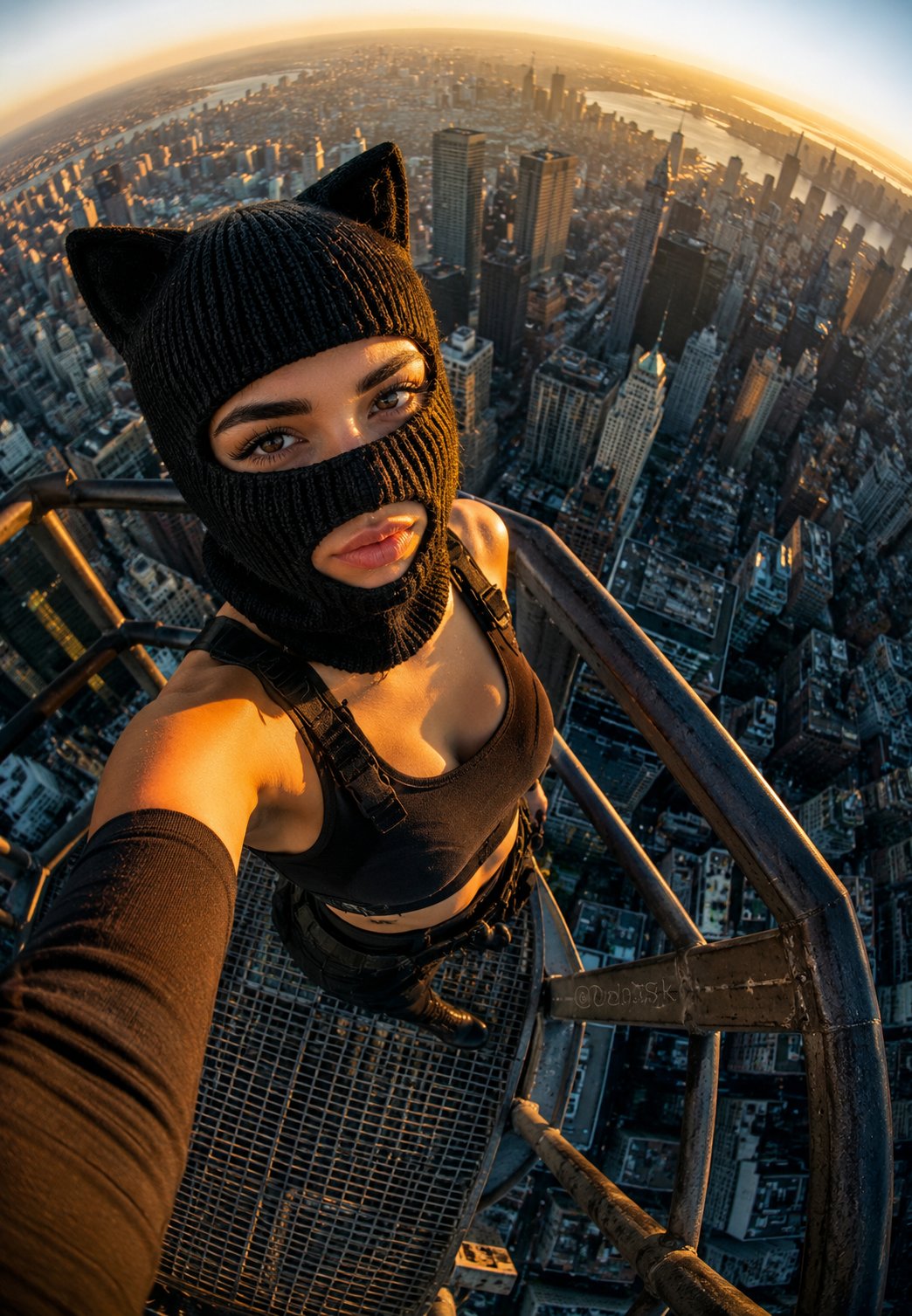
Rooftop Fisheye — Cat-Ear Balaclava at Golden Hour
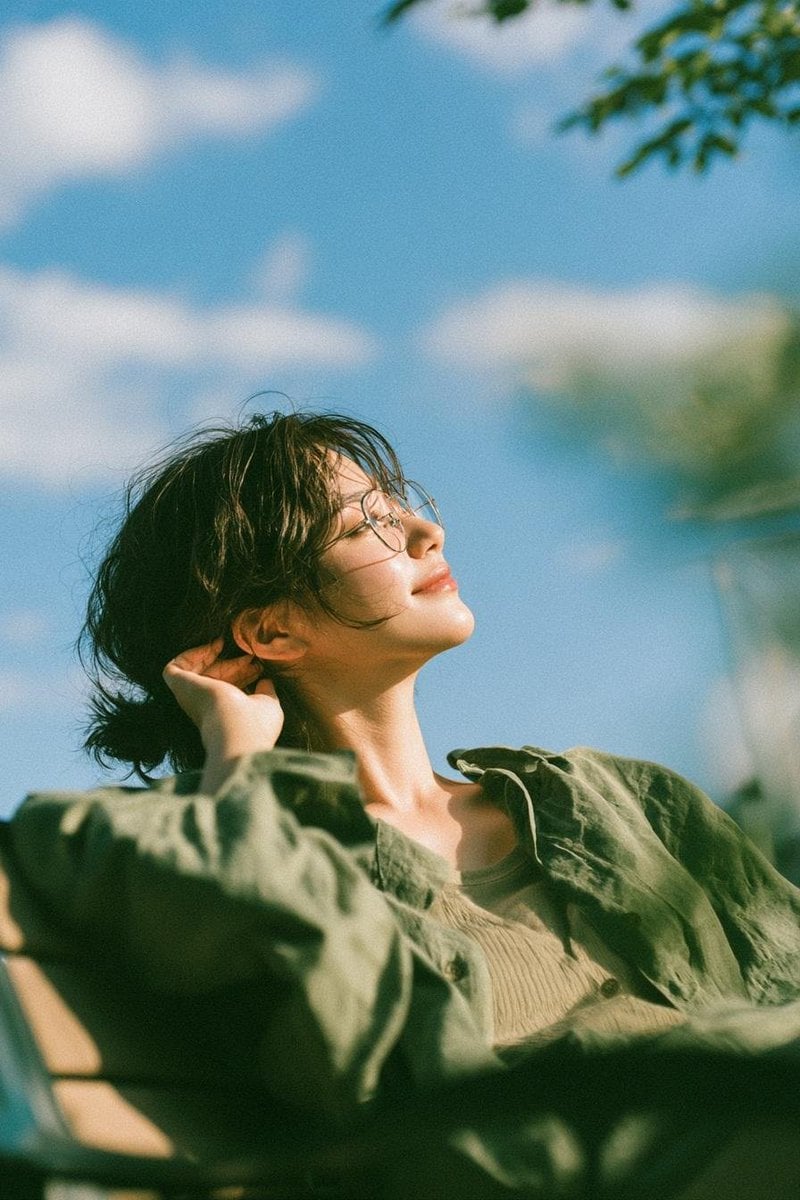
Cinematic Golden Hour Garden Portrait
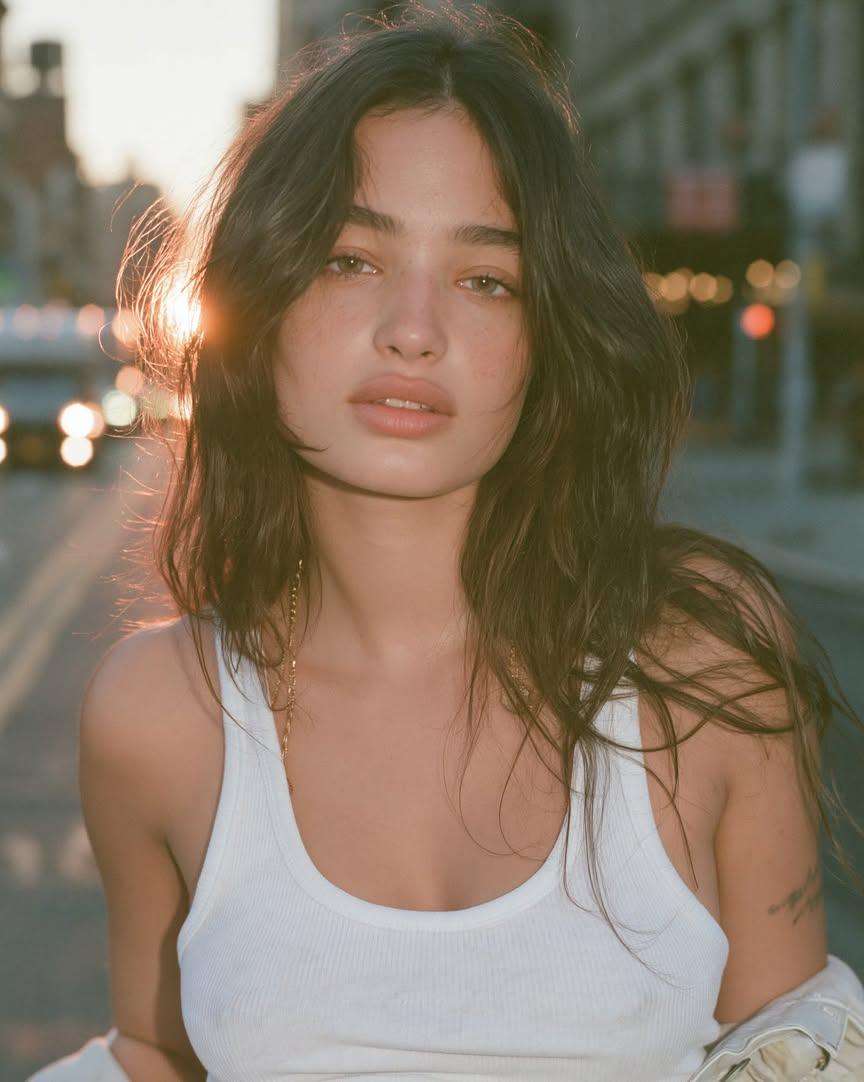
Cinematic Golden Hour Urban Portrait
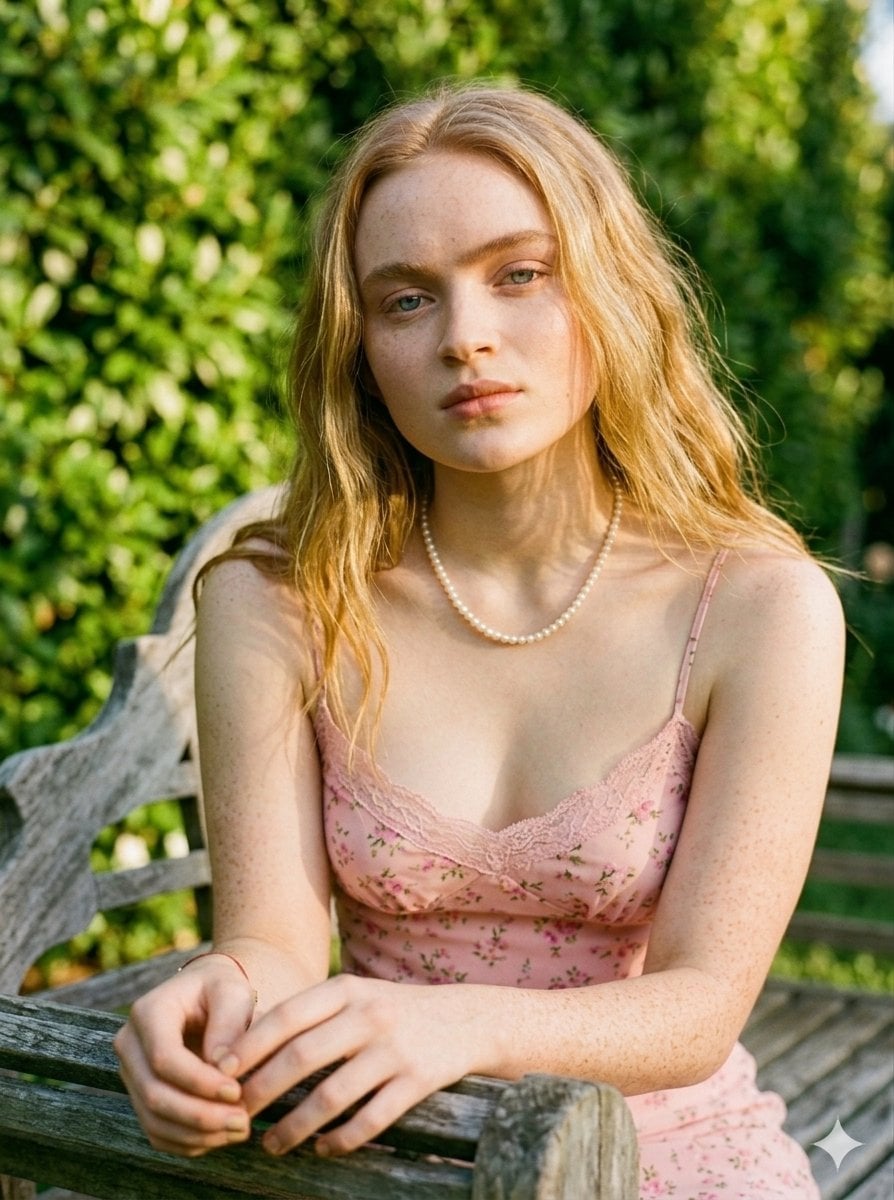
Golden Hour Redhead Portrait
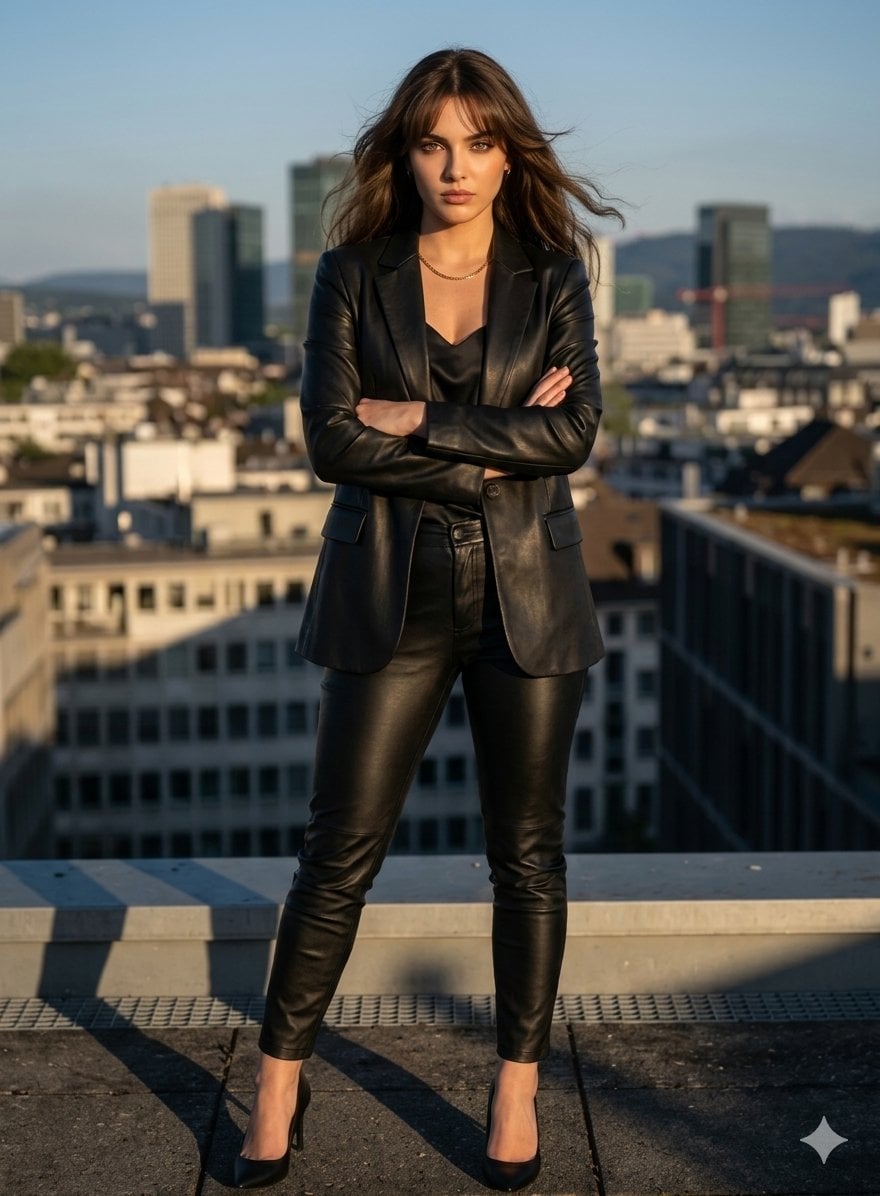
Golden Hour Cinematic Boss Energy Portrait
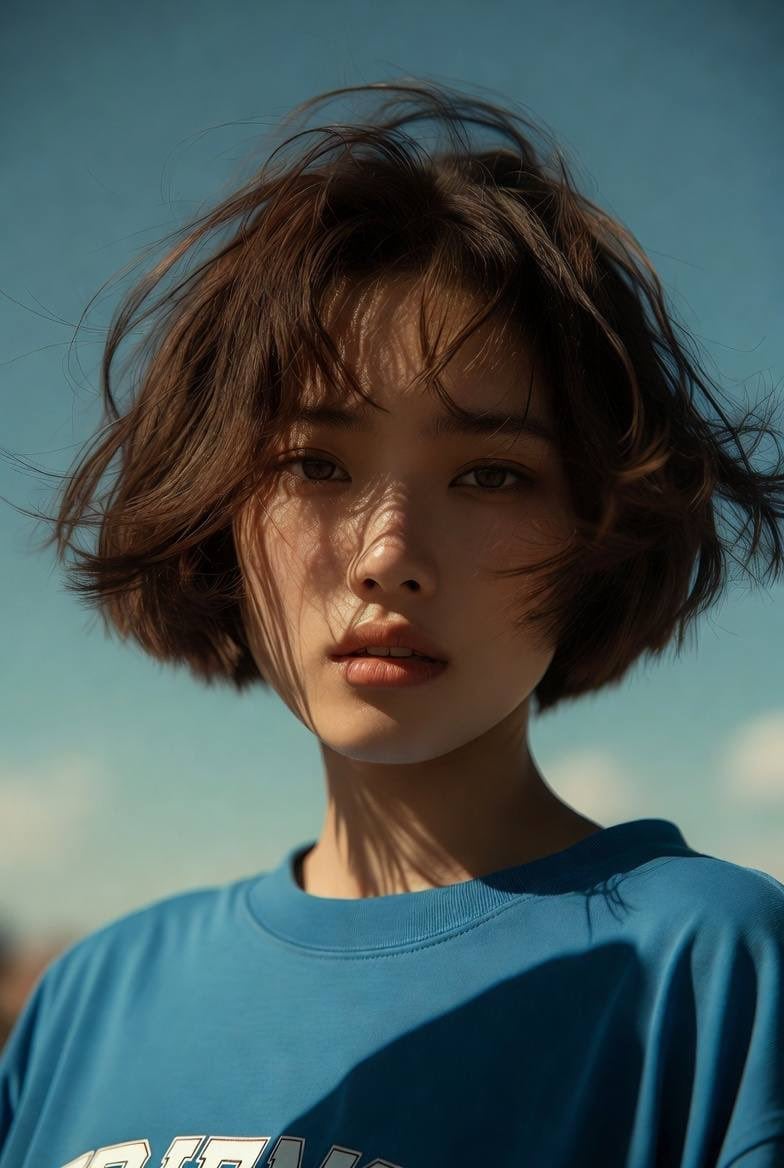
Golden Hour Cinematic Portrait
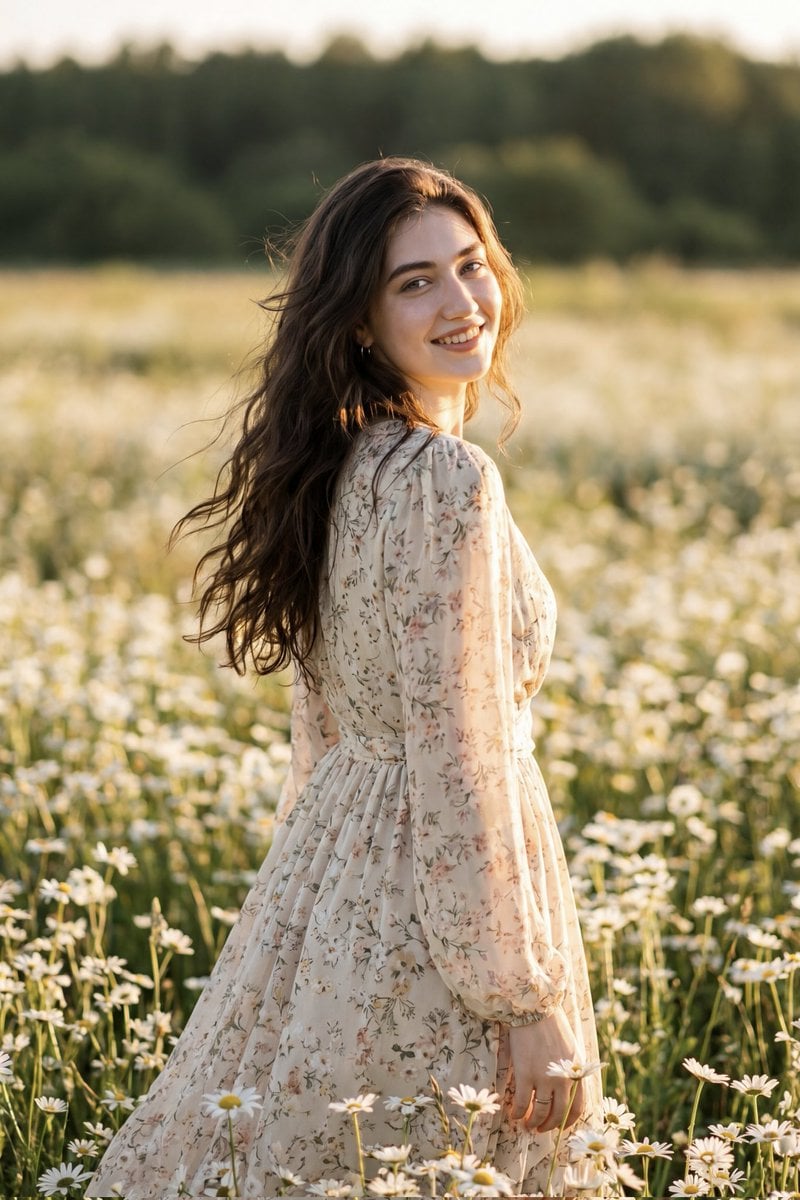
Golden Hour Daisy Field Portrait
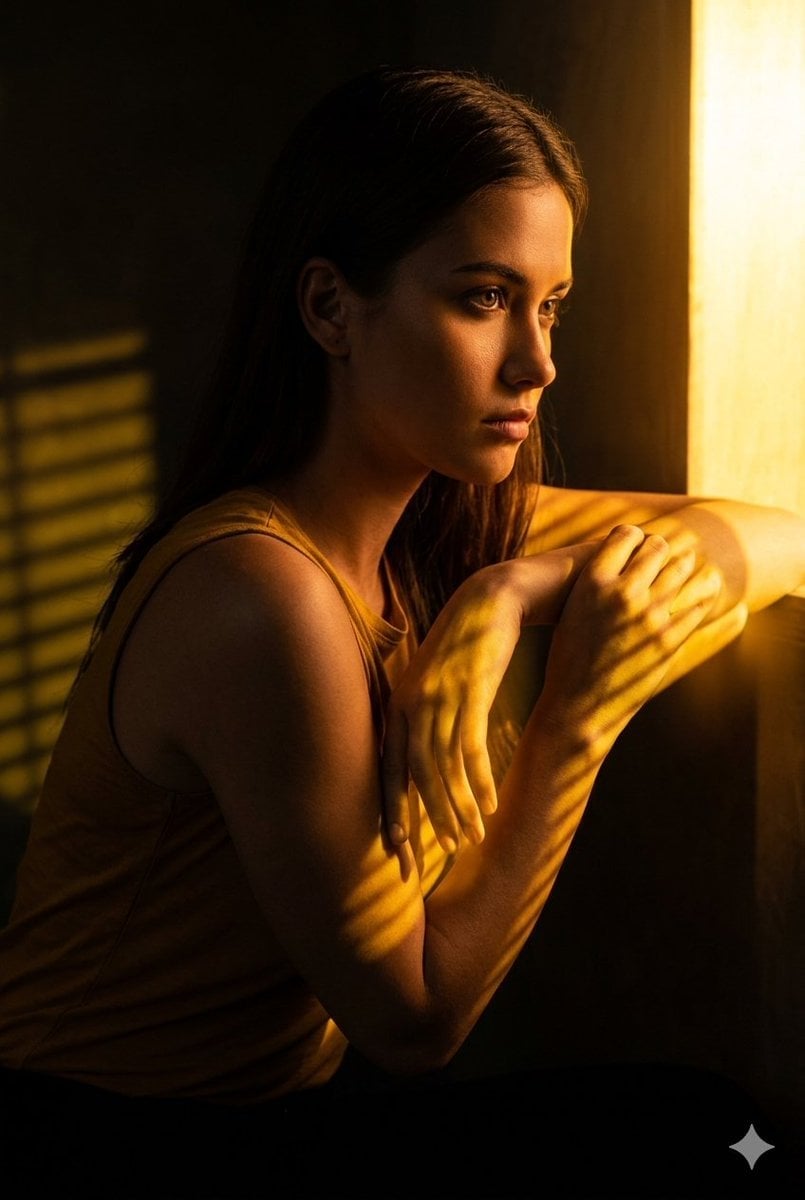
Golden Hour Window Reflection Portrait
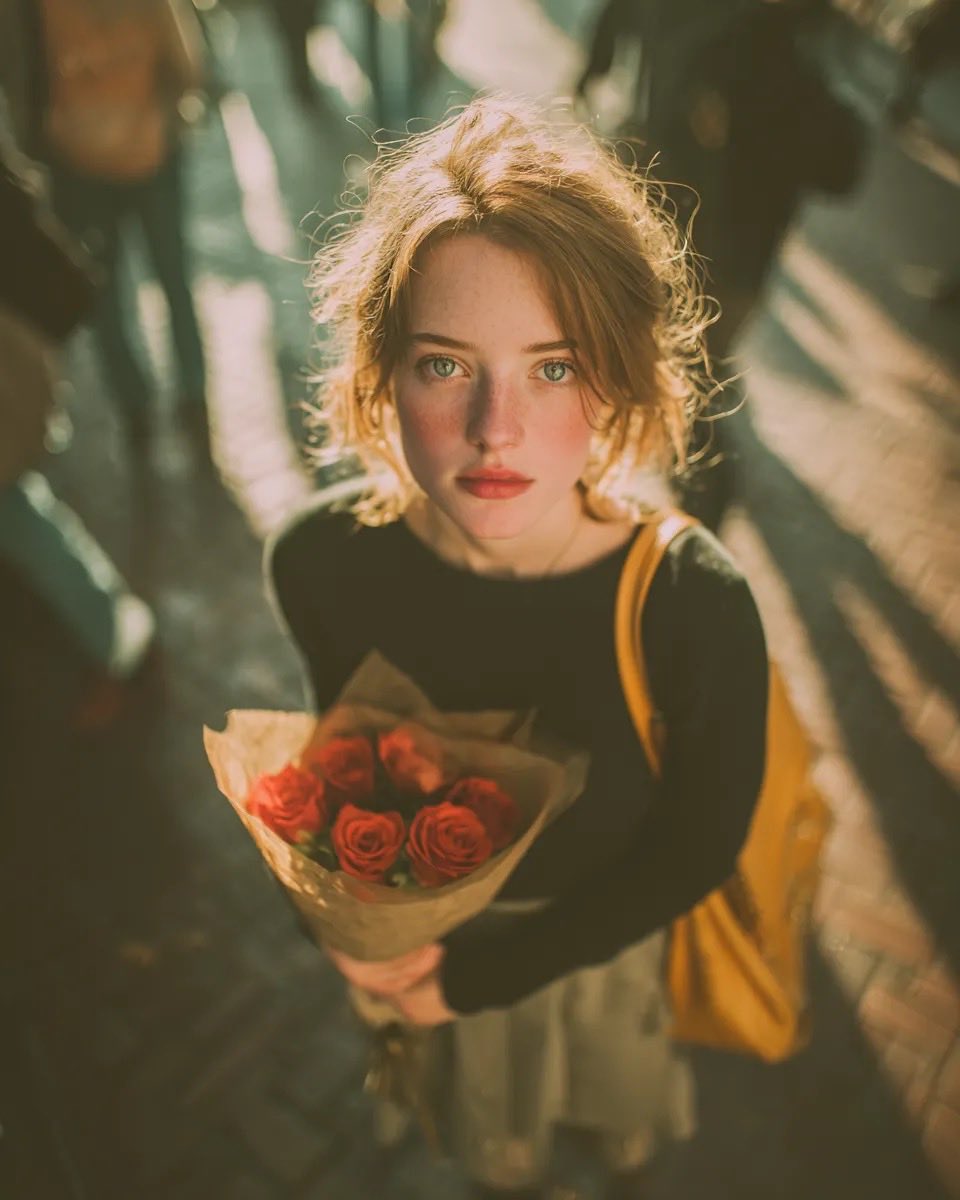
Golden Hour Rose Portrait

Golden Hour Korean Classroom Portrait
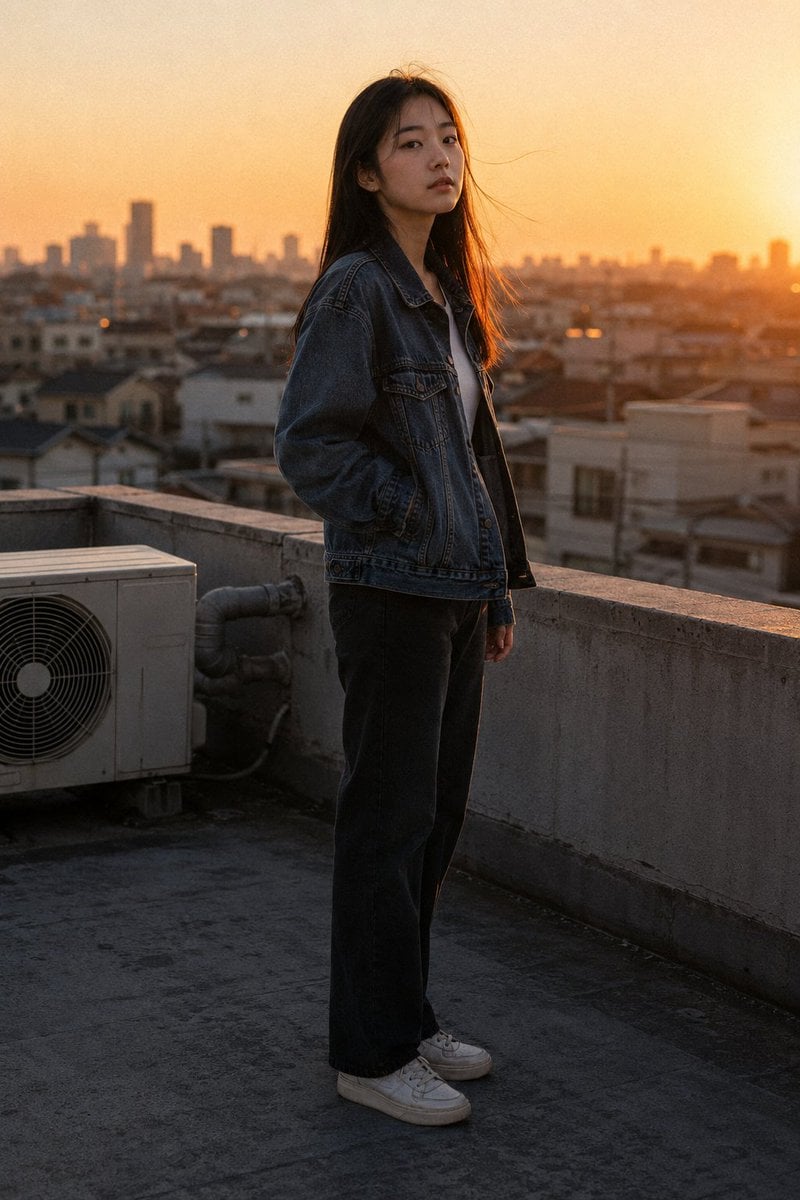
Golden Hour Rooftop Portrait
Make it yours
Golden Hour Tropical Cafe Portrait works as-is. These are the safest ways to change it without losing the look.
Change one field
Copy a single group, rewrite it, and generate again so you can see what that field is doing.
Keep the frame, change the subject
Hold the composition and light of Golden Hour Tropical Cafe Portrait, then swap wardrobe, props or the person for a new take.
| If the result… | Why | Fix |
|---|---|---|
| The result drifts from the preview | Too many fields changed at once. | Reuse Golden Hour Tropical Cafe Portrait as-is first, then change one group — subject, light, or setting. |
| The model over-stylizes the scene | The prose prompt leaves finish and camera underspecified. | Add one camera or lighting sentence and stay on Nano Banana 2. |
More Nano Banana 2 templates
Other prompts made for Nano Banana 2.
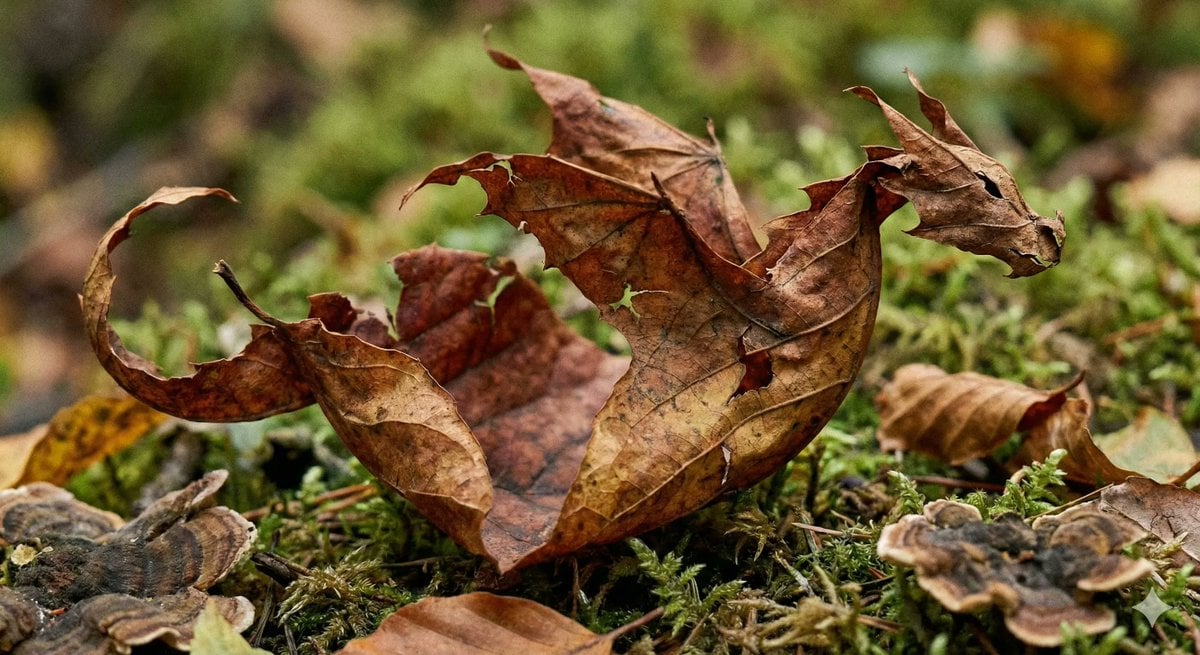
Photorealistic Leaf Shaped Like a Dragon
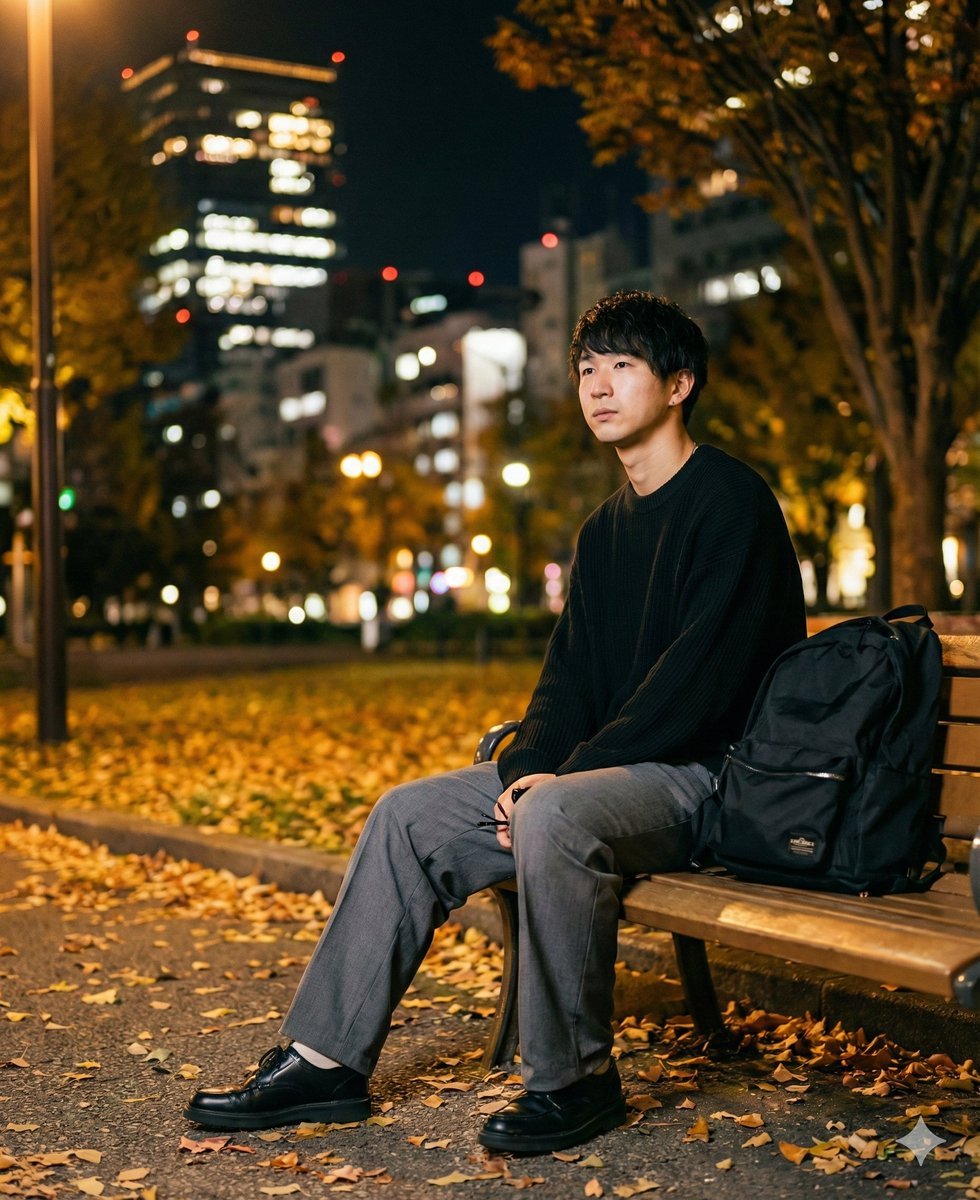
K-Pop Idol Portrait Grid for Rapid Selection
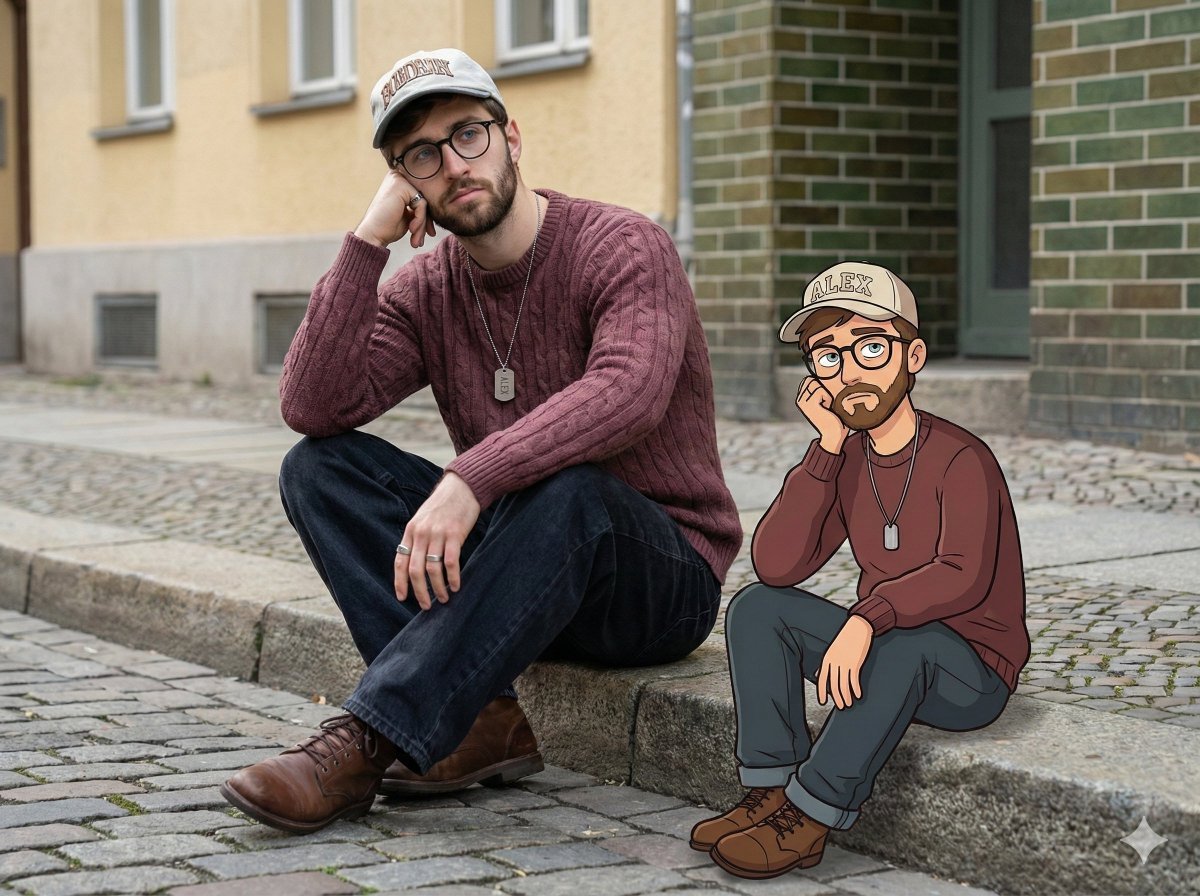
Urban Street Portrait with Cartoon Inner Self Duo
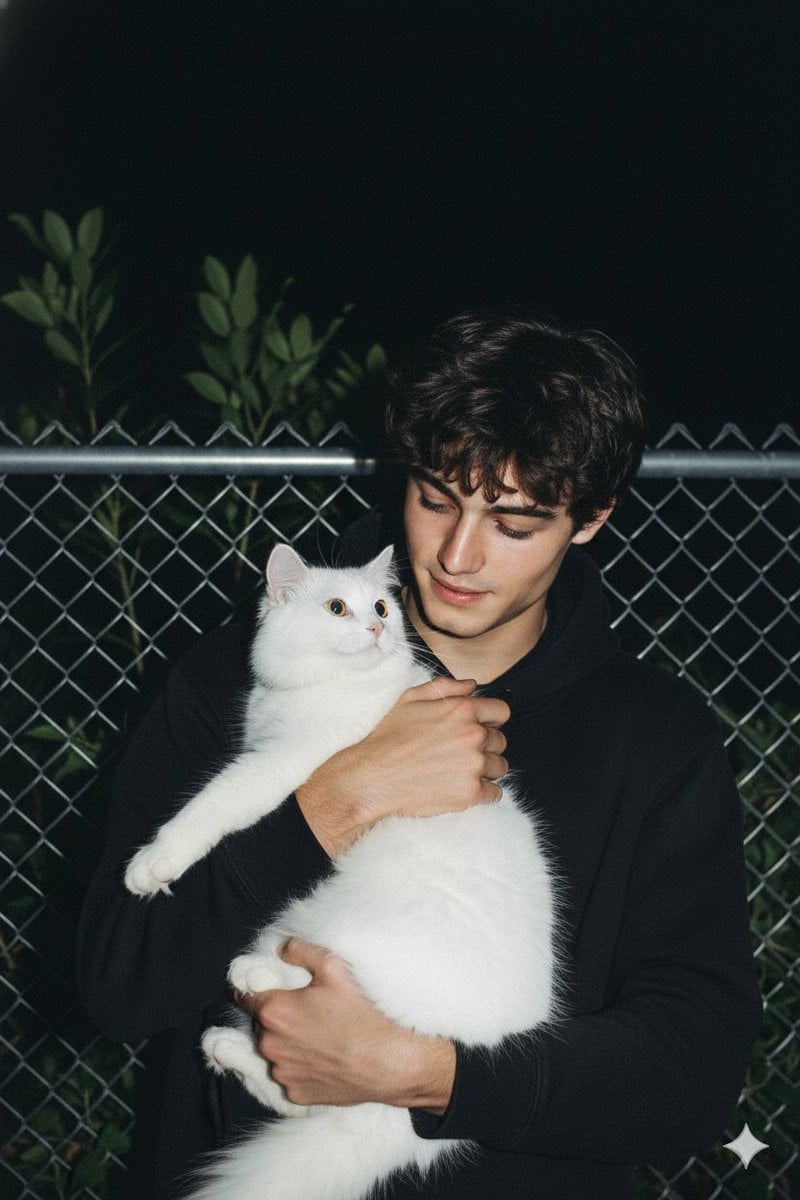
Candid Nighttime Photo with Cat Prompt
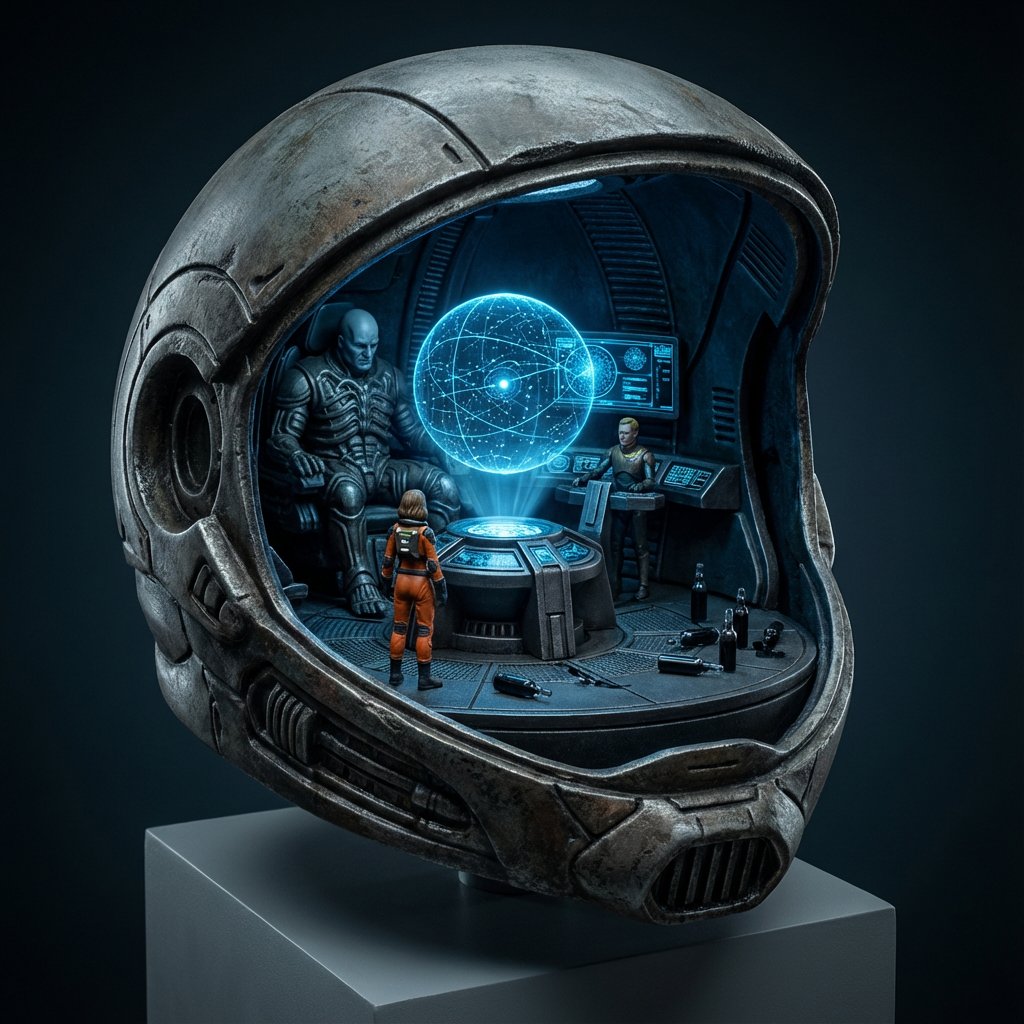
High-Concept 3D Diorama Generation Prompt
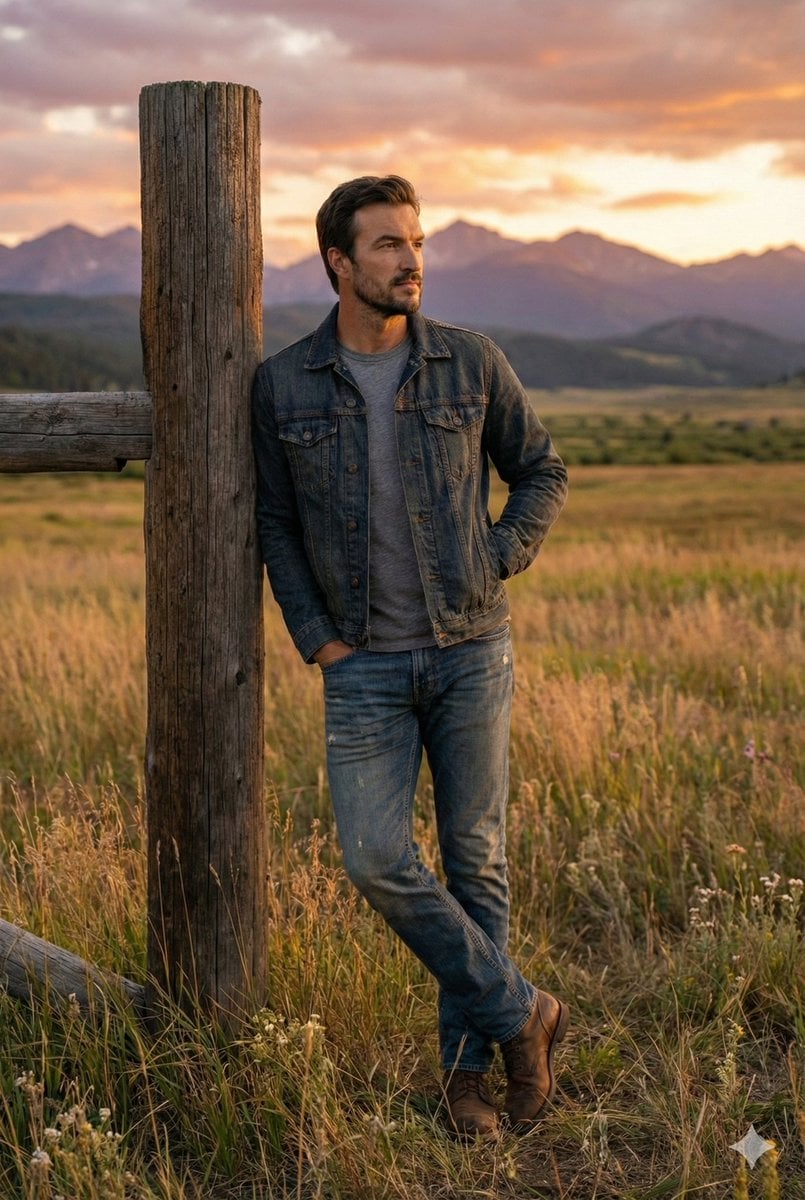
Cinematic Futuristic Studio Portrait Template
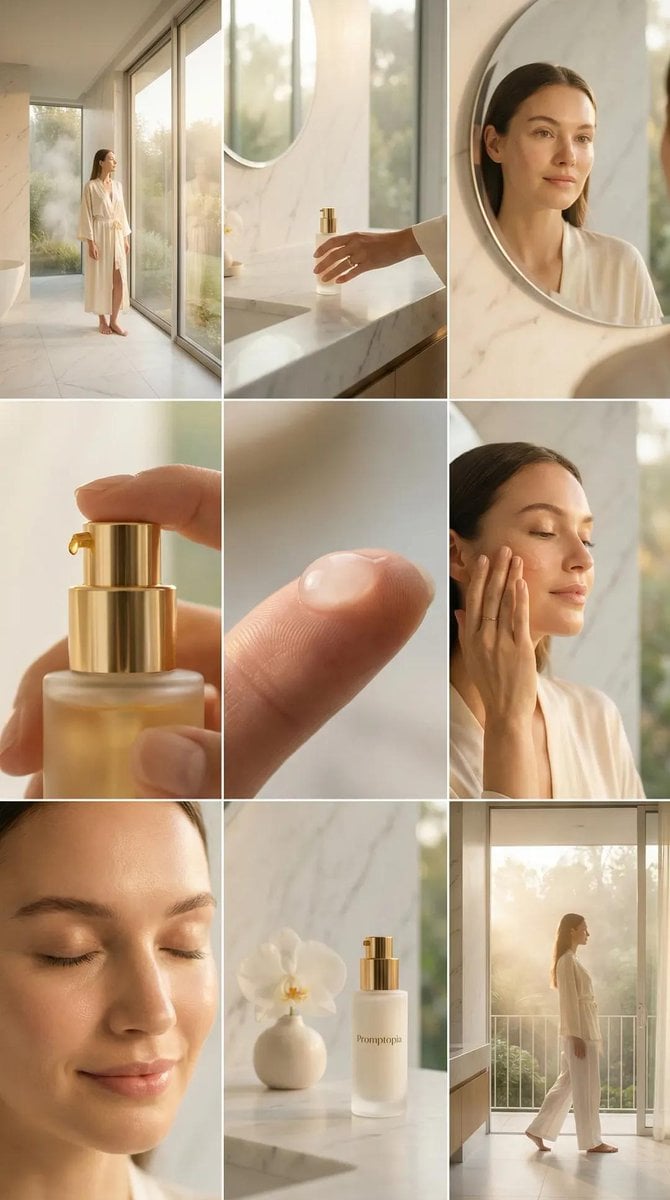
Skincare Editorial Photography Collage Prompt
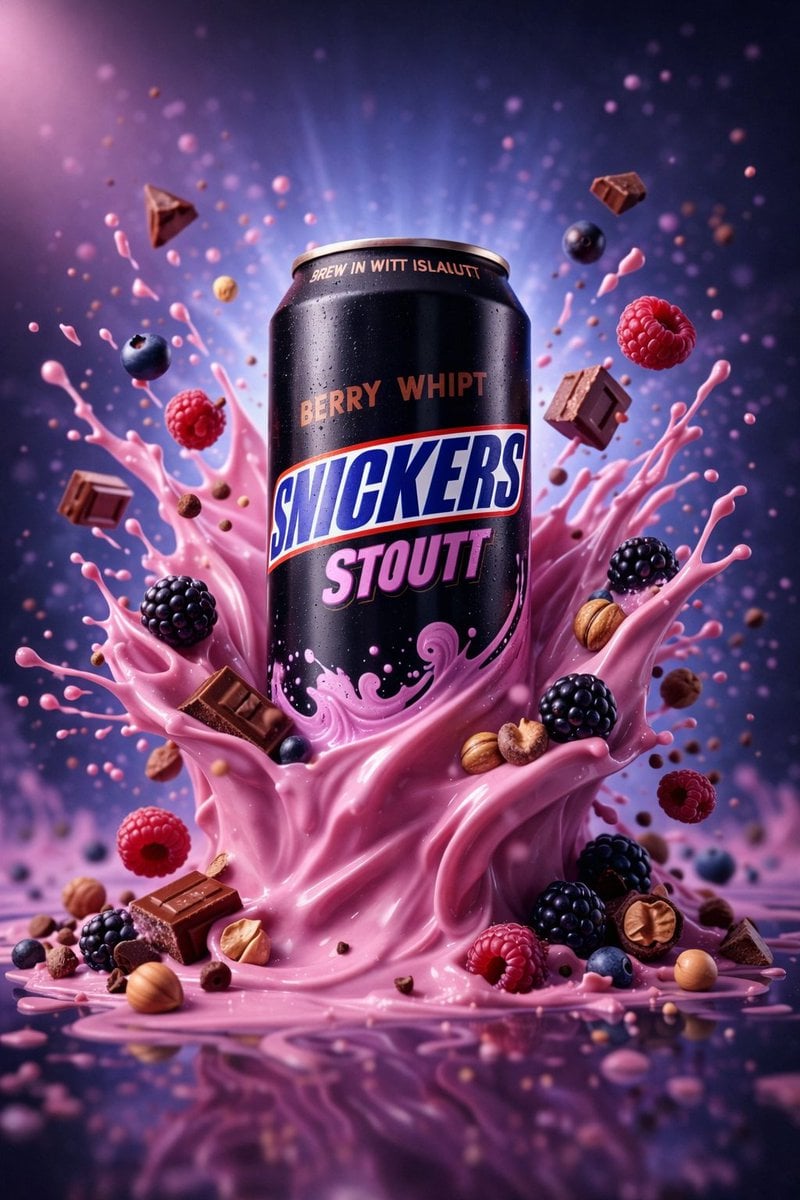
Hyper-Realistic Commercial Product Photography (Splash Effect)
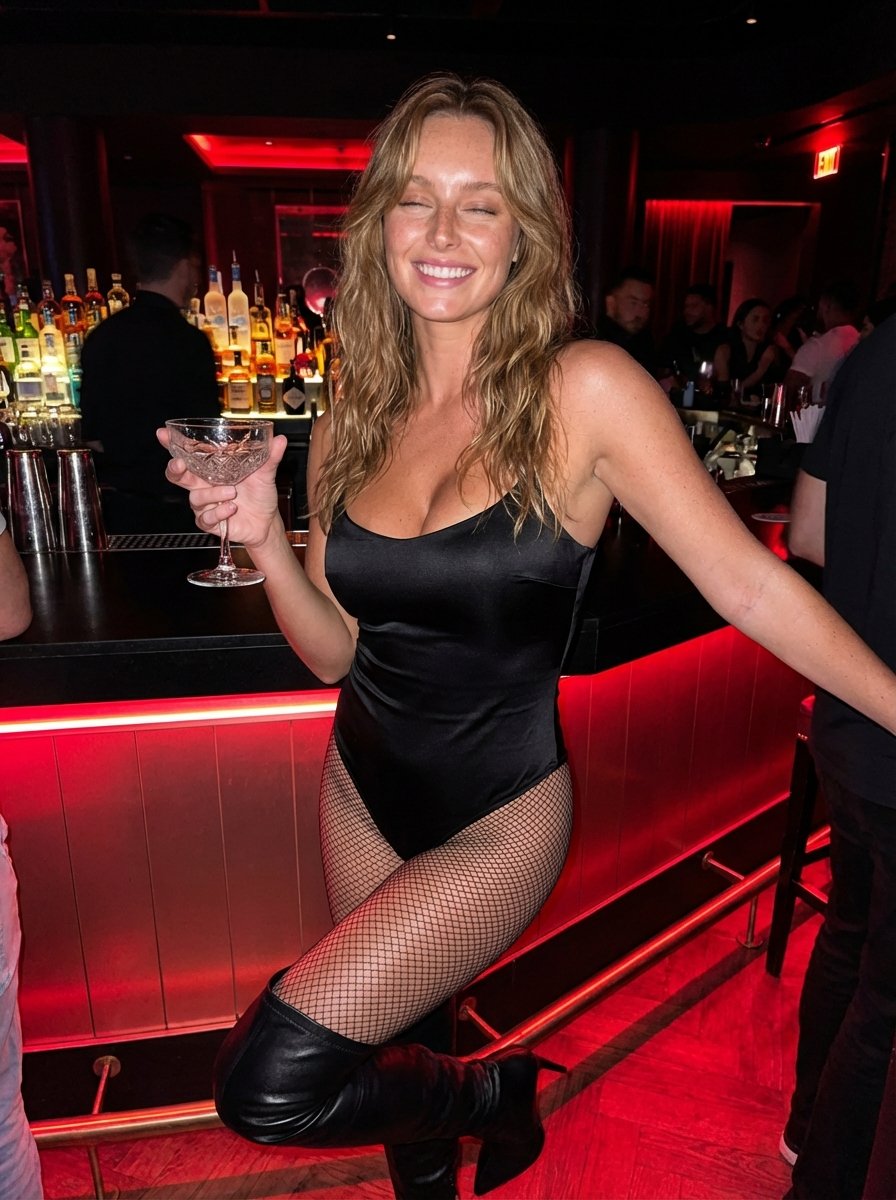
Hyper-Realistic Nightclub Portrait Prompt
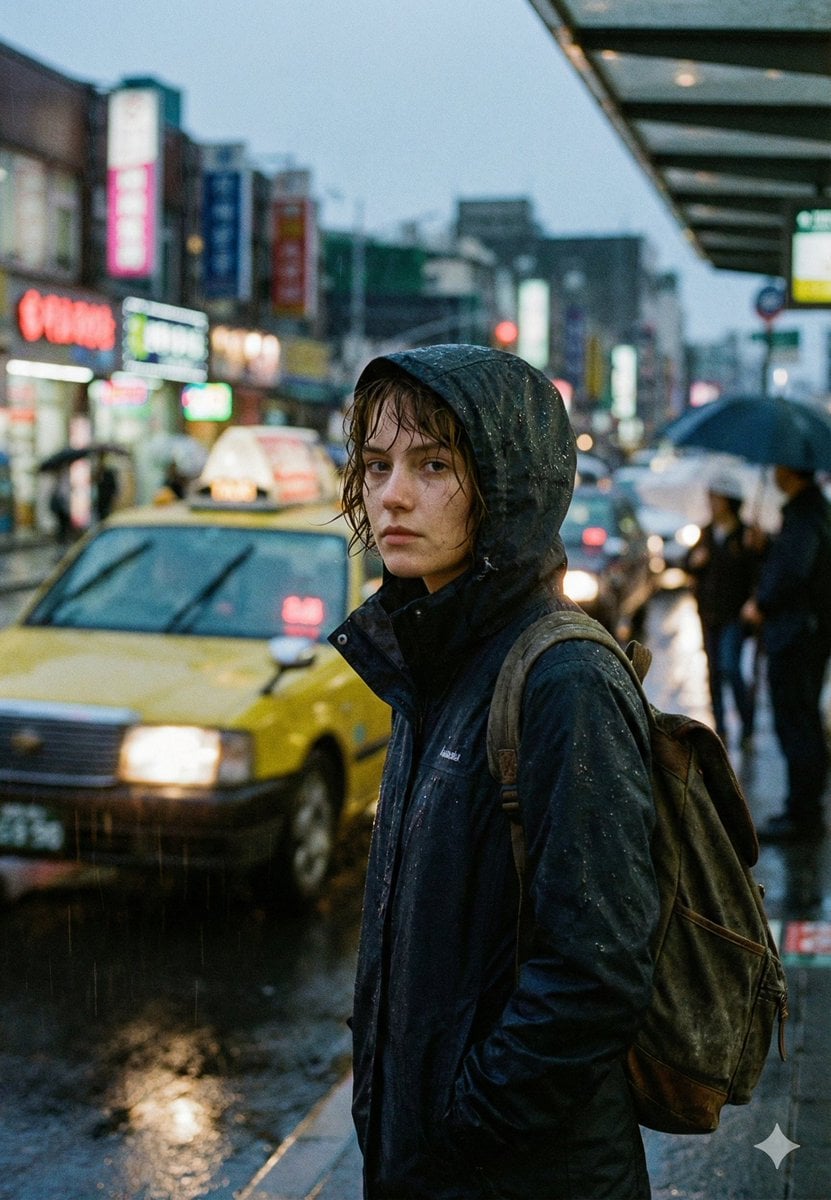
Cinematic Urban Rain Scene Prompt (Neo-Noir)
More image prompts
Fresh picks from across the catalog.
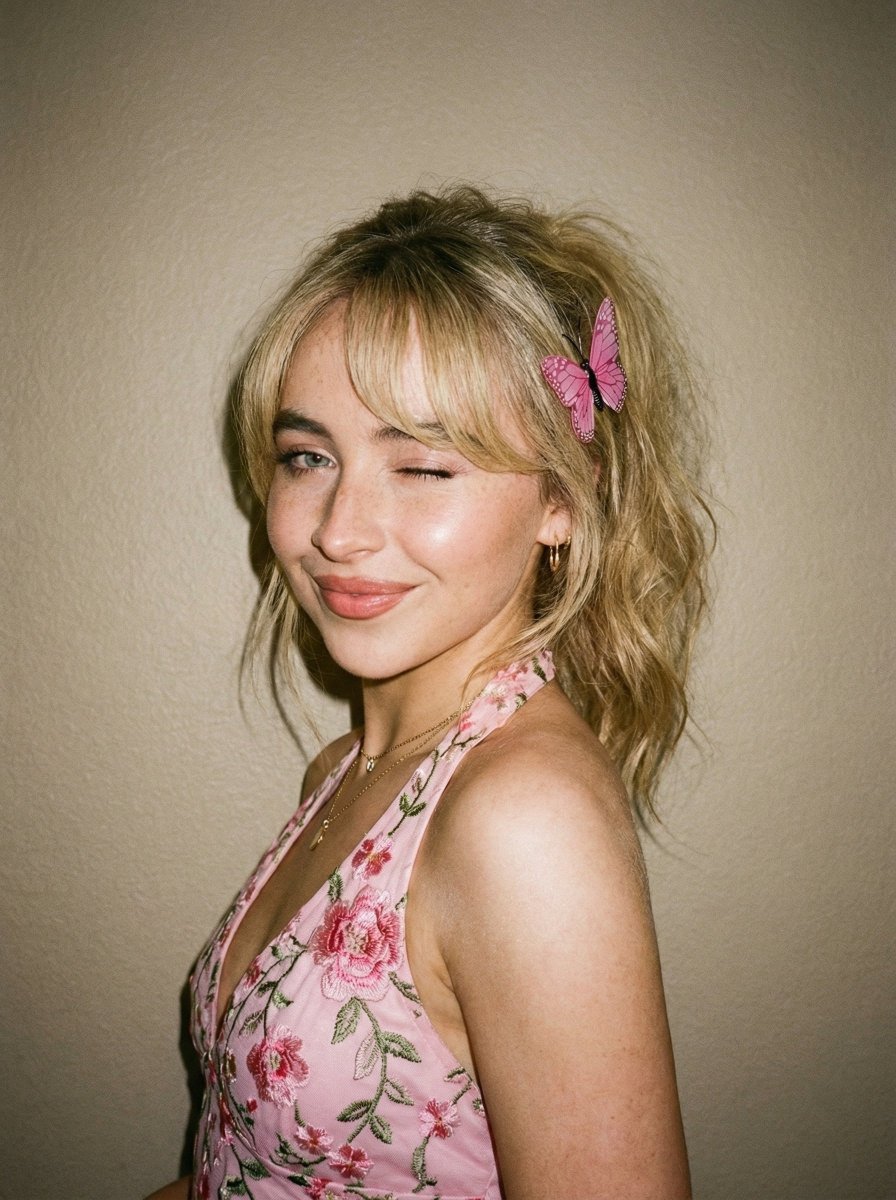
Soft Flash Portrait with Coquette Aesthetic
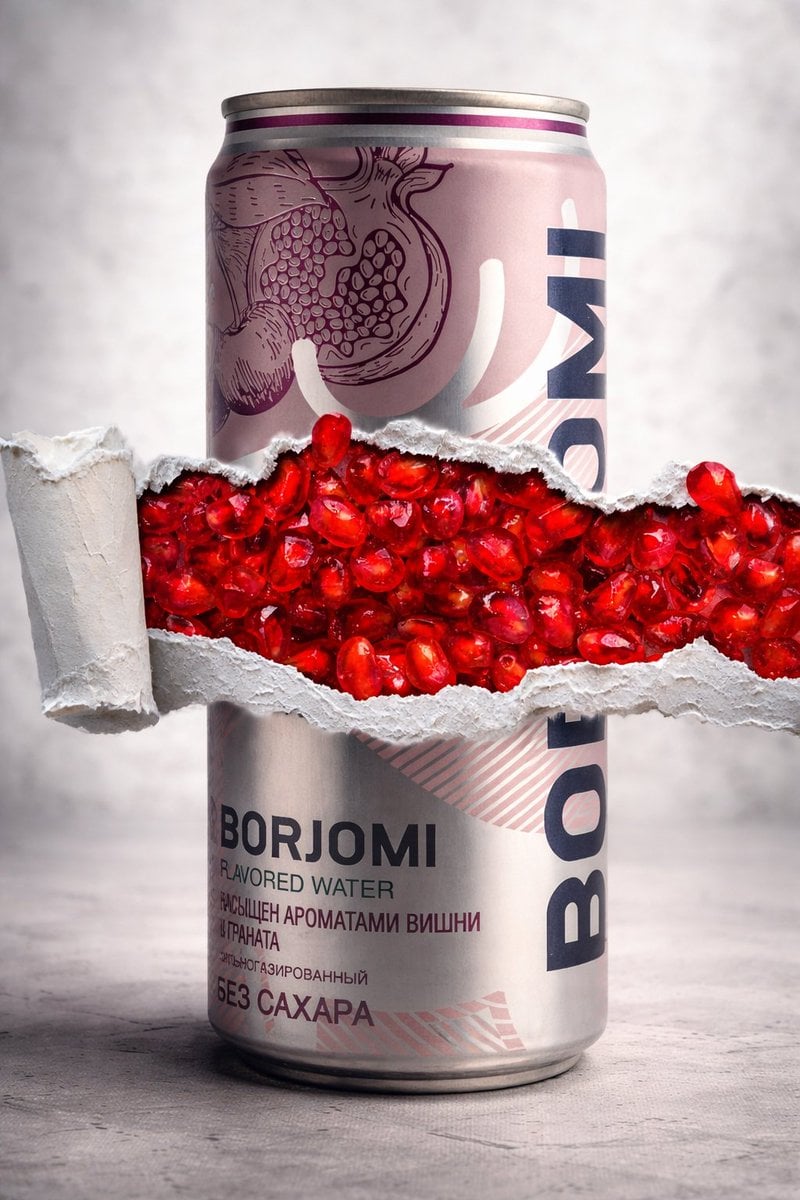
8K Product Photography with Conceptual Cutaway (Borjomi)
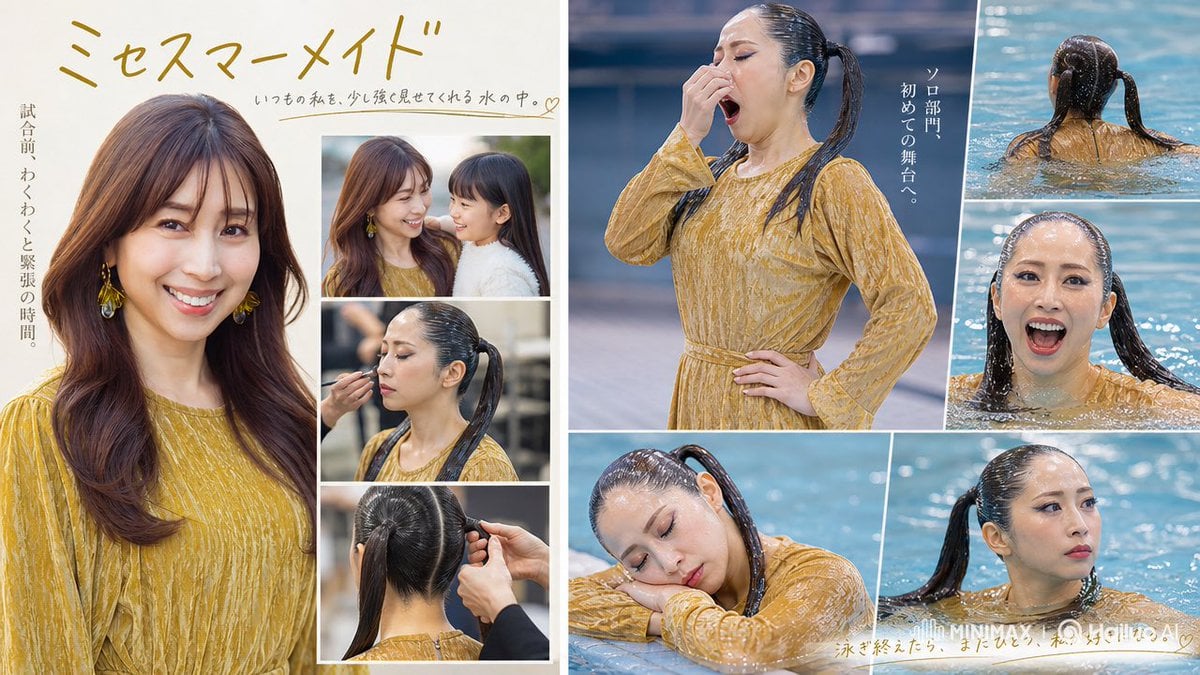
Mrs Mermaid Magazine Collage

TinyToes Giant Baby Shoes Ad

Censored Urban Collage Portrait
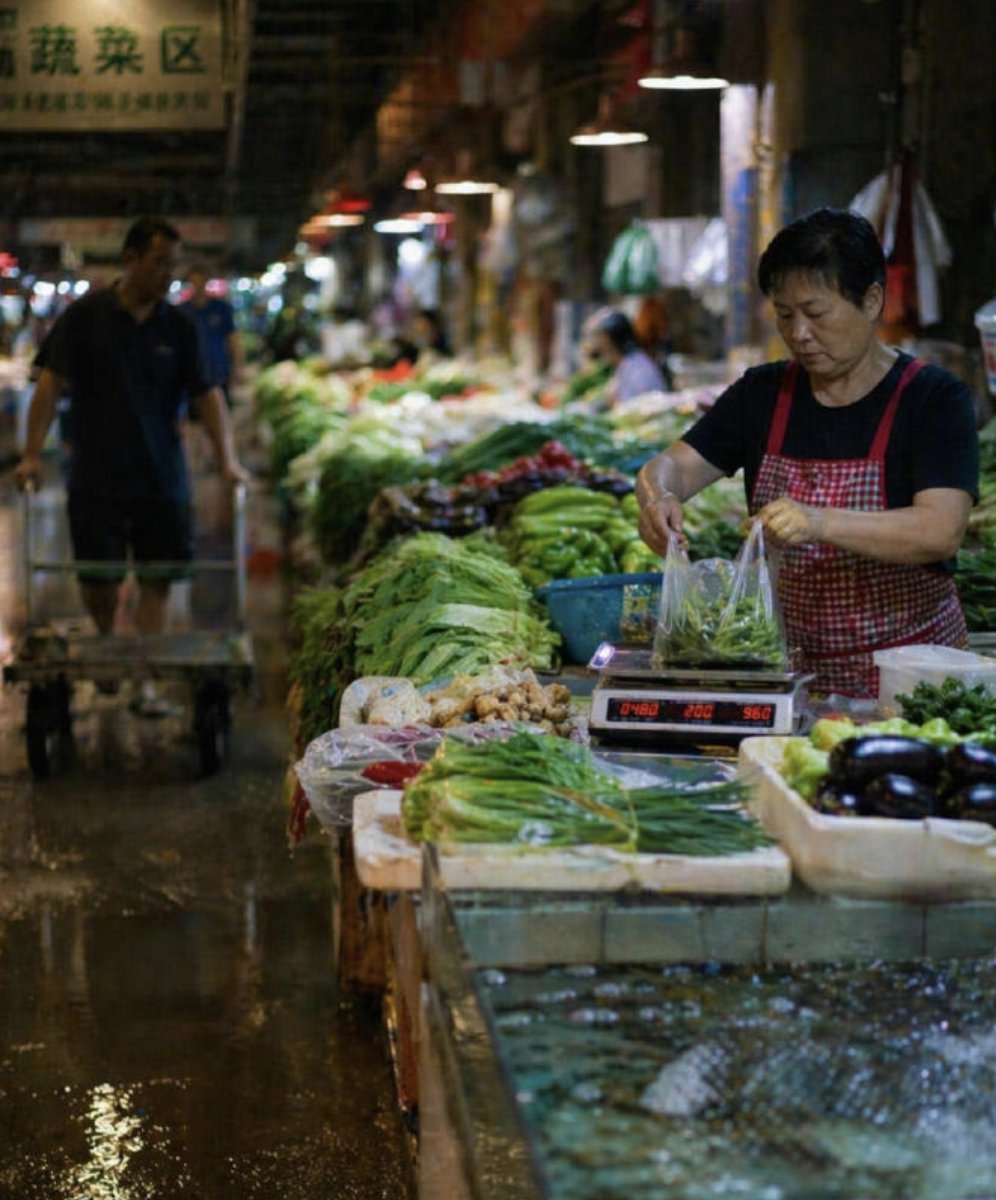
Wet Chinese Night Market Scene
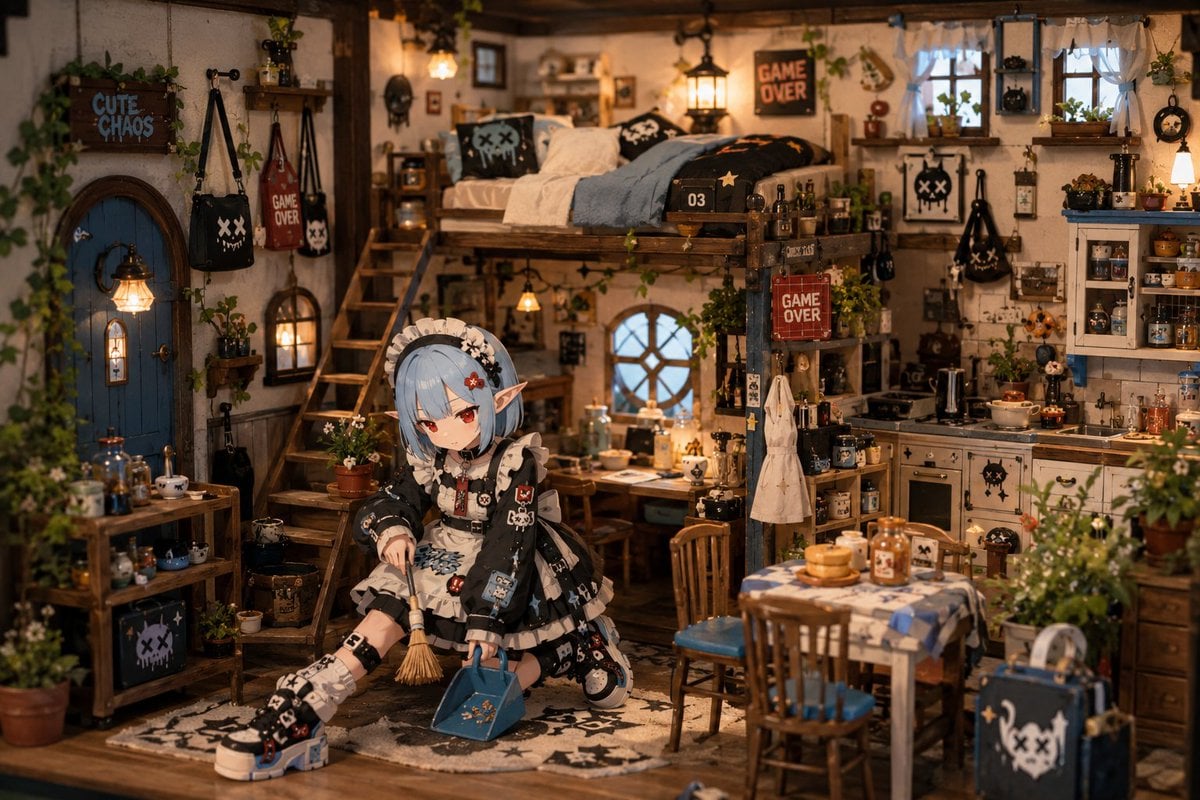
Miniature Diorama Character Living Space
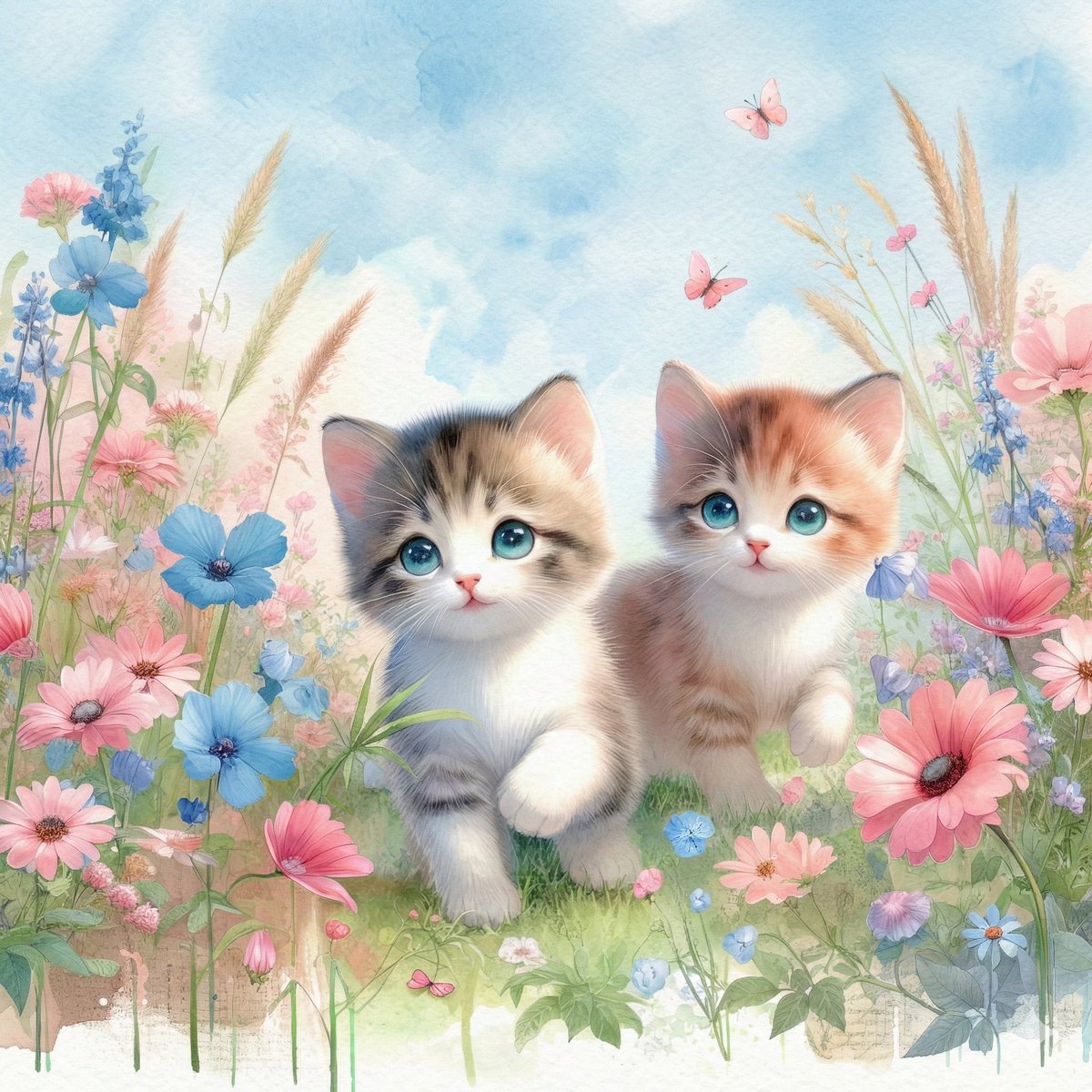
Watercolor Illustration of Kittens in a Garden
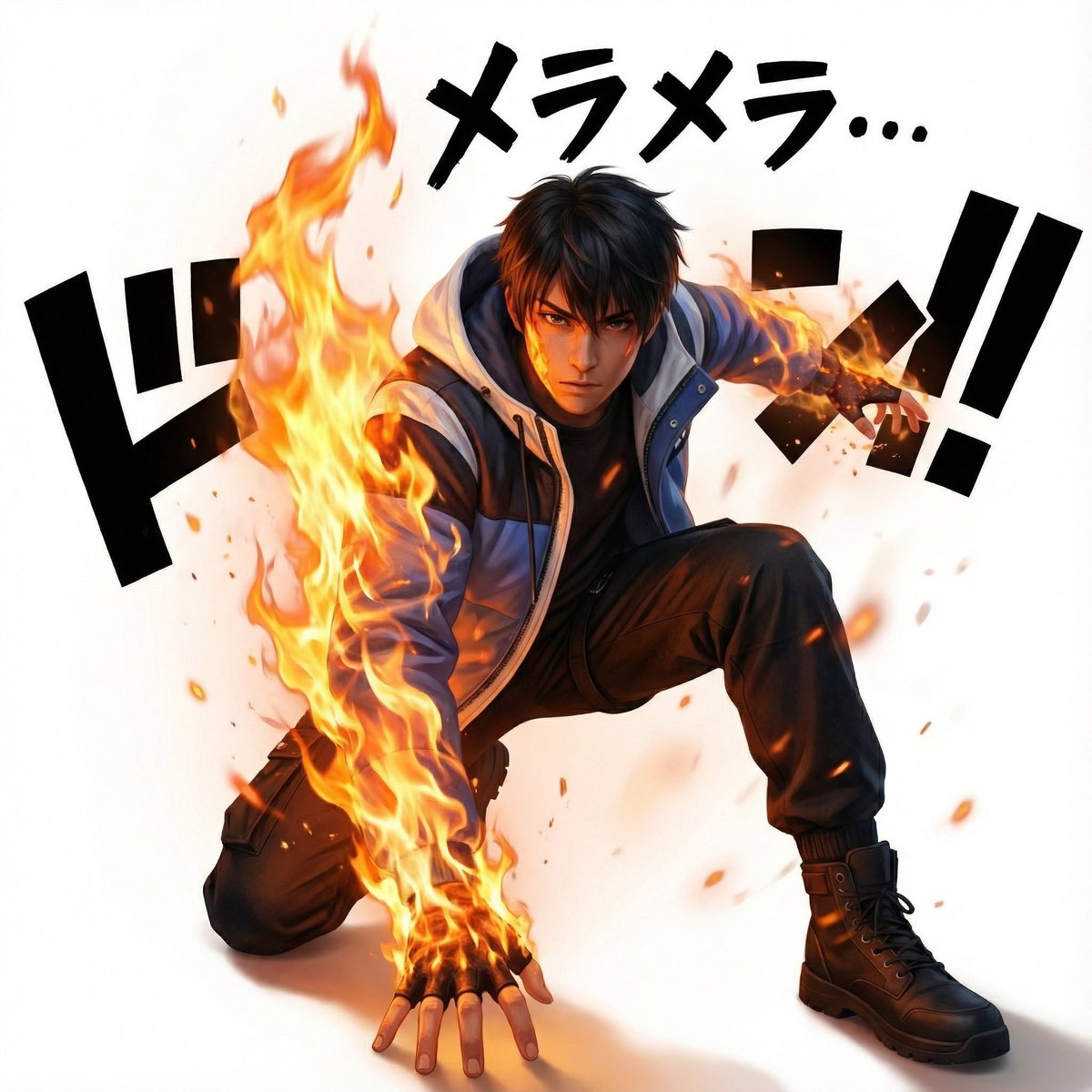
One Piece Devil Fruit Image Generation Prompt Template
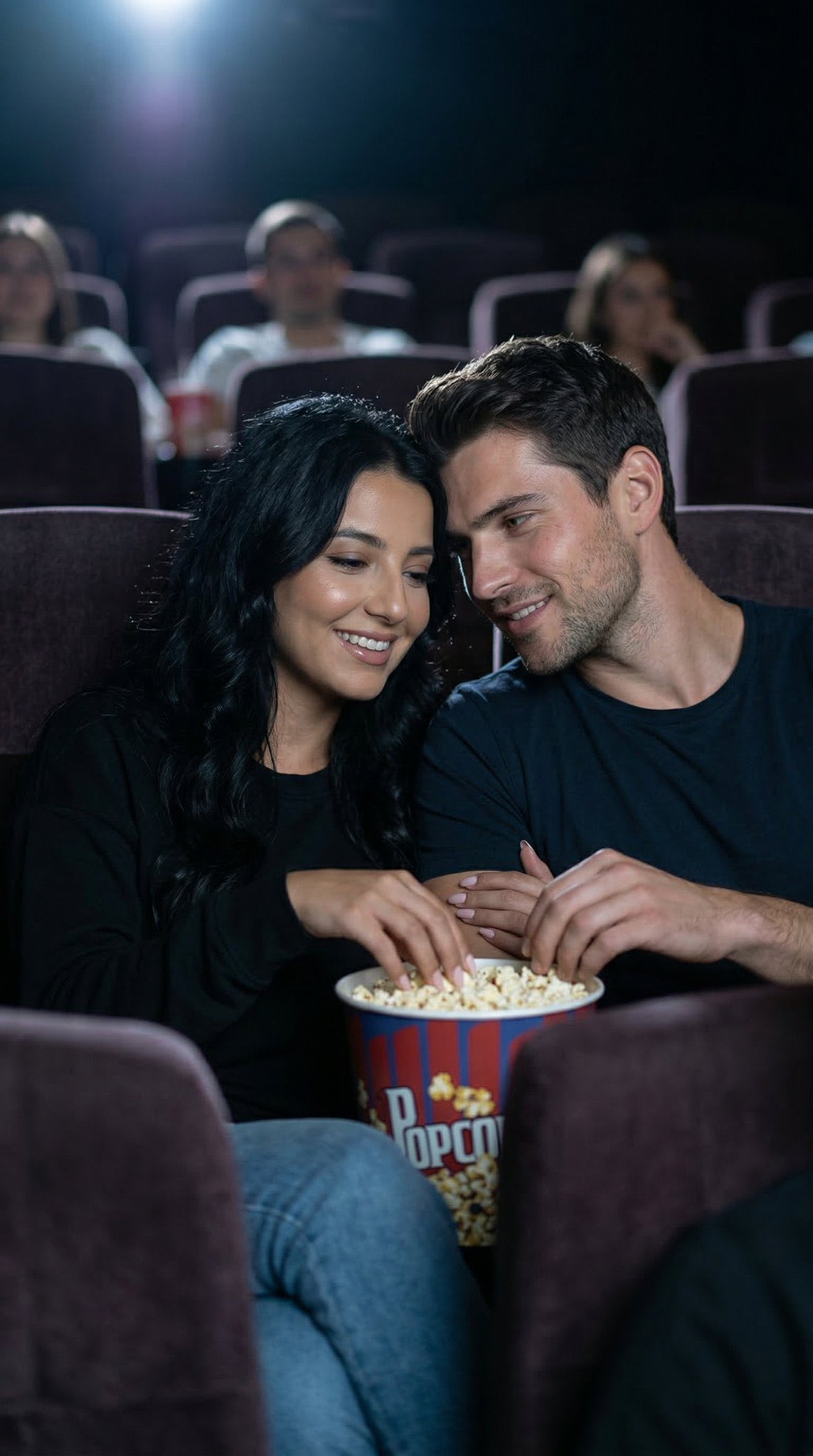
Cinema Date Popcorn Realistic By Nano Ba
Browse template categories
Golden Hour Tropical Cafe Portrait questions
How do I use the Golden Hour Tropical Cafe Portrait template?
Add your photo if the template asks for one, edit the prompt if you like — the template's model and format are already selected — and press Generate. Your version opens in PicX Studio.
Can I customize the Golden Hour Tropical Cafe Portrait template?
Yes. You can change the subject, setting, lighting, mood, format, and available model controls before creating your image.
Is the Golden Hour Tropical Cafe Portrait template free?
Opening and editing this template is free. Generating uses credits, shown on the Generate button when you are signed in.
Which AI model should I use?
Start with Nano Banana 2, which is the model associated with this template. You can compare another compatible model for a different finish.
Looking for something else? Browse all templates.

Your photo, any look
Thousands of ready templates for every top image and video model, from one credit balance.