How do I use the Arid Landscape Lifestyle Portrait template?
Edit the prompt in the box under the preview — the template's model and format are already selected — and press Generate. Your version appears right on this page.
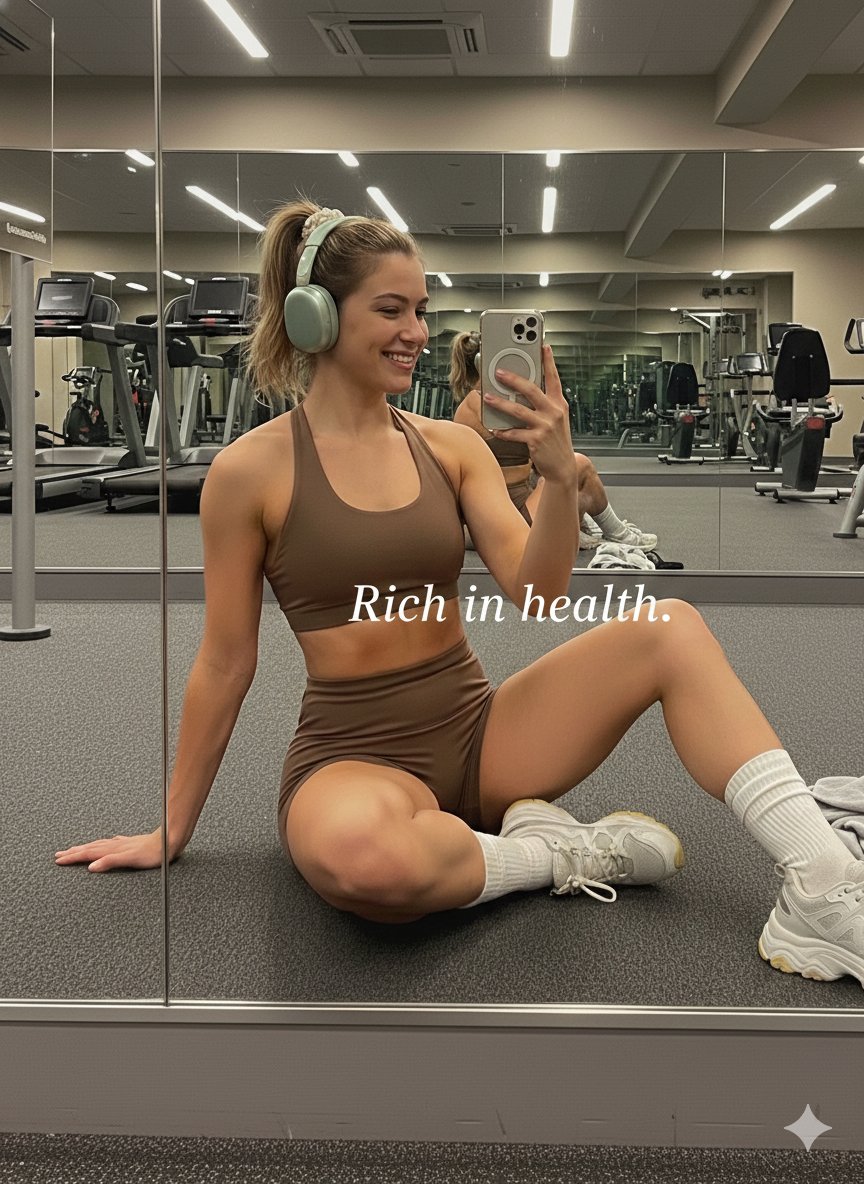
A photorealistic lifestyle prompt for capturing natural daylight portraits in dry, hilly environments with a focus on specific camera settings and high-detail textures.

Photorealistic portrait of a young woman with long wavy auburn-red hair and straight bangs, fair skin, calm confident expression, wearing a fitted light pink ribbed tank top with thin spaghetti straps and high-waisted cream athletic leggings, hand on waist, holding a black smartphone in other hand, standing in sunny arid landscape with dry brush and distant hills, natural daylight, shallow depth of field, sharp focus, lifestyle photography, warm color grading, 8K Ultra HD, shot on Canon EOS R5 with 85mm lens --ar 3:4 --style raw --s 200 --v 6.1 Photorealistic portrait of a young woman with long wavy auburn-red hair and bangs, fair skin, subtle freckles, looking back over left shoulder at camera, wearing light pink ribbed tank top with thin adjustable straps and cream high-waisted athletic leggings, holding dark smartphone, standing in sunlit arid setting with dry vegetation and hazy mountains, bright natural light, background bokeh, high detail, 8K Ultra HD, lifestyle photography, warm tones, professional camera --ar 3:4 --style raw --s 200 --v 6.1
Photorealistic portrait of a young woman with long wavy auburn-red hair and straight bangs, fair skin, calm confident expression, wearing a fitted light pink ribbed tank top with thin spaghetti straps and high-waisted cream athletic leggings, hand on waist, holding a black smartphone in other hand, standing in sunny arid landscape with dry brush and distant hills, natural daylight, shallow depth of field, sharp focus, lifestyle photography, warm color grading, 8K Ultra HD, shot on Canon EOS R5 with 85mm lens --ar 3:4 --style raw --s 200 --v 6.1 Photorealistic portrait of a young woman with long wavy auburn-red hair and bangs, fair skin, subtle freckles, looking back over left shoulder at camera, wearing light pink ribbed tank top with thin adjustable straps and cream high-waisted athletic leggings, holding dark smartphone, standing in sunlit arid setting with dry vegetation and hazy mountains, bright natural light, background bokeh, high detail, 8K Ultra HD, lifestyle photography, warm tones, professional camera --ar 3:4 --style raw --s 200 --v 6.1
Edit the prompt in the box under the preview — the template's model and format are already selected — and press Generate. Your version appears right on this page.
Yes. You can change the subject, setting, lighting, mood, format, and available model controls before creating your image.
Opening and editing this template is free. Generating uses credits, shown on the Generate button when you are signed in.
Start with Nano Banana 2, which is the model associated with this template. You can compare another compatible model for a different finish.
Follow a topic to a crawlable collection of related PicX Studio templates.