
Lake Como Bridal Editorial Collage
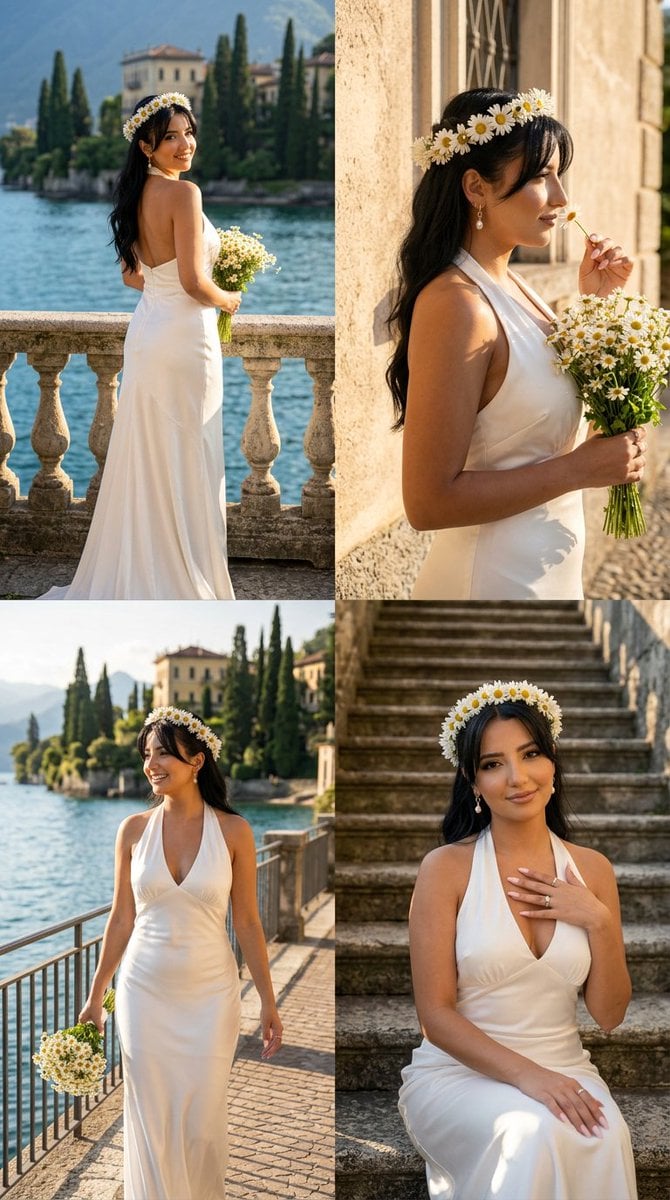
An elegant 2x2 grid depicting a bridal fashion editorial by Lake Como, showcasing various poses and attire details with identity consistency.
- Prompt included
- Model and format preset
- Free template
The prompt behind this image
Copy the exact prompt behind Lake Como Bridal Editorial Collage, or open it in the studio and make it yours.
Ultra-photorealistic vertical 2x2 editorial wedding photo collage featuring the same beautiful {argument name="subject" default="young woman"} across all four panels, with strict face and identity consistency. Same facial structure, warm tan / Mediterranean skin tone, long dark brown hair, confident soft gaze, natural glossy lips, subtle fresh bridal makeup, realistic skin texture, elegant and romantic expression. She wears a luxurious white satin wedding dress with a halter-neck design, deep elegant neckline, open-back detail, fitted feminine silhouette, soft natural folds, glossy satin sheen, refined bridal editorial feeling. The dress should look minimal, romantic, expensive, sensual, and timeless — not overly princess-like. The white satin should have realistic pearl-white highlights, soft shadows, and natural fabric texture. She wears a delicate daisy flower crown in her hair and holds a fresh daisy bridal bouquet in every panel. The bouquet is made of white daisies with soft yellow centers, delicate green stems, small wildflower accents, and a natural handmade romantic feel. The flowers should look fresh, realistic, elegant, and feminine. Create a 2x2 collage with four different romantic bridal poses by Lake Como, Italy: Top left: back-facing over-the-shoulder pose on a stone balcony overlooking Lake Como, looking directly at the camera with a soft confident bridal gaze. The open back of the satin dress is clearly visible, hair flowing naturally, daisy crown glowing in the sunlight, daisy bouquet held close to her waist. Background: blue lake, elegant villas, cypress trees, soft mountains. Top right: side-angle close portrait near a white stone terrace or villa wall, one hand gently holding the daisy bouquet near her chest, soft parted lips, glossy skin, elegant bridal expression. The satin dress neckline and flower crown are clearly visible. Warm lake light, refined Italian luxury mood. Bottom left: seated or leaning pose on old stone steps near the lakeside, bouquet held loosely in both hands, hair falling naturally over one shoulder, halter neckline visible, dreamy romantic mood. Background includes soft Lake Como water reflections, pastel villa architecture, climbing greenery, natural sunlight. Bottom right: playful candid bridal pose on a lakeside promenade, looking slightly away from the camera, holding the daisy bouquet near her face or lips, soft flirty pout or faint smile. The pose should feel natural, charming, and intimate, like a real romantic wedding editorial moment. Background style: Lake Como luxury summer atmosphere, soft blue water, distant green mountains, elegant Italian villas, stone balconies, cream walls, cypress trees, gentle sunlight, refined destination-wedding mood. Keep the setting minimal and not overcrowded, with clean composition and romantic depth. Lighting: warm golden Italian sunlight, soft natural shadows, subtle direct-flash editorial touch only where flattering, luminous bridal skin, r
How to use Lake Como Bridal Editorial Collage in 3 steps
- 1
Open
The prompt is already in the box next to the preview, with the template's model and format selected.
- 2…a portrait of your subject in softgolden-hour light, 85mm…
Personalize
Edit the subject and creative details for your destination.
- 3Generate
Generate
Press Generate — your image is created in PicX Studio, so you can compare it with the original and refine one variable at a time.
More like this
Templates with the same subject, style or setup. Open one to see its prompt.
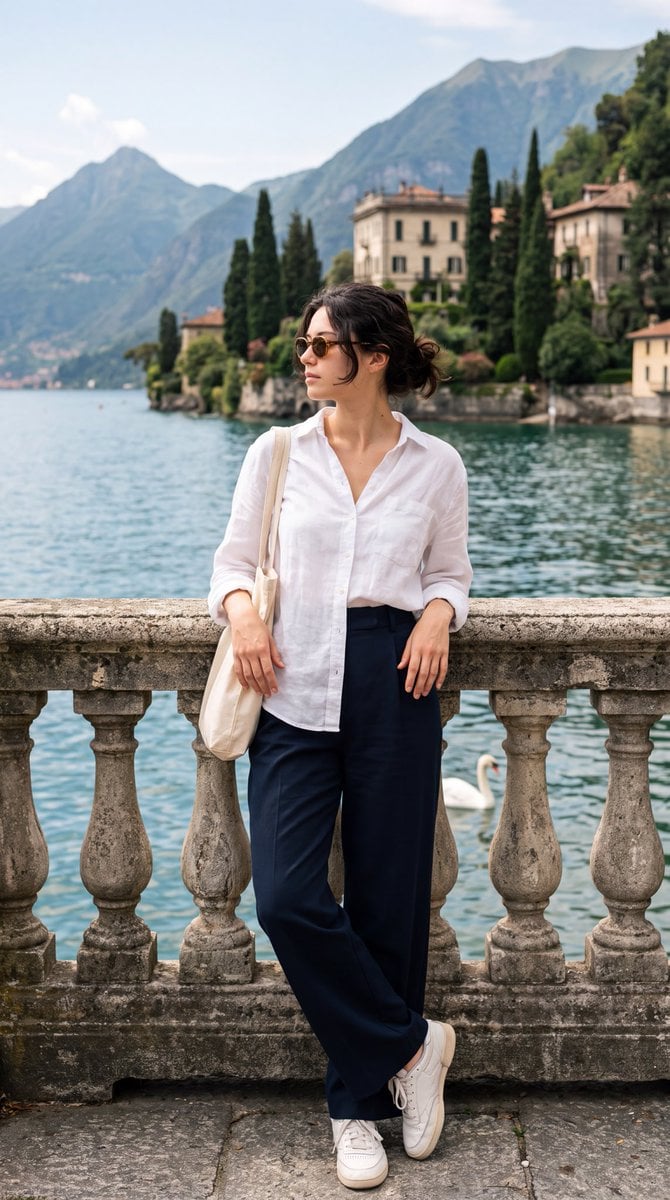
Lake Como Editorial Travel Photo

Vogue Editorial on Lake Como in a Riva Boat
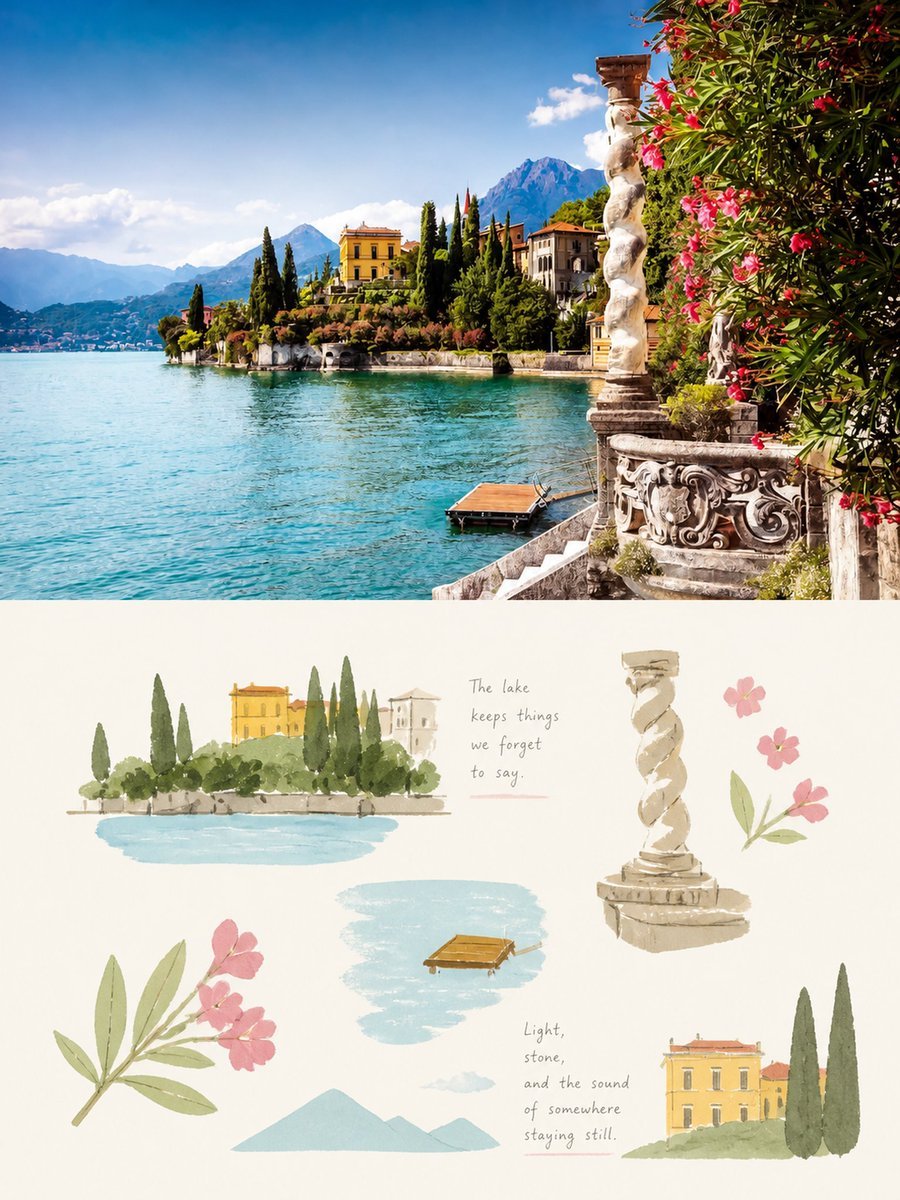
Lake Como Photo and Gouache Diptych
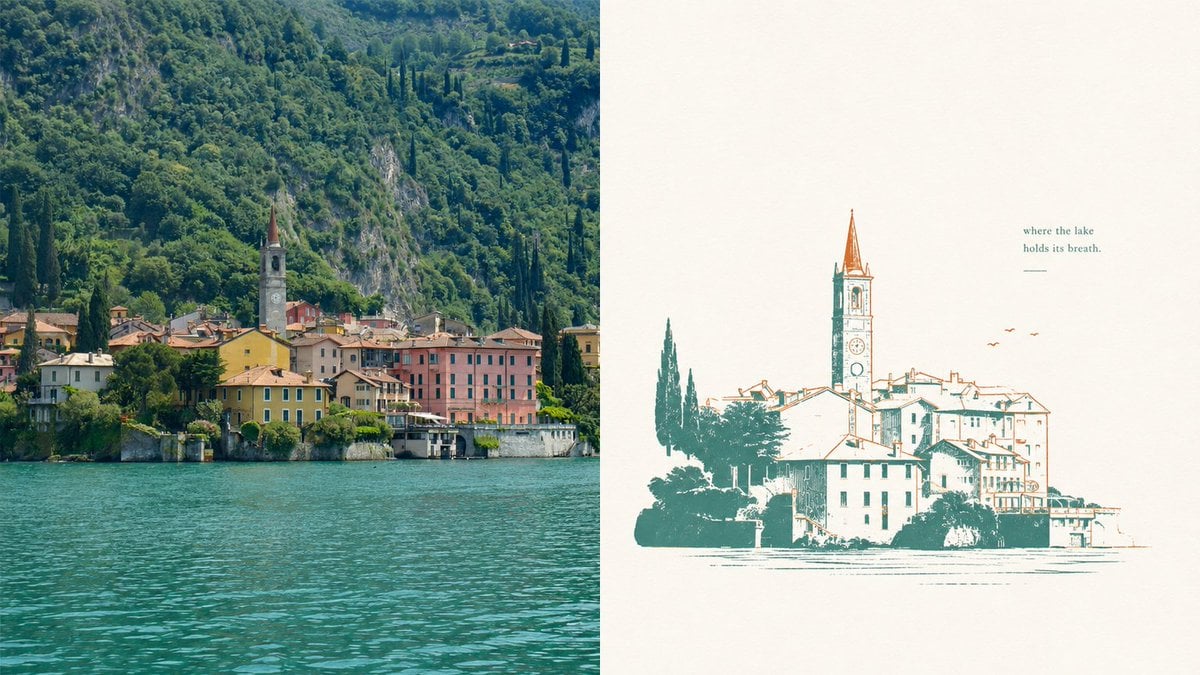
Lake Como Two-Color Print Diptych

Teen Girl Alpine Lake Mountain View
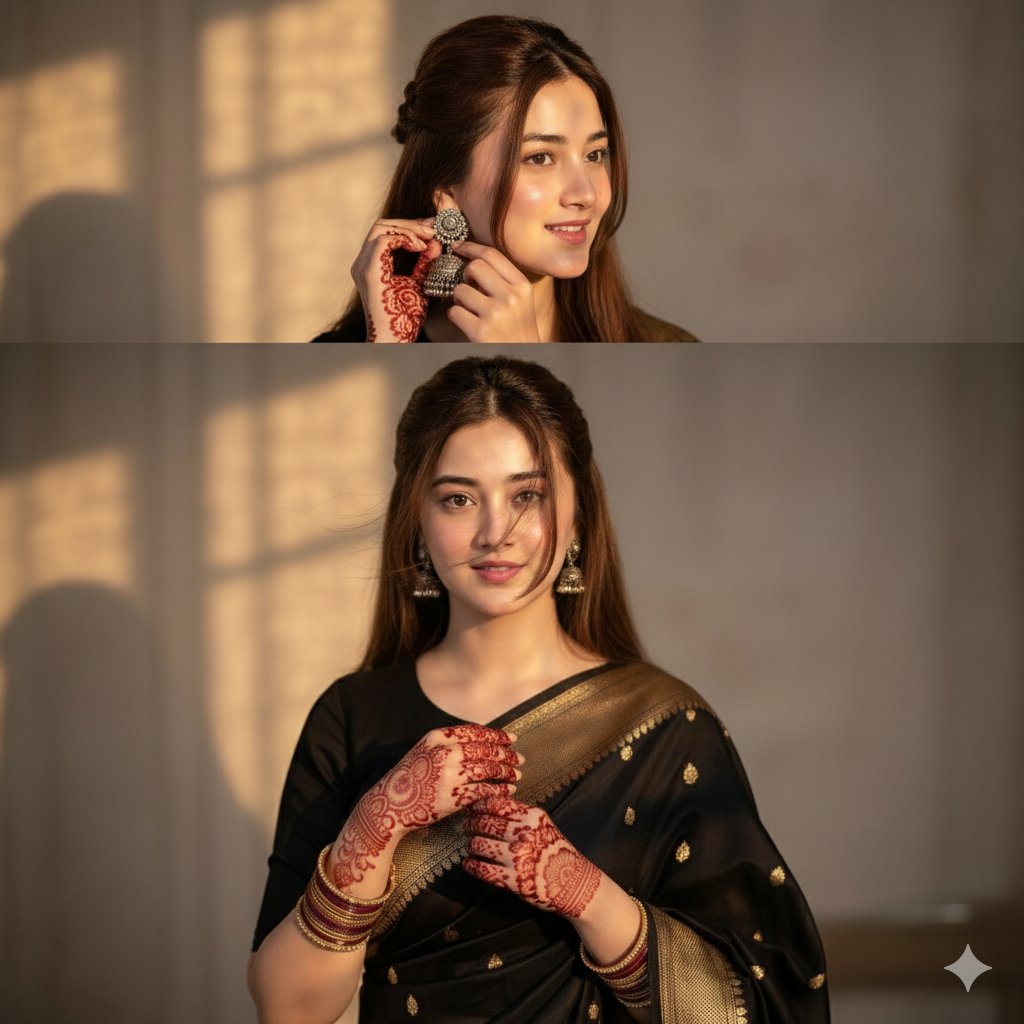
Indian bridal look cinematic collage

South Asian Bridal Lehenga Editorial
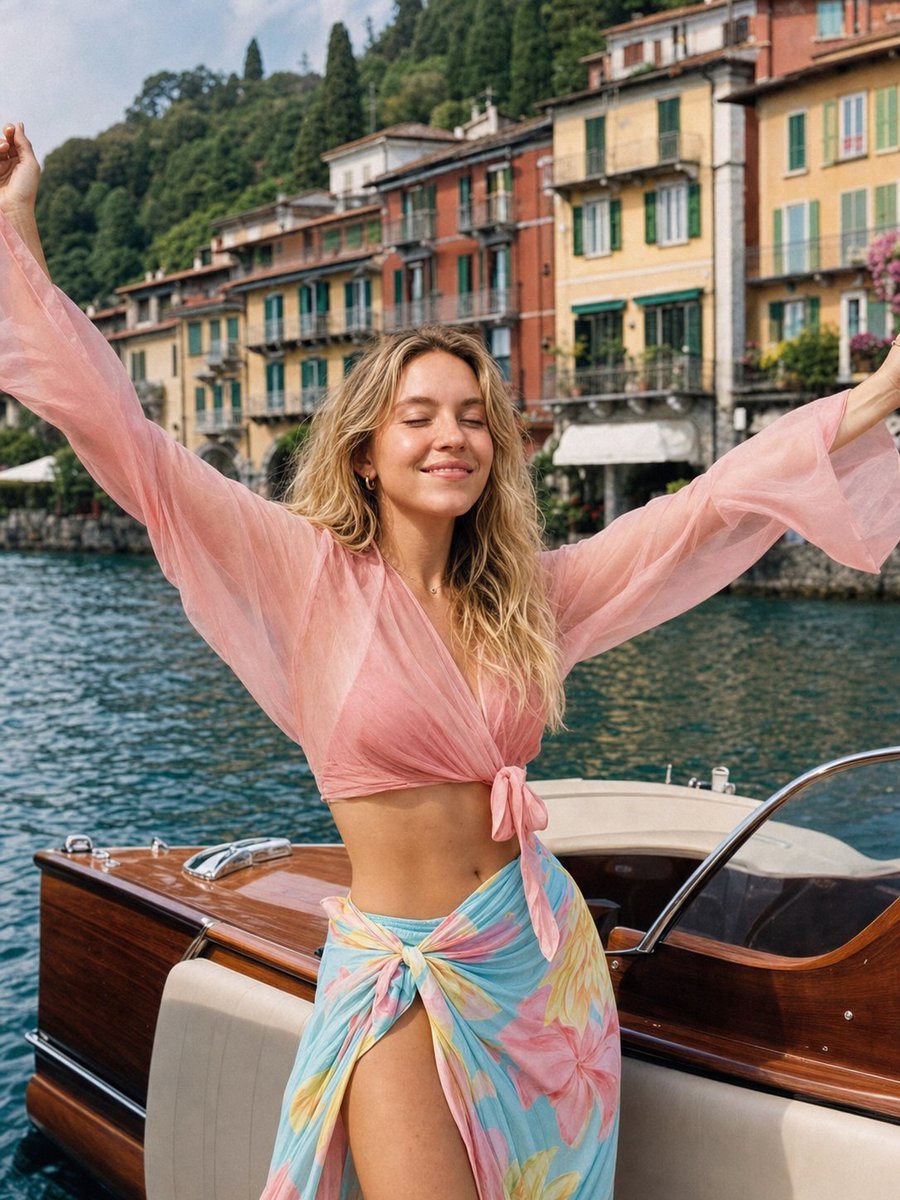
Lake Como Lifestyle Portrait
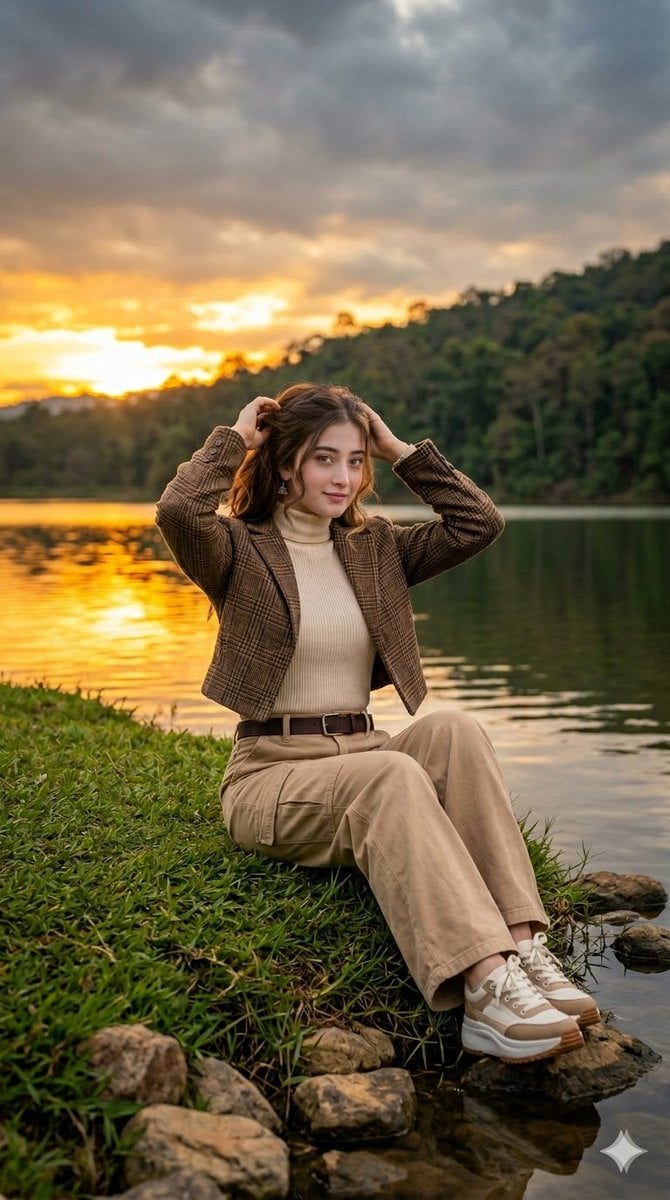
Autumn Lakeside Fashion Editorial

Paper Cut Finale Fireworks

Paper Cut Garden Maze

Paper Cut Rooftop Concert
Make it yours
Lake Como Bridal Editorial Collage works as-is. These are the safest ways to change it without losing the look.
Change one field
Copy a single group, rewrite it, and generate again so you can see what that field is doing.
Keep the frame, change the subject
Hold the composition and light of Lake Como Bridal Editorial Collage, then swap wardrobe, props or the person for a new take.
| If the result… | Why | Fix |
|---|---|---|
| The result drifts from the preview | Too many fields changed at once. | Reuse Lake Como Bridal Editorial Collage as-is first, then change one group — subject, light, or setting. |
| The model over-stylizes the scene | The prose prompt leaves finish and camera underspecified. | Add one camera or lighting sentence and stay on Nano Banana 2. |
More Nano Banana 2 templates
Other prompts made for Nano Banana 2.

Photorealistic Leaf Shaped Like a Dragon

K-Pop Idol Portrait Grid for Rapid Selection

Poetic Rain Forest Portrait During Golden Hour

Urban Street Portrait with Cartoon Inner Self Duo

Candid Nighttime Photo with Cat Prompt

High-Concept 3D Diorama Generation Prompt

Cinematic Futuristic Studio Portrait Template

Skincare Editorial Photography Collage Prompt

Hyper-Realistic Commercial Product Photography (Splash Effect)

Hyper-Realistic Nightclub Portrait Prompt
More image prompts
Fresh picks from across the catalog.
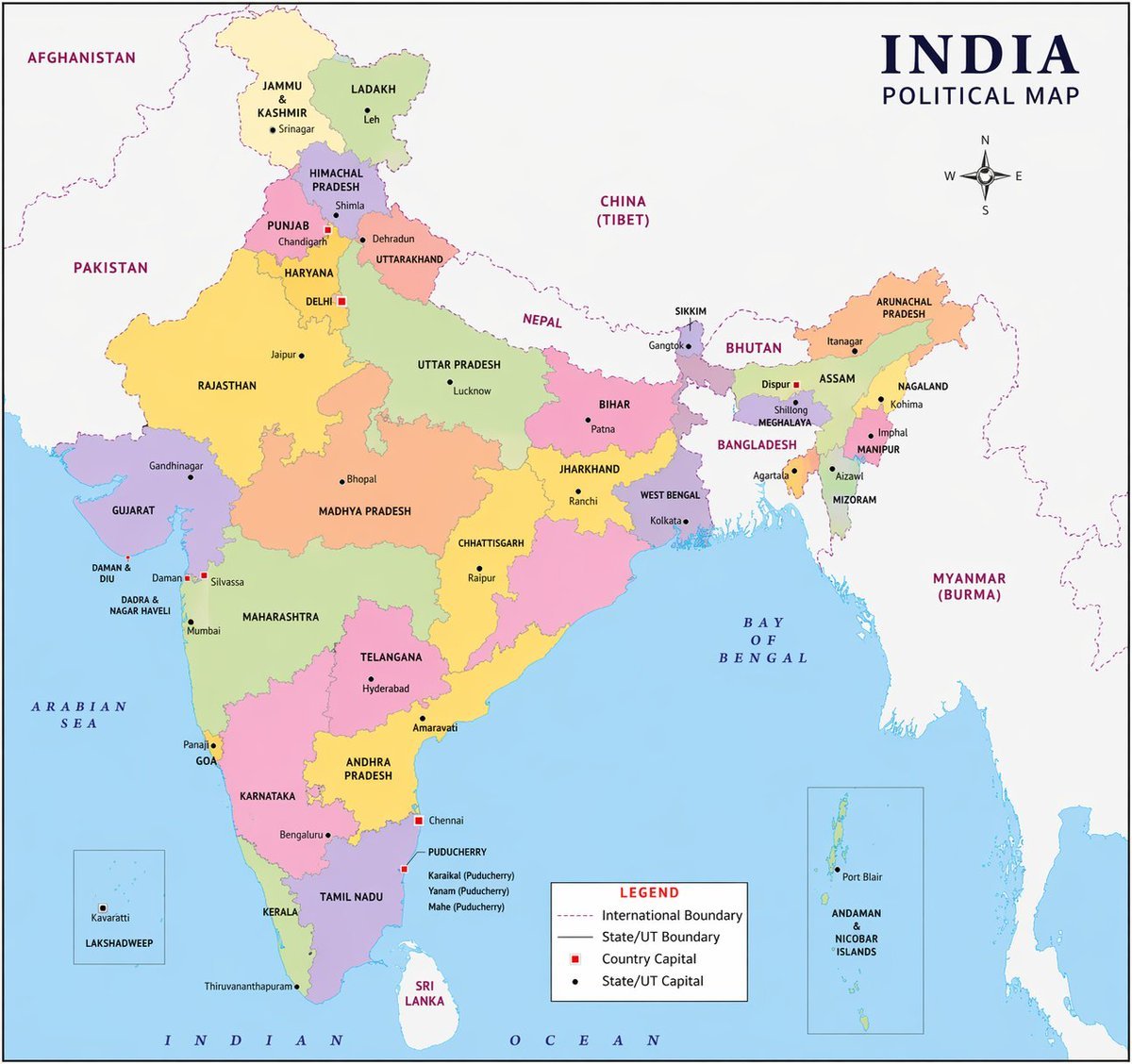
Political Map Visualization
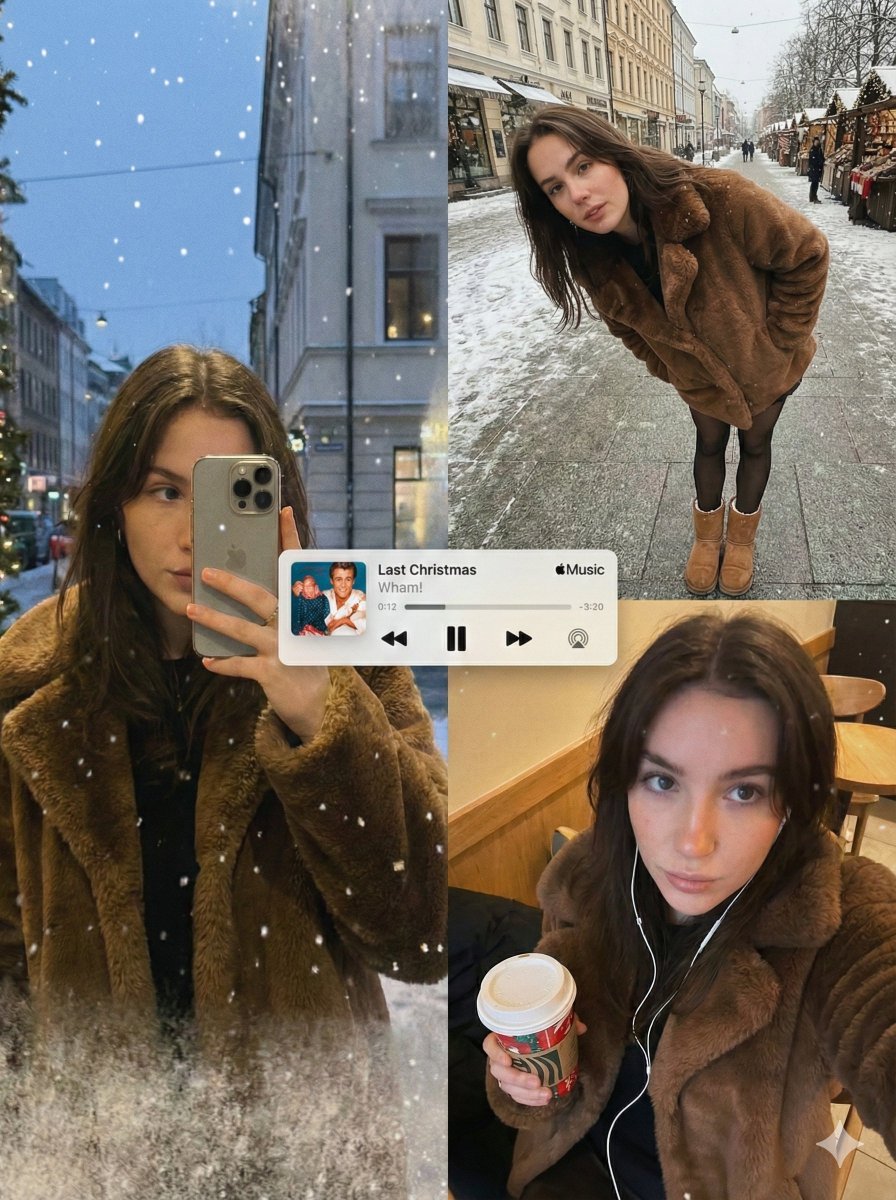
Editorial Winter Collage with Face Preservation
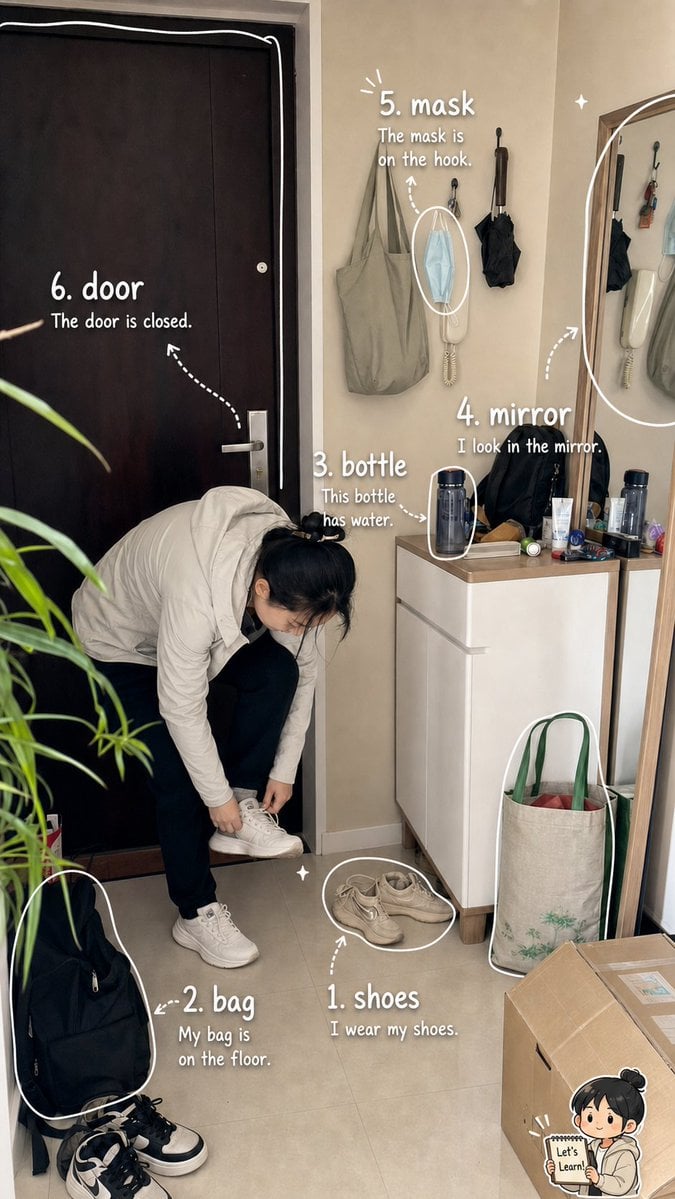
Photo Vocabulary Journal Overlay

Intimate Mirror Selfie in Soft Bedroom Light

Parody Luxury Product Advertisement
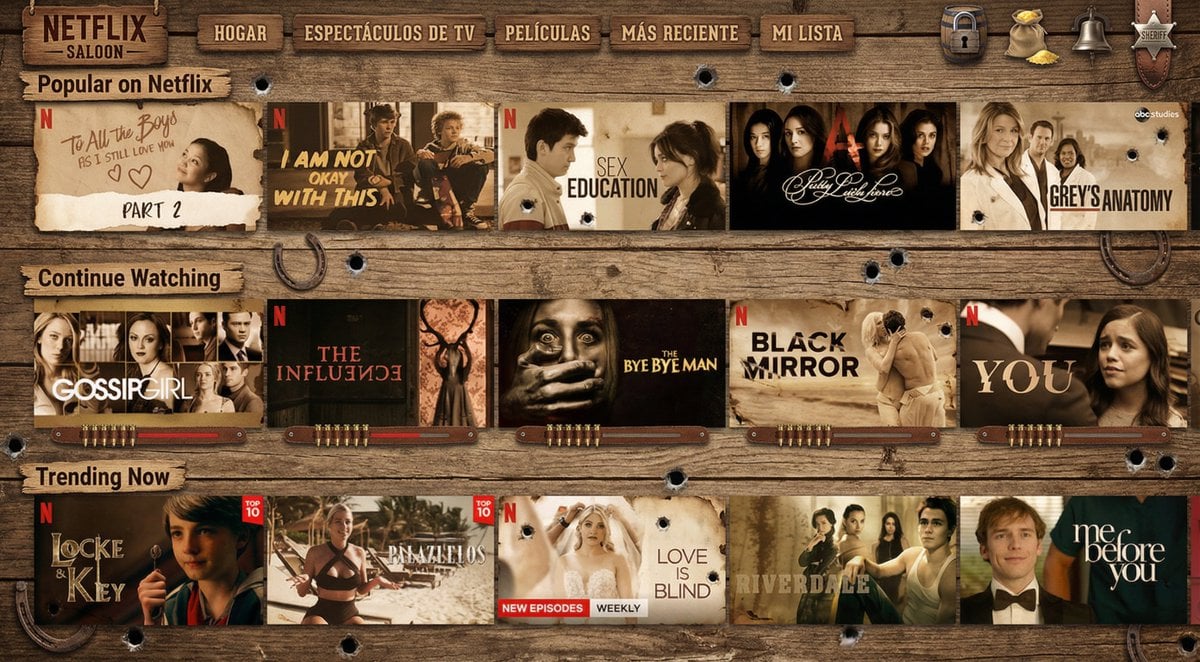
Turn Netflix screen into a western version
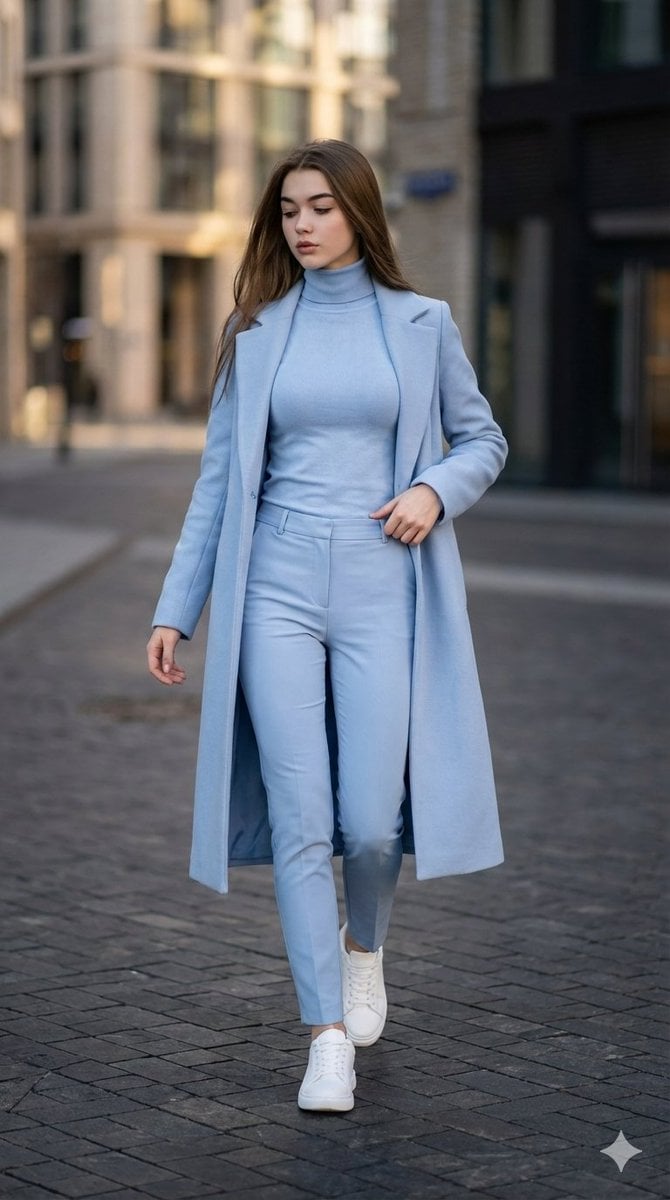
Cinematic Street Style Identity Preservation Prompt
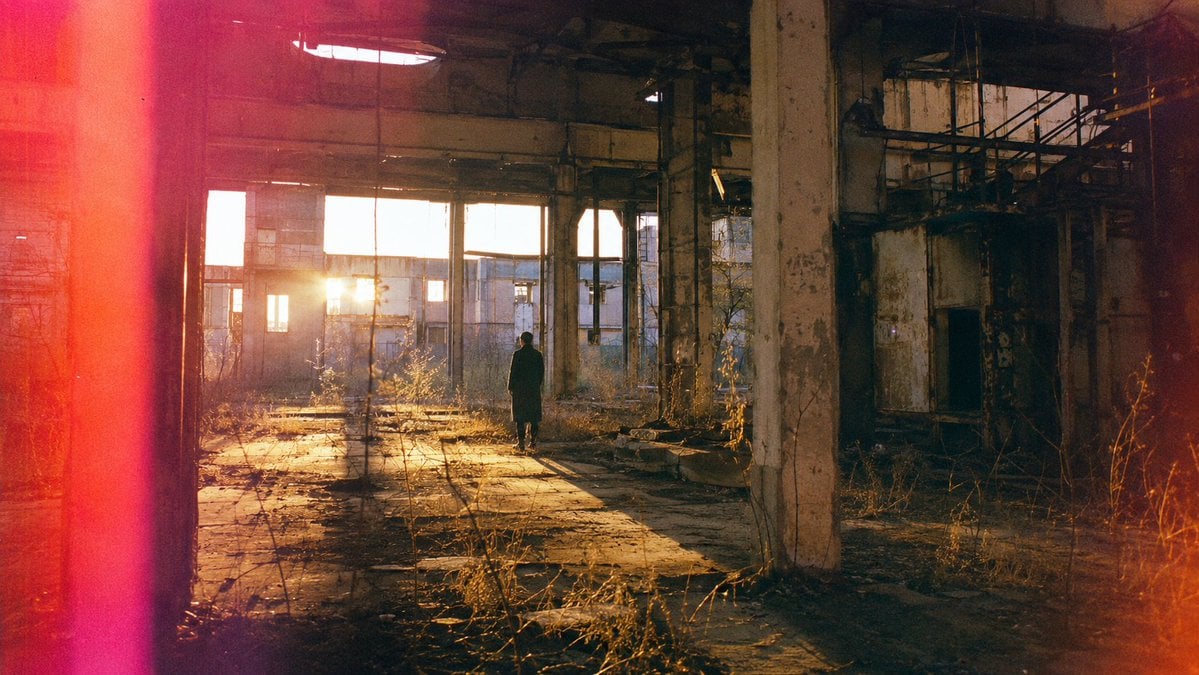
Lone Figure in Abandoned Warehouse
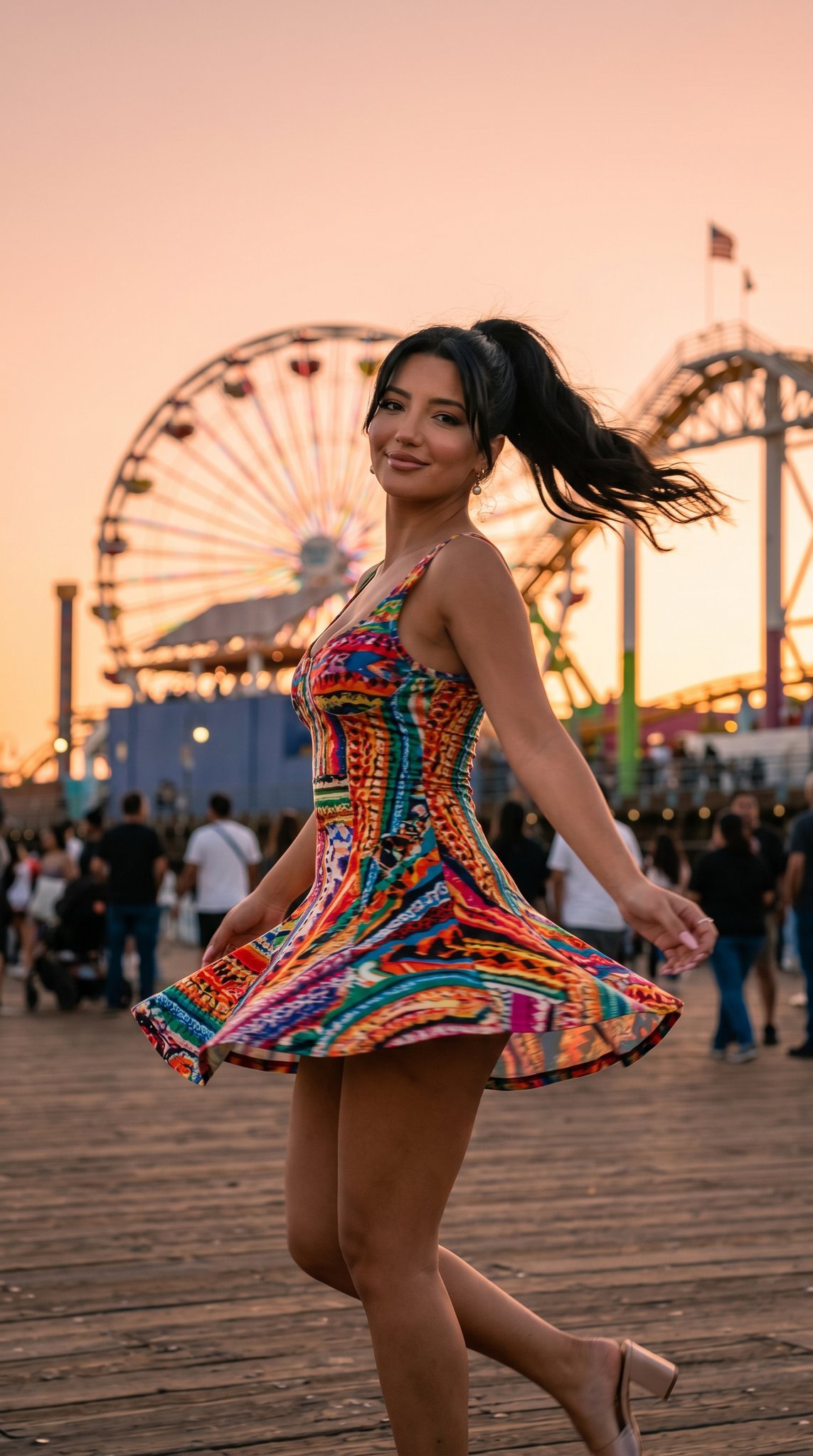
05 Santa Monica Pier — California Series
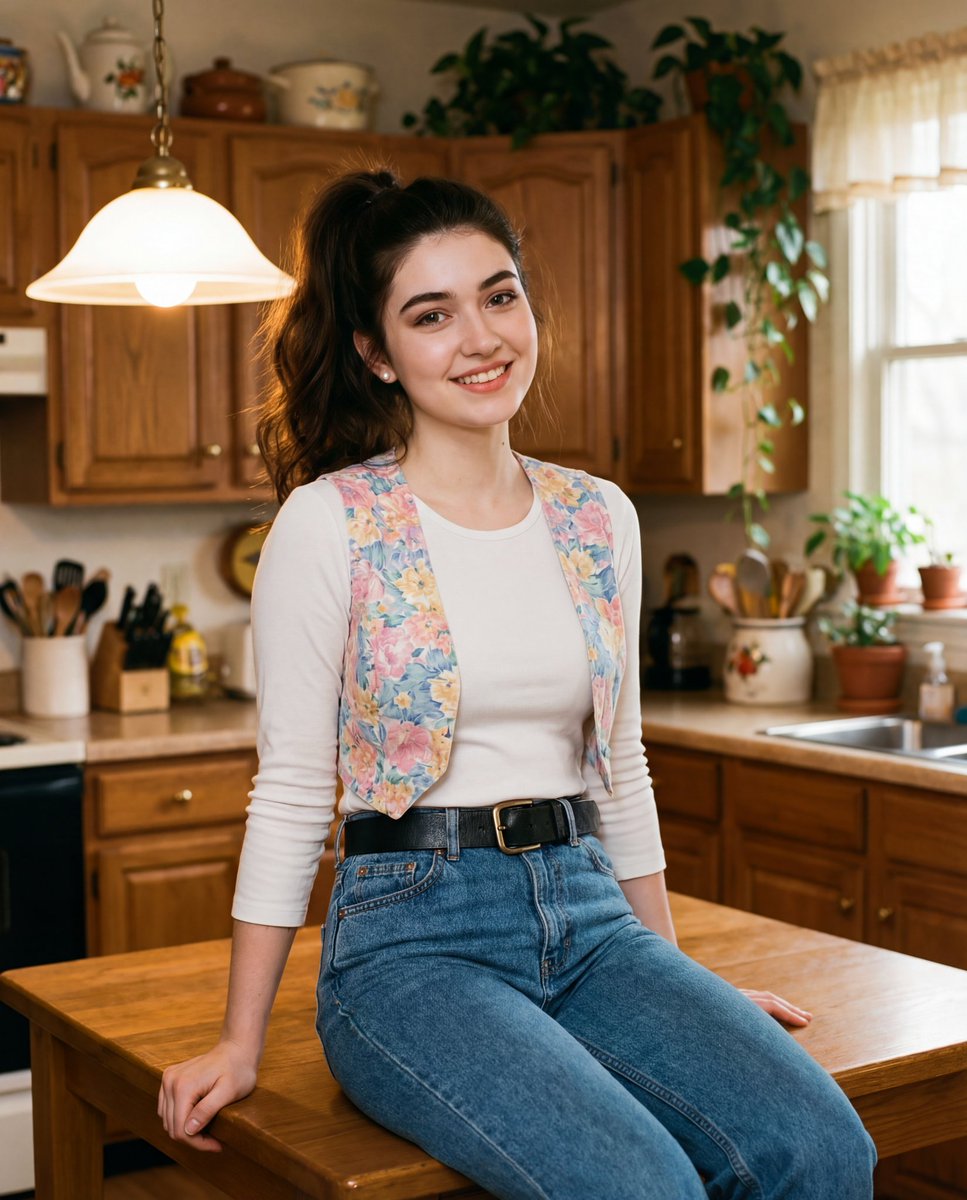
Ultra-realistic cinematic early-1990s indoor film still generation prompt
Browse template categories
Lake Como Bridal Editorial Collage questions
How do I use the Lake Como Bridal Editorial Collage template?
Add your photo if the template asks for one, edit the prompt if you like — the template's model and format are already selected — and press Generate. Your version opens in PicX Studio.
Can I customize the Lake Como Bridal Editorial Collage template?
Yes. You can change the subject, setting, lighting, mood, format, and available model controls before creating your image.
Is the Lake Como Bridal Editorial Collage template free?
Opening and editing this template is free. Generating uses credits, shown on the Generate button when you are signed in.
Which AI model should I use?
Start with Nano Banana 2, which is the model associated with this template. You can compare another compatible model for a different finish.
Looking for something else? Browse all templates.

Your photo, any look
Thousands of ready templates for every top image and video model, from one credit balance.