
Lake Como Photo and Gouache Diptych
A vertical split-media travel artwork pairing a photorealistic Lake Como villa scene with a soft gouache sketchbook collage for poetic poster or editorial use.
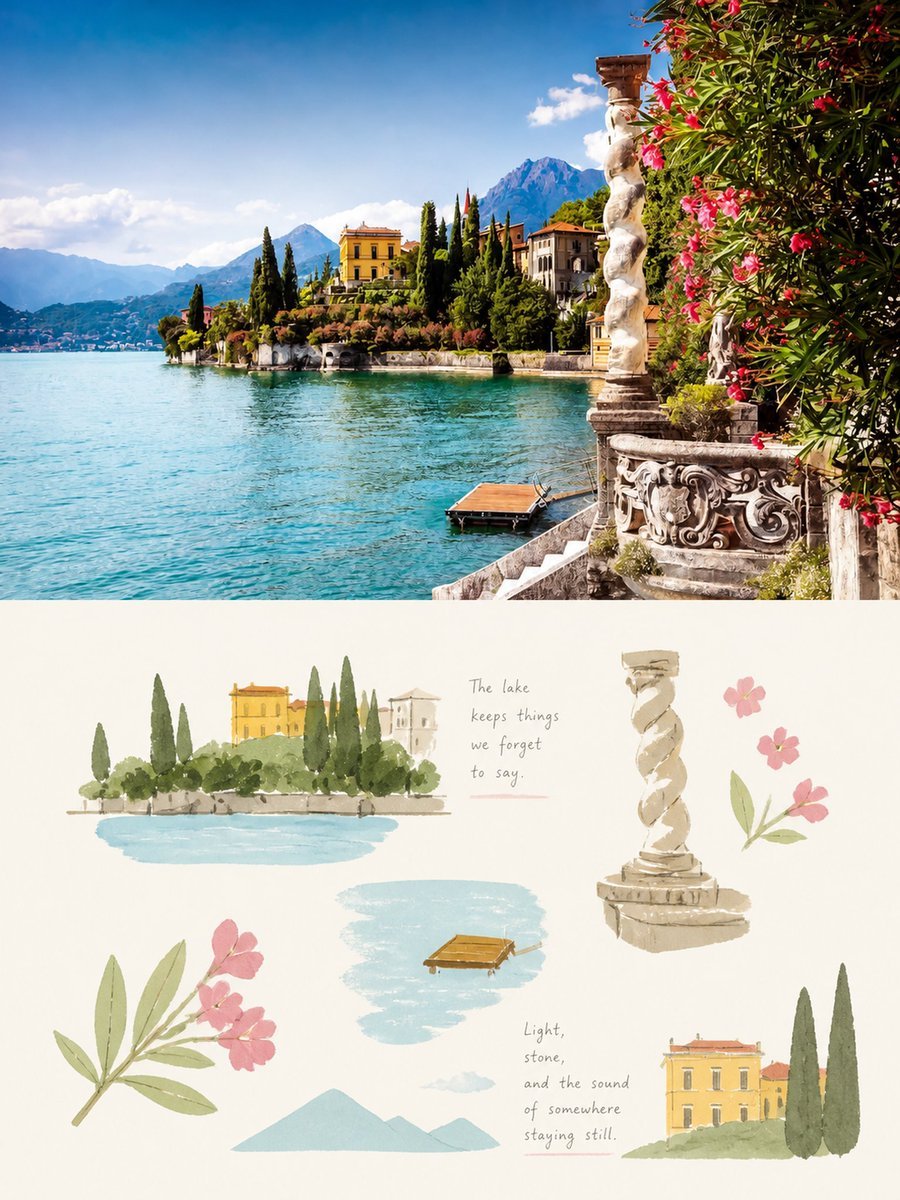
- Prompt included
- Model and format preset
- Free template
The prompt behind this image
Copy the exact prompt behind Lake Como Photo and Gouache Diptych, or open it in the studio and make it yours.
Goal: Create a vertical travel-aesthetic diptych about {argument name="destination" default="Lake Como, Italy"}, combining a vivid scenic photograph on top with a soft gouache sketchbook collage on the bottom. Canvas: Portrait 3:4 composition, split horizontally into two equal panels. No border between panels. The upper half is realistic photography; the lower half is an off-white paper background with airy watercolor/gouache studies. Top panel: A bright Mediterranean lakeside villa scene in crisp summer daylight. Show turquoise lake water filling the left foreground, a small wooden floating dock near the lower right waterline, ornate stone terrace stairs and carved balustrade on the right, a twisted carved stone column near the right edge, and lush pink oleander blossoms overhanging from the upper right. Across the water, show elegant yellow and cream villas with terracotta roofs, tall dark cypress trees, manicured gardens, and hazy blue mountains under a deep blue sky with a few white clouds. Use saturated but healing colors, cinematic travel photography, sharp foreground details, sunlit stone texture, tranquil atmosphere. Bottom panel: A minimalist gouache-and-pencil sketchbook layout on warm cream paper, with loose brush texture, soft edges, muted pastel palette, and lots of negative space. Include exactly 8 separate collage elements: 1) a small lakeside villa vignette at upper left with a yellow building, cypress trees, shrubs, a stone wall, and a pale blue water patch; 2) a handwritten quote near the upper center reading {argument name="upper quote" default="The lake keeps things we forget to say."}; 3) a beige spiral stone column sketch at upper right; 4) a small pink flower sprig beside the column; 5) a large pink oleander branch with green leaves at lower left; 6) a pale blue lake-water brush puddle in the center with a tiny brown wooden dock; 7) a pale blue simplified mountain silhouette near the lower center; 8) a small villa-and-cypress vignette at lower right with a yellow villa, red roof, green ground, and two tall dark cypress trees. Additional handwritten text: Place a second small pencil-written quote near the lower middle-right reading {argument name="lower quote" default="Light, stone, and the sound of somewhere staying still."} with a faint pink underline. Keep the handwriting casual, delicate, and slightly uneven. Visual style: GPT-image-2 aesthetic, split-media travel poster, top half photorealistic and richly colored, bottom half light gouache illustration, Japanese design-zine sensibility, soothing palette of turquoise blue, cypress green, sunlit yellow, stone beige, and soft pink. The overall mood should feel light, slightly clumsy, handmade, poetic, and calming. Constraints: Keep the exact two-panel vertical composition and the exact count of 8 illustrated collage elements in the lower half. Avoid people, cars, logos, watermarks, heavy outlines, or extra text beyond the two quotes.
How to use Lake Como Photo and Gouache Diptych in 3 steps
- 1Upload ImagePNG, JPG or paste
Add your photo
Upload the photo the template builds on. The prompt, model and format are already set.
- 2…a portrait of your subject in softgolden-hour light, 85mm…
Personalize
Edit the subject and creative details for your destination.
- 3Generate
Generate
Press Generate — your image is created in PicX Studio, so you can compare it with the original and refine one variable at a time.
More like this
Templates with the same subject, style or setup. Open one to see its prompt.
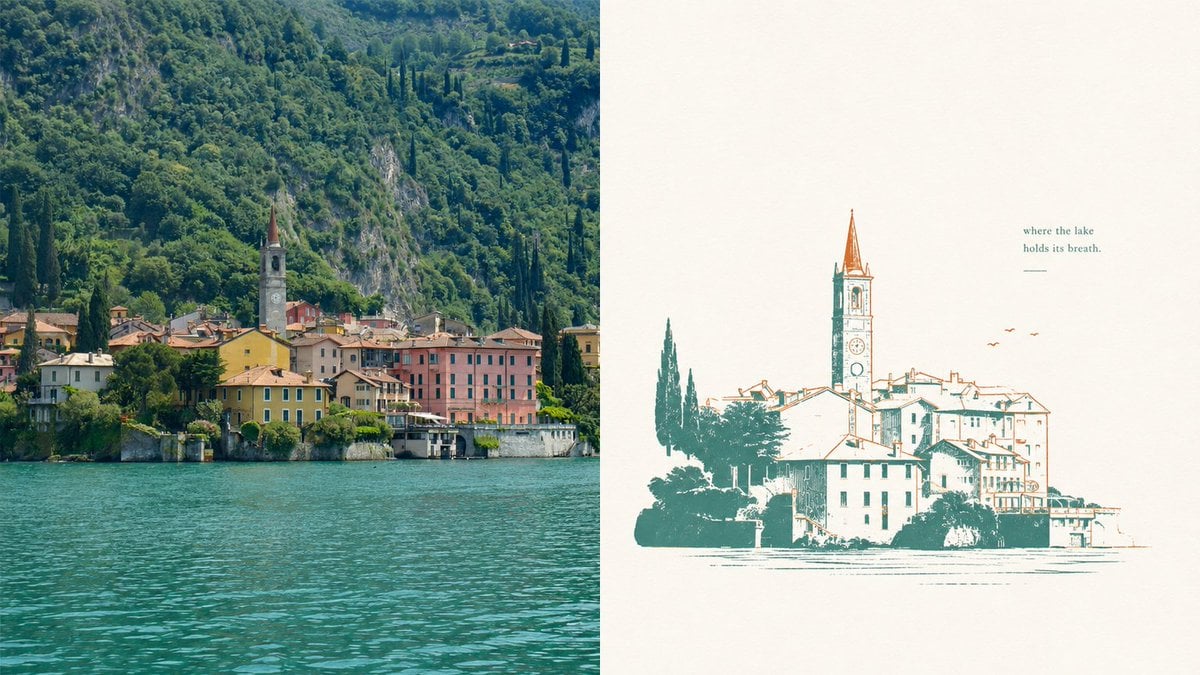
Lake Como Two-Color Print Diptych
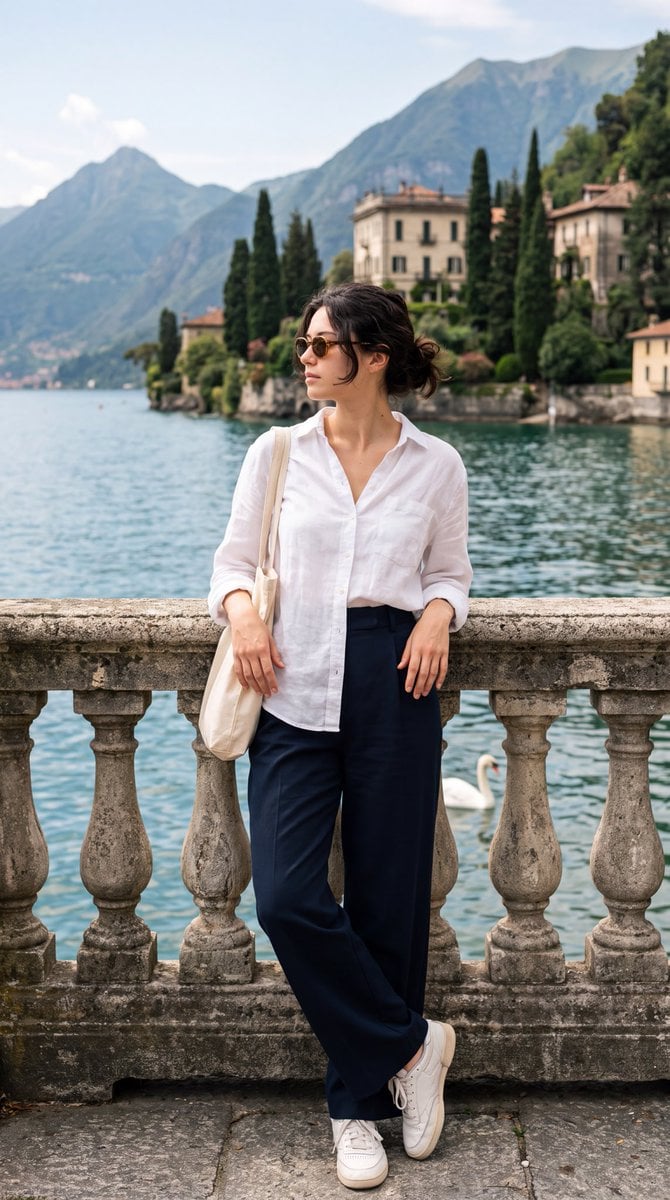
Lake Como Editorial Travel Photo

Teen Girl Alpine Lake Mountain View

Mountain Lake Sunset Landscape
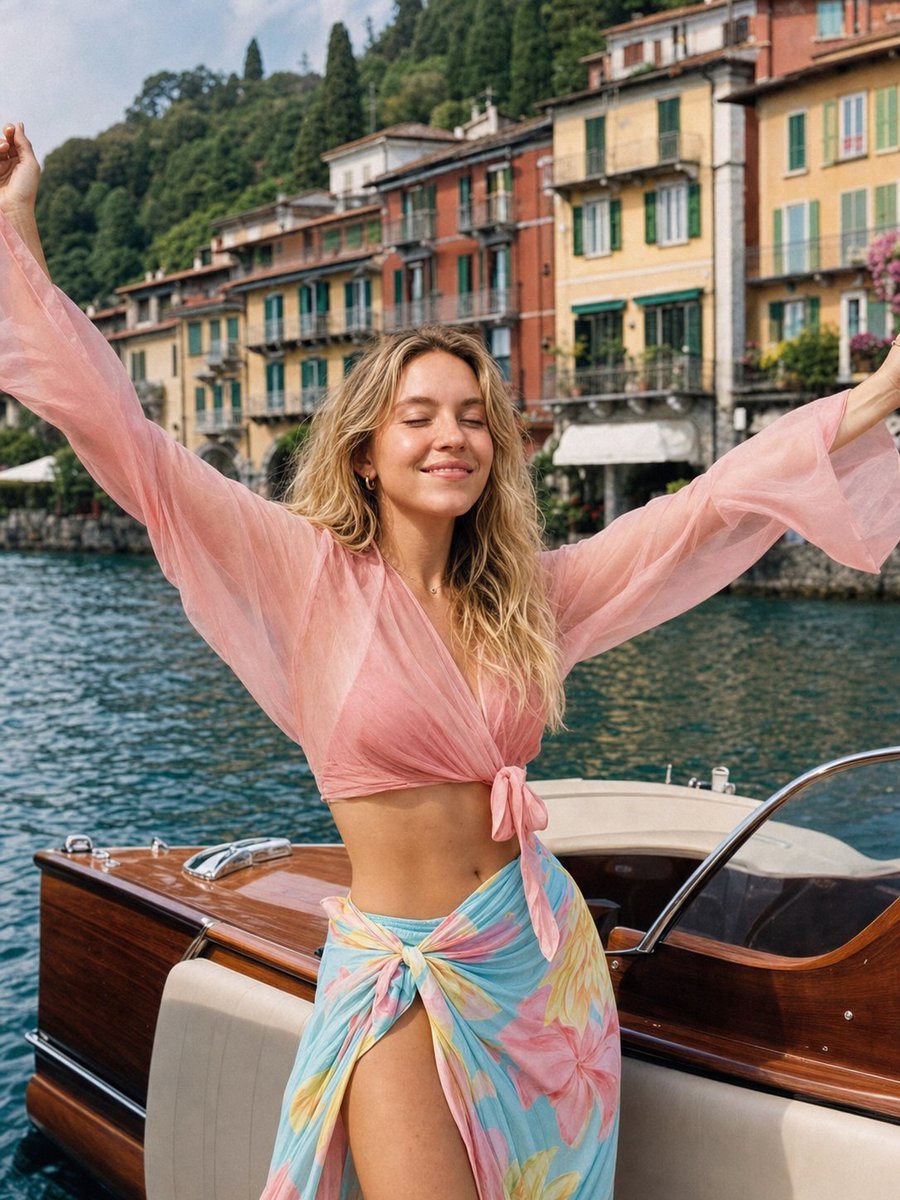
Lake Como Lifestyle Portrait

Lake Como Lifestyle Photography

Vogue Editorial on Lake Como in a Riva Boat
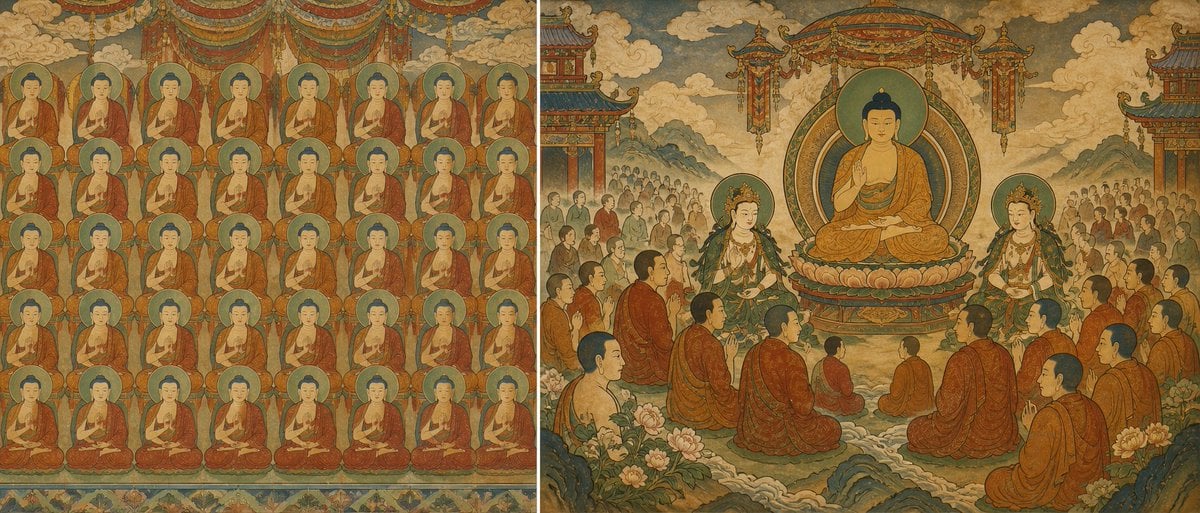
Buddhist Mural Composition Diptych
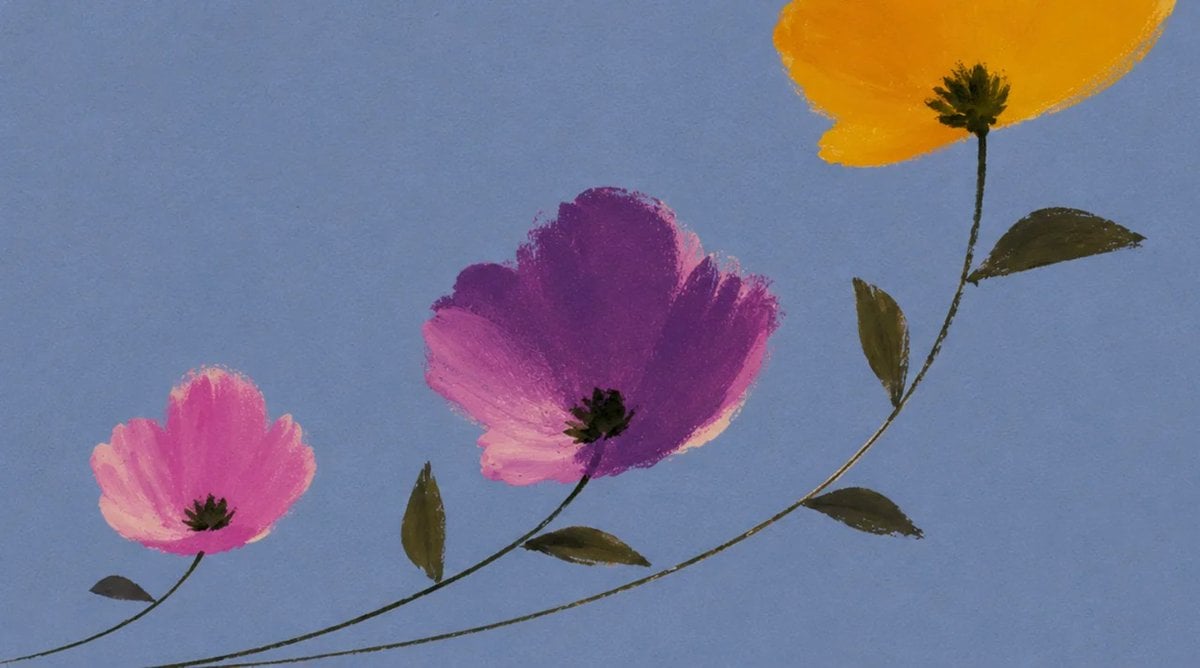
Minimalist Gouache Wildflowers
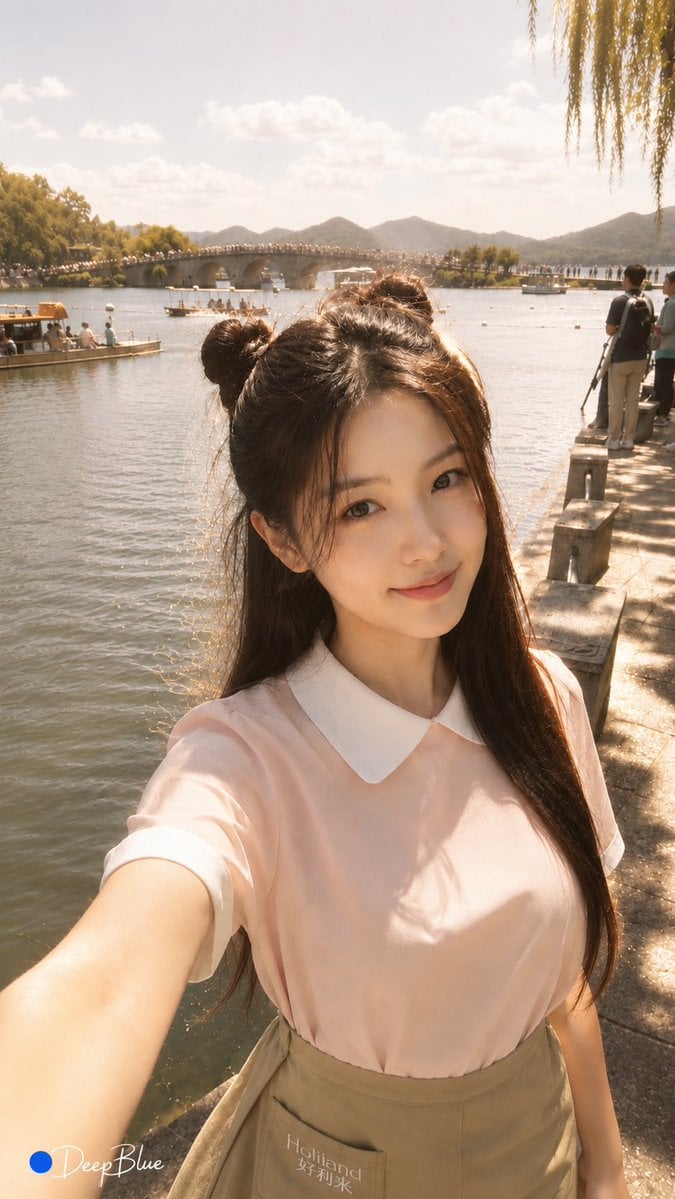
Warm Lakeside Travel Selfie
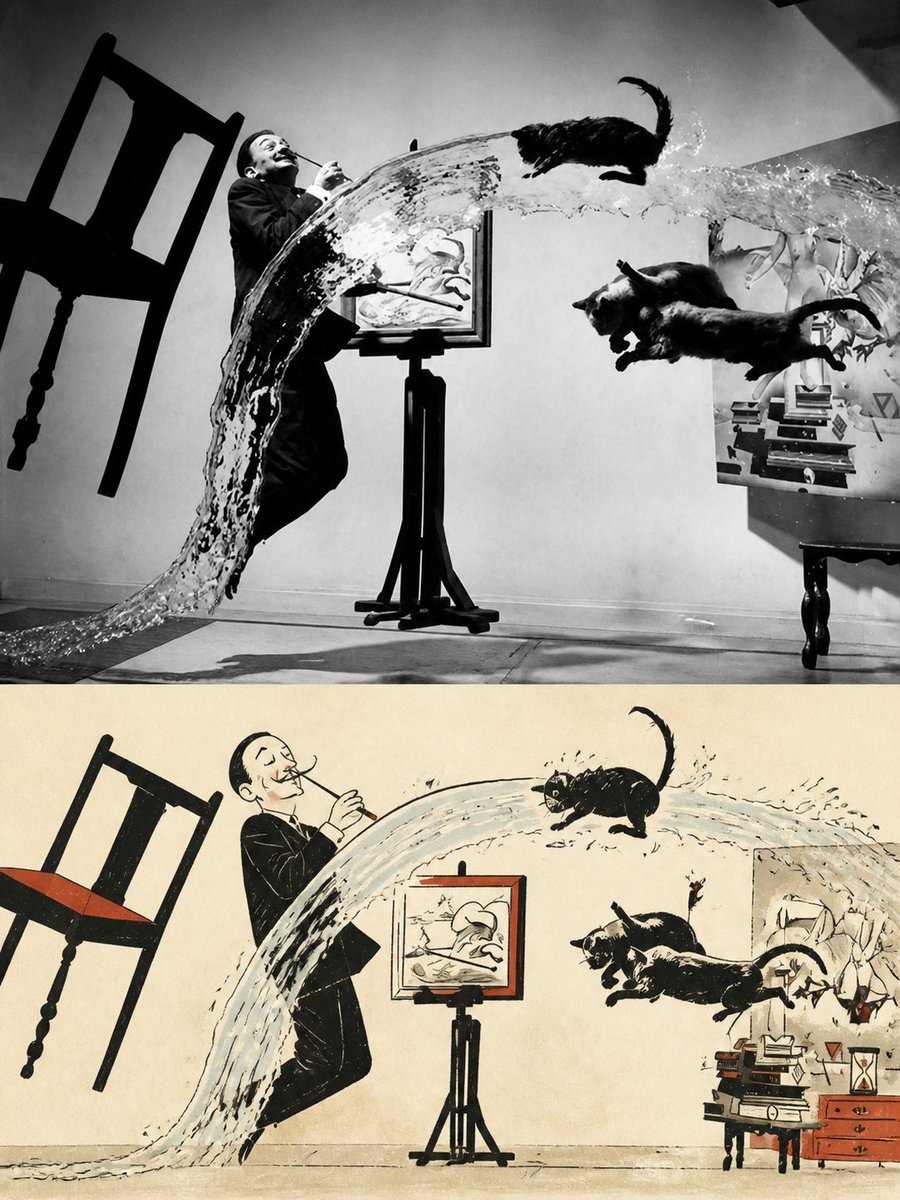
Surreal Photo to Watercolor Diptych
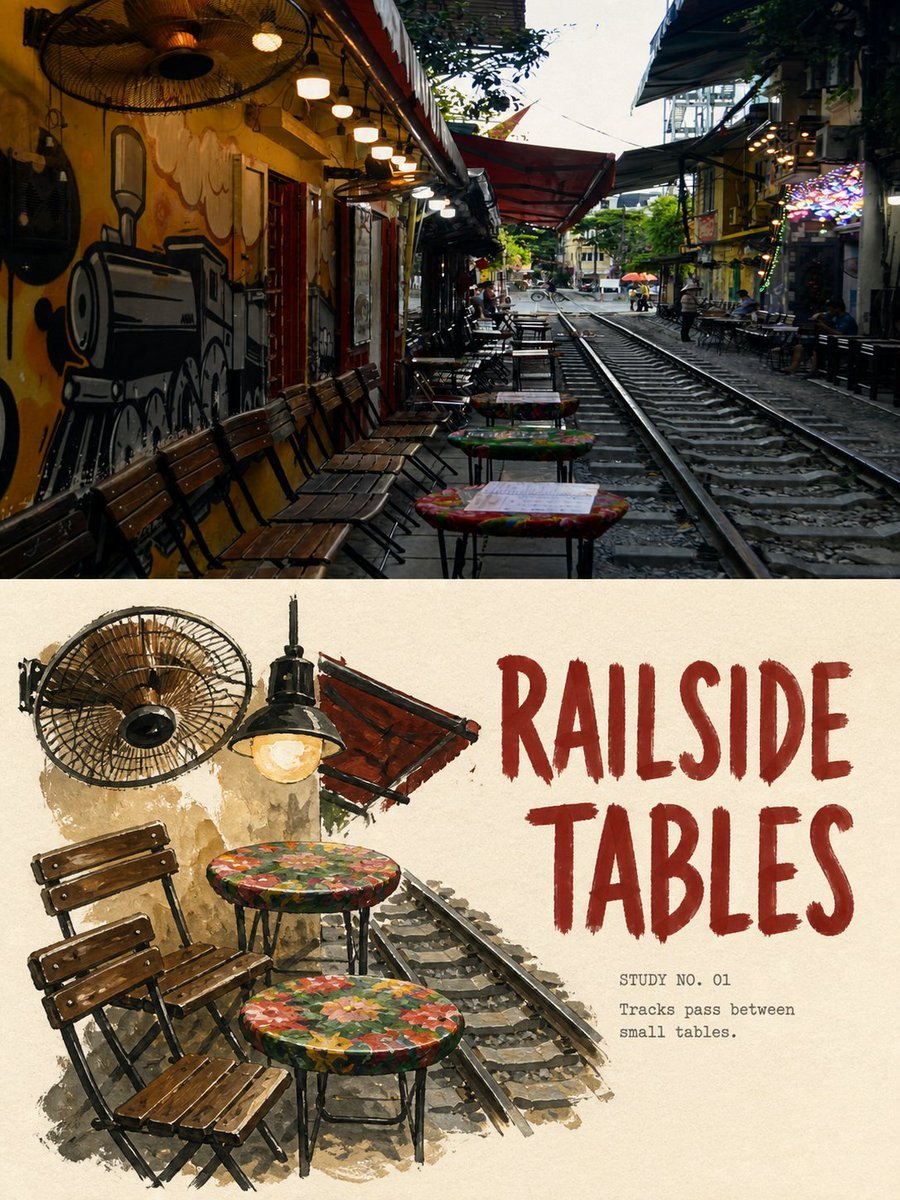
Travel Gouache Still Life Poster
Make it yours
Lake Como Photo and Gouache Diptych works as-is. These are the safest ways to change it without losing the look.
Change one field
Copy a single group, rewrite it, and generate again so you can see what that field is doing.
Keep the frame, change the subject
Hold the composition and light of Lake Como Photo and Gouache Diptych, then swap wardrobe, props or the person for a new take.
| If the result… | Why | Fix |
|---|---|---|
| The result drifts from the preview | Too many fields changed at once. | Reuse Lake Como Photo and Gouache Diptych as-is first, then change one group — subject, light, or setting. |
| The model over-stylizes the scene | The prose prompt leaves finish and camera underspecified. | Add one camera or lighting sentence and stay on GPT Image 2. |
More GPT Image 2 templates
Other prompts made for GPT Image 2.

Six VTuber Japanese Logo Sheet

Realistic Portrait of Woman and Deer

The Vista Modular Condo Poster

AI Model Routing Comparison Infographic

2.5D Anime Art Board

Isometric Productivity Desk Scene

New York Double Exposure Poster

Four-Panel AI Landscape Comparison

Japanese Tatami Lifestyle Magazine Cover

NESCAFÉ Coffee Map Poster
More image prompts
Fresh picks from across the catalog.

QR Code Business Card Designer

Gpt2 Infographic Edu Visual Water Signs Zodiac Character Poster

Mystical Smoke Style Diviner

Mech Armor Power Reveal Prompt (Likeness Preservation)
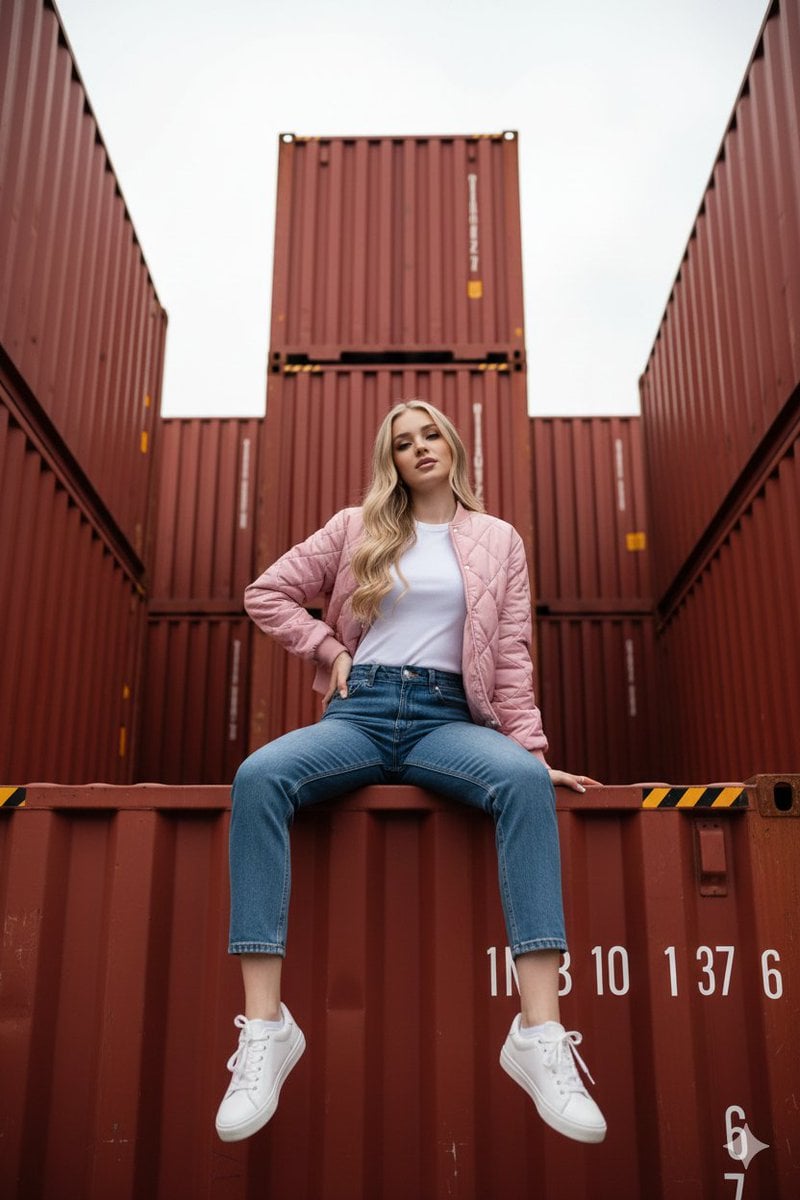
Industrial Shipping Container Streetwear Portrait Prompt
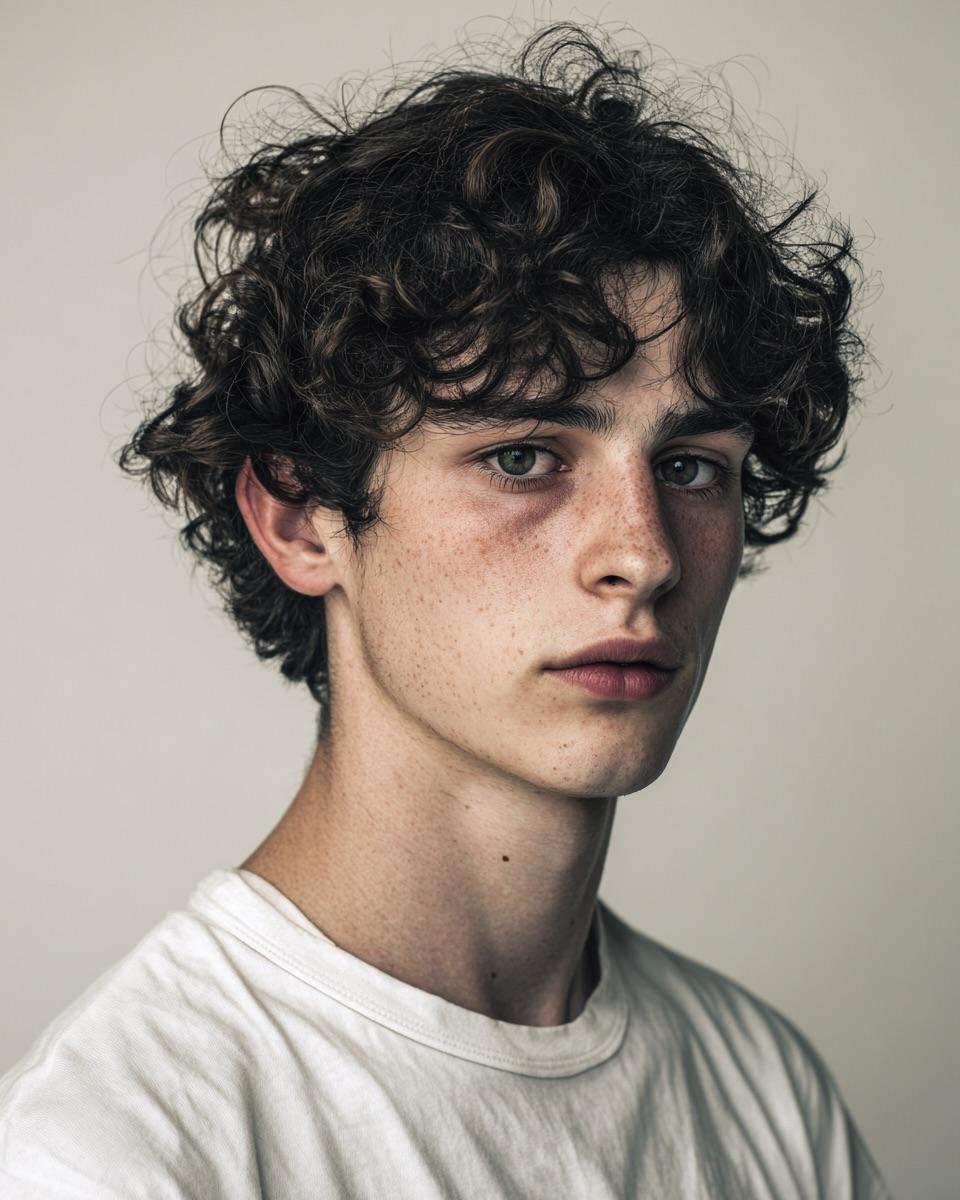
Minimalist Editorial Portrait Prompt
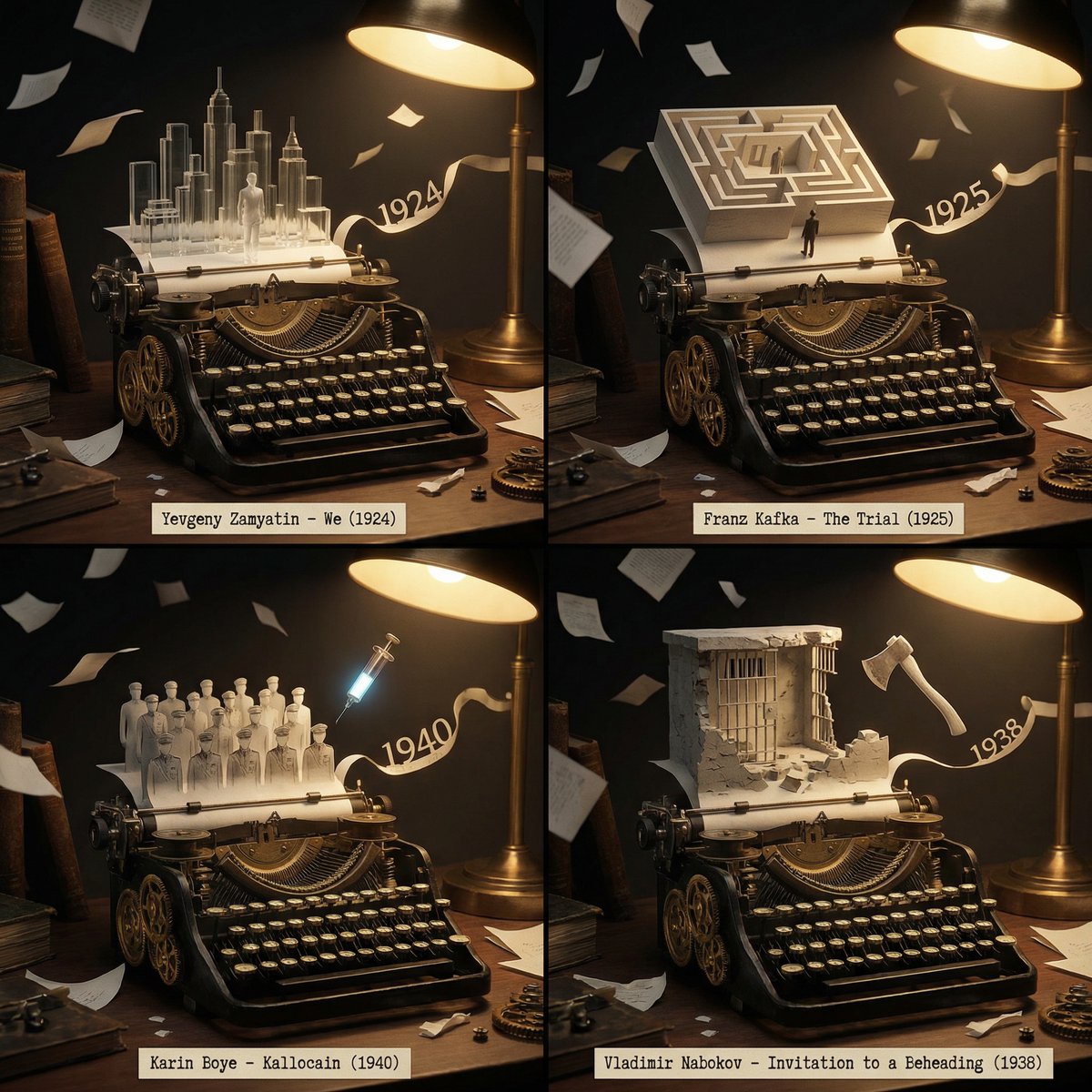
Literary Deep-Dive Recommendation Engine Prompt

Expressive Oil Painting Portrait

Corporate Chic Portrait in an Executive Office
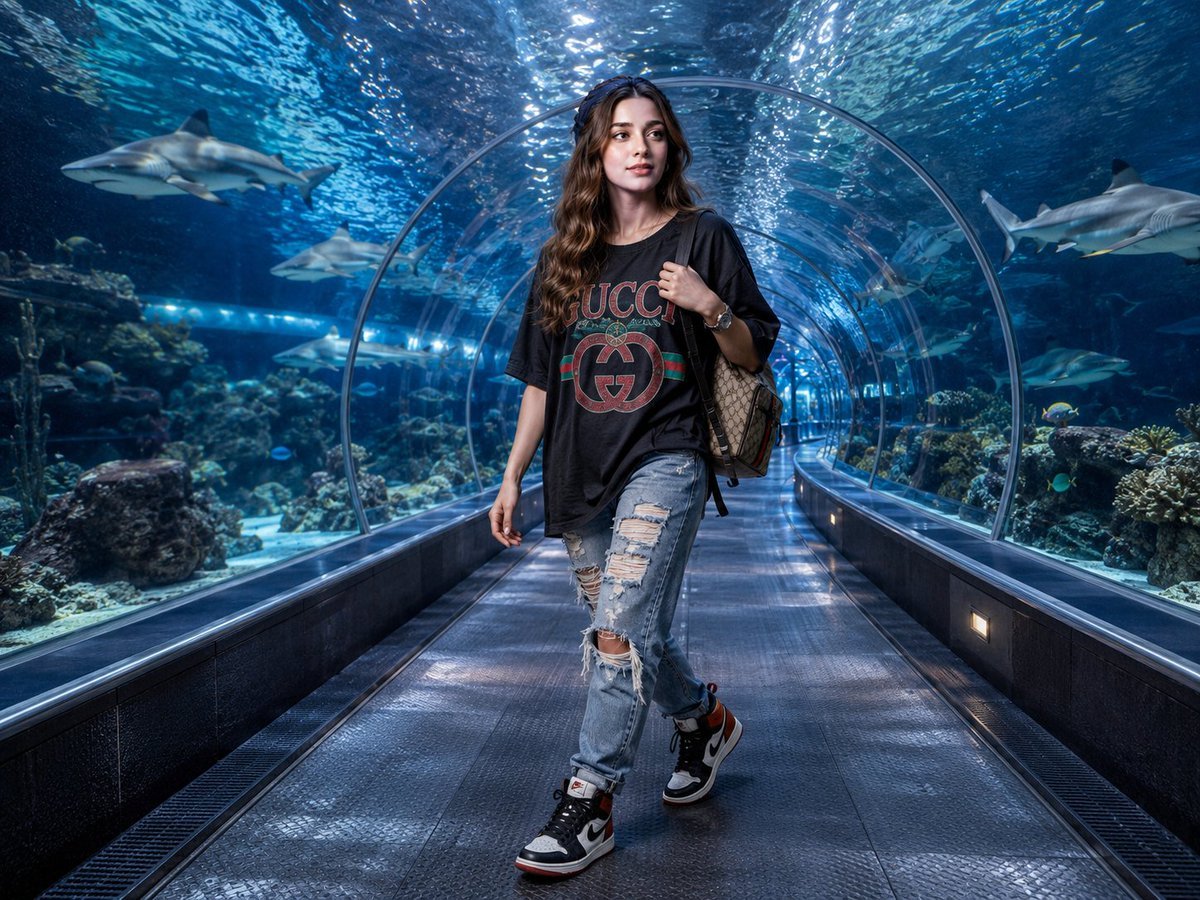
Luxury Streetwear Shark Tunnel Portrait
Browse template categories
Lake Como Photo and Gouache Diptych questions
How do I use the Lake Como Photo and Gouache Diptych template?
Add your photo if the template asks for one, edit the prompt if you like — the template's model and format are already selected — and press Generate. Your version opens in PicX Studio.
Can I customize the Lake Como Photo and Gouache Diptych template?
Yes. You can change the subject, setting, lighting, mood, format, and available model controls before creating your image.
Is the Lake Como Photo and Gouache Diptych template free?
Opening and editing this template is free. Generating uses credits, shown on the Generate button when you are signed in.
Which AI model should I use?
Start with GPT Image 2, which is the model associated with this template. You can compare another compatible model for a different finish.
Looking for something else? Browse all templates.

Your photo, any look
Thousands of ready templates for every top image and video model, from one credit balance.