
Lake Como Two-Color Print Diptych
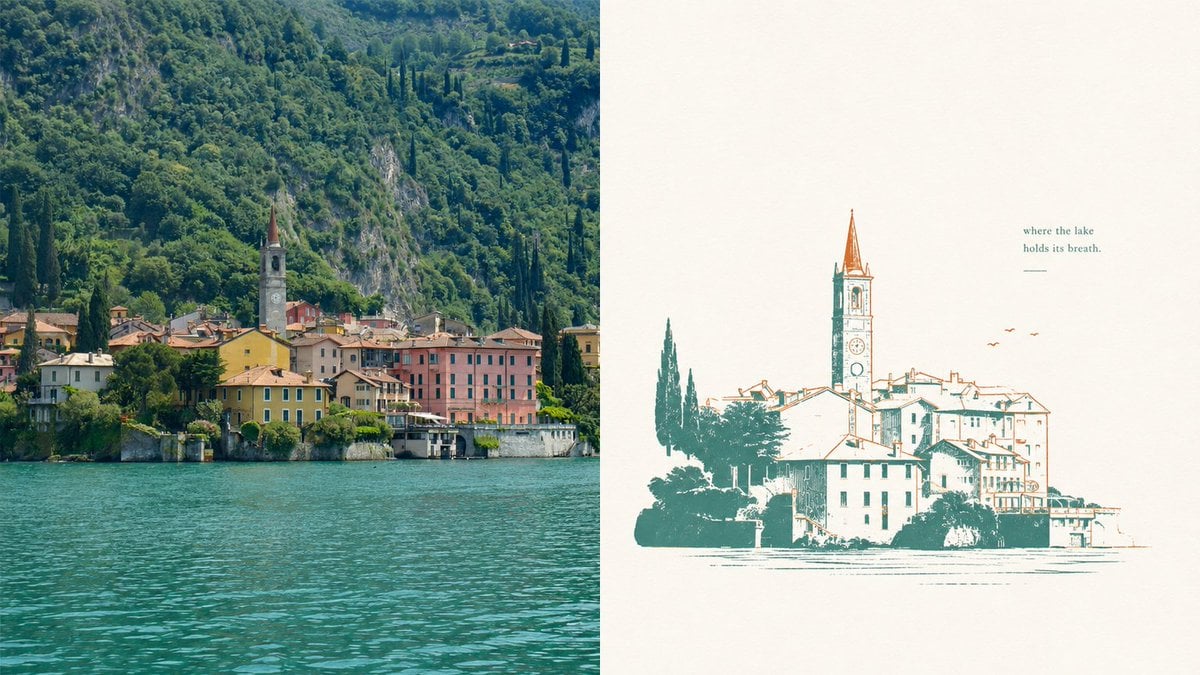
Generates a split-screen travel composition pairing a realistic lakeside village photograph with a minimalist two-color vintage print version.
- Prompt included
- Model and format preset
- Free template
The prompt behind this image
Copy the exact prompt behind Lake Como Two-Color Print Diptych, or open it in the studio and make it yours.
Goal: Create a two-panel horizontal composition comparing a real lakeside village photo with a simplified two-color misregistered print illustration of the same scene. Canvas: Wide 16:9 landscape canvas, split exactly into 2 equal vertical panels. Layout: Left panel is a realistic travel photograph; right panel is a minimalist poster-style illustration on warm off-white paper. No border between panels except the clean vertical split. Left panel: Show a picturesque European lakeside village at the base of a steep, densely forested mountain. Include turquoise lake water filling the lower third, a row of pastel waterfront buildings in yellow, pink, cream, and terracotta, and one prominent church bell tower with a pointed reddish spire near the center-left. The mountain behind is lush deep green with rocky patches and tall dark cypress trees. Lighting is natural daylight, crisp but slightly softened, like a travel photo of Lake Como. Right panel: Recreate the same village as a vintage two-color screenprint / risograph-style illustration. Use exactly 2 ink colors: teal-green for shadows, trees, outlines, and water marks; rusty orange for roof accents, tower spire, birds, and selective line details. Background is mostly empty warm ivory paper with subtle grain. The village illustration sits in the lower half, slightly right of center, with a tall church tower rising above the roofs. Lines are intentionally imperfect with slight color misregistration, sparse hatching, and broken ink texture. Add exactly 3 small orange birds to the upper right of the village. Add exactly 1 short quote above the illustration on the upper right reading {argument name="quote" default="where the lake\nholds its breath."} and exactly 1 small horizontal teal line underneath it. Style: Editorial travel-poster aesthetic, quiet negative space, elegant imperfect printmaking, two-color ink, calm lake atmosphere, refined minimalism, nostalgic European village mood. Parameters: The scene is {argument name="location" default="a Lake Como waterfront village"}; the main ink colors are {argument name="primary ink color" default="deep teal-green"} and {argument name="accent ink color" default="rusty orange"}; the paper background is {argument name="paper color" default="warm ivory"}. Constraints: Use exactly 2 panels, exactly 2 ink colors in the right panel, exactly 3 birds, exactly 1 quote block, and exactly 1 underline. Do not add logos, watermarks, extra captions, people, boats, or modern objects.
How to use Lake Como Two-Color Print Diptych in 3 steps
- 1Upload ImagePNG, JPG or paste
Add your photo
Upload the photo the template builds on. The prompt, model and format are already set.
- 2…a portrait of your subject in softgolden-hour light, 85mm…
Personalize
Edit the subject and creative details for your destination.
- 3Generate
Generate
Press Generate — your image is created in PicX Studio, so you can compare it with the original and refine one variable at a time.
More like this
Templates with the same subject, style or setup. Open one to see its prompt.
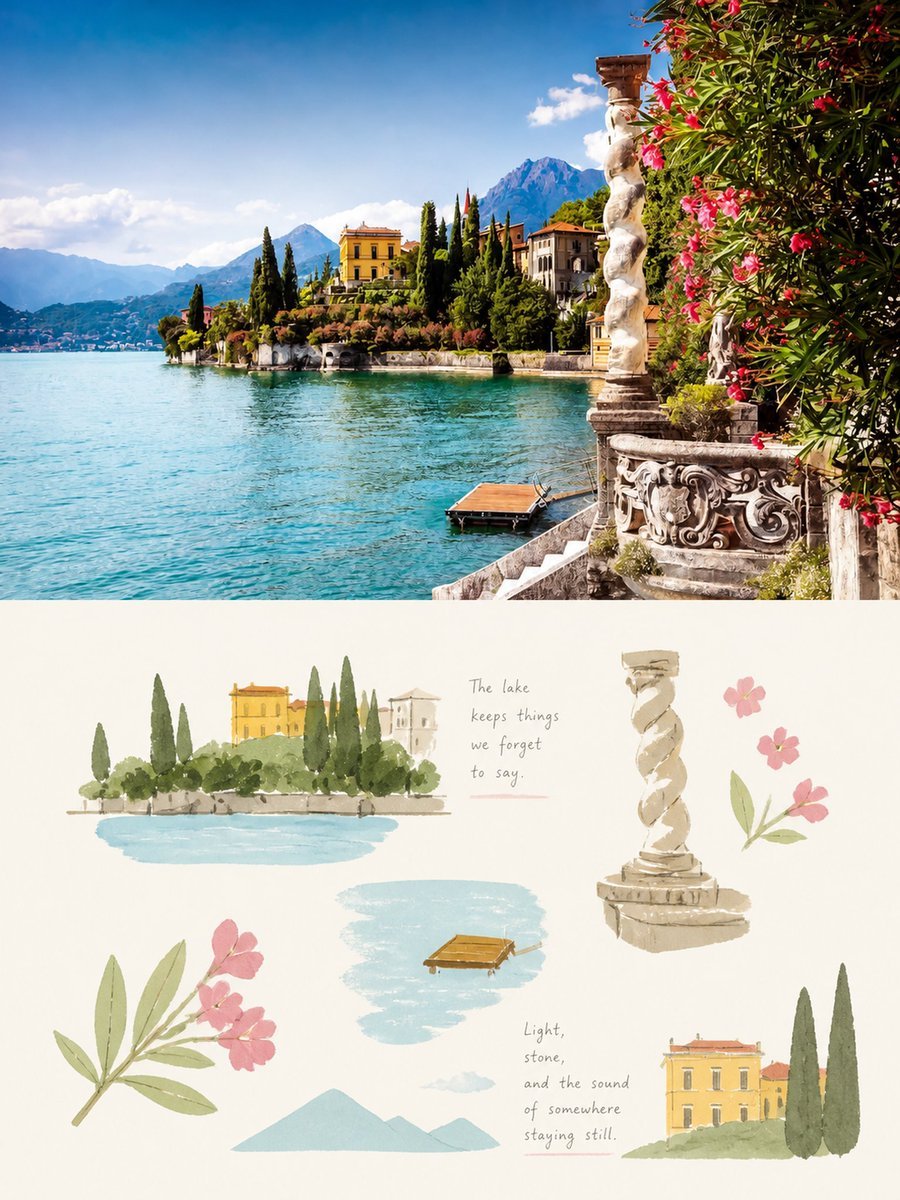
Lake Como Photo and Gouache Diptych
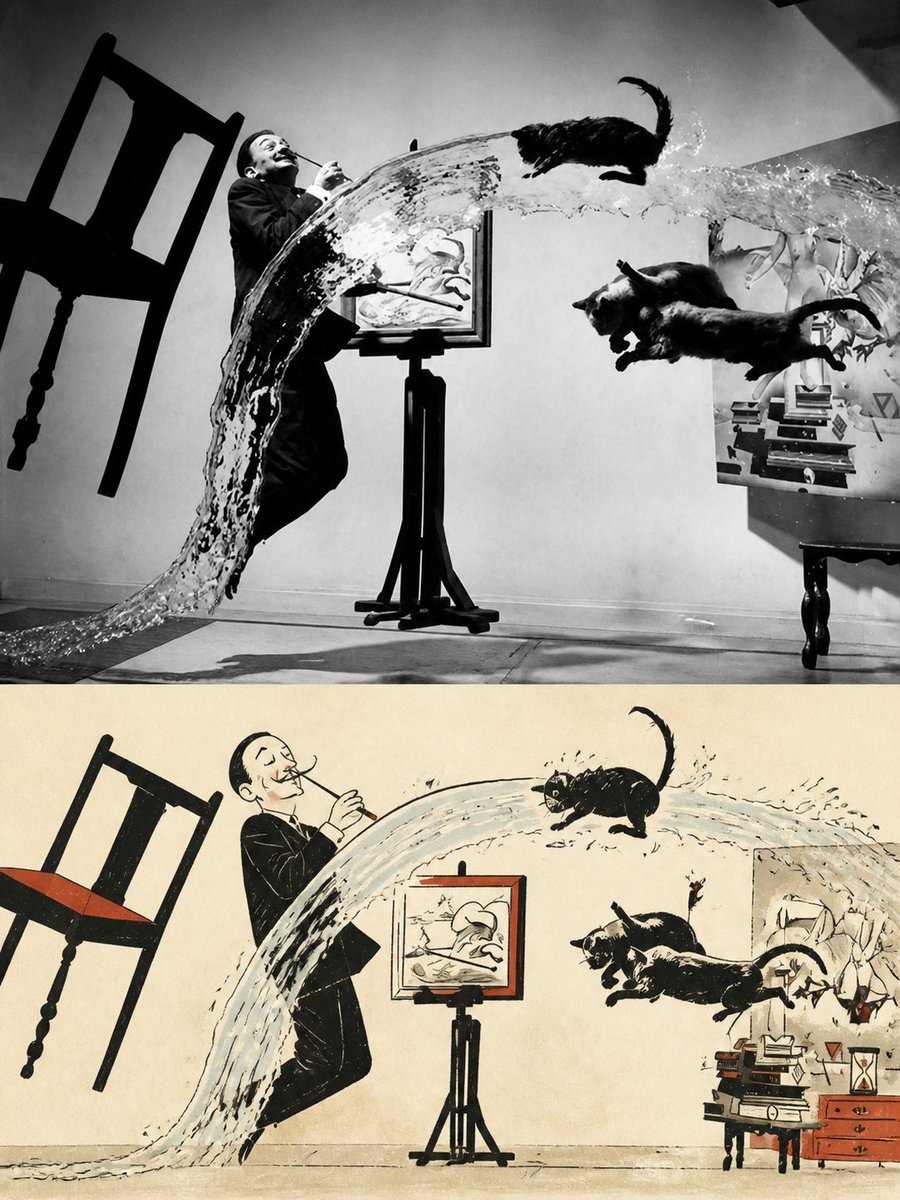
Surreal Photo to Watercolor Diptych
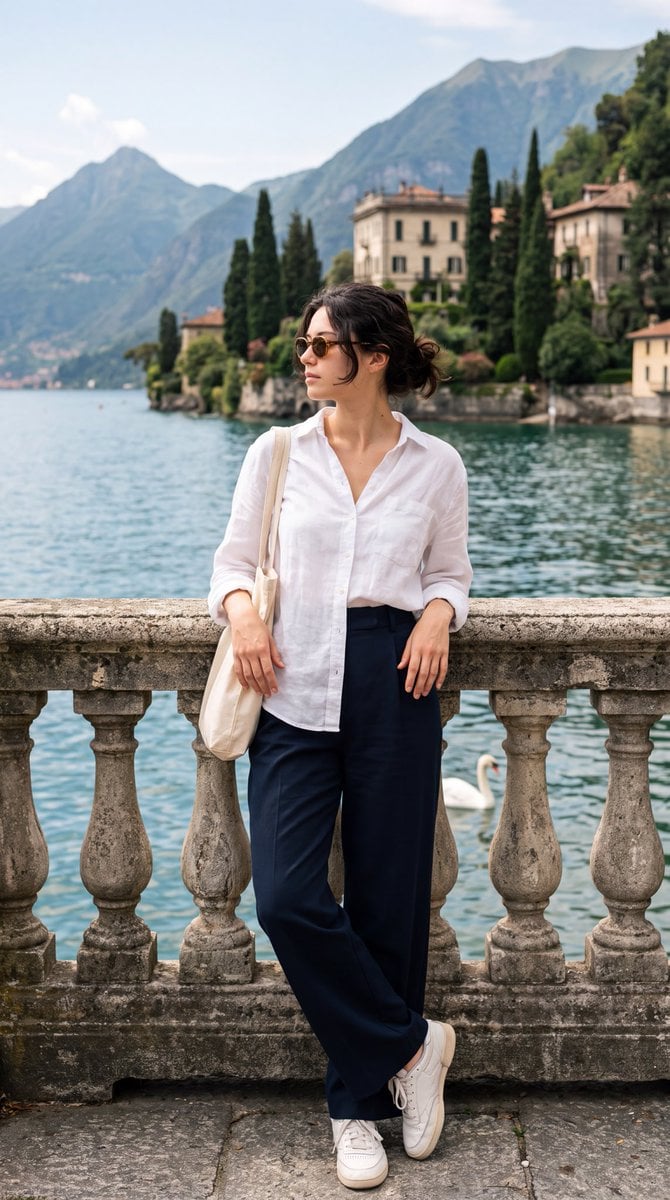
Lake Como Editorial Travel Photo

Teen Girl Alpine Lake Mountain View

Mountain Lake Sunset Landscape
Lake Como Lifestyle Portrait

Two-Sided Watercolor Event Flyer Mockup
Lake Como Lifestyle Photography

Vogue Editorial on Lake Como in a Riva Boat

Two Tickets, One Night

Two Hearts. One Scooter.
Buddhist Mural Composition Diptych
Make it yours
Lake Como Two-Color Print Diptych works as-is. These are the safest ways to change it without losing the look.
Change one field
Copy a single group, rewrite it, and generate again so you can see what that field is doing.
Keep the frame, change the subject
Hold the composition and light of Lake Como Two-Color Print Diptych, then swap wardrobe, props or the person for a new take.
| If the result… | Why | Fix |
|---|---|---|
| The result drifts from the preview | Too many fields changed at once. | Reuse Lake Como Two-Color Print Diptych as-is first, then change one group — subject, light, or setting. |
| The model over-stylizes the scene | The prose prompt leaves finish and camera underspecified. | Add one camera or lighting sentence and stay on GPT Image 2. |
More GPT Image 2 templates
Other prompts made for GPT Image 2.

Six VTuber Japanese Logo Sheet

Realistic Portrait of Woman and Deer

The Vista Modular Condo Poster

AI Model Routing Comparison Infographic

2.5D Anime Art Board

Isometric Productivity Desk Scene

New York Double Exposure Poster

Four-Panel AI Landscape Comparison

Japanese Tatami Lifestyle Magazine Cover

NESCAFÉ Coffee Map Poster
More image prompts
Fresh picks from across the catalog.
Abstract Expressionist Boxing Match
Dramatic Black and White Portrait with Silhouette Lighting Prompt
2000s Indie Cartoon Illustration
Photorealistic East-Asian Neon Night Portrait Prompt
Axiom Cat-Eye Fashion Cover
Four-Panel Character Generation Prompt for Nano Banana Pro

Retro Futurism Auto-Bottle Opener

Stylized 3D Caricature Portrait

Hyper-Realistic Portrait in Dusty Warehouse
Clay Astronaut Moon Market
Browse template categories
Lake Como Two-Color Print Diptych questions
How do I use the Lake Como Two-Color Print Diptych template?
Add your photo if the template asks for one, edit the prompt if you like — the template's model and format are already selected — and press Generate. Your version opens in PicX Studio.
Can I customize the Lake Como Two-Color Print Diptych template?
Yes. You can change the subject, setting, lighting, mood, format, and available model controls before creating your image.
Is the Lake Como Two-Color Print Diptych template free?
Opening and editing this template is free. Generating uses credits, shown on the Generate button when you are signed in.
Which AI model should I use?
Start with GPT Image 2, which is the model associated with this template. You can compare another compatible model for a different finish.
Looking for something else? Browse all templates.

Your photo, any look
Thousands of ready templates for every top image and video model, from one credit balance.