
Lake Como Editorial Travel Photo
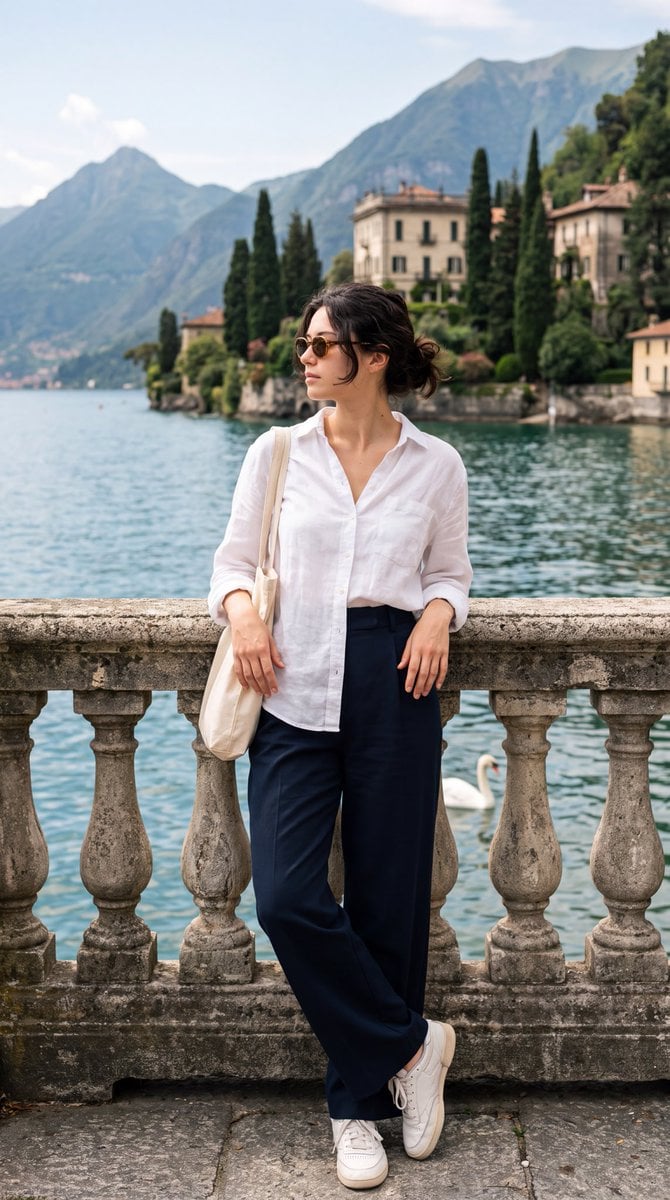
A travel photography prompt for GPT Image 2 designed to place a character at Lake Como with specific linen fashion and a scenic Alpine background.
- Prompt included
- Model and format preset
- Free template
The prompt behind this image
Copy the exact prompt behind Lake Como Editorial Travel Photo, or open it in the studio and make it yours.
Create a photorealistic editorial travel photograph using the {argument name="character reference" default="attached female character reference"} as the exact identity reference. Preserve her facial identity, facial proportions, skin tone, hairstyle, and recognizable features. Do not alter her identity or make her look like a different person. A sophisticated European summer portrait of the woman standing beside an old stone balustrade directly on the waterfront of {argument name="location" default="Lake Como, Italy"}. She is positioned in the lower-center/left portion of the composition, leaning casually against the weathered stone railing with both hands resting naturally on the top surface. Her body is angled slightly toward the camera while her head and gaze turn toward the lake, creating a candid, contemplative side-profile moment. She has dark brown/black hair loosely tied into a relaxed low messy bun, with a few natural strands falling around her face. She wears subtle dark sunglasses with a refined vintage shape. Outfit: {argument name="shirt" default="loose oversized white linen button-down shirt"}, slightly sheer natural linen texture, casually unbuttoned at the collar, sleeves loosely rolled to approximately the forearms, relaxed untucked silhouette. Pair it with high-waisted, extremely wide-leg dark navy/charcoal trousers, soft flowing fabric, relaxed European tailoring. She wears simple white low-top retro sneakers with slightly chunky soles. A natural woven/canvas shoulder tote hangs from her left shoulder, visible along the side of her body. Her pose should feel completely candid and unposed, like a sophisticated travel photograph captured spontaneously rather than a fashion-model pose. One hand rests farther along the stone railing and the other hangs naturally near the edge of the railing. Relaxed posture, slightly bent elbows, natural weight distribution. Background: unmistakable Lake Como, calm deep blue-green water extending behind her, magnificent steep Italian Alps rising dramatically across the lake. The mountain should dominate the upper-left background with visible gray limestone rock faces, dense green vegetation and subtle atmospheric haze. Across the lake are elegant traditional Italian villas and waterfront houses with warm cream, pale yellow and terracotta facades, red clay tile roofs, balconies, shutters, manicured gardens and tall narrow Italian cypress trees. Include a single white swan floating on the water in the middle-right background, slightly behind the woman. The swan should be clearly recognizable but not become the focal point. Architecture should feel authentically northern Italian and luxurious but understated. Weathered historic stone railing in the foreground with decorative cut-out/clover-shaped openings, aged gray limestone texture, slightly worn surfaces. Composition: vertical portrait photograph, approximately 9:16, full-body framing from the top of her head to her shoes, with enough surrounding environment to establish Lake Como. Camera approximately at chest/eye level.
How to use Lake Como Editorial Travel Photo in 3 steps
- 1Upload ImagePNG, JPG or paste
Add your photo
Upload the photo the template builds on. The prompt, model and format are already set.
- 2…a portrait of your subject in softgolden-hour light, 85mm…
Personalize
Edit the subject and creative details for your destination.
- 3Generate
Generate
Press Generate — your image is created in PicX Studio, so you can compare it with the original and refine one variable at a time.
More like this
Templates with the same subject, style or setup. Open one to see its prompt.

Premium Vintage Travel Poster Landscape
Premium Vintage Travel Poster Landscape

Vogue Editorial on Lake Como in a Riva Boat

19 Luxury Helicopter Travel — California Series
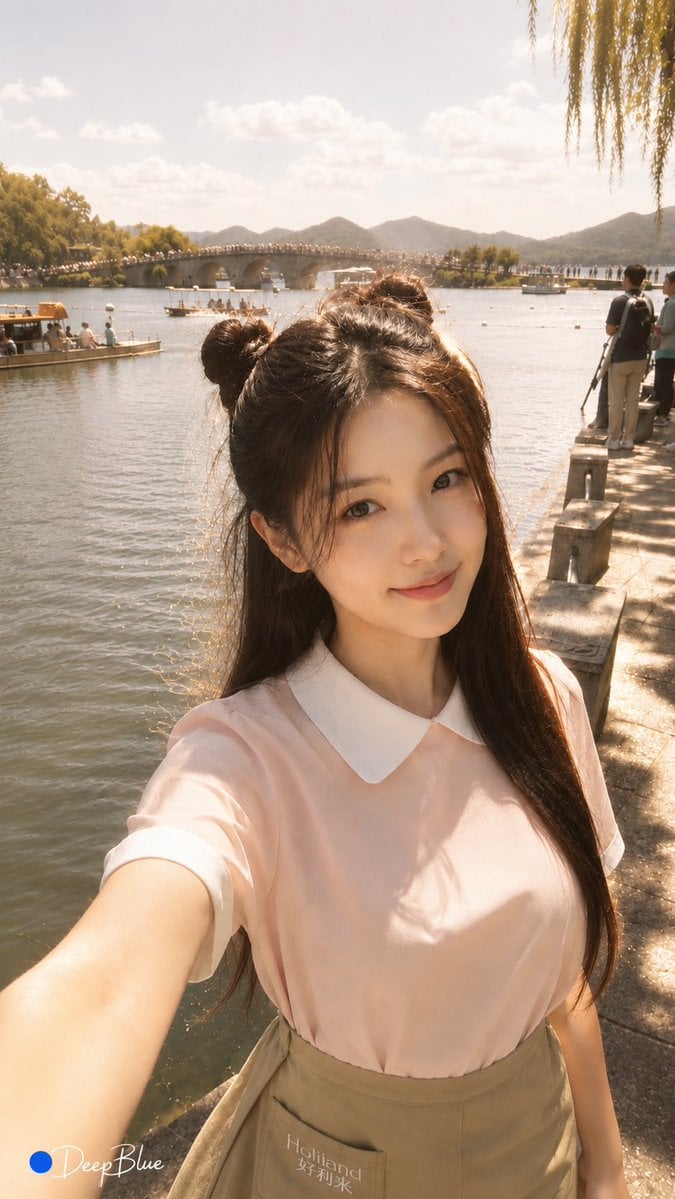
Warm Lakeside Travel Selfie
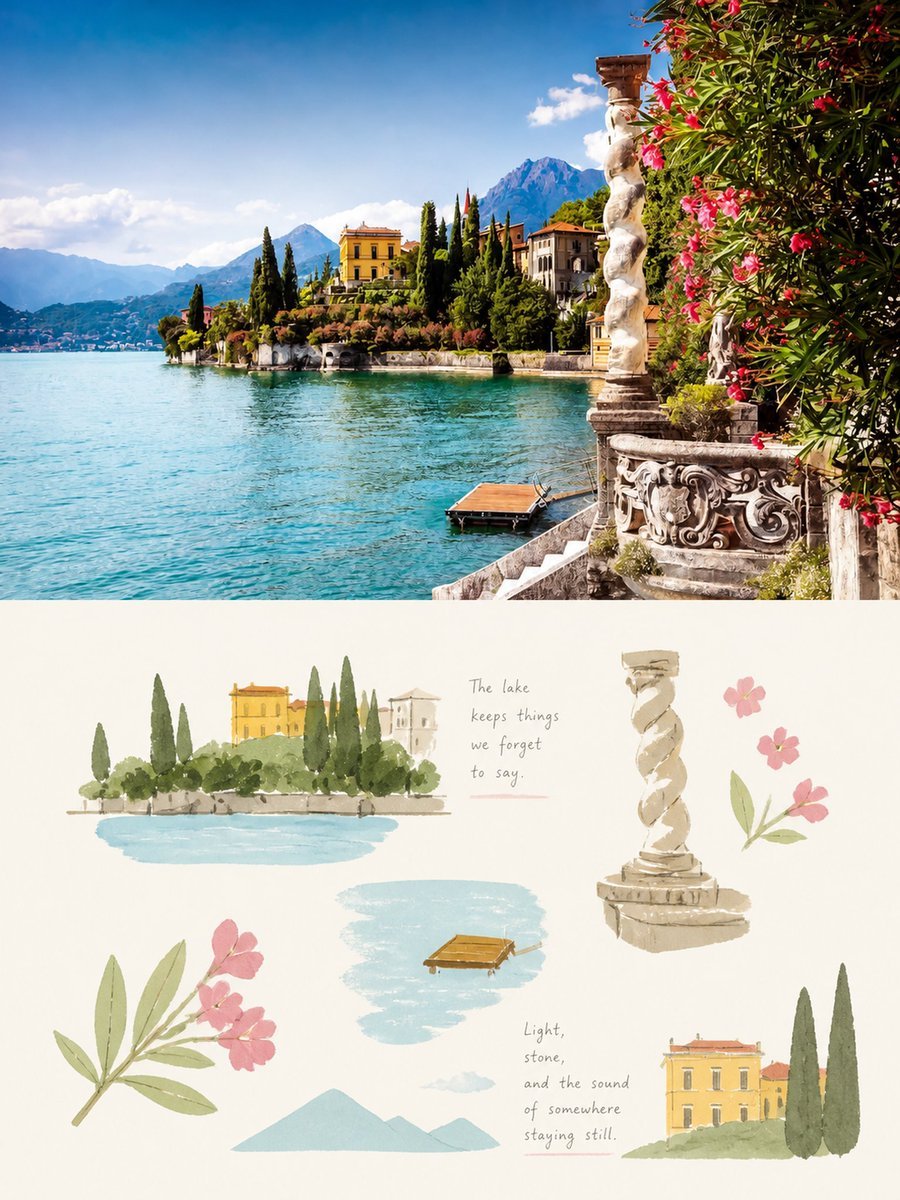
Lake Como Photo and Gouache Diptych
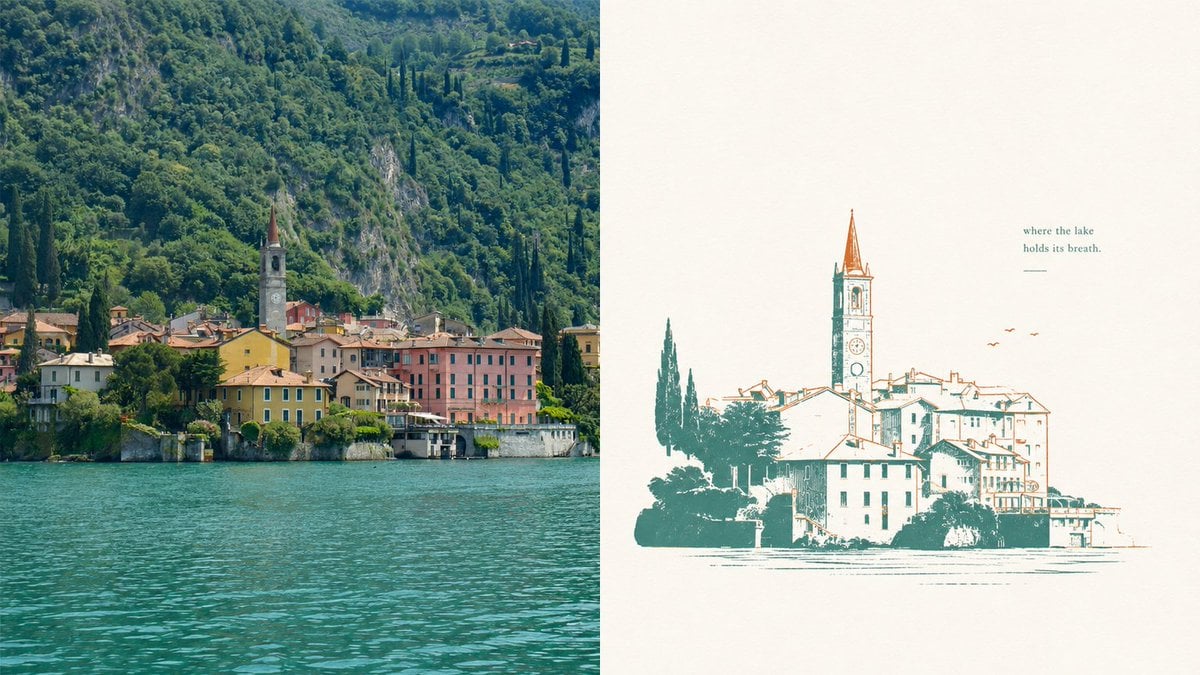
Lake Como Two-Color Print Diptych

Japan Travel Brochure Poster

Teen Girl Alpine Lake Mountain View
Lake Como Lifestyle Portrait
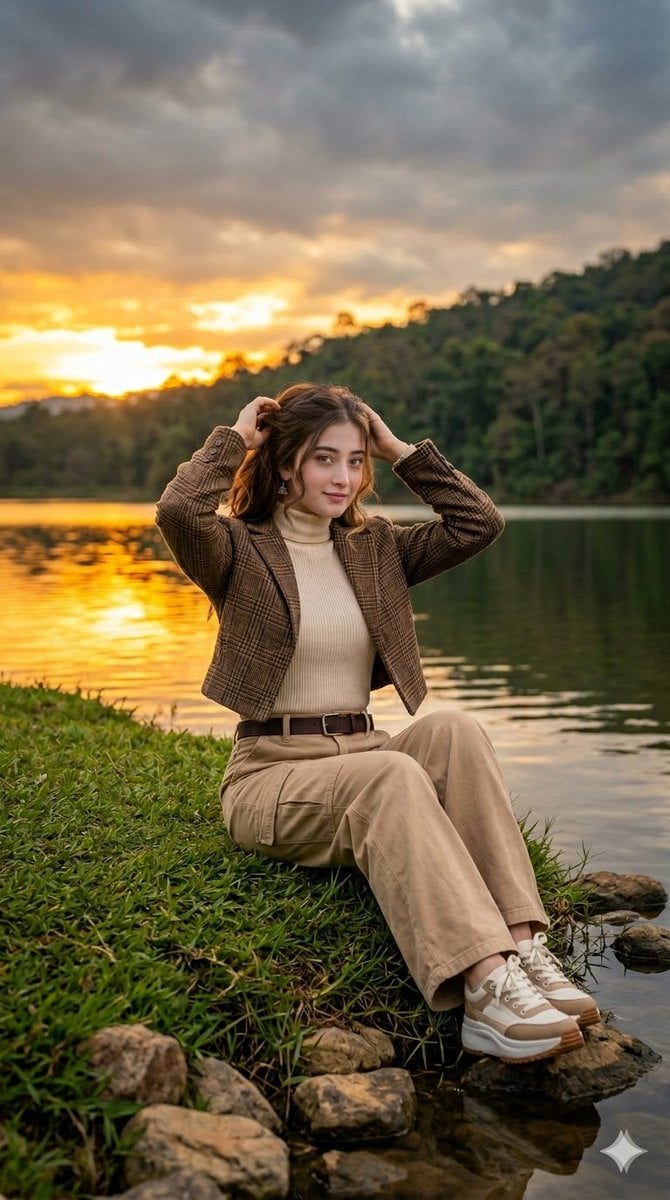
Autumn Lakeside Fashion Editorial
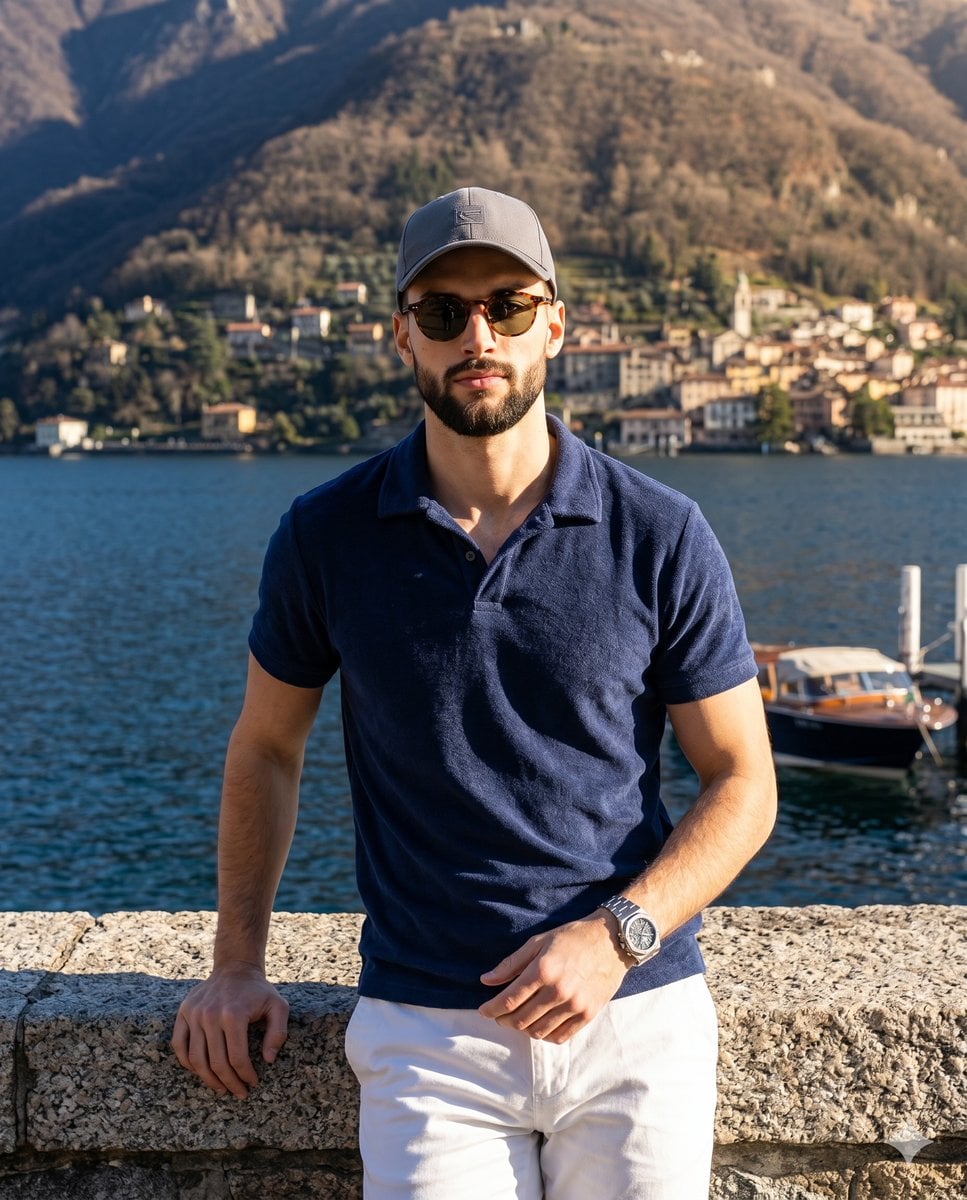
Luxury Alpine Lake Travel Portrait
Make it yours
Lake Como Editorial Travel Photo works as-is. These are the safest ways to change it without losing the look.
Change one field
Copy a single group, rewrite it, and generate again so you can see what that field is doing.
Keep the frame, change the subject
Hold the composition and light of Lake Como Editorial Travel Photo, then swap wardrobe, props or the person for a new take.
| If the result… | Why | Fix |
|---|---|---|
| The result drifts from the preview | Too many fields changed at once. | Reuse Lake Como Editorial Travel Photo as-is first, then change one group — subject, light, or setting. |
| The model over-stylizes the scene | The prose prompt leaves finish and camera underspecified. | Add one camera or lighting sentence and stay on GPT Image 2. |
More GPT Image 2 templates
Other prompts made for GPT Image 2.

Six VTuber Japanese Logo Sheet

Realistic Portrait of Woman and Deer

The Vista Modular Condo Poster

AI Model Routing Comparison Infographic

2.5D Anime Art Board

Isometric Productivity Desk Scene

New York Double Exposure Poster

Four-Panel AI Landscape Comparison

Japanese Tatami Lifestyle Magazine Cover

NESCAFÉ Coffee Map Poster
More image prompts
Fresh picks from across the catalog.

Whimsical Dream Race Concept
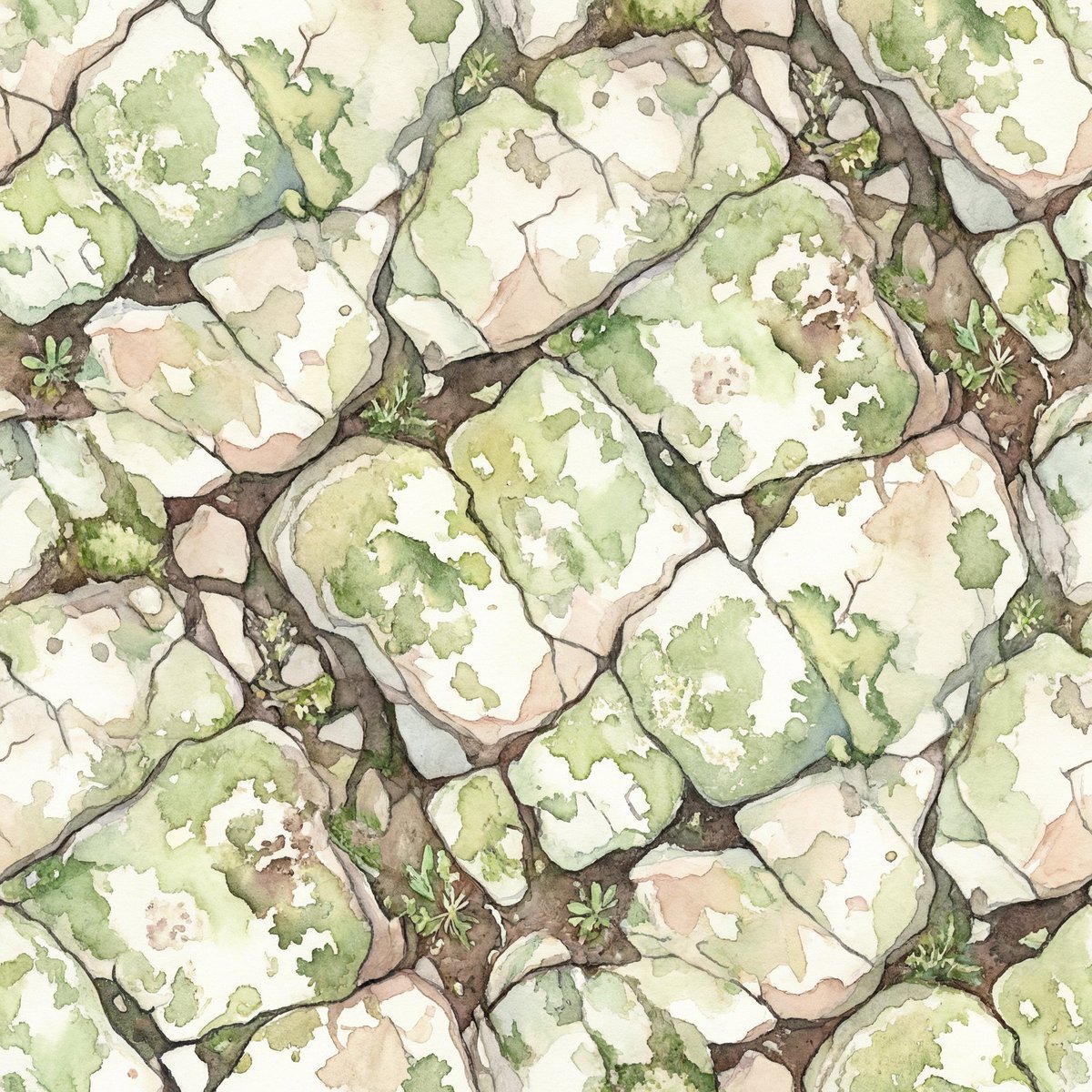
Seamless Watercolor Stone Path Tile
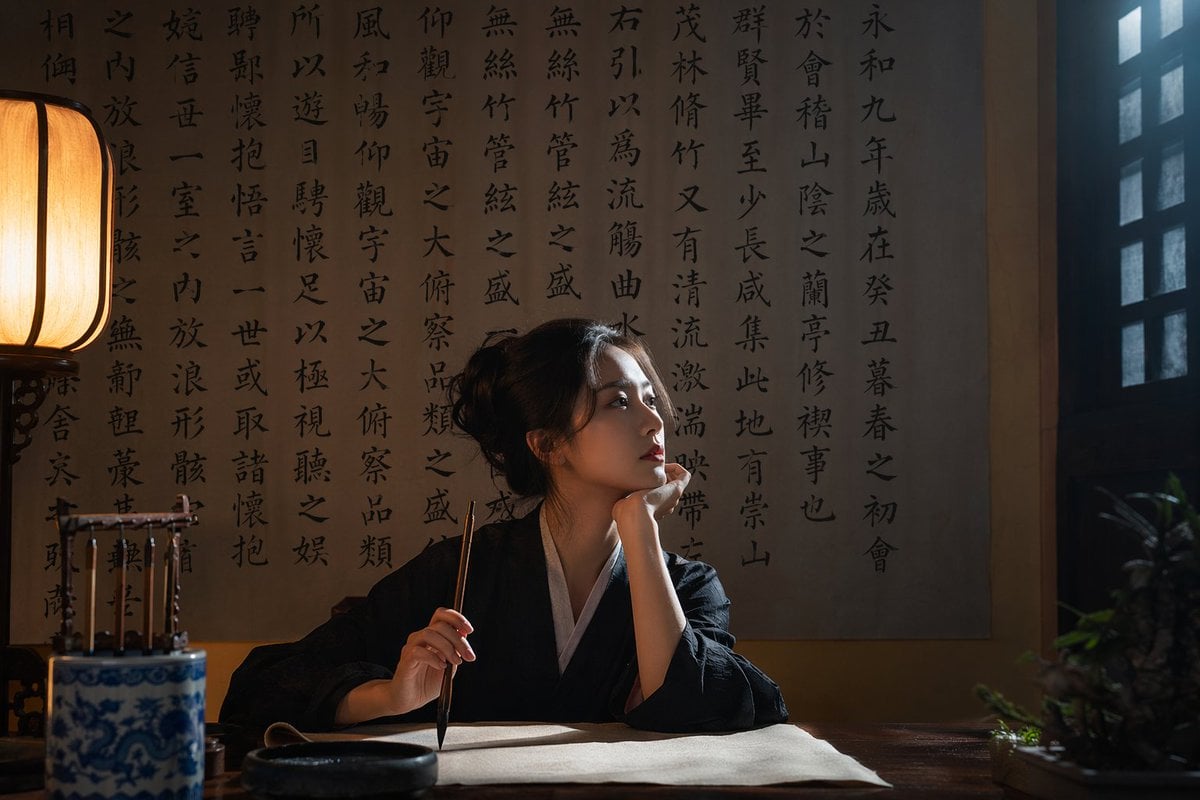
Cinematic Calligraphy Portrait

Pixar-Style 3D Avatar Prompt for Nano Banana

Flat-Color Elf Girl on Frilly Bed

Ultra-Realistic 3D Render of a Furry Logo

Playful Office Chic Portrait

Minimalist Fashion Editorial Portrait

Nano Banana 2
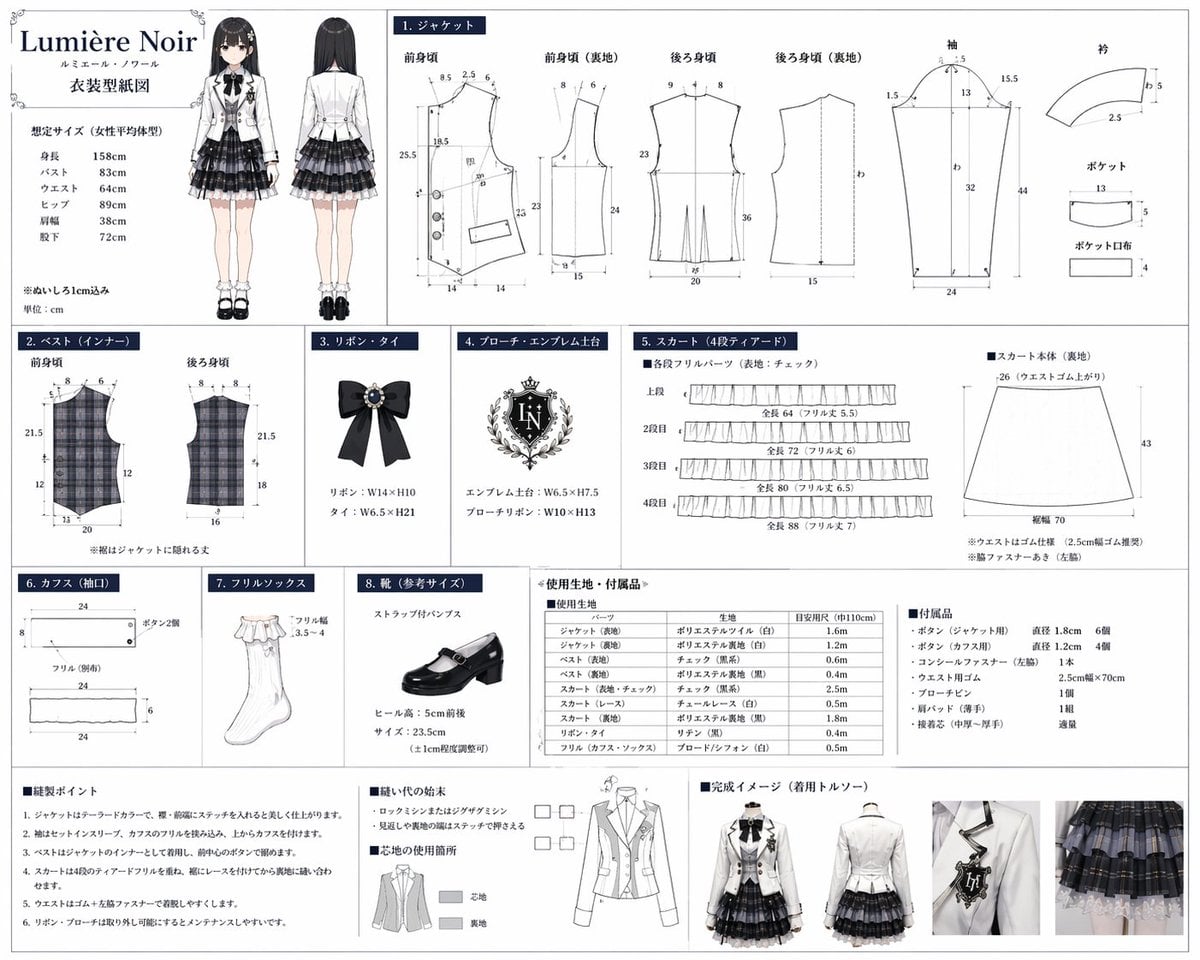
Anime Costume Sewing Pattern Sheet
Browse template categories
Lake Como Editorial Travel Photo questions
How do I use the Lake Como Editorial Travel Photo template?
Add your photo if the template asks for one, edit the prompt if you like — the template's model and format are already selected — and press Generate. Your version opens in PicX Studio.
Can I customize the Lake Como Editorial Travel Photo template?
Yes. You can change the subject, setting, lighting, mood, format, and available model controls before creating your image.
Is the Lake Como Editorial Travel Photo template free?
Opening and editing this template is free. Generating uses credits, shown on the Generate button when you are signed in.
Which AI model should I use?
Start with GPT Image 2, which is the model associated with this template. You can compare another compatible model for a different finish.
Looking for something else? Browse all templates.

Your photo, any look
Thousands of ready templates for every top image and video model, from one credit balance.