
Vintage European Estate Fashion Portrait
A highly detailed editorial prompt for a male model in classic menswear leaning against a vintage Mercedes-Benz, featuring dramatic golden hour lighting and high-contrast shadows.
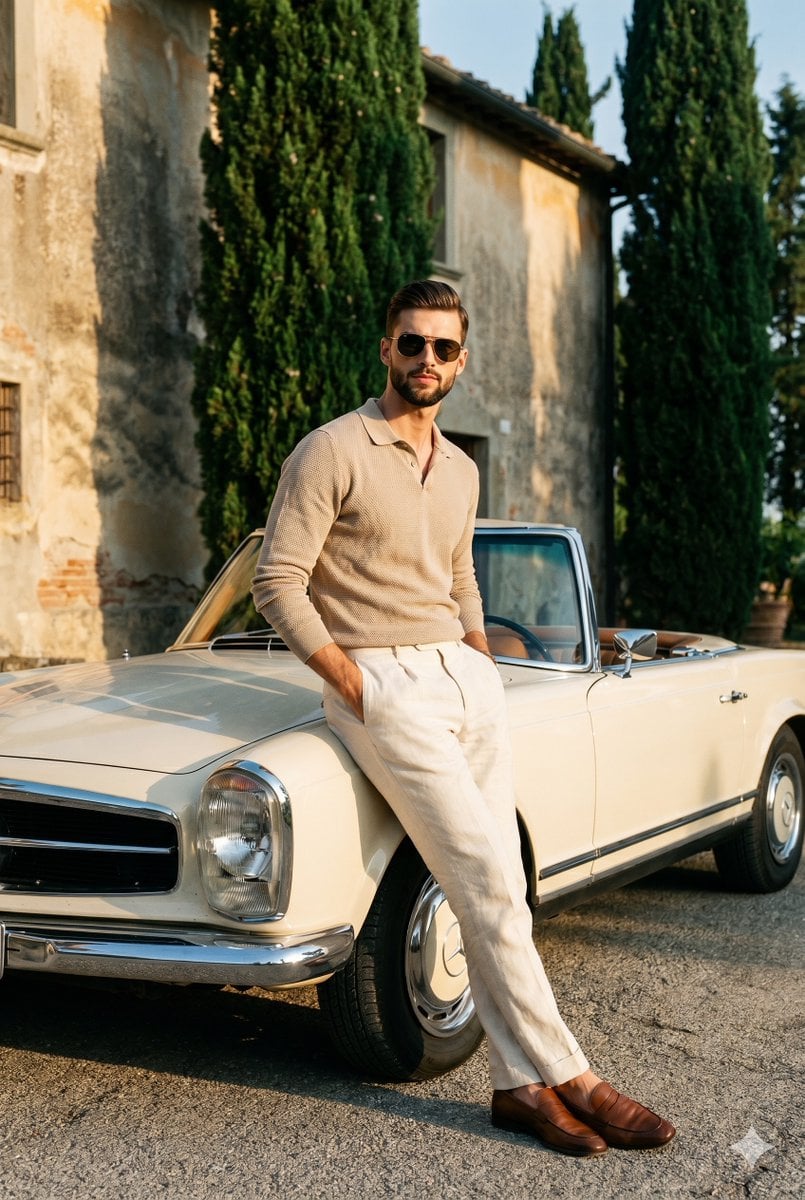
- Prompt included
- Model and format preset
- Premium template
The prompt behind this image
Copy the exact prompt behind Vintage European Estate Fashion Portrait, or open it in the studio and make it yours.
A confident young male model stands centered, facing the camera with level shoulders and shifted weight as he leans casually against a {argument name="car" default="vintage convertible"}. His expression exudes quiet luxury, featuring a closed mouth, relaxed eyes hidden behind classic aviator sunglasses, and neutral eyebrows in a deliberately posed, sophisticated demeanor. He is dressed in classic menswear, wearing a {argument name="top" default="ribbed warm beige knit long-sleeve polo shirt"} with the sleeves pushed up, paired with {argument name="pants" default="crisp cream-white linen pleated trousers"} and brown leather loafers. Both of his relaxed hands rest inside his front trouser pockets with the thumbs hooked casually on the outside of the waistband. He leans back against the pristine cream-white hood of a classic 1960s Mercedes-Benz W113 Pagoda convertible, where the distinct shiny chrome grille, large star logo, and polished bumper anchor the foreground. The scene transitions into a medium-depth, slightly blurred outdoor European estate setting, grounded by solid gray-brown gravel. In the background on the top left, a weathered Mediterranean villa wall features textured, uneven matte plaster painted in patchy warm terracotta and ochre, revealing an arched window niche, a partially visible dark wooden shutter, and a wall-mounted lantern. To the top right, thriving, dense dark green and brown needle-like foliage of tall cypress trees frame the composition. The atmosphere breathes a nostalgic, wealthy, golden hour relaxation, dominated by an analogous color palette of warm terracotta, cream, and dark olive. A highly directional, single-source hard natural sunlight strikes from a 90-degree angle on the camera-left, bathing the scene in bright, warm golden rays. This dramatic, high-contrast lighting perfectly preserves the bright highlights on the left side of the subject's face, his left shoulder, the left side of his trousers, and the gleaming chrome details of the car, while casting long, harsh-edged, deep black shadows across the right side of his face, his body, the right side of the vehicle, and from the deep cypress foliage, intricately accentuating the weathered imperfections of the plastered villa wall. Influenced by vintage Ralph Lauren campaigns and the classic Slim Aarons Riviera aesthetic, the editorial image is captured straight-on using a medium format 35mm camera equipped with a 50mm or 85mm lens, set to an aperture of f/2.8 or f/4 for a medium depth of field, a shutter speed of 1/500s, and ISO 400. The post-processing mimics an analog Kodak Portra or Fuji Pro 400H film emulation with slightly lifted blacks, enhanced warm tones in the highlights, moderate sharpening for a slightly soft realistic texture, and prominent cinematic film grain throughout, all beautifully composed using the rule of thirds and framed in a 2:3 aspect ratio.
How to use Vintage European Estate Fashion Portrait in 3 steps
- 1
Open
The prompt is already in the box next to the preview, with the template's model and format selected.
- 2…a portrait of your subject in softgolden-hour light, 85mm…
Personalize
Edit the subject and creative details for your destination.
- 3Generate
Generate
Press Generate — your image is created in PicX Studio, so you can compare it with the original and refine one variable at a time.
More like this
Templates with the same subject, style or setup. Open one to see its prompt.

Found Photograph: Us, 1970

80s Couple Studio Portrait

80s College Gate

1988 Mall Style

80s Polka Dot Saree

80s Bollywood Star
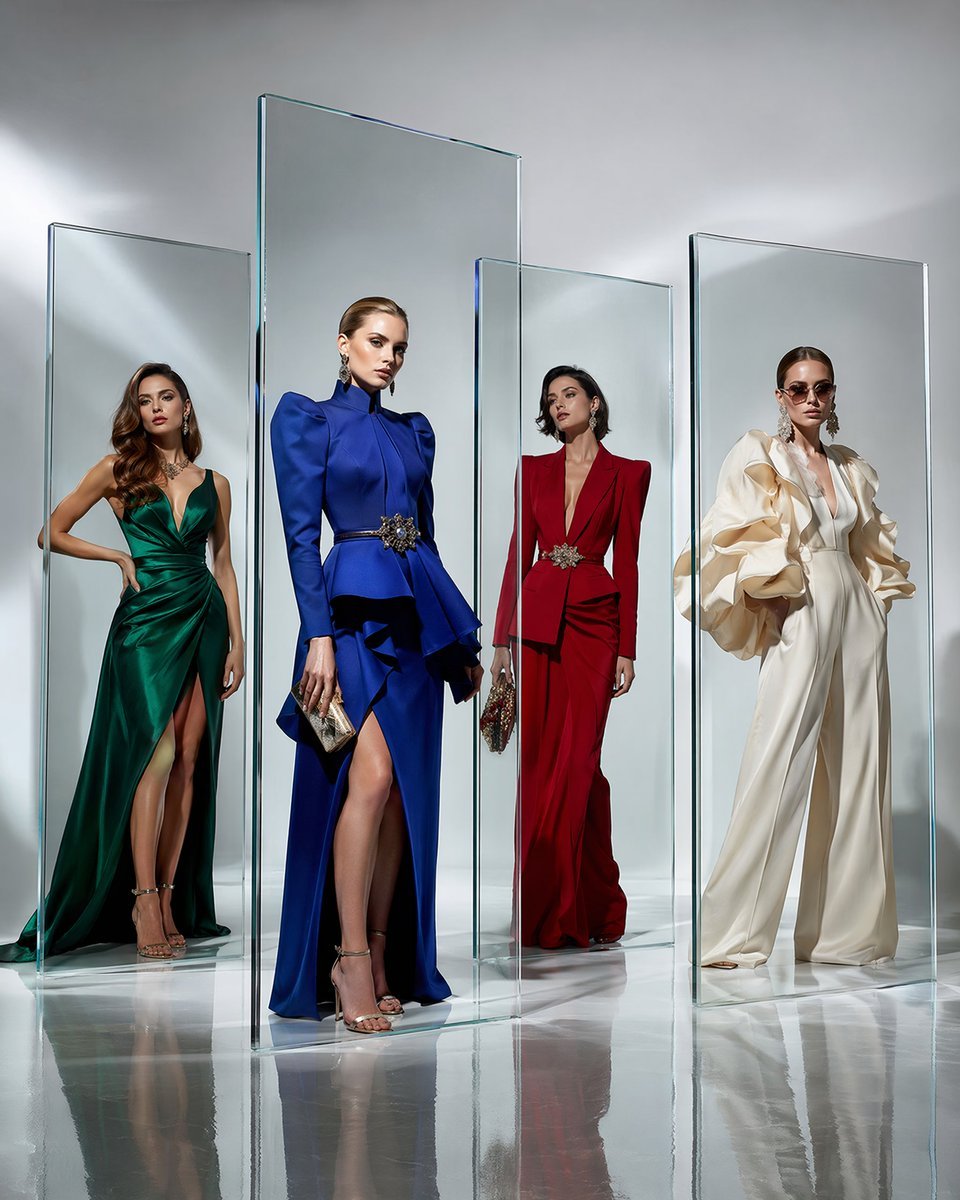
Crystal Panel European Couture Fashion Composite

Nano Banana 2 High Fashion Sports Campai

Couture Fashion Editorial Woman and Drag
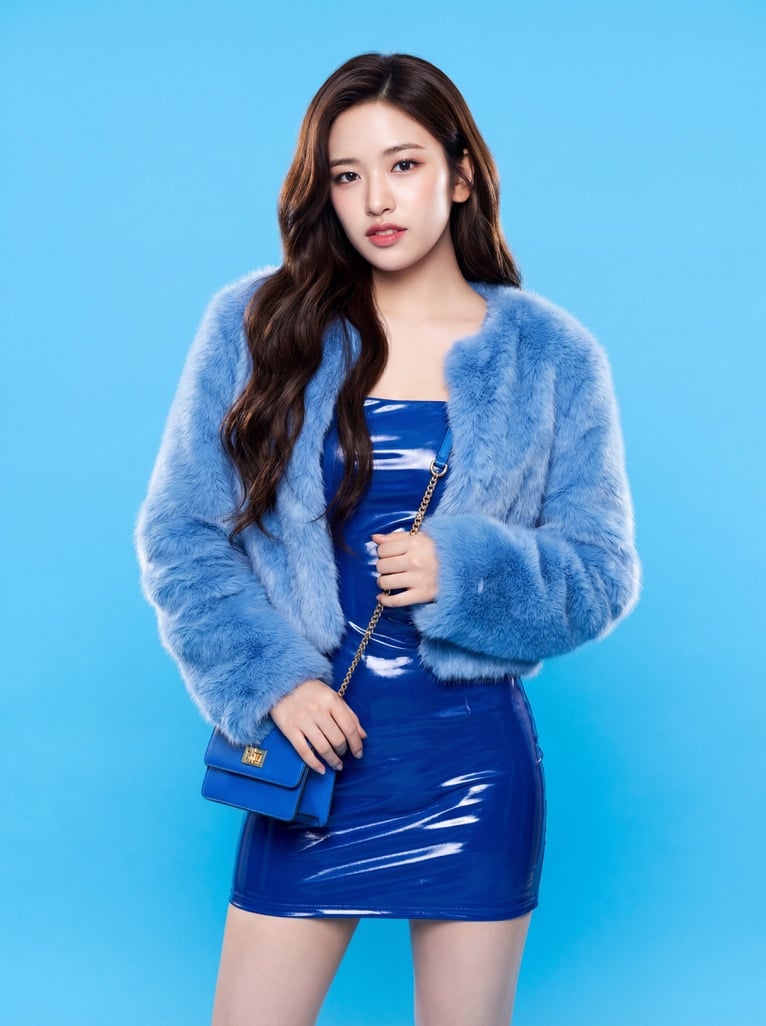
Ive Yujin Fashion Portrait in Blue

Nano Banana 2 Editorial Fashion Portrait

Caution Tape Fashion — Industrial Editorial
Make it yours
Vintage European Estate Fashion Portrait works as-is. These are the safest ways to change it without losing the look.
Change one field
Copy a single group, rewrite it, and generate again so you can see what that field is doing.
Keep the frame, change the subject
Hold the composition and light of Vintage European Estate Fashion Portrait, then swap wardrobe, props or the person for a new take.
| If the result… | Why | Fix |
|---|---|---|
| The result drifts from the preview | Too many fields changed at once. | Reuse Vintage European Estate Fashion Portrait as-is first, then change one group — subject, light, or setting. |
| The model over-stylizes the scene | The prose prompt leaves finish and camera underspecified. | Add one camera or lighting sentence and stay on Nano Banana 2. |
More Nano Banana 2 templates
Other prompts made for Nano Banana 2.

Photorealistic Leaf Shaped Like a Dragon

K-Pop Idol Portrait Grid for Rapid Selection

Poetic Rain Forest Portrait During Golden Hour

Urban Street Portrait with Cartoon Inner Self Duo

Candid Nighttime Photo with Cat Prompt

High-Concept 3D Diorama Generation Prompt

Cinematic Futuristic Studio Portrait Template

Skincare Editorial Photography Collage Prompt

Hyper-Realistic Commercial Product Photography (Splash Effect)

Hyper-Realistic Nightclub Portrait Prompt
More image prompts
Fresh picks from across the catalog.
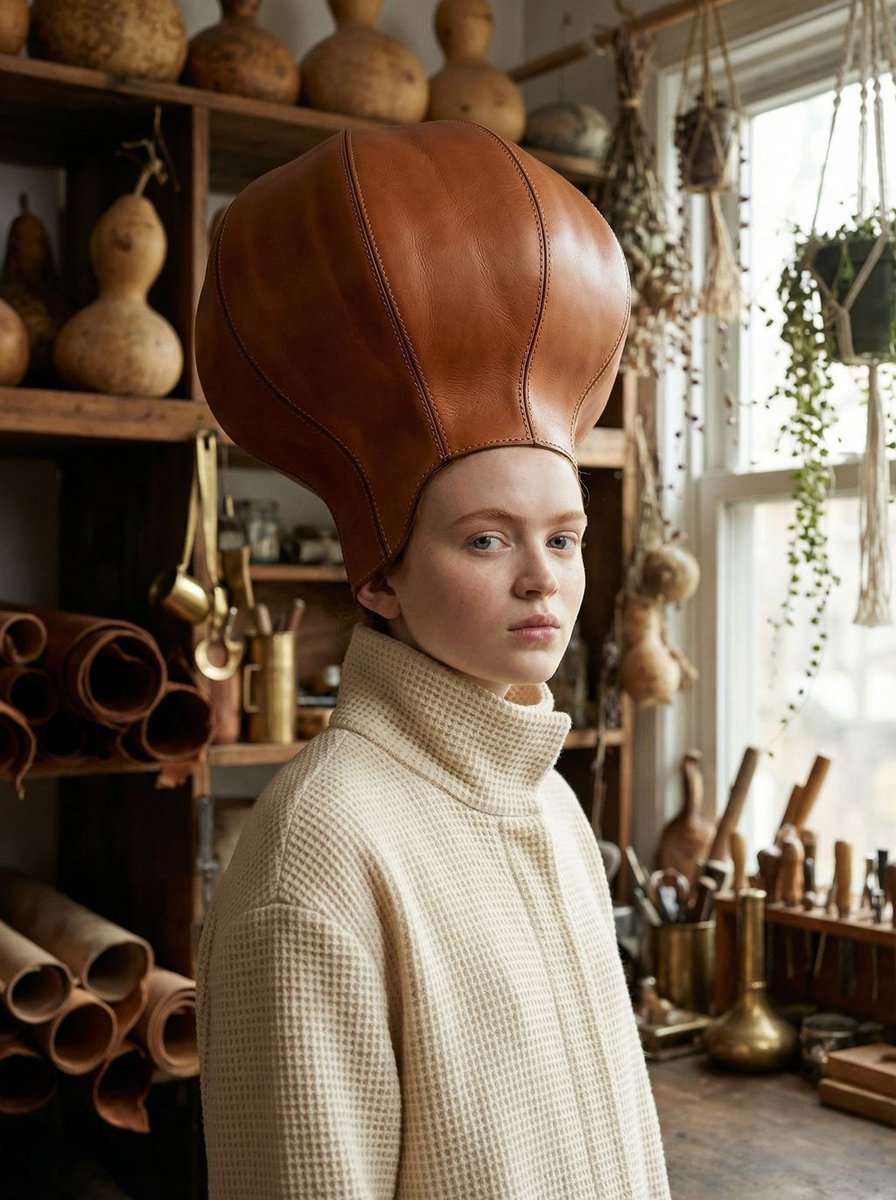
Avant-Garde Fashion Portrait with Leather Headpiece (JSON)
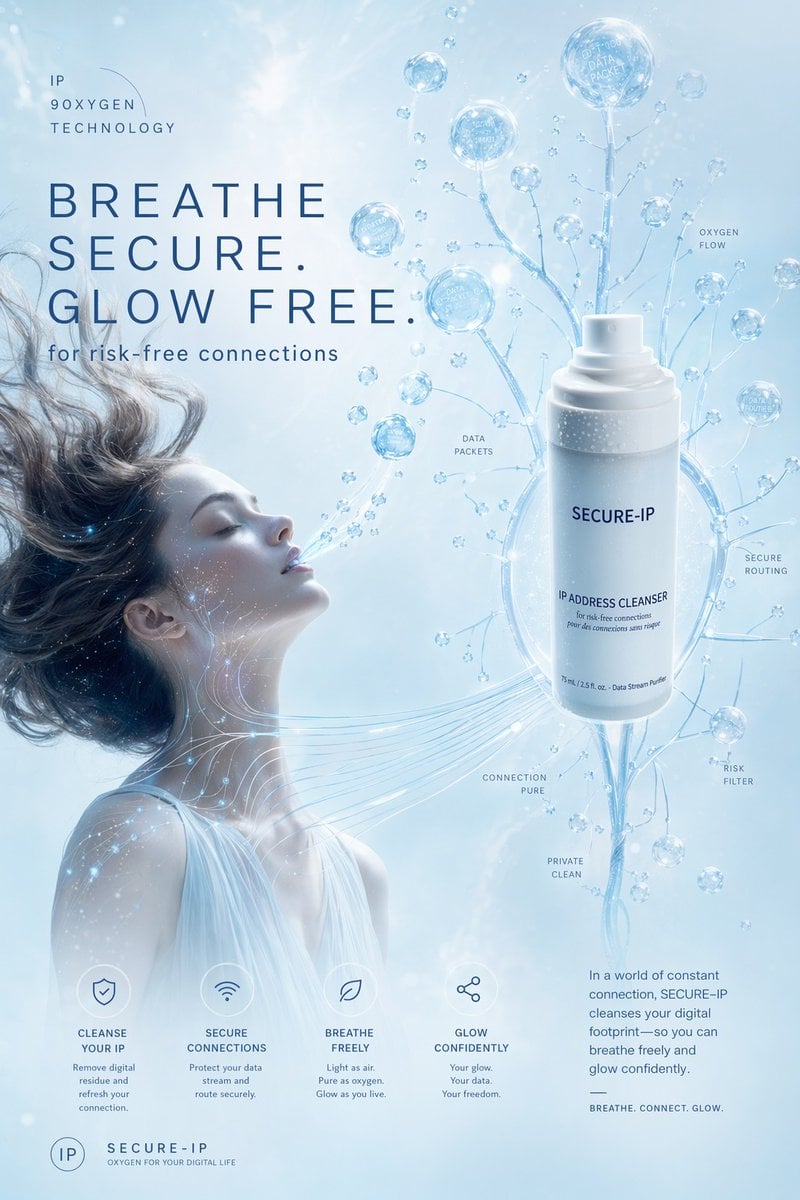
Futuristic Secure-IP Ad Poster
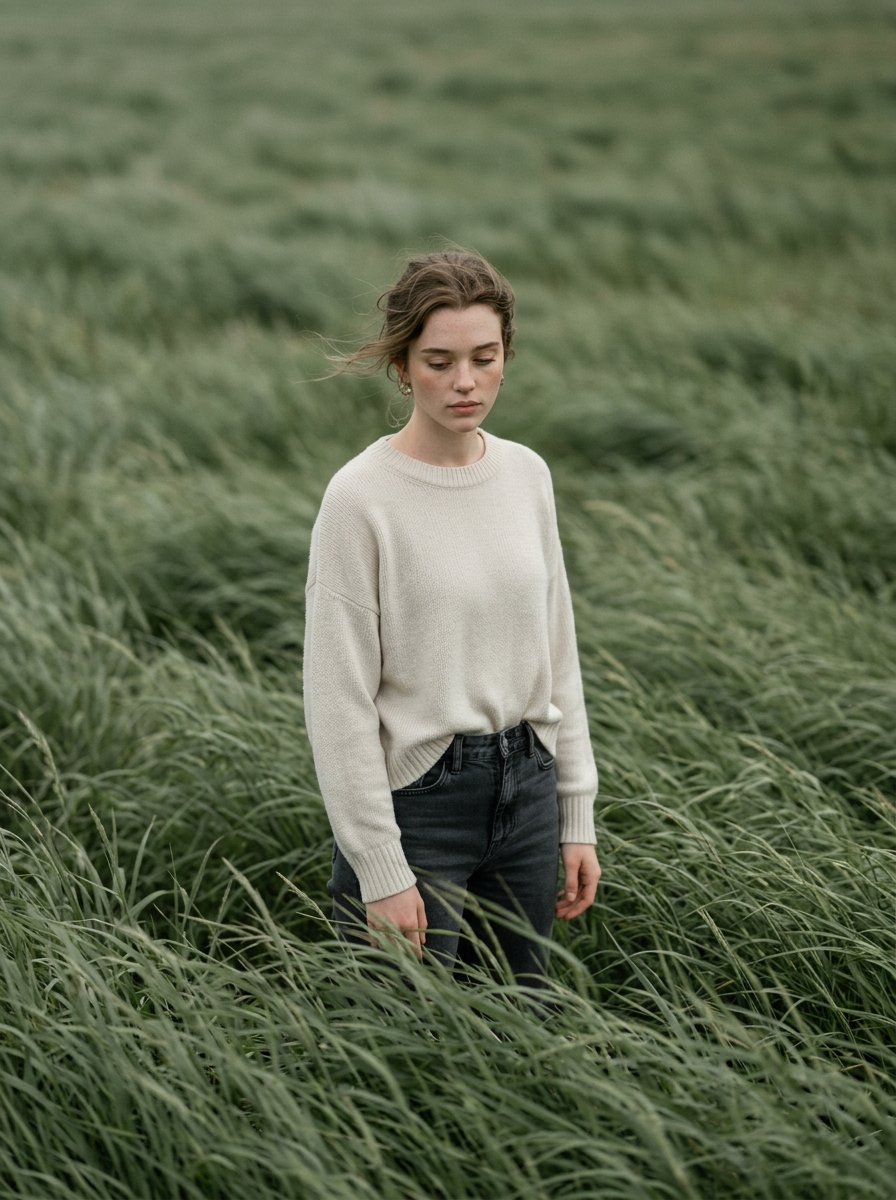
Cinematic Editorial Style Portrait in a
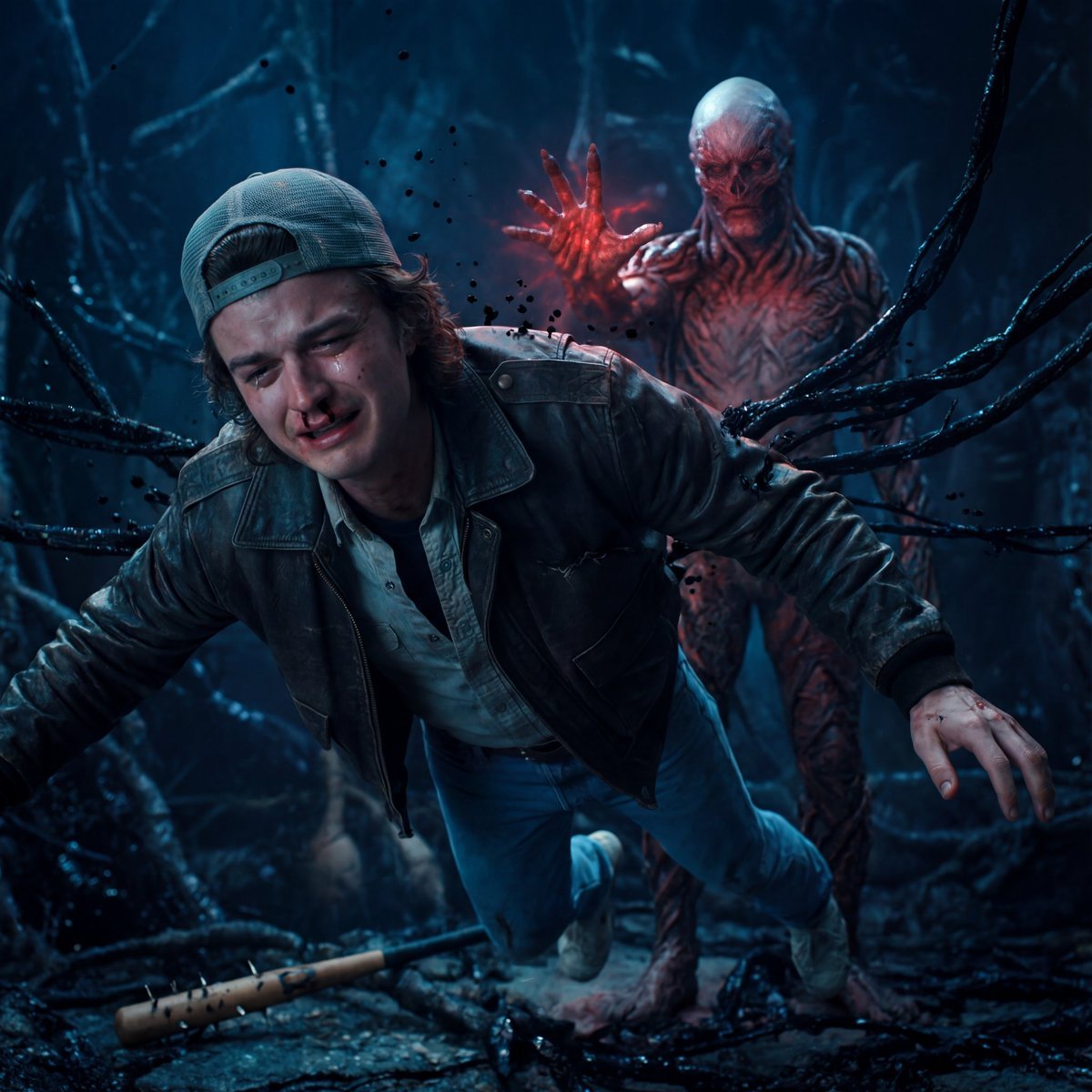
Stranger Things Cinematic Scene: Steve vs. Vecna
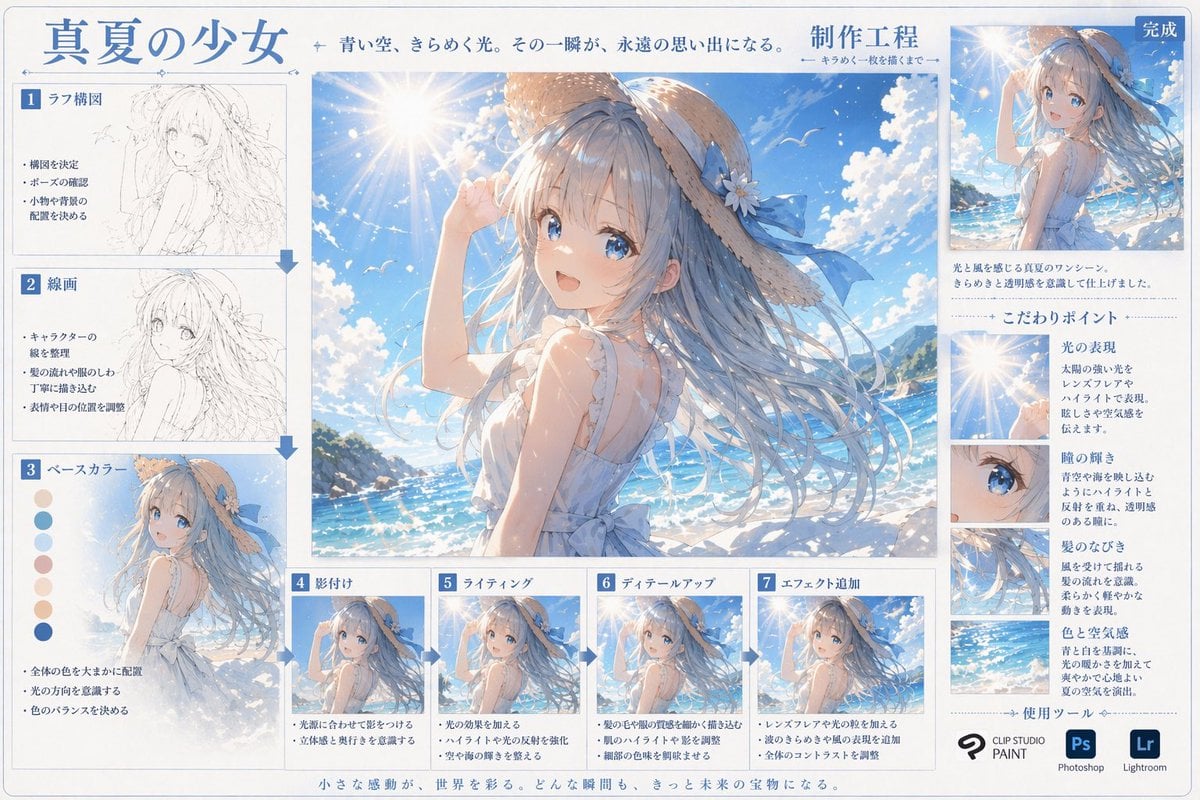
Anime Art Process Infographic
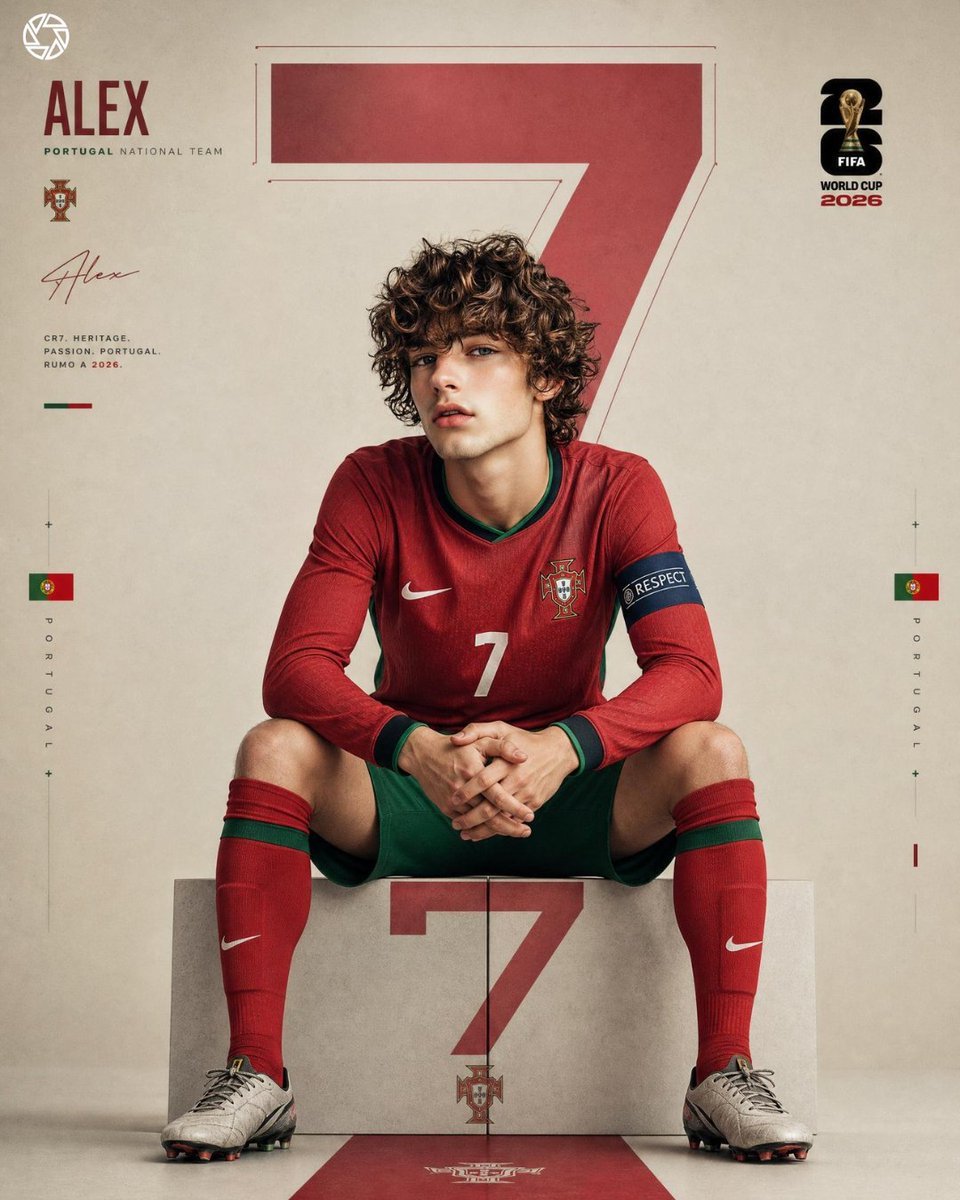
Editorial Sports Poster Design
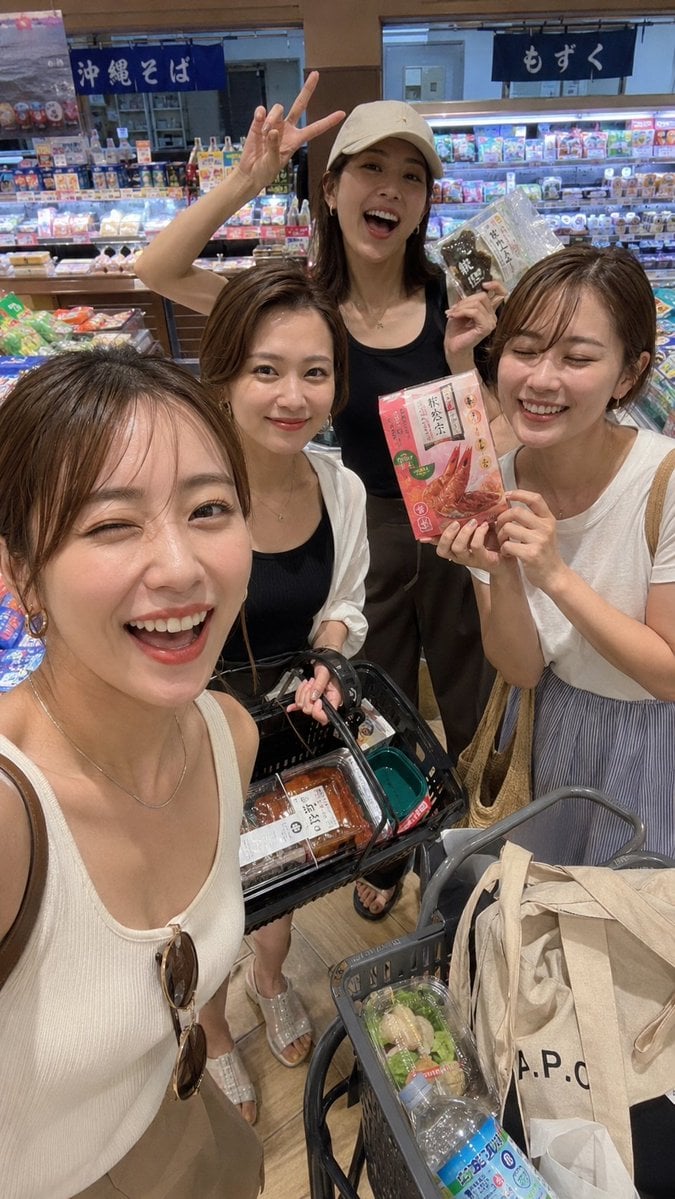
Vacation Grocery Selfie

New Chinese Style Ice Cream Drink Poster
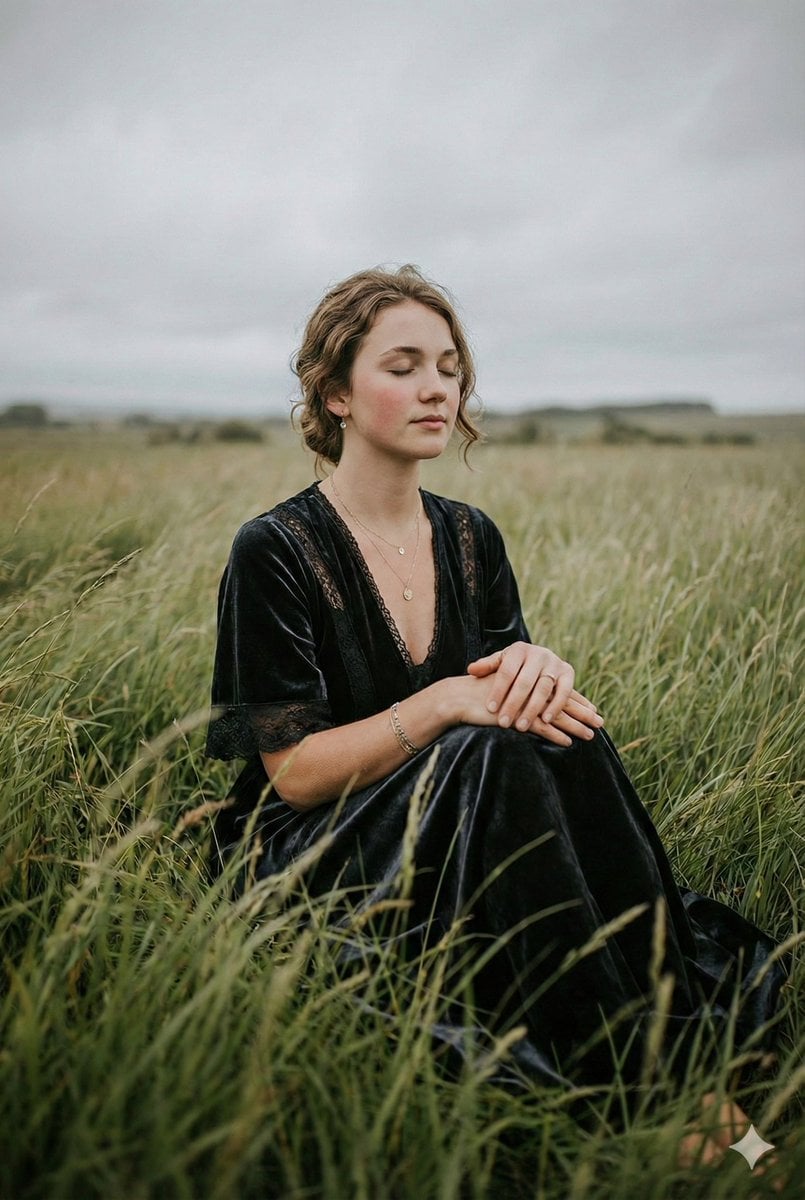
Serene Western Girl in Tall Grass Portrait
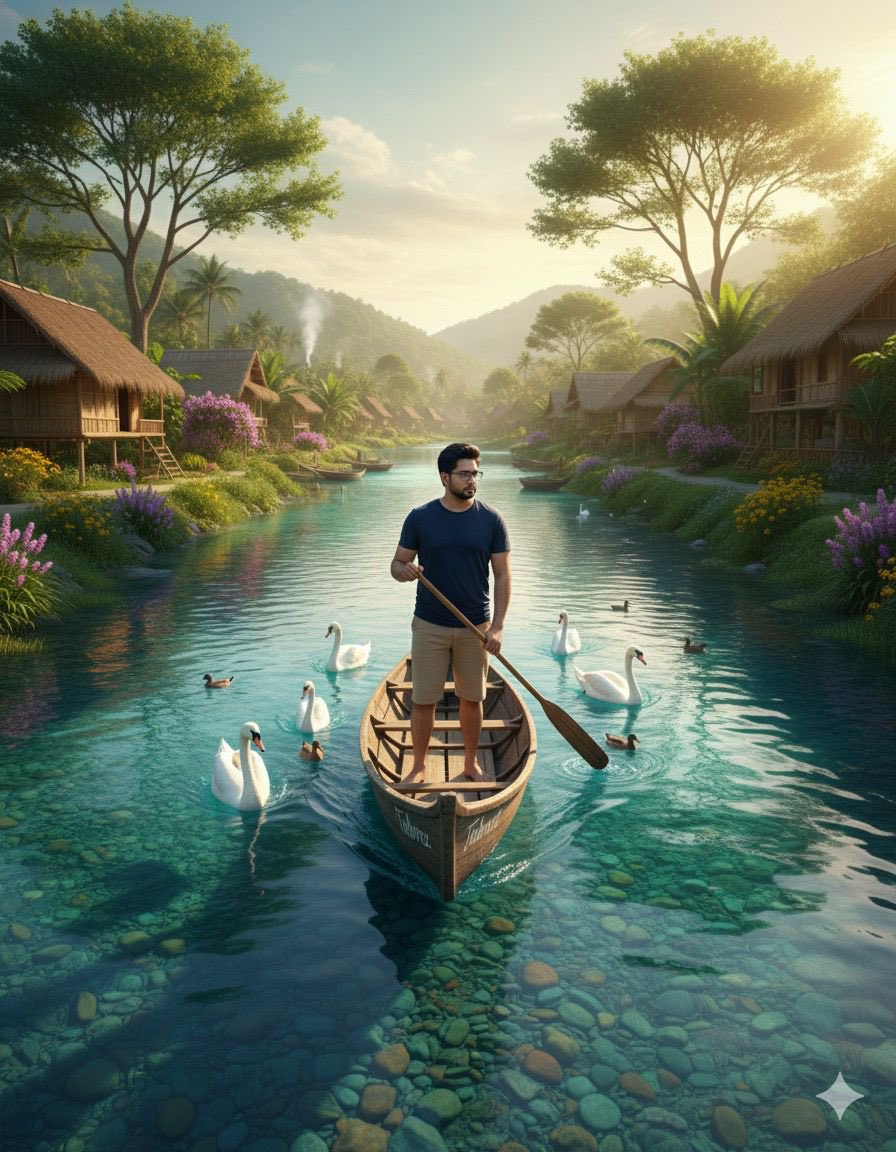
Cinematic Photograph of a Man in a Boat
Browse template categories
Vintage European Estate Fashion Portrait questions
How do I use the Vintage European Estate Fashion Portrait template?
Add your photo if the template asks for one, edit the prompt if you like — the template's model and format are already selected — and press Generate. Your version opens in PicX Studio.
Can I customize the Vintage European Estate Fashion Portrait template?
Yes. You can change the subject, setting, lighting, mood, format, and available model controls before creating your image.
Is the Vintage European Estate Fashion Portrait template free?
Opening and editing this template is free. Generating uses credits, shown on the Generate button when you are signed in.
Which AI model should I use?
Start with Nano Banana 2, which is the model associated with this template. You can compare another compatible model for a different finish.
Looking for something else? Browse all templates.

Your photo, any look
Thousands of ready templates for every top image and video model, from one credit balance.