
Melancholic Nature Archive Editorial Photo
A sophisticated prompt for generating a high-end editorial image featuring a protagonist in a cluttered taxidermy atelier with a surreal, dissolving forest background.
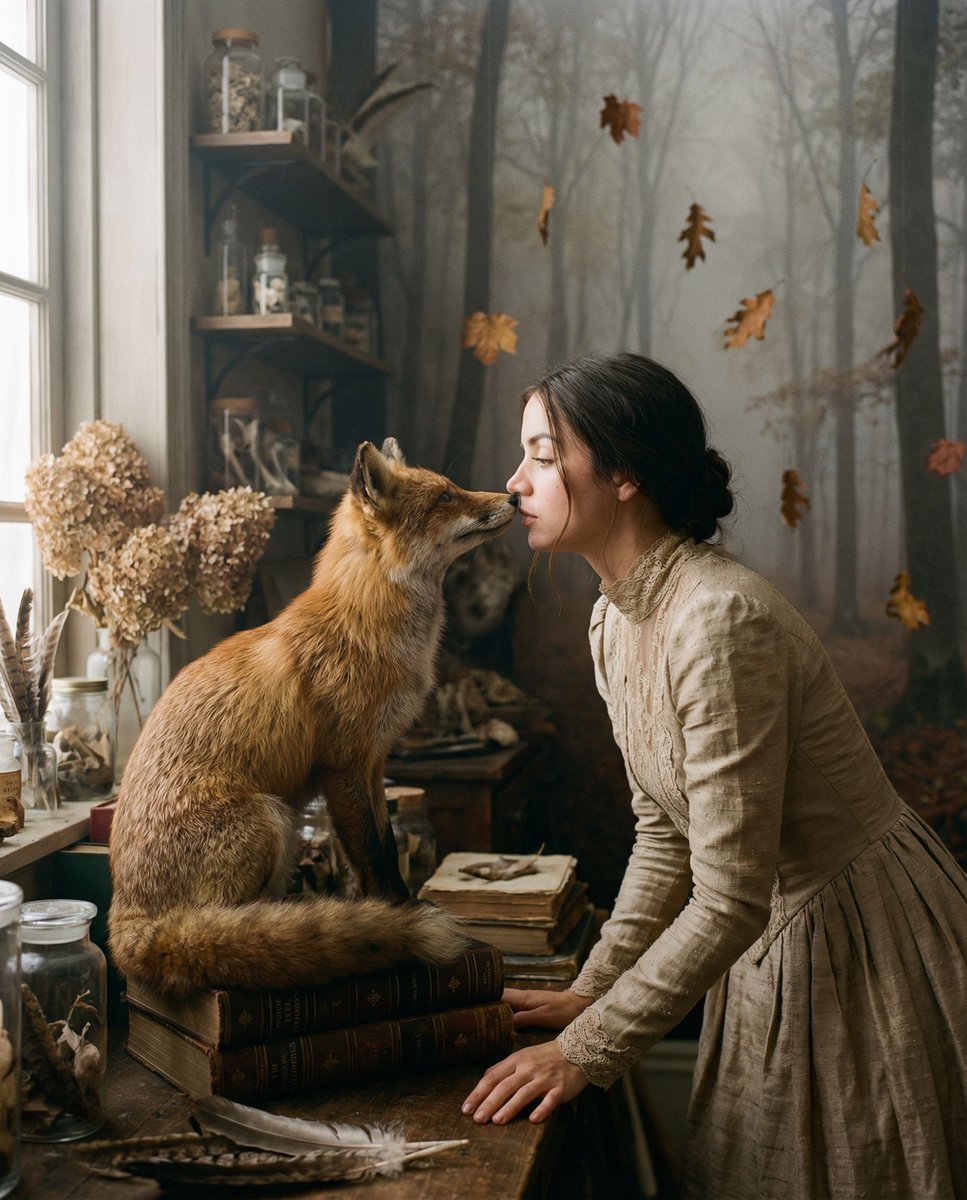
- Prompt included
- Model and format preset
- Free template
The prompt behind this image
Copy the exact prompt behind Melancholic Nature Archive Editorial Photo, or open it in the studio and make it yours.
{ "vibe_title_en": "Melancholic Nature Archive", "master_prompt": "A cinematic medium shot of {argument name="protagonist" default="The Protagonist"} standing in a densely cluttered, dust-moted Taxidermy & Restoration Atelier. The room is a chaotic masterpiece of 'Busy Environment' aesthetics: floor-to-ceiling wooden shelves overflowing with antique glass jars, spools of copper wire, dried autumn hydrangeas, stacks of yellowing anatomy encyclopedias, and loose bird feathers. The Protagonist wears a structured, high-neck gown of raw beige silk and intricate lace, mirroring the texture of the surroundings. In a moment of surreal tenderness, they are nose-to-nose with a hyper-realistic {argument name="animal" default="Red Fox"} that is perched precariously on a stack of books. The surreal twist: the boundaries of the room are dissolving; the back wall is fading into a foggy, bare-branch forest, with crisp brown oak leaves frozen in mid-air around the subject, defying gravity. Lighting is moody and volumetric, streaming through dirty workshop windows. Shot on a Hasselblad H6D-100c with an 80mm f/1.9 lens. Emphasize organic textures: the coarse fur of the fox, the fraying lace, the dust on the glass, and realistic skin pores. Kodak Portra 400 film stock simulation with soft grain. NO neon. NO plastic textures.", "meta": { "intent": "High-End Editorial / Surreal Narrative", "priorities": "Texture, Atmospheric Depth, Emotional Connection", "device_profile": "Hasselblad H6D-100c, Medium Format" }, "frame": { "aspect": "4:5", "composition": "Rule of Thirds, centering on the connection between subject and animal", "layout": "Dense foreground and background framing the subject", "camera_angle": "Eye-level, intimate proximity", "tilt_roll_degrees": "0 degrees" }, "subject": { "gender": "Female", "identity": "The Protagonist (Universal Template)", "demographics": "Ageless, Ethereal", "face": "Neutral but deeply connected gaze, soft interaction", "hair": "Textured, slightly undone, adorned with subtle organic matter", "body": "Elegant posture, holding or leaning towards the animal", "expression": "Serene, mystical, focused on the creature", "pose": "Profile or three-quarter turn, intimate interaction with the fox" }, "wardrobe_accessories": { "garments": [ { "item": "High-neck Gown", "material": "Raw Silk and Antique Lace", "color": "Champagne / Muted Beige", "fit": "Structured Bodice, Flowing Skirt" } ], "accessories": [ { "item": "Choker", "color": "Bronze / Aged Gold", "material": "Metal and Velvet", "brand_style": "Victorian Heirloom" } ] }, "environment": { "setting": "Overgrown Taxidermy Atelier / Antique Study", "surfaces": "Aged wood, dusty glass, scattered paper, dry leaves", "depth": "High depth of field fall-off, background dissolving into fog", "atmosphere": "Hazy, dust-fil"
How to use Melancholic Nature Archive Editorial Photo in 3 steps
- 1
Open
The prompt is already in the box next to the preview, with the template's model and format selected.
- 2…a portrait of your subject in softgolden-hour light, 85mm…
Personalize
Edit the subject and creative details for your destination.
- 3Generate
Generate
Press Generate — your image is created in PicX Studio, so you can compare it with the original and refine one variable at a time.
More like this
Templates with the same subject, style or setup. Open one to see its prompt.

Teen Girl Alpine Lake Mountain View
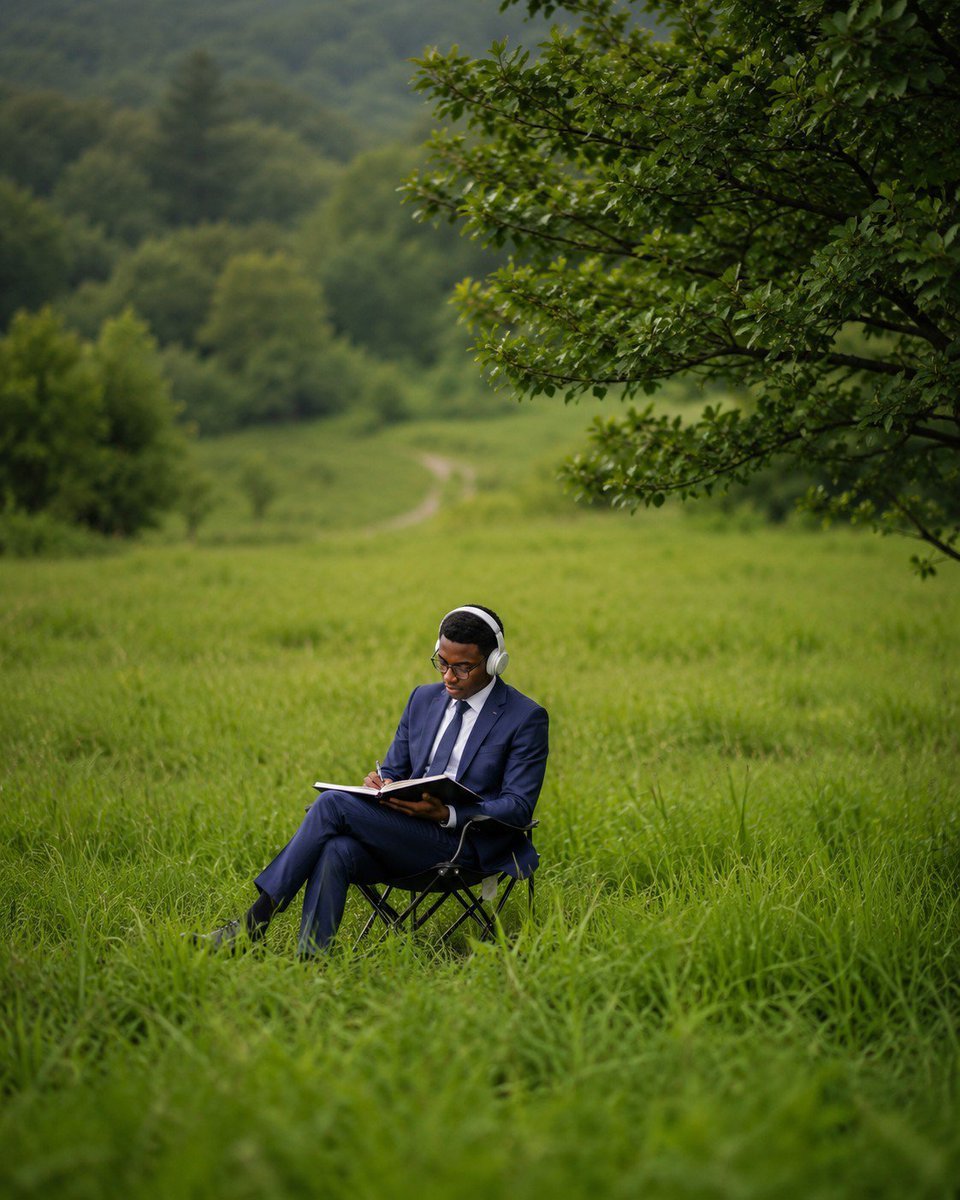
Deep Work in Nature Editorial Photo
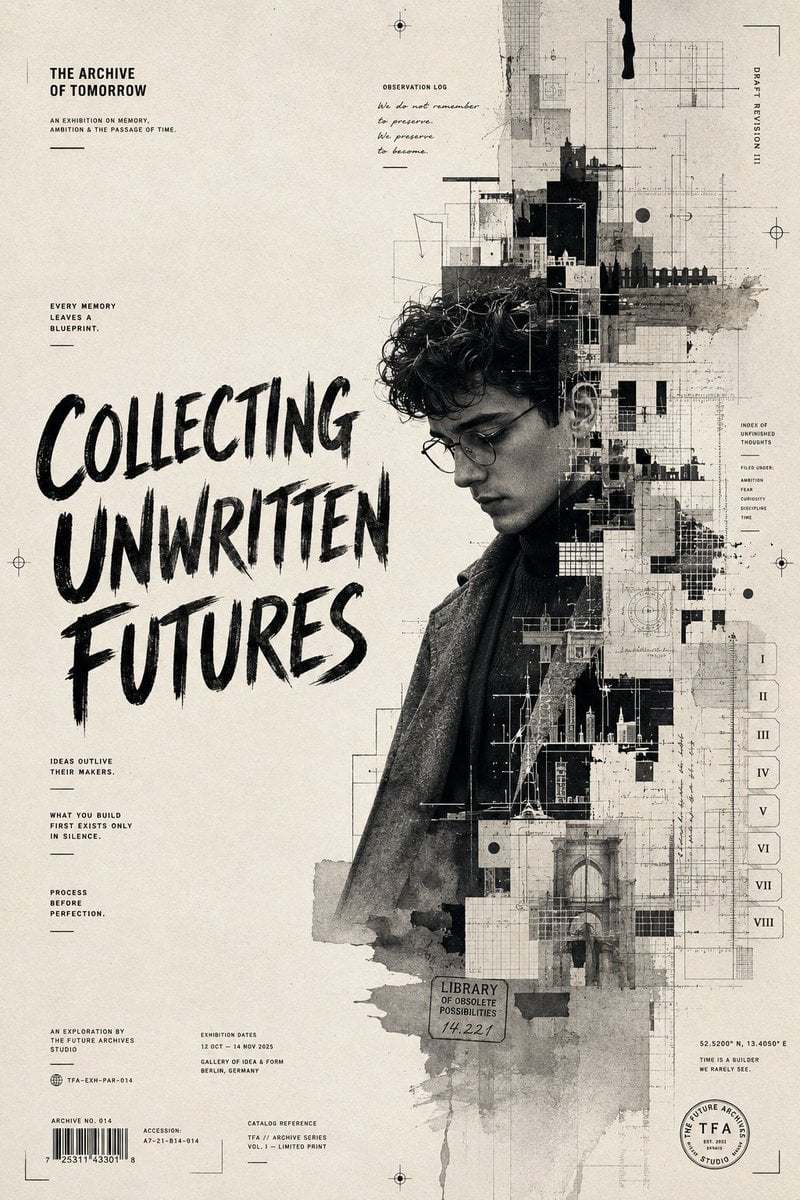
The Archive of Tomorrow Editorial Poster
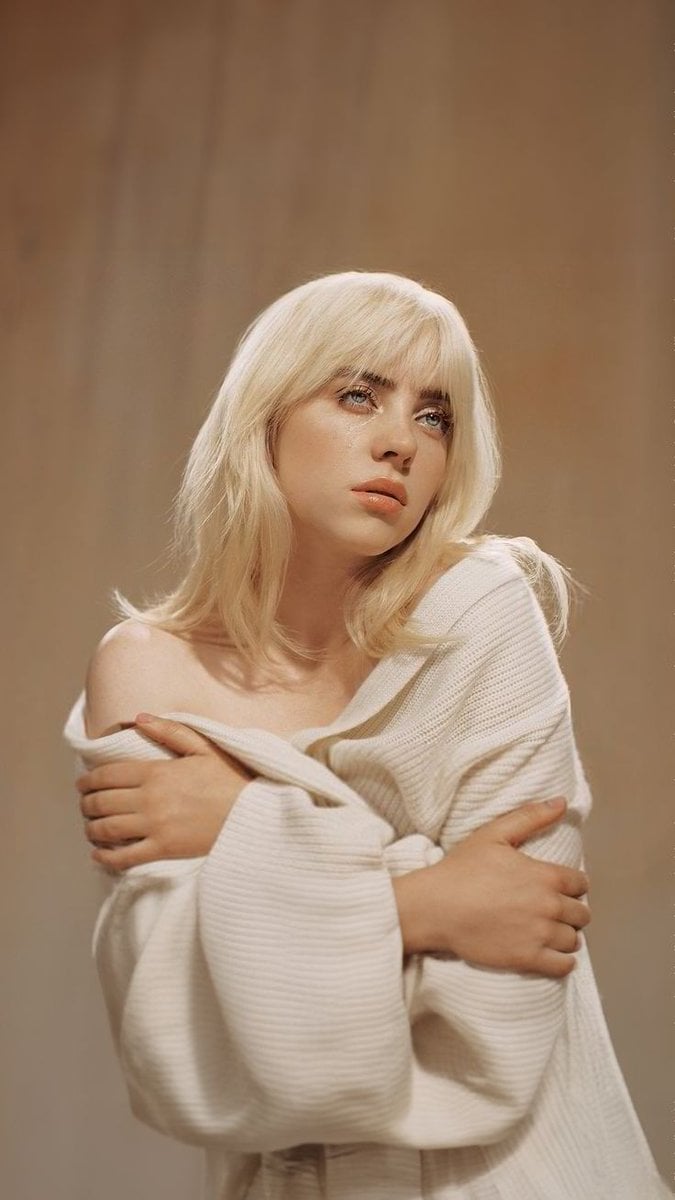
Melancholic Blonde Editorial Portrait

Urban Fashion Editorial Collage Streetwear Poster

Monochrome Hypebeast Street Fashion Editorial Motion

Elegant Green Evening Gown Studio Fashion Portrait

Artistic Patchwork Fashion Portrait Spring Festival

Japanese Architectural Concrete Studio Fashion Campaign

Monroe and Ash Mediterranean Luxury Fashion Campaign

Premium Fashion Editorial Cover Layout System

Korean Luxury Fashion Editorial 2x2 Grid Series
Make it yours
Melancholic Nature Archive Editorial Photo works as-is. These are the safest ways to change it without losing the look.
Change one field
Copy a single group, rewrite it, and generate again so you can see what that field is doing.
Keep the frame, change the subject
Hold the composition and light of Melancholic Nature Archive Editorial Photo, then swap wardrobe, props or the person for a new take.
| If the result… | Why | Fix |
|---|---|---|
| The result drifts from the preview | Too many fields changed at once. | Reuse Melancholic Nature Archive Editorial Photo as-is first, then change one group — subject, light, or setting. |
| The model over-stylizes the scene | The prose prompt leaves finish and camera underspecified. | Add one camera or lighting sentence and stay on Nano Banana 2. |
More Nano Banana 2 templates
Other prompts made for Nano Banana 2.

Photorealistic Leaf Shaped Like a Dragon

K-Pop Idol Portrait Grid for Rapid Selection

Poetic Rain Forest Portrait During Golden Hour

Urban Street Portrait with Cartoon Inner Self Duo

Candid Nighttime Photo with Cat Prompt

High-Concept 3D Diorama Generation Prompt

Cinematic Futuristic Studio Portrait Template

Skincare Editorial Photography Collage Prompt

Hyper-Realistic Commercial Product Photography (Splash Effect)

Hyper-Realistic Nightclub Portrait Prompt
More image prompts
Fresh picks from across the catalog.
Batik Style Image Generation Prompt
Photography Game Cinematic Capture
Illustrated Portrait on Ruled Notebook Background
Vector Art Style Transformation Prompt

Photorealistic Blu-ray Cover Portrait
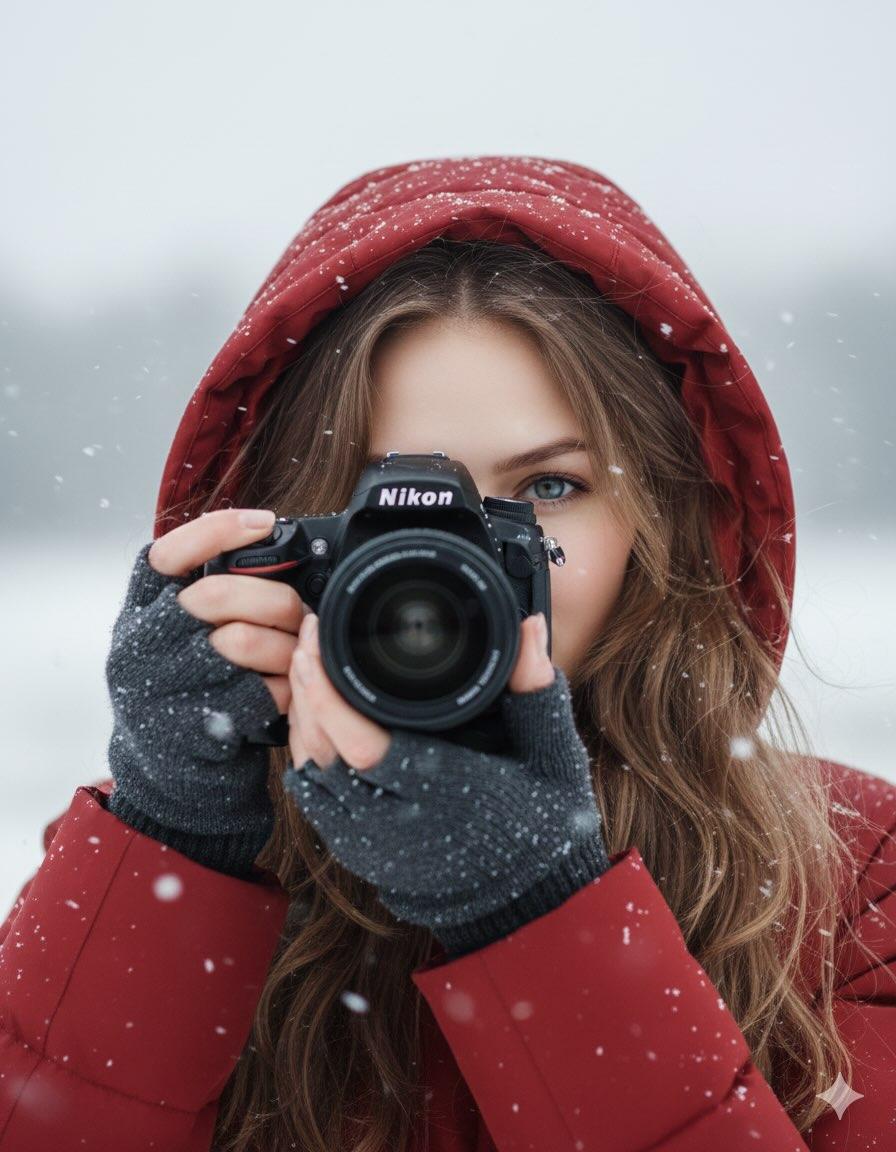
Cinematic Winter Portrait Prompt
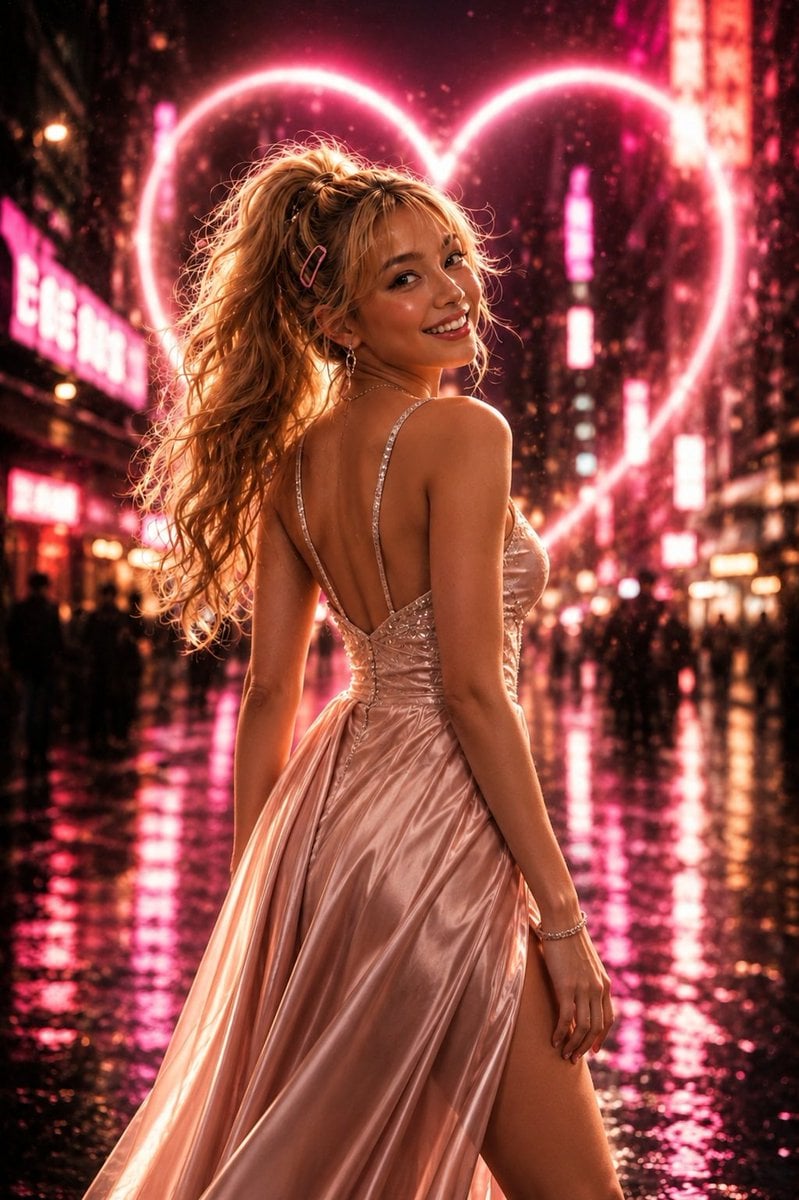
Neon Heart Night Fashion Portrait
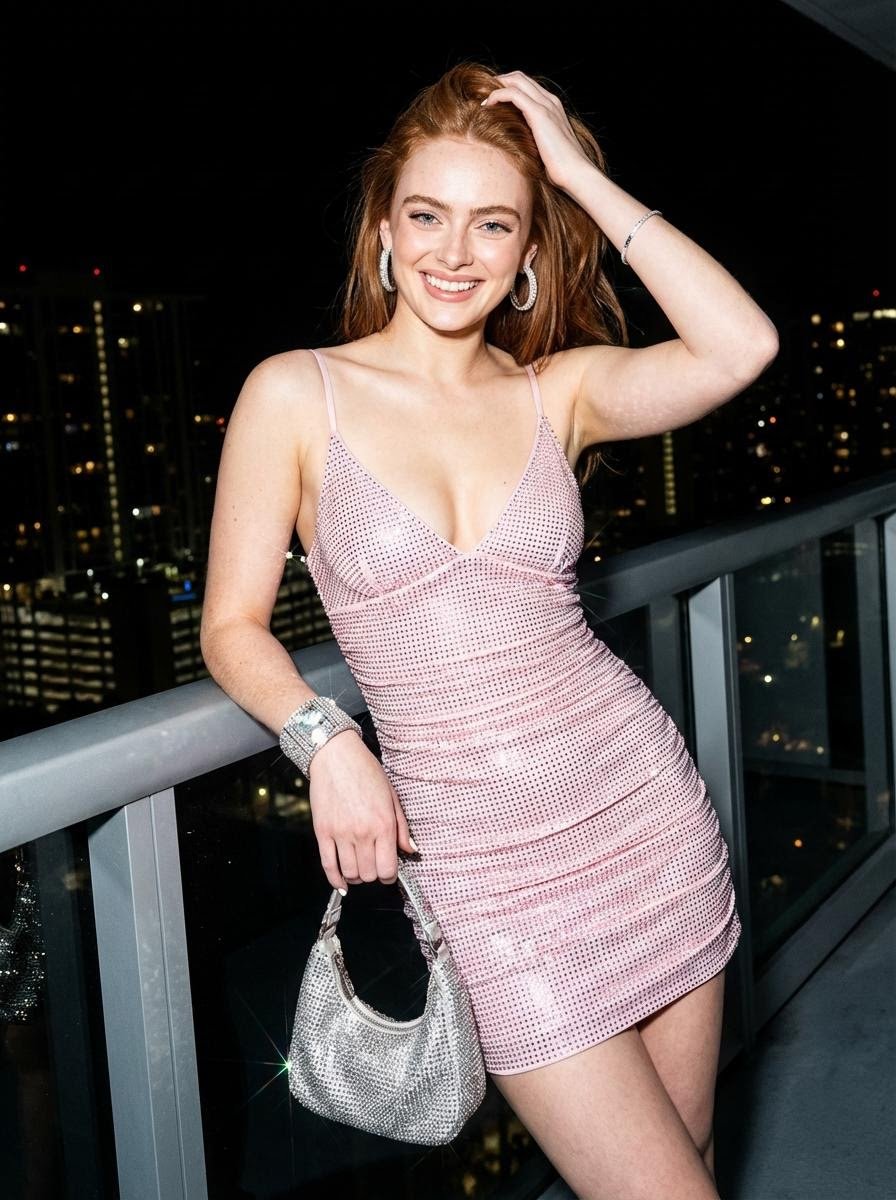
Nightlife Editorial Portrait Prompt
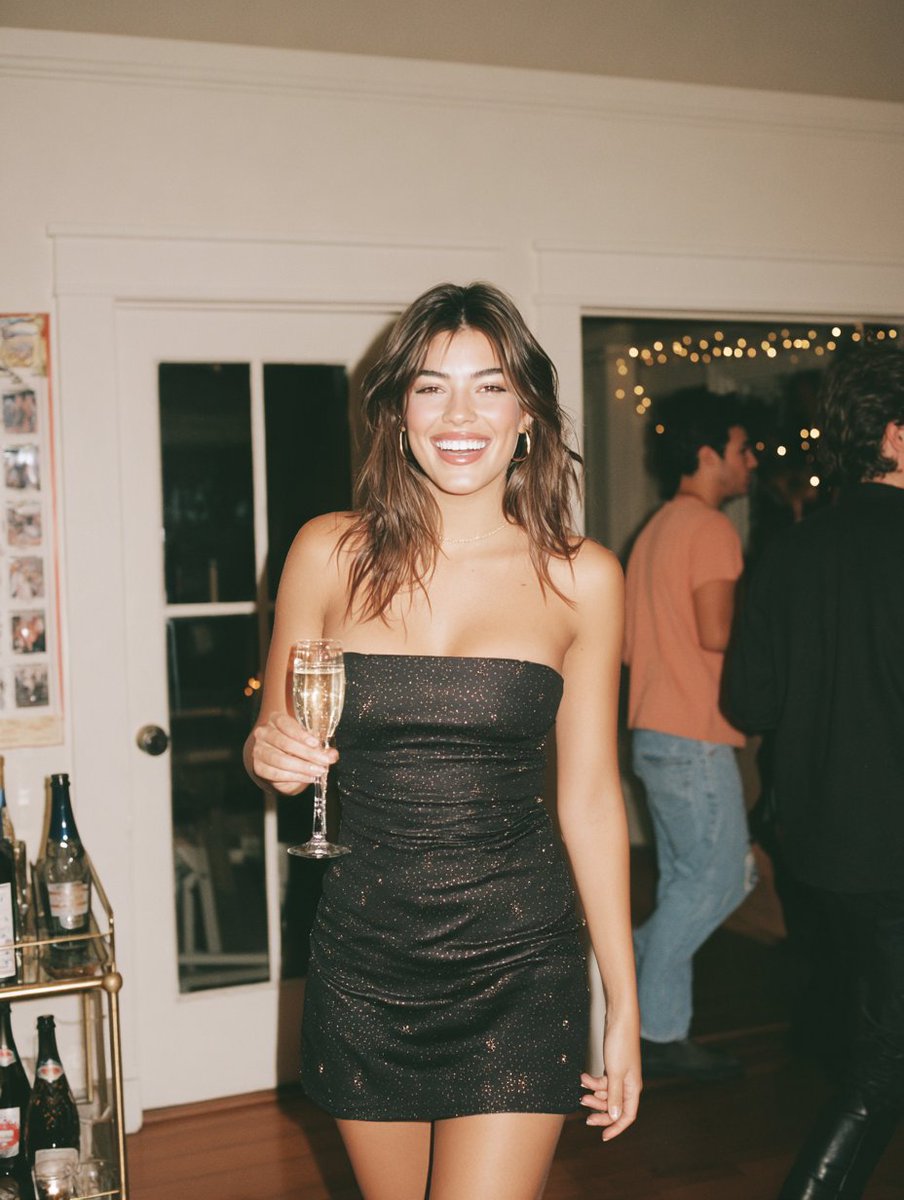
Warm Candid House Party Photography

Chinese Ink Animation Poster Style
Browse template categories
Melancholic Nature Archive Editorial Photo questions
How do I use the Melancholic Nature Archive Editorial Photo template?
Add your photo if the template asks for one, edit the prompt if you like — the template's model and format are already selected — and press Generate. Your version opens in PicX Studio.
Can I customize the Melancholic Nature Archive Editorial Photo template?
Yes. You can change the subject, setting, lighting, mood, format, and available model controls before creating your image.
Is the Melancholic Nature Archive Editorial Photo template free?
Opening and editing this template is free. Generating uses credits, shown on the Generate button when you are signed in.
Which AI model should I use?
Start with Nano Banana 2, which is the model associated with this template. You can compare another compatible model for a different finish.
Looking for something else? Browse all templates.

Your photo, any look
Thousands of ready templates for every top image and video model, from one credit balance.