
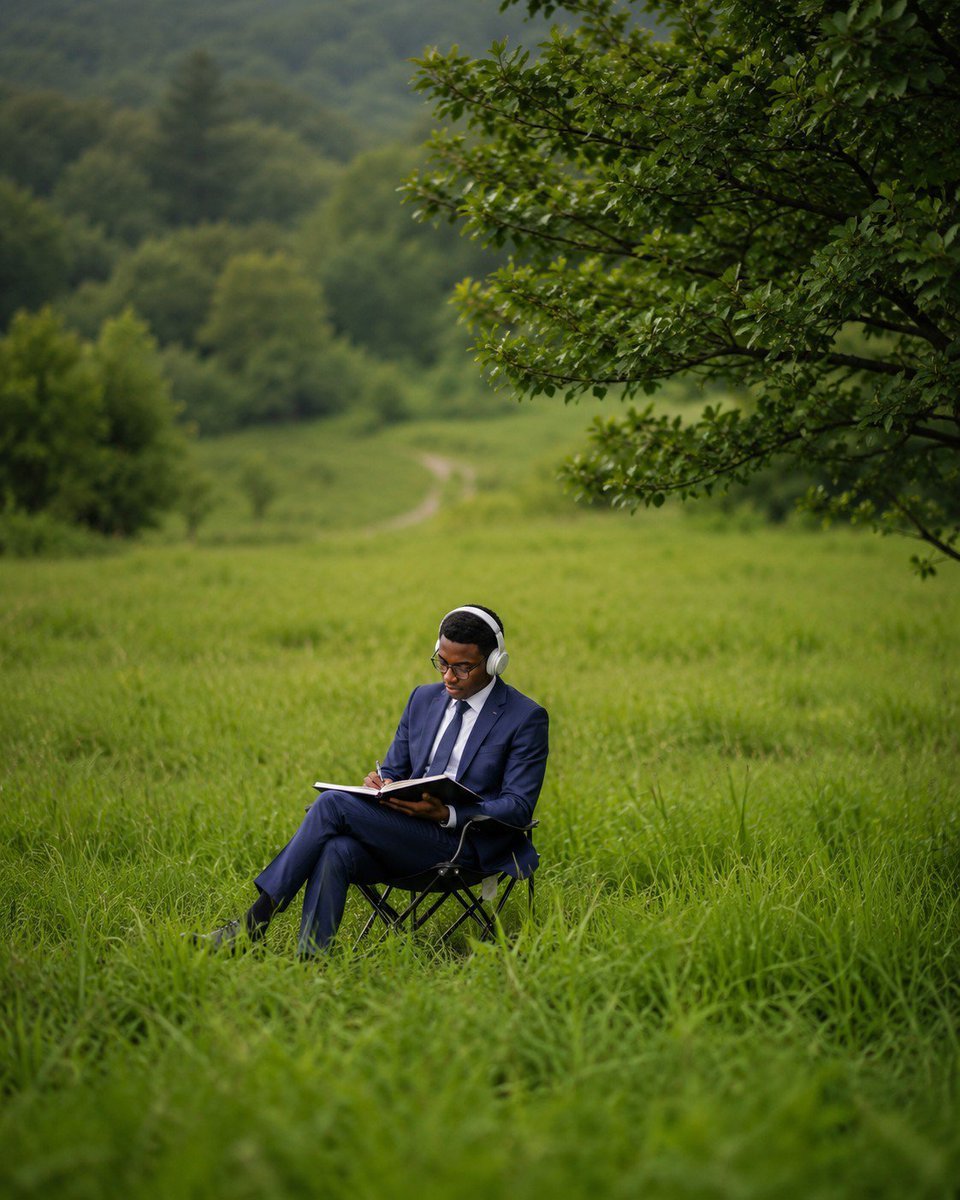
Deep Work in Nature Editorial Photo
An ultra-realistic cinematic editorial scene of a suited professional writing alone in a lush meadow, ideal for productivity, focus, and nature-work visuals.
- Prompt included
- Model and format preset
- Free template
The prompt behind this image
Copy the exact prompt behind Deep Work in Nature Editorial Photo, or open it in the studio and make it yours.
Create an ultra-realistic cinematic editorial photograph titled “Deep Work in Nature” featuring {argument name="subject description" default="a focused Black male professional in his early 30s"} working alone in the middle of a vast lush green meadow. The subject sits on one simple black folding camping chair, positioned in the lower center of the frame, wearing {argument name="outfit" default="a tailored navy blue business suit, white dress shirt, dark tie, black shoes, and eyeglasses"}. He has over-ear {argument name="headphones color" default="silver and white"} headphones on and is quietly writing in one open notebook or planner held across his lap with one pen, looking downward in deep concentration. Surround him with tall wet grass in the foreground, rolling meadow hills in the midground, and a soft blurred forested valley in the background, with one pale winding dirt path disappearing into the distance. Include one large leafy tree canopy entering from the upper right, its branches framing the scene. Use moody natural overcast light, rich greens, shallow depth of field, cinematic compression from a telephoto lens, realistic texture, subtle bokeh, soft background blur, and a calm contemplative editorial mood. Vertical 4:5 composition, eye-level to slightly elevated perspective, subject small against the expansive landscape, no text, no logos, no extra people, no buildings, no devices other than the notebook and headphones.
How to use Deep Work in Nature Editorial Photo in 3 steps
- 1Upload ImagePNG, JPG or paste
Add your photo
Upload the photo the template builds on. The prompt, model and format are already set.
- 2…a portrait of your subject in softgolden-hour light, 85mm…
Personalize
Edit the subject and creative details for your destination.
- 3Generate
Generate
Press Generate — your image is created in PicX Studio, so you can compare it with the original and refine one variable at a time.
More like this
Templates with the same subject, style or setup. Open one to see its prompt.

Artistic Patchwork Fashion Portrait Spring Festival
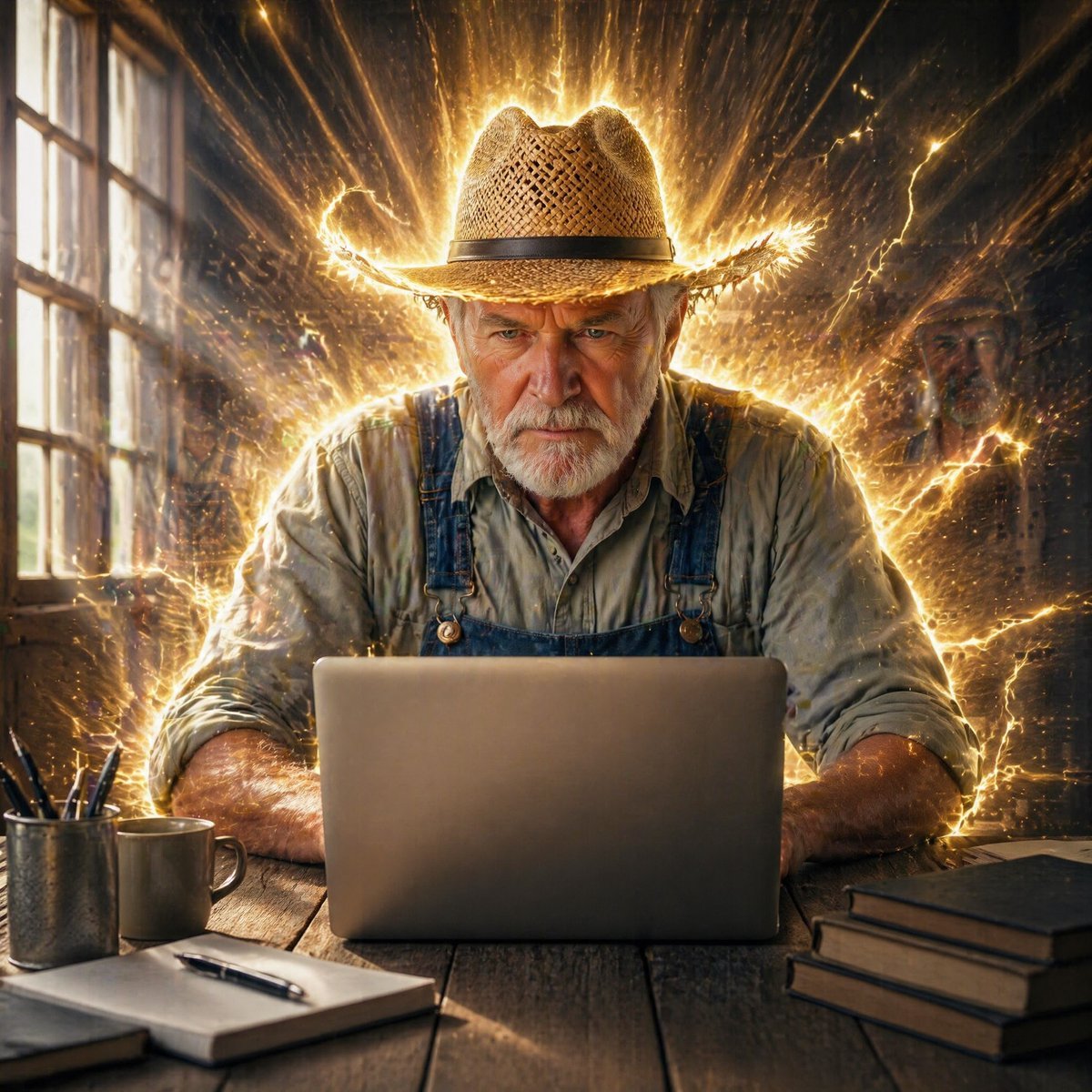
Farmer in Deep Work Aura

Teen Girl Alpine Lake Mountain View
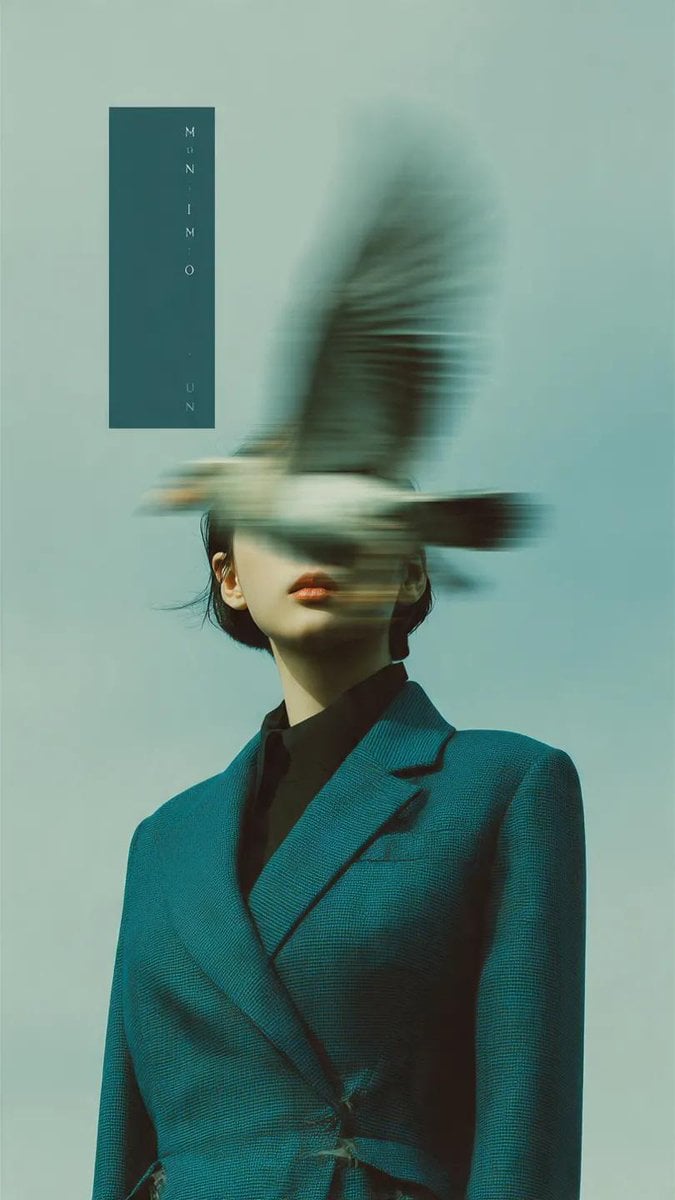
Editorial photography, a woman wearing a structured deep teal blazer
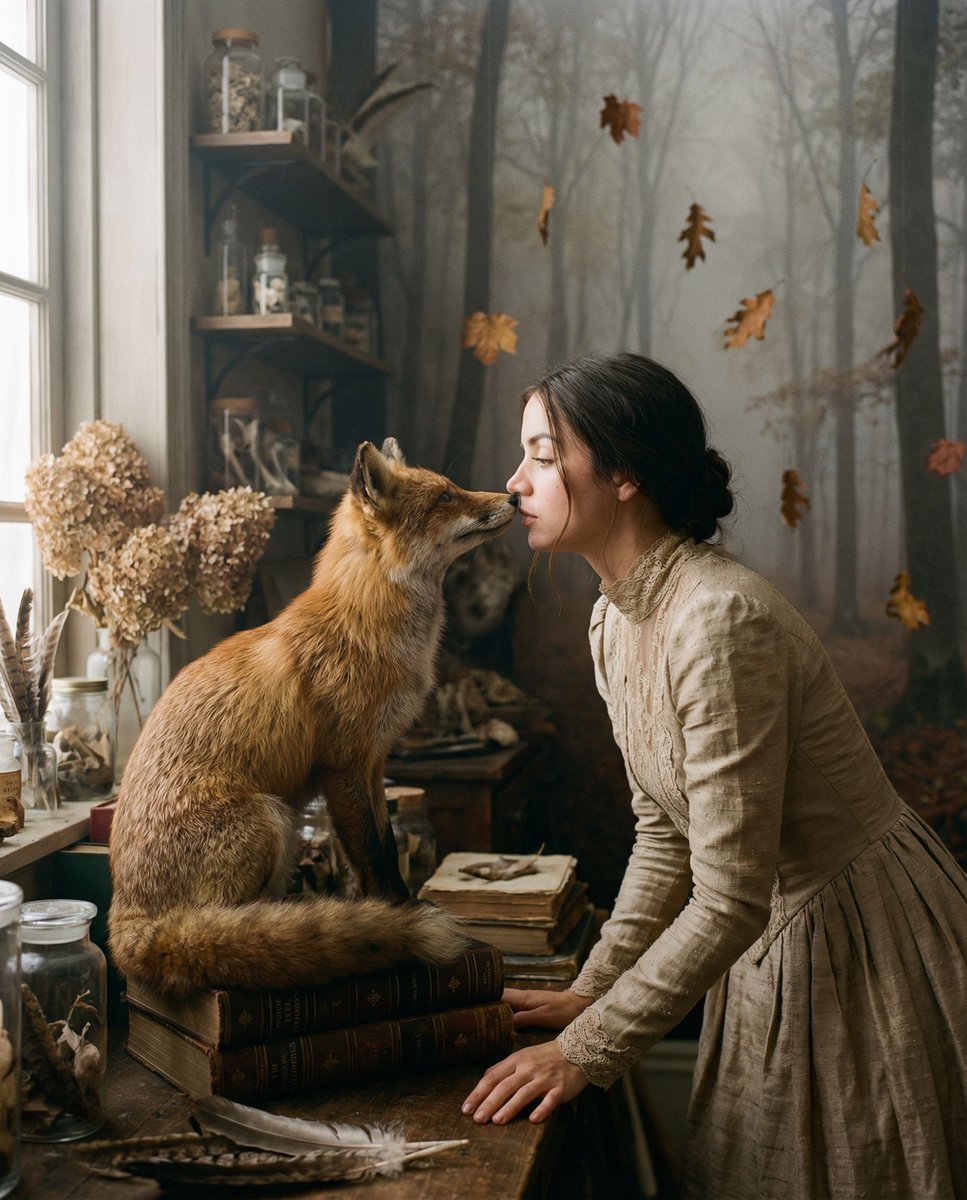
Melancholic Nature Archive Editorial Photo

Urban Fashion Editorial Collage Streetwear Poster

Monochrome Hypebeast Street Fashion Editorial Motion

Elegant Green Evening Gown Studio Fashion Portrait

Japanese Architectural Concrete Studio Fashion Campaign

Monroe and Ash Mediterranean Luxury Fashion Campaign

Premium Fashion Editorial Cover Layout System

Korean Luxury Fashion Editorial 2x2 Grid Series
Make it yours
Deep Work in Nature Editorial Photo works as-is. These are the safest ways to change it without losing the look.
Change one field
Copy a single group, rewrite it, and generate again so you can see what that field is doing.
Keep the frame, change the subject
Hold the composition and light of Deep Work in Nature Editorial Photo, then swap wardrobe, props or the person for a new take.
| If the result… | Why | Fix |
|---|---|---|
| The result drifts from the preview | Too many fields changed at once. | Reuse Deep Work in Nature Editorial Photo as-is first, then change one group — subject, light, or setting. |
| The model over-stylizes the scene | The prose prompt leaves finish and camera underspecified. | Add one camera or lighting sentence and stay on GPT Image 2. |
More GPT Image 2 templates
Other prompts made for GPT Image 2.

Six VTuber Japanese Logo Sheet

Realistic Portrait of Woman and Deer

The Vista Modular Condo Poster

AI Model Routing Comparison Infographic

2.5D Anime Art Board

Isometric Productivity Desk Scene

New York Double Exposure Poster

Four-Panel AI Landscape Comparison

Japanese Tatami Lifestyle Magazine Cover

NESCAFÉ Coffee Map Poster
More image prompts
Fresh picks from across the catalog.
Hyper-Realistic Berry Smoothie Explosion Food Photography Prompt
Vacation Style Portrait By the Marina
Luxury Fashion Mural Portrait
Future Fit Guitarist Above the Clouds
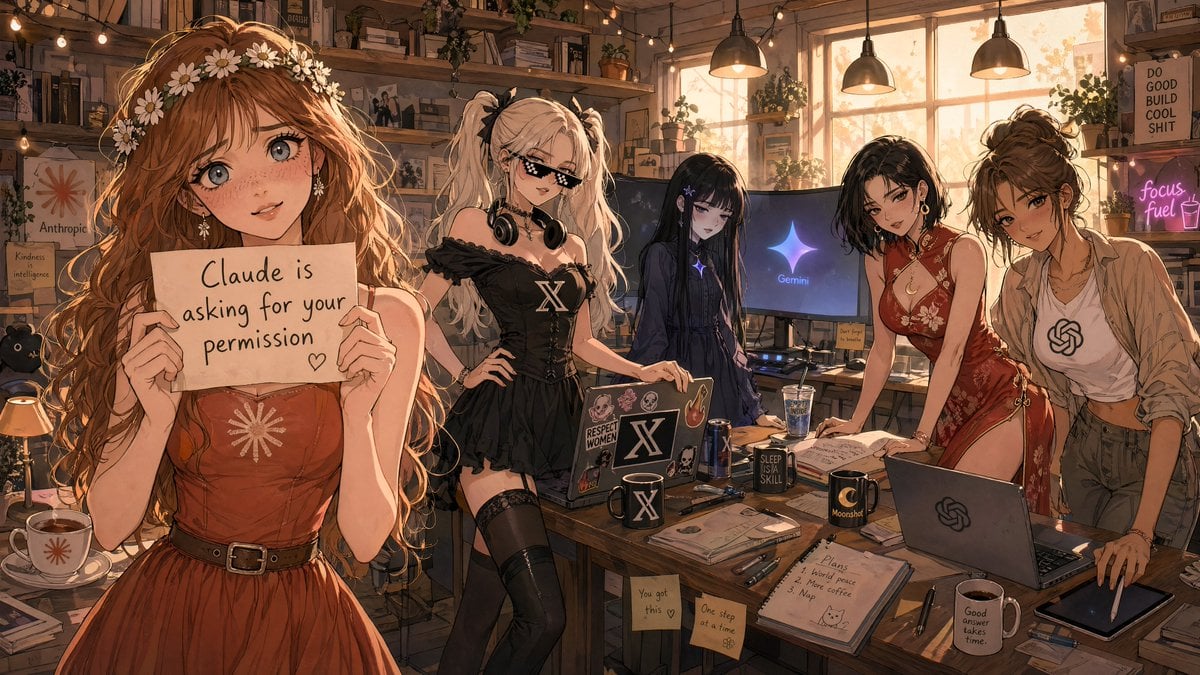
Anime AI Studio Girls at Sunset
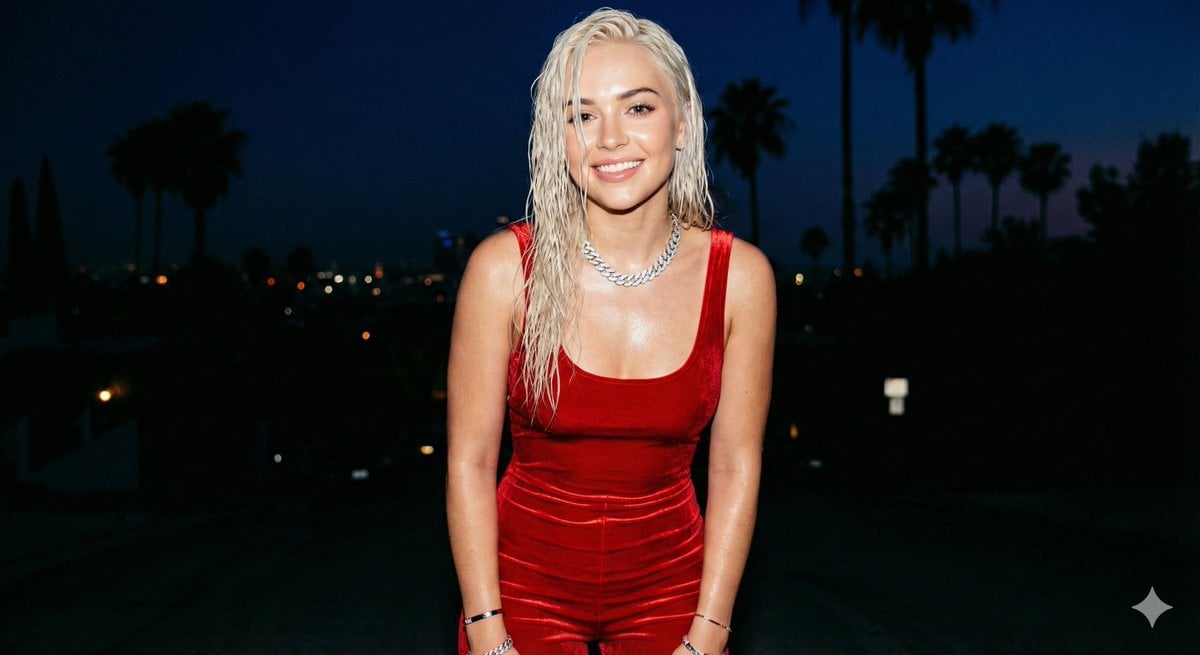
Hyper-realistic smartphone flash photo prompt for AI image generation
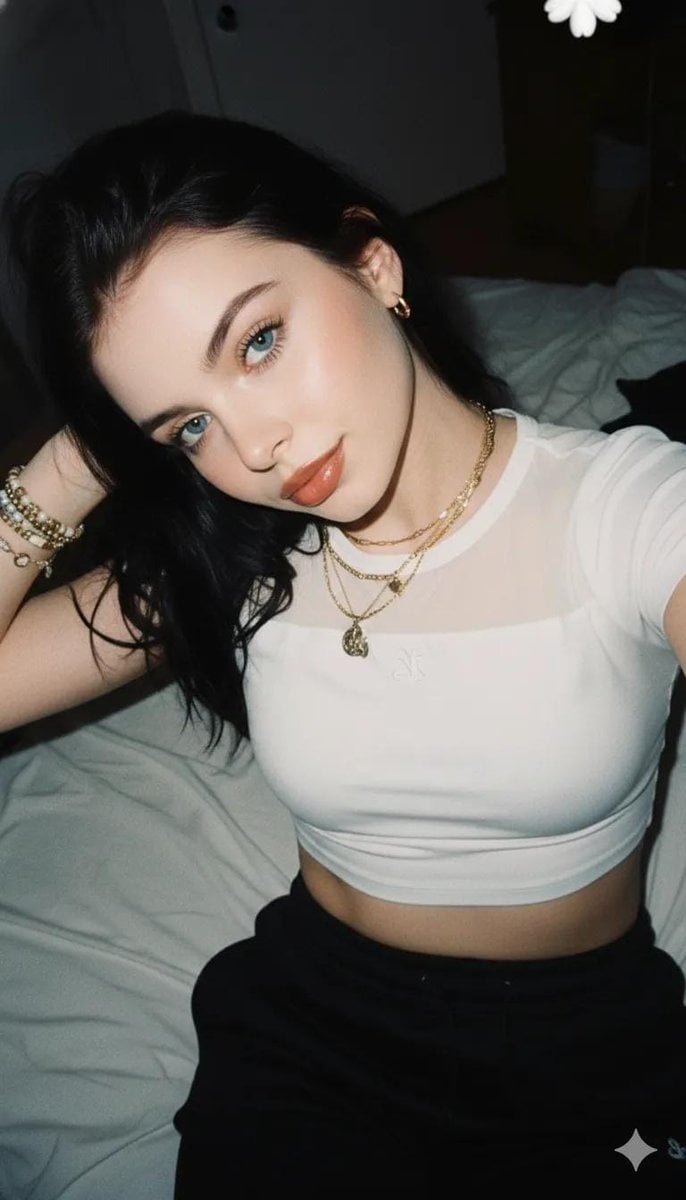
2000s Aesthetic Flash Selfie Prompt

Pancake Angel Idol Café Selfie

Luxury Spa Day on a Yacht Group Portrait Prompt (Duplicate)
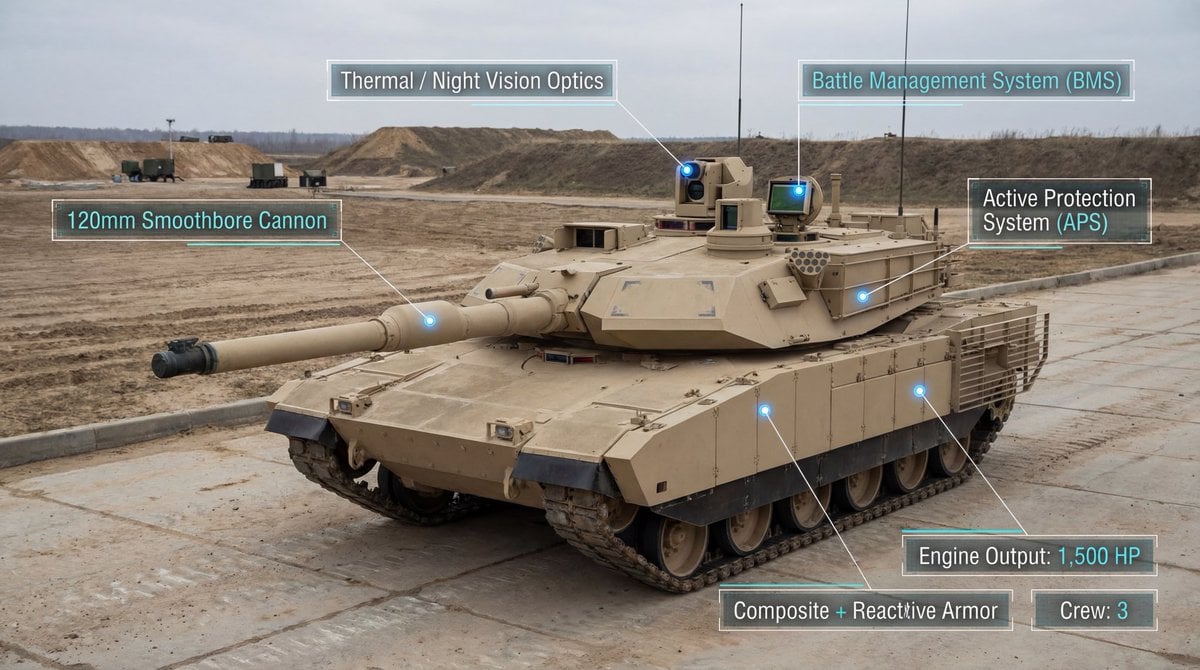
Modern Combat Tank Infographic Prompt
Browse template categories
Deep Work in Nature Editorial Photo questions
How do I use the Deep Work in Nature Editorial Photo template?
Add your photo if the template asks for one, edit the prompt if you like — the template's model and format are already selected — and press Generate. Your version opens in PicX Studio.
Can I customize the Deep Work in Nature Editorial Photo template?
Yes. You can change the subject, setting, lighting, mood, format, and available model controls before creating your image.
Is the Deep Work in Nature Editorial Photo template free?
Opening and editing this template is free. Generating uses credits, shown on the Generate button when you are signed in.
Which AI model should I use?
Start with GPT Image 2, which is the model associated with this template. You can compare another compatible model for a different finish.
Looking for something else? Browse all templates.

Your photo, any look
Thousands of ready templates for every top image and video model, from one credit balance.