
Analog Repair Archive Surreal Portrait
A hyper-realistic cinematic portrait of a subject surrounded by floating disassembled vintage electronics in zero-gravity.
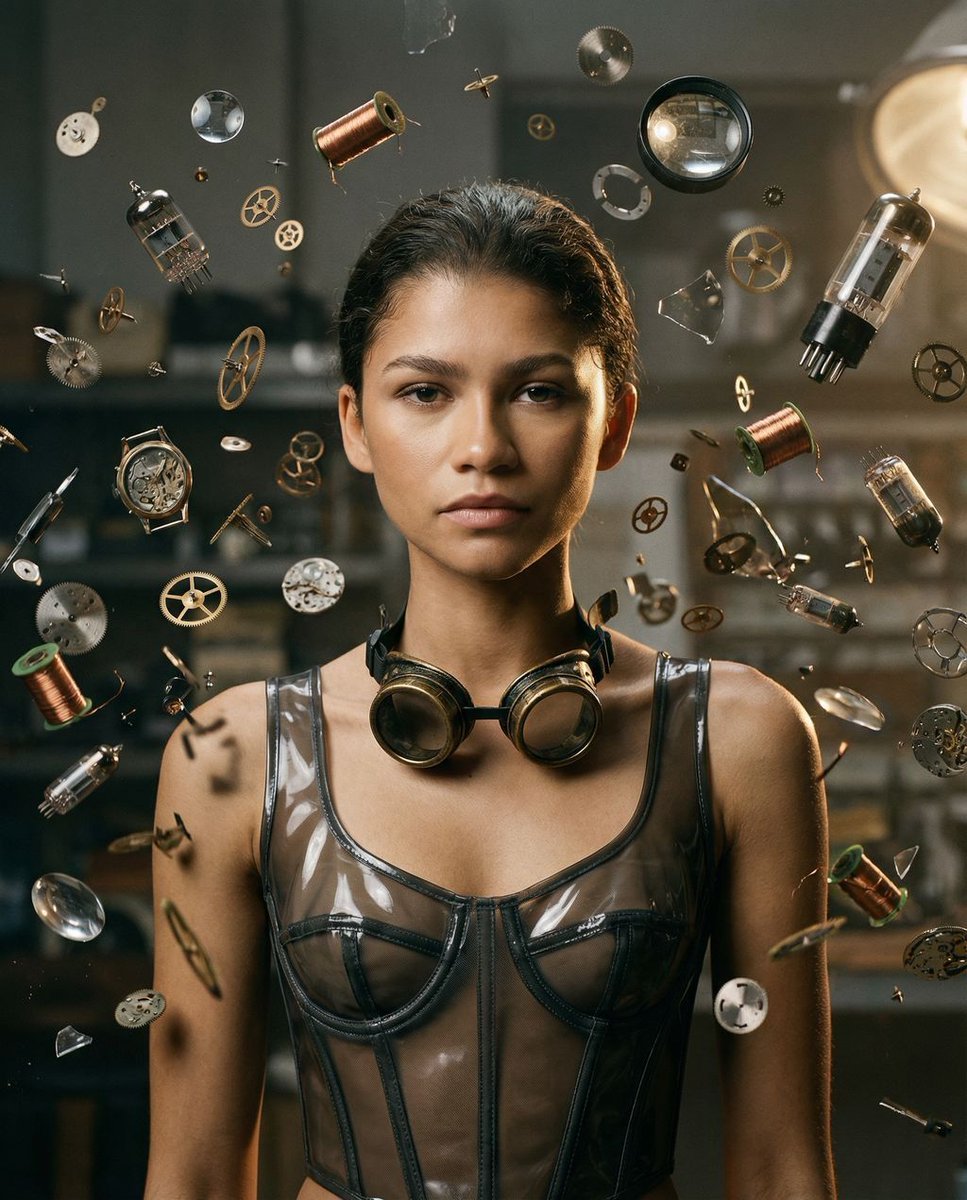
- Prompt included
- Model and format preset
- Premium template
The prompt behind this image
Copy the exact prompt behind Analog Repair Archive Surreal Portrait, or open it in the studio and make it yours.
{ "vibe_title_en": "{argument name="vibe" default="Mechanical Weightlessness"}", "master_prompt": "A hyper-realistic cinematic portrait of The Protagonist situated in the center of a dense 'Gadget Bonanza'—specifically a dusty, tactile {argument name="location" default="Analog Repair Archive"} filled with vintage electronics. SURREAL ELEMENT: Thousands of disassembled watch gears, copper coils, vacuum tubes, and shattered lens elements are floating in zero-gravity suspension around the subject, frozen in a mid-explosion pattern. The floating objects possess physical weight and cast realistic, hard shadows onto the subject's skin. The Protagonist looks forward with a calm, telekinetic intensity, unaffected by the debris field. FRAMING: Editorial Tight-Mid shot (mid-chest up) using a 70mm lens to compress the floating debris field behind the subject while keeping the face distortion-free. LIGHTING: Dramatic Rembrandt lighting; a strong key light carves the face, creating a triangle of light on the cheek, while fill light catches the glint of brass and glass hovering in the air. TEXTURE: Shot on Hasselblad X2D, mimicking Kodak Portra 800 film stock with visible grain. Authentic skin texture with pores visible. No CGI gloss; the floating parts must look like high-budget practical effects suspended by invisible wires.", "meta": { "intent": "Editorial Surrealism", "priorities": "Photorealism, Tactile Texture, Surreal Physics", "device_profile": "Hasselblad X2D 100C" }, "frame": { "aspect": "4:5", "composition": "Centralized subject surrounded by a radial explosion of objects", "layout": "Tight-Mid Shot (Mid-chest up)", "camera_angle": "Eye Level", "tilt_roll_degrees": "0" }, "subject": { "gender": "Female", "identity": "The Protagonist", "demographics": "Universal Template", "face": "Neutral to intense gaze, high detail on skin texture", "hair": "Slicked back or contained, allowing floating debris to frame the head", "body": "Static posture, shoulders relaxed", "expression": "Focused, calm amidst chaos, 'Telekinetic' stare", "pose": "Head on, chin slightly down, eyes locking with the lens" }, "wardrobe_accessories": { "garments": [ { "item": "{argument name="outfit" default="Industrial Corset Top"}", "material": "Translucent Vinyl and Mesh", "color": "Smoked Grey", "fit": "Structured, Tight" } ] }, "environment": { "setting": "Analog Repair Archive / Clockwork Workshop", "surfaces": "Dusty wood workbenches, scattered schematics, velvet trays", "depth": "Shallow depth of field, background is a bokeh of copper and steel", "atmosphere": "Dust motes dancing in light beams, heavy with the smell of solder and oil", "lens_interaction": "Slight chromatic ab" } }
How to use Analog Repair Archive Surreal Portrait in 3 steps
- 1
Open
The prompt is already in the box next to the preview, with the template's model and format selected.
- 2…a portrait of your subject in softgolden-hour light, 85mm…
Personalize
Edit the subject and creative details for your destination.
- 3Generate
Generate
Press Generate — your image is created in PicX Studio, so you can compare it with the original and refine one variable at a time.
More like this
Templates with the same subject, style or setup. Open one to see its prompt.

B&W Photobooth Expression Grid 4x4 — Nano Banana

Found Photograph: Us, 1970

80s Couple Studio Portrait

80s Bollywood Star

80s Golden Hour Cinema

Me in 1985

1985 Studio Portrait
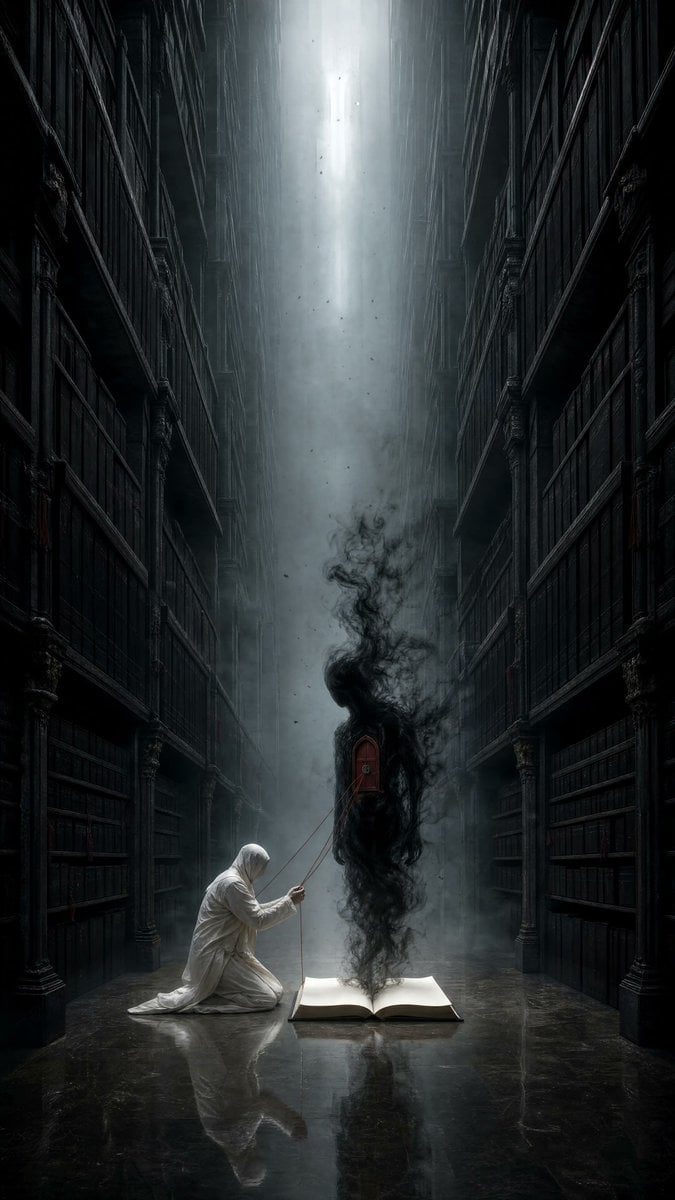
Dark Surrealist Library Archive

Hyper-Realistic Minecraft POV Portrait
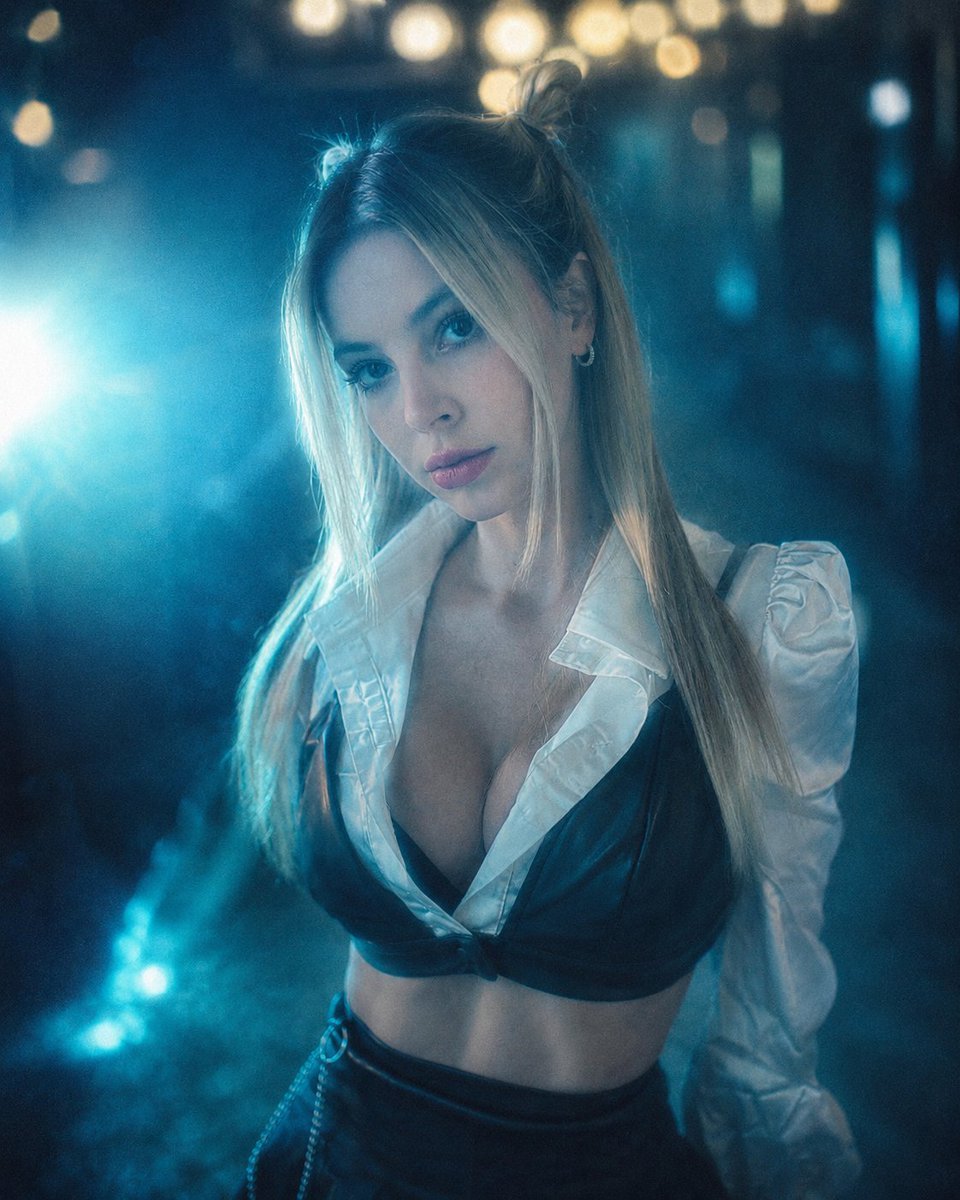
Cinematic Analog Portrait Transformation

Rooftop Fisheye — Cat-Ear Balaclava at Golden Hour

Surreal Cat Astronaut — Humanoid Face Freefall
Make it yours
Analog Repair Archive Surreal Portrait works as-is. These are the safest ways to change it without losing the look.
Change one field
Copy a single group, rewrite it, and generate again so you can see what that field is doing.
Keep the frame, change the subject
Hold the composition and light of Analog Repair Archive Surreal Portrait, then swap wardrobe, props or the person for a new take.
| If the result… | Why | Fix |
|---|---|---|
| The result drifts from the preview | Too many fields changed at once. | Reuse Analog Repair Archive Surreal Portrait as-is first, then change one group — subject, light, or setting. |
| The model over-stylizes the scene | The prose prompt leaves finish and camera underspecified. | Add one camera or lighting sentence and stay on Nano Banana 2. |
More Nano Banana 2 templates
Other prompts made for Nano Banana 2.

Photorealistic Leaf Shaped Like a Dragon

K-Pop Idol Portrait Grid for Rapid Selection

Poetic Rain Forest Portrait During Golden Hour

Urban Street Portrait with Cartoon Inner Self Duo

Candid Nighttime Photo with Cat Prompt

High-Concept 3D Diorama Generation Prompt

Cinematic Futuristic Studio Portrait Template

Skincare Editorial Photography Collage Prompt

Hyper-Realistic Commercial Product Photography (Splash Effect)

Hyper-Realistic Nightclub Portrait Prompt
More image prompts
Fresh picks from across the catalog.
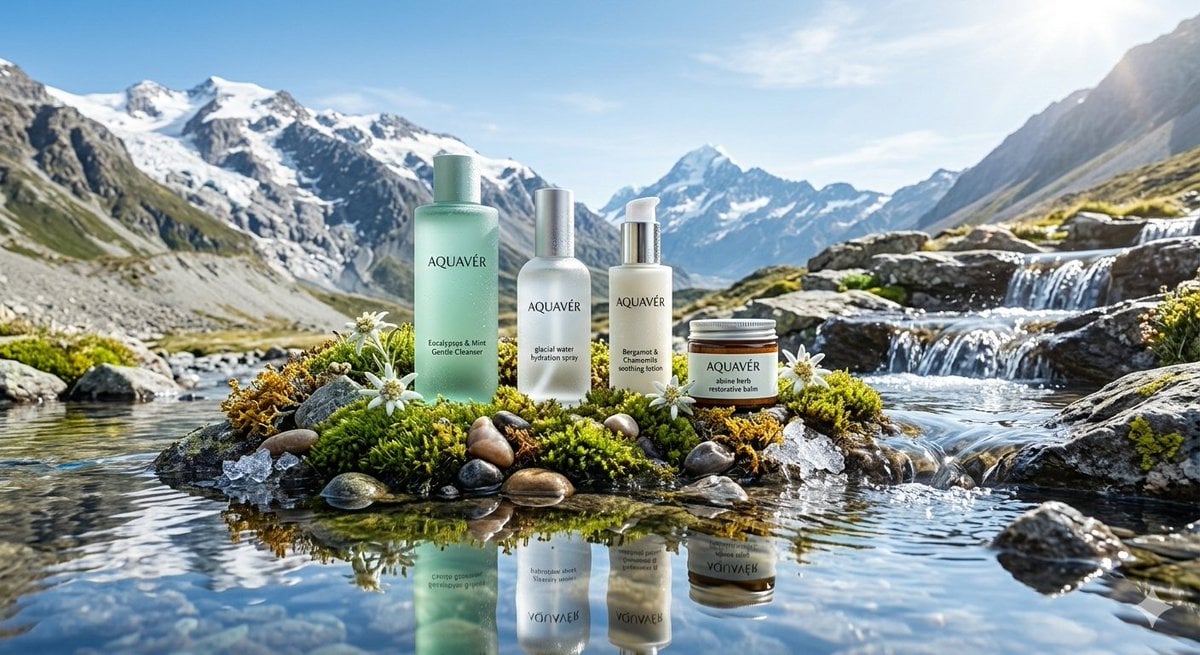
Ultra-Luxurious Skincare Product Photography in Alpine Setting
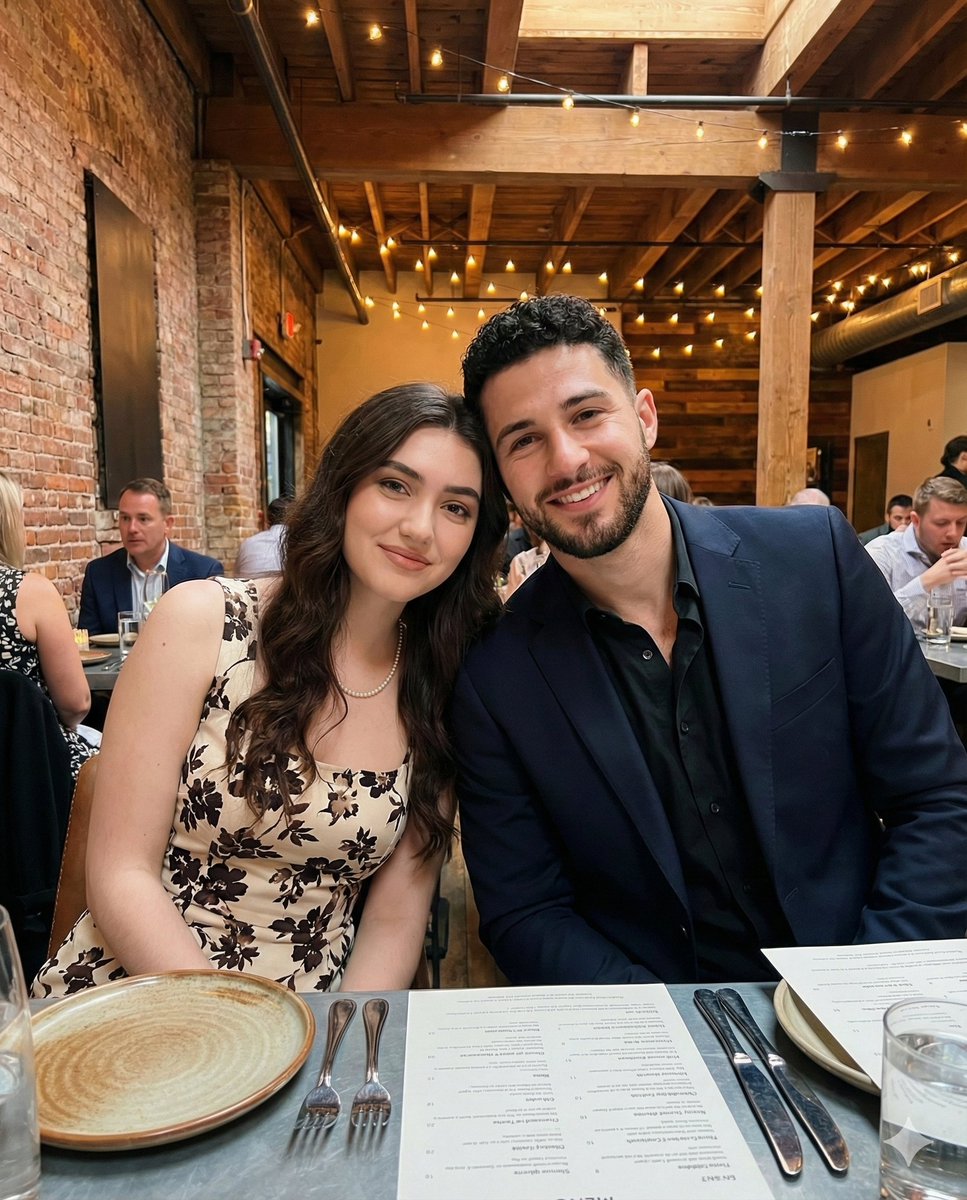
Intimate Portrait of a Couple in an Upscale Restaurant
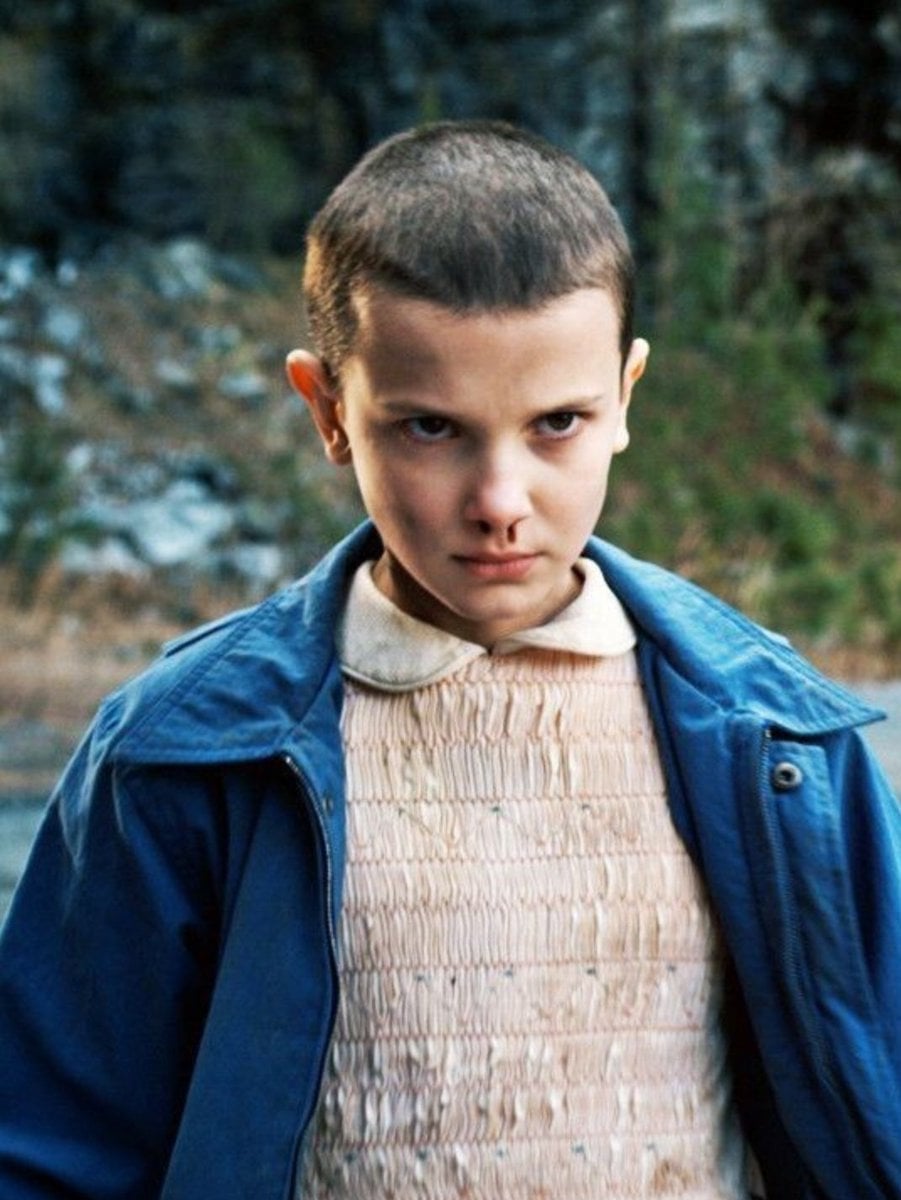
Convert Photo to Professional Passport Size Image
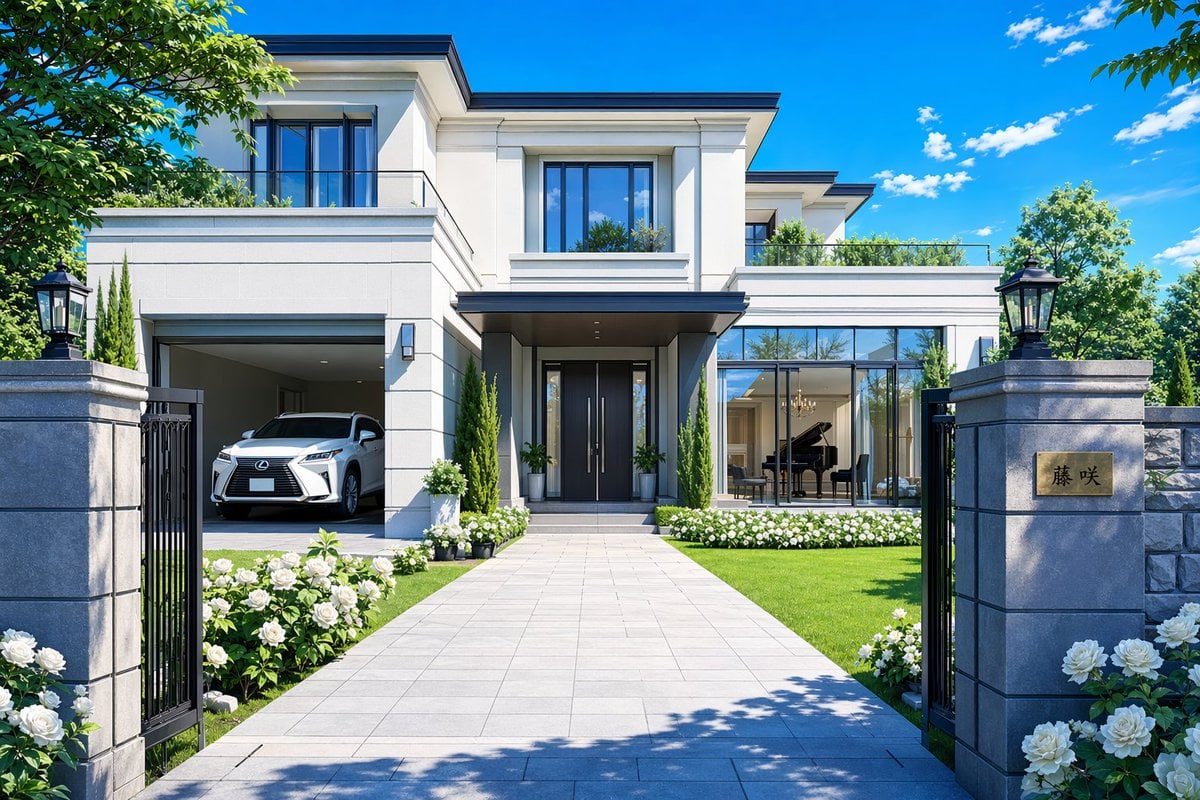
Modern Luxury Mansion Exterior
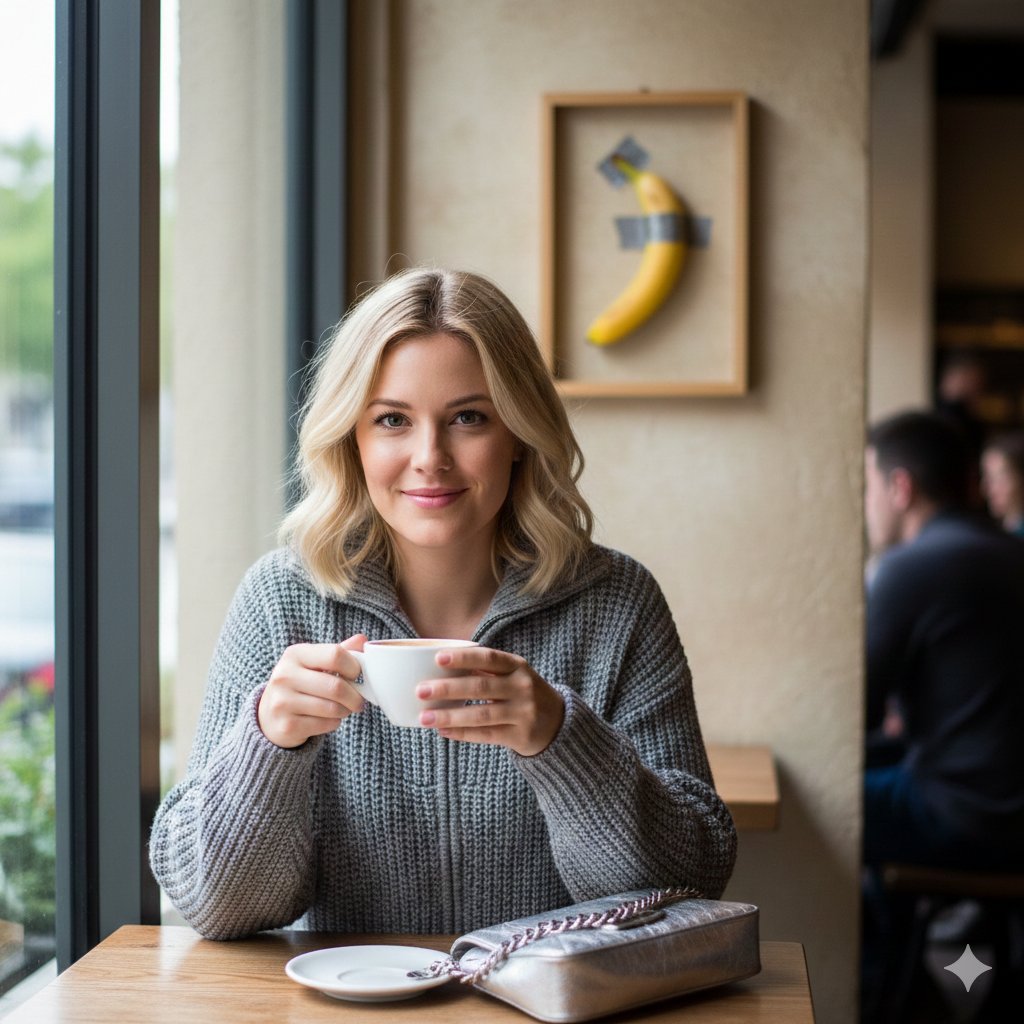
Lifestyle Photo with a Duct-Taped Banana
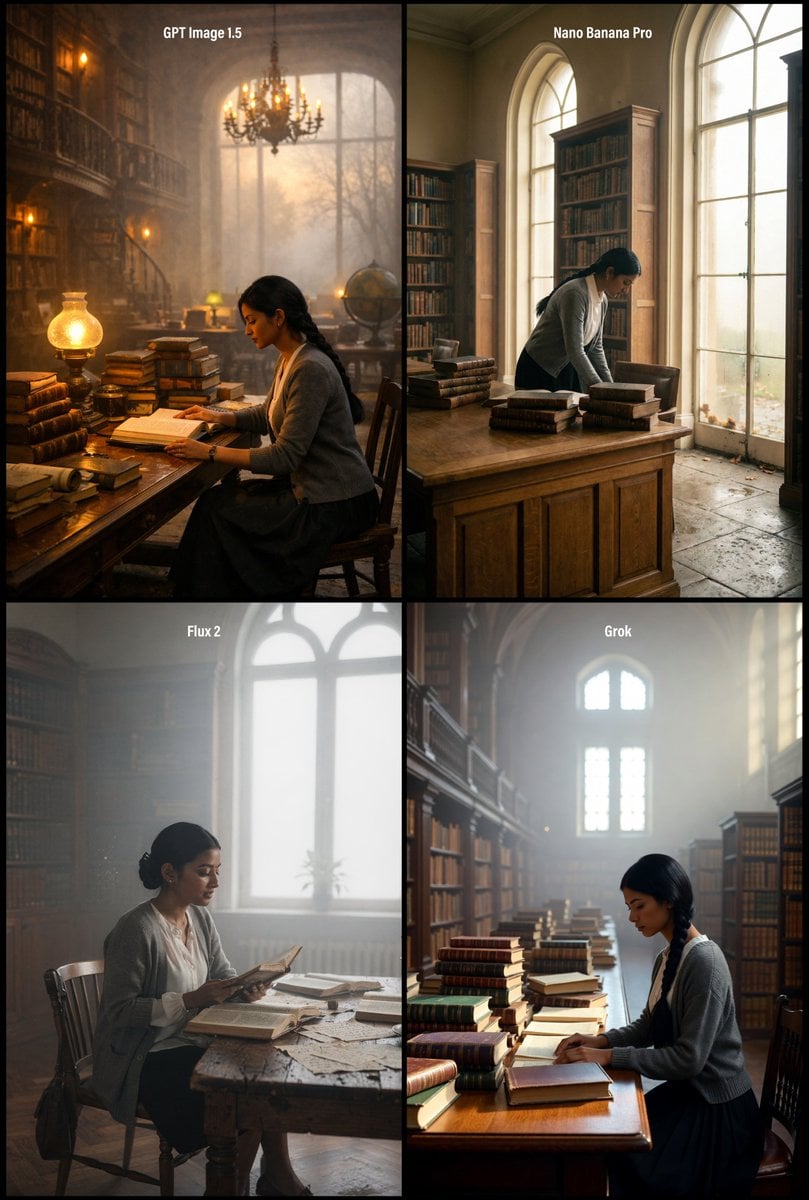
Realistic Library Scene at Foggy Autumn Dawn
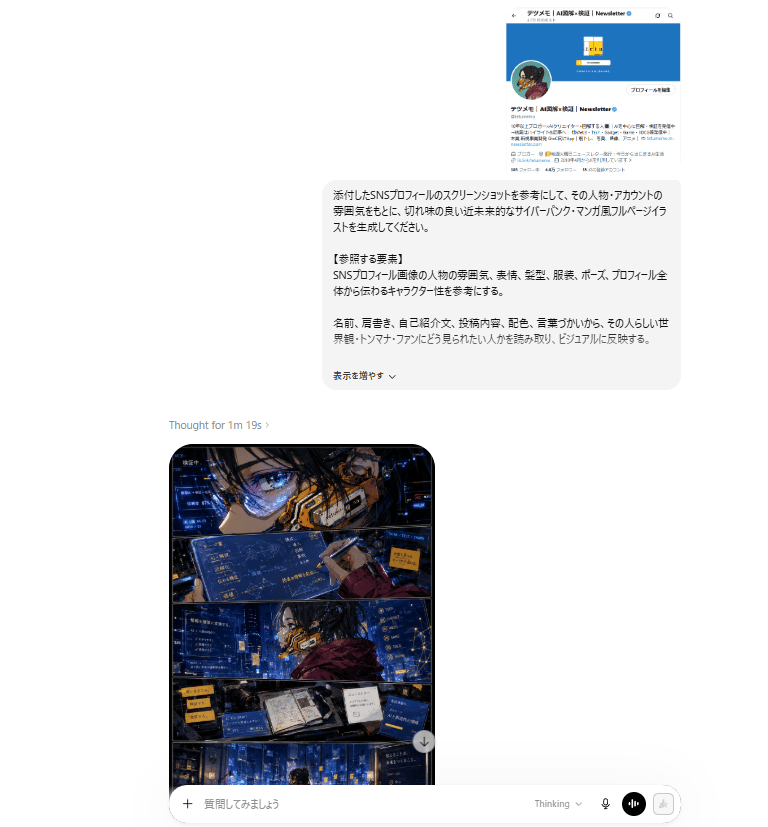
ChatGPT Cyberpunk Manga Screenshot
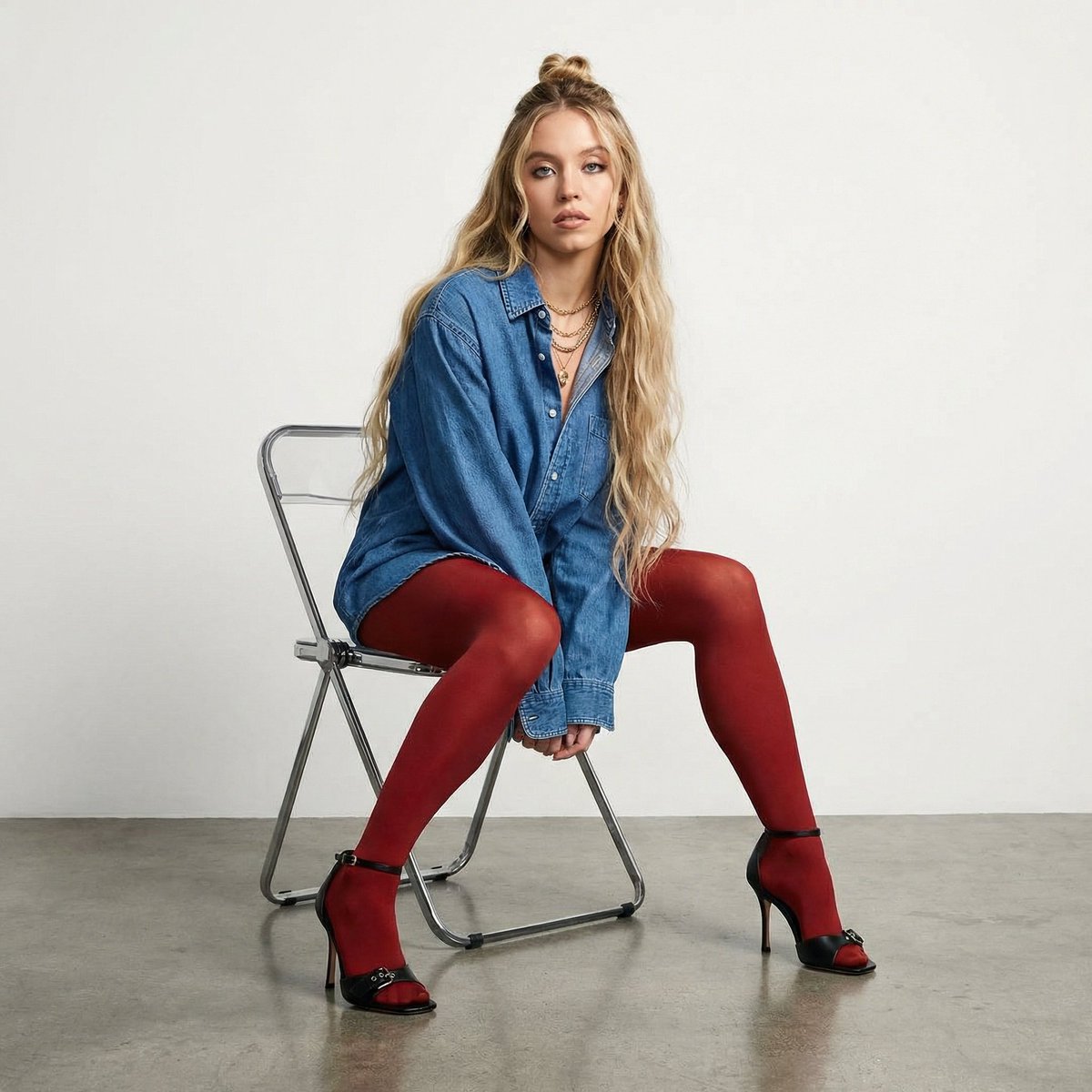
High-Fashion Denim Photoshoot with Ultra-Long Hair
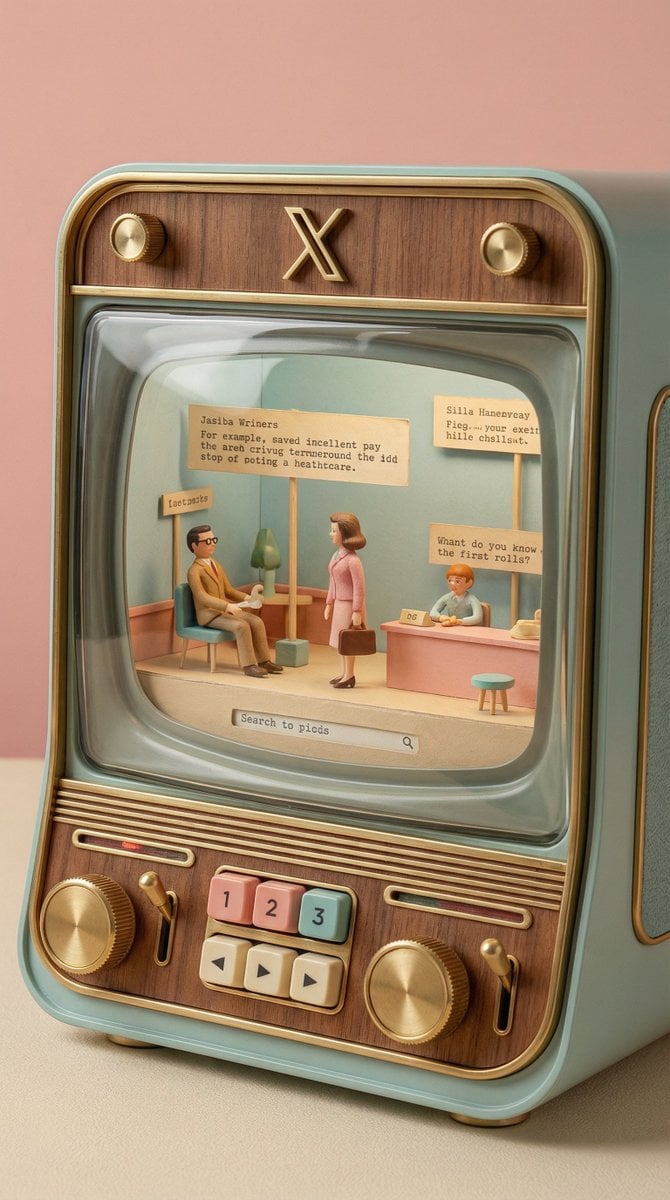
Wes Anderson-designed X App Mobile Interface
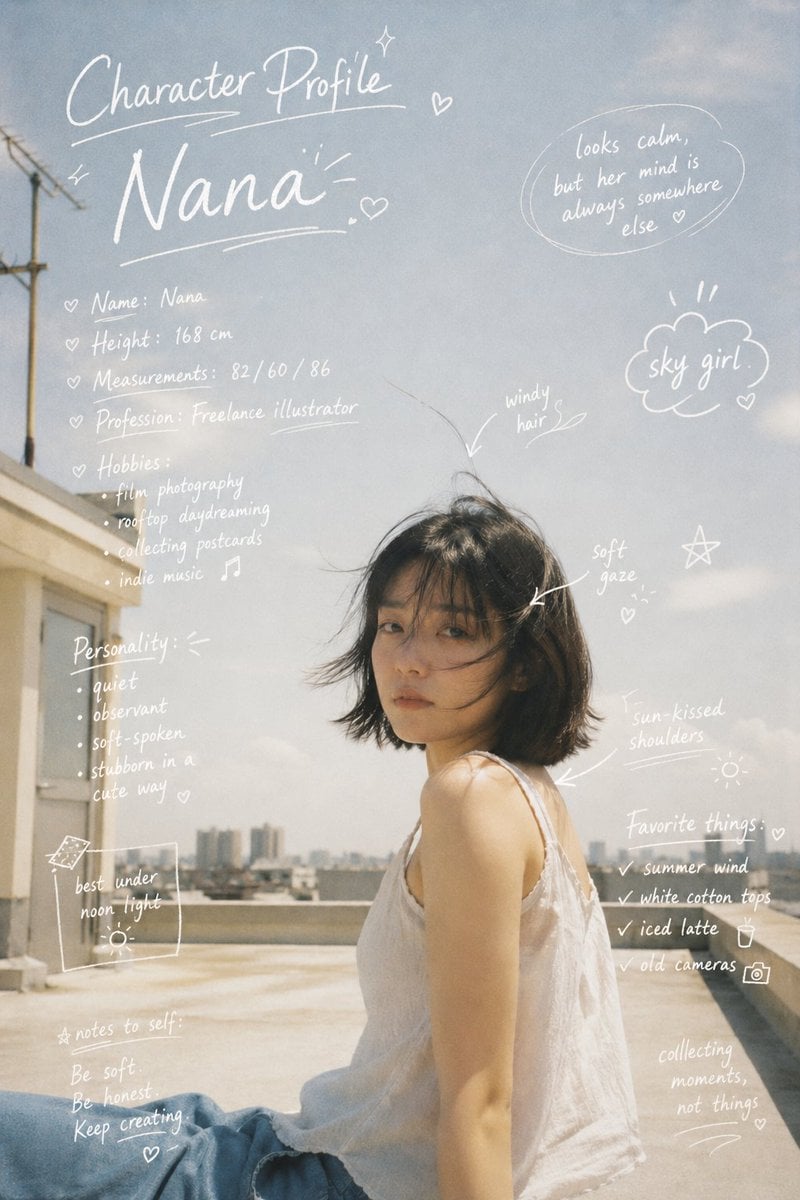
Character Profile Annotation Overlay
Browse template categories
Analog Repair Archive Surreal Portrait questions
How do I use the Analog Repair Archive Surreal Portrait template?
Add your photo if the template asks for one, edit the prompt if you like — the template's model and format are already selected — and press Generate. Your version opens in PicX Studio.
Can I customize the Analog Repair Archive Surreal Portrait template?
Yes. You can change the subject, setting, lighting, mood, format, and available model controls before creating your image.
Is the Analog Repair Archive Surreal Portrait template free?
Opening and editing this template is free. Generating uses credits, shown on the Generate button when you are signed in.
Which AI model should I use?
Start with Nano Banana 2, which is the model associated with this template. You can compare another compatible model for a different finish.
Looking for something else? Browse all templates.

Your photo, any look
Thousands of ready templates for every top image and video model, from one credit balance.