How do I use the Candid Late Night Lounging template?
Choose the primary action to open PicX Studio with the available template settings. Review the model and format, personalize the creative direction, and generate when ready.
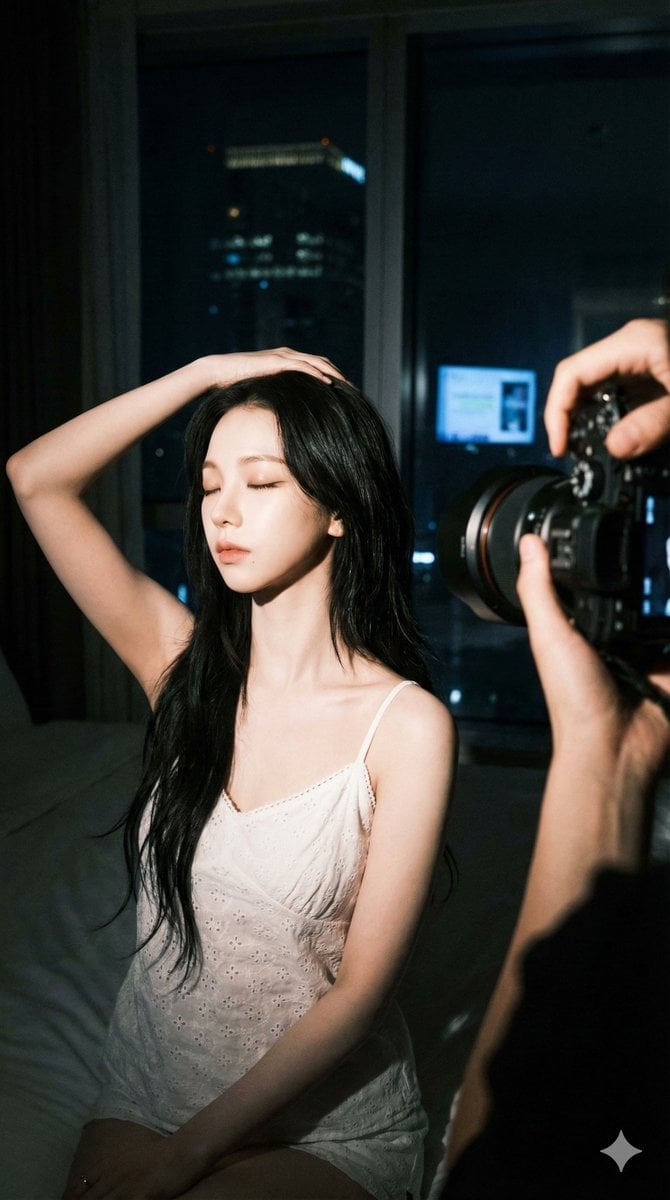
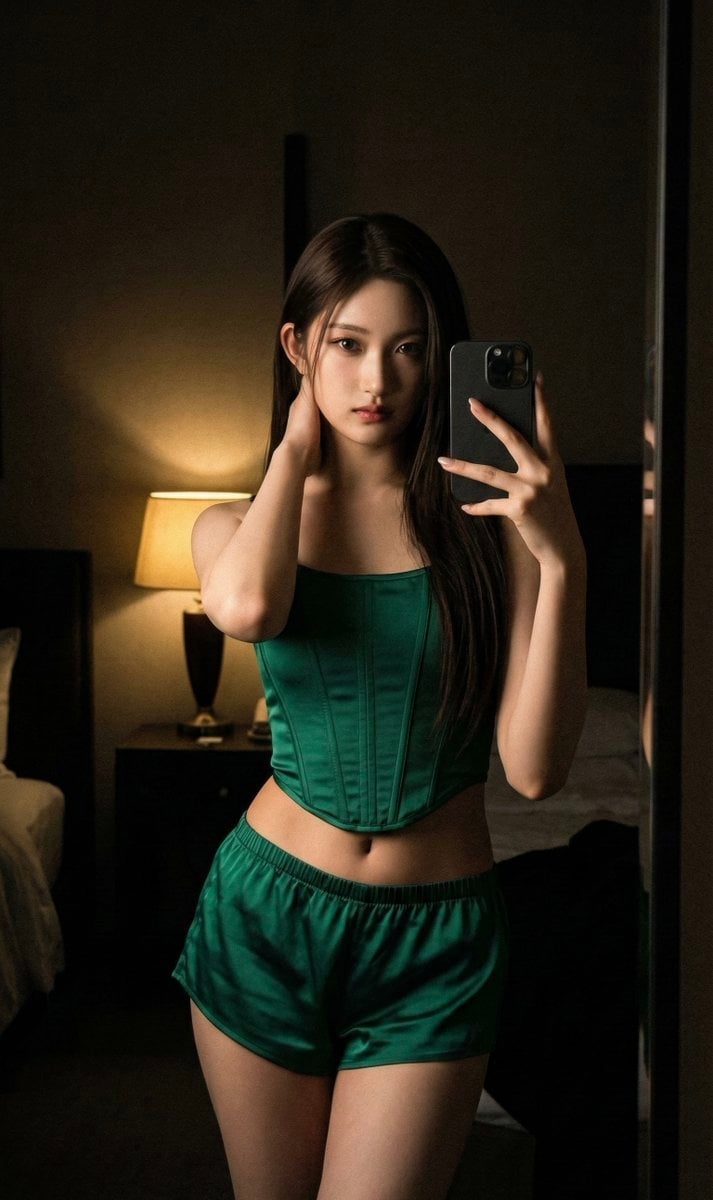
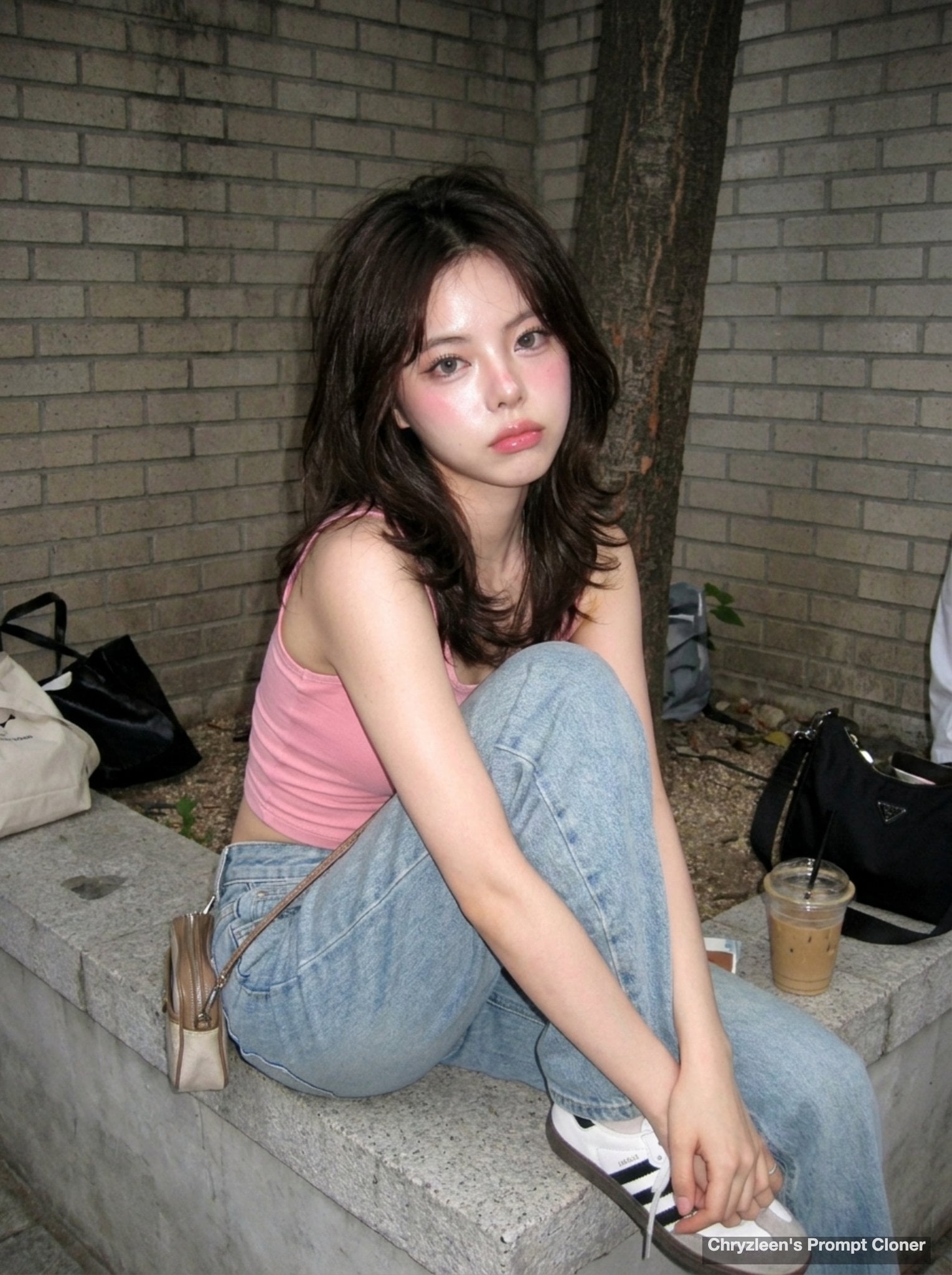
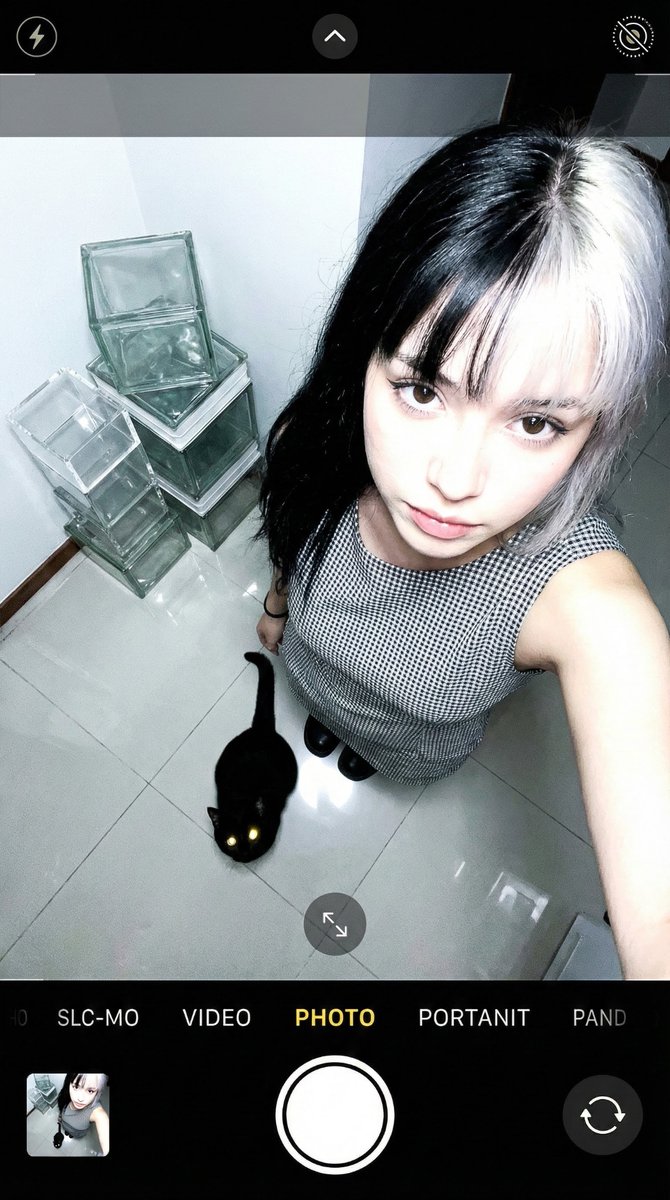
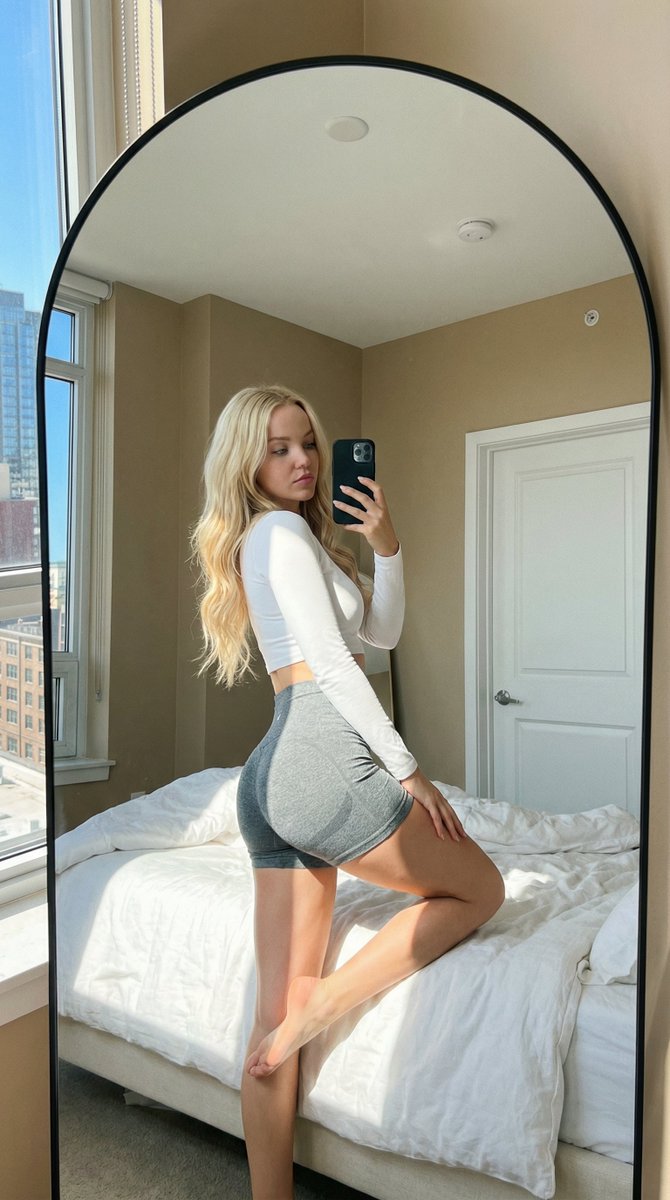
A prompt for a candid, cozy late-night home life shot of a woman reclining on a couch, designed to maintain identity from a reference image.
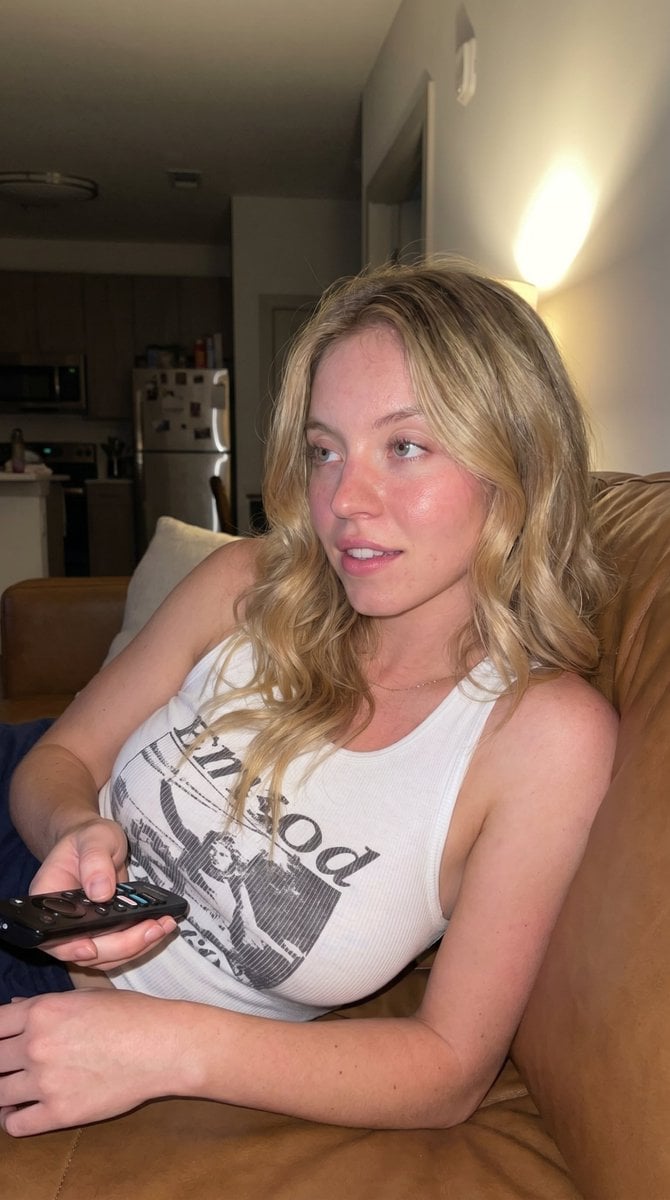
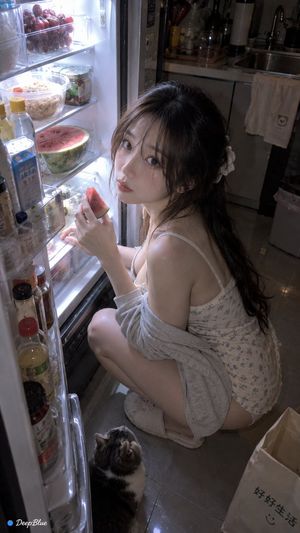
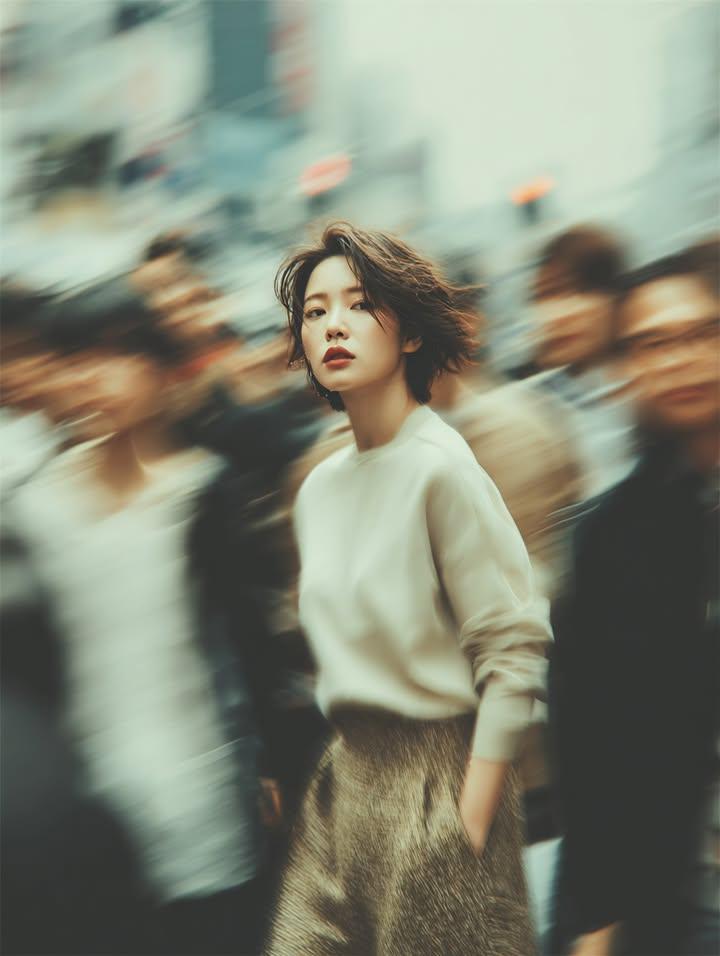
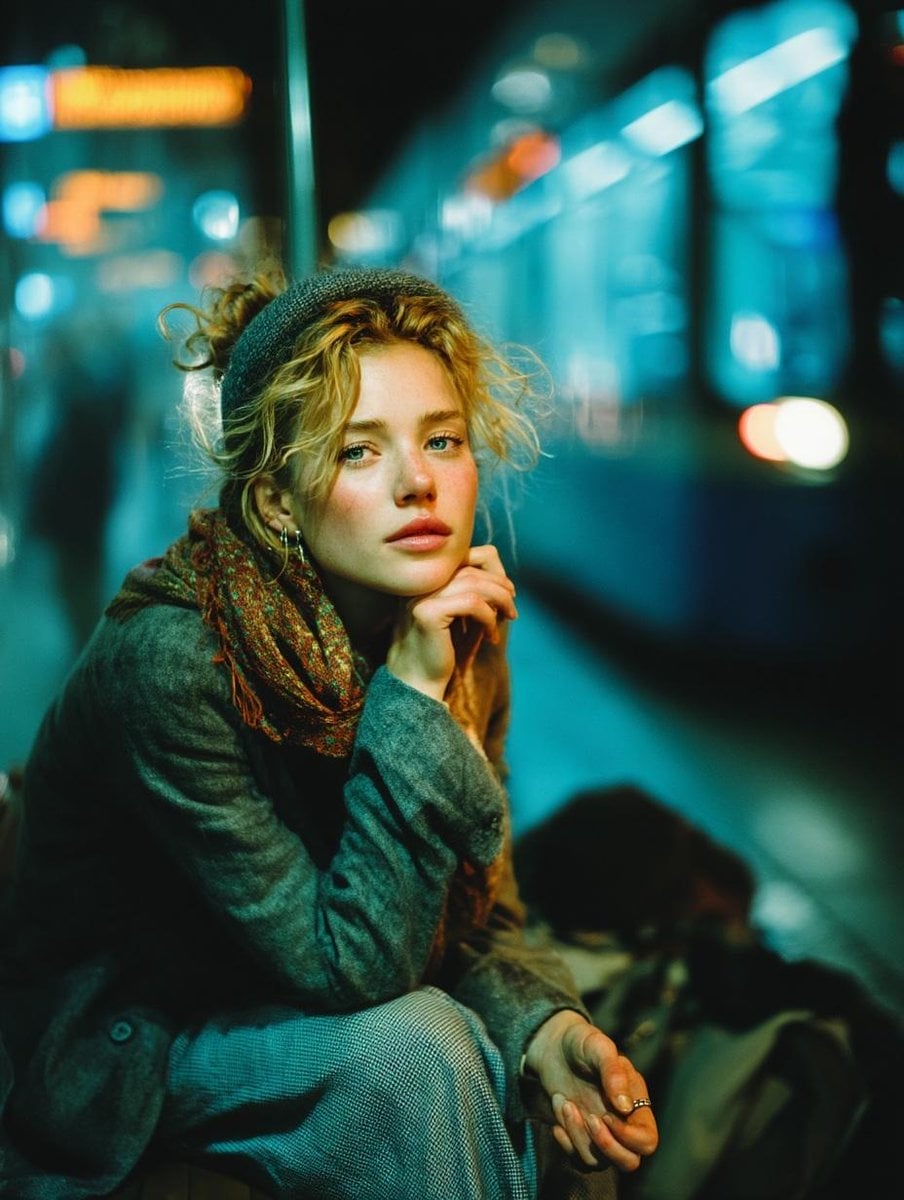
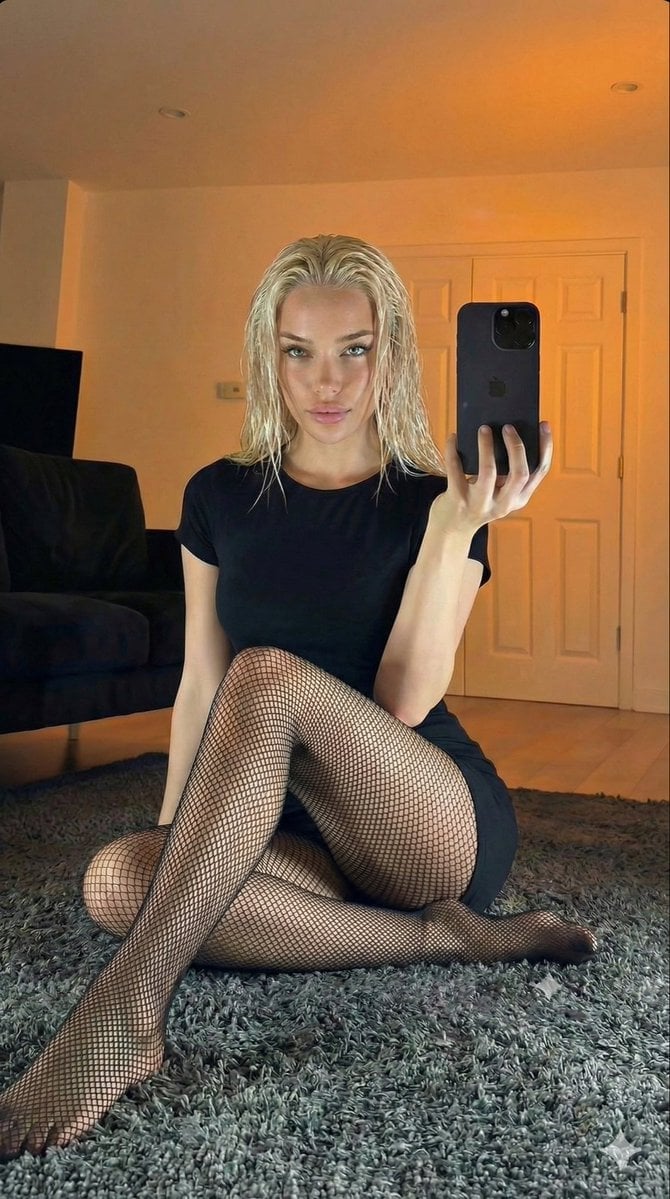
{ "face": { "description": "Use uploaded reference image, keep identity exact. Same facial structure, same eyes, same lips, same nose shape, same youthful appearance. Relaxed candid expression while looking off-camera, lips slightly parted naturally, soft dreamy gaze, realistic flushed skin texture with subtle glossy highlights, authentic cozy late-night vibe." }, "hair": { "description": "Use uploaded reference image hair color exactly. Medium-length soft voluminous waves with natural movement, side-parted styling framing the face, slightly messy cozy texture, realistic shine and detailed strands." }, "clothing_type": { "description": "{argument name="clothing" default="Fitted vibrant blue ribbed tank top"} with sporty graphic print, ultra soft premium cotton texture, casual loungewear aesthetic, body-hugging fit, realistic fabric folds and natural stretching from reclined pose." }, "position": { "description": "Woman reclining casually across a {argument name="couch material" default="soft leather couch"}, one arm stretched outward along the cushion while the other hand loosely holds a TV remote, relaxed lounging posture with upper body slightly angled upward, realistic candid home-life pose." }, "environment": { "description": "Dim cozy living room interior at night with soft ambient lamp lighting, warm home atmosphere, realistic couch textures, intimate candid apartment setting with subtle background blur." } }
Choose the primary action to open PicX Studio with the available template settings. Review the model and format, personalize the creative direction, and generate when ready.
Yes. You can change the subject, setting, lighting, mood, format, and available model controls before creating your image.
This template is free to open and customize. Generation usage is shown in PicX Studio before you create.
Start with Nano Banana 2, which is the model associated with this template. You can compare another compatible model for a different finish.
Follow a topic to a crawlable collection of related PicX Studio templates.