How do I use the Cinematic Concert Crowd Portrait template?
Choose the primary action to open PicX Studio with the available template settings. Review the model and format, personalize the creative direction, and generate when ready.
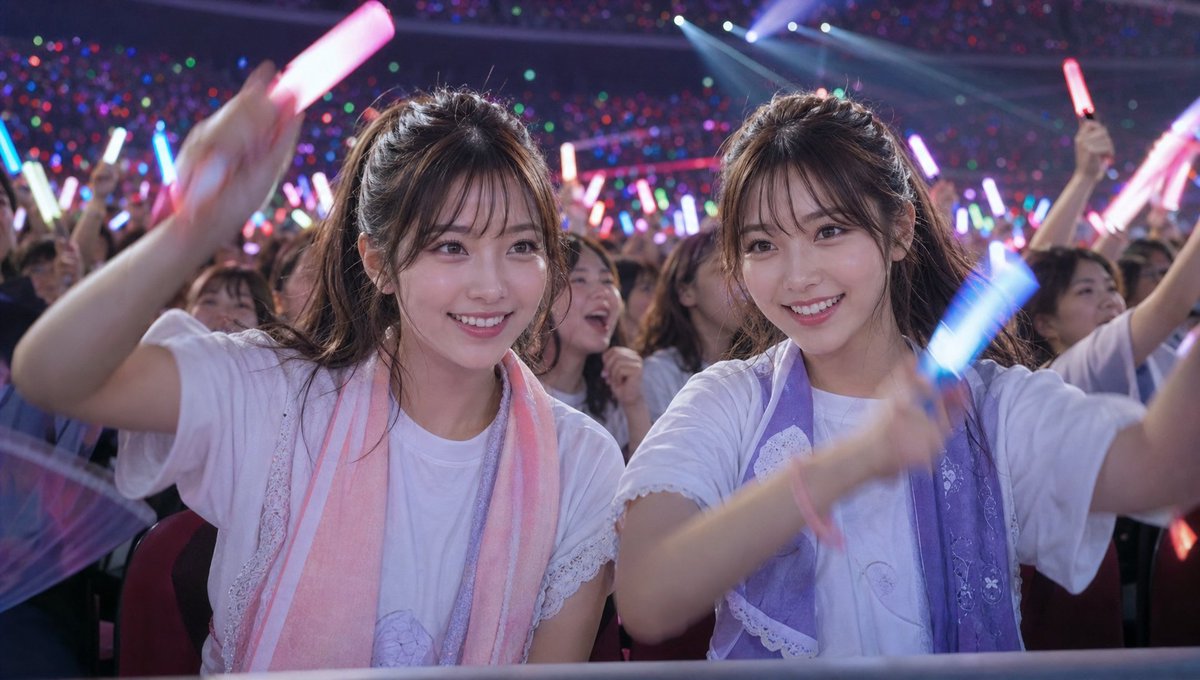
A highly detailed JSON-structured prompt for a celebrity-inspired portrait at a live concert, featuring dramatic lighting and realistic skin textures.
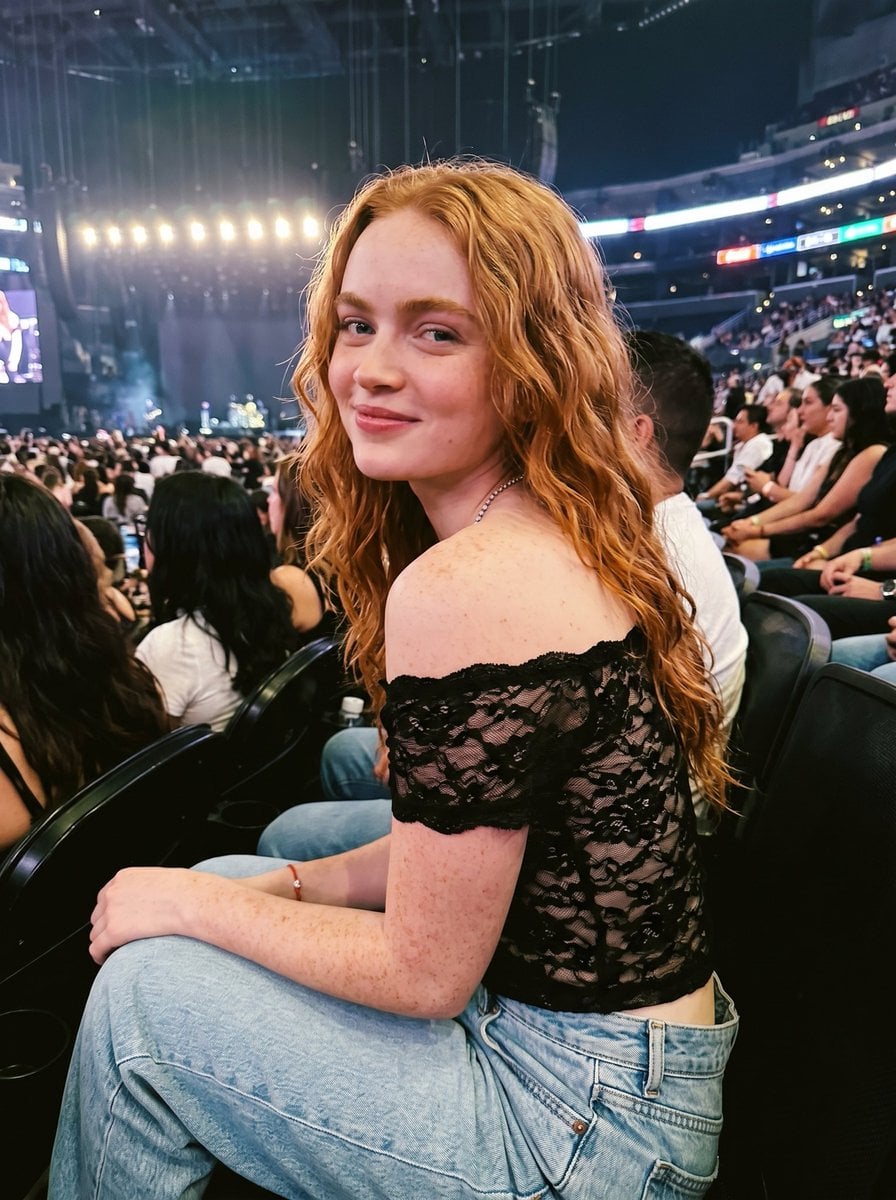
{ "prompt": "A beautiful young woman [ {argument name="celebrity" default="Sadie Sink"} ] with long wavy ginger-red hair, fair skin covered in natural freckles on her face, shoulders, and arms, bright blue eyes, and a gentle smile. She is wearing a black off-the-shoulder lace crop top that reveals her shoulders and midriff, paired with light blue denim jeans. She has a delicate pearl necklace and a small red bracelet. She is sitting in a crowded concert arena at night, turned slightly to look over her shoulder at the camera with a soft expression. Dramatic concert lighting with stage lights and crowd in the background, cinematic atmosphere, highly detailed, photorealistic, 8k resolution, natural skin texture, realistic hair strands", "negative_prompt": "blurry, deformed, ugly, extra limbs, bad anatomy, watermark, text, overexposed, underexposed, cartoon, painting, low quality", "style": "photorealistic, cinematic", "subject_details": { "age": "early 20s", "hair": "long wavy ginger-red hair with volume", "skin": "fair with visible freckles", "clothing": "black lace off-shoulder crop top, light blue jeans", "accessories": "pearl necklace, red string bracelet", "pose": "sitting, looking over shoulder" }, "setting": { "location": "crowded concert arena / stadium at night", "lighting": "dramatic stage lights, ambient crowd lighting", "mood": "glamorous yet casual concert vibe" } }
Choose the primary action to open PicX Studio with the available template settings. Review the model and format, personalize the creative direction, and generate when ready.
Yes. You can change the subject, setting, lighting, mood, format, and available model controls before creating your image.
This template is free to open and customize. Generation usage is shown in PicX Studio before you create.
Start with Nano Banana 2, which is the model associated with this template. You can compare another compatible model for a different finish.
Follow a topic to a crawlable collection of related PicX Studio templates.