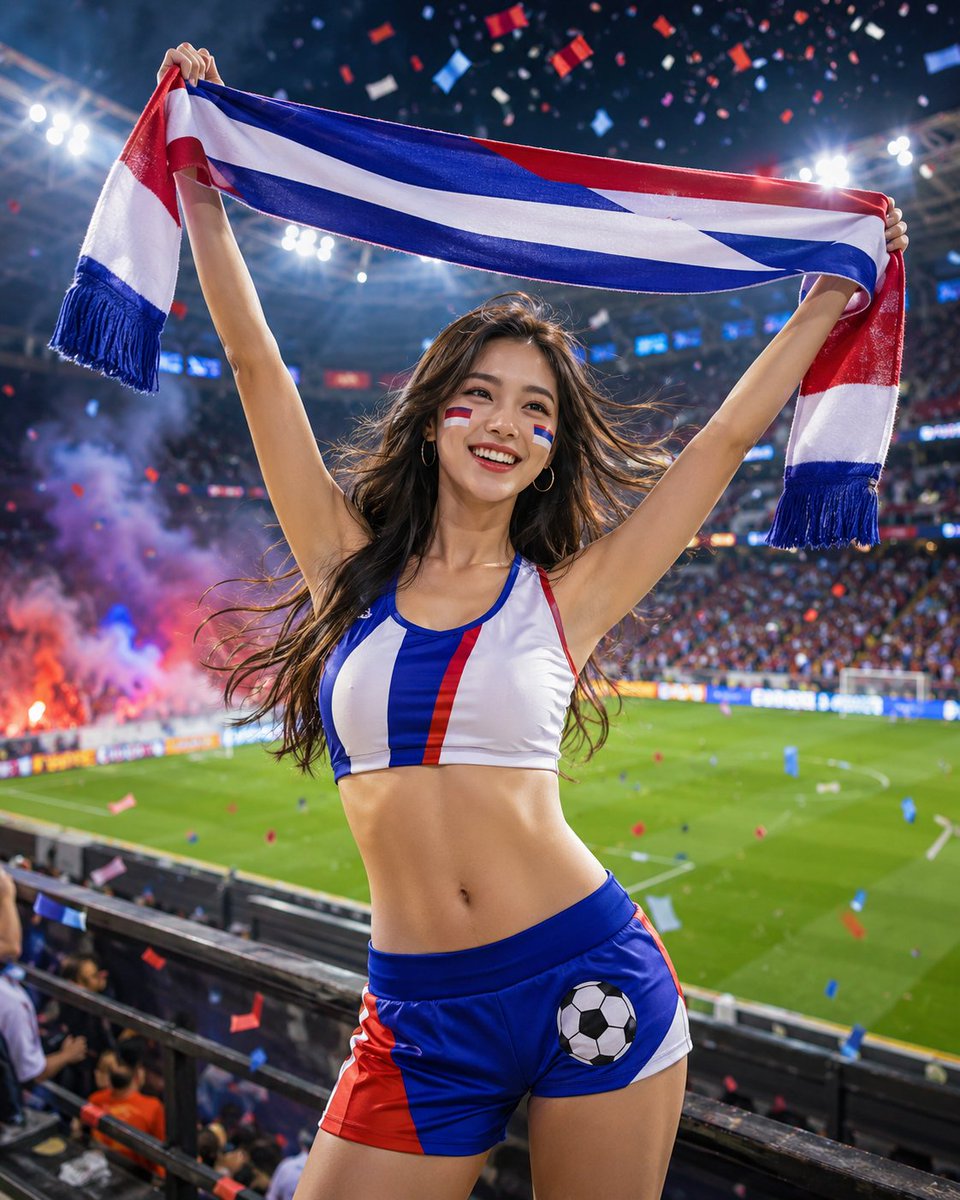
How do I use the Cinematic Street Photography Portrait template?
Choose the primary action to open PicX Studio with the available template settings. Review the model and format, personalize the creative direction, and generate when ready.
A moody black and white cinematic street portrait featuring an Asian man in a fast-moving crowd with selective color.
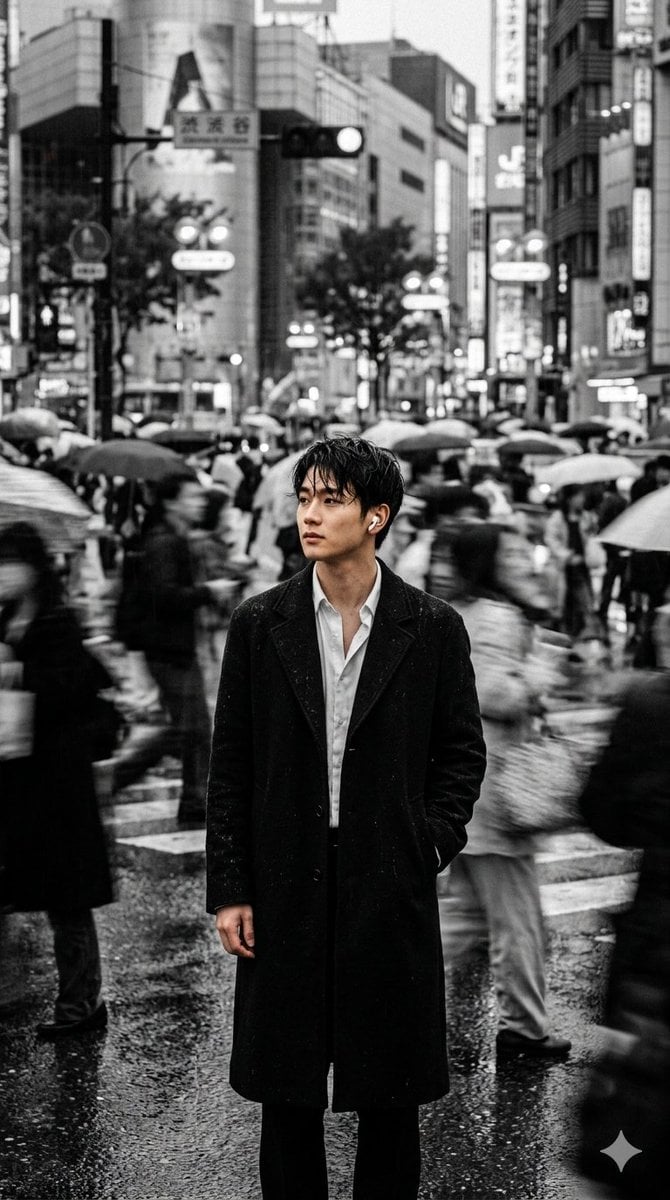
Black and white cinematic street photography, straight 9:16 composition. {argument name="subject" default="Black-haired Asian man"} standing in the middle of the crowd, slightly wet and messy hair, wearing a {argument name="clothing" default="long black coat"} and a slightly open white shirt, wearing {argument name="accessory" default="white AirPods"} wireless headphones, one hand in his pockets, and quietly stopping in the fast-moving crowd. The background crowd moves at high speed to form a massive dynamic blur and long exposure, the whole city seems to keep moving forward while he seems to be stuck in a certain memory. The background street view and the crowd are black and white gray scale, low saturation and treatment, only the main character retains a warm skin color and delicate light and shadow, forming a lonely and strong visual focus. The eyes of the characters are like looking for a familiar figure in the sea of people, with a faint loss, missing and "about to think of something". Eyes have a slight light feeling and emotional tension, not cold, but a gentle waiting. Winds light hair and overcoats, city neon and sunset afterlight intertwined on face. The overall atmosphere is like Japanese movies, Korean high-end fashion blockbusters and loneliness movie posters, Fine Art photography, depth of field, soft scorched air, micro negatives particles, high contrast black and white gray layers, the picture has the emotional feeling of "looking for you in the crowd".
Choose the primary action to open PicX Studio with the available template settings. Review the model and format, personalize the creative direction, and generate when ready.
Yes. You can change the subject, setting, lighting, mood, format, and available model controls before creating your image.
This template is free to open and customize. Generation usage is shown in PicX Studio before you create.
Start with Nano Banana 2, which is the model associated with this template. You can compare another compatible model for a different finish.
Follow a topic to a crawlable collection of related PicX Studio templates.