How do I use the Studio Fashion Photography Portrait template?
Choose the primary action to open PicX Studio with the available template settings. Review the model and format, personalize the creative direction, and generate when ready.
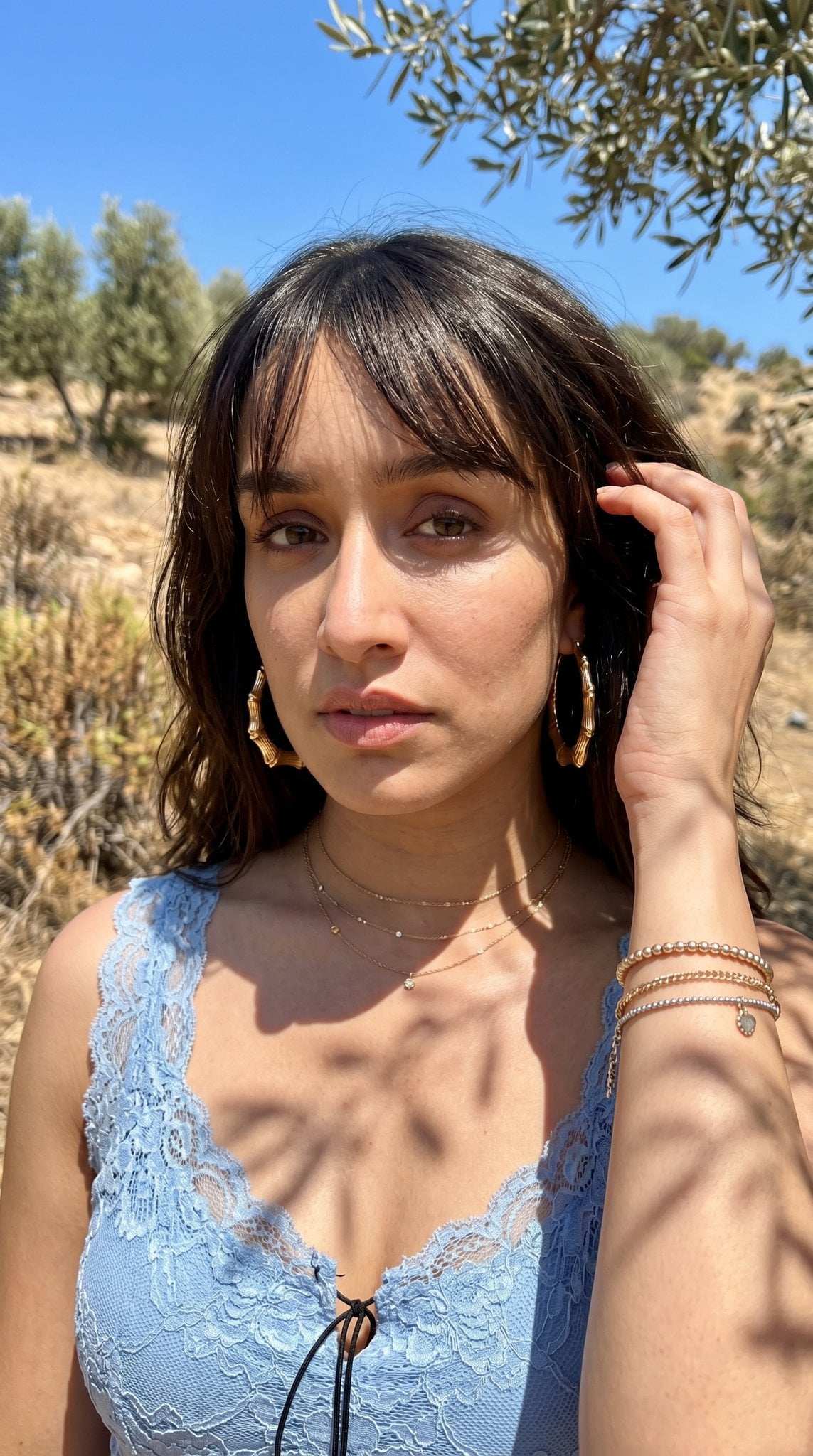
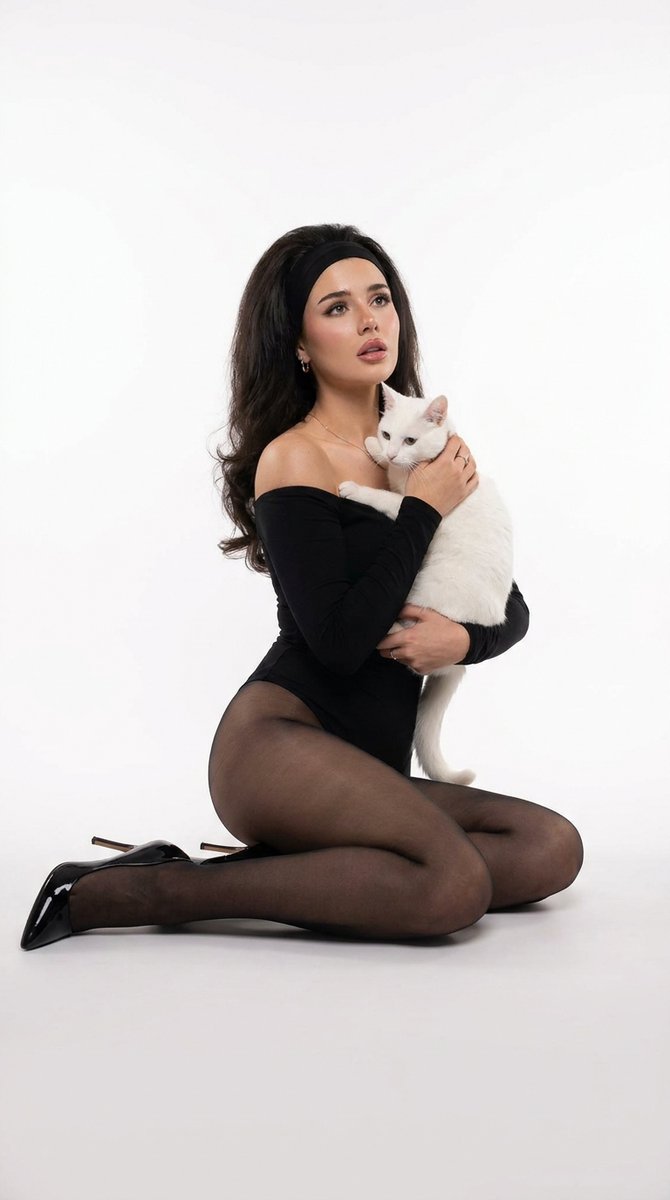
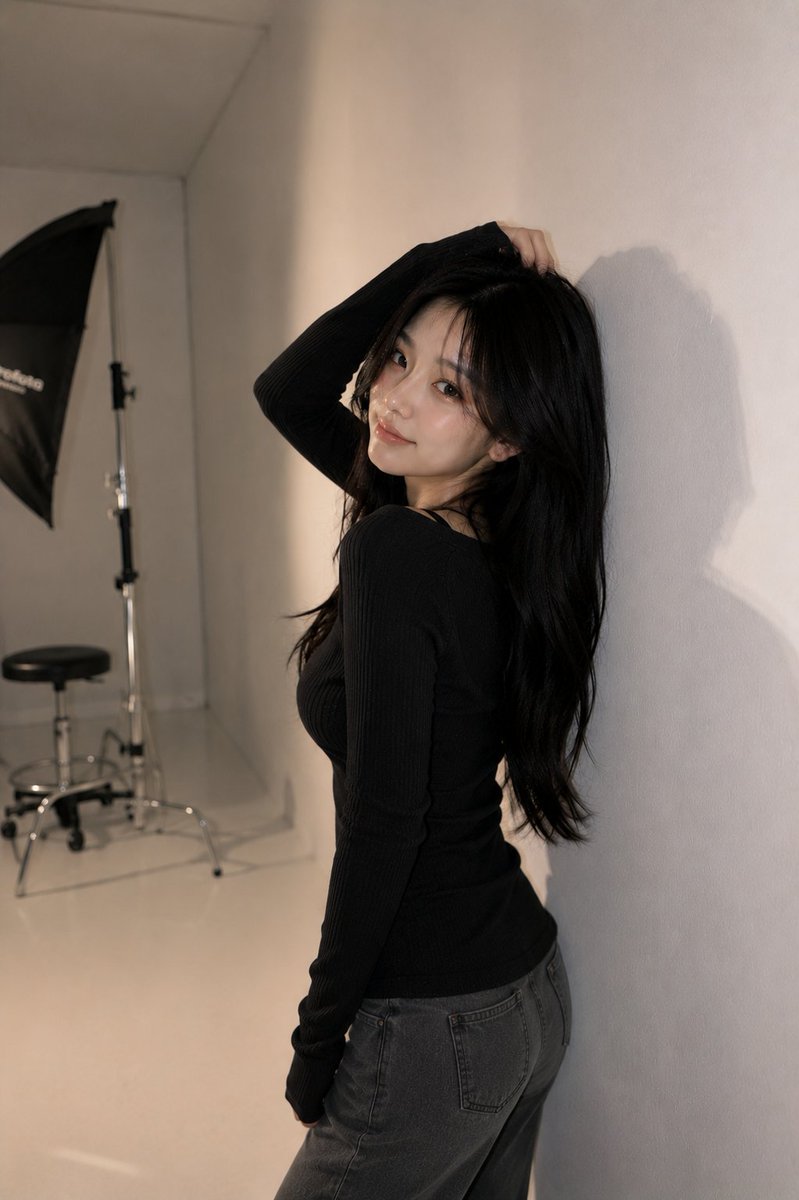
A professional studio portrait prompt for a fashion shoot featuring a light-blue ribbed top and jeans.
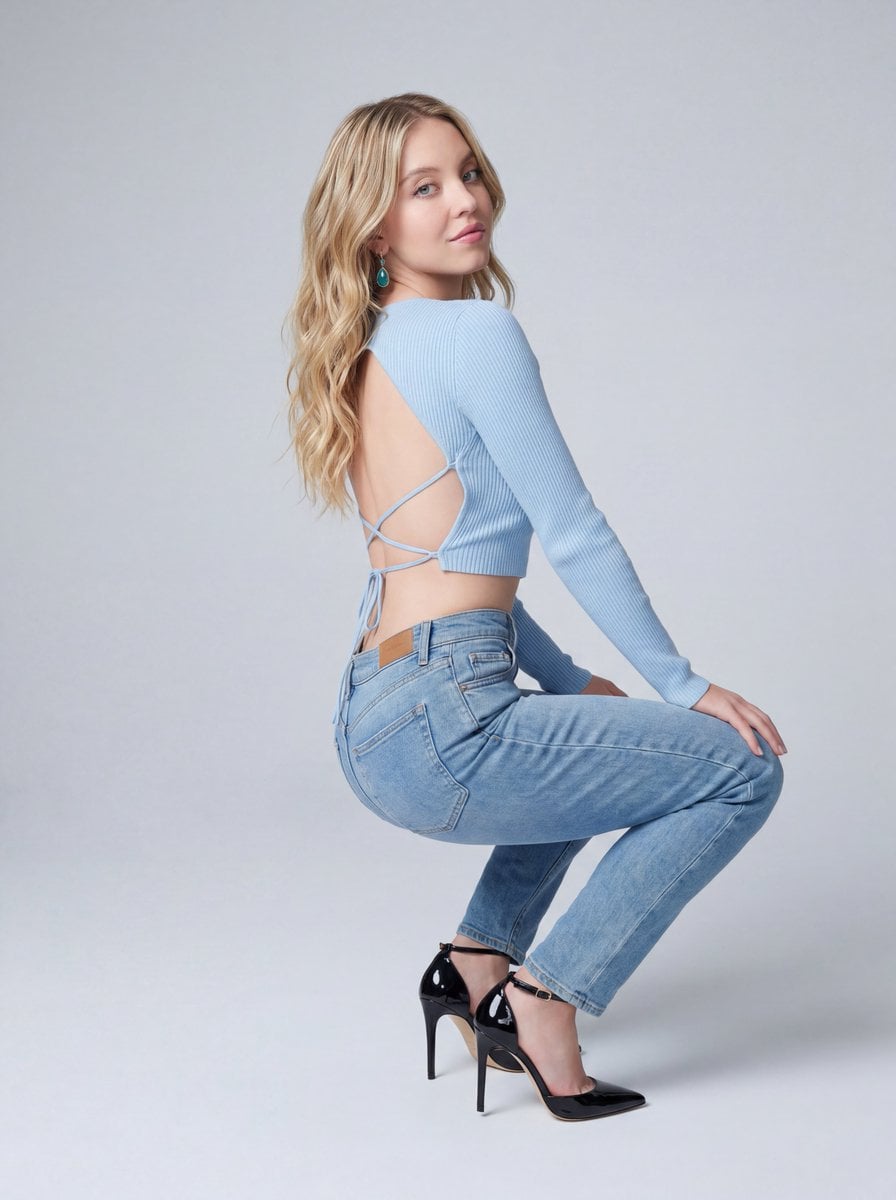
{ "style": "Photorealistic fashion photography", "subject": { "name": "{argument name="subject" default="Sydney Sweeney"}", "features": "Slender, curvy, and fit physique, subtle makeup, pale pink lips, teal teardrop dangle earrings", "pose": "Sitting on the floor with her back to the camera, legs bent upward, looking back softly over her right shoulder with a neutral expression" }, "clothing": { "top": "{argument name="clothing top" default="Light-blue ribbed long-sleeve cropped top with an open back and crisscross tie details"}", "bottom": "Slim-fit light-blue jeans", "shoes": "Black patent leather stiletto high heels with ankle straps" }, "environment": { "setting": "Seamless light-gray studio background, minimal and distraction-free", "lighting": "Soft, diffused studio lighting, delicate highlights on hair and skin, subtle shadows emphasizing fabric textures" }, "technical": { "framing": "Medium shot, positioned slightly low to emphasize the seated pose", "quality": "Highly detailed, sharp focus, 8k resolution, professional studio quality", "aspect_ratio": "9:16" } }
Choose the primary action to open PicX Studio with the available template settings. Review the model and format, personalize the creative direction, and generate when ready.
Yes. You can change the subject, setting, lighting, mood, format, and available model controls before creating your image.
This template is free to open and customize. Generation usage is shown in PicX Studio before you create.
Start with Nano Banana 2, which is the model associated with this template. You can compare another compatible model for a different finish.
Follow a topic to a crawlable collection of related PicX Studio templates.