How do I use the Cyberpunk Neon Fashion Portrait template?
Choose the primary action to open PicX Studio with the available template settings. Review the model and format, personalize the creative direction, and generate when ready.
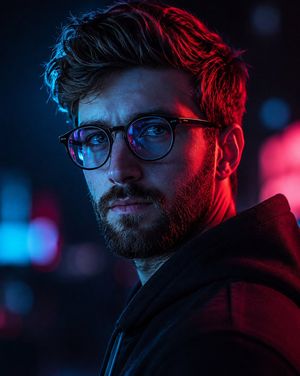
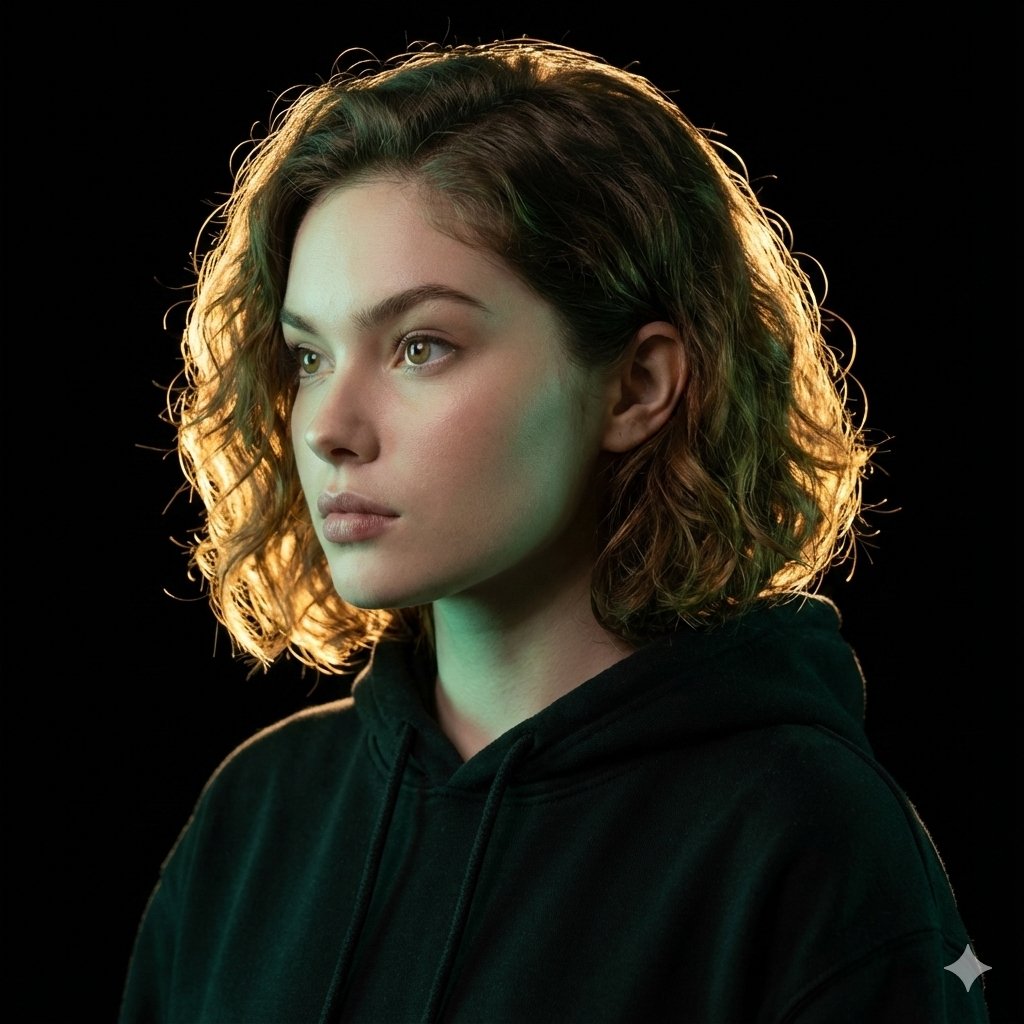
A vibrant cyberpunk side-profile portrait prompt featuring neon pink futuristic sunglasses and split teal-red lighting.
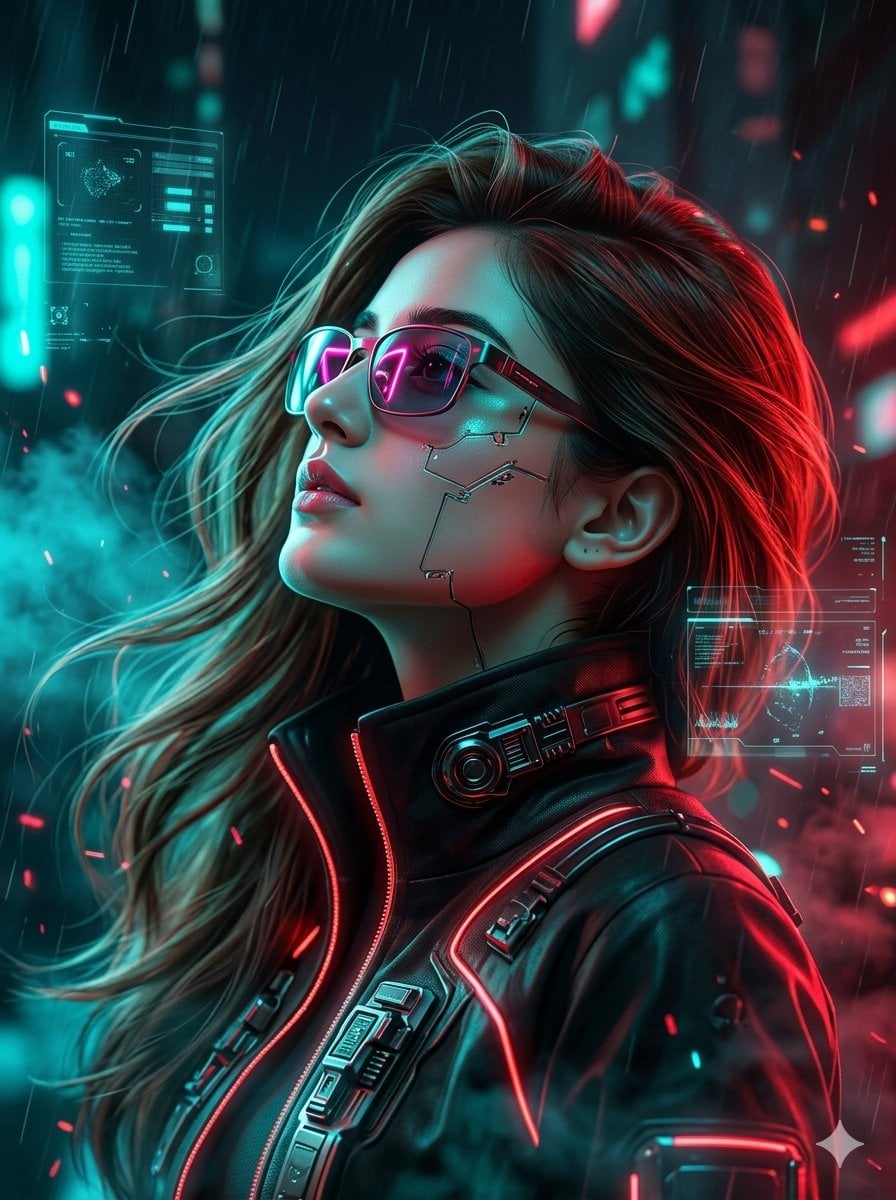
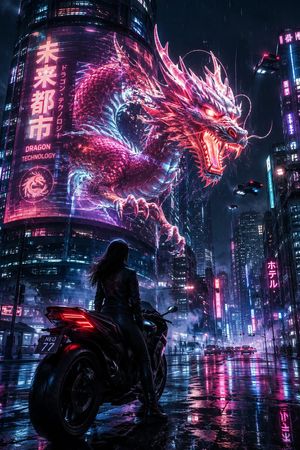
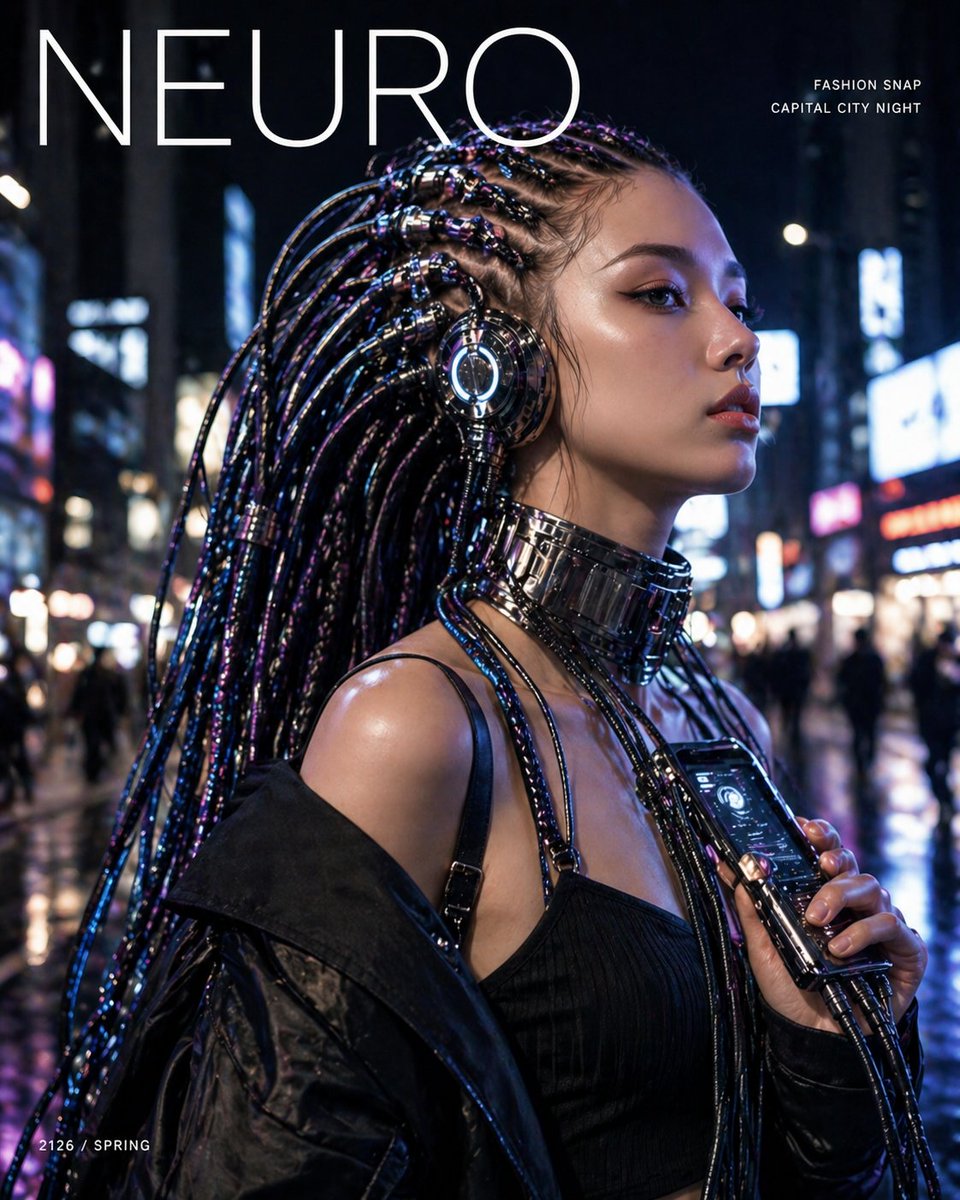
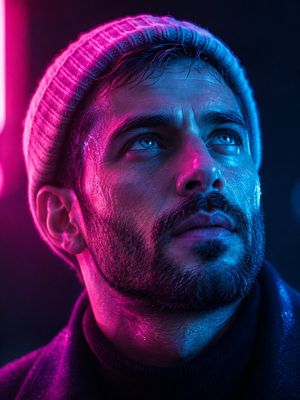
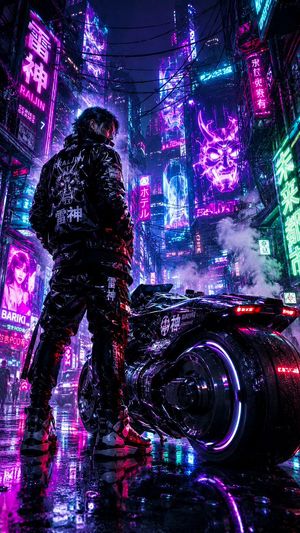
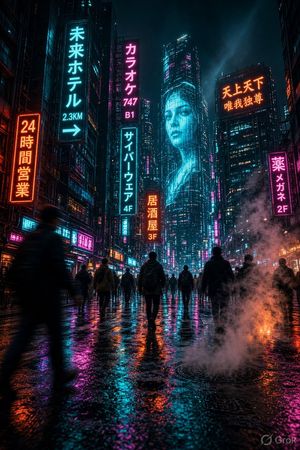
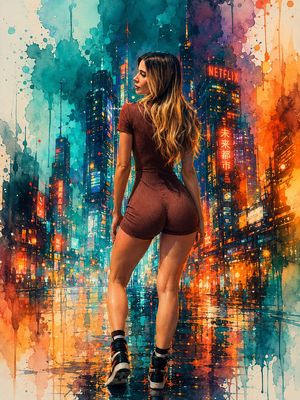
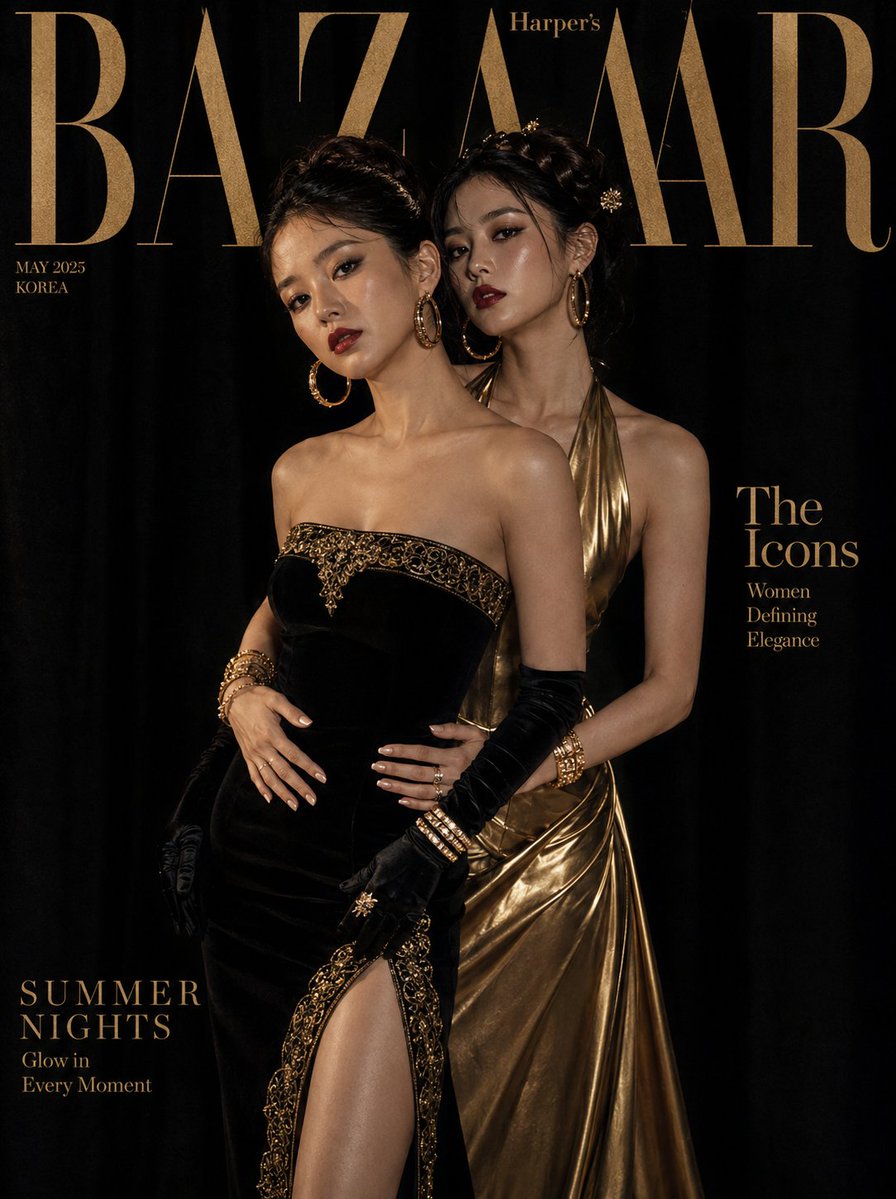
Using the uploaded image and without changing the face, create a hyper-detailed cyberpunk side-profile portrait of a stylish young woman with long voluminous hair flowing naturally, soft glowing skin, sharp facial features, and reflective neon pink futuristic sunglasses, facing upward with a confident and elegant expression. Illuminate the scene with {argument name="lighting" default="intense teal and red cinematic lighting"}, creating dramatic neon reflections across the face and hair. She is wearing a futuristic high-collar cyberpunk jacket with glowing red accents and sleek metallic details. The composition is vertically split through the center with contrasting teal and crimson light effects, futuristic holographic atmosphere, subtle smoke, neon particles, and a dark sci-fi city ambiance in the background. Ultra-realistic, cinematic, luxury fashion editorial style, highly detailed textures, shallow depth of field, 8K quality, cyberpunk aesthetic, modern futuristic beauty portrait.
Choose the primary action to open PicX Studio with the available template settings. Review the model and format, personalize the creative direction, and generate when ready.
Yes. You can change the subject, setting, lighting, mood, format, and available model controls before creating your image.
This template is free to open and customize. Generation usage is shown in PicX Studio before you create.
Start with Nano Banana 2, which is the model associated with this template. You can compare another compatible model for a different finish.
Follow a topic to a crawlable collection of related PicX Studio templates.