
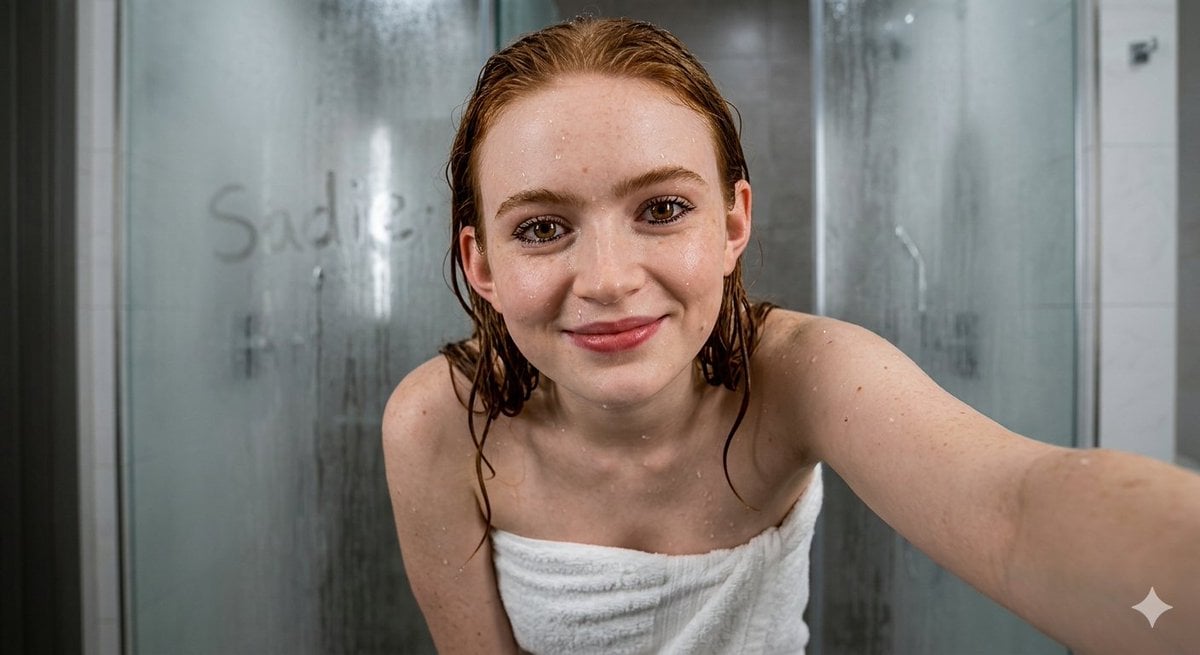
Ultra-Realistic Wet Bathroom Selfie
A highly technical JSON prompt designed for extreme photorealism, featuring detailed skin textures, wet hair, and cinematic bathroom lighting.
- Prompt included
- Model and format preset
- Free template
The prompt behind this image
Copy the exact prompt behind Ultra-Realistic Wet Bathroom Selfie, or open it in the studio and make it yours.
{ "subject": { "identity": { "likeness_calibration": "{argument name="celebrity" default="Sadie Sink"}", "facial_features": { "description": "defined zygomatic bones, structured jawline, realistic skin pores/fine hair/moles/freckles", "eyes": "vibrant brown iris, intricate radial pattern, heavy limbal ring, wet clumped lashes, sharp corneal speculars", "expression": "smiling, slightly parted hydrated lips with vermilion texture", "skin_state": "drenched, non-uniform water droplets, visible SSS on ears/nose tip" }, "hair": { "color": "{argument name="hair color" default="signature red"}", "state": "soaked, slicked back, stray wet tendrils framing face/neck/collarbones", "texture": "clumped wet fibers, high-gloss specular highlights" }, "body": { "type": "refined hourglass, natural proportions", "details": "detailed clavicles/suprasternal notch, skin tension on shoulders, 3D refractive water droplets with caustics" } } }, "wardrobe": { "description": "{argument name="outfit" default="white heavy-gauge cotton terry towel wrapped tightly around chest"}", "fabric_physics": "looped pile weave, localized saturation/wet patches, realistic fiber light interaction" }, "pose_action": { "description": "medium close-up, leaning forward 30° toward lens (selfie perspective), one arm extended holding camera (off-screen), direct gaze", "fidelity_check": "exact anatomical weight distribution/posture match to reference" }, "scene": { "environment": "high-end modern bathroom", "background_details": "out-of-focus steamy shower glass with condensation, written 'Keor' on damp glass, vertical streaks, neutral grey/white porcelain tiles", "reflection_rules": "consistent ray-traced reflections, no ghosting/warping" }, "lighting": { "type": "multi-point cinematic bathroom", "sources": [ "diffused overhead LED 5500K moderate", "softbox rim light highlighting moisture edges" ], "shadows": "soft contact shadows under chin/collarbones" }, "camera": { "specs": "8k RAW, 9:16 vertical", "lens": "35mm f/1.8 wide-angle prime, shallow DoF", "settings": "ISO 100, HDR enabled", "negative_constraints": [ "no logos/text", "no beautify smoothing/plastic skin", "no extra limbs/distorted fingers", "no watermarks", "no makeup/airbrushing" ] } }
How to use Ultra-Realistic Wet Bathroom Selfie in 3 steps
- 1
Open
The prompt is already in the box next to the preview, with the template's model and format selected.
- 2…a portrait of your subject in softgolden-hour light, 85mm…
Personalize
Edit the subject and creative details for your destination.
- 3Generate
Generate
Press Generate — your image is created in PicX Studio, so you can compare it with the original and refine one variable at a time.
More like this
Templates with the same subject, style or setup. Open one to see its prompt.
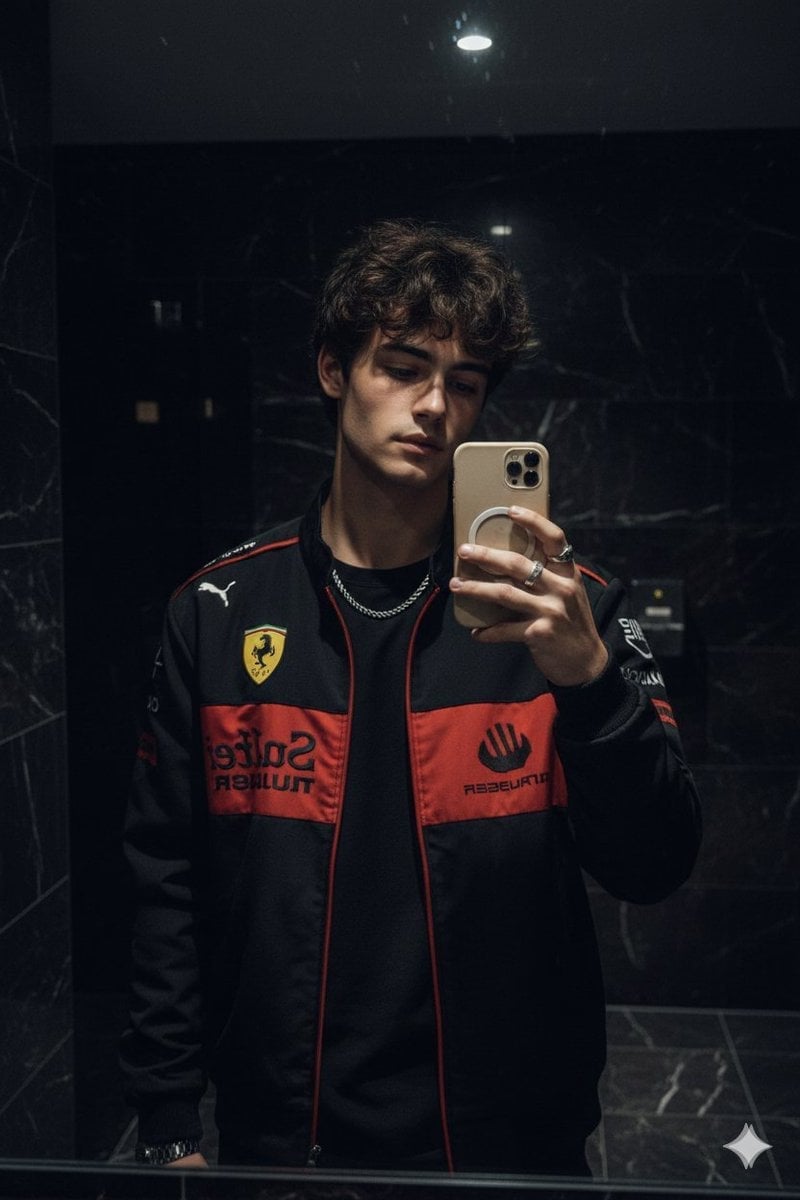
Dark Marble Bathroom Racing Jacket Mirror Selfie

Rooftop Fisheye — Cat-Ear Balaclava at Golden Hour

Felt & Knit 3D Character — Photo-Exact Face, Pixar-Quality Plush Figurine
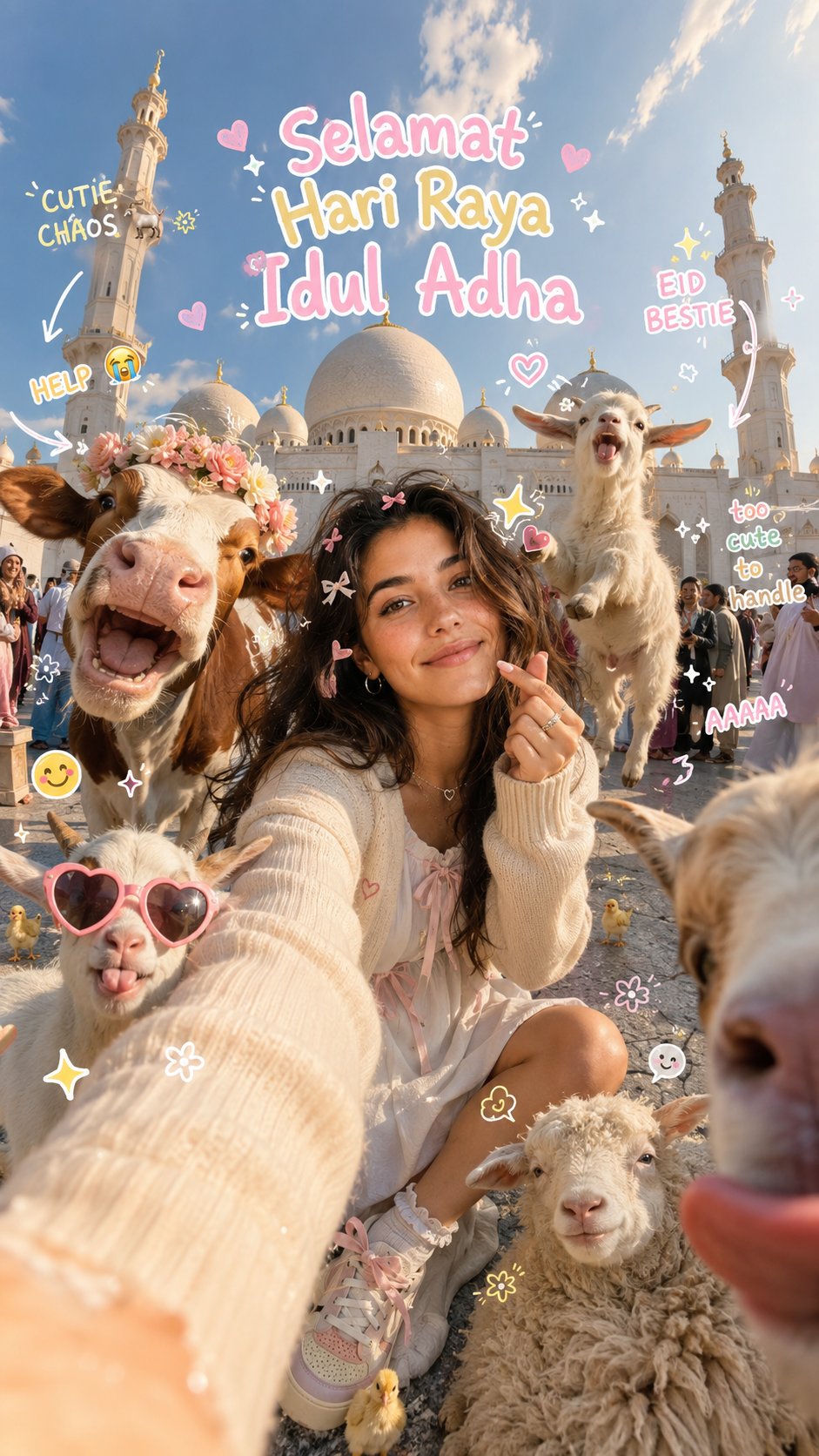
Eid al-Adha Cute Chaos — Fisheye Selfie with Farm Selfie, Mosque & Animals
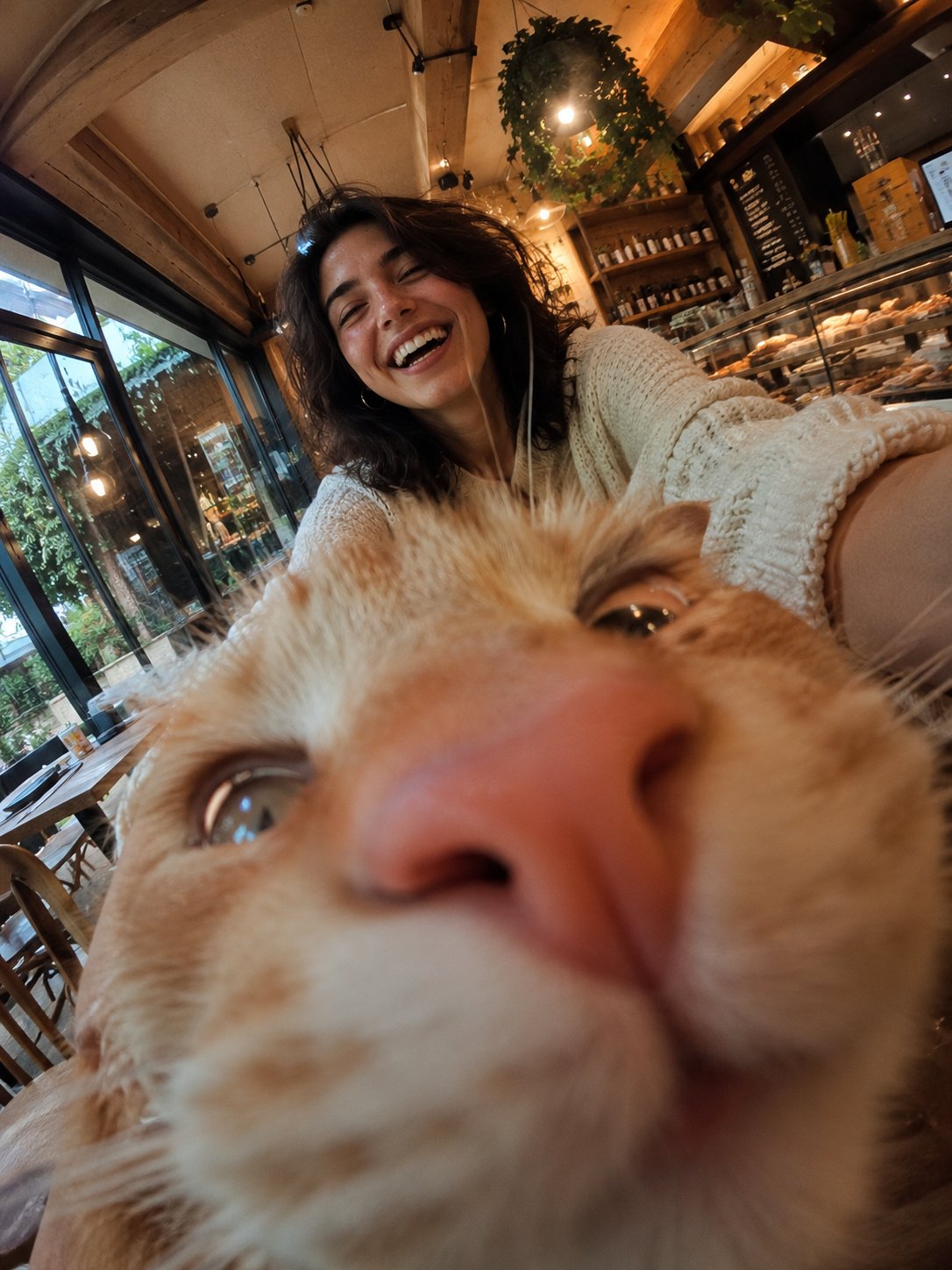
Cat Photobomb Selfie — 0.5x Wide Angle Café Chaos
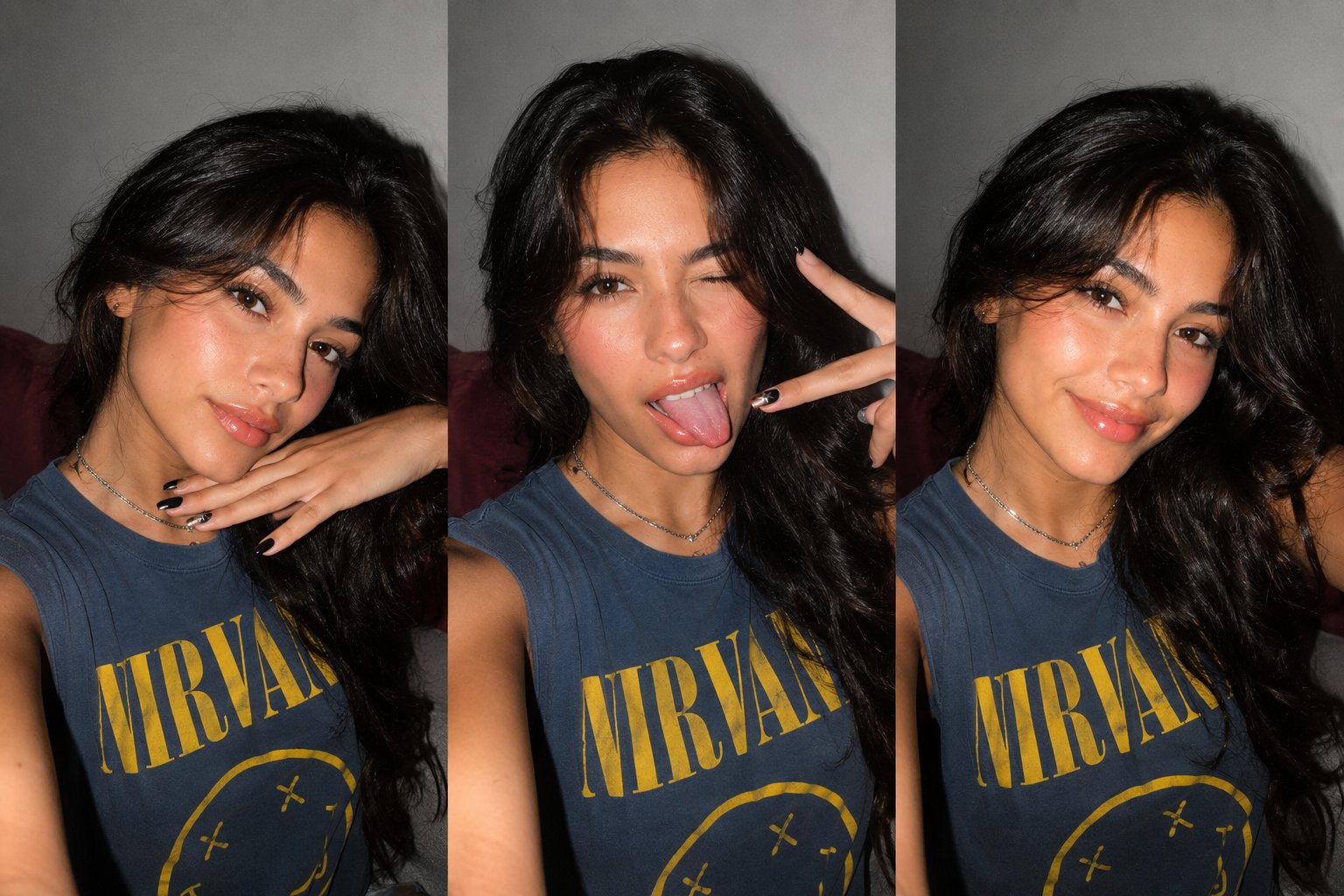
Gen Z Triple Selfie Collage — Y2K Flash Photography

Surreal Cat Astronaut — Humanoid Face Freefall
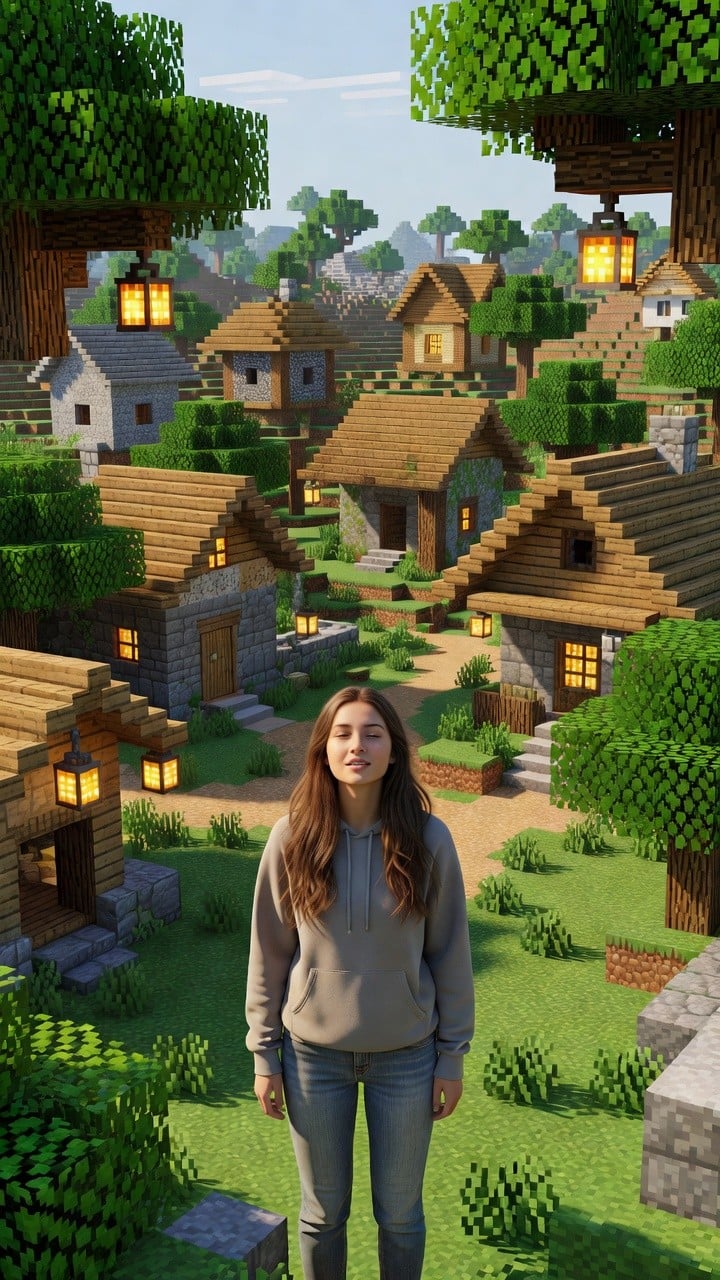
Photoreal Village Lanterns Minecraft Scene
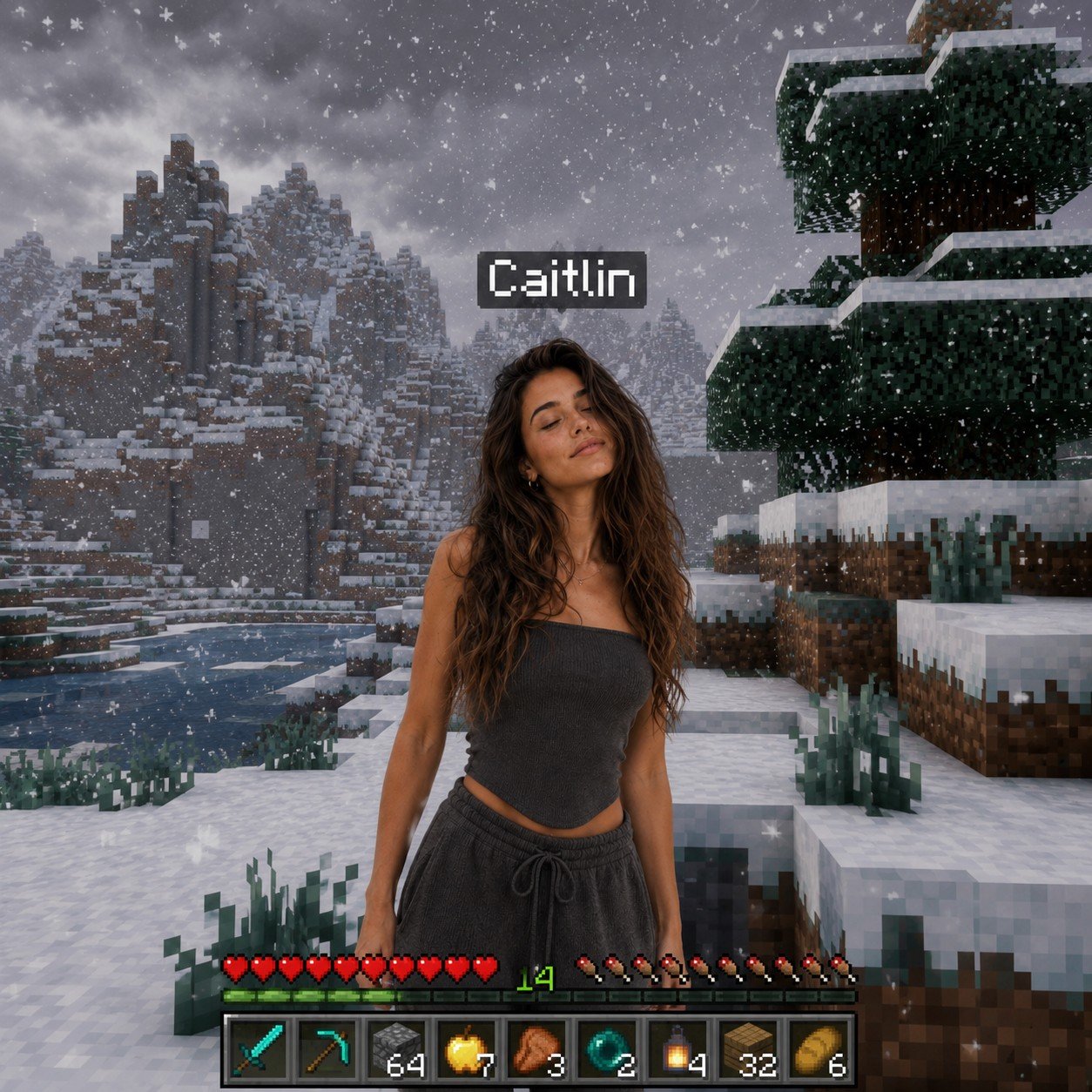
Photoreal Snow Biome Name Tag UI
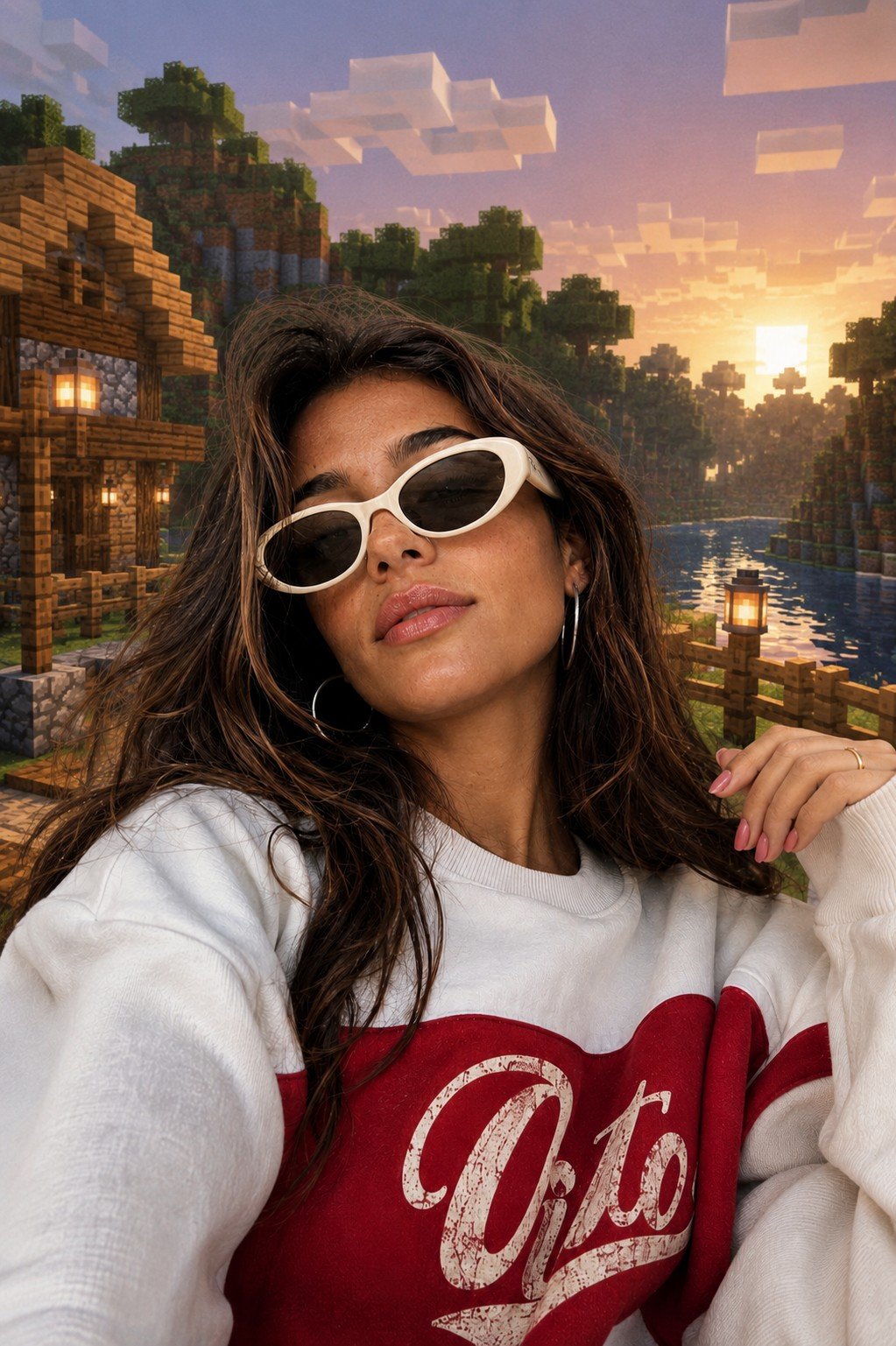
Photoreal Selfie Minecraft Block World
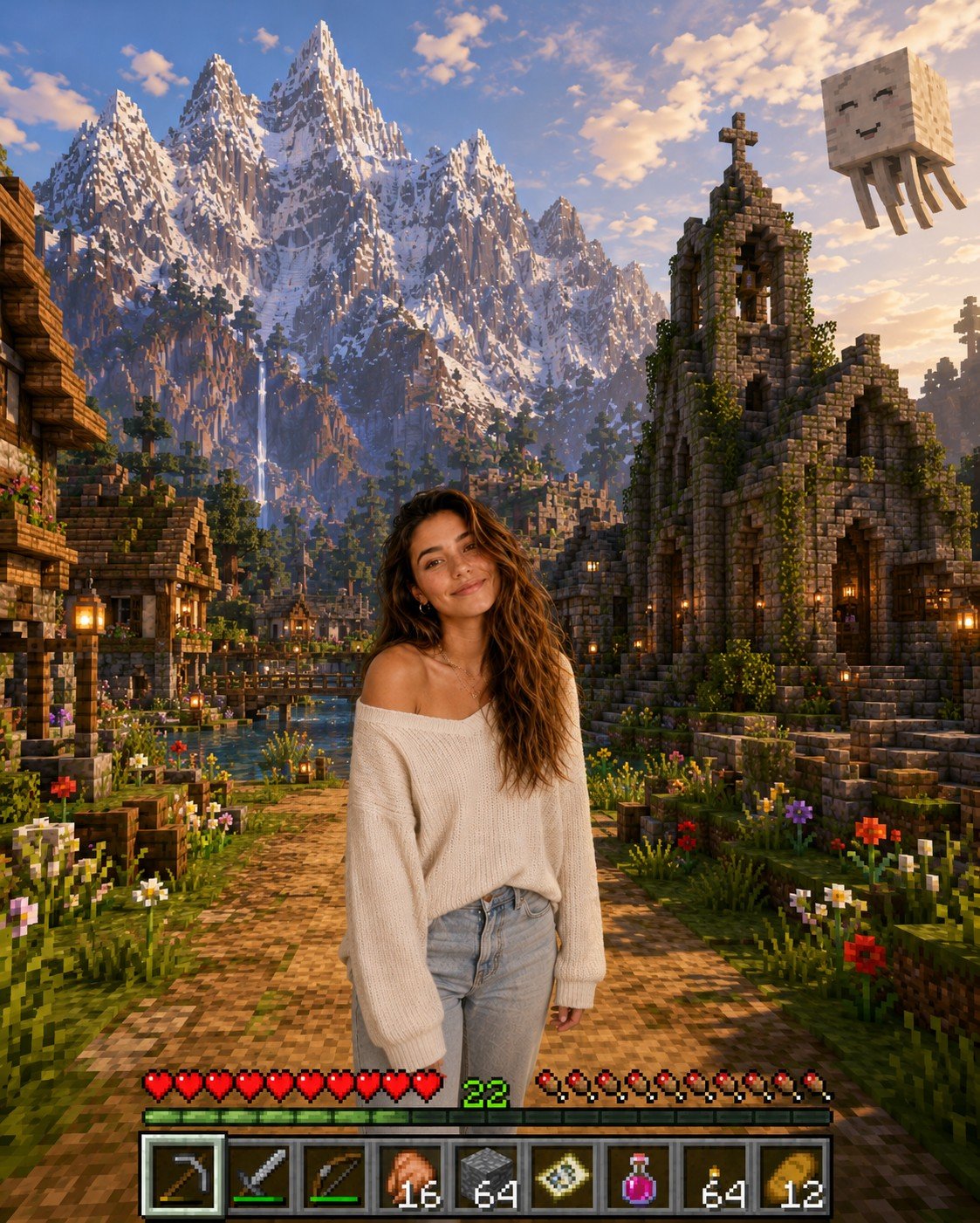
Photoreal Selfie Minecraft Village Ghast UI
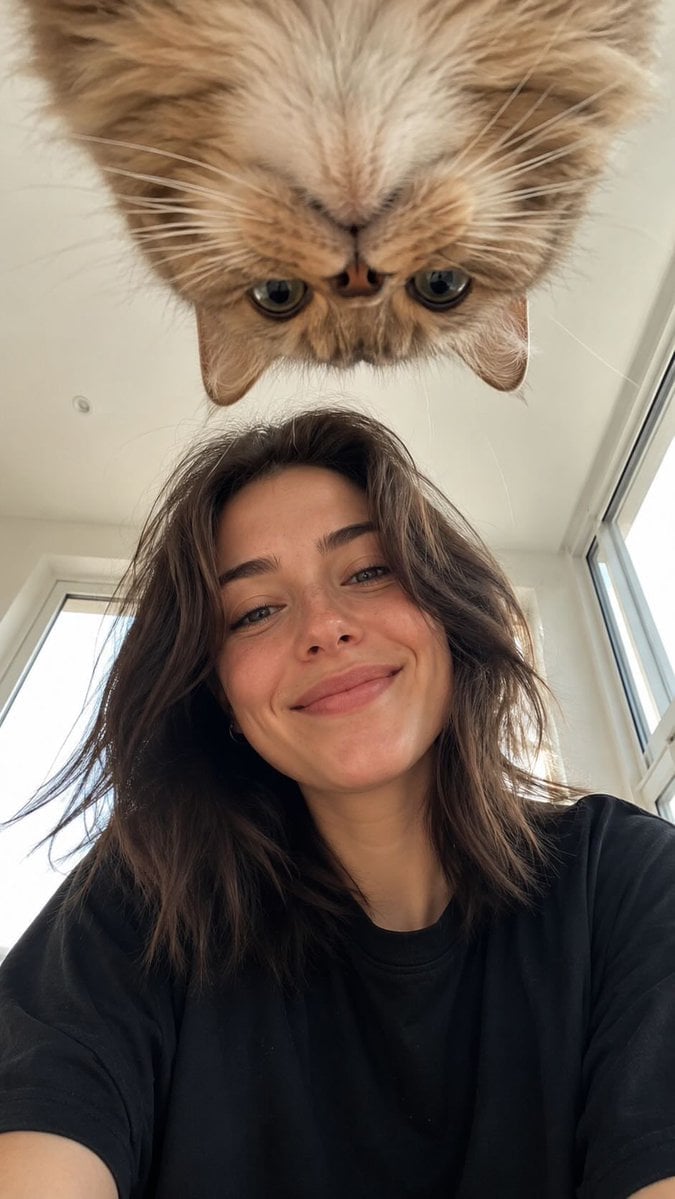
Low Angle Floor Selfie With Upside Down Cat
Make it yours
Ultra-Realistic Wet Bathroom Selfie works as-is. These are the safest ways to change it without losing the look.
Change one field
Copy a single group, rewrite it, and generate again so you can see what that field is doing.
Keep the frame, change the subject
Hold the composition and light of Ultra-Realistic Wet Bathroom Selfie, then swap wardrobe, props or the person for a new take.
| If the result… | Why | Fix |
|---|---|---|
| The result drifts from the preview | Too many fields changed at once. | Reuse Ultra-Realistic Wet Bathroom Selfie as-is first, then change one group — subject, light, or setting. |
| The model over-stylizes the scene | The prose prompt leaves finish and camera underspecified. | Add one camera or lighting sentence and stay on Nano Banana 2. |
More Nano Banana 2 templates
Other prompts made for Nano Banana 2.

Photorealistic Leaf Shaped Like a Dragon

K-Pop Idol Portrait Grid for Rapid Selection

Poetic Rain Forest Portrait During Golden Hour

Urban Street Portrait with Cartoon Inner Self Duo

Candid Nighttime Photo with Cat Prompt

High-Concept 3D Diorama Generation Prompt

Cinematic Futuristic Studio Portrait Template

Skincare Editorial Photography Collage Prompt

Hyper-Realistic Commercial Product Photography (Splash Effect)

Hyper-Realistic Nightclub Portrait Prompt
More image prompts
Fresh picks from across the catalog.
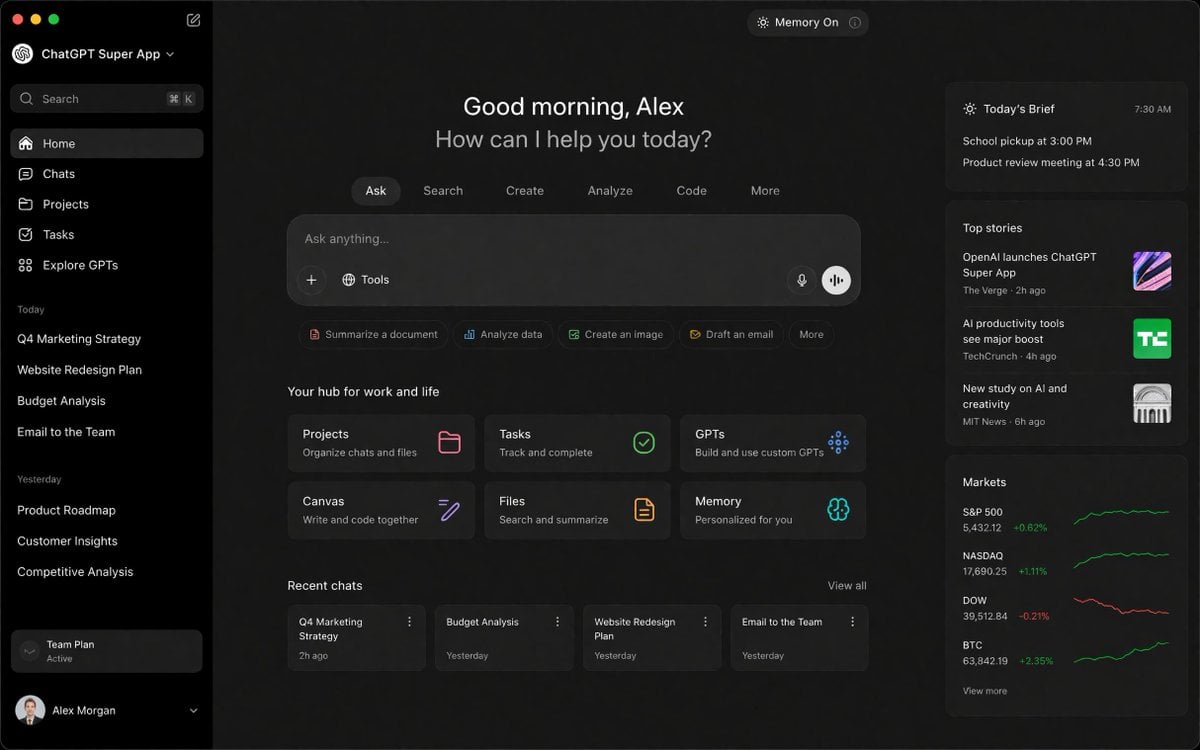
ChatGPT Super App Concept
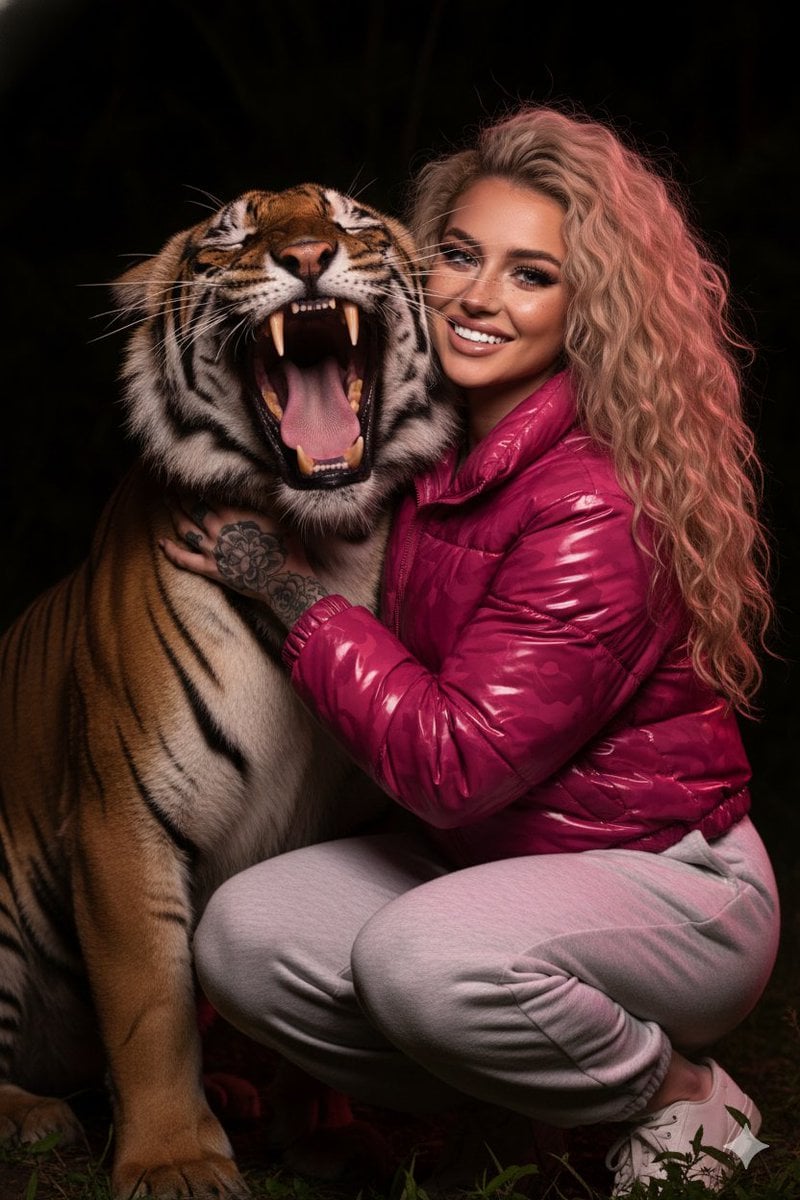
Hyper-Realistic Nighttime Portrait with Bengal Tiger

High-Contrast Tactical Magazine Cover
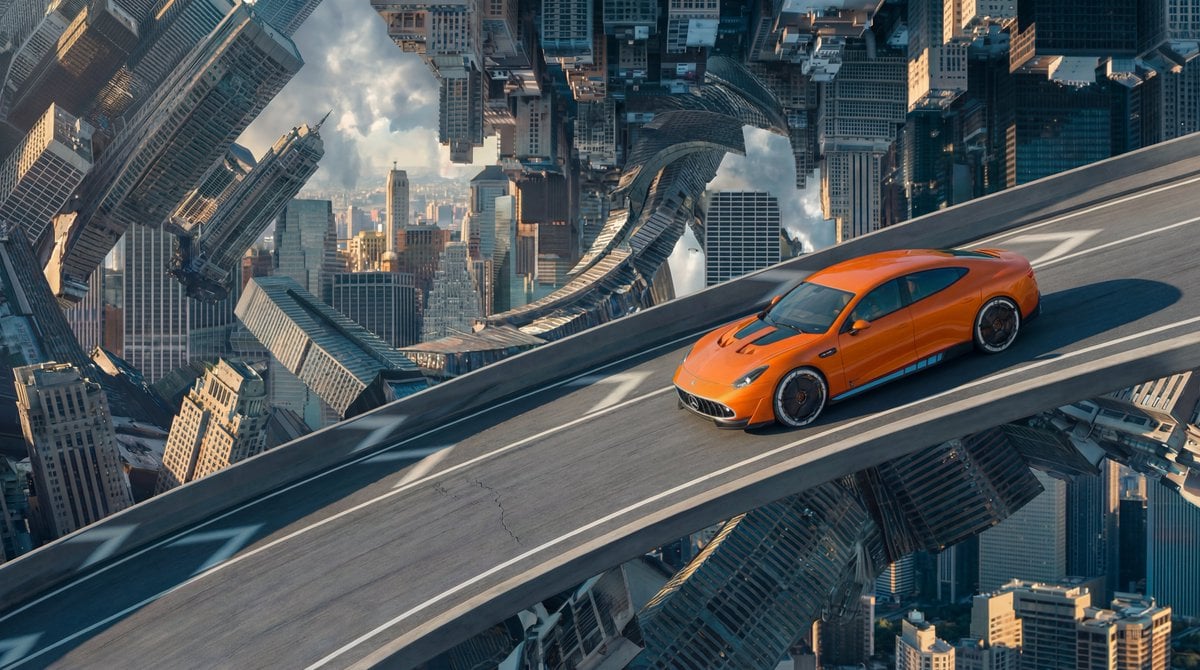
Inverted Cityscape Car Chase Prompt for Nano Banana Pro
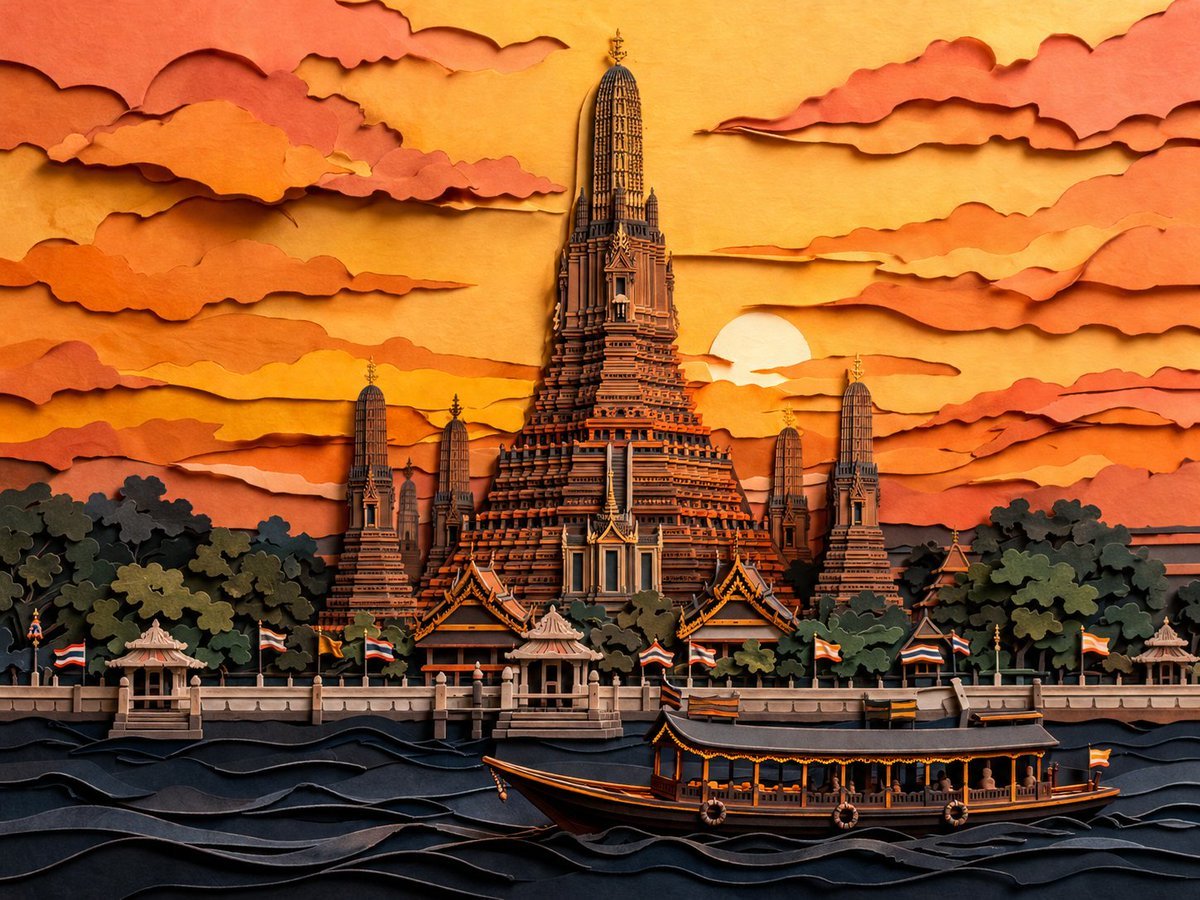
Papercut Wat Arun at Sunset
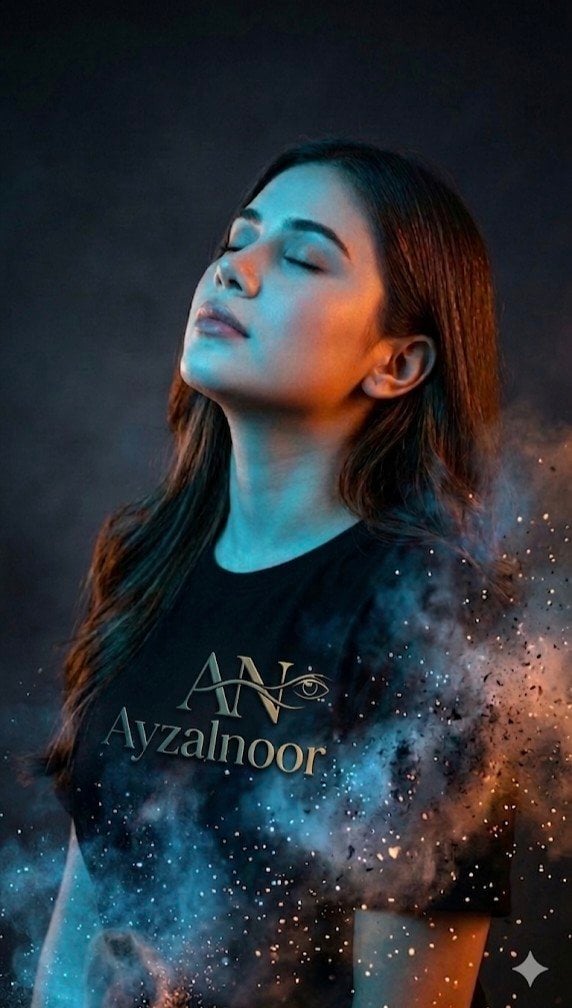
X Ayzalnooor24521 a Cinematic High Resolution Portrait of
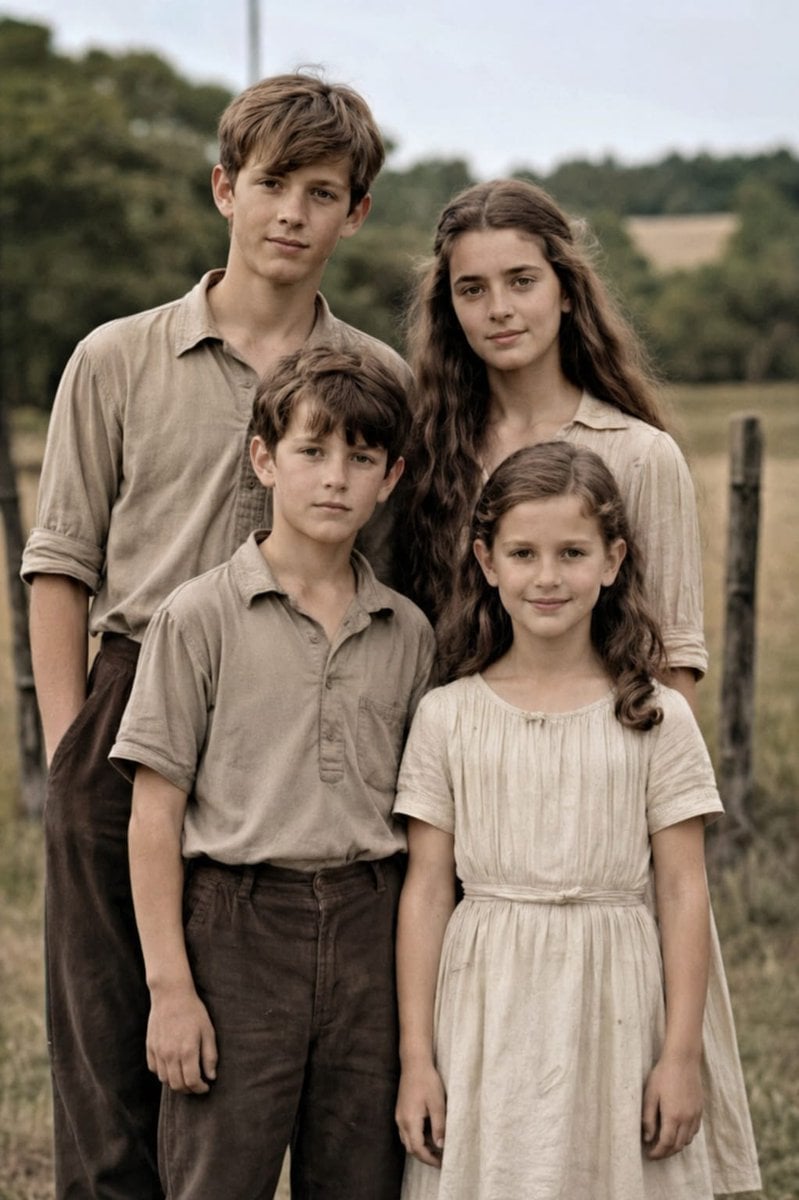
Professional Old Photo Restoration

Underwater Angel Fantasy Illustration
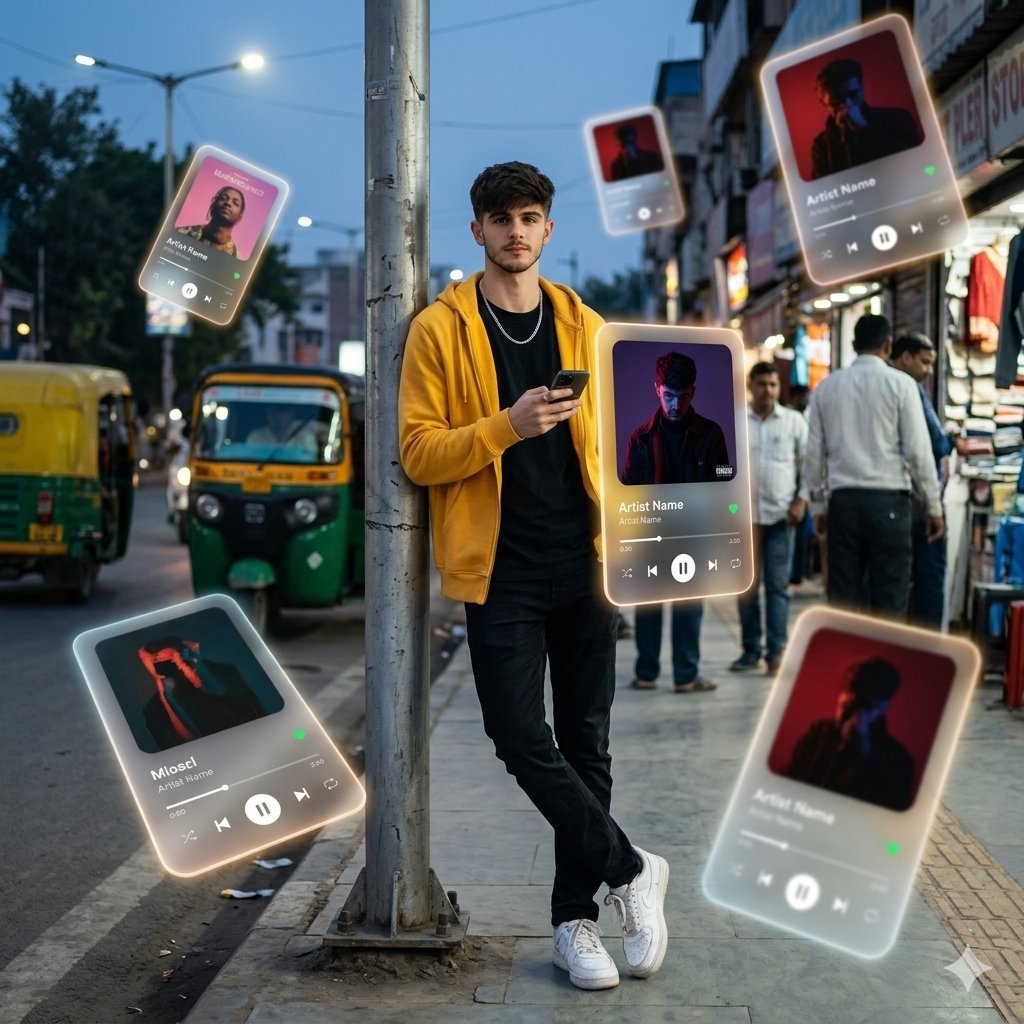
AR Augmented Reality Street Scene
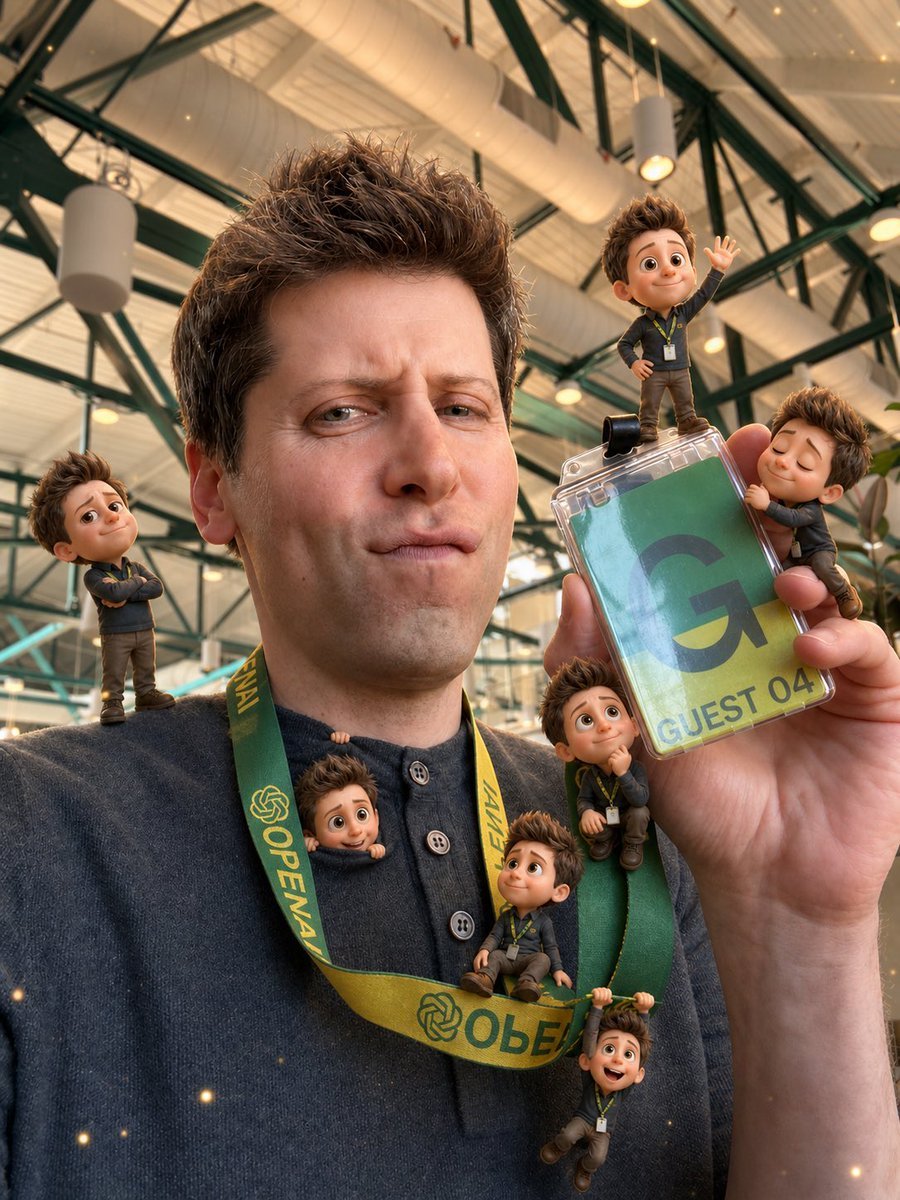
Mini-Me 3D Selfie Transformation
Browse template categories
Ultra-Realistic Wet Bathroom Selfie questions
How do I use the Ultra-Realistic Wet Bathroom Selfie template?
Add your photo if the template asks for one, edit the prompt if you like — the template's model and format are already selected — and press Generate. Your version opens in PicX Studio.
Can I customize the Ultra-Realistic Wet Bathroom Selfie template?
Yes. You can change the subject, setting, lighting, mood, format, and available model controls before creating your image.
Is the Ultra-Realistic Wet Bathroom Selfie template free?
Opening and editing this template is free. Generating uses credits, shown on the Generate button when you are signed in.
Which AI model should I use?
Start with Nano Banana 2, which is the model associated with this template. You can compare another compatible model for a different finish.
Looking for something else? Browse all templates.

Your photo, any look
Thousands of ready templates for every top image and video model, from one credit balance.