How do I use the Realistic Skincare Advertisement Photography template?
Choose the primary action to open PicX Studio with the available template settings. Review the model and format, personalize the creative direction, and generate when ready.
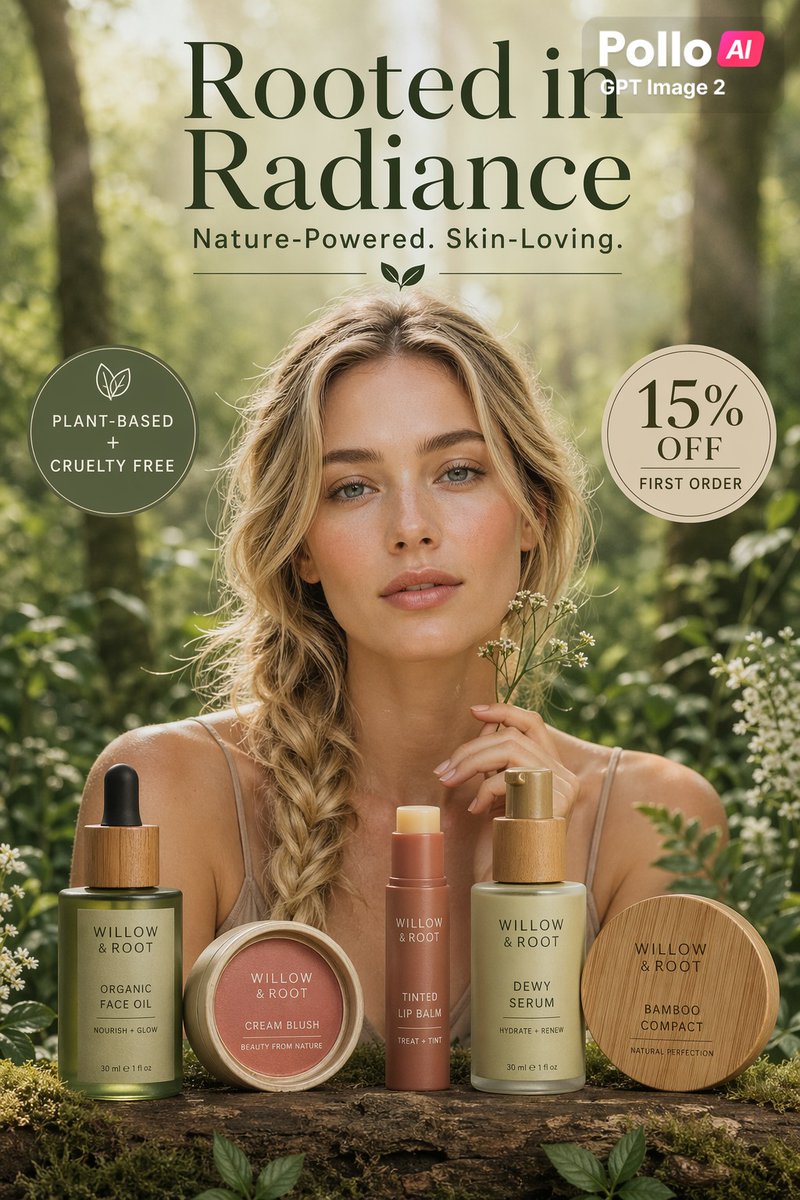
A detailed prompt for a high-end skincare commercial photo featuring a subject in a luxury spa setting with natural lighting.
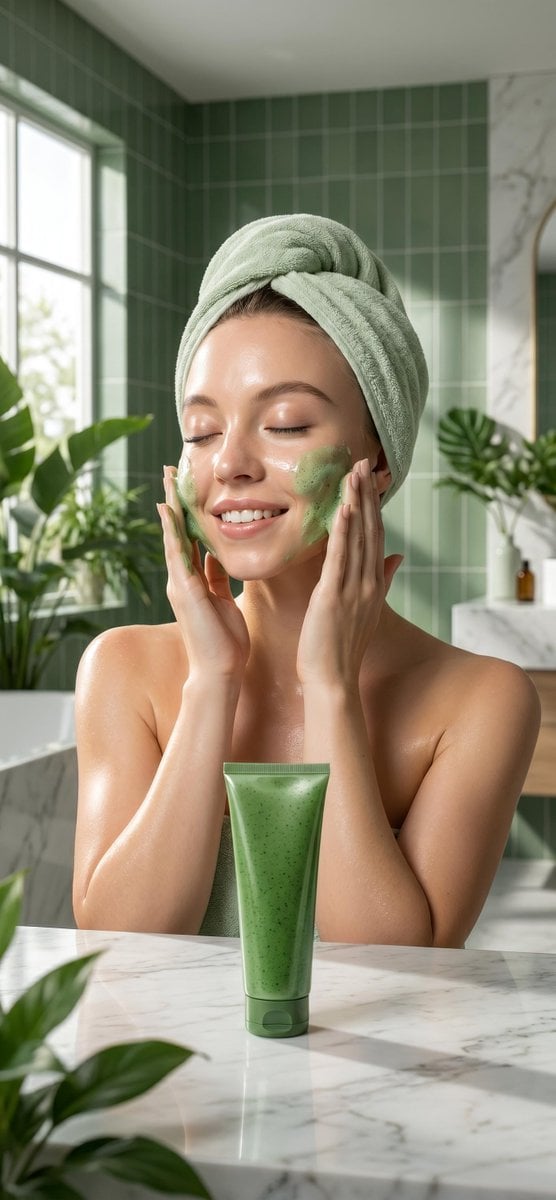
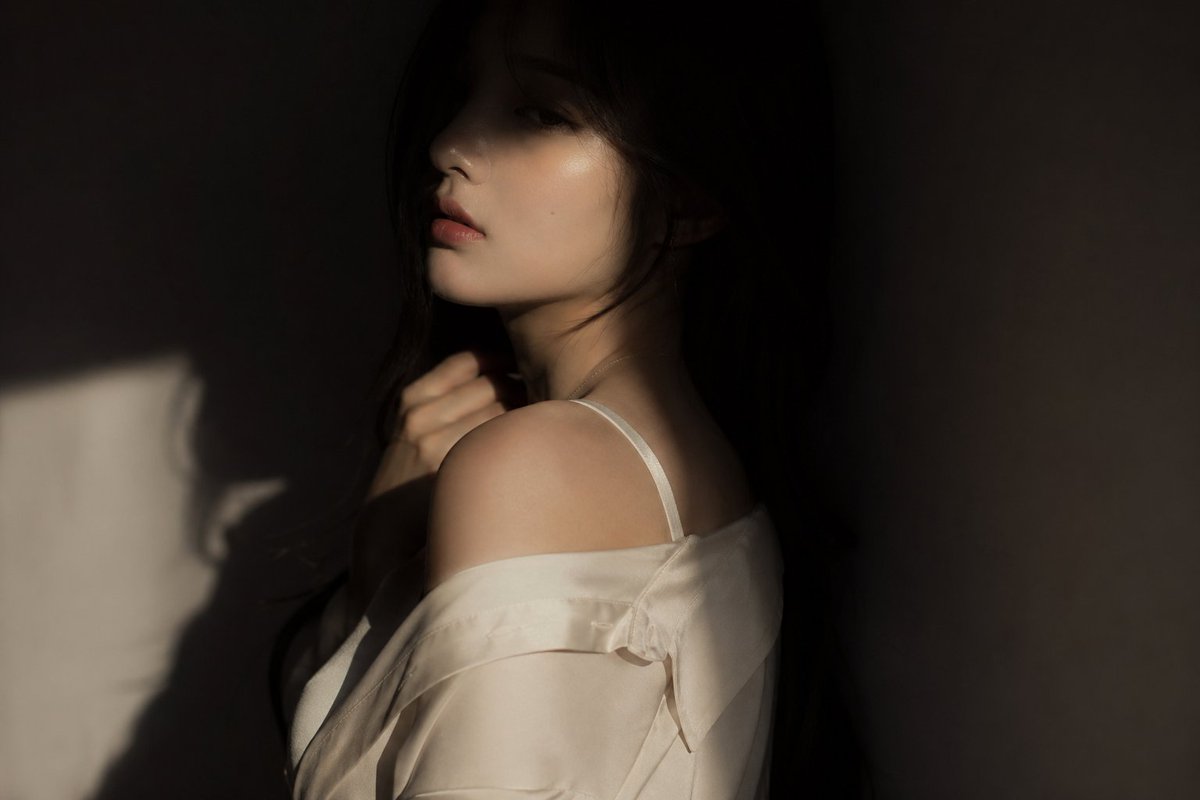
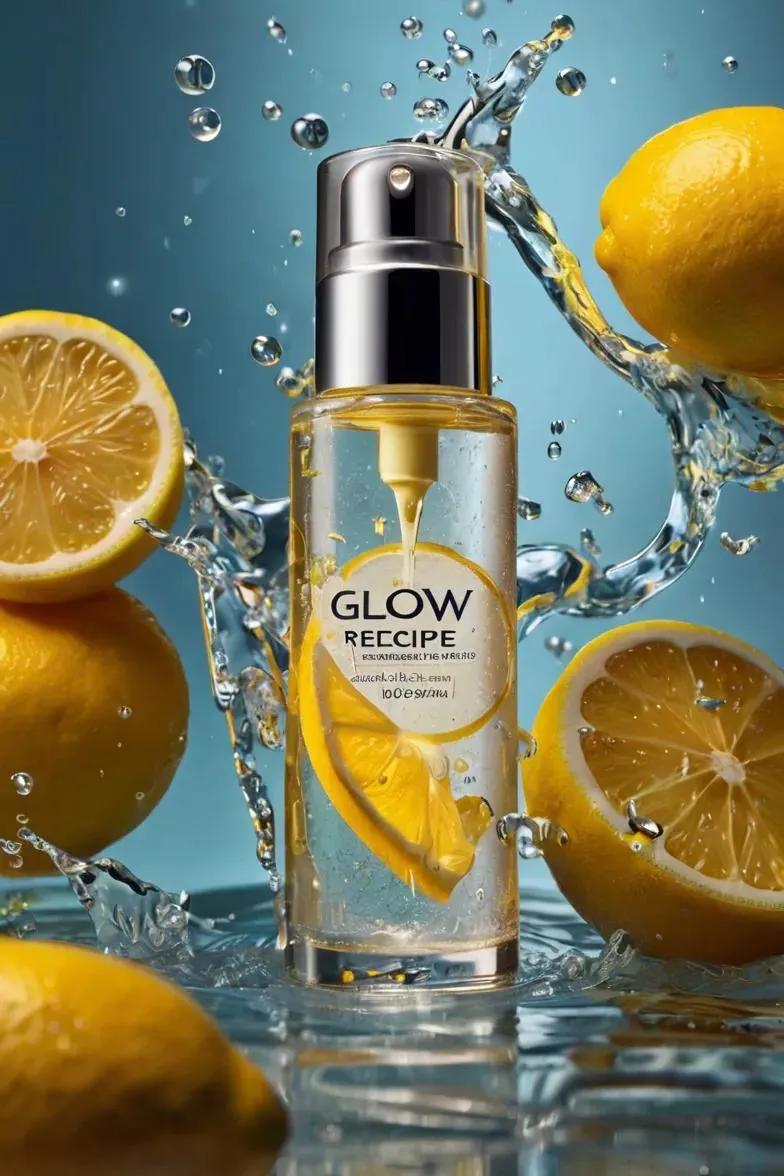
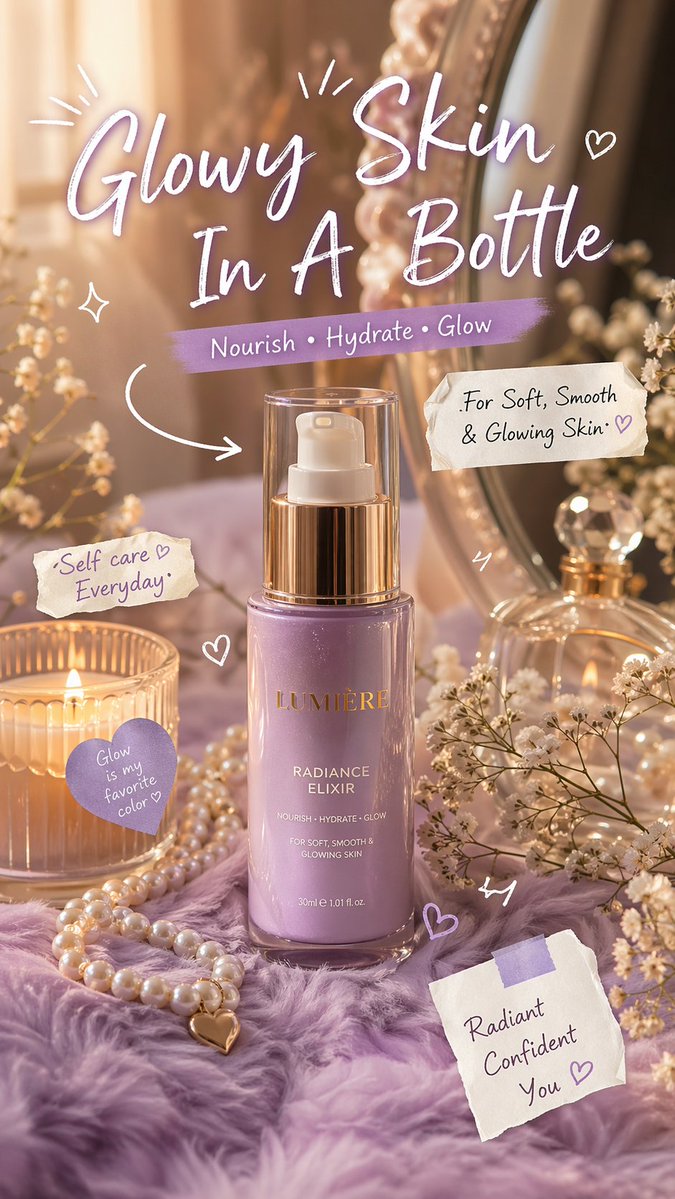
Ultra realistic skincare advertisement photo of a beautiful {argument name="subject" default="Sydney sweeney"} applying {argument name="product" default="green herbal face wash foam"} on her cheeks with both hands, eyes closed, soft smile, glowing smooth skin, black tied-back hair, wrapped in a {argument name="towel color" default="light green"} towel, luxury modern bathroom with green aesthetic tiles and indoor plants, fresh natural morning light through window, clean spa atmosphere, premium cosmetic commercial photography, detailed skin texture, glossy hydration effect, centered product tube on marble counter in foreground, minimal elegant composition, soft shadows, pastel green and white color palette, shallow depth of field, high-end beauty campaign, DSLR quality, ultra sharp, photorealistic, 8k, natural makeup, calming wellness vibe.
Choose the primary action to open PicX Studio with the available template settings. Review the model and format, personalize the creative direction, and generate when ready.
Yes. You can change the subject, setting, lighting, mood, format, and available model controls before creating your image.
This template is free to open and customize. Generation usage is shown in PicX Studio before you create.
Start with Nano Banana 2, which is the model associated with this template. You can compare another compatible model for a different finish.
Follow a topic to a crawlable collection of related PicX Studio templates.