How do I use the Cozy Pink Bathroom Portrait template?
Choose the primary action to open PicX Studio with the available template settings. Review the model and format, personalize the creative direction, and generate when ready.
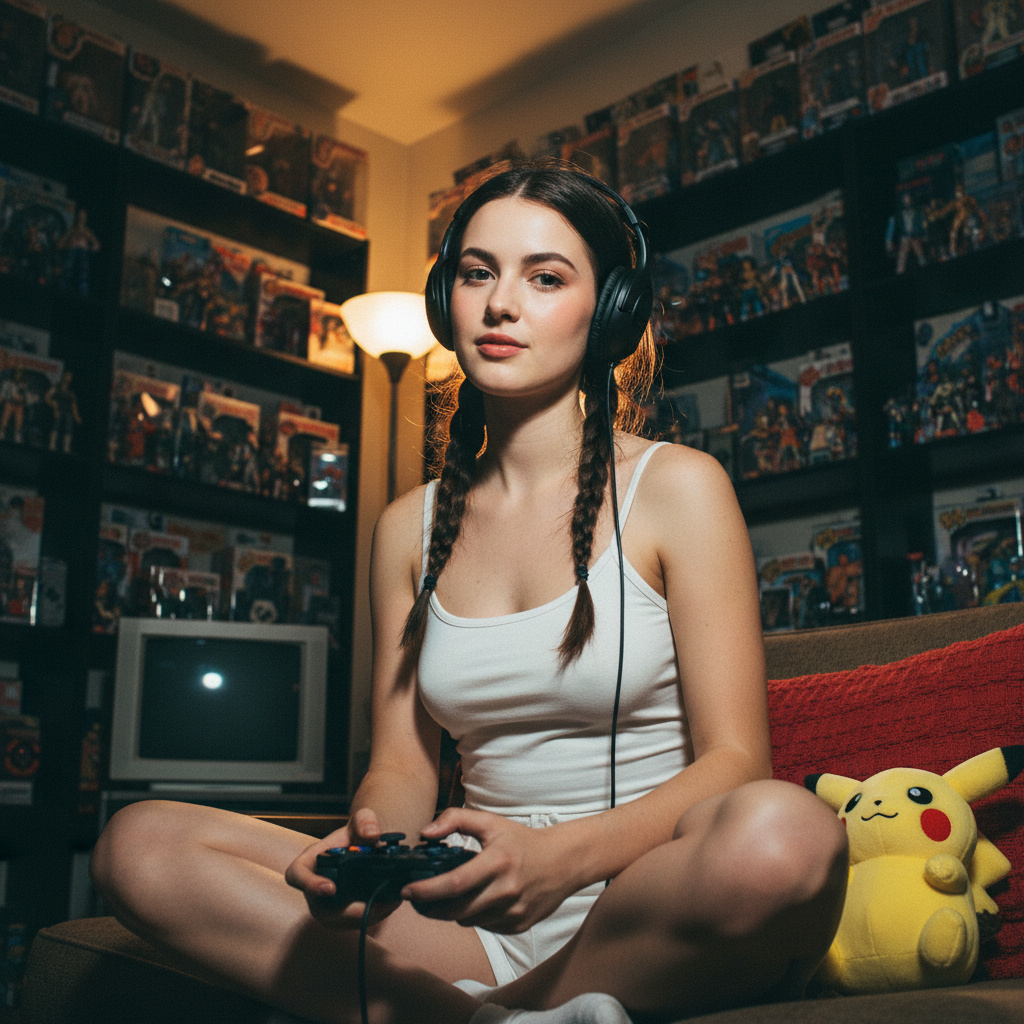
A structured photorealistic prompt for a young woman sitting in a modern bathroom wearing a pink camisole and strawberry embroidered cardigan.
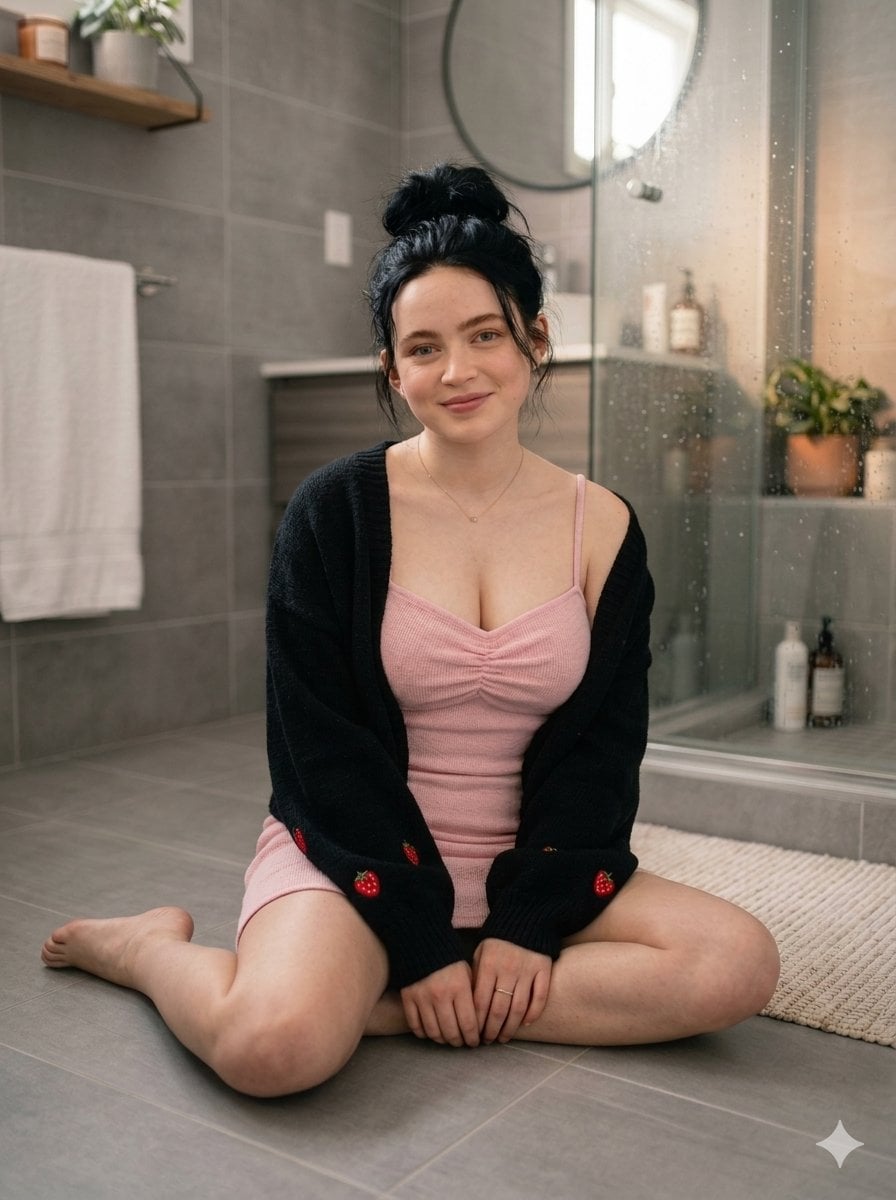
A photorealistic full-body portrait of a beautiful young woman in her mid-20s with fair skin, subtle freckles, and striking dark brown eyes, sitting cross-legged barefoot on the gray tiled floor of a modern bathroom. She has dark brown hair styled in a messy high top bun with loose wispy strands framing her face. She is smiling gently at the camera with a soft, natural expression. She wears a fitted {argument name="top style" default="pink ribbed camisole top"} with thin spaghetti straps, a sweetheart neckline with ruched detailing at the bust, and a {argument name="cardigan style" default="black open-front knitted cardigan"} featuring small red strawberry embroidery on the sleeves and hem. She also wears matching pink ribbed shorts. Delicate gold necklace with a tiny pendant and a simple gold ring on her left ring finger. The bathroom background features large matte gray wall and floor tiles, a glass shower enclosure covered in realistic water droplets and condensation, a round mirror on the wall, a wooden floating shelf with potted plants and toiletries, a white bath towel hanging on a rack to the left, and a white woven bath mat on the floor. Soft natural daylight lighting coming from the side, cinematic composition, highly detailed textures on skin, fabric, and tiles, realistic depth of field, sharp focus, 8k resolution, masterpiece, best quality
Choose the primary action to open PicX Studio with the available template settings. Review the model and format, personalize the creative direction, and generate when ready.
Yes. You can change the subject, setting, lighting, mood, format, and available model controls before creating your image.
This template is free to open and customize. Generation usage is shown in PicX Studio before you create.
Start with Nano Banana 2, which is the model associated with this template. You can compare another compatible model for a different finish.
Follow a topic to a crawlable collection of related PicX Studio templates.