How do I use the Frozen Lake Winter Selfie template?
Choose the primary action to open PicX Studio with the available template settings. Review the model and format, personalize the creative direction, and generate when ready.
A realistic selfie prompt capturing a winter scene on a frozen lake with a luxury car and cold, natural lighting.

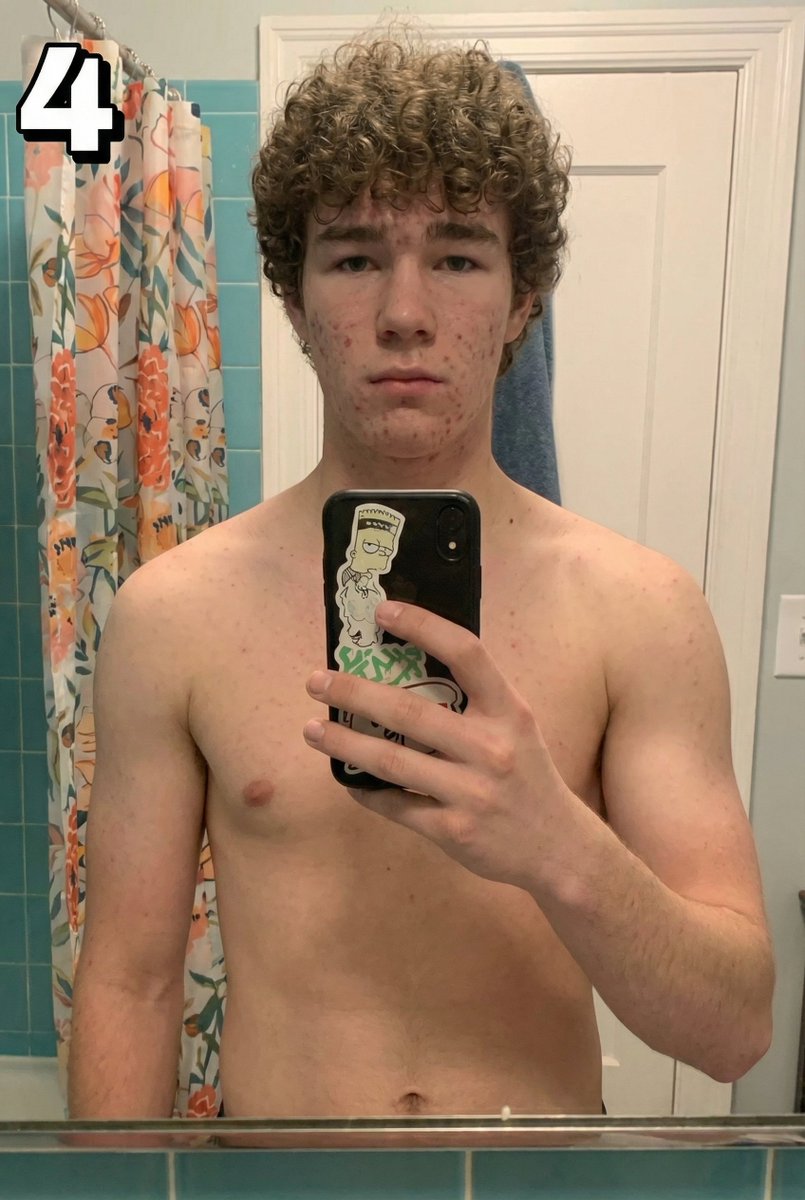
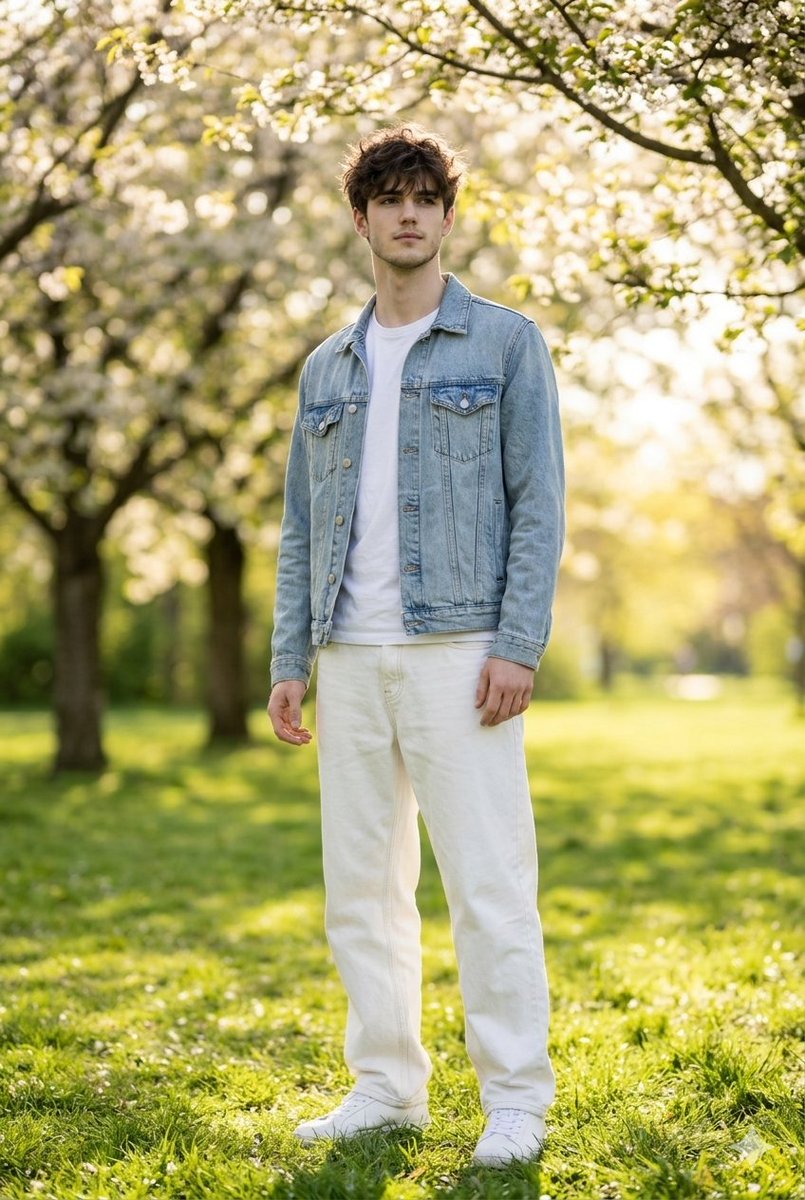
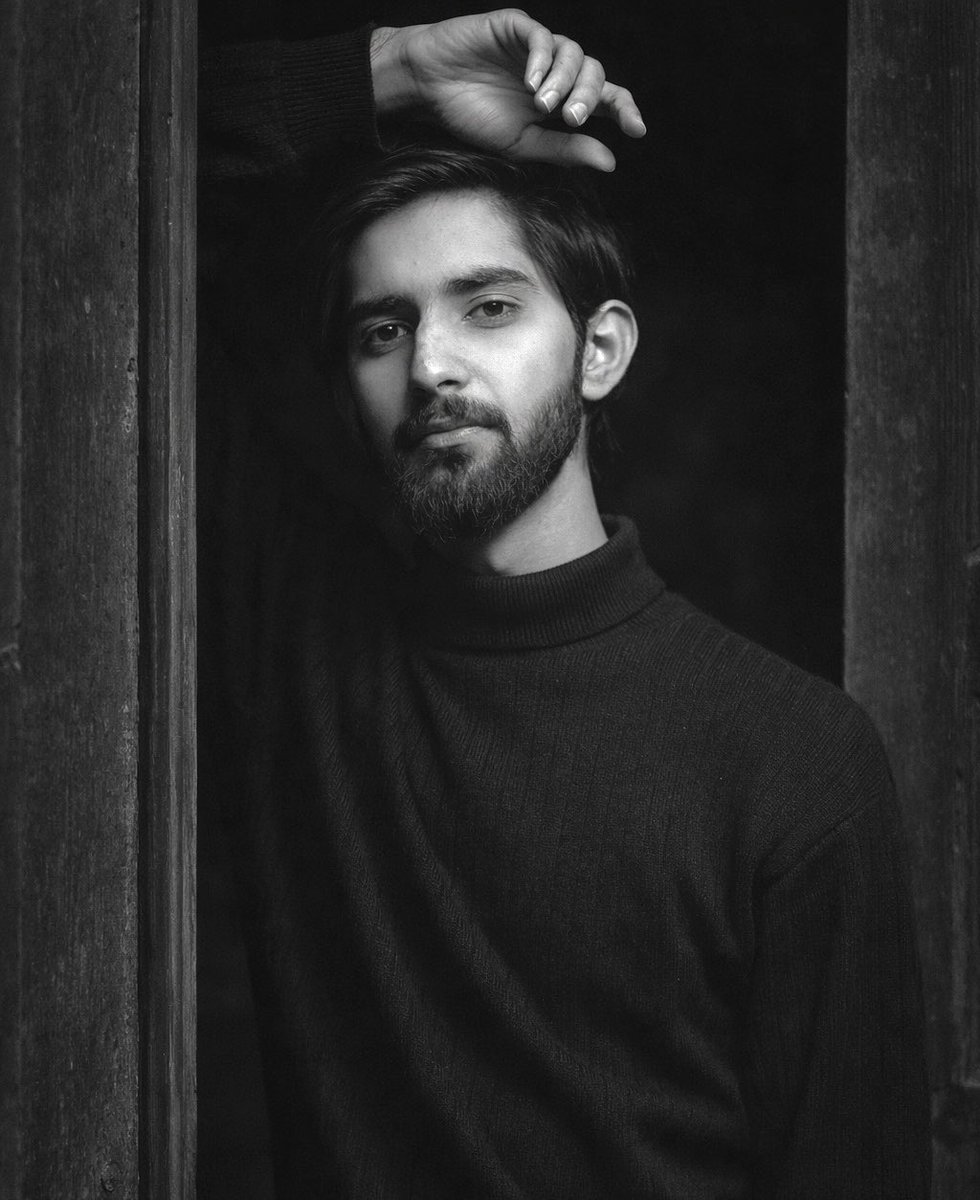
A young woman wearing a {argument name="clothing" default="black winter puffer jacket and a gray hoodie"} is taking a selfie on a frozen lake. Her hair must be exactly the same style as the original male reference — curly, dark brown, medium length, with the same texture and volume (not long). The face from the initially provided female reference photo must be preserved exactly without any distortion. Her face is partially hidden by the raised collar of her jacket, which she is holding with her left hand, and by dark sunglasses. On the left side of the frame, in the background, there is a {argument name="car model" default="black Mercedes-Benz CLS 63 AMG (W219)"} parked on the snow. The car is naturally covered with snow and frost. No license plate. The car is positioned facing away from the camera, and tire tracks are visible on the ice. The background shows a wide snowy lake landscape stretching to the horizon. The sky is fully covered with {argument name="weather" default="dense gray clouds"}; it's starting to get dark (post-sunset twilight). Photorealistic, cold tones, and natural lighting.
Choose the primary action to open PicX Studio with the available template settings. Review the model and format, personalize the creative direction, and generate when ready.
Yes. You can change the subject, setting, lighting, mood, format, and available model controls before creating your image.
This template is free to open and customize. Generation usage is shown in PicX Studio before you create.
Start with Nano Banana 2, which is the model associated with this template. You can compare another compatible model for a different finish.
Follow a topic to a crawlable collection of related PicX Studio templates.