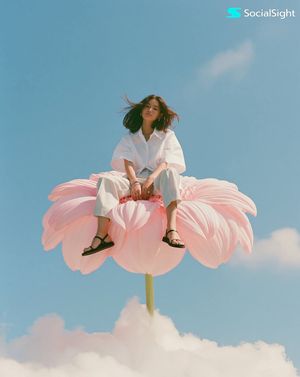
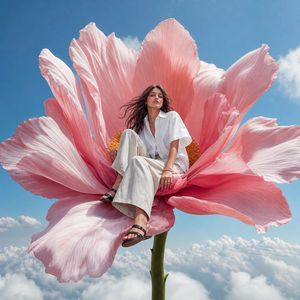
How do I use the Surreal Fashion Editorial Portrait template?
Choose the primary action to open PicX Studio with the available template settings. Review the model and format, personalize the creative direction, and generate when ready.
A high-fashion editorial prompt for creating surreal, melancholic portraits with intense eye contact and striking geometric elements, mimicking professional Has
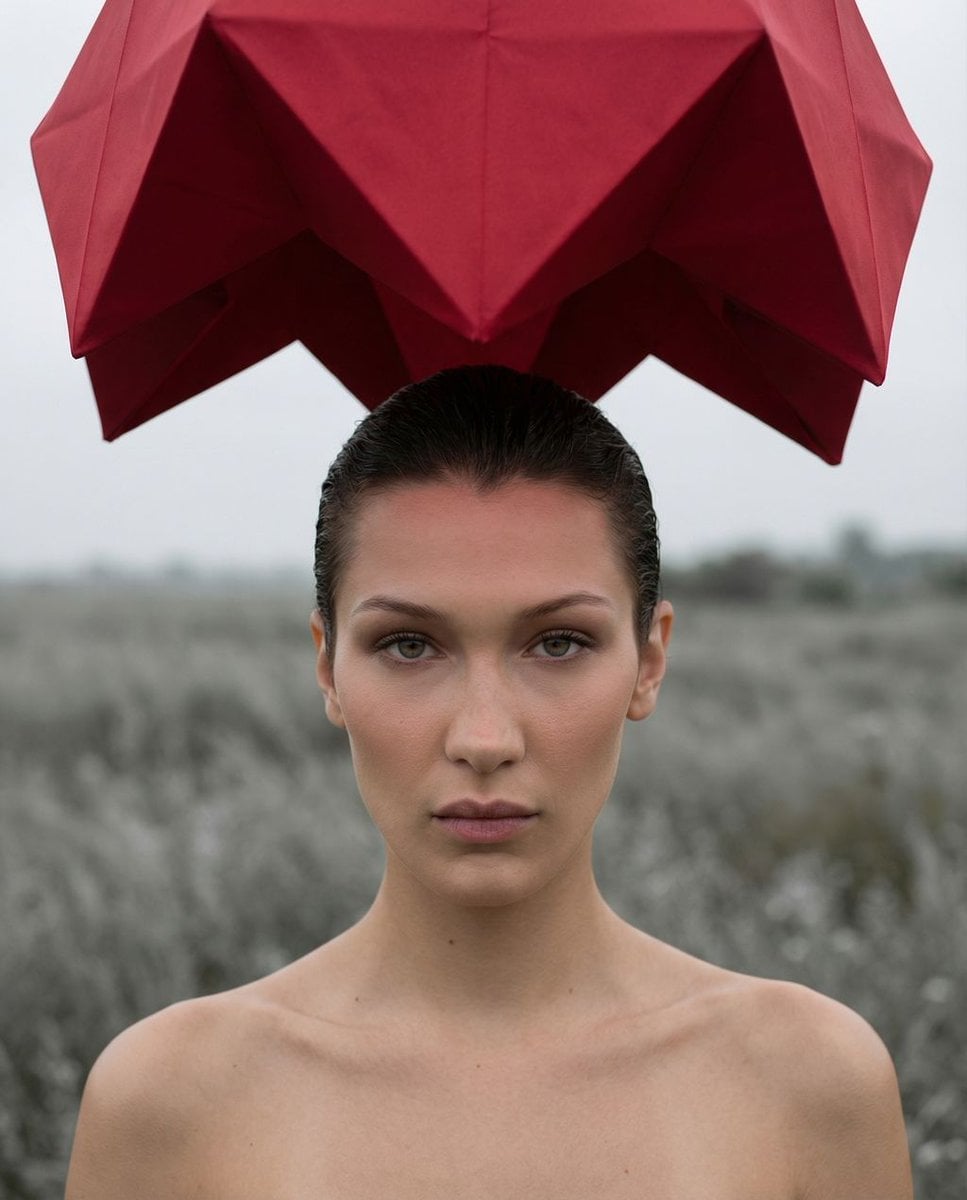
{ "vibe_title_en": "{argument name="vibe title" default="Surreal Melancholy Under Crimson Shadows"}", "master_prompt": "Medium close-up portrait of {argument name="subject" default="The Protagonist"}, intense stoic expression, absolute direct eye contact, slicked-back damp hair, bare collarbones. Impeccable front beauty lighting illuminating the face, razor-sharp focus on the irises. The setting is a desaturated, wind-swept field of ash-gray flora under a flat overcast sky. Suspended impossibly just above the subject's head is a massive, surreal crimson geometric origami canopy made of taut, heavy silk, acting as a high-budget practical effect. The vast red structure casts a subtle crimson bounce light onto the hyper-realistic skin pores. Shot on Hasselblad H6D-100c, 100mm f/2.2 lens, Kodak Portra 160. Cinematic color grading, stark contrast between slate grays and vivid crimson, ultra-detailed analog film texture.", "meta": { "intent": "Surreal Fashion Editorial", "priorities": "Photorealistic Surrealism, Intense Eye Contact, Analog Micro-details", "device_profile": "High-Resolution Display" }, "frame": { "aspect": "4:5", "composition": "Medium close-up, perfectly centered symmetrical framing", "layout": "Subject dominates lower two-thirds, massive red surreal geometry looms in the top edge", "camera_angle": "Exact eye level, precise 1:1 connection", "tilt_roll_degrees": "0" }, "subject": { "gender": "Female", "identity": "{argument name="subject identity" default="The Protagonist"}", "demographics": "Ageless, ambiguous high-fashion archetype", "face": "Symmetrical, hyper-detailed pores, flawless natural complexion", "hair": "Damp, slicked-back, textured and sculpted", "body": "Bare shoulders, prominent strong collarbones", "expression": "The Piercing Minimalist, stoic, high-intensity neutral", "pose": "Still, shoulders entirely square to the lens, unflinching posture" }, "wardrobe_accessories": { "garments": [ { "item": "Invisible drape (shoulders bare)", "material": "Skin", "color": "Natural", "fit": "None" } ], "accessories": [] }, "environment": { "setting": "Desolate moor with ash-gray dormant flora under a heavy overcast sky", "surfaces": "Dried organic grass, taut heavy silk of the hovering canopy", "depth": "Shallow depth of field, horizon smoothly blurred", "atmosphere": "Still, heavy, melancholic and impossibly quiet", "lens_interaction": "Muted ambient sky light contrasting with localized beauty strobes" }, "lighting": { "key": "Soft beauty dish positioned front-top", "fill": "Subtle silver reflector underneath for distinct eye catchlights", "rim": "Soft crimson bounce light reflecting from the surreal canopy above", "shadows": "Sculpted, soft shadows beneath cheekbones and jaw", "color_temperature": "5200K (Daylight balanced with cool ambient surroundings)", "sensor_flare": "None" } }
Choose the primary action to open PicX Studio with the available template settings. Review the model and format, personalize the creative direction, and generate when ready.
Yes. You can change the subject, setting, lighting, mood, format, and available model controls before creating your image.
This template is free to open and customize. Generation usage is shown in PicX Studio before you create.
Start with Nano Banana 2, which is the model associated with this template. You can compare another compatible model for a different finish.
Follow a topic to a crawlable collection of related PicX Studio templates.