
Futuristic Music UI Poster
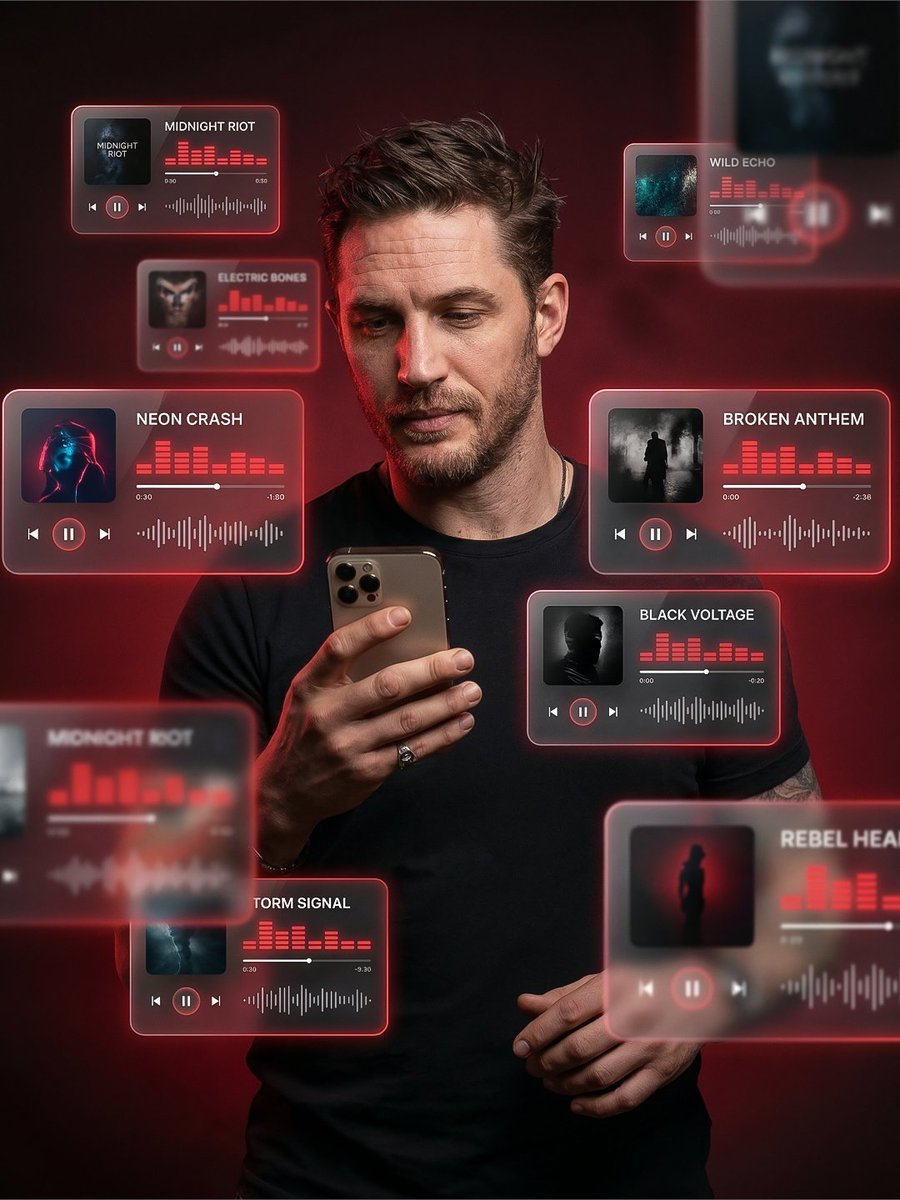
A futuristic poster prompt featuring a young man surrounded by floating 3D music UI cards with glowing neon edges.
- Prompt included
- Model and format preset
- Free template
The prompt behind this image
Copy the exact prompt behind Futuristic Music UI Poster, or open it in the studio and make it yours.
Create a premium 3:4 vertical cinematic AR poster of a stylish young man holding a smartphone. He looks modern, confident, and effortlessly cool, with sharp facial features, slightly messy hair, and a relaxed yet focused expression, as if curating his music vibe. His posture is natural - one hand holding the phone, the other slightly relaxed, conveying calm control and presence. Surround him with floating 3D music UI cards (inspired by Spotify / Apple Music), placed at different depths - some in the foreground partially blurred, some behind him, creating strong cinematic depth and motion. Each UI card must clearly display one track title (sharp, readable, correctly spelled): Midnight Riot, Electric Bones, Wild Echo, Neon Crash, Broken Anthem, Black Voltage, Storm Signal, Rebel Hearts. Design the UI in a glassmorphism style — translucent frosted glass panels with soft rounded corners, subtle reflections, glowing neon edges ({argument name="neon colors" default="red, pink, electric blue tones"}). Each card includes: Album artwork (dark, moody, cyberpunk aesthetic) Play/pause buttons Progress bars Animated equalizer bars Audio waveforms Lighting: studio-quality cinematic lighting with soft glow from the floating UI illuminating his face naturally. Add subtle rim light around his silhouette for depth. Maintain realistic skin tones with a premium editorial look. Background: {argument name="background" default="dark, moody gradient"} (charcoal, deep red, black tones) with soft haze and minimal noise, keeping it clean and high-end. Style & Quality: ultra-realistic, high-end fashion-tech aesthetic, cinematic composition, 8K resolution, sharp focus on the subject with depth-of-field blur on some UI elements. Slight motion blur on a few cards for realism. Overall vibe: futuristic, premium, music-driven identity - like a digital DJ or vibe curator controlling sound in a cinematic tech universe.
How to use Futuristic Music UI Poster in 3 steps
- 1
Open
The prompt is already in the box next to the preview, with the template's model and format selected.
- 2…a portrait of your subject in softgolden-hour light, 85mm…
Personalize
Edit the subject and creative details for your destination.
- 3Generate
Generate
Press Generate — your image is created in PicX Studio, so you can compare it with the original and refine one variable at a time.
More like this
Templates with the same subject, style or setup. Open one to see its prompt.
Neon Glitch Cyber Symbiote Music Poster
Synthwave Retro Superhero Music Poster
Gpt2 Youtube Thumbnail Anime Music Bootcamp Promo Poster
Black Liquid Cyberpunk Portrait Poster

Our Song was on a Cassette

Japan Travel Brochure Poster

Cartoon TV Show Poster Pack

Trendy Cafe Drink Promo Poster

Urban Fashion Editorial Collage Streetwear Poster

Premium Fashion Editorial Cover Layout System

Polo Ralph Lauren Luxury American Heritage Fashion Campaign

Monochrome Halftone Editorial Fashion Poster
Make it yours
Futuristic Music UI Poster works as-is. These are the safest ways to change it without losing the look.
Change one field
Copy a single group, rewrite it, and generate again so you can see what that field is doing.
Keep the frame, change the subject
Hold the composition and light of Futuristic Music UI Poster, then swap wardrobe, props or the person for a new take.
| If the result… | Why | Fix |
|---|---|---|
| The result drifts from the preview | Too many fields changed at once. | Reuse Futuristic Music UI Poster as-is first, then change one group — subject, light, or setting. |
| The model over-stylizes the scene | The prose prompt leaves finish and camera underspecified. | Add one camera or lighting sentence and stay on Nano Banana 2. |
More Nano Banana 2 templates
Other prompts made for Nano Banana 2.

Photorealistic Leaf Shaped Like a Dragon

K-Pop Idol Portrait Grid for Rapid Selection

Poetic Rain Forest Portrait During Golden Hour

Urban Street Portrait with Cartoon Inner Self Duo

Candid Nighttime Photo with Cat Prompt

High-Concept 3D Diorama Generation Prompt

Cinematic Futuristic Studio Portrait Template

Skincare Editorial Photography Collage Prompt

Hyper-Realistic Commercial Product Photography (Splash Effect)

Hyper-Realistic Nightclub Portrait Prompt
More image prompts
Fresh picks from across the catalog.
Hyper Realistic Portrait of Adi Shankara
High-Fashion Editorial in Anti-Gravity Color Box
Hyper-Realistic High-Speed Food Photography Prompt
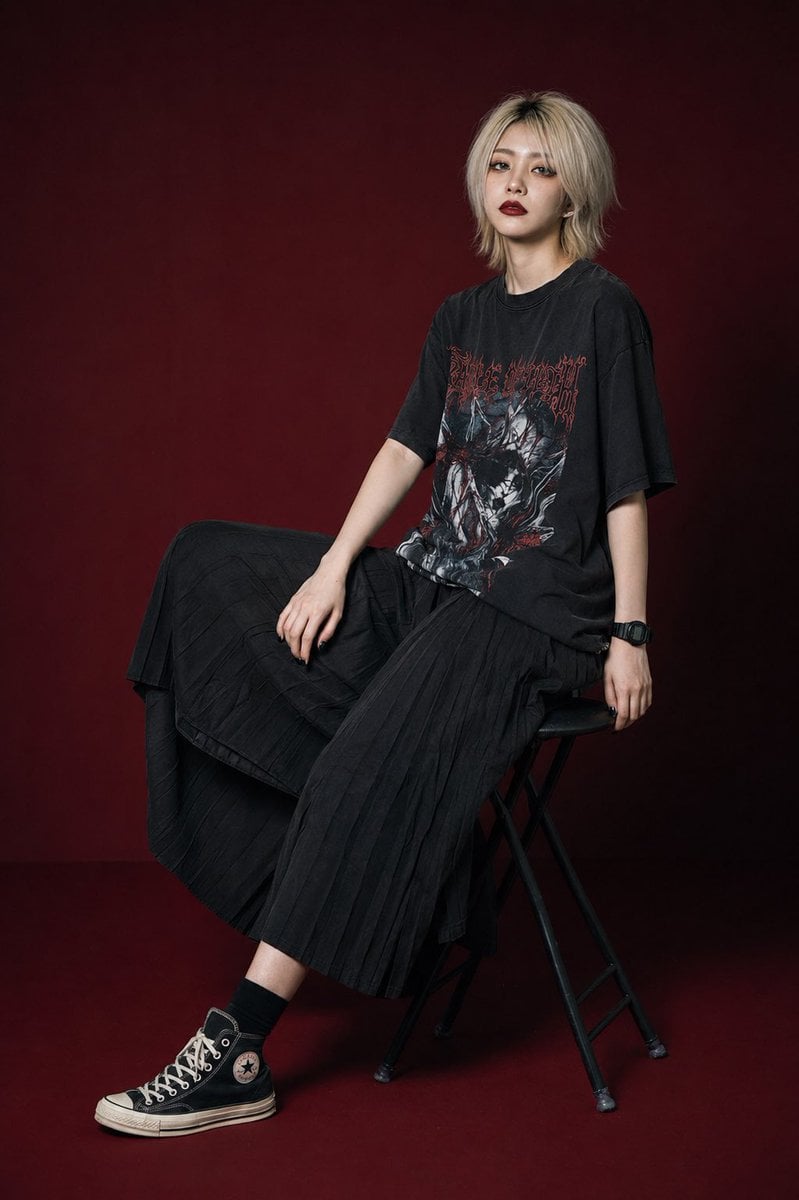
Modern Gothic High-Fashion Portrait
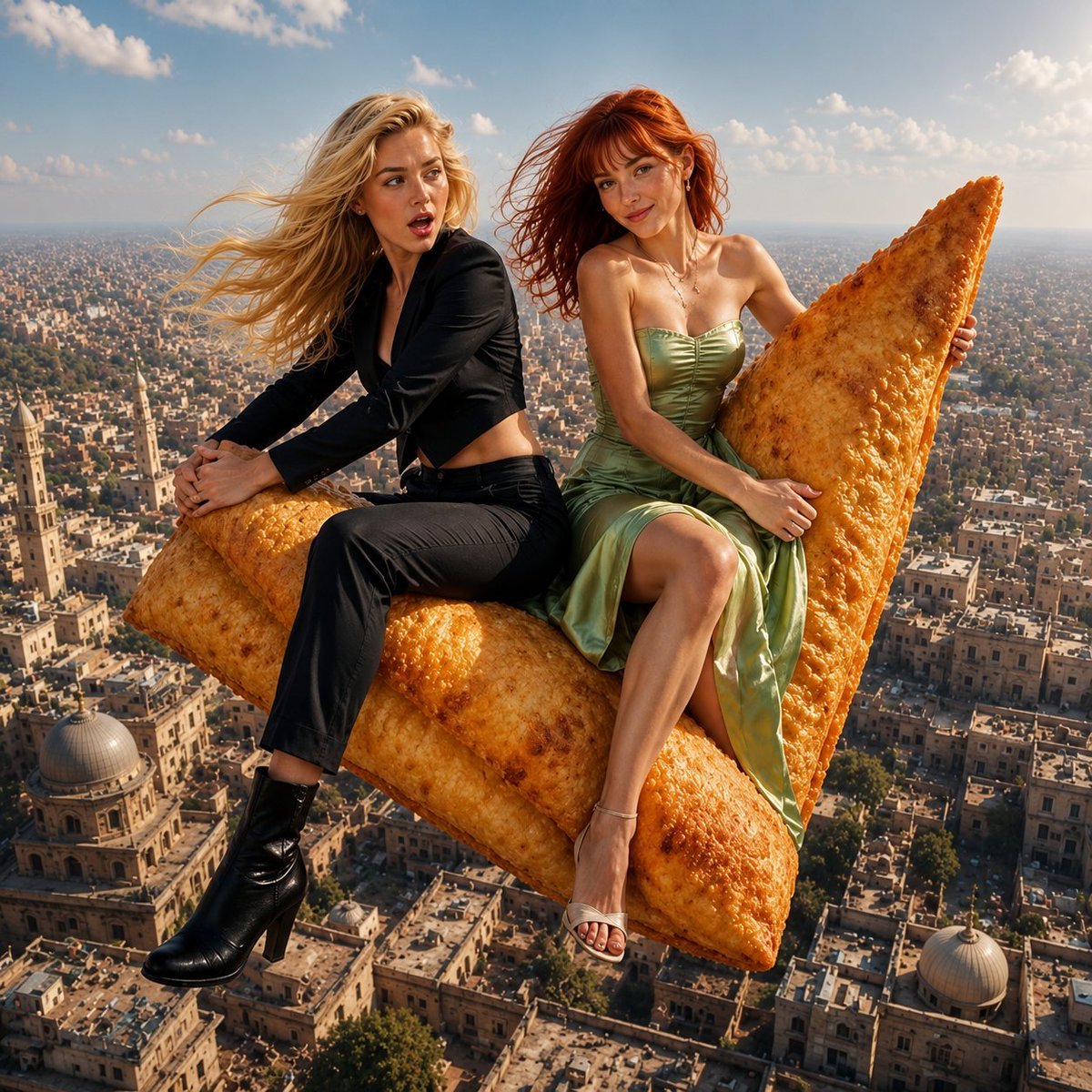
Flying Samosa Aerial Fantasy
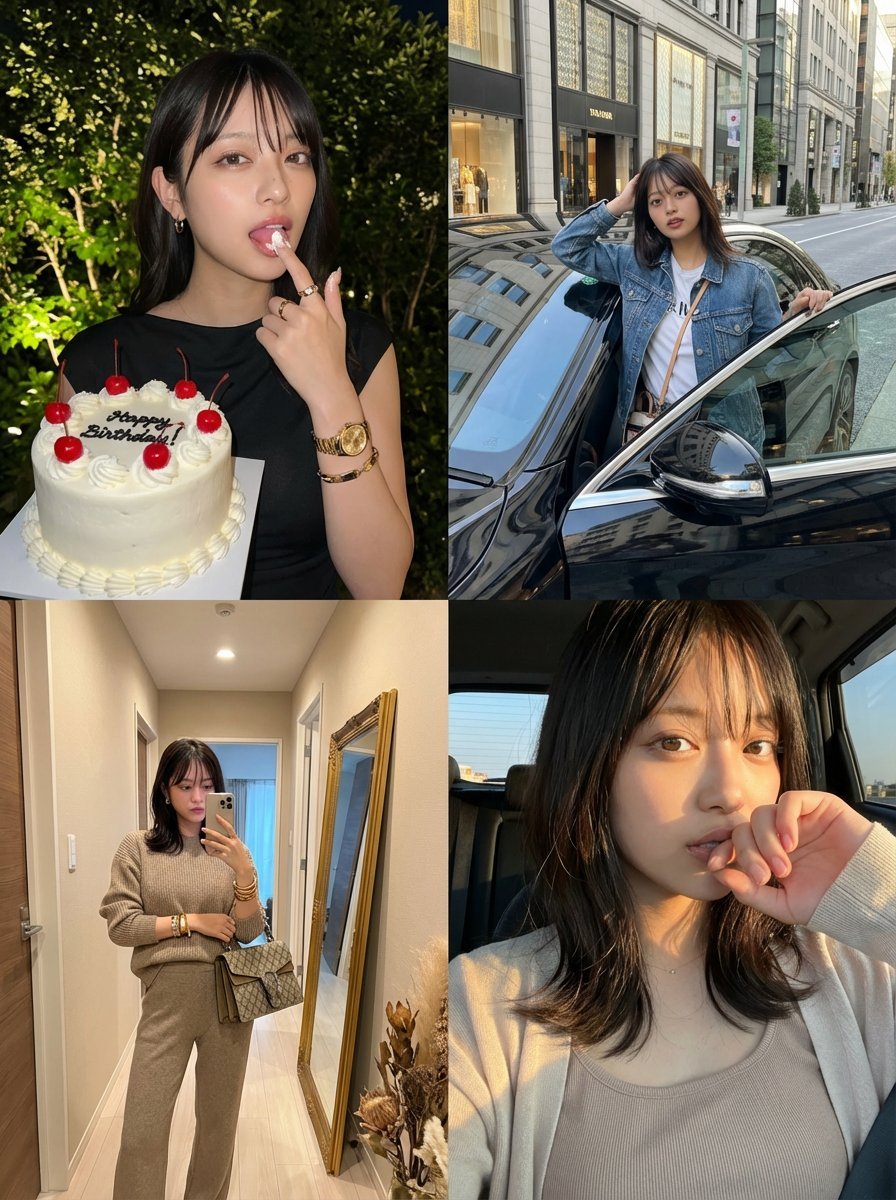
2x2 Grid Identity Lock Photo Collage Prompt
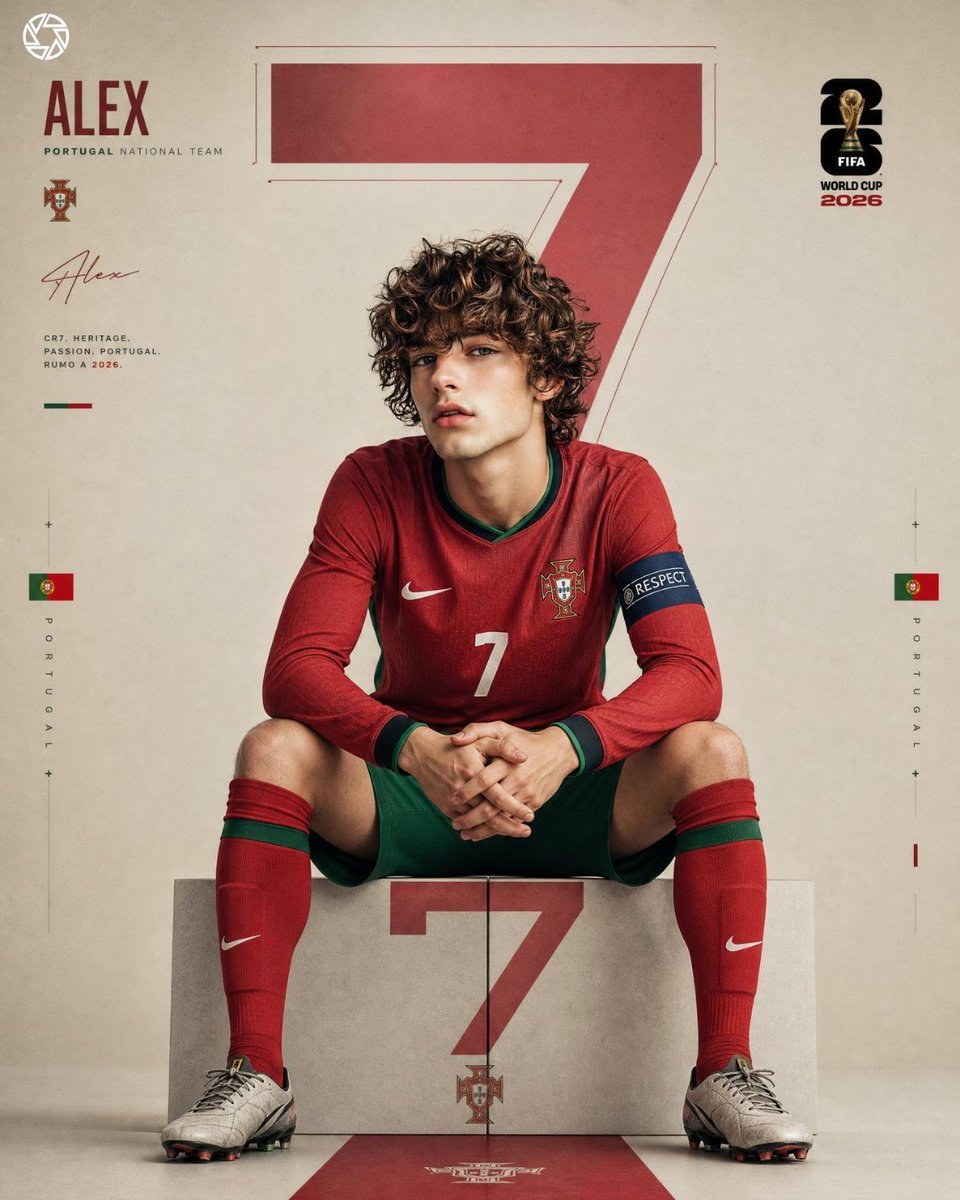
Hyper Realistic FIFA Football Poster
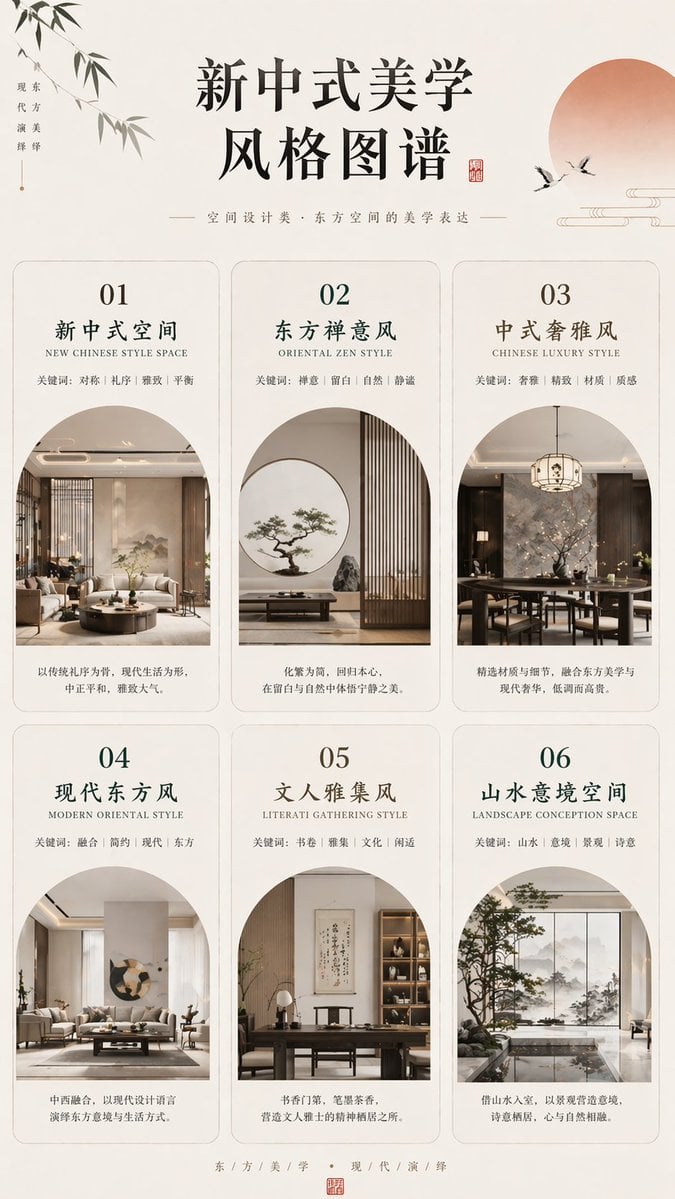
New Chinese Aesthetics Style Chart
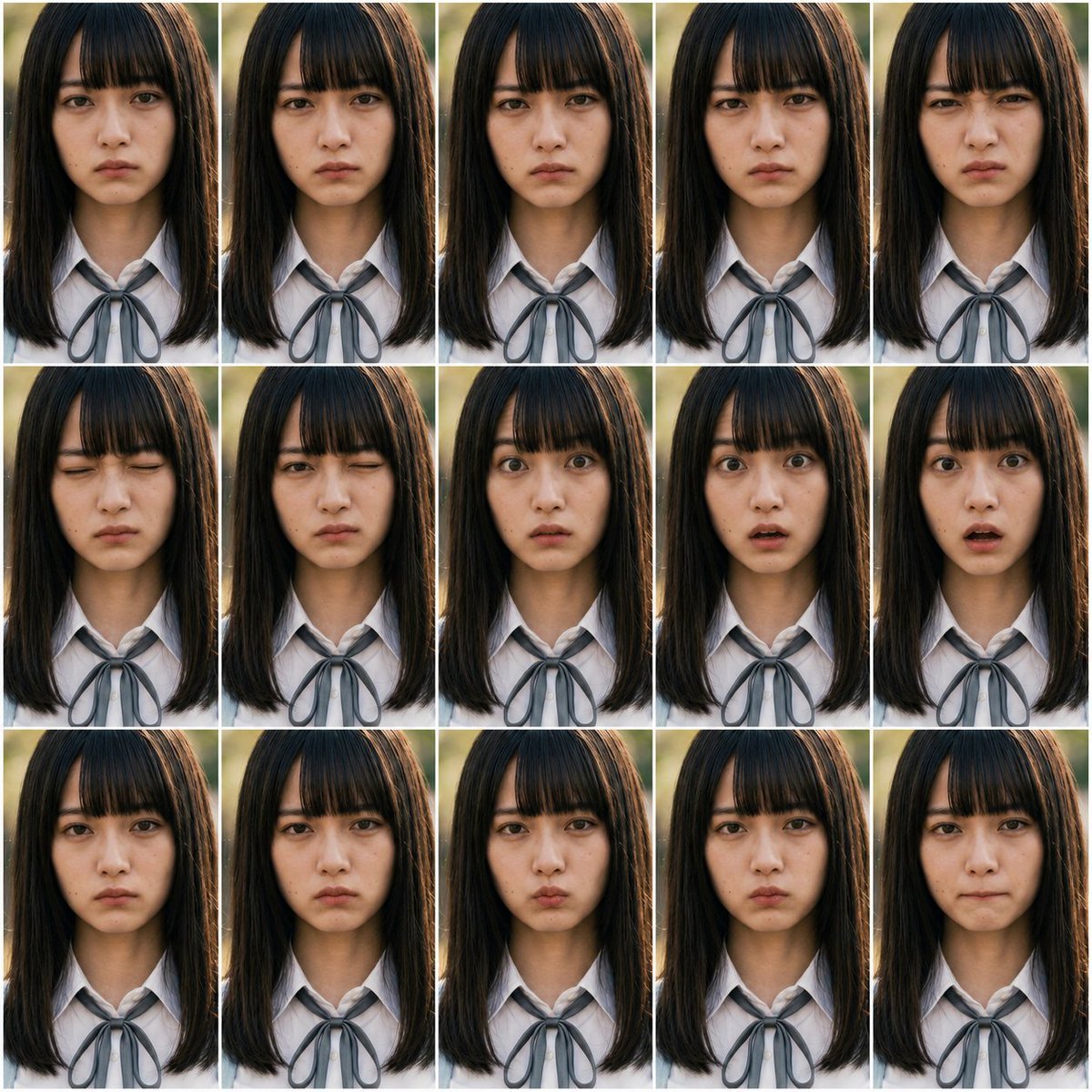
Photoreal FACS Expression Grid
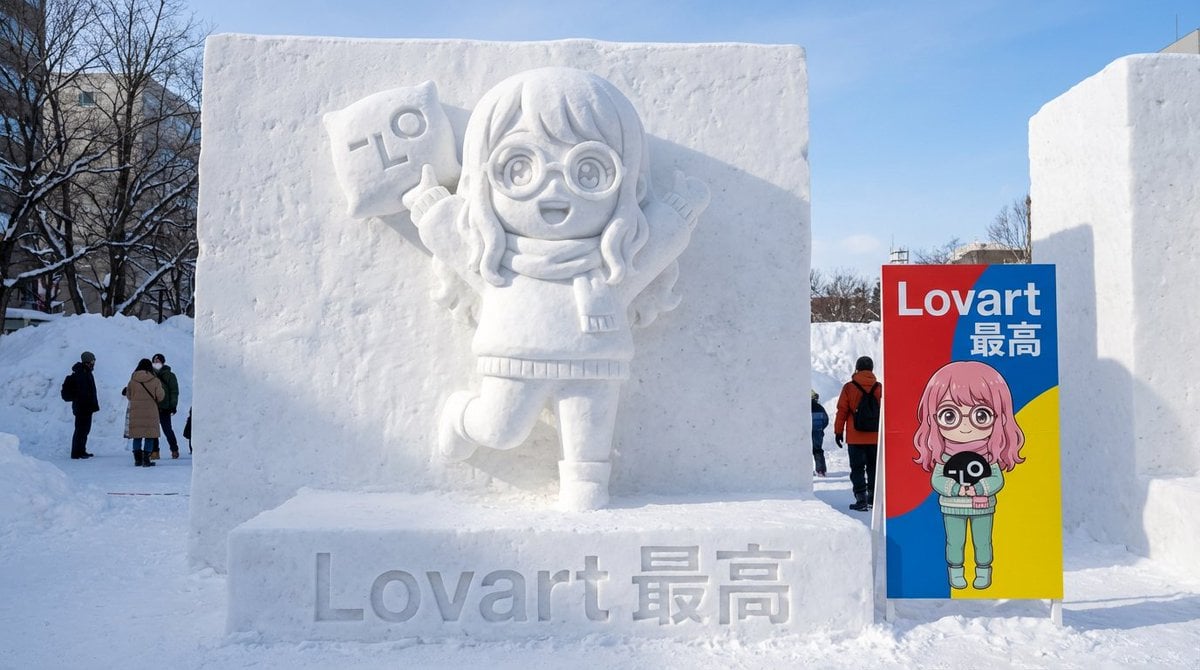
Realistic Character Snow Sculpture Generation
Browse template categories
Futuristic Music UI Poster questions
How do I use the Futuristic Music UI Poster template?
Add your photo if the template asks for one, edit the prompt if you like — the template's model and format are already selected — and press Generate. Your version opens in PicX Studio.
Can I customize the Futuristic Music UI Poster template?
Yes. You can change the subject, setting, lighting, mood, format, and available model controls before creating your image.
Is the Futuristic Music UI Poster template free?
Opening and editing this template is free. Generating uses credits, shown on the Generate button when you are signed in.
Which AI model should I use?
Start with Nano Banana 2, which is the model associated with this template. You can compare another compatible model for a different finish.
Looking for something else? Browse all templates.

Your photo, any look
Thousands of ready templates for every top image and video model, from one credit balance.